
Virtual Try On Apps: What They Do and When to Skip Them
Virtual try on apps come in three kinds: retailer AR, closet planners, and photo-based AI. Here is what each does, and when a browser tab does the job.
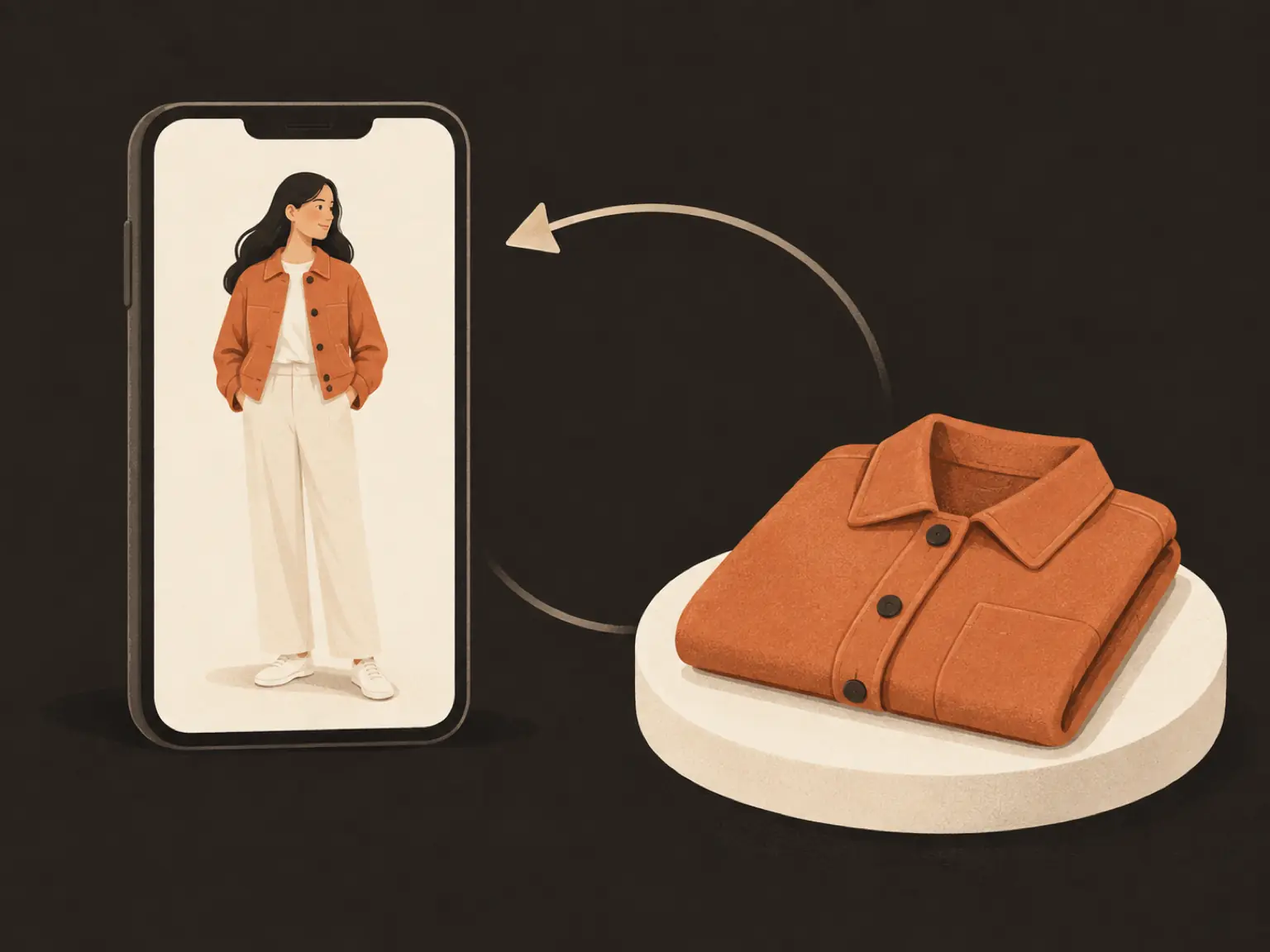
You are standing in a store or on a product page, holding your phone, and the thought arrives: I wish I could see this on me before paying. Searching for a virtual try on app is the natural next step, and the app stores answer with dozens of results that all promise the same thing and deliver it in completely different ways. Some overlay a jacket on your camera feed. Some build a wardrobe database. Some generate a photo of you in the garment.
This guide sorts them out. It explains what each kind of try-on tool actually does, what is happening inside the image when the result appears, when an install earns its place on your phone, and when opening a browser tab on your own photo does the same job with nothing to download. It ends with the step most app listings skip: how to judge a try-on result before you trust it with your money.
What a virtual try on app actually does
Every product in this category answers one question: how would this garment look on a person like me? The honest answer they give is a picture, and the picture comes from one of two very different machines.
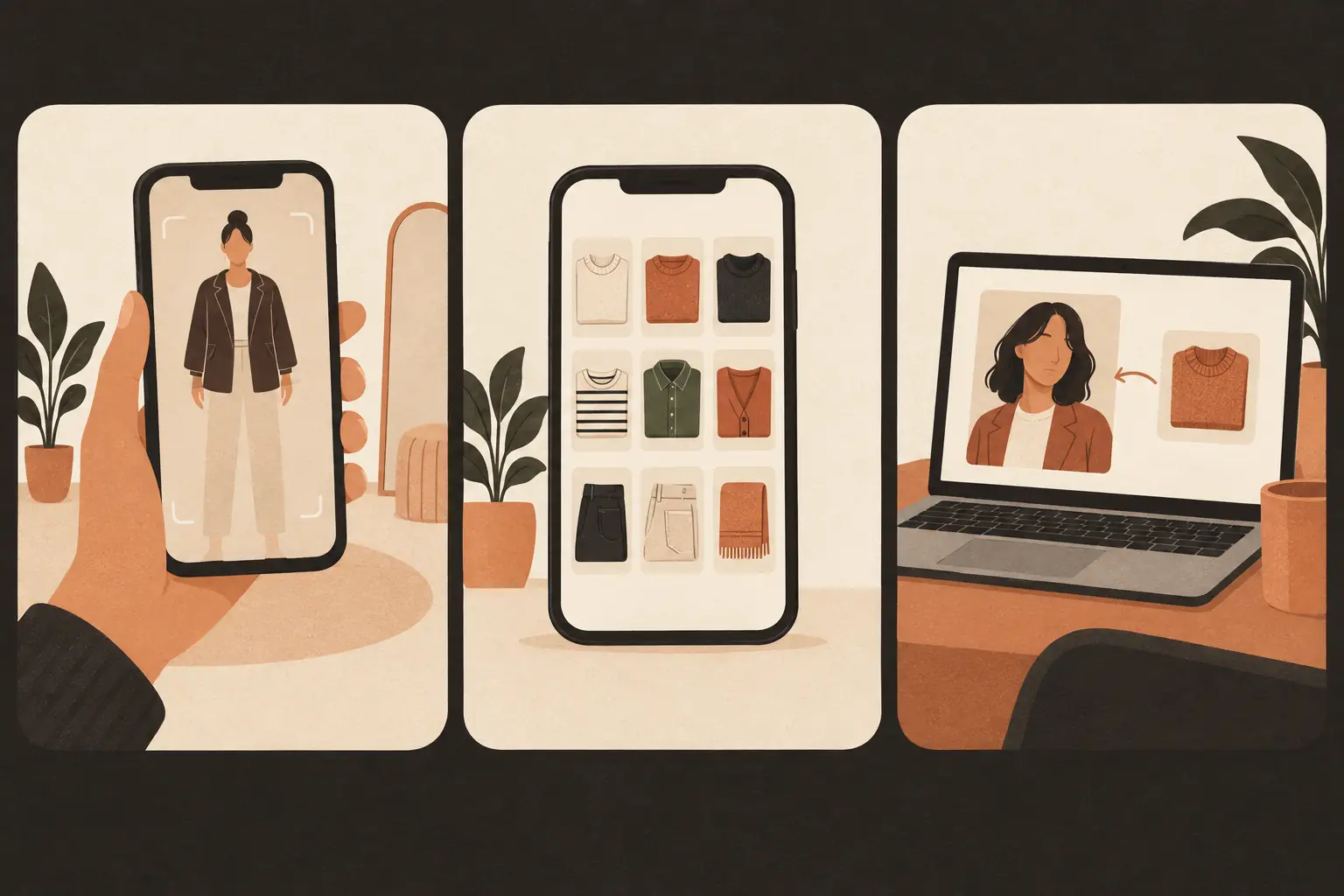
Live-camera tools use augmented reality. The app reads your camera feed, finds your face or body, and draws the garment over the video in real time. Nothing about your body is measured; the overlay sits on top of the frame the way a sticker sits on glass. This works well for things anchored to fixed points: glasses on a face, a watch on a wrist, lipstick on lips.
Photo-based tools work differently. You give them a photo of a person and an image of a garment, and a generative model produces a new picture in which the person wears the garment. The output is not an overlay. It is a fresh render of the whole scene, built around the two inputs.
Both kinds can help you decide. Neither one measures fit. That distinction matters more than any feature list, and it comes back at the end of this guide.
The three kinds of try-on apps
Walk through an app store search and the results sort into three groups.
Retailer AR apps. Big shops ship their own try-on inside the shopping app. You point your camera at yourself and scroll their catalog onto your body in real time. The strength is speed and the lock-in: it only carries that retailer's garments, which is fine when you are already shopping there. The weakness is coverage and drape. Live overlays handle eyewear and makeup far better than they handle a flowing dress, because a video overlay cannot compute how fabric falls.
Closet and outfit planner apps. These catalog what you own, sometimes by scanning your wardrobe, and plan outfits on a calendar. Several add a try-on feature for pieces you own or intend to buy. Their real value is the database, not the render: they remember what you own so you stop rebuying white shirts. If your problem is "I have clothes but nothing to wear", this group solves more of it than a try-on render does.
Photo-based AI try-on. These take a photo of you and a photo of any garment, from any store, and generate the combined image. No catalog lock-in, because the garment only needs to be a picture. This is the category our own AI clothes changer belongs to, and it is the one that works when the garment lives on some retailer's product page rather than in an app's inventory.
What the photo-based result really is
This is the part app store listings never say out loud. A photo-based try-on result is generated. The model has not "put the shirt on you"; it has painted a new picture of a person who looks like you, wearing a shirt that looks like the one in the product photo, in lighting that looks plausible.
Most of the time that is exactly what you want. The render preserves your body proportions from the input photo, follows the pose you gave it, and shows the garment's color and silhouette on a frame like yours. As a styling answer, it is genuinely useful: whether a boxy cut swallows you, whether the color fights your skin tone, whether the pattern is as loud as it looked on the model.
But the render is not a measurement. The fabric folds are painted to look right, not simulated thread by thread. Where the hem falls depends on the pose in your input photo, not on your shoulder width. Nobody's try-on output, app or browser, tells you whether size M will sit right at the shoulder. For that, the size chart and a tape measure are still the only instruments, and reviews that mention fit beat any render.
Treat the result as a styling sketch. It answers "does this suit me"; only the fitting room, or a delivery and a return label, answers "does this fit me".
When an app earns the install
Downloading something is a commitment, so make the category earn it.
Install a retailer app's try-on when you shop that store often and they cover your categories well. If you buy glasses twice a year from one optical chain whose app shows frames on your face in real time, that app will pay for its storage.
Install a closet planner when your problem is the wardrobe, not the garment. If you regularly stand in front of a full closet feeling like there is nothing to wear, an app that catalogs your clothes and plans outfits does more for you than any render of an item you have not bought yet.
Skip the install when the job is a one-off check. You found a jacket on a site you order from twice a year. You want to know whether the olive color works on you. No part of that job needs a permanent app with an account, a camera permission, and a notification schedule.
When a browser tab does the same job
Most try-on moments are one-off checks, and for those the browser wins on friction. There is nothing to install, nothing syncing to your camera roll, and no account needed to start. You open the tool, upload a photo of yourself, give it the garment, and look at the result a minute later.
The other advantage is range. A browser tool that works from garment images is not locked to one store's catalog. Any product page with a decent photo, a screenshot from a marketplace listing, a flat lay from a friend: if it is a picture of the garment, it can go on your picture. That is the whole trick behind trying on clothes on your own photo without downloading anything, and it is why the browser route handles the "I found this on a random site" case that retail apps structurally cannot.
If you want the longer argument about where shopping-site try-on beats photo swapping and where it loses, we compared the two approaches in virtual try on vs an AI clothes changer. The short version: store AR wins on speed inside its own catalog, photo tools win everywhere else.
Try any garment on your photo in a browser
The full workflow with our editor takes about two minutes.
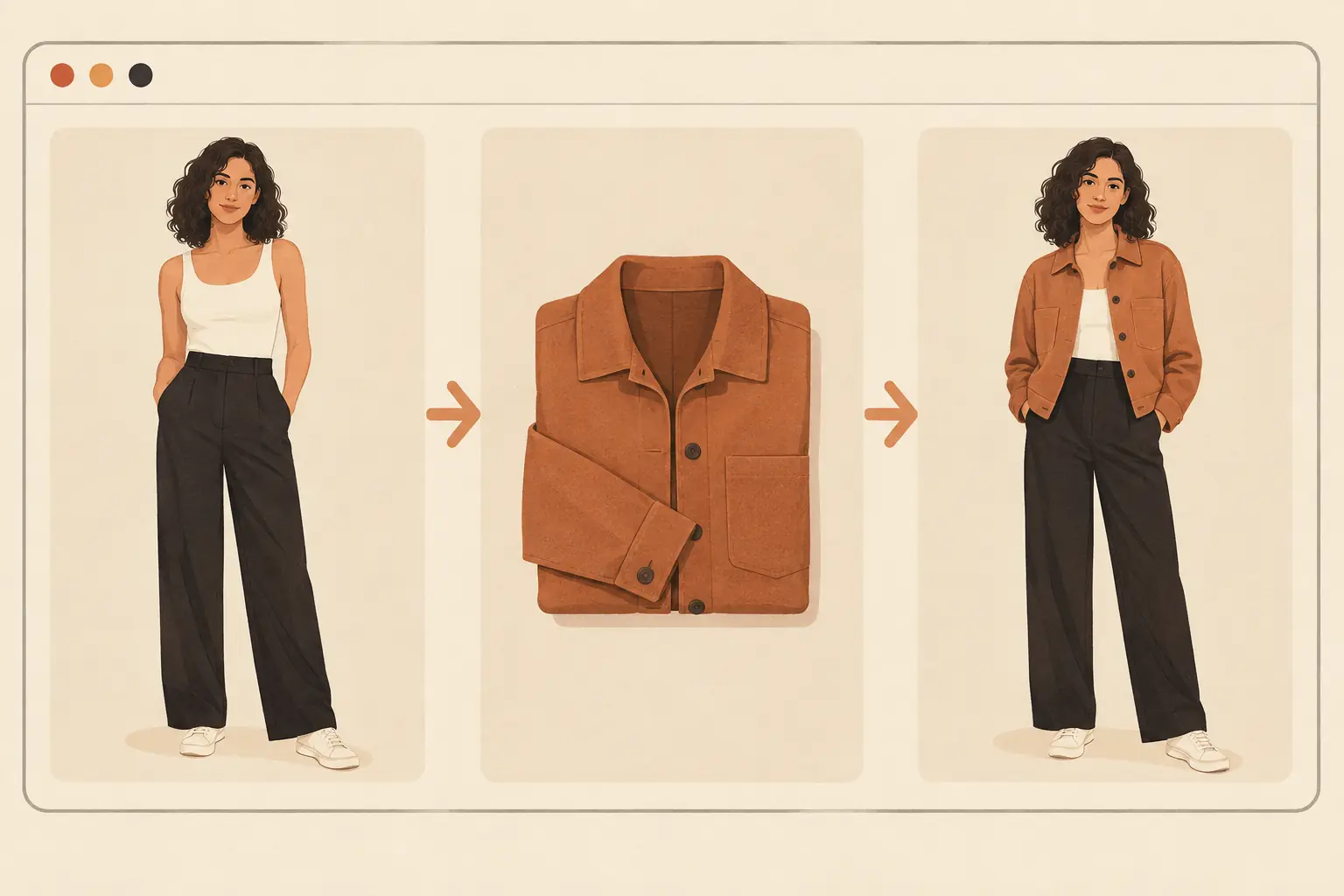
First, the photo of yourself. Stand square to the camera in even light, arms away from your body, wearing something fitted enough to show your shape. A phone photo taken by another person beats a mirror selfie; JPEG, PNG, and WebP files up to 20MB all work.
Second, the garment. A clean product photo on a plain background is ideal. A flat lay on the floor works too. You can attach up to five reference images, which helps when the product page shows the front only and you also have a detail shot of the fabric.
Third, the prompt. Name the garment and list what must stay: something like "Replace her outfit with the rust corduroy jacket from the second image. Keep her face, hairstyle, pose, and the background unchanged." A keep-list is the difference between a controlled edit and a lucky one.
Fourth, generate and judge. A standard 1K generation costs 3 credits. Guests get 9 free credits per day and signed-in accounts get 15, refreshed each UTC day, and failed tasks refund their credits, so a first attempt costs you nothing but patience. Downloads carry no watermark.
Two related jobs use the same recipe. When you do not have a specific garment and want ideas for what could work, the AI outfit generator styles a photo from a description first, and you can chase down pieces afterward. And if you sell clothes rather than wear them, the same photo-based pipeline puts garments on fashion models for product shots without booking a shoot.
How to judge a try-on result before you trust it
The render looks confident even when it is wrong, so check it before you let it drive the purchase.
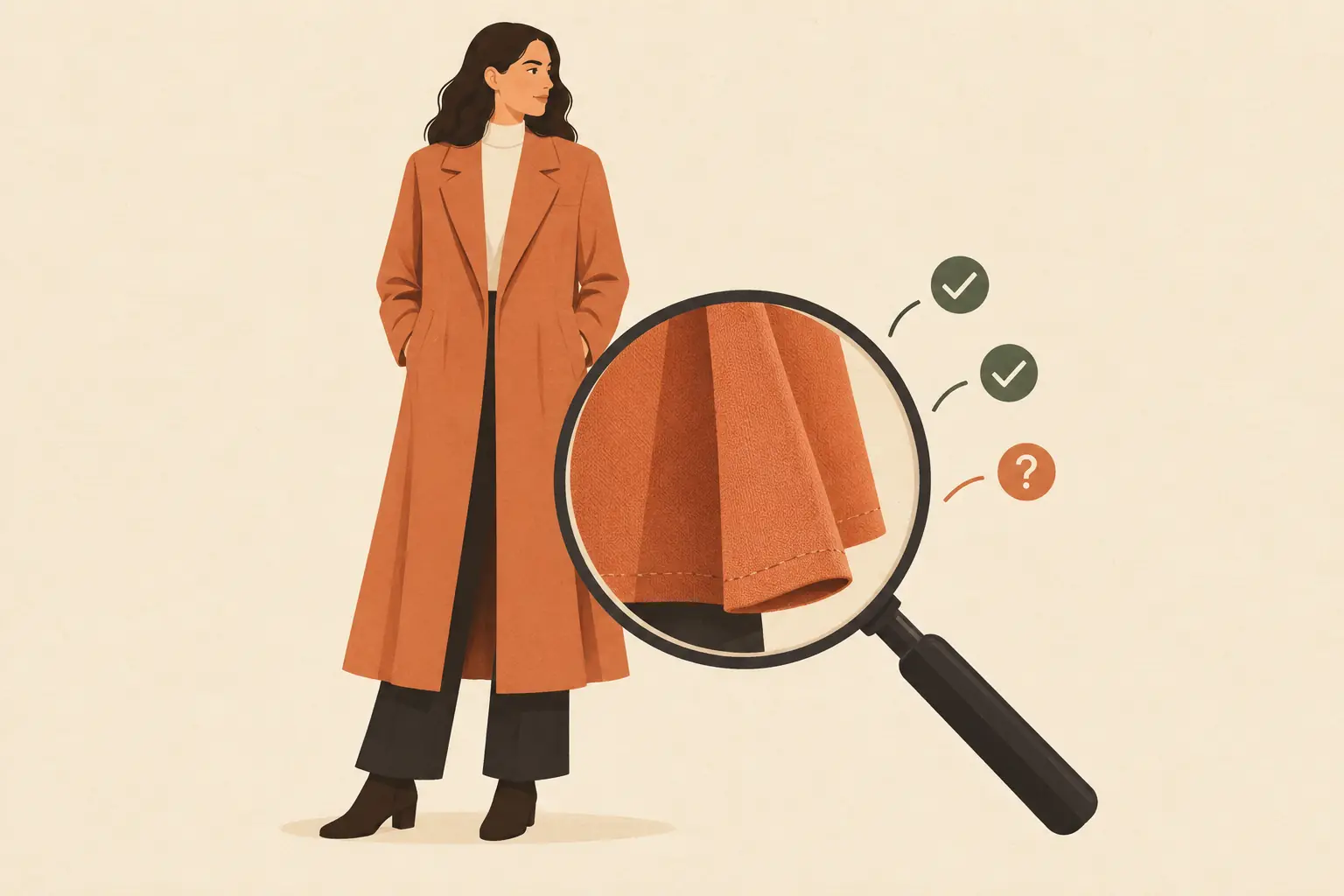
Zoom to full size and walk the garment. Hems, buttons, seams, and fabric folds are where generation shows its work. A hem that smears into the trousers, or a plaid that changes scale across the chest, is a prompt problem: mention the fabric by name and generate again.
Compare color against the product page on the same screen. Generative models occasionally drift a shade, and a rust that renders as brick red is the difference between a color you wear and one you return.
Check the pose. The result follows the pose of your input photo, so a photo taken at a flattering angle will flatter the garment too. If you always stand like your input photo, fine. If not, take the input from the angle you actually live in: straight-on, arms relaxed.
Weigh the fabric's behavior. Denim should hold shapes that silk would not. When a stiff fabric drapes like a knit in the render, the model has guessed at material physics, and you should discount the silhouette accordingly.
FAQ
Is there a free virtual try on app that needs no download?
Yes, in the browser category. A tool like the AI clothes changer runs in a browser tab with nothing to install: guests get 9 free credits per day and signed-in accounts get 15, which covers several try-on generations before you ever pay. Apps that advertise themselves as free usually mean free to download, with subscriptions or per-render costs waiting inside, so check what the free tier actually includes before committing storage.
Do virtual try on apps work on your own photo?
The photo-based ones do, and that is their whole design: you supply a photo of yourself and a picture of the garment, and the result shows the garment on your proportions and pose. Retailer AR apps mostly use the live camera instead and do not accept an uploaded photo at all. If working from your own photo matters to you, that single question filters the app store quickly.
Can I try on clothes from any store without an app?
Yes, when the tool works from garment images rather than a catalog. Save the product photo, upload it next to your own picture, and generate. This works for marketplace listings, independent shops, and resale finds that no retail app would ever carry. The one requirement is a clean enough garment image for the model to read the cut and color.
How accurate are virtual try on results for fit?
They are not fit measurements, and no tool in this category claims reliably measured fit. The render preserves your body proportions from the input photo and follows its pose, which makes it a good guide to color, silhouette direction, and overall vibe. Where the hem lands and how the fabric behaves at your shoulder are painted guesses. Use the size chart and the tape measure for sizing; use the render for styling.
What photo works best for a photo-based try-on?
A straight-on, full-body photo in even light, with your arms slightly away from your body and your current outfit fitted enough to show your shape. Another person taking the photo beats a mirror selfie for posture. On the garment side, a clean product image on a plain background reads best; busy flat lays on patterned carpets produce muddier renders.
What is the difference between live AR try-on and photo-based try-on?
Live AR overlays the garment on your camera feed in real time and excels at things anchored to fixed points: glasses, watches, lipstick. Photo-based try-on generates a new picture from your photo plus a garment image, which costs a minute of waiting but handles full garments, real fabric behavior, and any store's catalog. For eyewear the live overlay is faster; for clothes, the generated photo is the more honest preview.
ImagEditorAI Team
Written by the ImagEditorAI Editorial Team. We research and test image editing workflows, outfit coordination, and generative AI models.
Test your outfit combination on yourself
Generate coordinated outfits or swap clothing pieces on your own photo with AI before wearing or buying.
Related Guides & Articles
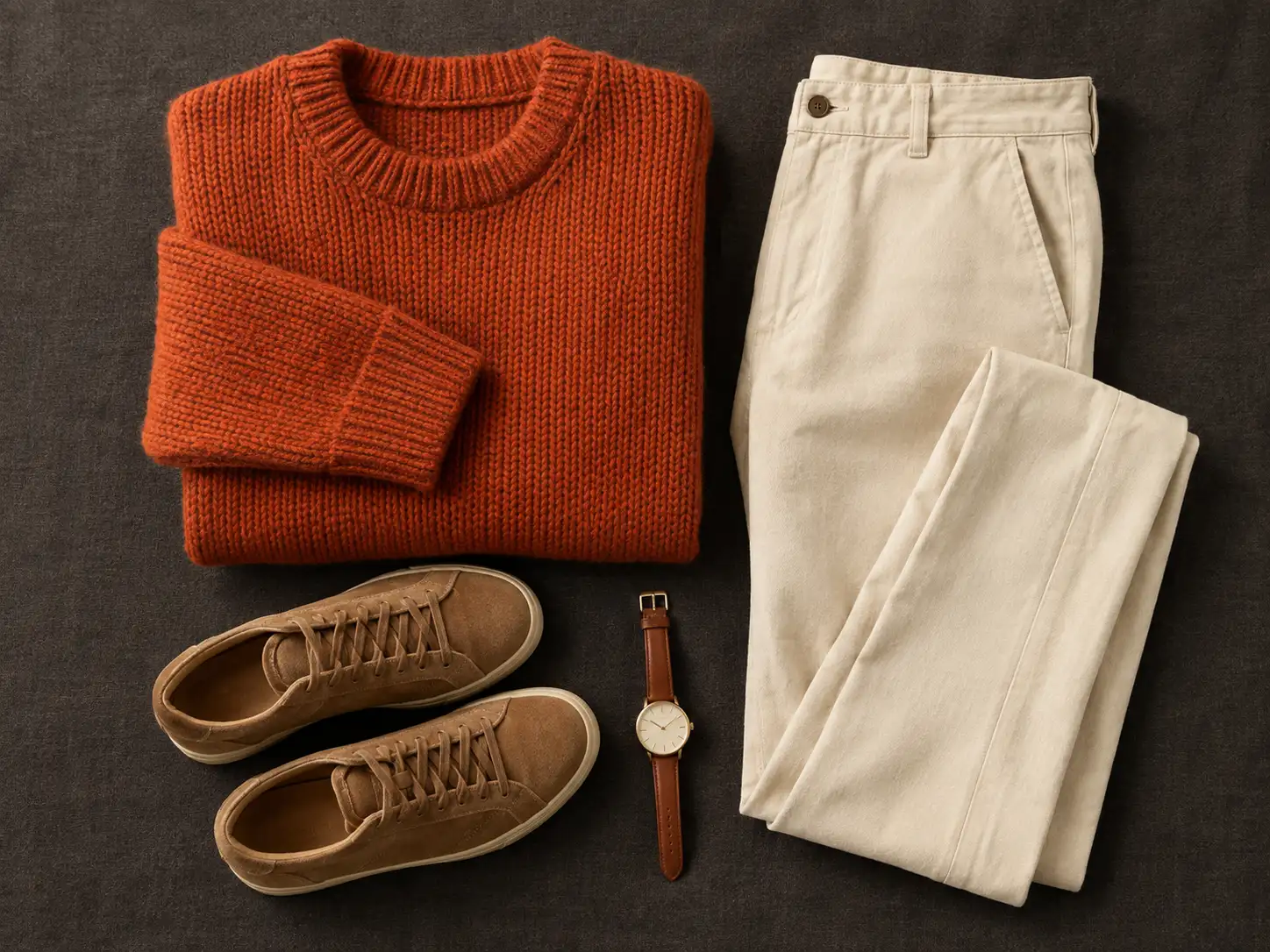
Does This Outfit Match? How to Tell Before You Leave
Asking does this outfit match is a judgment you can run in a minute: the 60-30-10 color split, neutrals as glue, formality first, and a photo check.
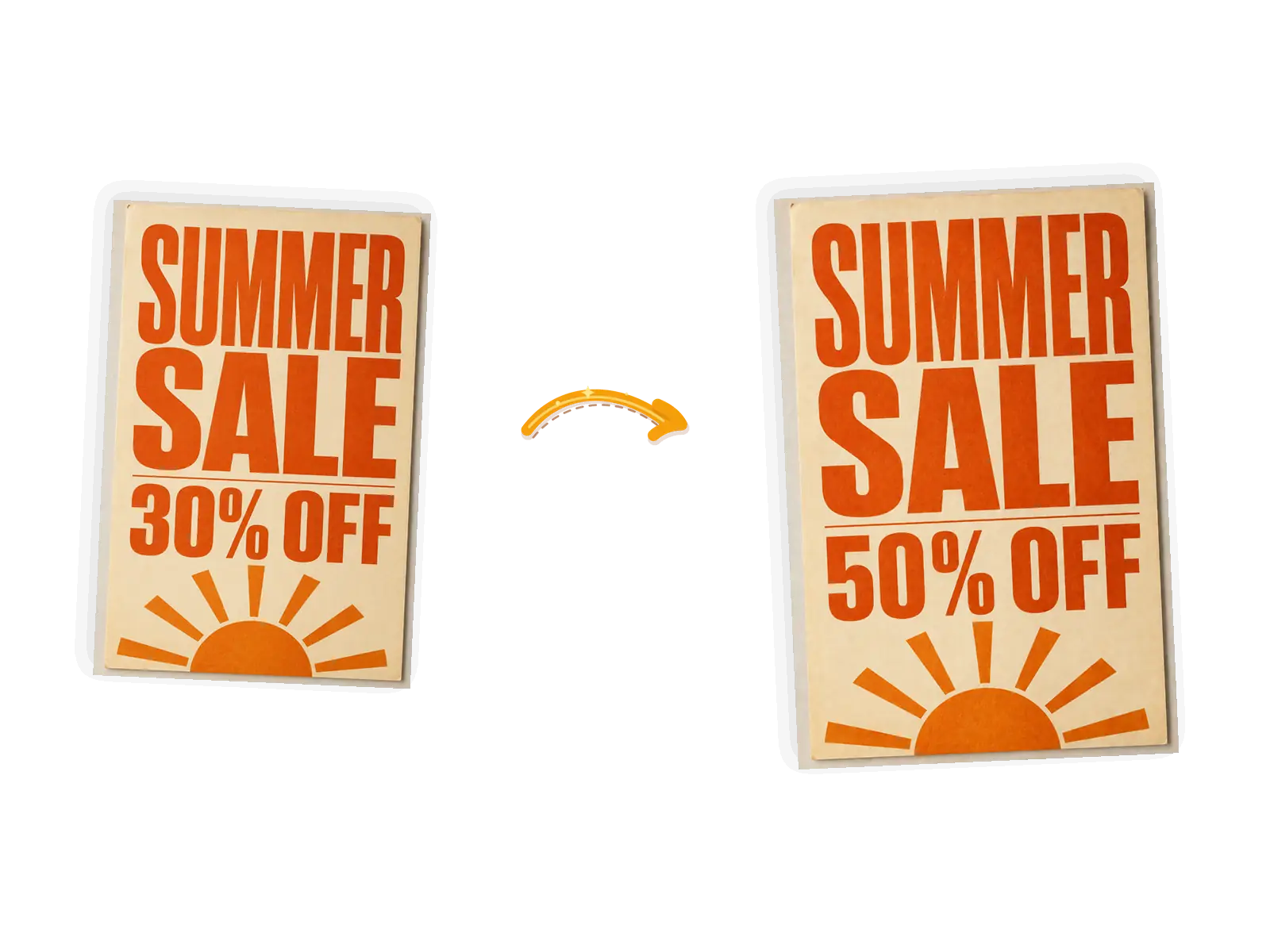
How to Remove Text from a Picture: An Honest Guide
How to remove text from a picture without wrecking the background: when to delete, when to retype, how the fill works, and the rules around watermarks.
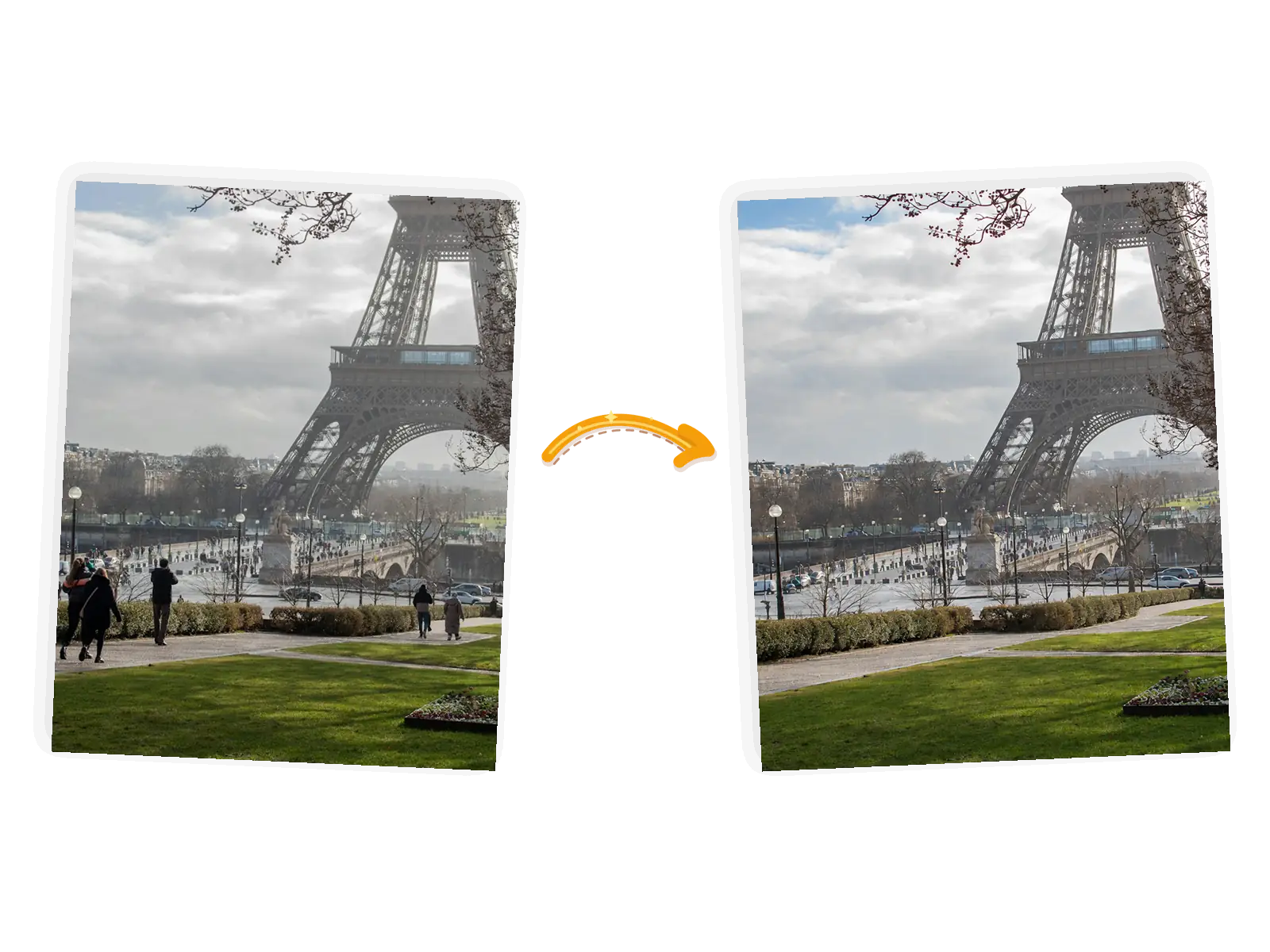
How to Remove Someone from a Picture: An Honest Guide
How to remove someone from a picture without Photoshop: when to crop instead, what AI fill really does, prompt-based removal, shadow cleanup, and the consent rules worth following.