



Name the sticker, not the pixels
Point at what you want gone in plain words: which sticker and where it sits. Brush tools make you find the edges yourself and trace them by hand; a sentence does that work here, and the edit targets only the sticker.

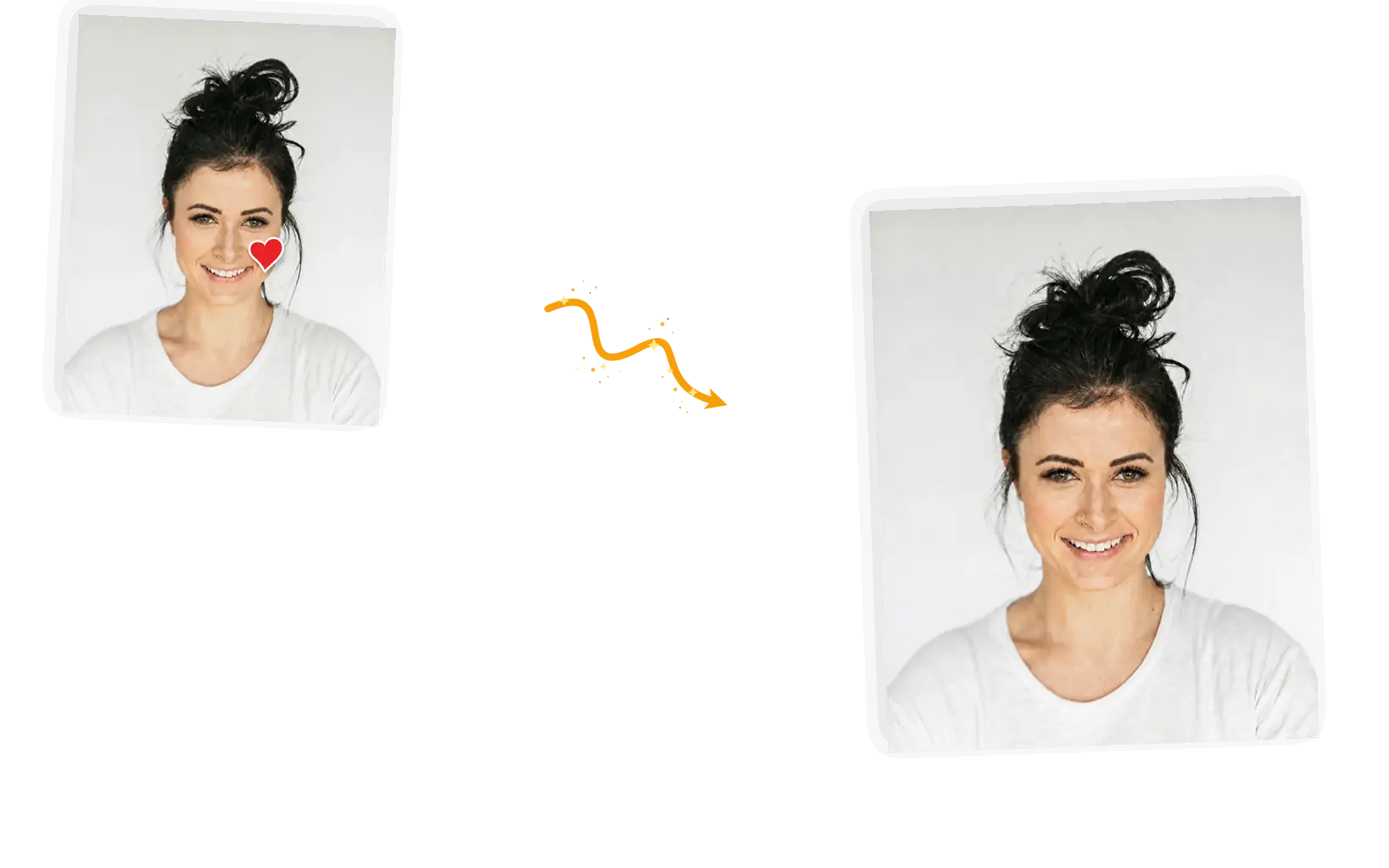
Upload the stickered photo and say which sticker goes: the heart on a cheek, the star over a window, the smiley on the scenery. The editor rebuilds only the patch the sticker covered and leaves faces, pose, and background as they were.
Example 1 of 3
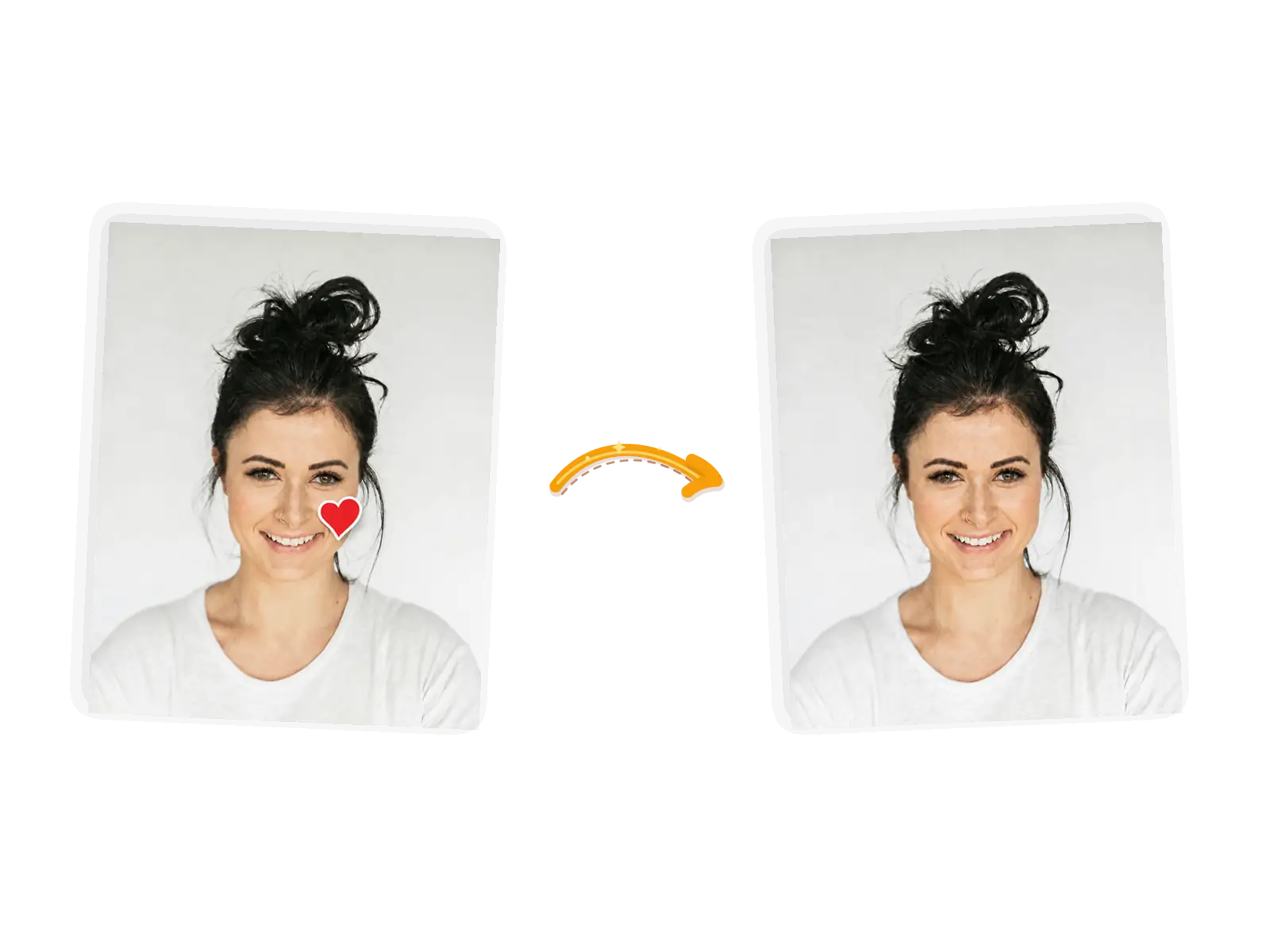
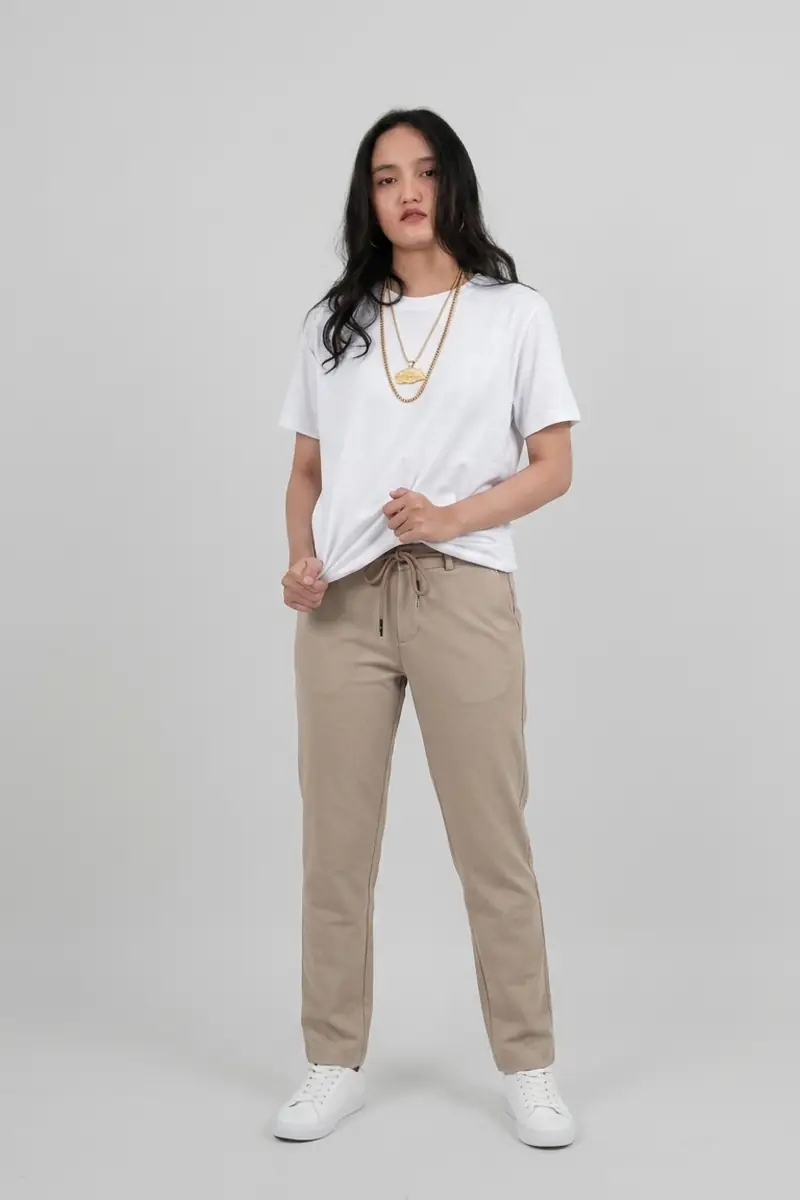
Remove the red heart sticker from her cheek and rebuild the skin behind it. Keep her face, expression, hair, pose, white shirt, and the plain background exactly as they are. Only the sticker area changes.
Point at what you want gone in plain words: which sticker and where it sits. Brush tools make you find the edges yourself and trace them by hand; a sentence does that work here, and the edit targets only the sticker.
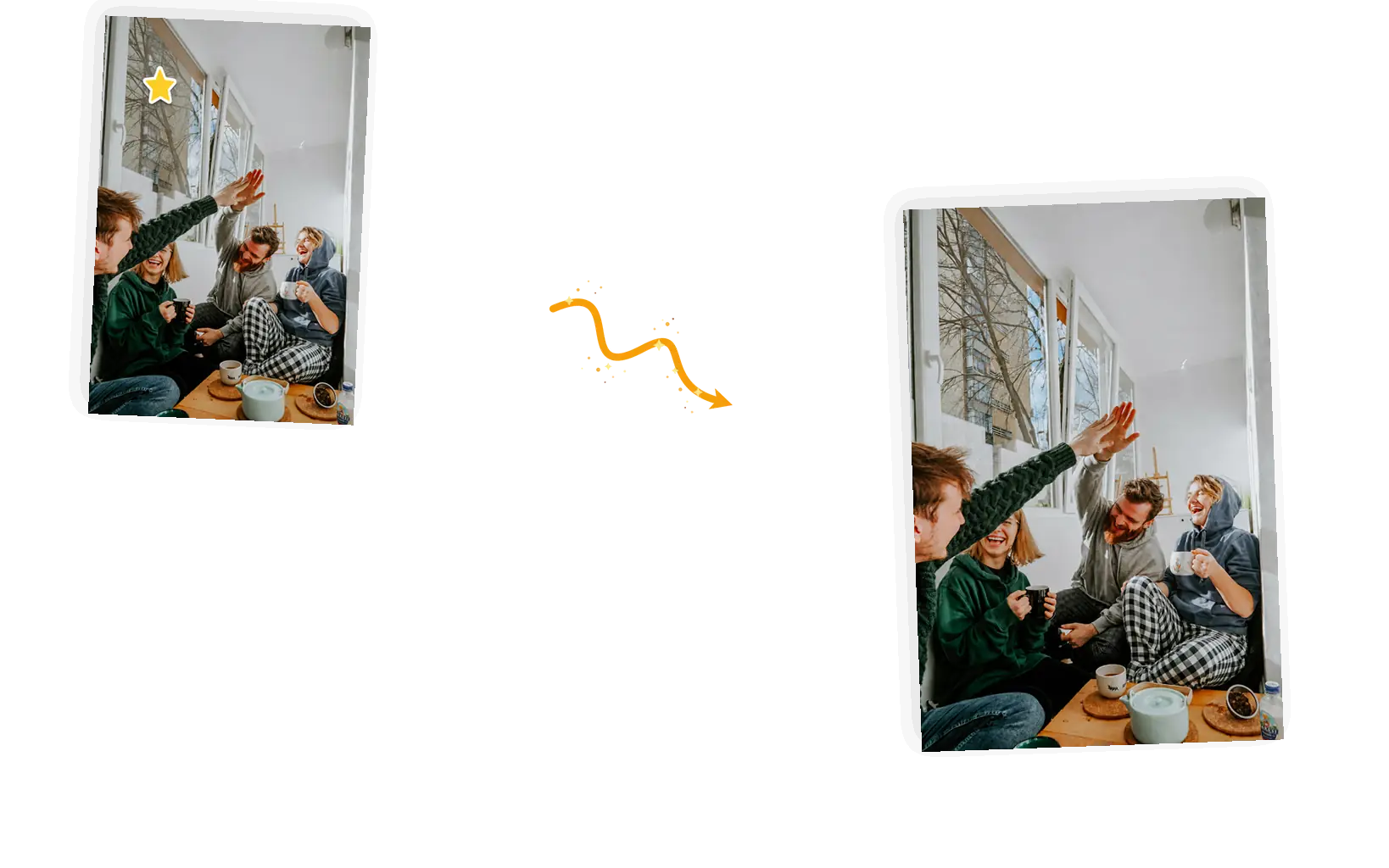
Say what must not move: the faces in a group shot, the pose, the clothing, the room. A sticker sits on top of a photo you like, and the fix should not ripple past the sticker. Unnamed areas are protected by default, and naming the important parts makes it explicit.
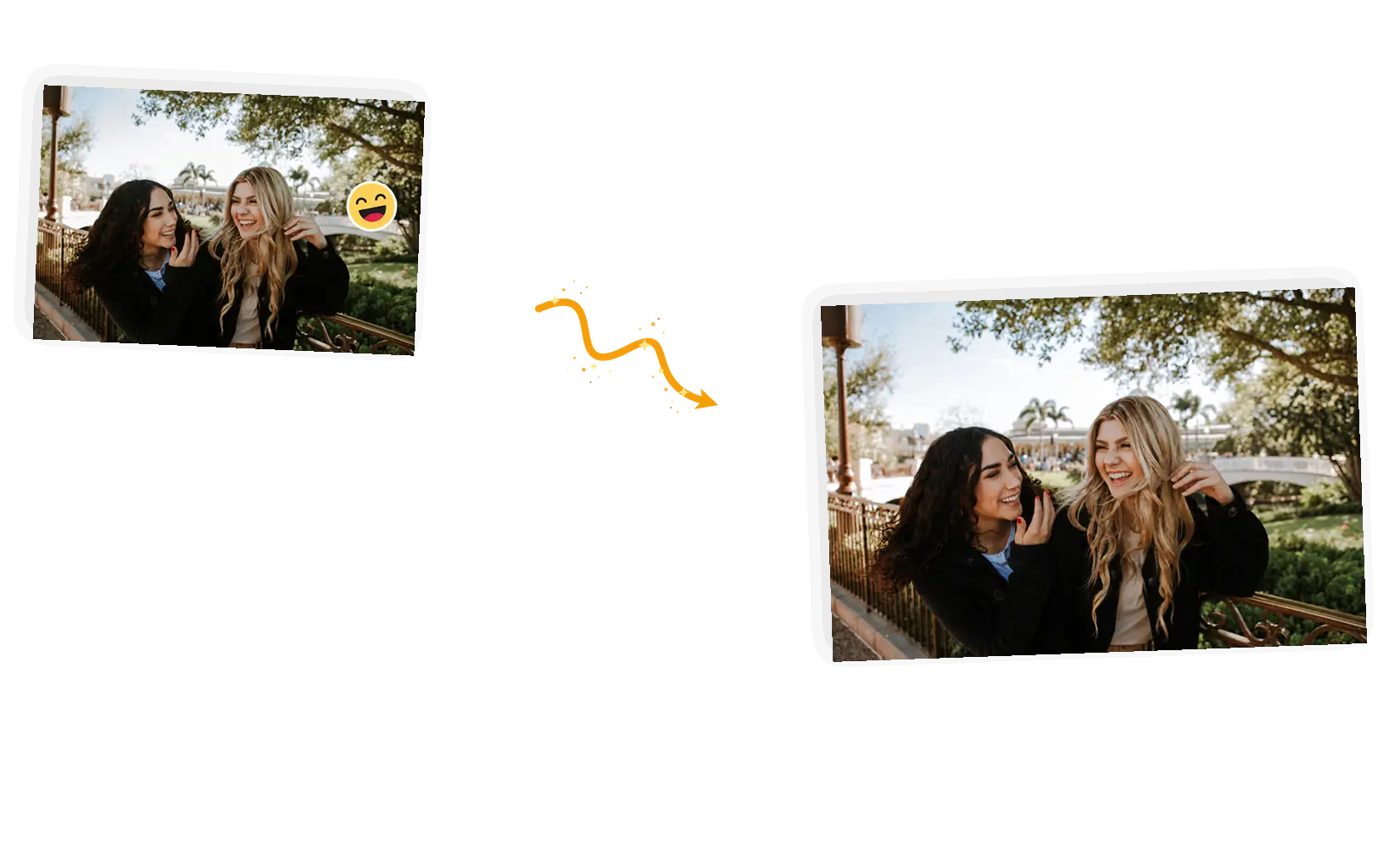
Nothing survives under a sticker; the pixels it covered are gone in the file you have. Removal regenerates that patch from the surrounding image: skin tone continues, window glass clears, foliage fills in. On busy textures the rebuild shows more, so zoom in and judge it before you download.
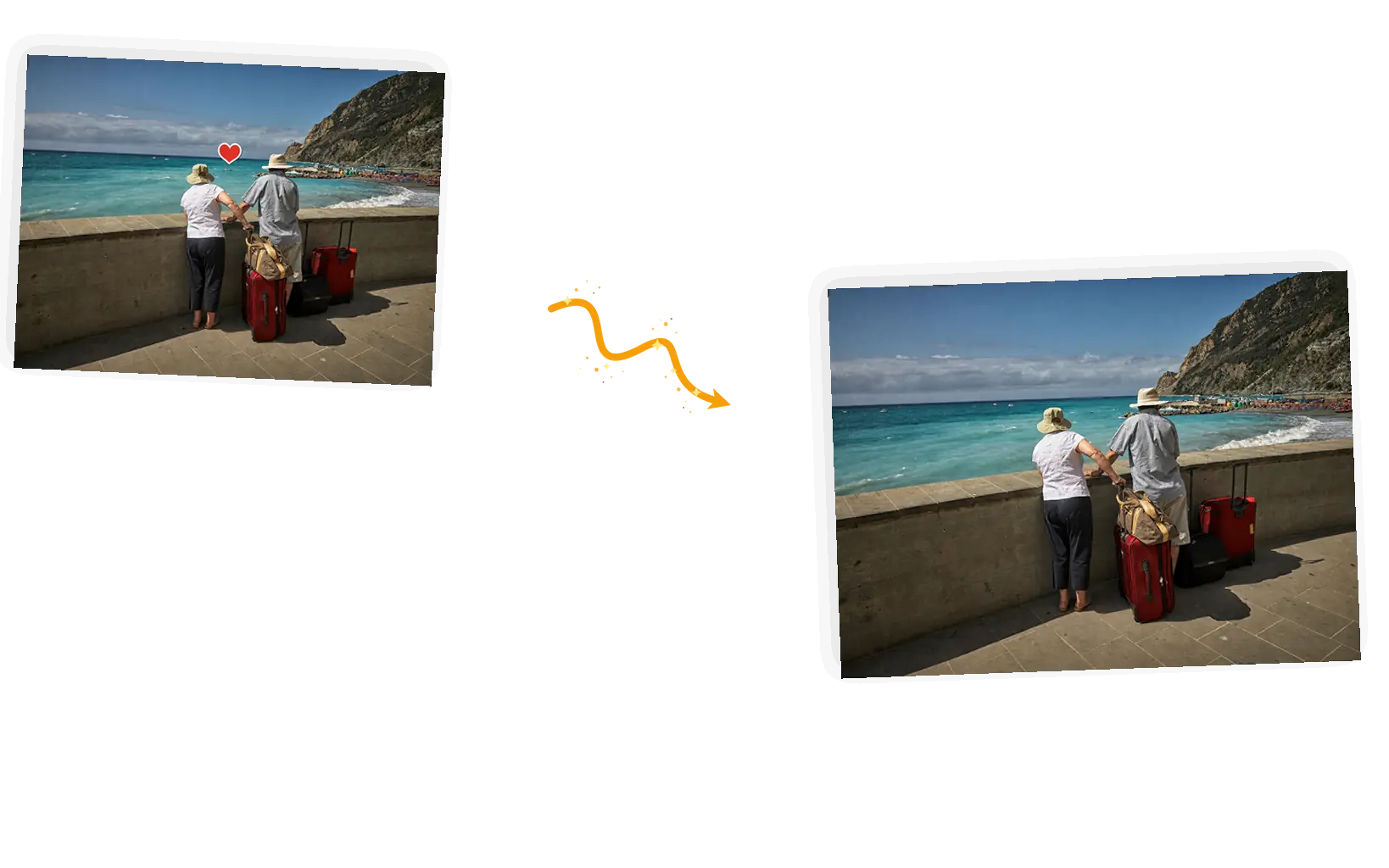
Generative removal can vary, and a first pass sometimes leaves a soft patch, a color shift, or a sliver of sticker edge. Tighten the sentence (name the sticker shape, size, and exact spot) and run it again. Failed tasks refund credits, so a miss costs time, not money.
An emoji remover deletes stickers someone pasted on top of a photo: the heart on a cheek, the censoring smiley over a friend, the decorations a chat app or collage editor added. Under every sticker the original pixels are gone, so removal is a generative rebuild, not an uncovering. This editor does it by prompt: you name the sticker and its spot, list what must stay, and generate. It handles the everyday cases (people use it to remove stickers from photos forwarded through chats, screenshots, and old scans), and the fastest way to start is to remove emoji from photo files you already own and judge the rebuilt patch at full zoom.
Clear the stickers off your photoFive steps from a stickered photo to a clean download. The whole loop runs in the editor on this page, in the browser, with nothing to install.
Drop in a JPEG, PNG, or WebP up to 20MB. Photos where the sticker sits on even surfaces (a cheek, a wall, water) give the rebuild the least to invent.
Which sticker, what shape and color, and where it sits: a red heart on her left cheek beats a vague request. Then the keep-list: the faces, the pose, the background as they are.
Keep the original ratio for most fixes. 1K at 3 credits fits inside the daily free allowance, and bigger sizes cost more credits when you need them.
The covered area comes back re-drawn from its surroundings. Zoom in: skin texture should continue through the patch, lines should meet at the edges, and no sticker outline should survive.
Download full resolution with no watermark, or keep editing in the same workspace: another sticker, a color fix, or a resize for where the photo is going.
Blur tools and one-tap cleanup filters soften everything near the sticker. Naming the sticker keeps the edit on the patch, so the faces and detail around it keep their original sharpness.
Hand removal means tracing a sticker edge pixel by pixel and cloning texture behind it. Here the sentence is the whole mask: sticker, spot, keep-list, done.
Downloads are full resolution and watermark-free, and every edit stays in your workspace. Follow up with the object remover for other unwanted bits or the shadow remover for lighting leftovers.
Three ways to get the same job done. The honest differences, not a product takedown.
| Dimension | Manual retouching | General AI chat | This emoji remover |
|---|---|---|---|
| Pointing at the sticker | Trace the sticker edge with a mask by hand | Describe it in words; the model decides what changes | Name the sticker, its shape, and its spot in the prompt |
| Protecting the rest | Whatever your mask excludes is safe | Limited local control over an uploaded photo | Keep-list in the prompt: faces, pose, background |
| Stickers per edit | As many as your patience allows | One photo per message, results vary | One pass can clear several named stickers; one photo at a time |
| Output | Whatever your software exports | Often re-generated at fixed sizes | Original ratio, full-resolution download, no watermark |
| Learning curve | Practice with masks, healing, and clone stamps | Low, but results need heavy checking | A sentence: sticker, spot, keep-list |
| Rerunning | Step back and redo the strokes | Regenerate and compare | Rerun with a sharper description; failed tasks refund credits |
The prompt is the whole control surface. These three rules cover most of what goes wrong.
Remove the [sticker] from [where]; keep [the faces, the pose, the background] exactly as they are.
Too vague
“Get rid of the emoji on her face.”
More useful prompt
“Remove the red heart sticker from her left cheek and rebuild the skin behind it; keep her face, hair, and expression exactly as they are.”
Too vague
“Clean up the sticker in my travel photo.”
More useful prompt
“Remove the heart sticker floating over the sea between the couple and rebuild the water; keep the people, luggage, and coastline unchanged.”
Too vague
“Remove the star from the picture.”
More useful prompt
“Remove the yellow star sticker from the upper window glass and restore the view behind it; keep all four faces, hands, and clothes exactly as they are.”
A photo you own comes back from a group chat with a heart on your cheek and nobody remembers the original. To remove emoji from photo albums without re-shooting, name the sticker and let the editor rebuild the small patch it covered.
Reports, slides, and archives collect screenshots decorated with stickers. When you need to remove emoji from photo captures before they go into a deck, the same sentence pattern works on every one of them.
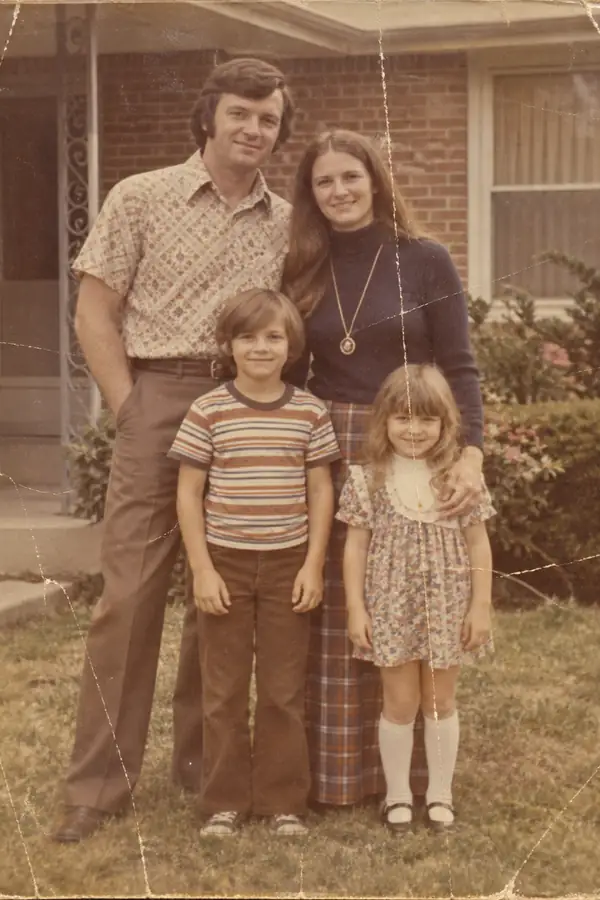
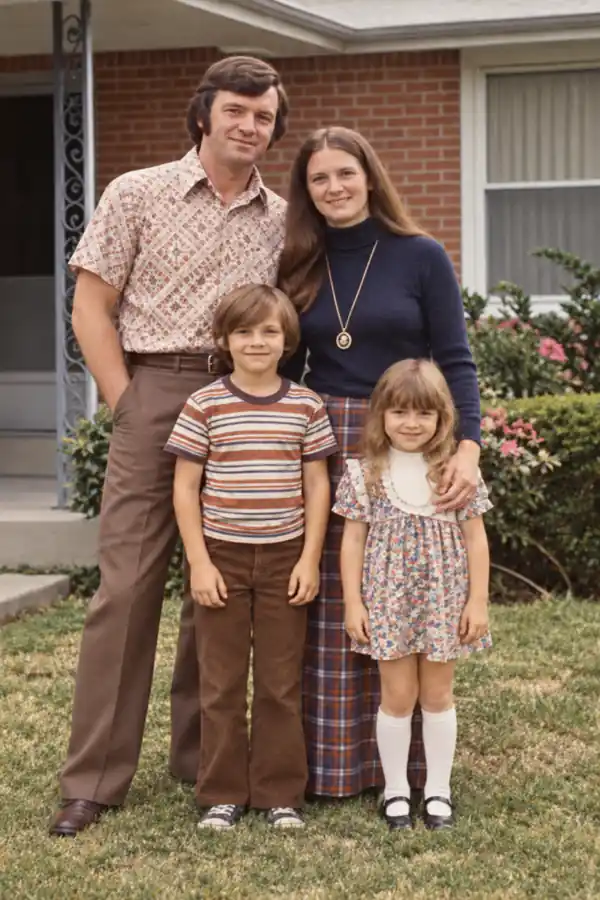
Older scans and forwarded prints carry doodles and stickers from years of sharing. Archivists clear them a sentence at a time, then hand the file to the photo enhancer or the old-photo restorer for the wear underneath.
Practical guides and product updates from the team.
How the emoji remover works, what happens to the area under a sticker, and what the rebuild looks like on hard textures.
Upload one stickered photo, name the sticker, and check the rebuilt patch up close before you download.