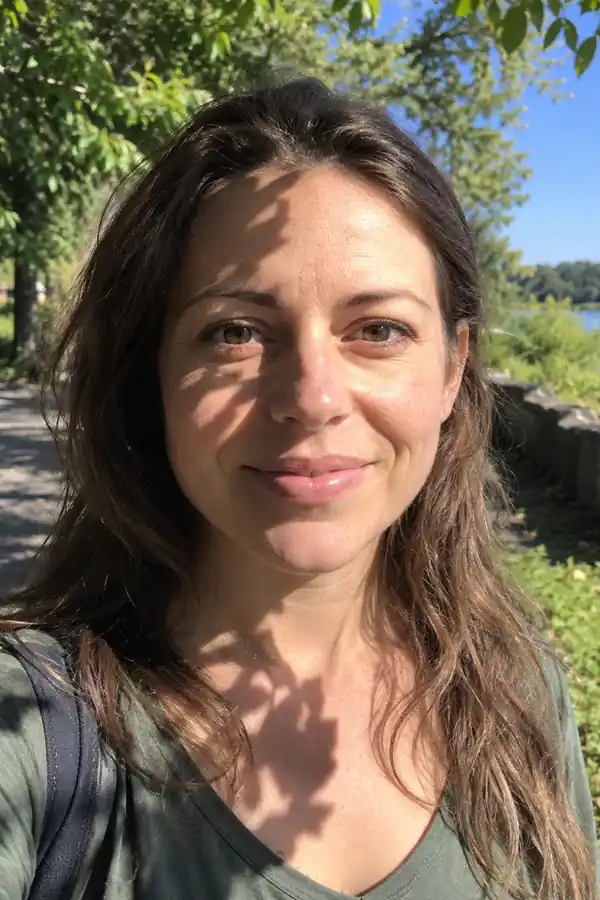
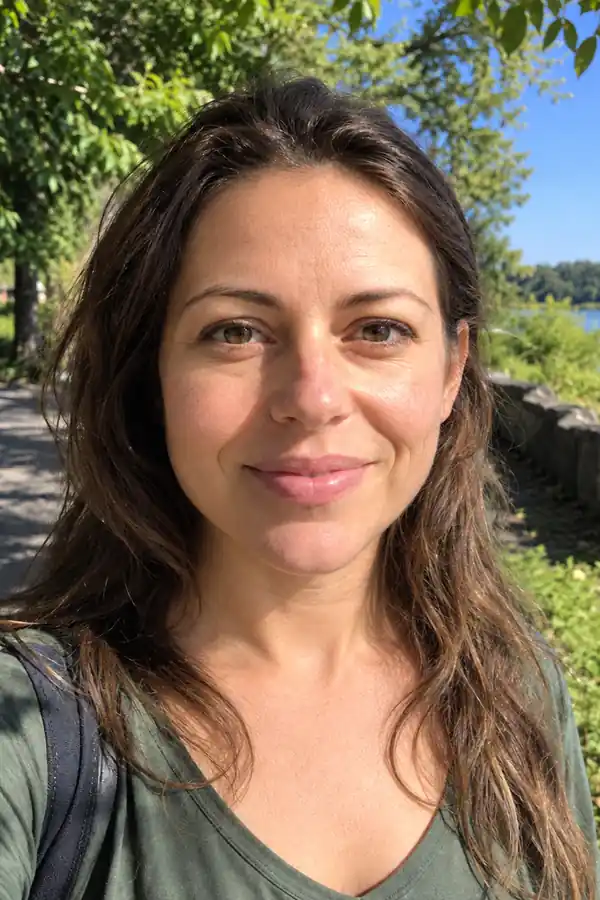
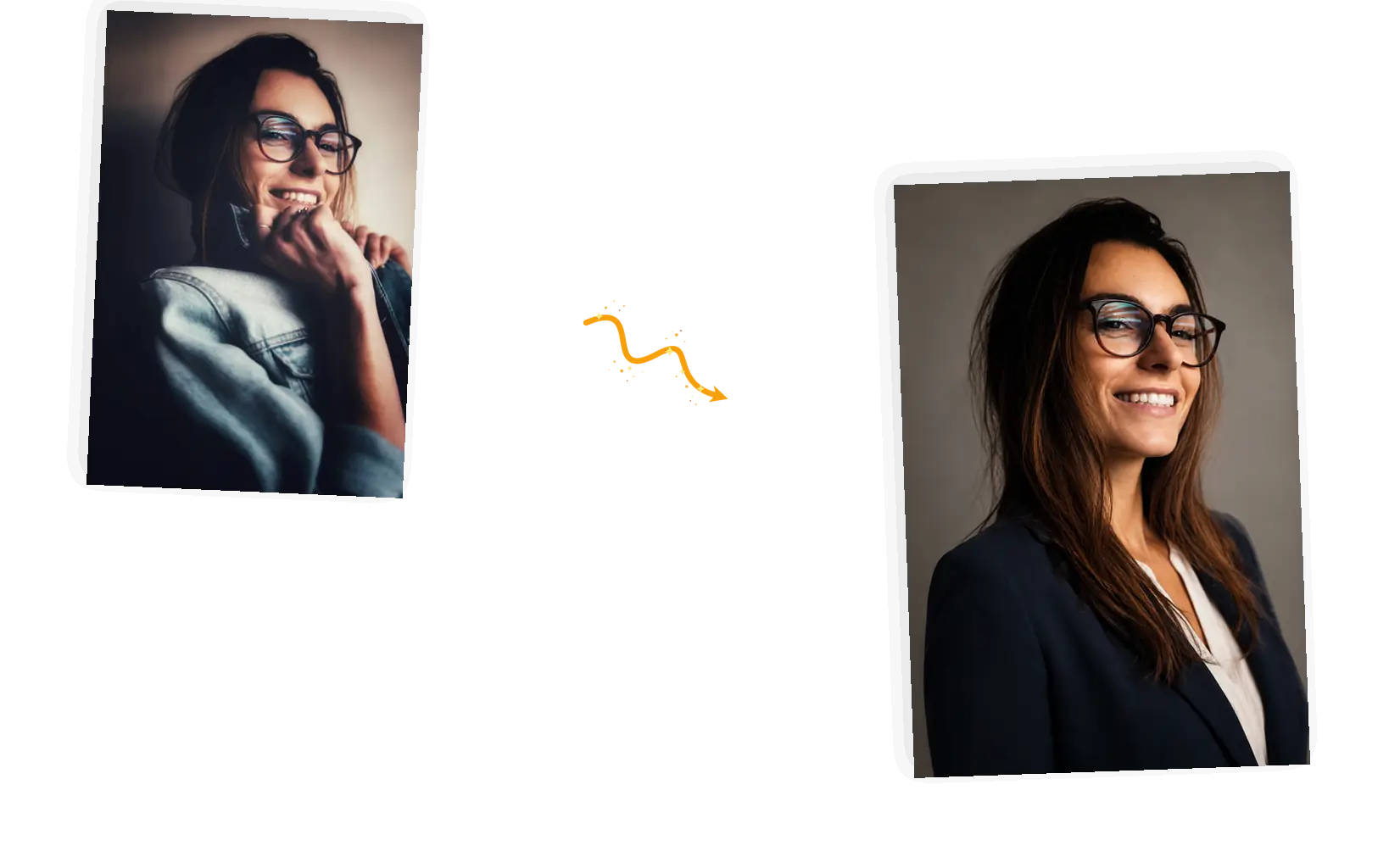
The face stays yours
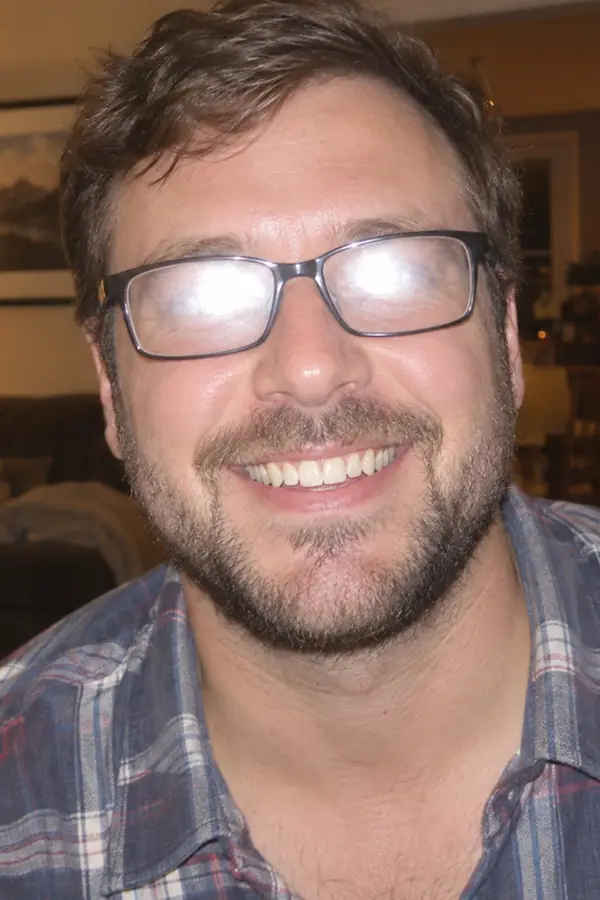
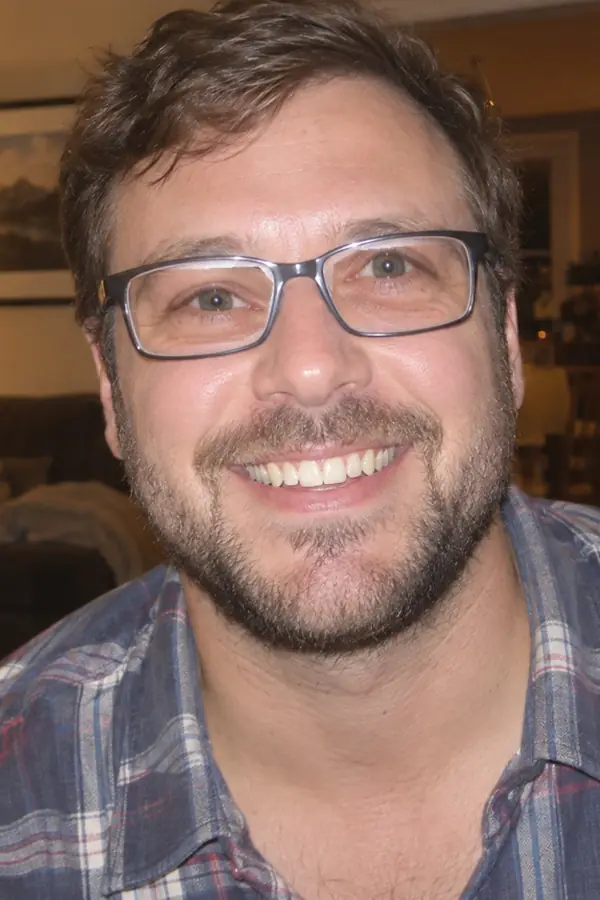
The prompt names what must not change: facial features, hairstyle, skin tone. Generated results can still drift, so zoom in next to the original and rerun when something moved.

Upload a photo of yourself, describe the outfit, backdrop, and light in one line, and get a professional headshot for your profiles. The AI headshot generator follows your keep-list and restyles what is around your face.
Example 1 of 3
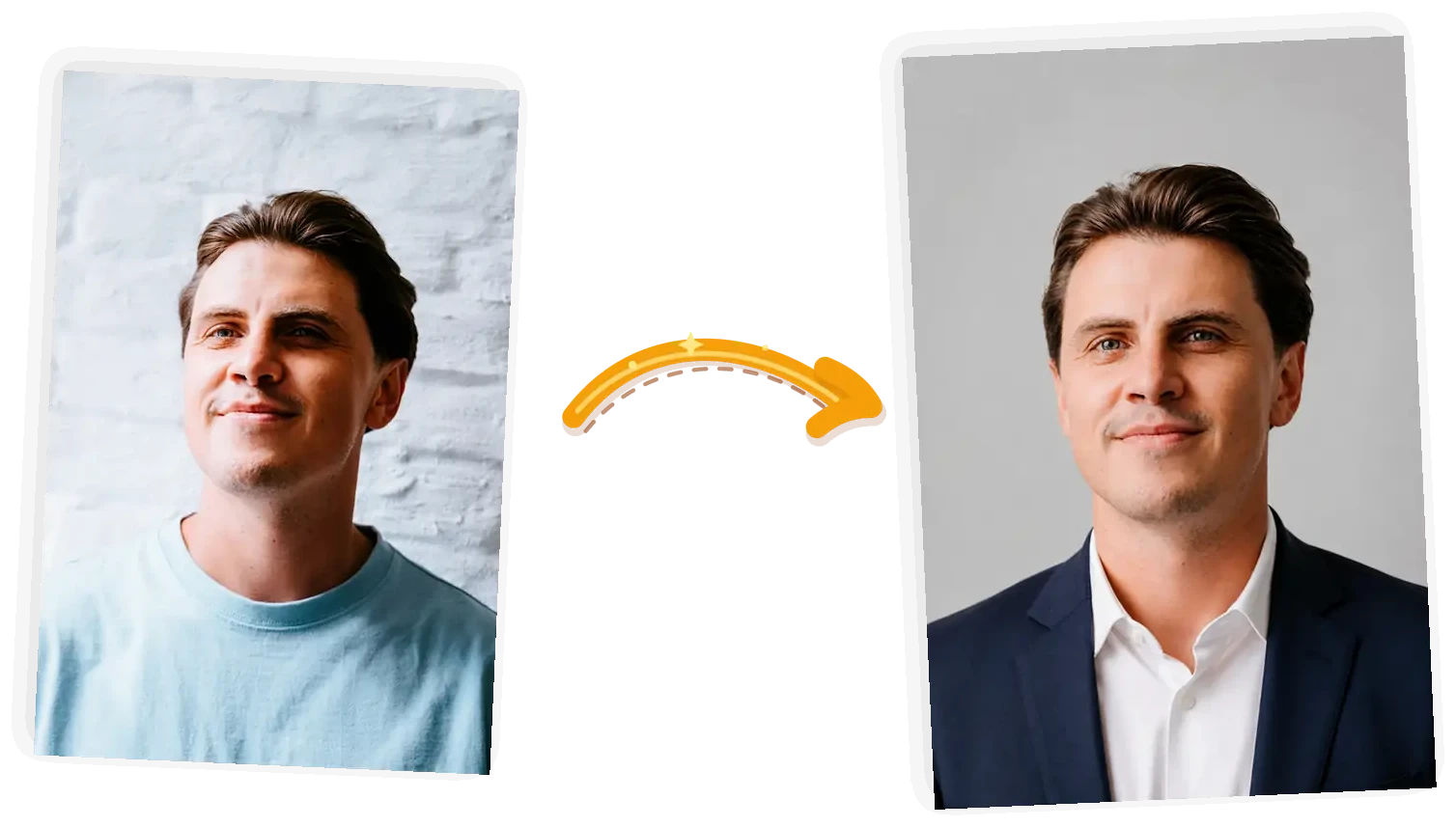
Turn this selfie into a professional headshot: a navy blazer over a white shirt, plain light gray studio background, soft even lighting; keep the facial features, hairstyle, and skin tone unchanged
The prompt names what must not change: facial features, hairstyle, skin tone. Generated results can still drift, so zoom in next to the original and rerun when something moved.
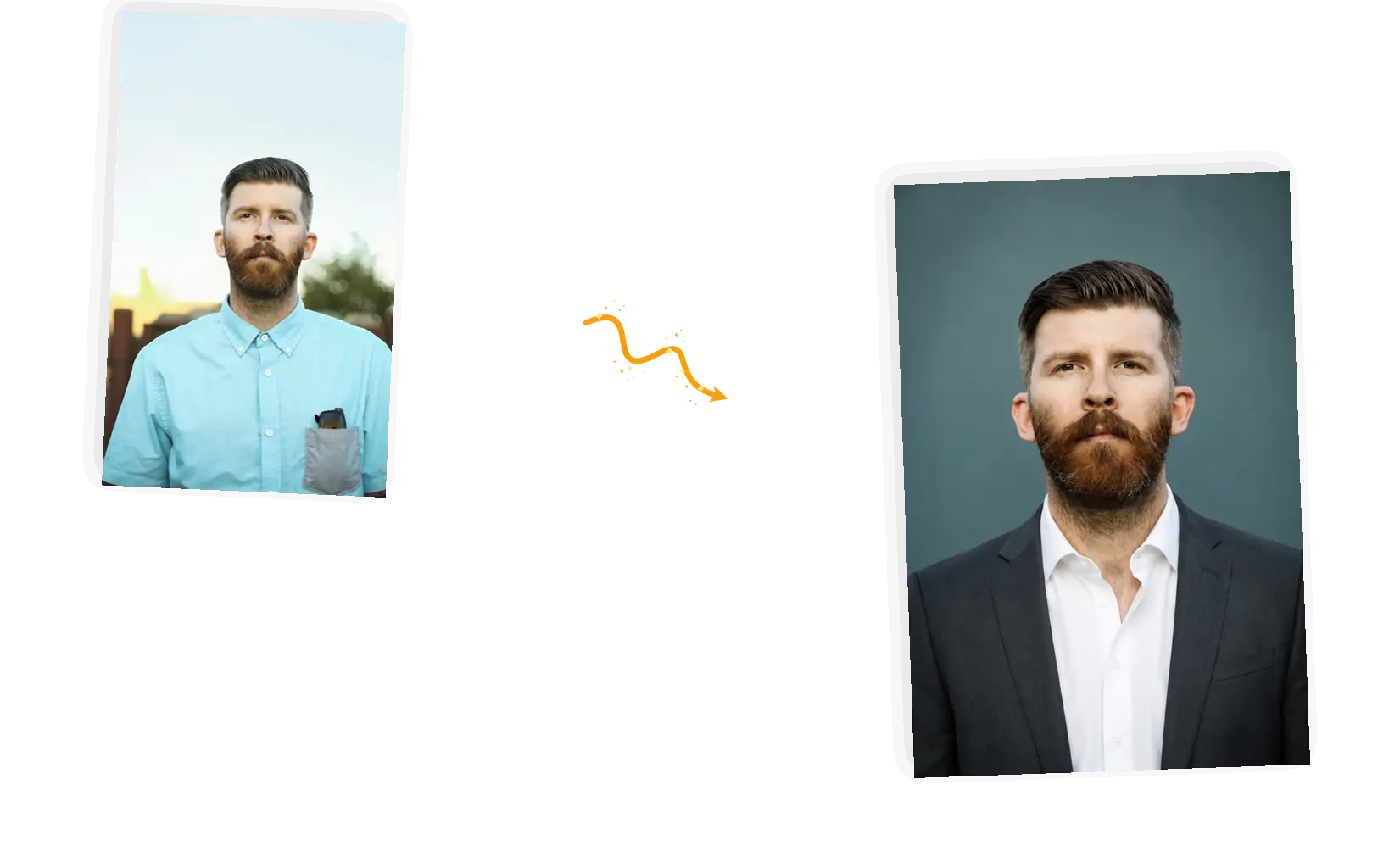
Name the shirt, the jacket, the background, the light. No wardrobe to buy and no studio to book: the description steers the shot the way a photographer would.
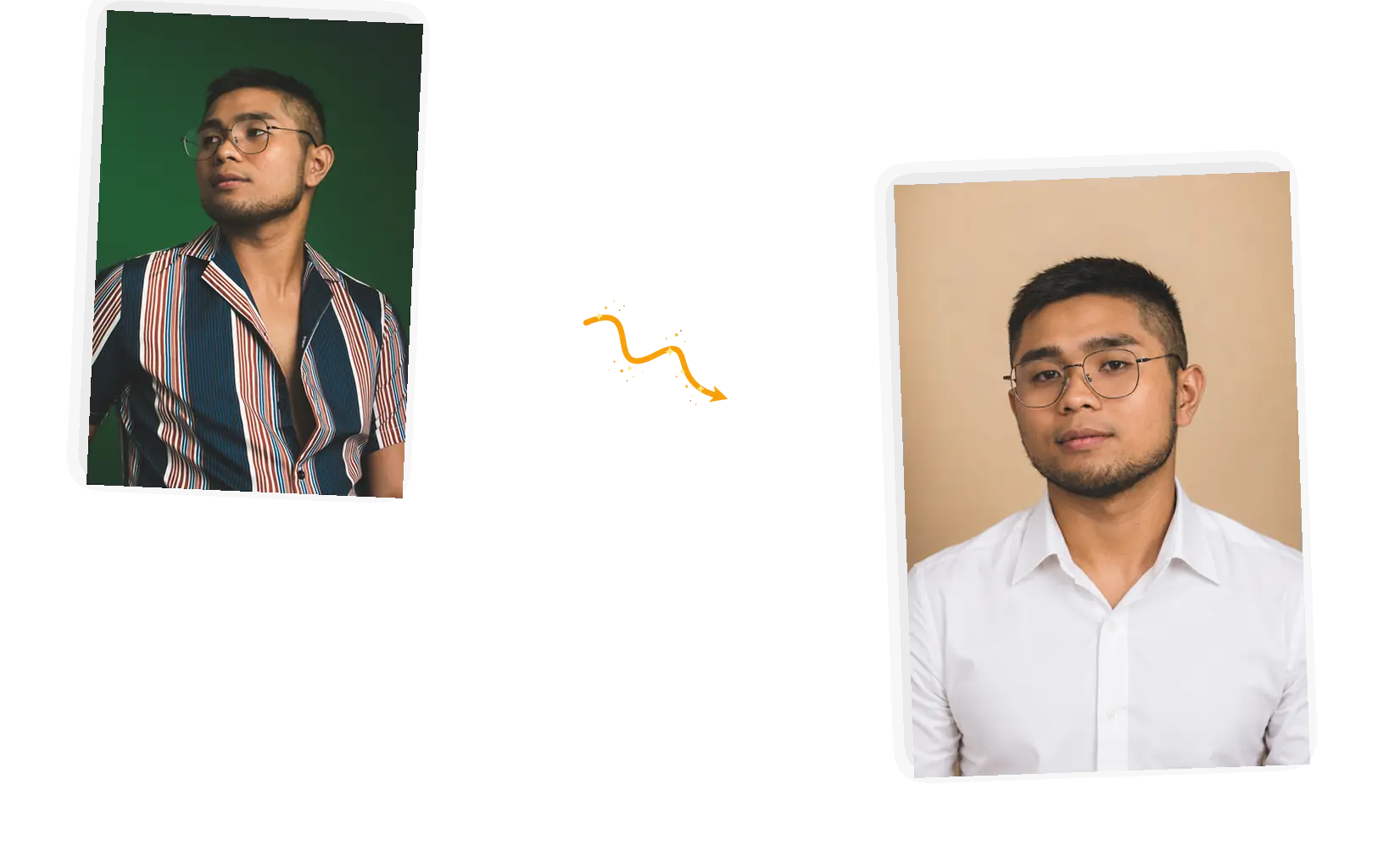
Each run is a fresh take, and the editor shows the credit cost before you generate. Change one thing at a time — the shirt, the backdrop, the light — and keep the takes you like.
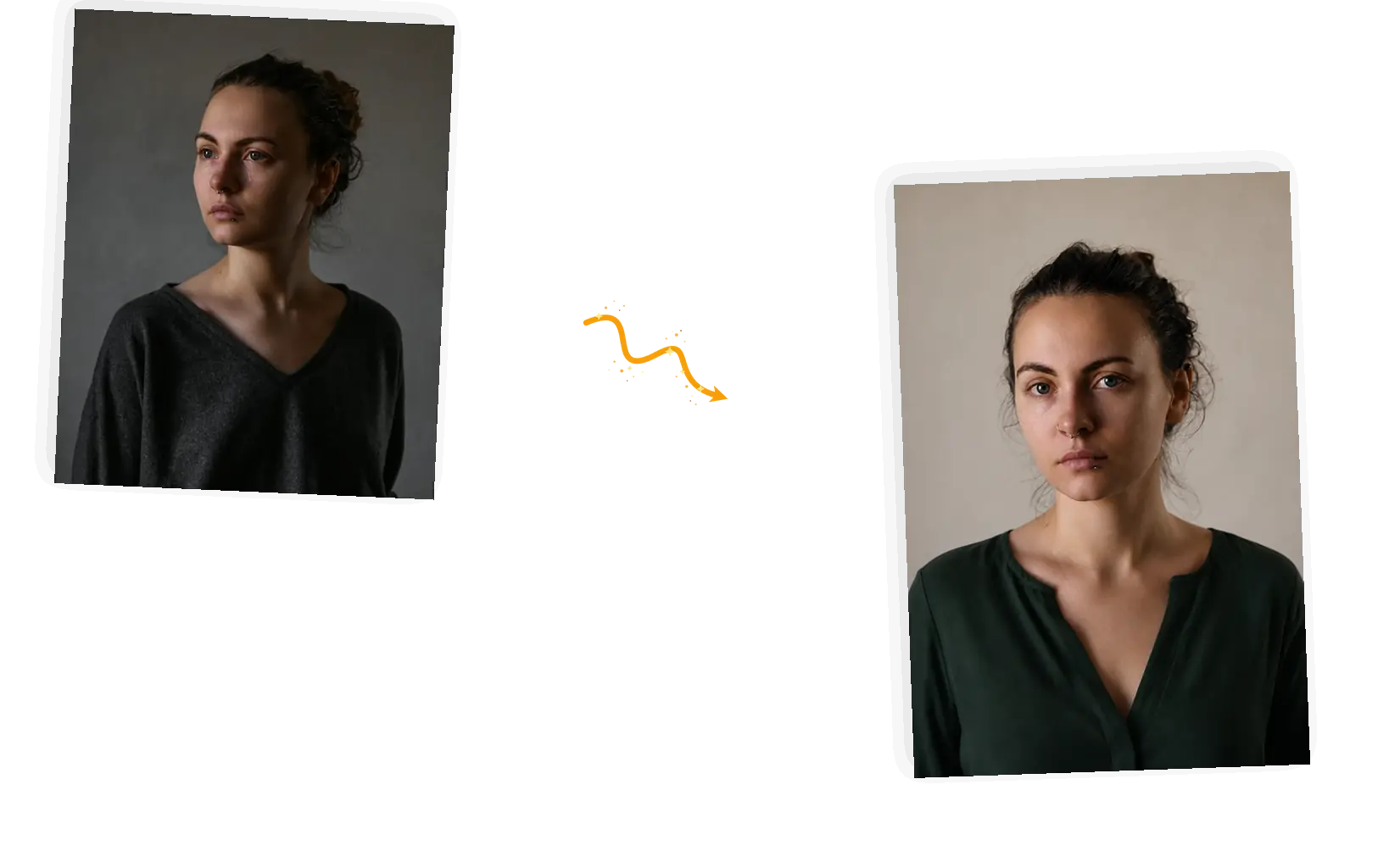
Download the headshot at full resolution, or keep going: another backdrop, a different outfit, or a white background for the ID-style crop.
The AI headshot generator turns a regular photo of yourself into a professional headshot. Upload one clear picture, write a line about the outfit, backdrop, and light you want, and the tool redraws the shot around your face — a studio look for your LinkedIn profile, your company team page, or a speaker bio. It works in one pass on the photo in front of it, so how close the result stays to you depends mostly on how clear your input photo is. One photo at a time, results can vary, and the editor is built for reruns: compare the take with the original, adjust one detail, and generate again.
Five steps from a regular photo to a professional headshot.
One front-facing photo with even light is enough; you can add up to five reference photos, such as an outfit you want copied. JPEG, PNG, or WebP files up to 20MB. Sharp and unfiltered beats posed and processed.
One line is enough: a navy blazer, a plain gray background, soft light. Then name what must stay: facial features, hairstyle, skin tone. The suggestions above the prompt show the pattern.
Keep the original ratio or pick a square or 4:5 portrait for profile crops. The editor shows the credit cost before you generate.
The tool redraws the outfit, backdrop, and lighting around your face. Zoom in next to the original: when a feature drifted, say which one in plainer words and rerun.
Download at full resolution for profiles and team pages, or keep going in the same workspace with another take. Rerunning with one small change usually beats rewriting the whole prompt.
A photographer books by the hour and repeats for every team member. Here the tool starts from the photo you already have and returns headshots you can compare side by side in the same sitting.
There is no training queue and no preset grid to browse. You describe the shot the way you would say it to a photographer, and the words stay editable in the prompt box.
Download the take that reads like you, then keep working: another backdrop for the team grid, a different outfit, or a white background for the ID-style crop.
Three common ways to get a professional headshot, compared on what each one asks of you and where the prompt-driven tool fits.
| Dimension | Photographer session | General AI chat | AI Headshot Generator |
|---|---|---|---|
| Input | A booked session, plus outfit prep and travel | A photo pasted into a conversation, with no editing workflow around it | One clear photo, plus one line for outfit, backdrop, and light |
| Control over the result | Directed on set, but the take is fixed once you leave the studio | Limited say over outfit details or background once the image comes back | Prompt-level: name the shirt, backdrop, and light, and name what must stay |
| Output | Retouched files on the photographer's delivery schedule | A one-off image that often comes back off-ratio | Head-and-shoulders shots at the ratio you choose, downloadable at full resolution |
| Resemblance | The photo is you, including the bad photo day | Faces often drift toward a generic look | Generated from your photo: zoom in, compare, and rerun when something moved |
| Learning cost | Finding and vetting a photographer | Prompt trial and error with no guardrails | One sentence; ready-made suggestions show the pattern |
| Result management | Files arrive by gallery link, timed to the photographer | A conversation history you have to dig through | Download it, or keep editing in the same workspace |
The prompt is the whole instruction: what changes, what stays.
Turn this [selfie] into a professional headshot: [outfit]; [background and light]; keep the [facial features, hairstyle, skin tone] unchanged.
Too vague
“make me look professional”
More useful prompt
“Turn this selfie into a professional headshot: navy blazer over a white shirt, plain light gray background, soft even light; keep the facial features, hairstyle, and skin tone unchanged”
Too vague
“professional but friendly headshot”
More useful prompt
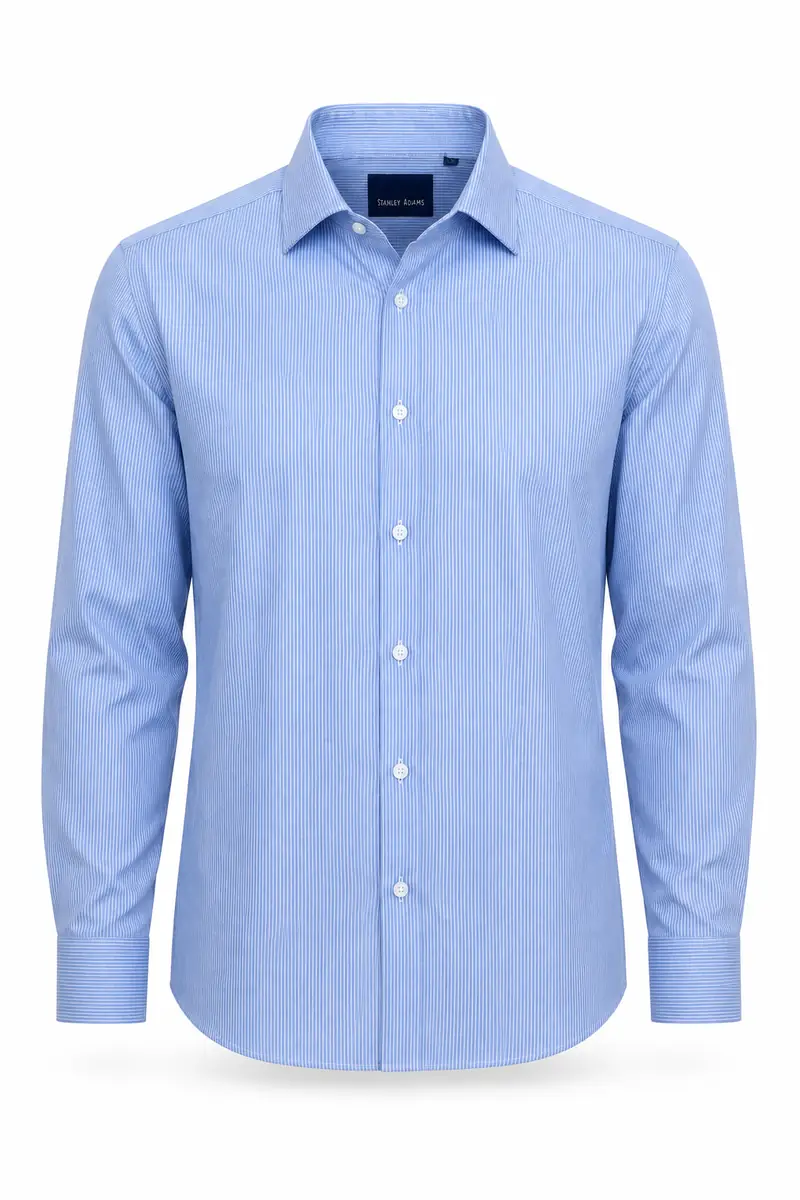
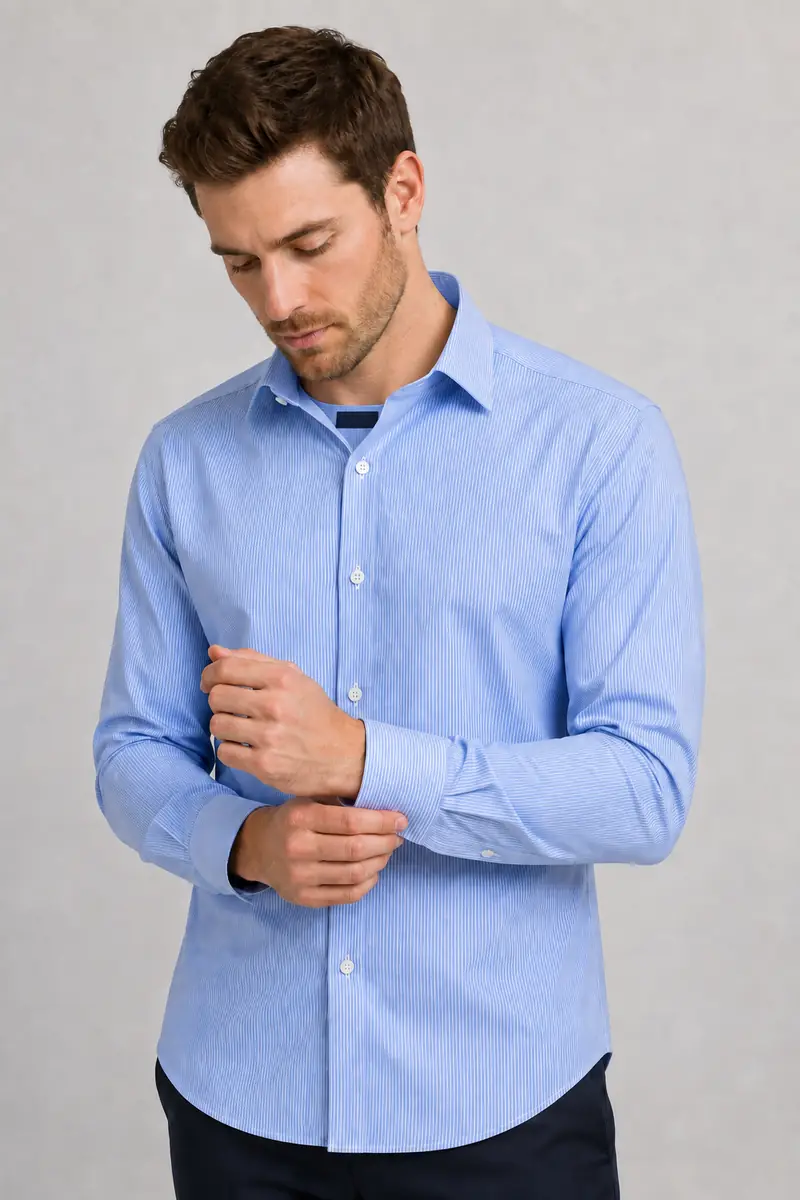
“Convert this photo into a professional headshot: light blue button-down, softly blurred office background, gentle window light; keep the facial features, hairstyle, and skin tone unchanged”
Too vague
“it doesn't look like me, fix it”
More useful prompt
“Same person, same outfit, keep my skin texture and hairline exactly as in the photo; no retouching, no smoothing”
A job hunt moves faster than a photo session can be booked. An AI headshot generator gives your application and LinkedIn profile a current, professional picture in an afternoon, picked from takes that read like you on a good day.
A team grid falls apart when half the headshots are conference snapshots. Describe one backdrop and outfit style, and let an AI headshot generator give every teammate page a consistent look without booking a photographer.
Bios, podcast pages, and bylines all want a current photo: rerun an AI headshot generator take when the haircut changes instead of scheduling a new session.
Quick answers about the AI headshot generator, before you run the first edit.
Upload a photo of yourself, describe the outfit, backdrop, and light, and the AI headshot generator returns a professional headshot in the same workspace.