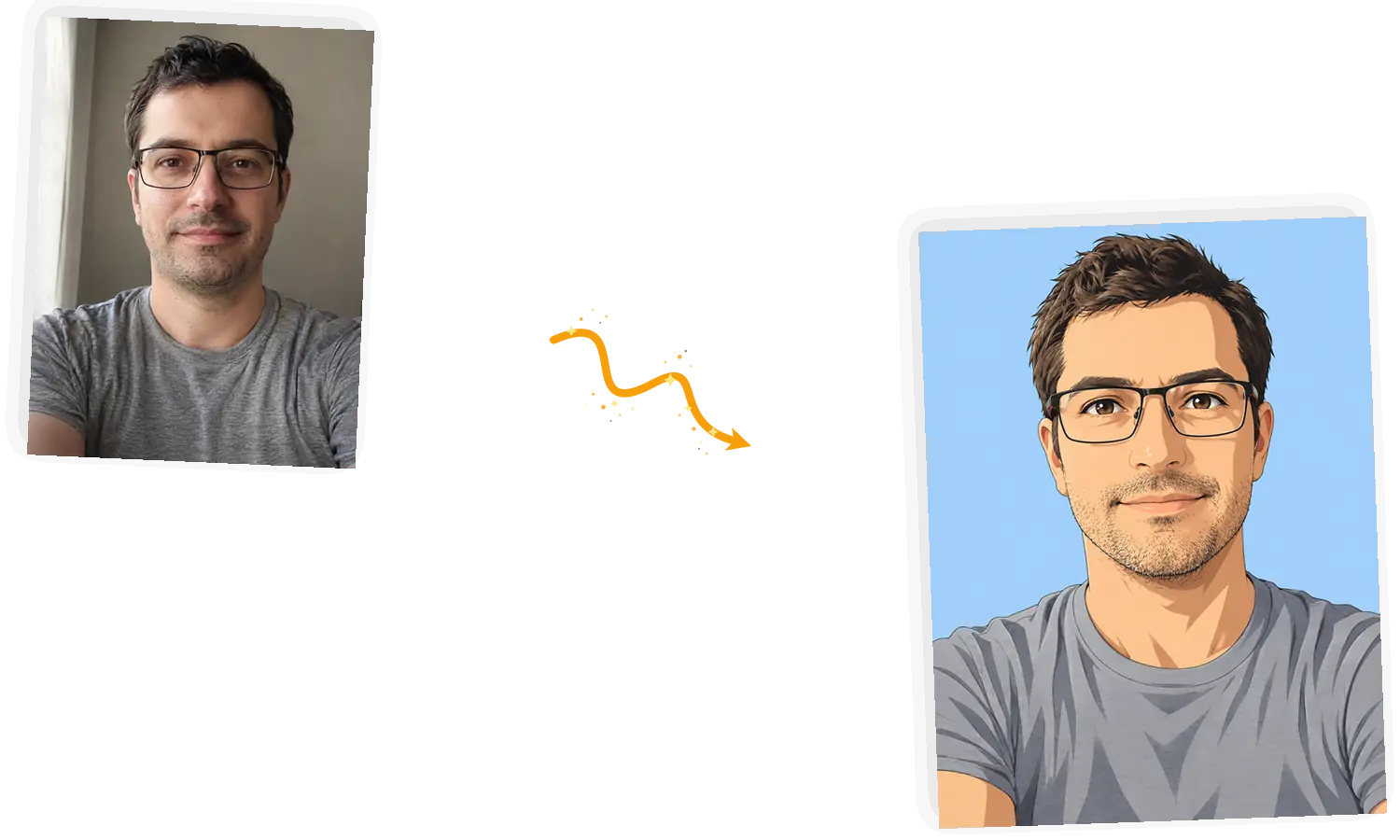
The Style Comes From Your Words
Anime cel shading, oil paint, pop-art comic, neon cyberpunk: you name the look in the prompt instead of picking from a fixed grid. If a style is hard to label, describe the colors and lines you want.

Upload one photo, describe the style you want, and get an avatar that still reads as you. This AI profile picture generator runs right in the browser.
Example 1 of 3
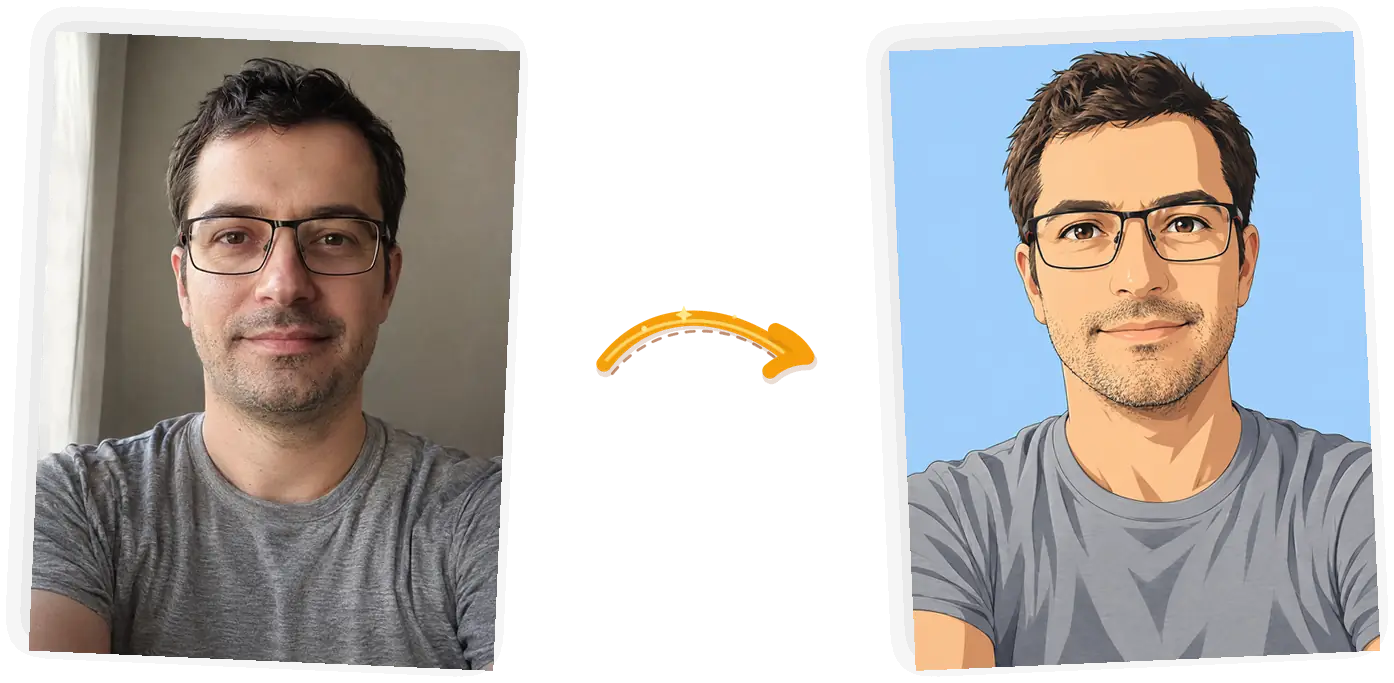
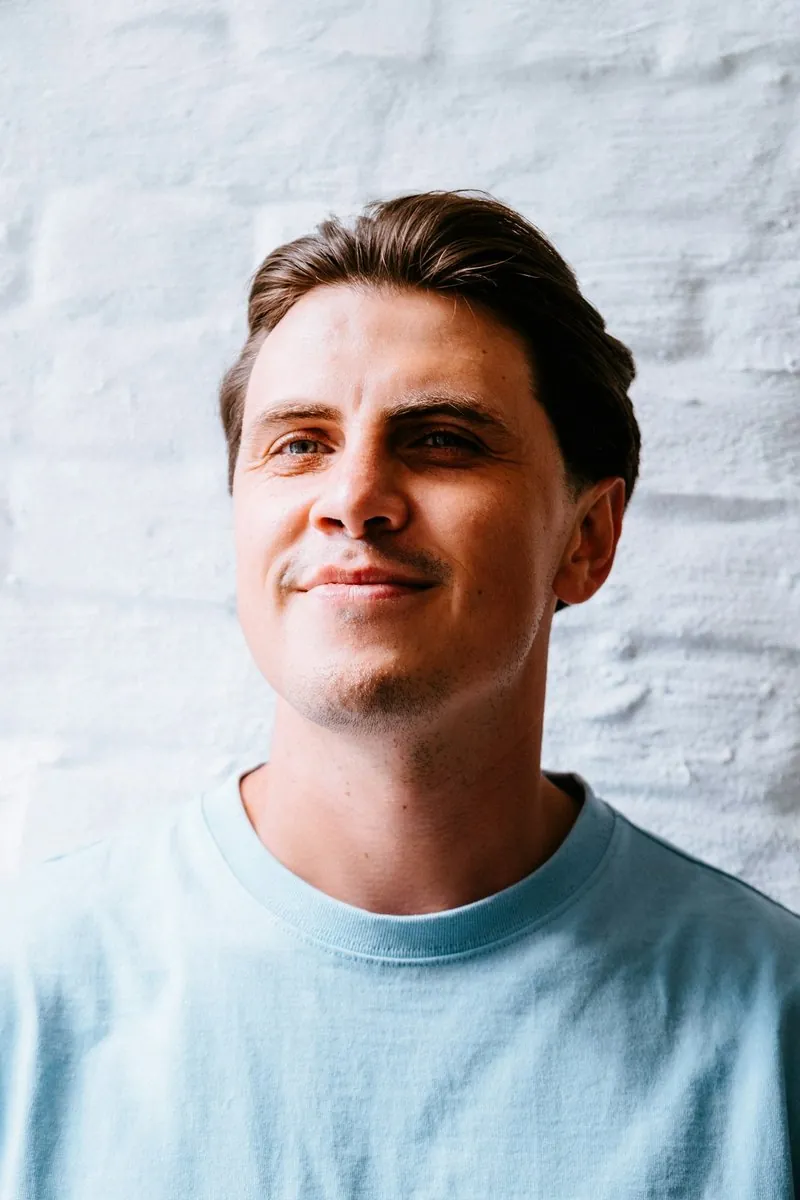
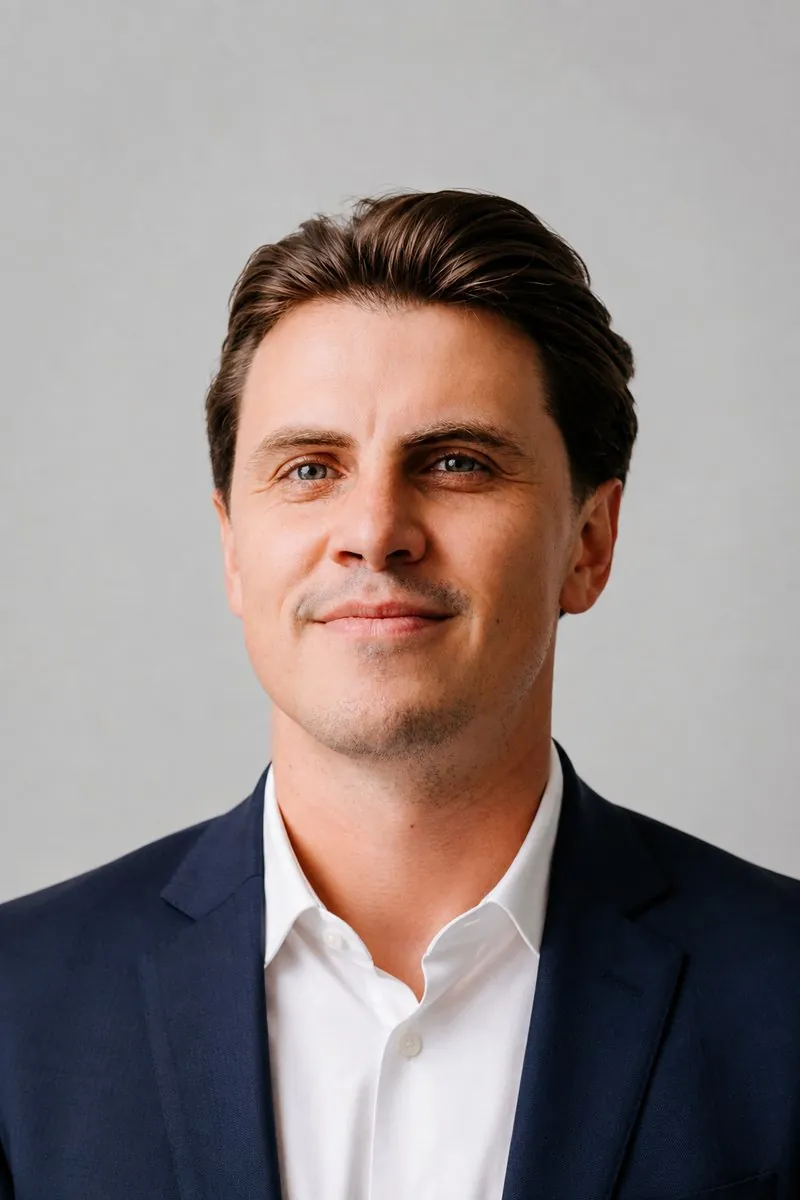
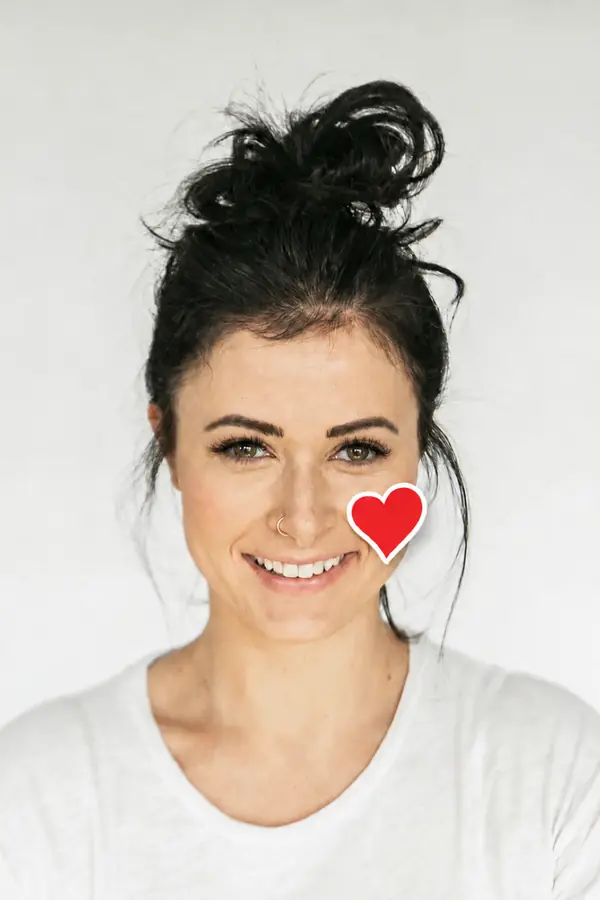
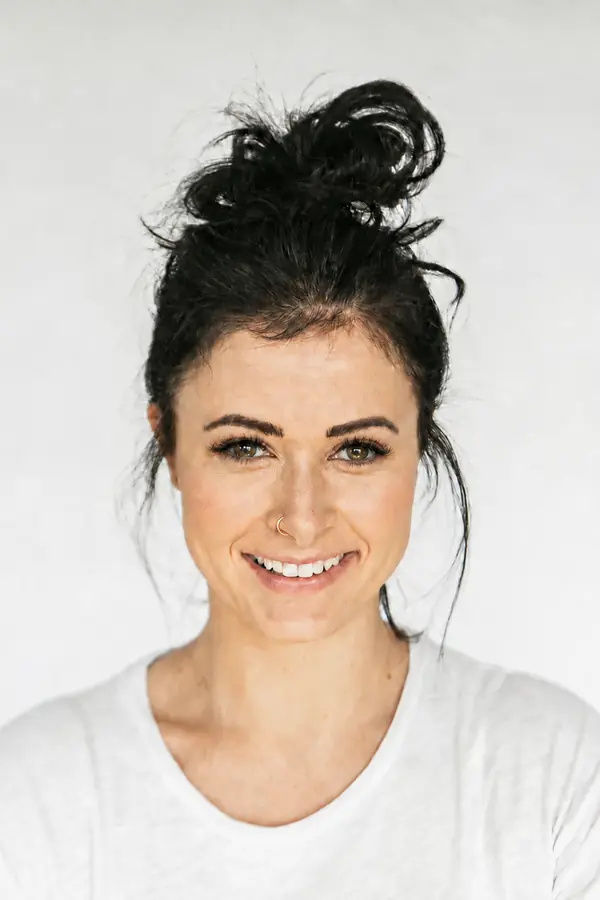
Restyle this photo as a clean anime portrait with cel shading and a flat pastel background. Keep my pose, glasses, and hairstyle.
Anime cel shading, oil paint, pop-art comic, neon cyberpunk: you name the look in the prompt instead of picking from a fixed grid. If a style is hard to label, describe the colors and lines you want.
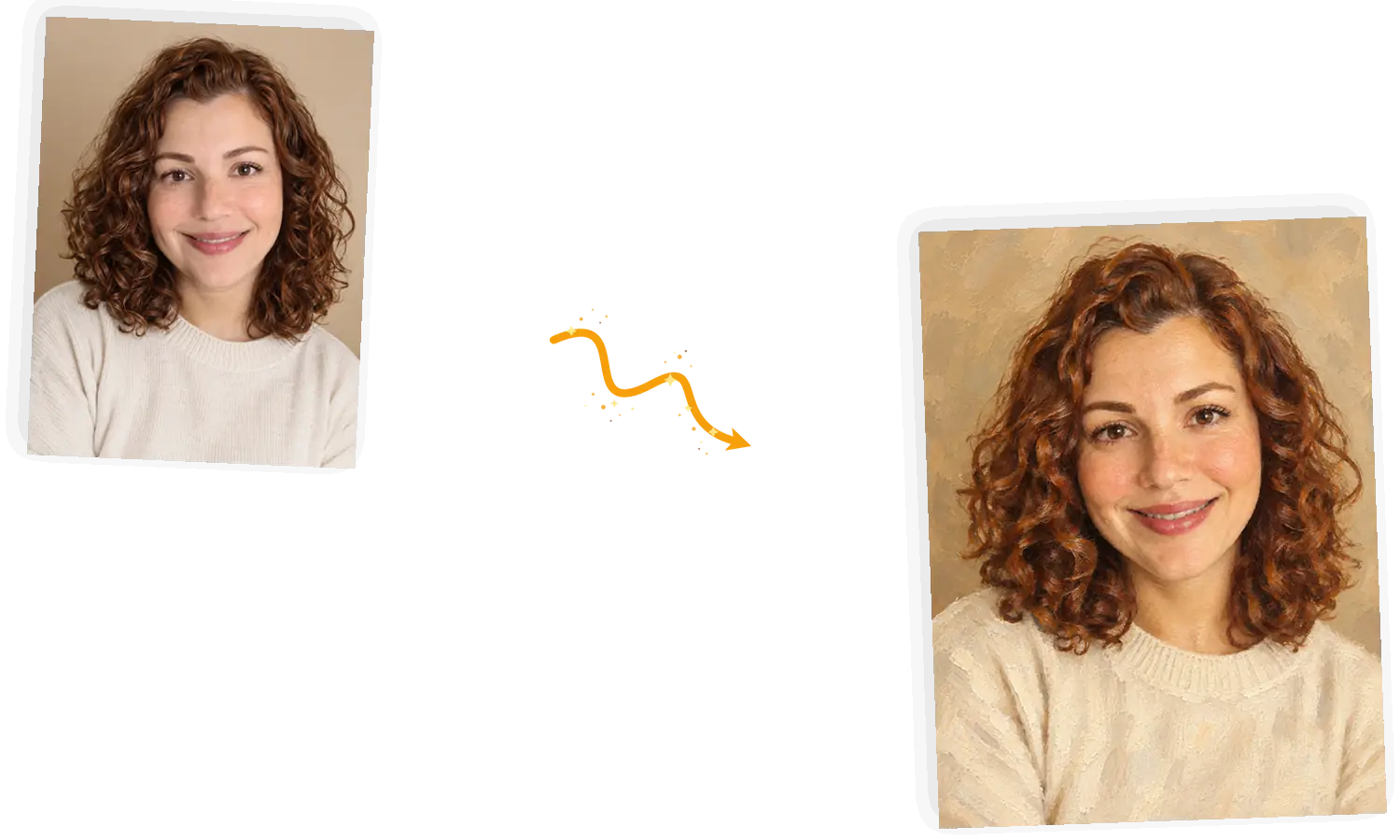
The redraw keeps your pose, face angle, and features recognizable while the style changes around them. It is an interpretation, not a filter: small details like jewelry can shift, so look the result over before you post it.
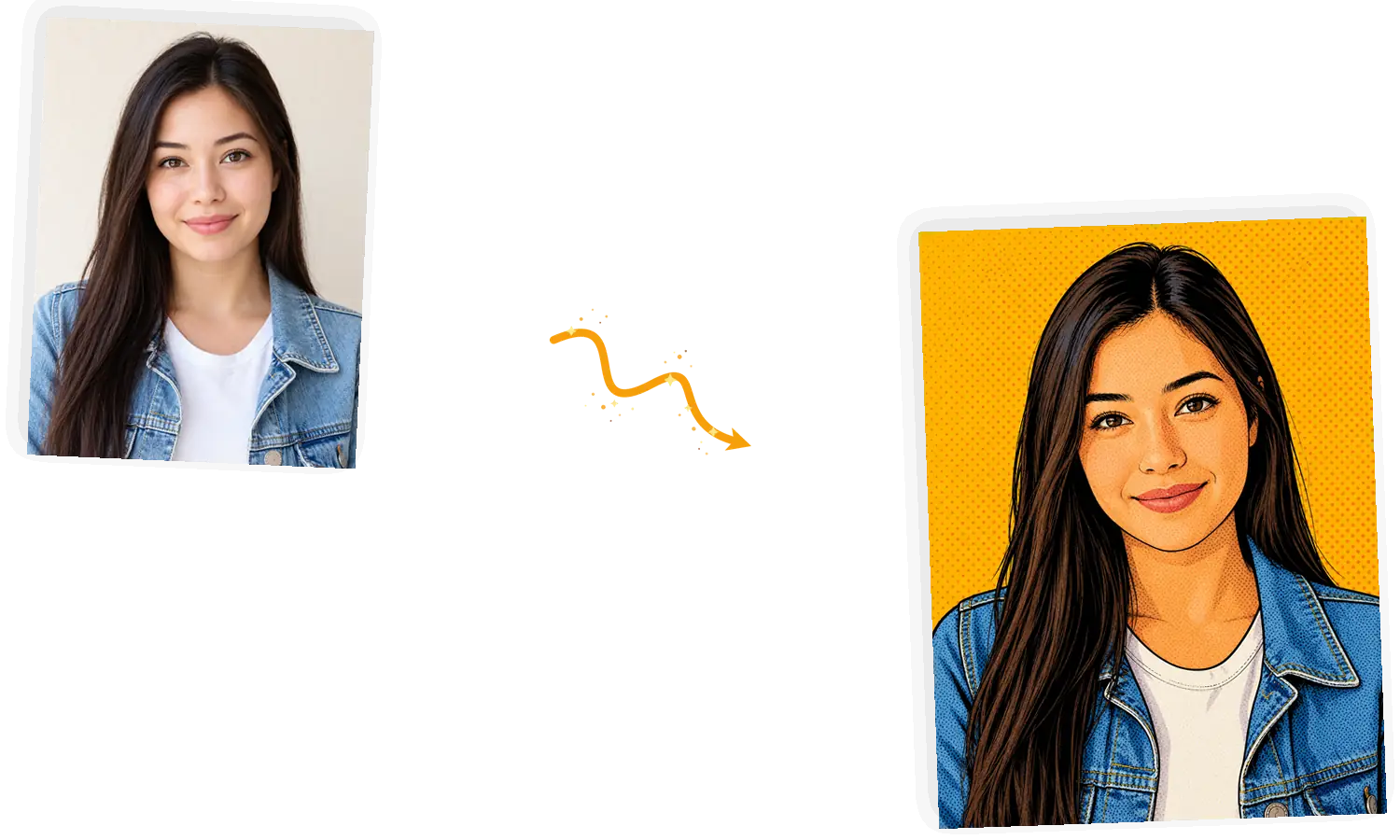
Results come out at standard 1K resolution, which crops cleanly to the circles and squares Discord, Instagram, and forums use. Simple backgrounds and a clear face angle hold up better at small sizes.
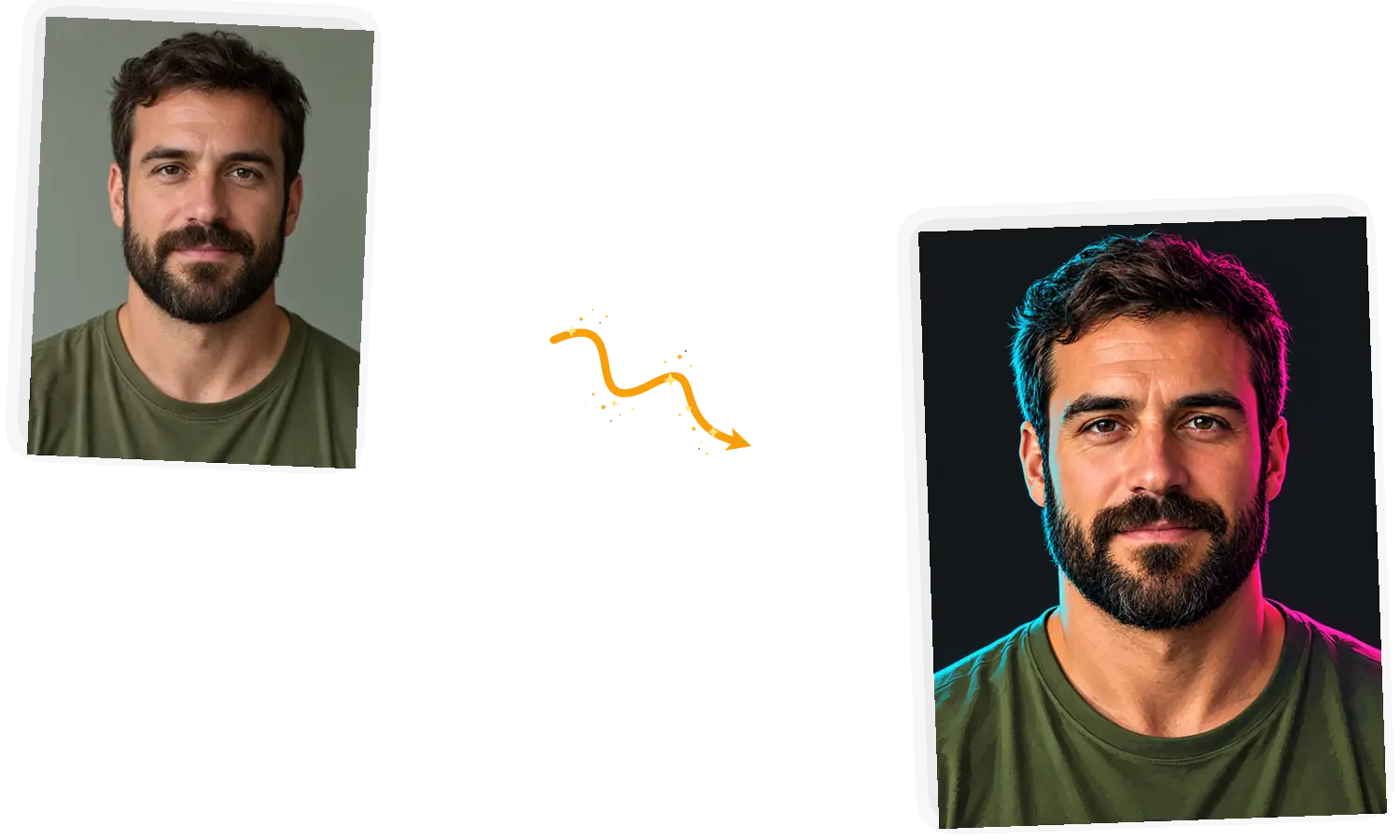
Adjust the prompt and run it again when a style misses. A standard run costs 3 credits and failed tasks refund automatically, so a bad roll never costs you anything.
A profile picture used to mean picking the least-bad selfie and cropping it. Here you upload one photo and describe a style; the model redraws the image in that style while keeping you recognizable. It works like a profile picture maker online: no app to install, no design skills, and your photo stays the source of truth. The redraw is a generated interpretation, so give the result a quick look before it becomes your default face.
Make your profile pictureThe whole flow runs in the browser editor on this page, and the first result takes about a minute.
JPEG, PNG, or WebP up to 20MB. A front-facing shot with decent light gives the model the most to work with.
“Anime with cel shading” gives the model far more to work with than “make it cooler”. Precise words move the result toward what you pictured.
Say what must stay: your pose, glasses, hairstyle, or the mood of the background. The keep-list is what stops a restyle from drifting.
A standard 1K run costs 3 credits. Guests get 3 free credits a day and accounts get 9, so you can try the first one before signing in.
Results download with no watermark from us. Discord, Instagram, and most forums crop to a circle on upload.
Filter apps shift colors on top of the original pixels. This redraws the image in the style you describe, which is how you get real cel shading or brushwork rather than a warmed-up selfie.
You write a sentence or two and press generate. The editor on this page ships with three worked example prompts if you want a starting point.
Download the 1K result, upload it to your platform, and let the circle crop do its thing. Rerun here whenever you want a seasonal change.
The same job three ways: drawing it yourself, a general chatbot, and this editor.
| Dimension | Draw or edit it yourself | General chatbot | AI profile picture generator |
|---|---|---|---|
| Style control | Total, if you can draw it | Describe once and hope | Name the style, rerun to adjust |
| Keeping your likeness | You paint what you see | Varies by model and prompt | Keep-list plus your photo as the source |
| What changes | Whatever you redo by hand | The whole image, framing sometimes too | The style; pose and framing stay anchored to your photo |
| Result file | Whatever you can export | Often downscaled or watermarked | 1K download, no watermark from us |
| Time to first result | Hours, if you draw it | Minutes plus re-explaining | About a minute per run |
| Trying again | Start the layer over | Re-type the whole brief | Tweak one line of the prompt and rerun; failures refund |
The model only knows what you tell it. These three rules do most of the work.
Restyle this photo as [style]; keep [pose, glasses, hairstyle]; put me on [background].
Too vague
“Make my picture look awesome for Discord.”
More useful prompt
“Restyle this photo as clean anime with cel shading. Keep my glasses and smile. Flat slate-blue background.”
Too vague
“Make it a painting.”
More useful prompt
“Turn this into a painterly portrait with visible brushwork and warm colors. Keep my pose and curly hair where they are.”
Too vague
“Neon style, I guess.”
More useful prompt
“Restyle this as a stylized avatar with cyan rim light on a dark background. Keep my face angle and beard shape.”
Match a Discord server's aesthetic or retheme your profile per game. An AI profile picture generator keeps the face consistent while the style follows the community.
One style across every handle reads as a brand. Restyle the same source photo for each platform instead of maintaining a folder of one-off avatars.
Anywhere a face circle shows up: community profiles, team rosters, course platforms. For the corporate-look version, this site also runs a dedicated headshot generator.
Practical guides and product updates from the team.
How the generator works, what styles it covers, and where the likeness limits sit.
Upload one photo, name the style, and compare the first version against your original before you download.