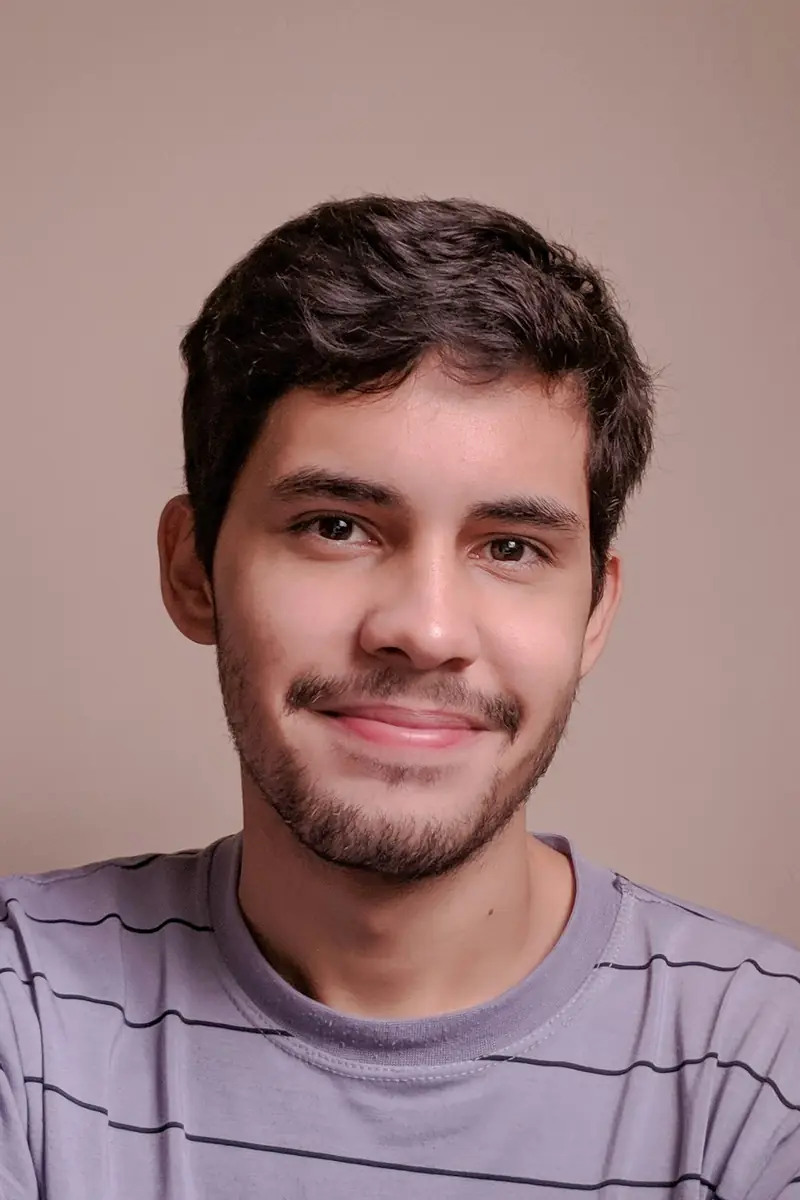
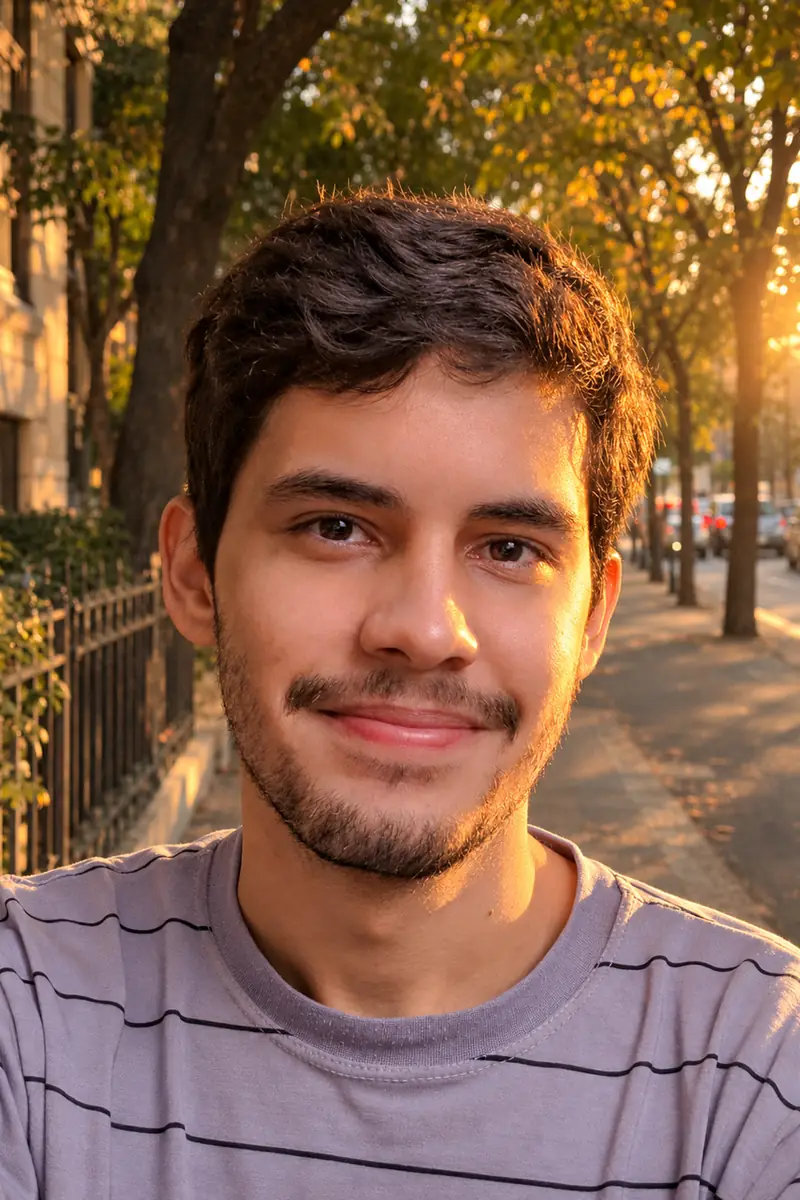
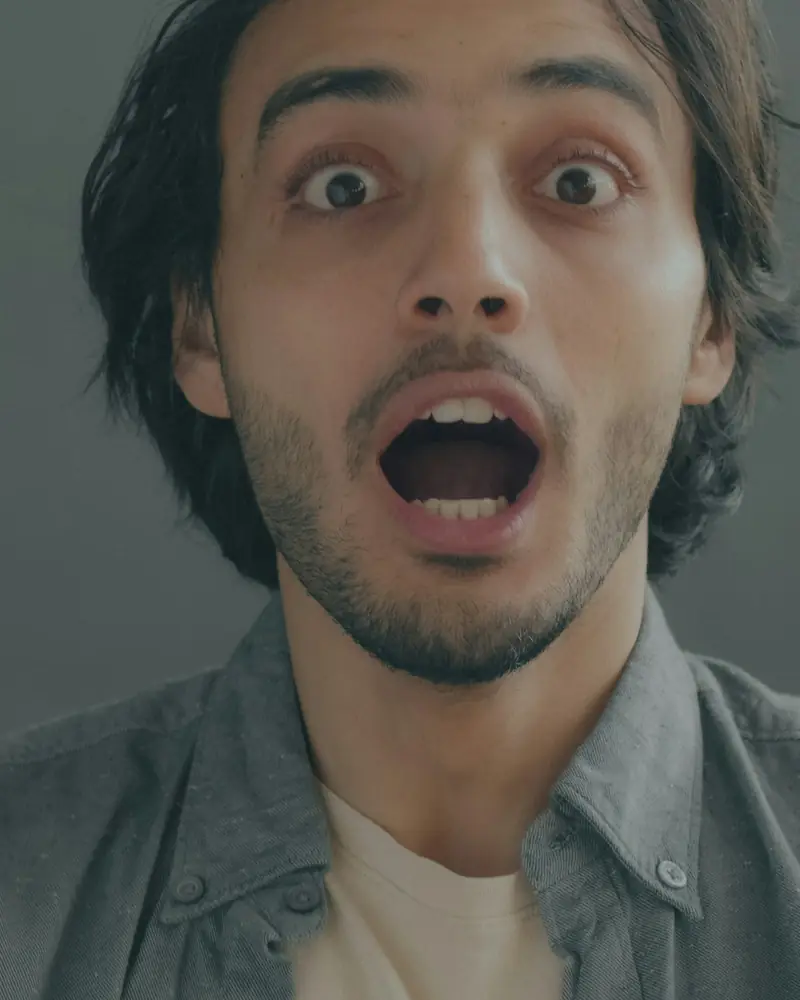
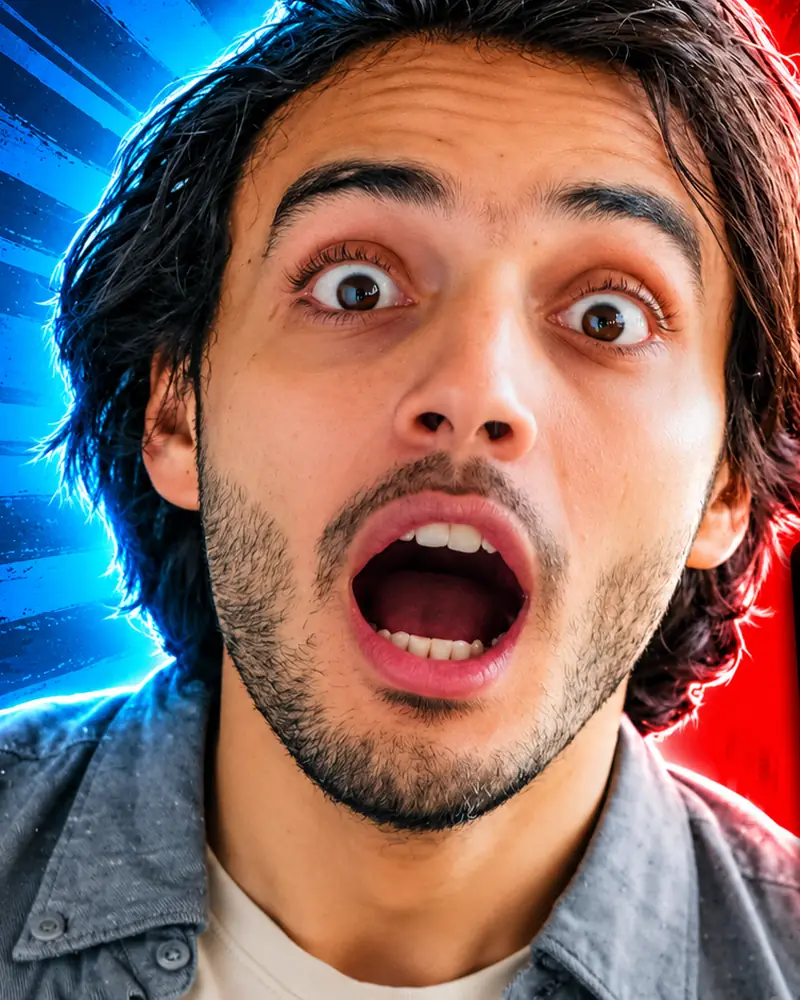

Likeness
Too vague
“Make me look like GTA”
More useful prompt
“Turn this photo into a game character portrait, hand-painted illustration style with bold outlines and cel shading. Keep my face, beard, and black jacket. Sunset boardwalk behind me.”

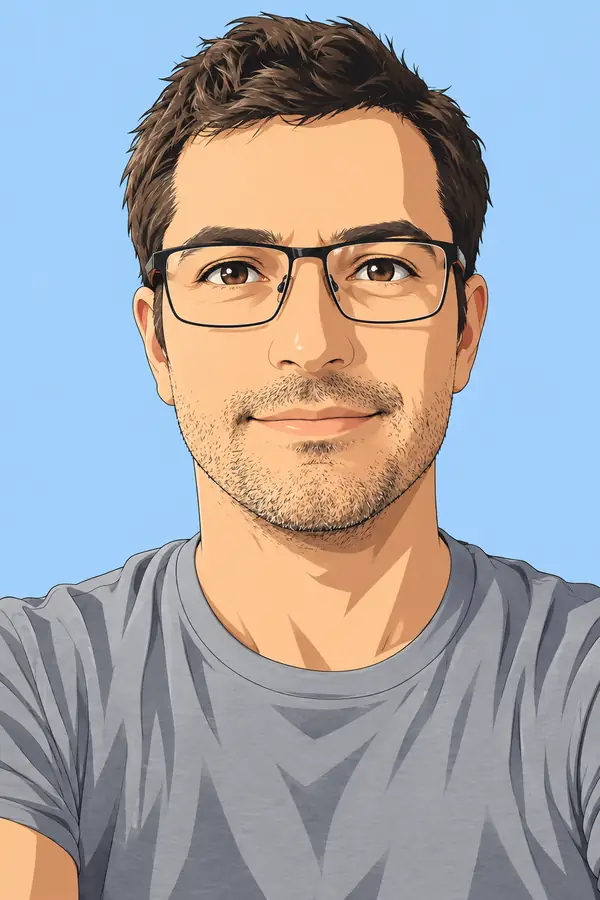
Upload one photo and the GTA 6 filter redraws it as hand-painted game art: bold outlines, cel shading, and a sunset glow over a tropical neon backdrop. Faces stay recognizable, poses stay yours. Pick one of six looks and render it in the browser - free daily credits cover the first tries, and downloads come back without a watermark.
0 / 5 reference images
Example 1 of 3
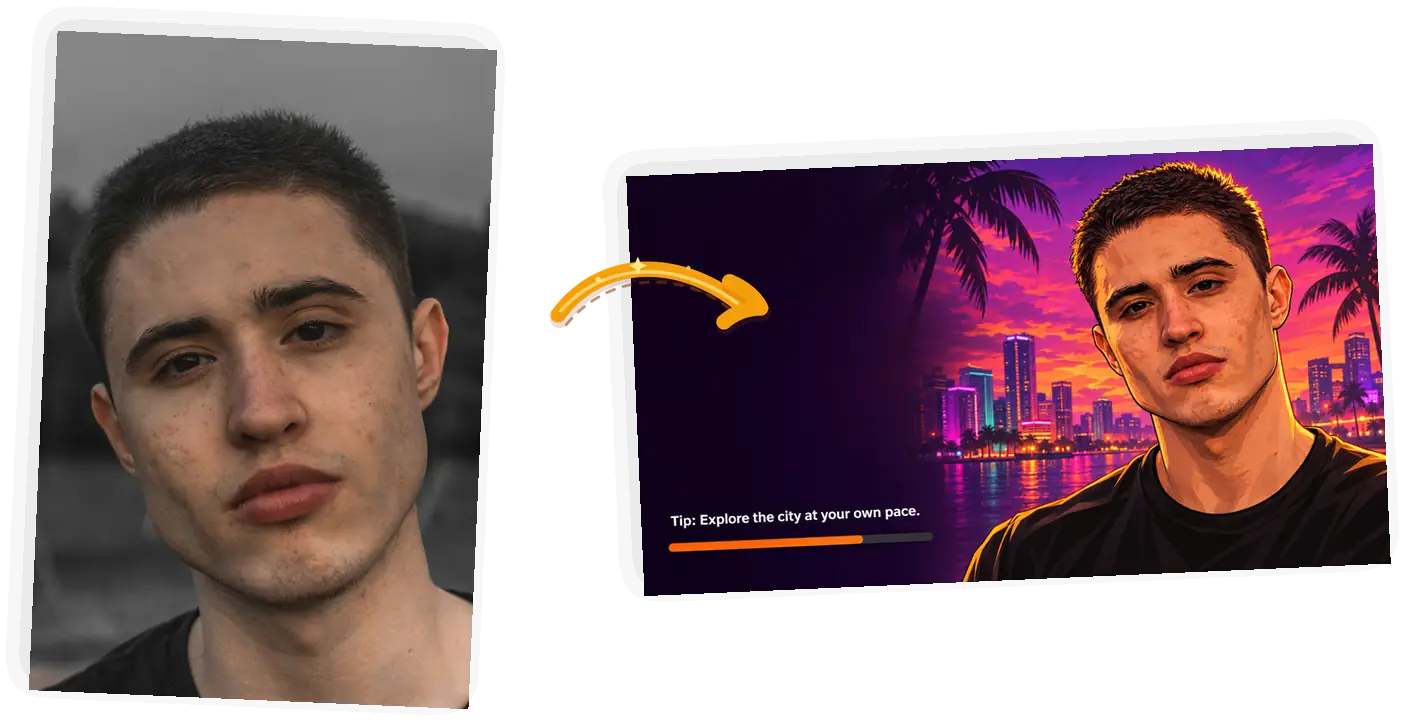
Turn this photo into a widescreen game loading screen in hand-painted illustration style: the person on the right half against a neon tropical skyline at dusk, a dark panel on the left with a thin orange progress bar near the bottom and one short loading tip line. Keep the face, hairstyle, and clothing exactly as in the photo. No logos, no brand names, no weapons.
The GTA 6 filter is a photo-to-illustration style: bold black outlines, semi-realistic cel shading, a purple-to-orange sunset palette, and a tropical neon city behind you. People use it for profile pictures, Instagram posts, phone wallpapers, and the occasional group-chat flex. The editor keeps your face and pose through the redraw, works right in the browser, and shows the credit cost before every run. What it leaves out on purpose: game logos, weapons, and video.
Turn my photo into game artPresets carry the formula. When you write your own, keep the three parts below and the AI holds your likeness instead of inventing a stranger.
Formula: turn this photo into [look] in hand-painted game illustration style, keep [face, hair, outfit], scene [one or two details], no logos or weapons.
Too vague
“Make me look like GTA”
More useful prompt
“Turn this photo into a game character portrait, hand-painted illustration style with bold outlines and cel shading. Keep my face, beard, and black jacket. Sunset boardwalk behind me.”
Too vague
“Neon city background but keep everything else and make it look cool”
More useful prompt
“Put me on a neon-lit street at dusk, wet asphalt reflecting pink and orange, palms behind me. Keep my face and outfit as in the photo.”
Too vague
“Cartoon my dog”
More useful prompt
“Turn this pet photo into a game character portrait, bold outlines and cel shading, keep the fur color and the denim jacket, warm boardwalk at sunset behind him.”
Four steps, one photo, no editing skills.
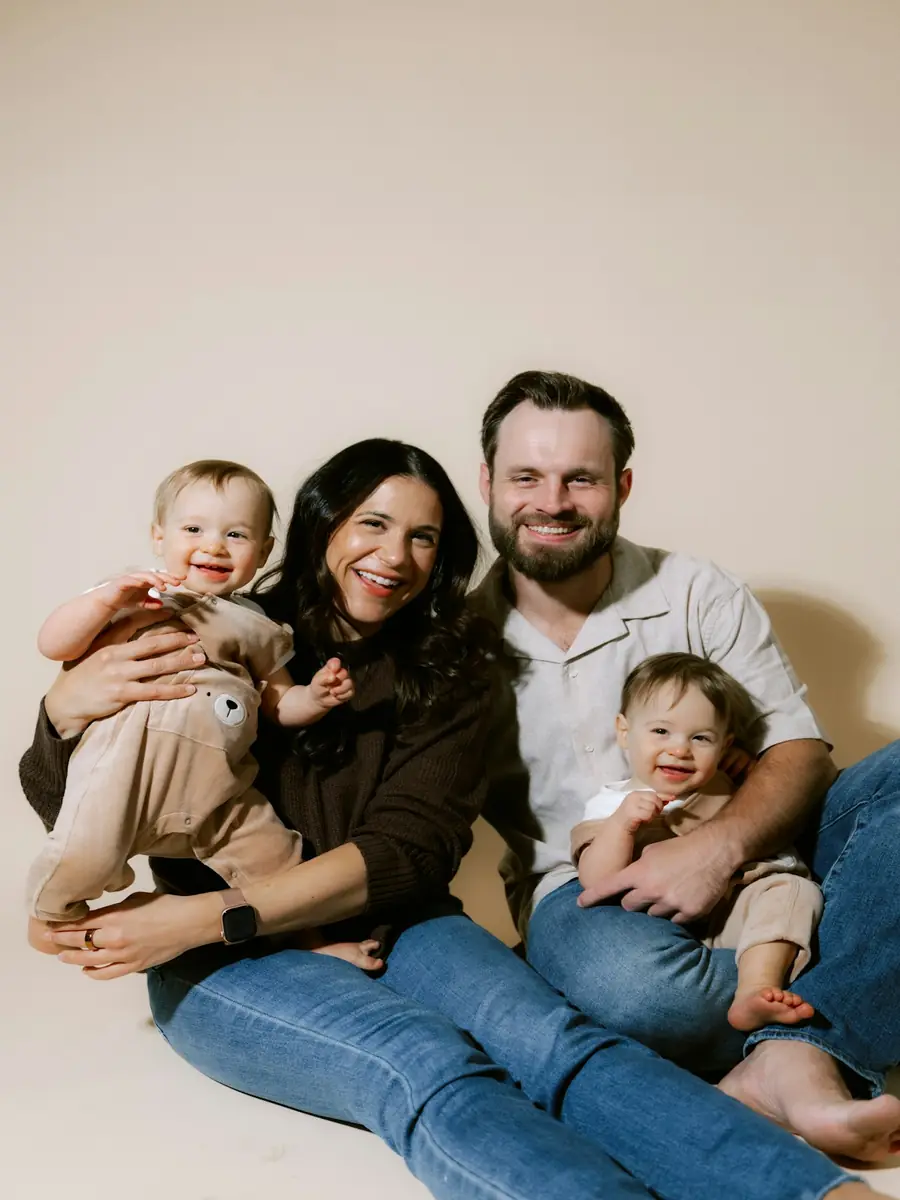
Front-facing, well lit, face unobstructed. One person reads best; the model has to split attention across a crowd.
Six presets cover the loading screen, character card, key art, wallpaper, avatar, and pet looks. Each one loads a tested prompt you can edit.
Choose the ratio first - auto keeps your photo's shape. A 1K render costs 3 credits, and the editor shows the cost before you spend anything.
Download the result without a watermark. Square crops suit profile pictures, 9:16 fills a phone lock screen, and 16:9 sits wide on a desktop or stream layout.
Five things separate this look from a generic cartoon filter: the bold, clean outline around every shape; cel shading that fills shapes with flat planes of color instead of soft gradients; a sunset palette running purple through pink to orange; a hard golden rim light from behind the subject; and a tropical neon backdrop - palms, art deco facades, wet asphalt. Your face and pose stay untouched, which is why front-facing photos read best and why group shots tend to blur identity.
Want it print-size? Upscale the result to 4K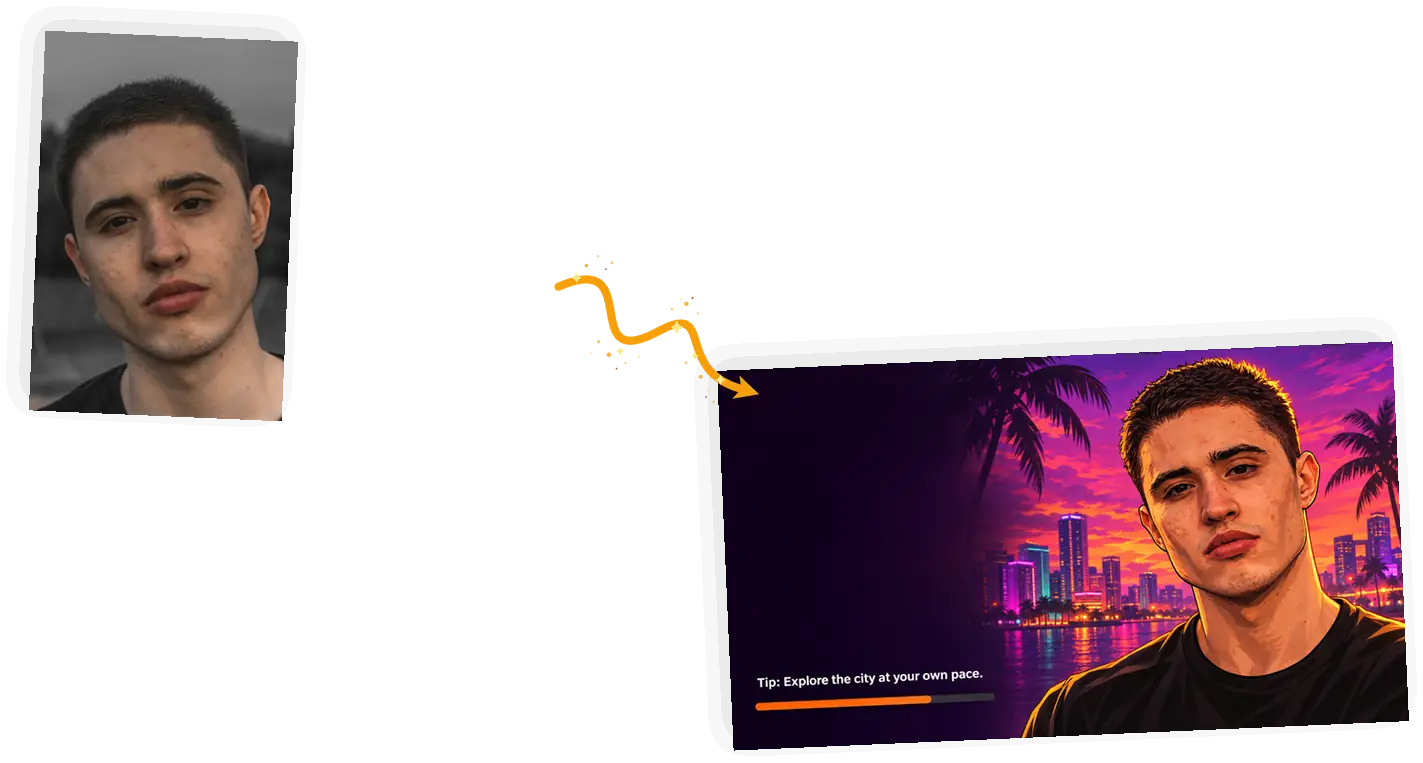
The 16:9 classic: character art on the right, dark UI panel on the left, orange progress bar near the bottom. Sits wide on a desktop or a stream idle screen.
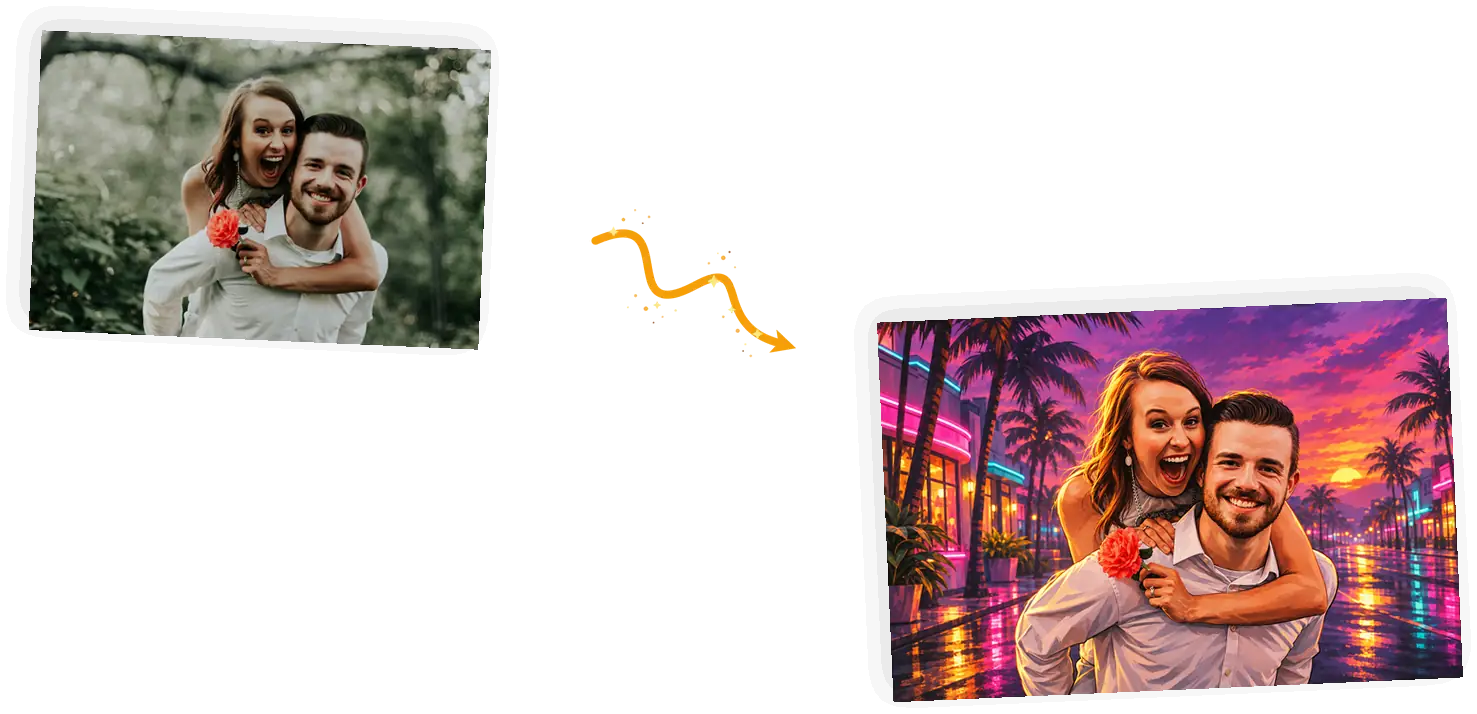
A couple's pose turns into cover-art material: neon street, wet asphalt, palms, and that purple-orange sky.
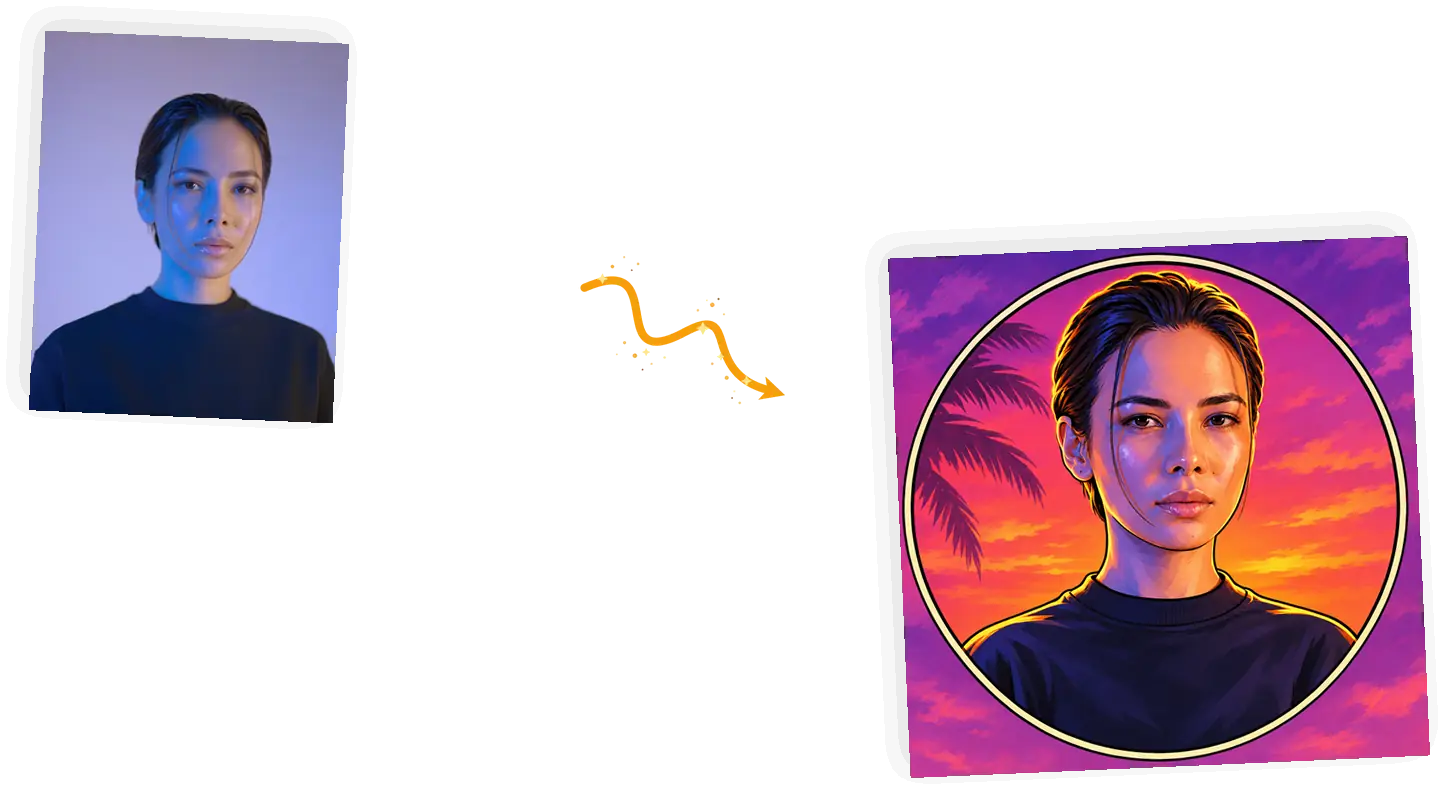
Head and shoulders on a circular sunset backdrop, square crop, avatar-ready. The safest pick for group chats and game profiles.
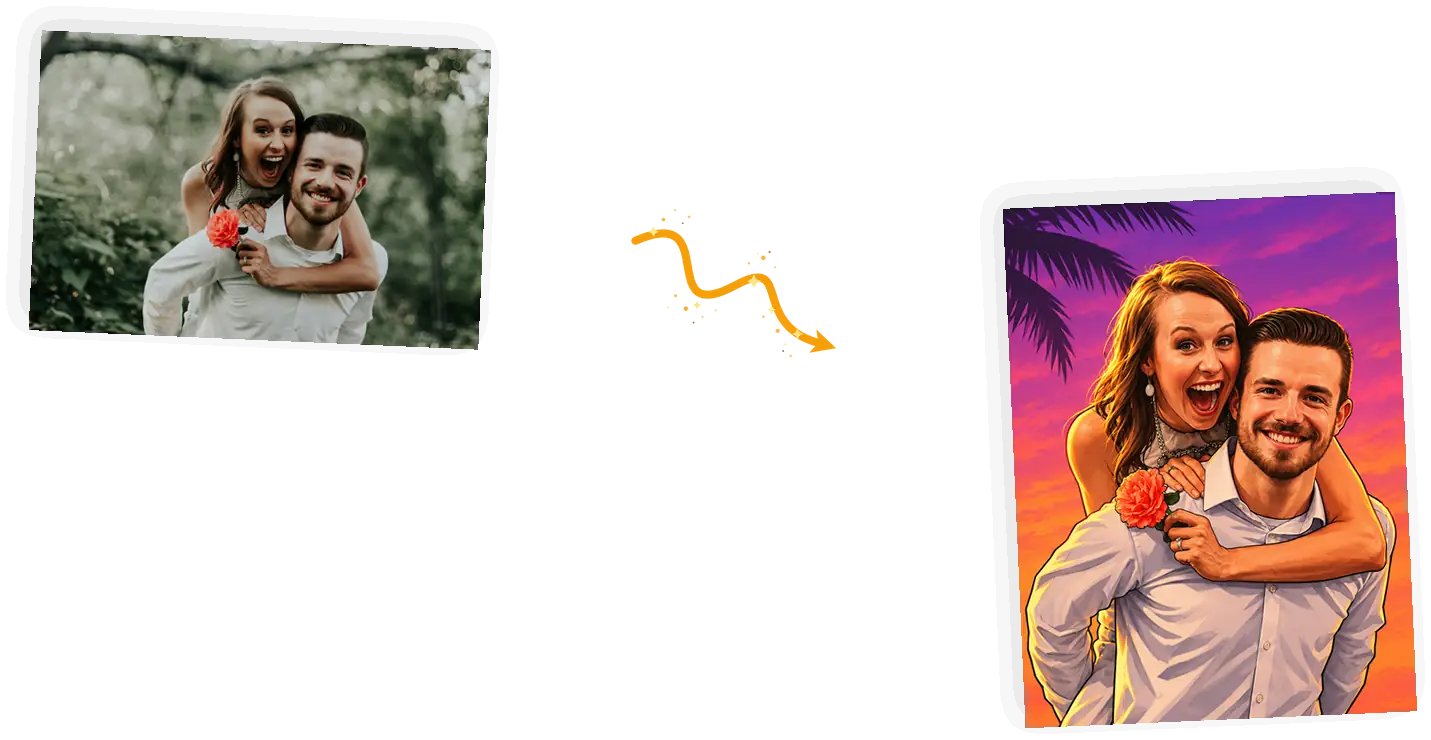
Both people from one photo, waist-up against the sunset gradient. One render, two avatars.
Short answers on cost, likeness, and the boundaries of the look.
Upload a picture, pick a look, and let the free daily credits cover the first one.