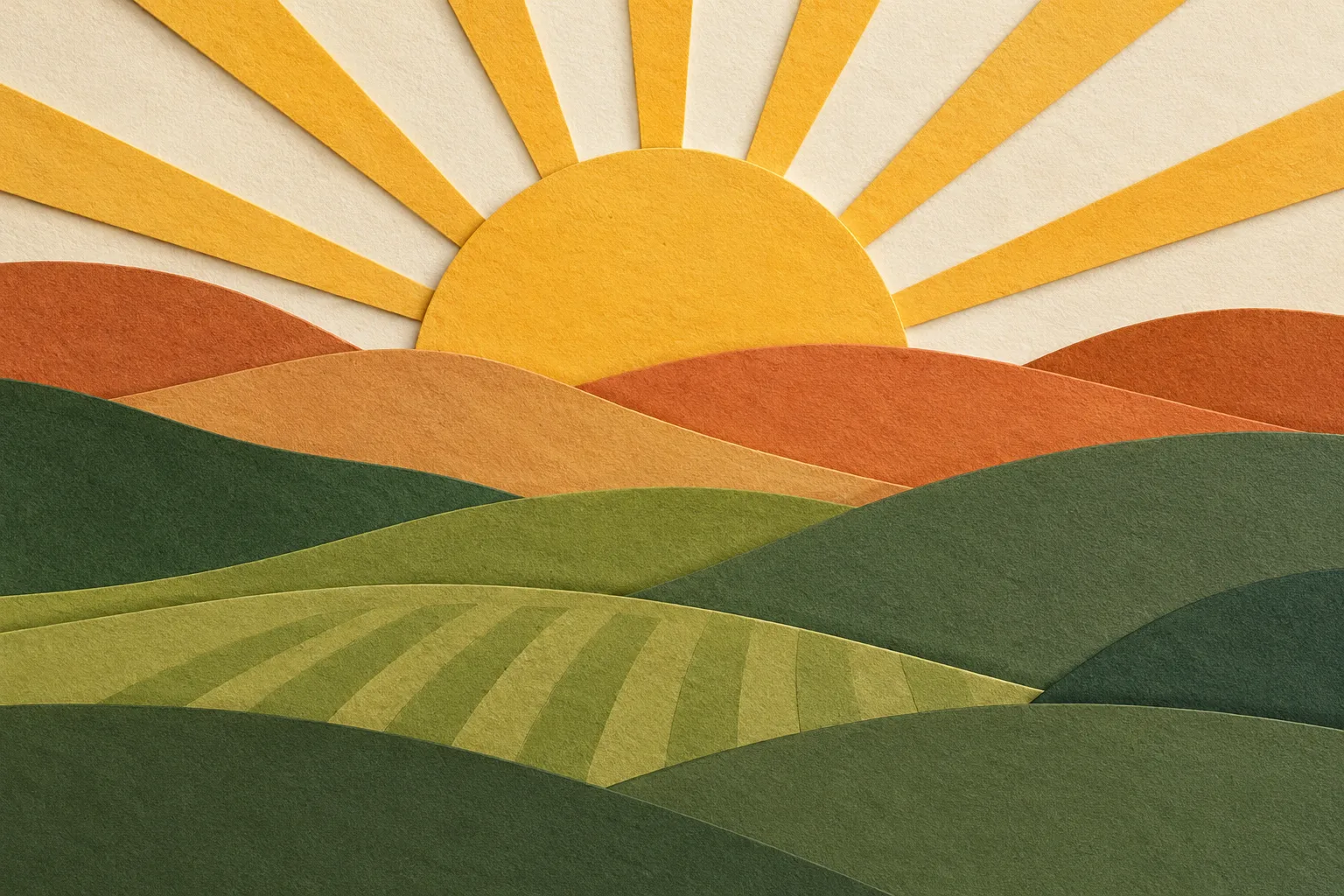
A layered papercut illustration of rolling hills and a rising sun, warm palette, visible paper texture and soft shadow depth
Start from a sentence, no source photo needed. Add an optional reference to guide the result. Free to try, no account needed.
Type a prompt on the left to generate your image.
Every image below was generated on this page from the prompt shown on its card, from portraits and product scenes to posters with rendered type, 3D renders, flat illustration, and abstract cover art. The same prompt renders a different image each run, so treat these as starting points, not fixed results.
A layered papercut illustration of rolling hills and a rising sun, warm palette, visible paper texture and soft shadow depth
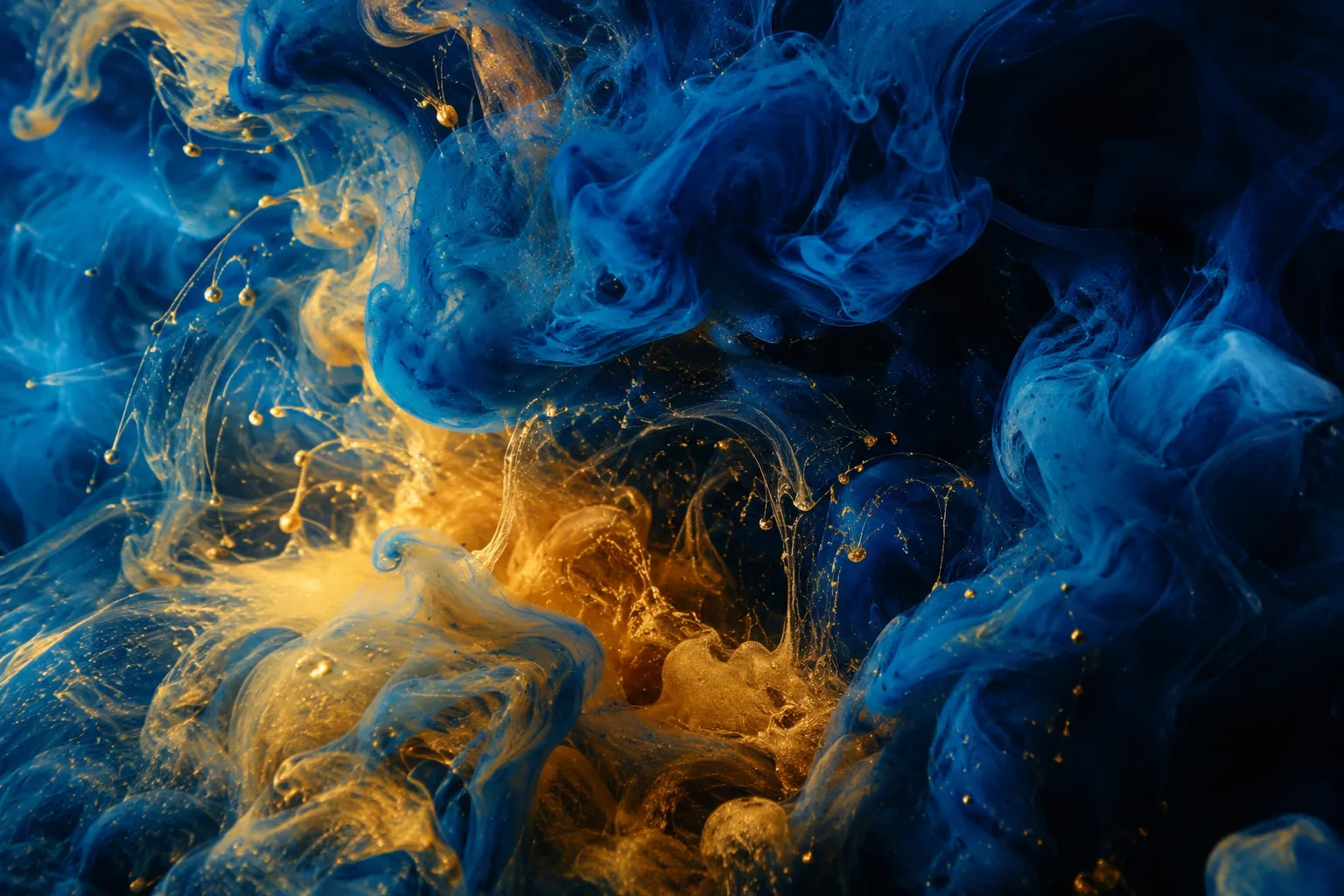
Abstract swirls of indigo and gold ink blooming in water, macro photography, high contrast
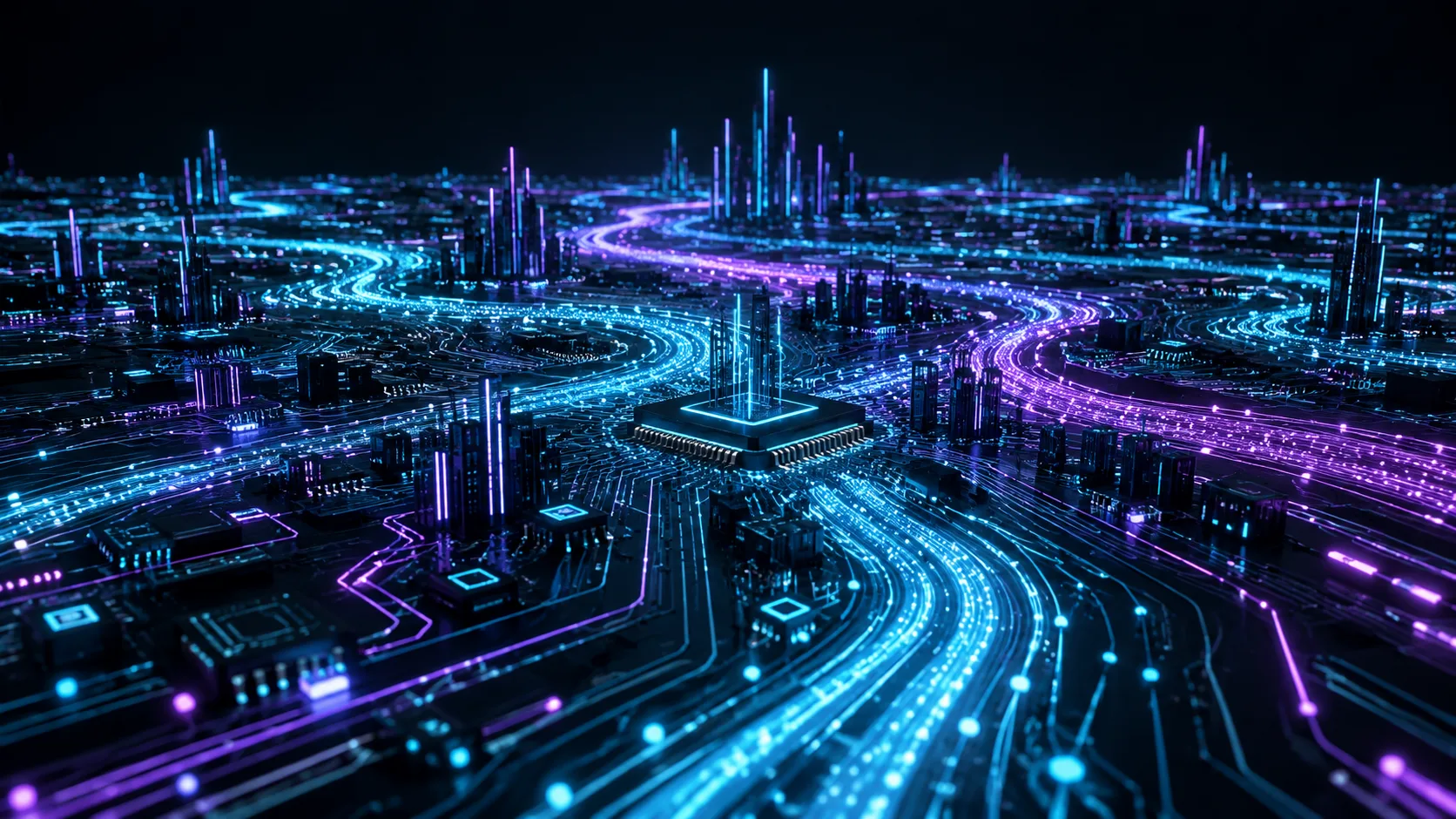
A glowing circuit board landscape with flowing data streams, dark background, cyan and violet light trails, technology art
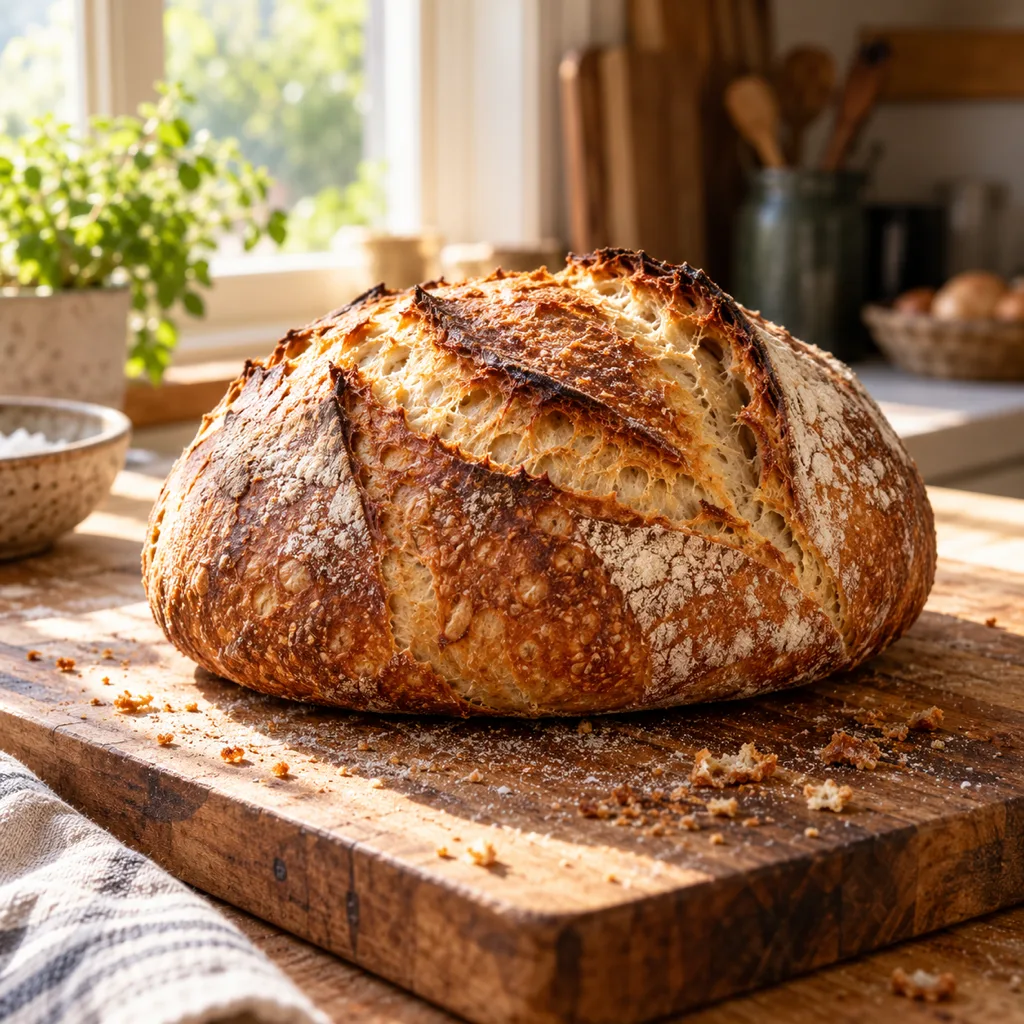
A sourdough loaf on a wooden board, morning light from a kitchen window, loose crumbs, rustic food photography
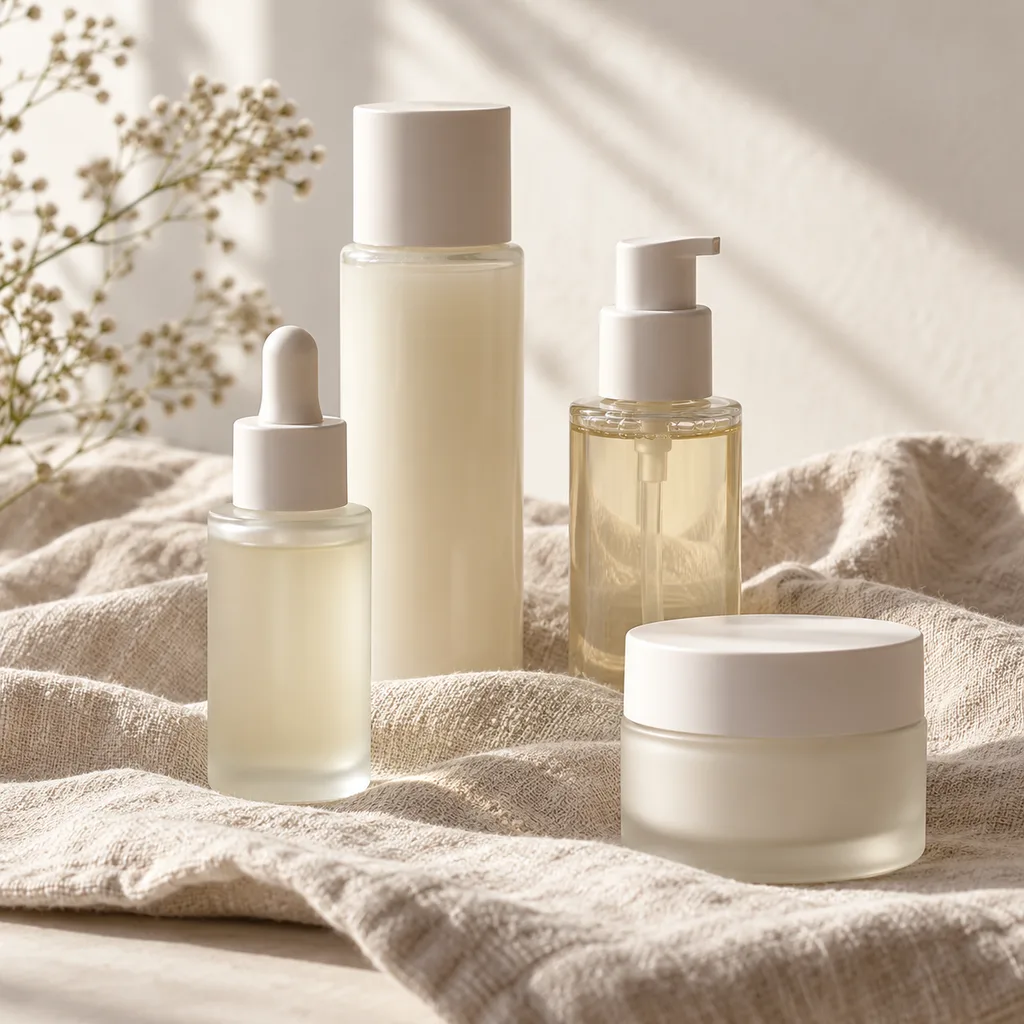
Skincare bottles on a linen cloth, pale morning light, soft shadows, clean cosmetics product photography
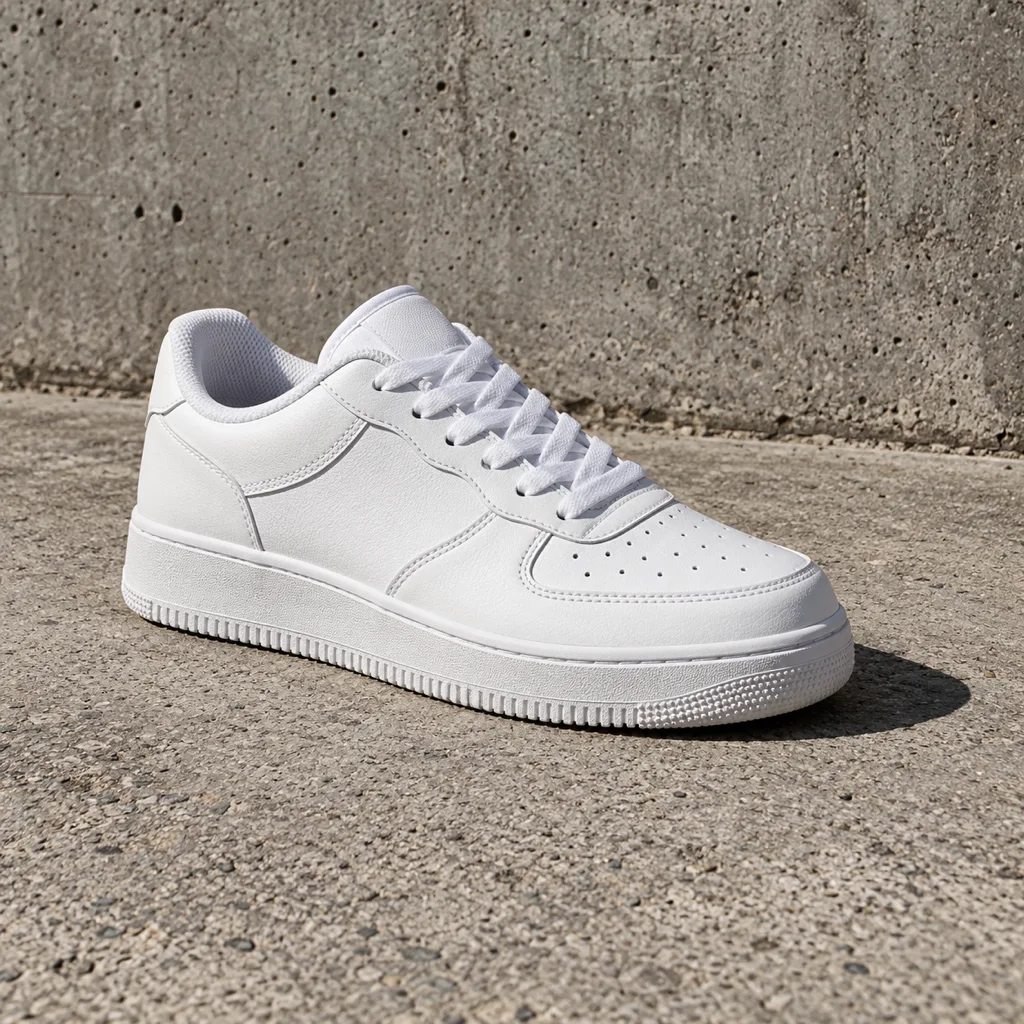
A white sneaker on concrete, hard directional light, one sharp shadow, streetwear product photo
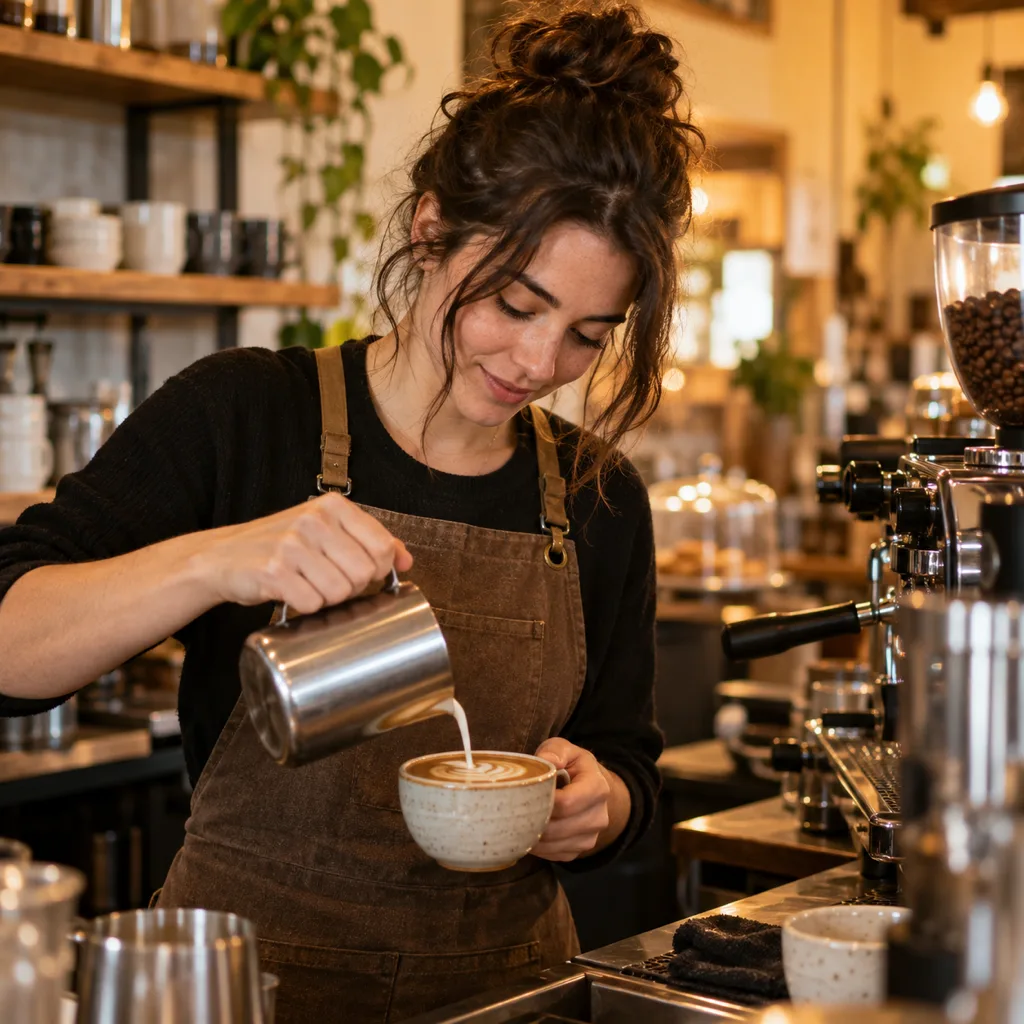
A candid portrait of a barista at work, warm cafe light, shallow depth of field, film-like colors
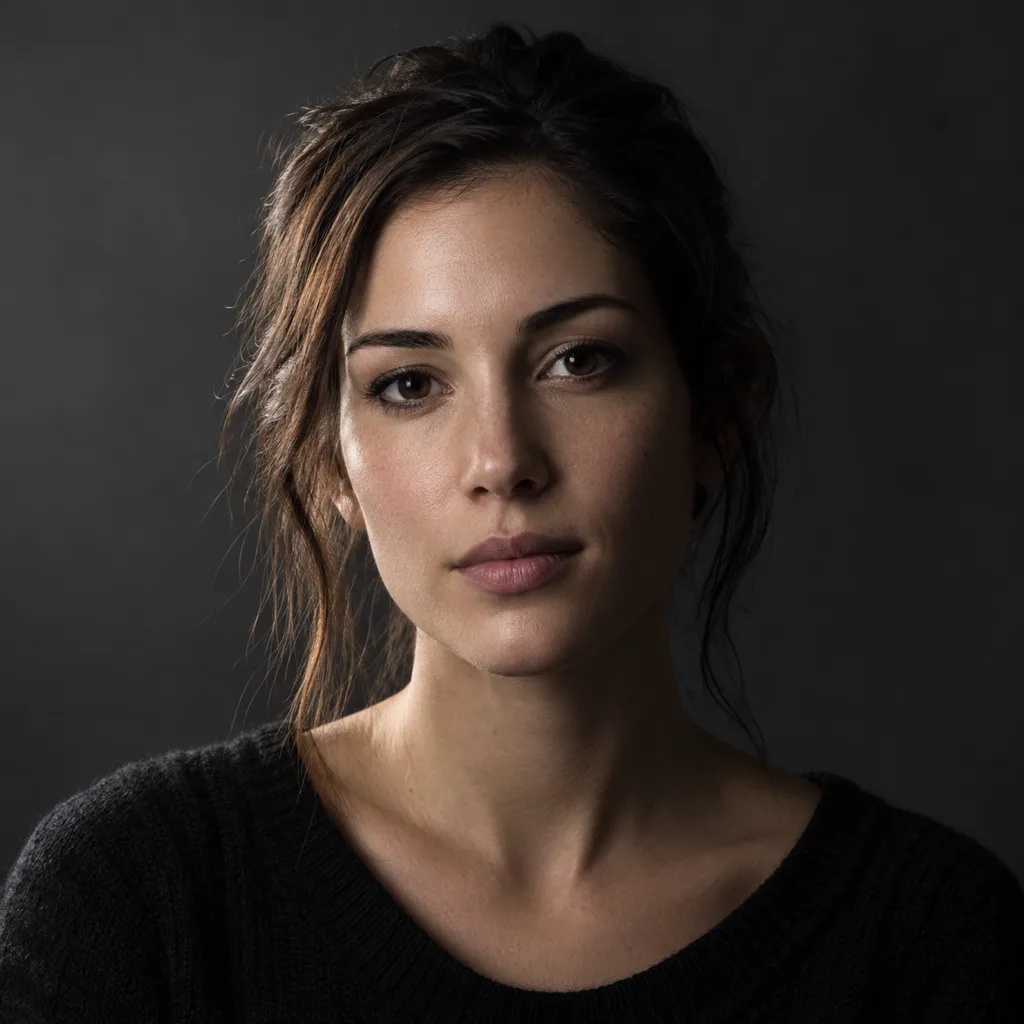
A studio portrait on a dark gray backdrop, one softbox from the side, low-key lighting, quiet expression
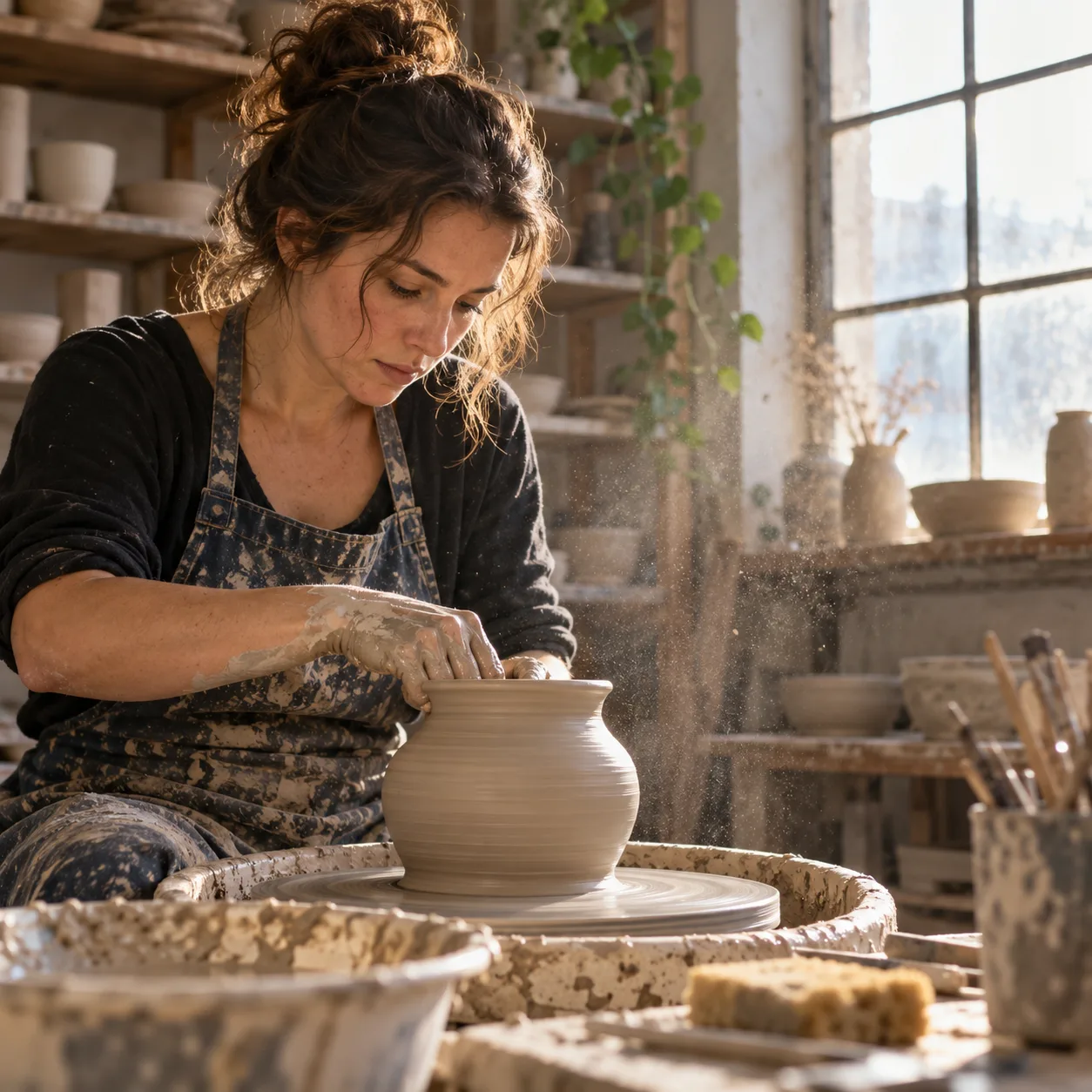
A potter at her wheel, clay dust in the air, window light, documentary style
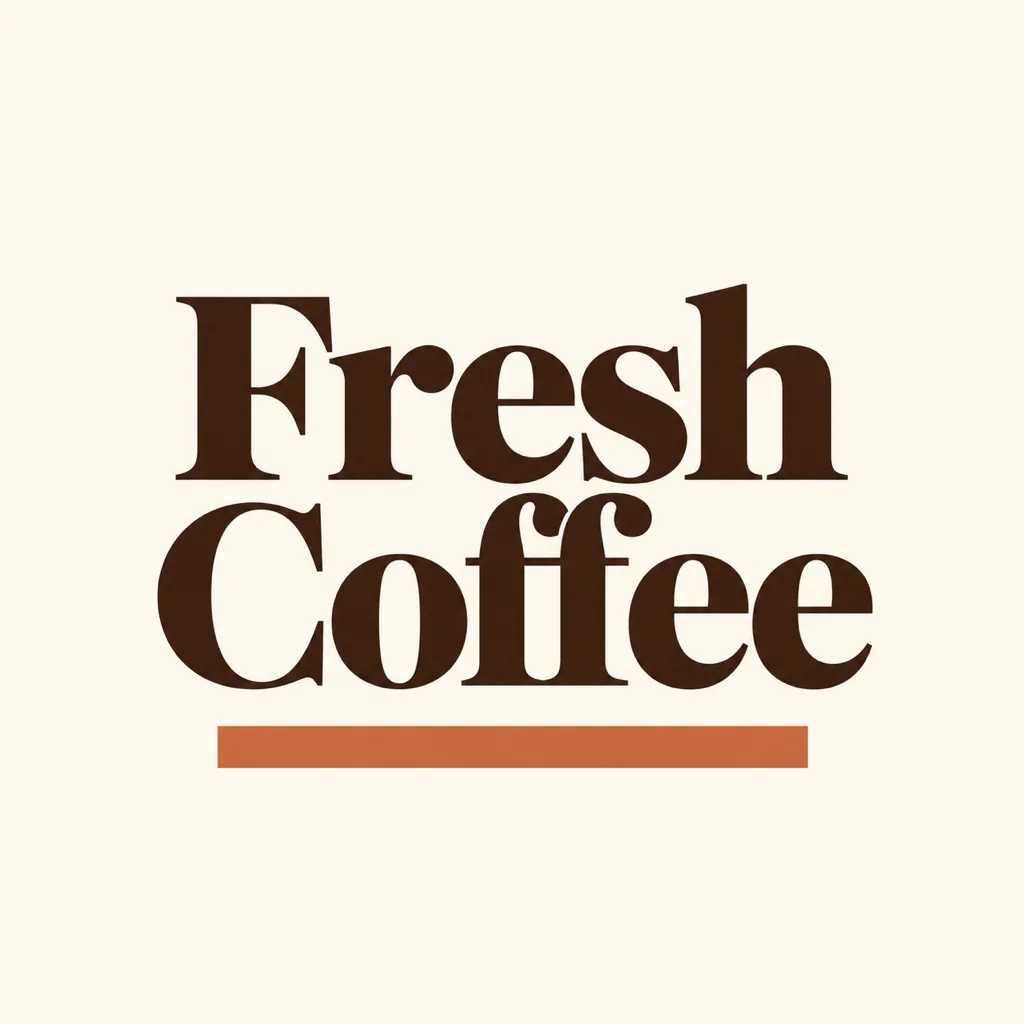
A minimal poster for a coffee shop, the headline Fresh Coffee in bold serif type, cream background, one terracotta accent bar
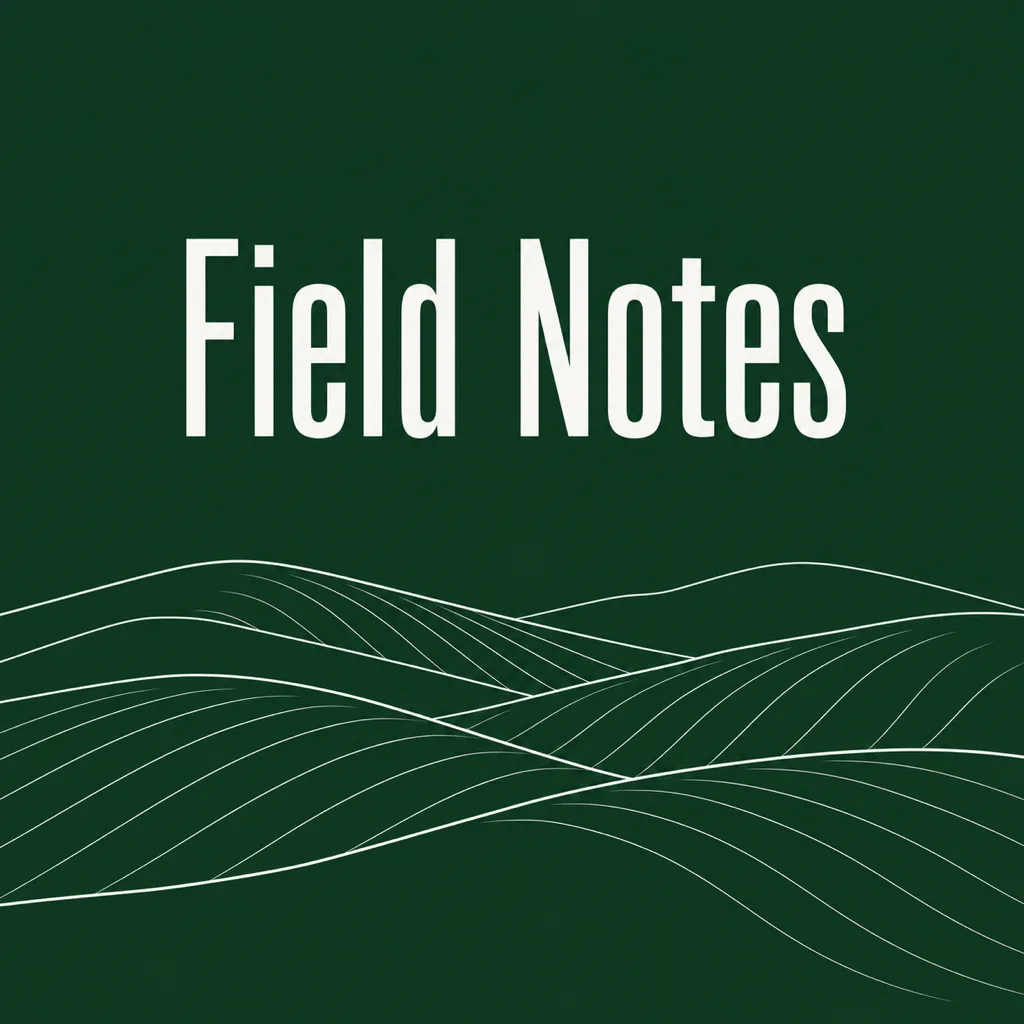
A podcast cover, the title Field Notes in condensed sans-serif, dark green background, a white line illustration of hills
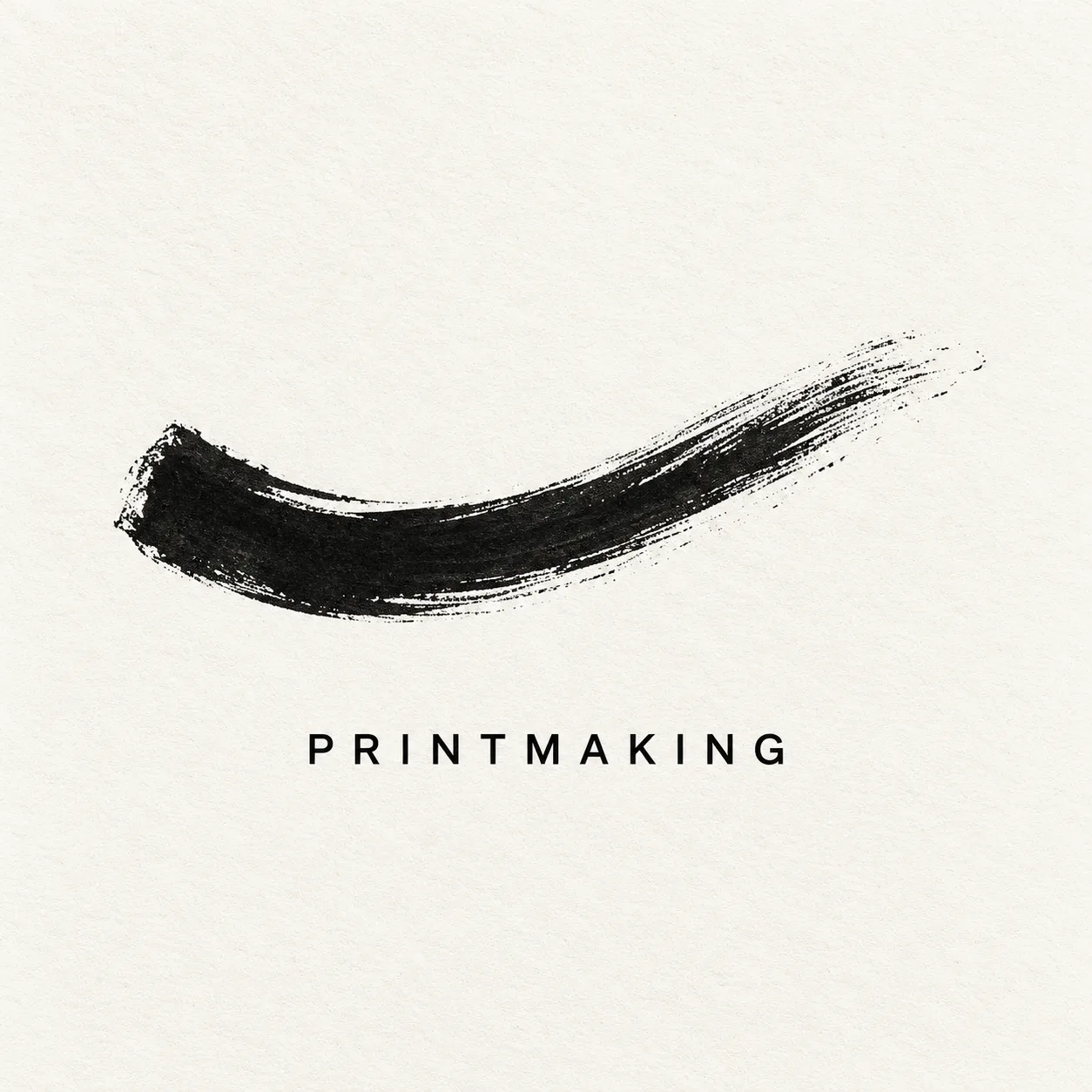
An exhibition card, the word Printmaking in small caps, off-white paper, a single black ink stroke, swiss typography
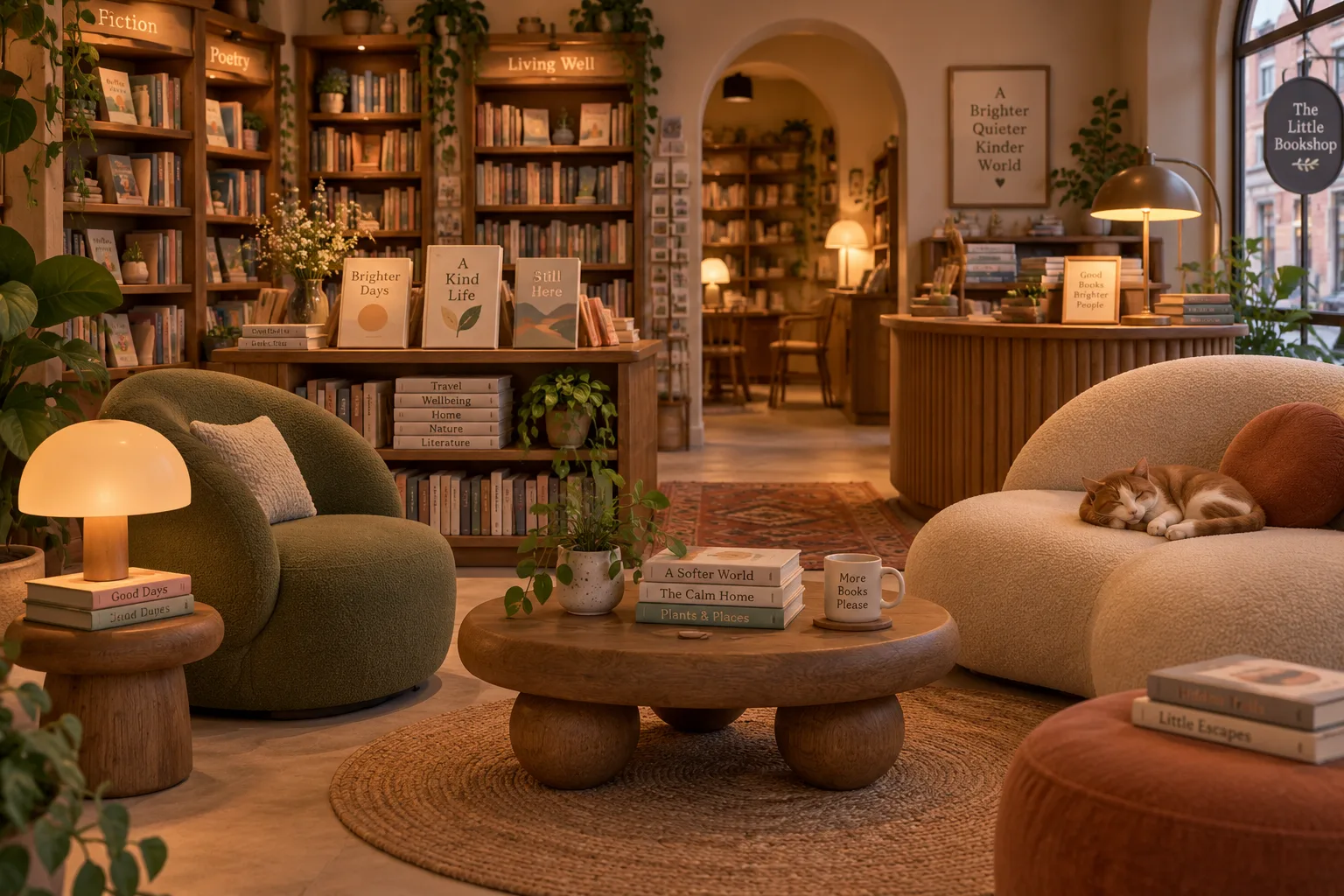
A cozy bookshop interior, rounded furniture, warm lamp light, soft clay materials, 3D render
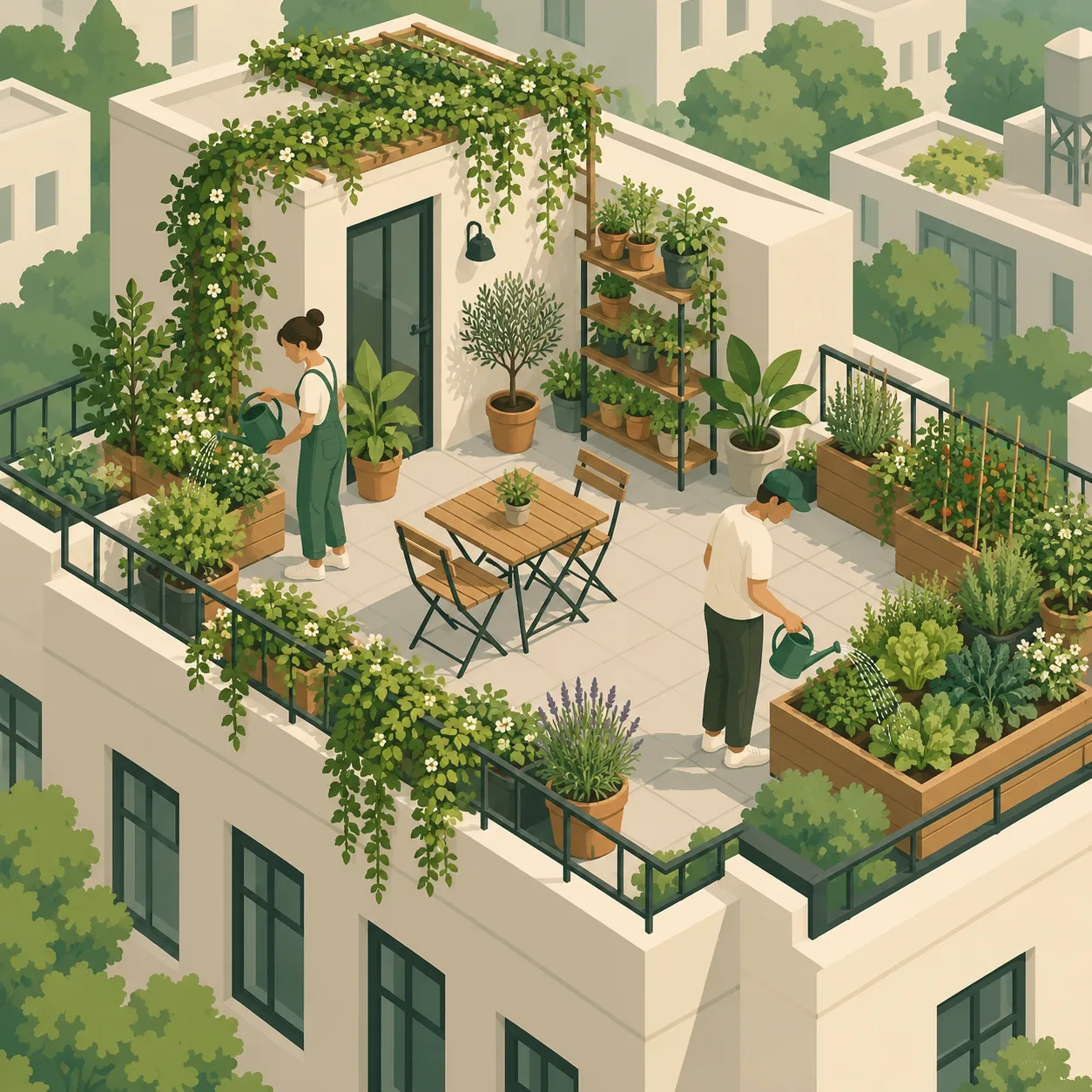
An isometric rooftop garden, two people watering plants, muted greens and cream, clean vector illustration
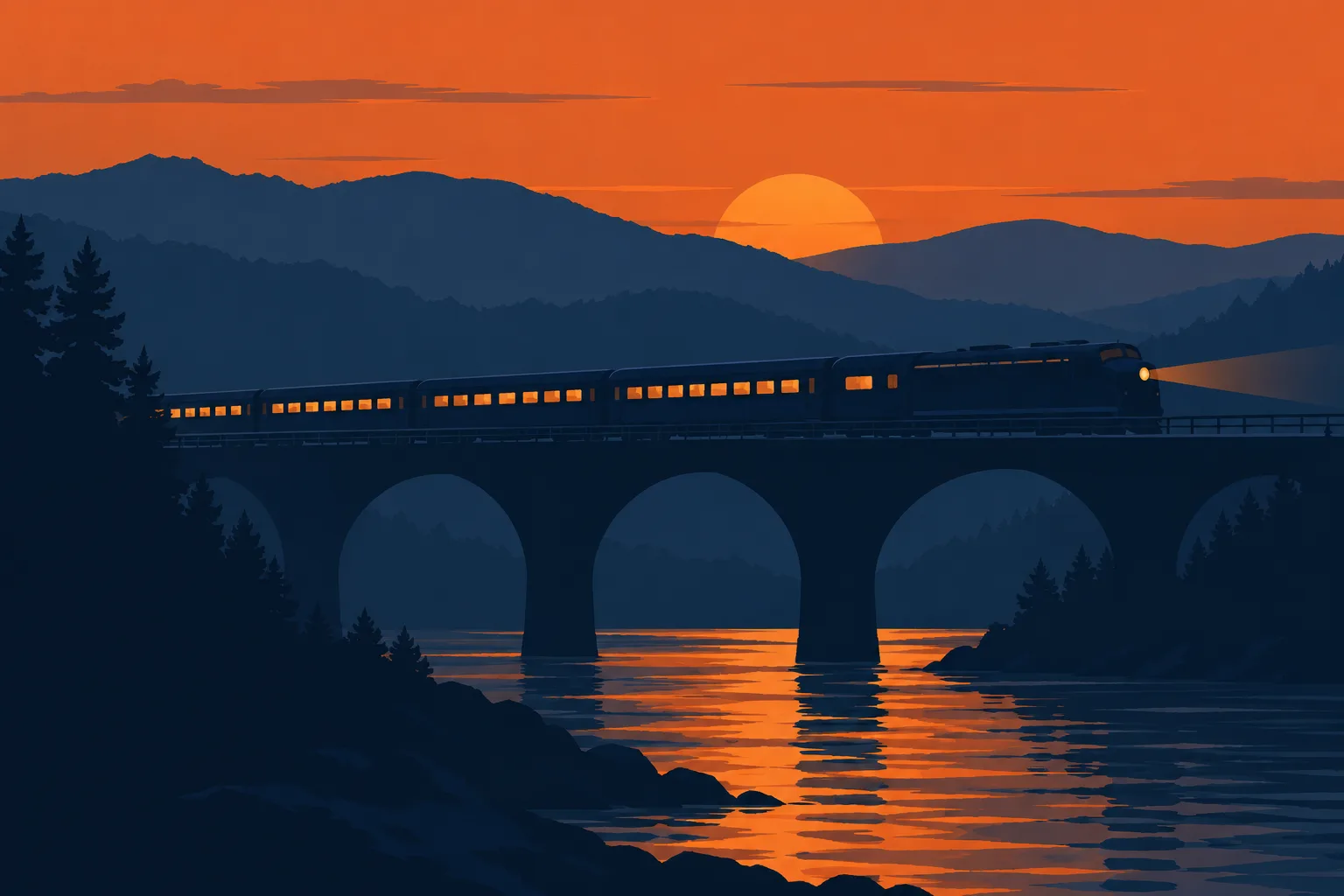
A night train crossing a bridge at dusk, layered hills behind, limited palette of navy and orange, flat illustration
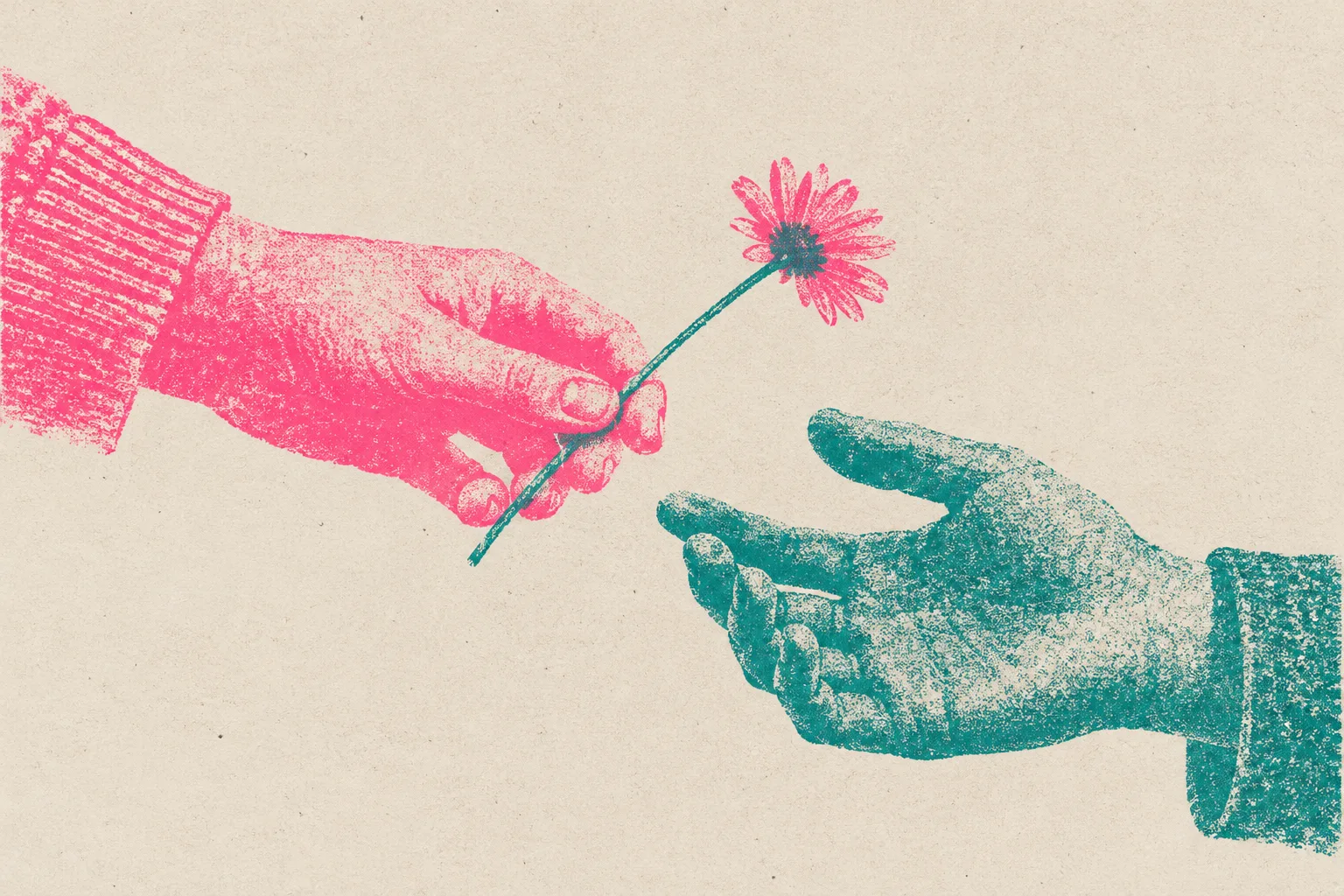
A risograph print of two hands exchanging a small flower, two-color overprint in fluorescent pink and teal, grainy texture
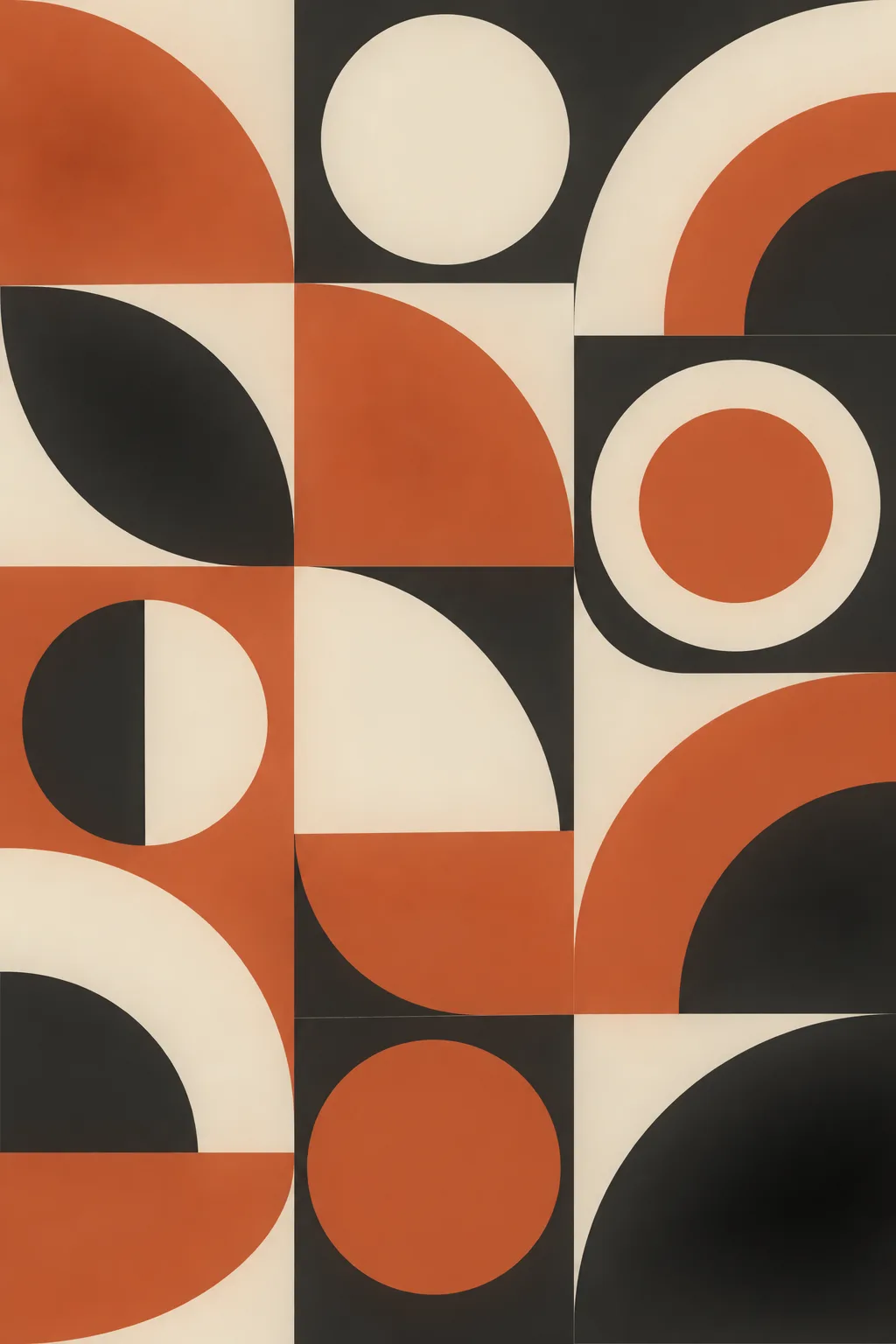
A bold geometric pattern of arcs and circles in terracotta, cream, and charcoal, mid-century modern poster style, flat vector
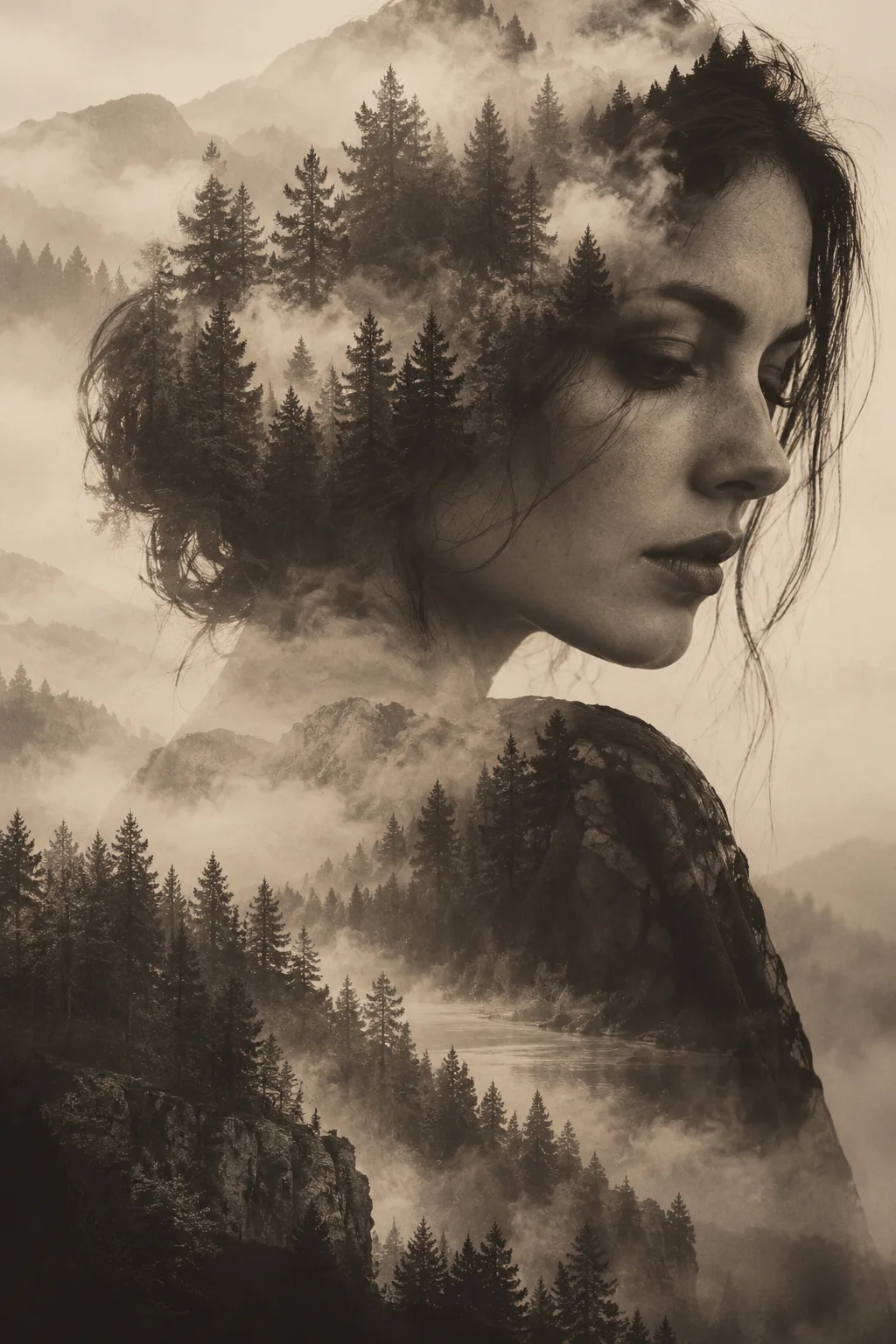
A double-exposure portrait of a woman merged with a misty forest, monochrome with a soft sepia tint, fine art photography
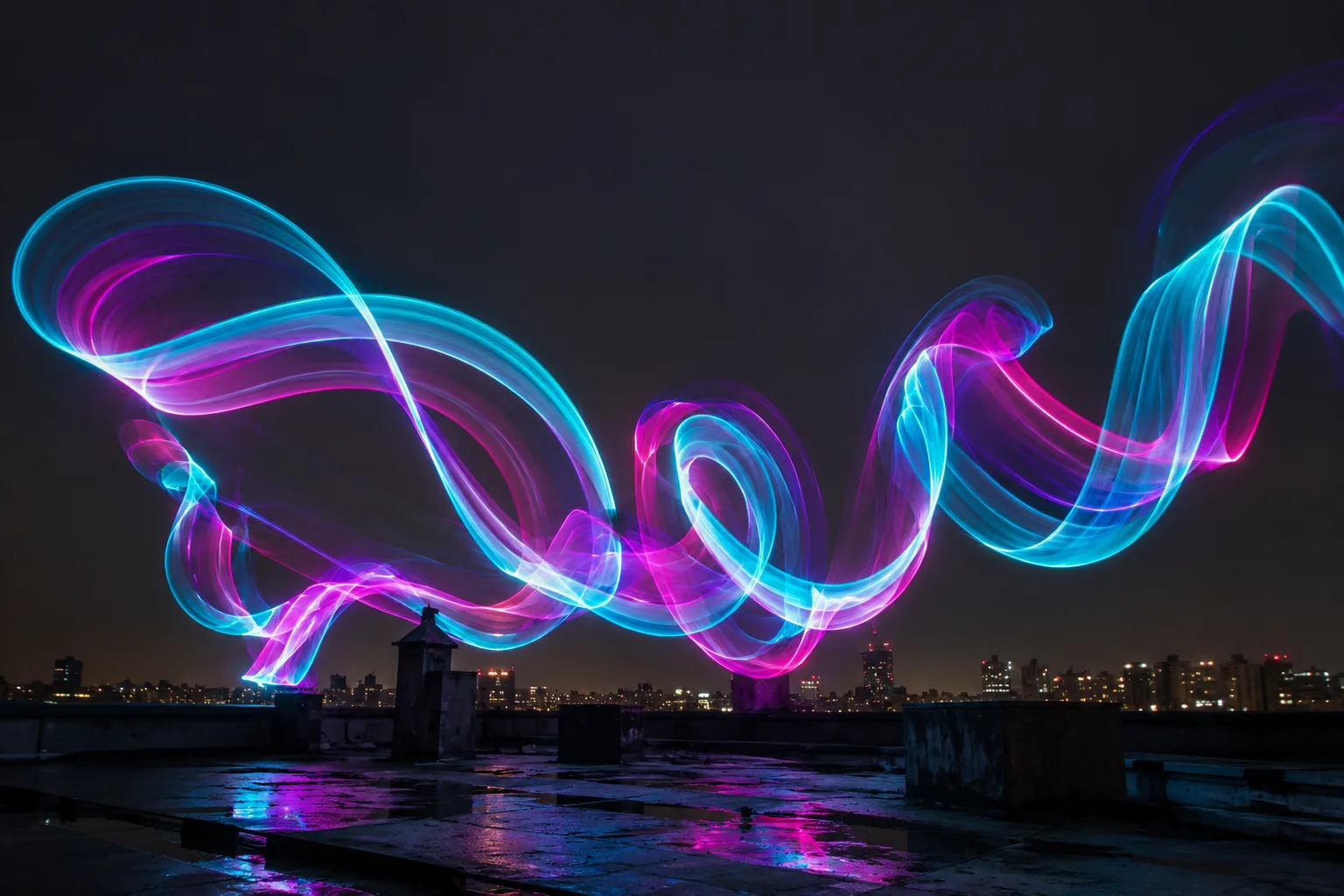
Light painting of flowing neon ribbons above a dark rooftop at night, long exposure, cyan and magenta glow
The generator covers the whole process: describe what you want, render it, then keep working on the result without switching tools.
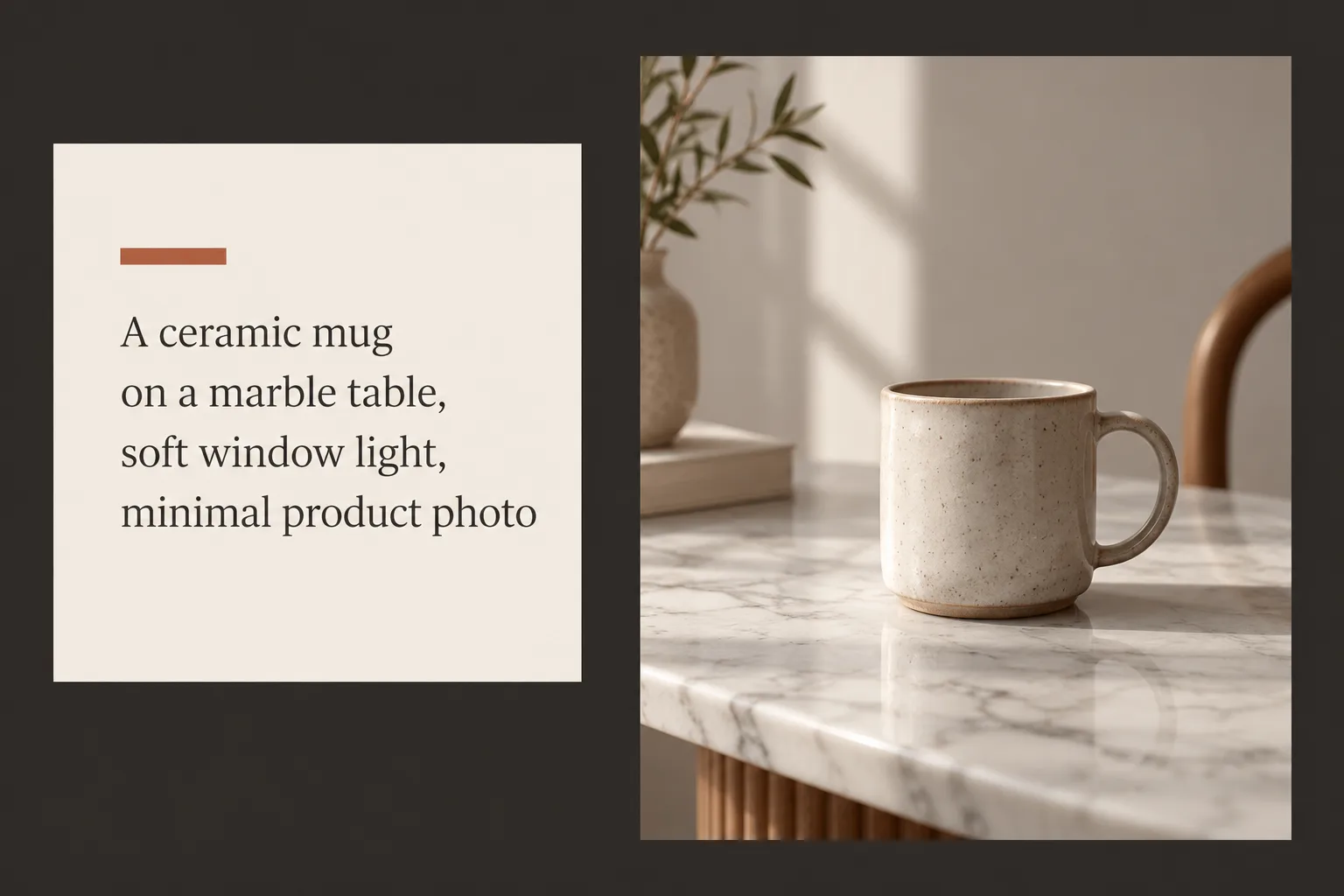
Describe the subject, the setting, and the light. Text to Image renders a complete picture from your words alone, with no source photo needed.
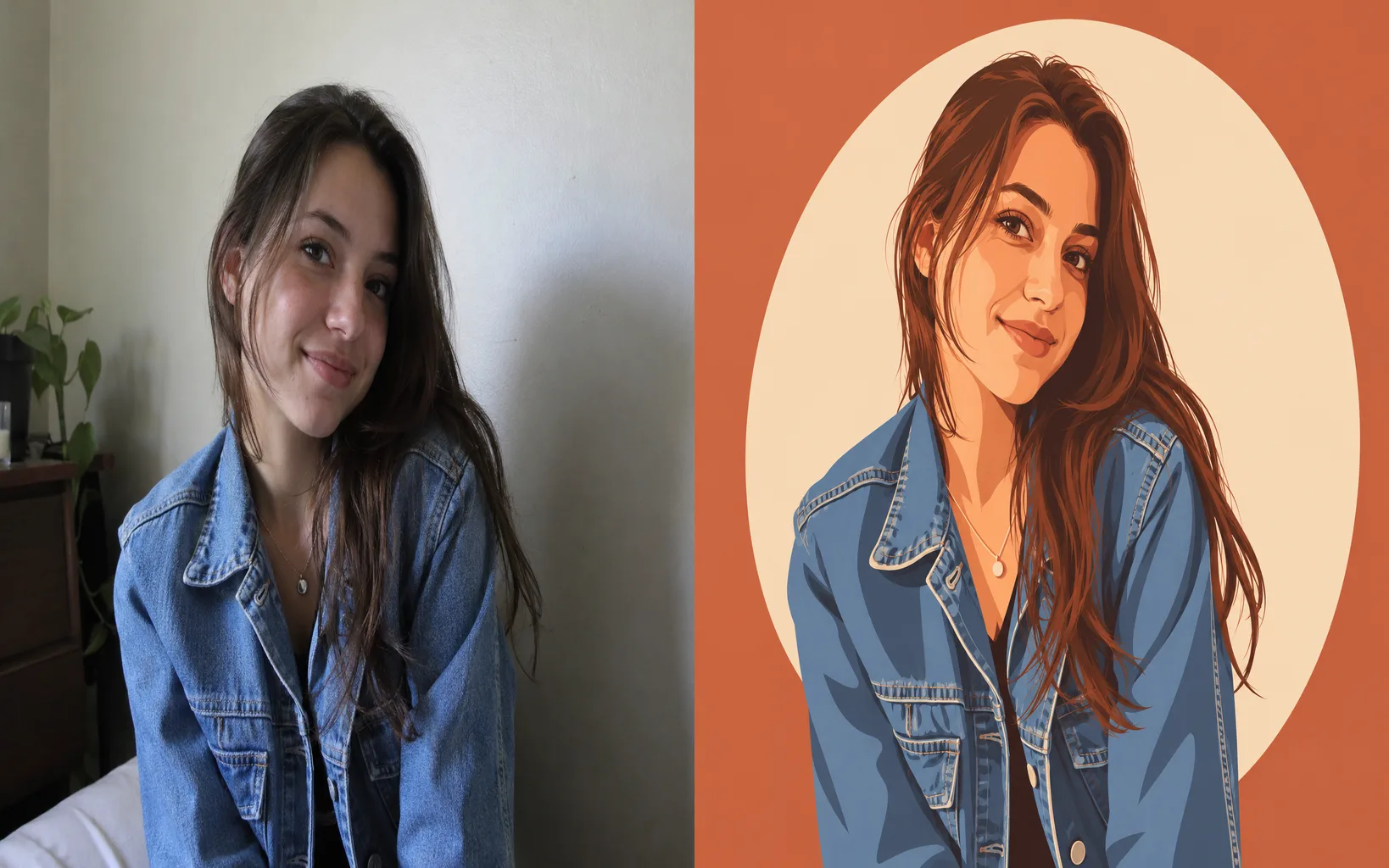
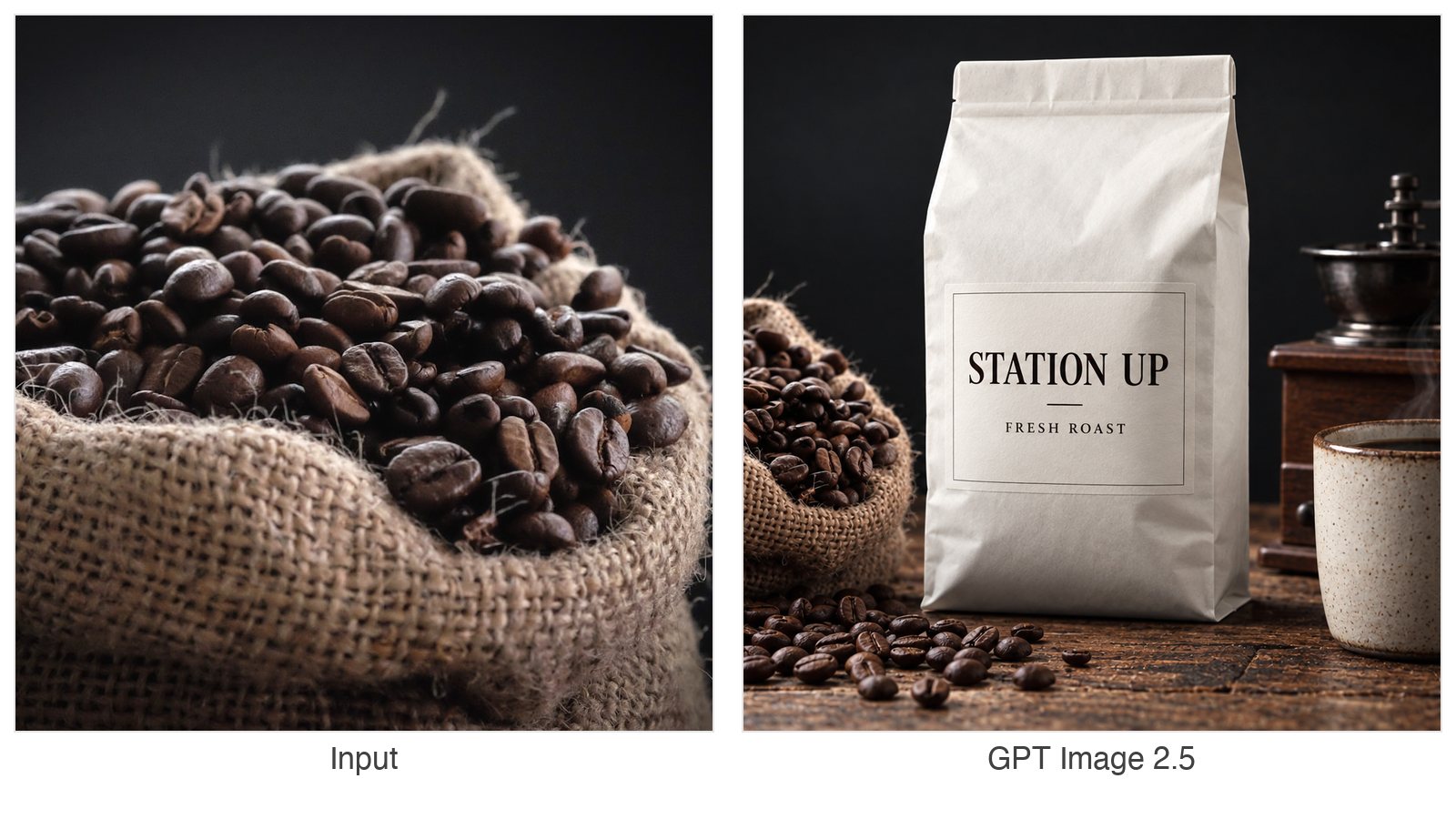
Switch to Image to Image and add a photo. The result follows its subject and style while your prompt directs the change.
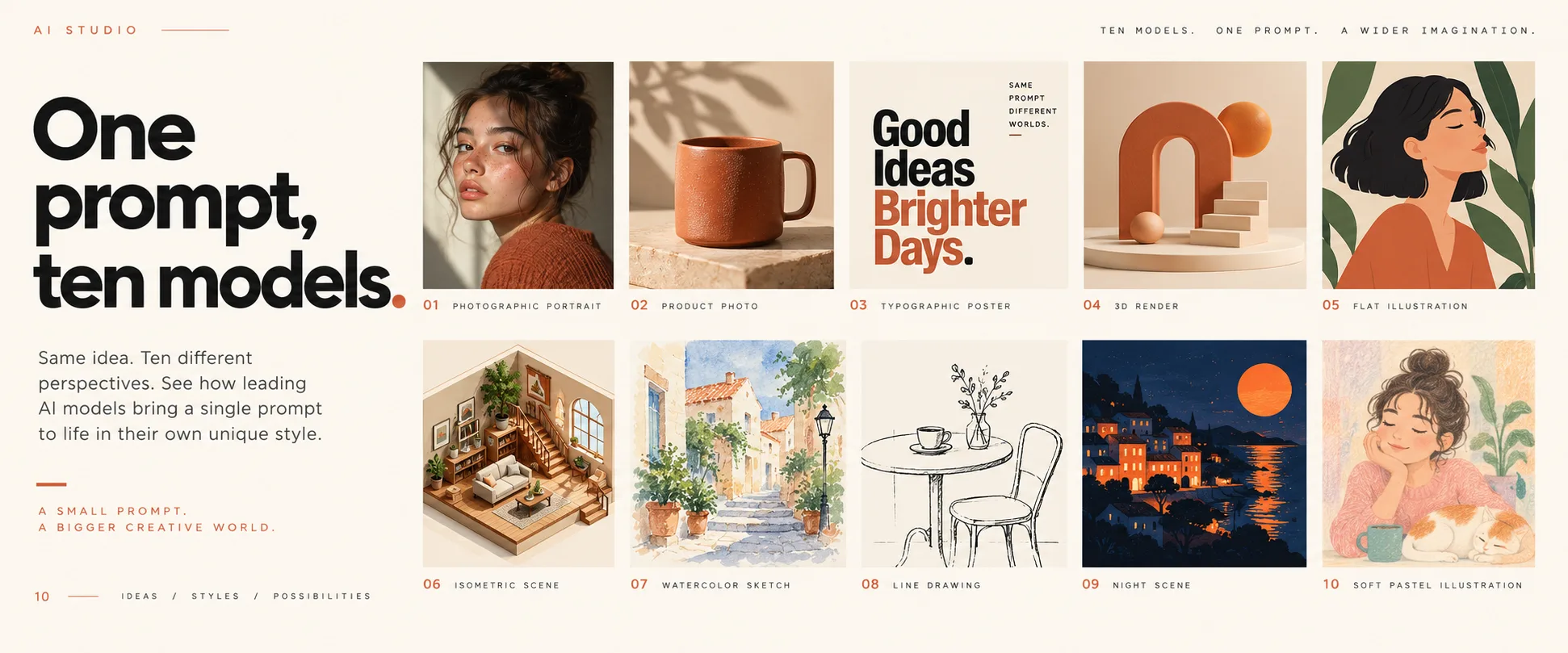
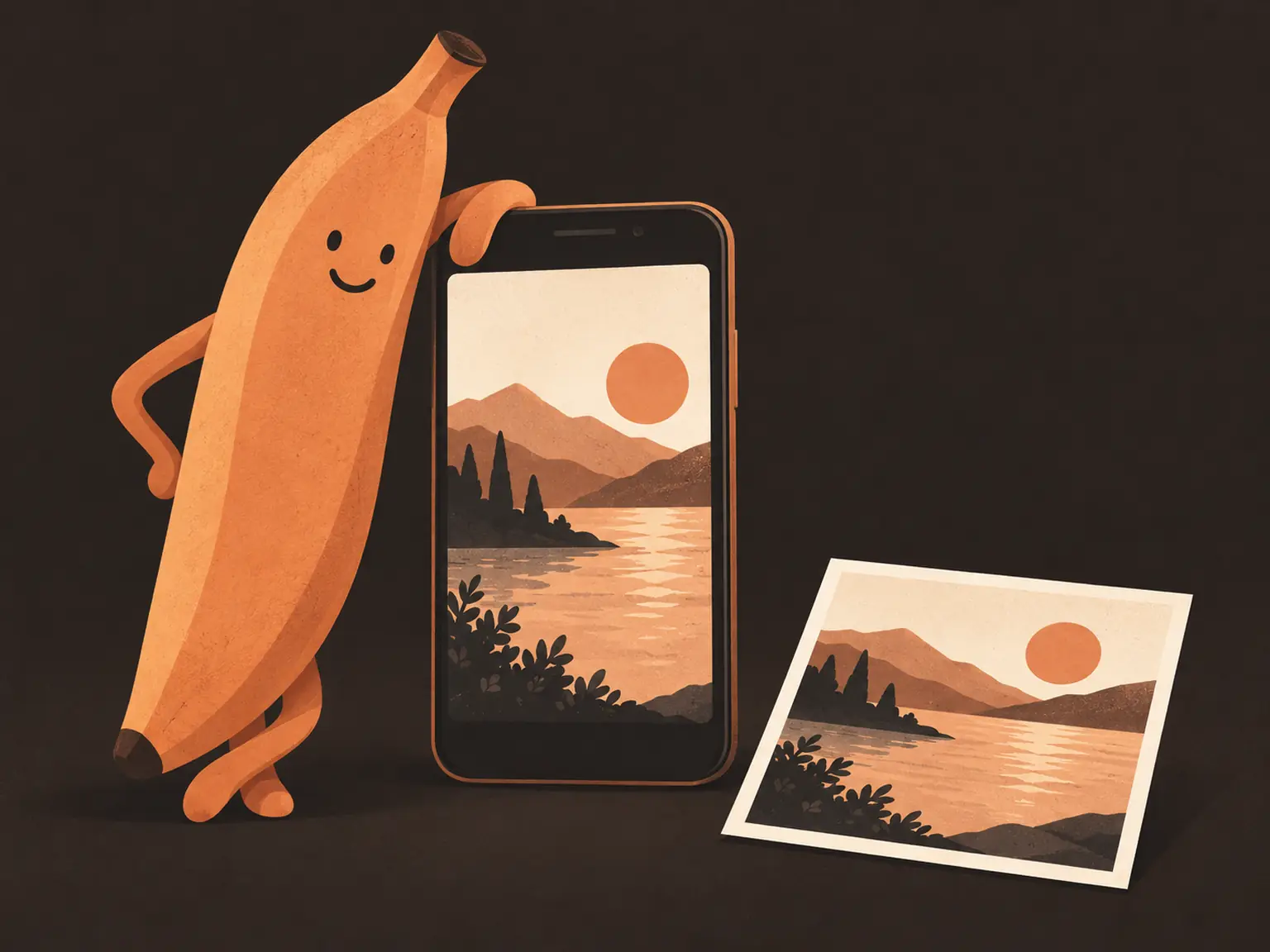
GPT Image, Nano Banana, Seedream, and Qwen families sit in the same list. Switch between runs and keep the size and ratio you set.
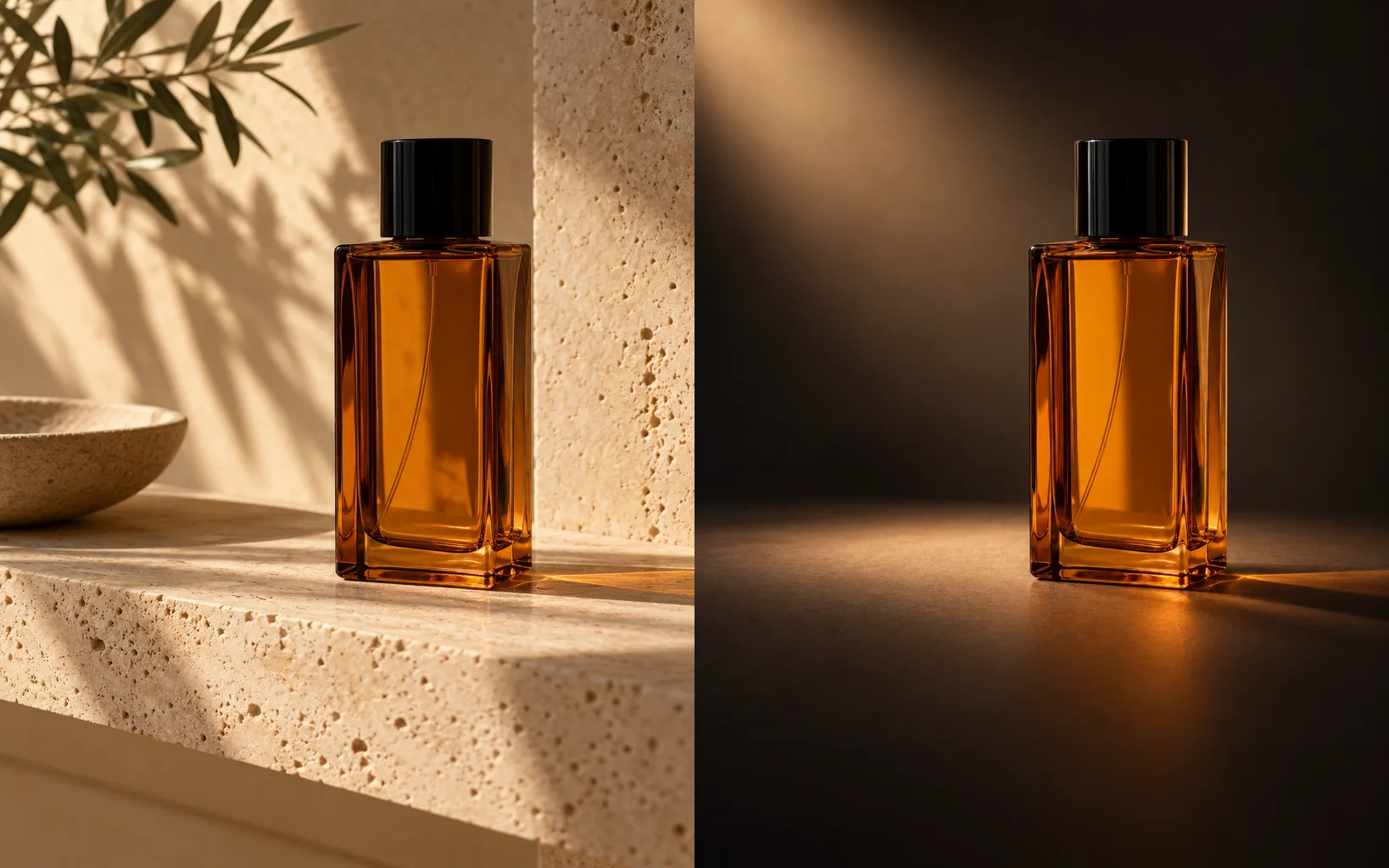
Any result can go back into the editor as a reference image. Refine details, replace the background, or upscale it. The loop stays in one workspace.
Most generators stop at the download button. Here a finished render goes straight back into the editor as a reference image: describe the next change and render again, or make a targeted edit that removes an object, replaces the background, or upscales the file while the rest of the picture stays as it is. There is no second tool to learn.
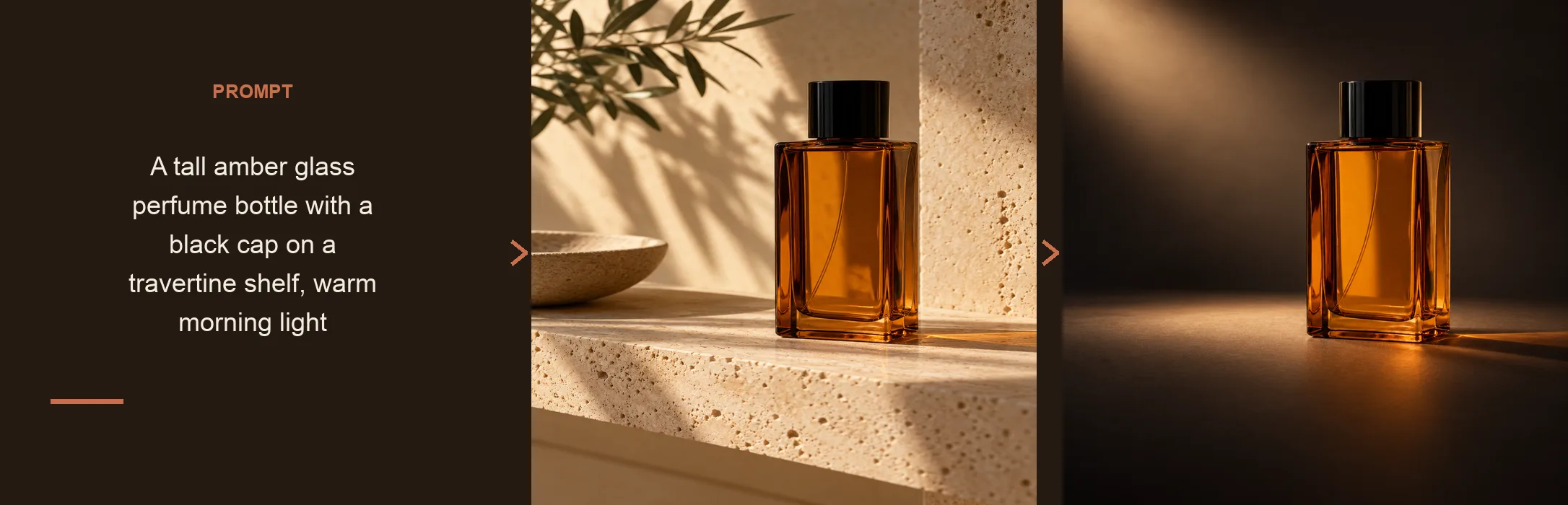
Four steps from an empty prompt box to a downloadable image. The editor shows the model options and the exact credit cost before you submit.
One clear sentence covering subject, setting, light, and style. The prompt is the only required input.
Choose from the catalog and set the aspect ratio and resolution. The credit cost updates as you change them.
The model renders a fresh image. Reword the prompt or run it again to explore variations.
Send the result back as a reference image and continue refining in the same workspace.
Name the subject, the setting, and the style. Anything you leave out, the model decides for you.
Subject + setting + light and style.
Too vague
a mug
More useful prompt
A matte ceramic mug on a marble table, soft window light from the left, minimal product photography
Too vague
portrait of a woman
More useful prompt
A natural portrait beside a large window, soft directional light, shallow depth of field, calm expression
Too vague
a coffee poster
More useful prompt
A minimal poster with the headline Fresh Coffee in bold type, generous white space, and one warm accent color
A prompt-first generator that hands every result to a full editor, with the whole model catalog in one picker.
GPT Image, Nano Banana, Seedream, and Qwen are listed side by side. Compare them on the same prompt instead of paying for separate subscriptions.
A render is not a dead end. Send it back as a reference image and keep refining with the same prompt box.
Free daily credits cover standard-size generations, and the exact credit cost shows before each run.
| Dimension | ImagEditorAI | ChatGPT Images | Midjourney | Canva |
|---|---|---|---|---|
| Getting started | Open the page and type a prompt, no install required | Requires a ChatGPT account | Paid subscription, runs in Discord or on the web | Free account, generator built into the Canva editor |
| Free tier | 3 free credits a day as a guest, 9 signed in. A standard 1K image costs 3 credits | Free to use with limits that vary by plan | No free tier, subscription only | Free tier with limited credits |
| Model choice | GPT Image, Nano Banana, Seedream, and Qwen families | OpenAI models only | Midjourney models only | A fixed set bundled with the editor |
| Editing after generation | Full prompt-based editing on the result, in the same workspace | Re-prompting in the chat thread | Variations and region edits | Canva's design tools around the image |
| Reference images | Optional photos that guide subject and style | Supported, with limits by plan | Image prompts and style references | Available on paid plans |
| Prompt library | Built in. Save and reuse your prompts | Chat history only | Prompt history in your gallery | Saved inside your designs |
| Best for | Starting from nothing and refining in one place | Quick images inside a chat workflow | Stylized art with a distinct look | Designs built from templates |
Four starting points where describing an image beats hunting through stock libraries.
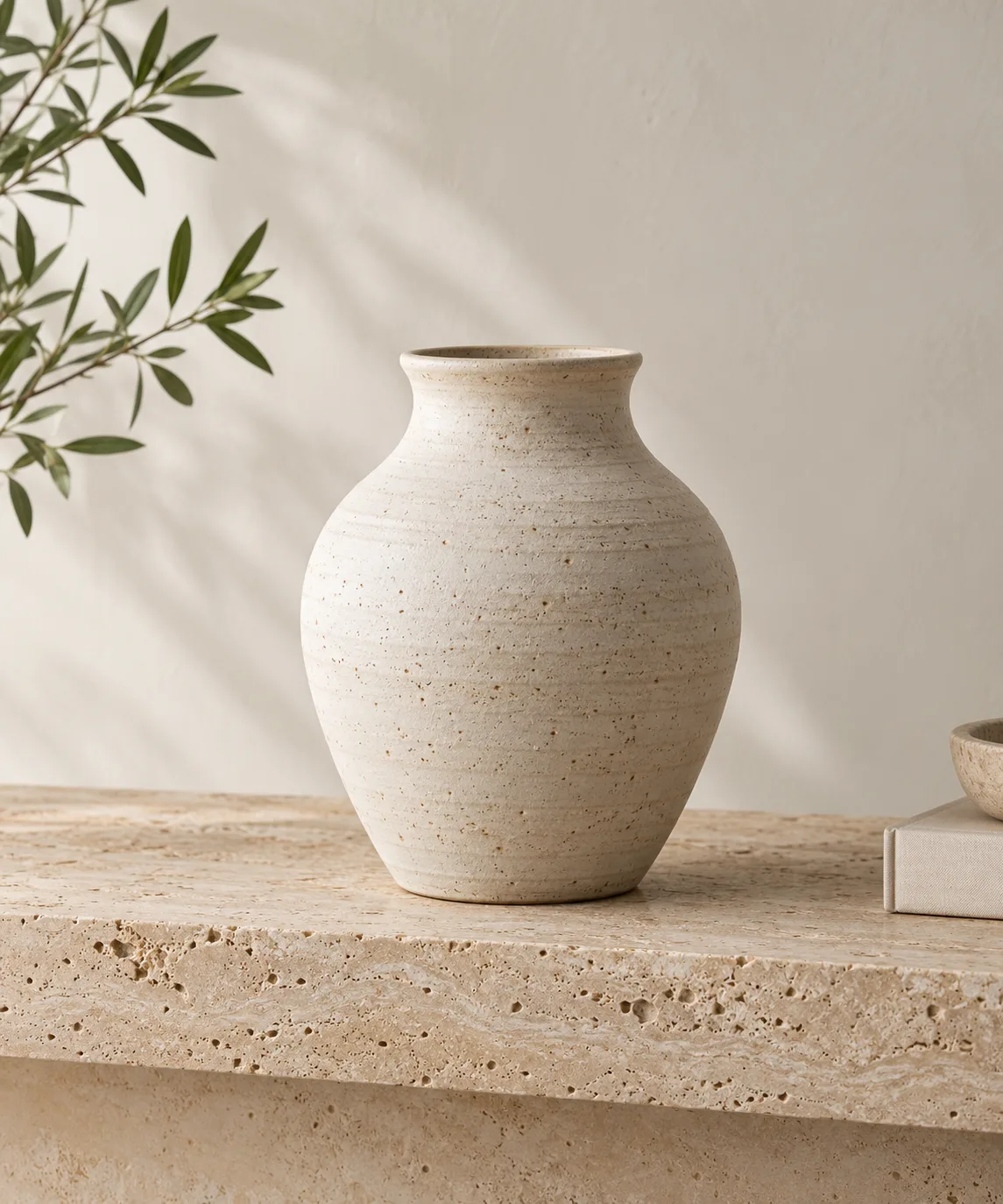
Describe the surface, the light, and the mood to generate a product scene without a studio, then place the real product into it with Image to Image.
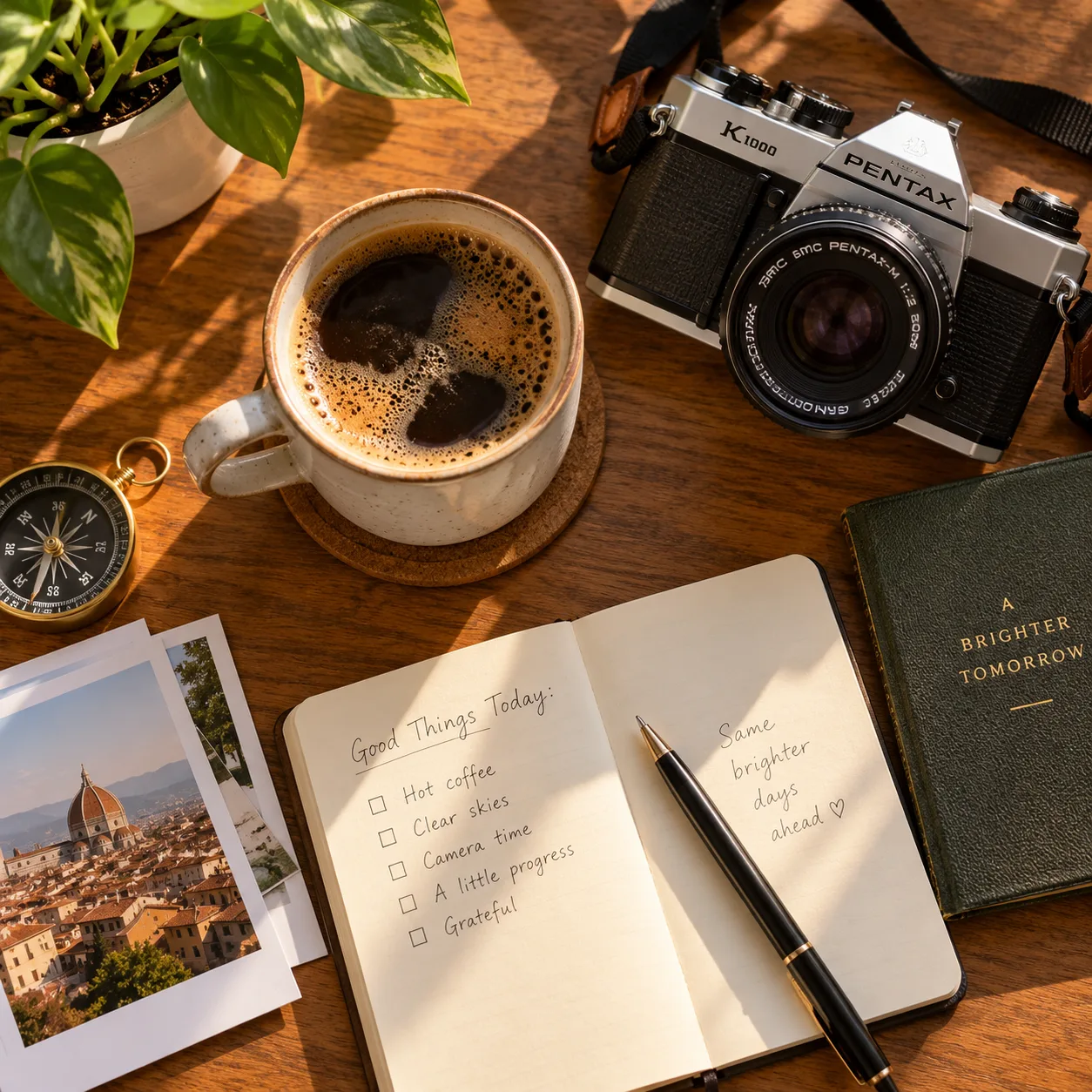
Generate the scene a post needs in the style your audience recognizes, and keep the prompts in your library so the look holds across a series.
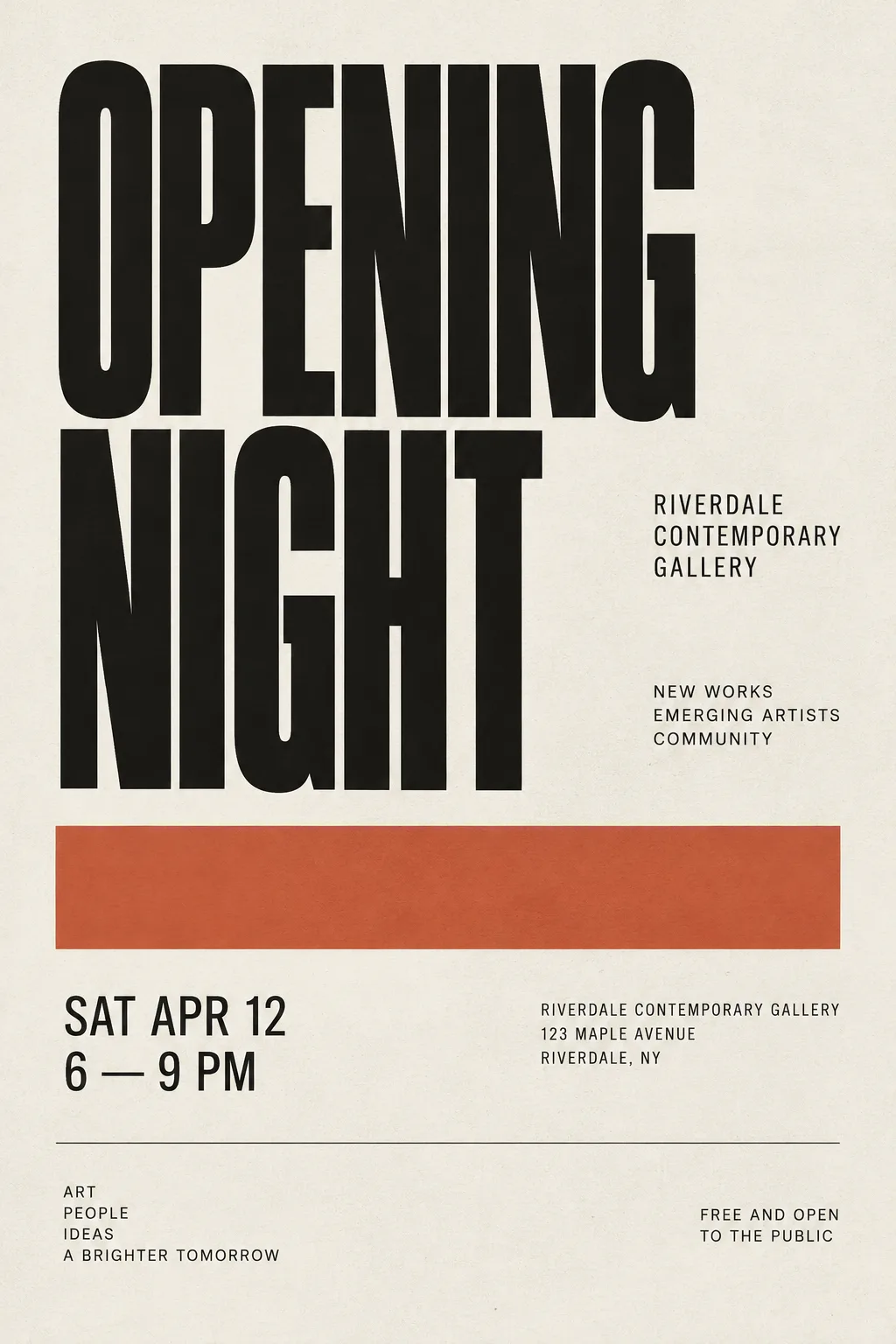
Draft poster and key visual directions with rendered typography, then take the strongest one into the editor for cleanup and sizing.
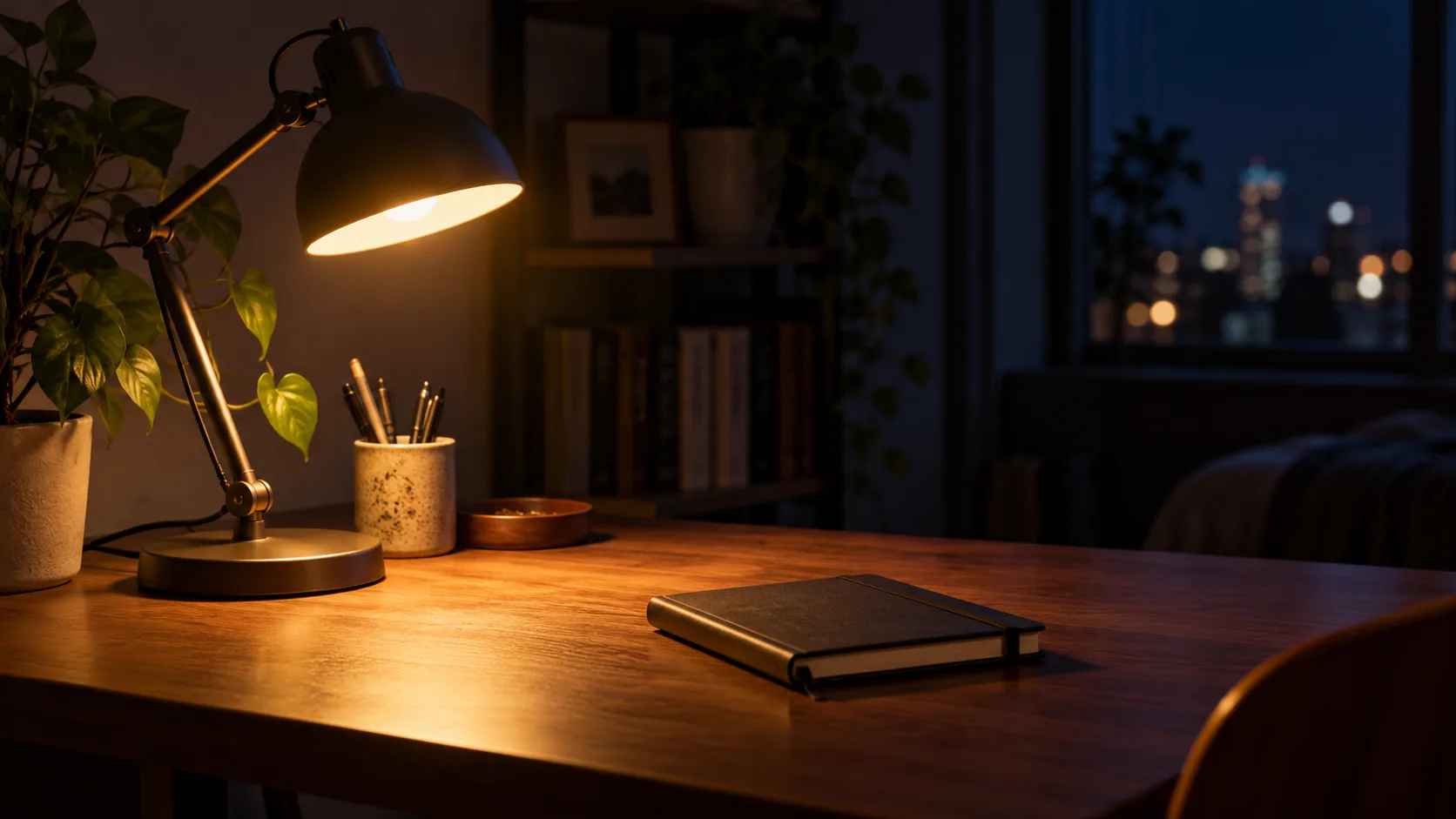
Give each article a header image that matches the story instead of a stock photo. Describe the concept in one sentence and render it at the size you publish.
The editing tools that pair best with a fresh generation.
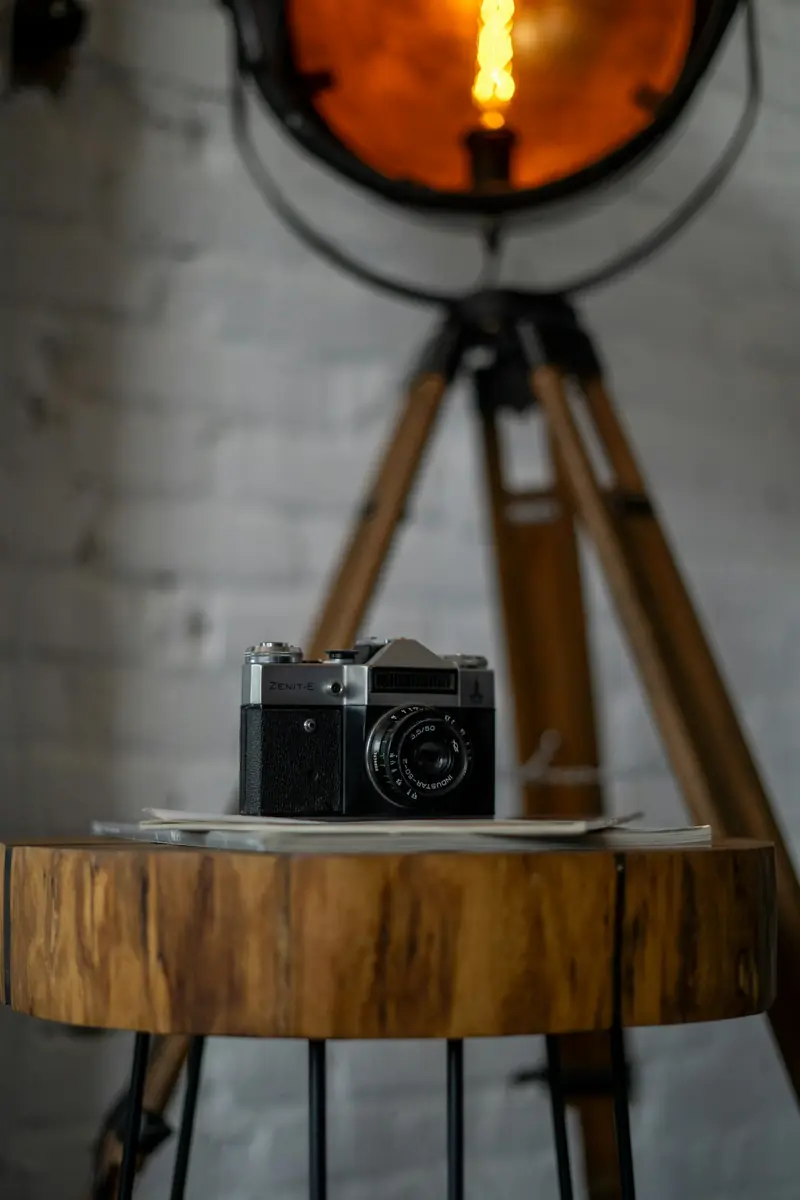
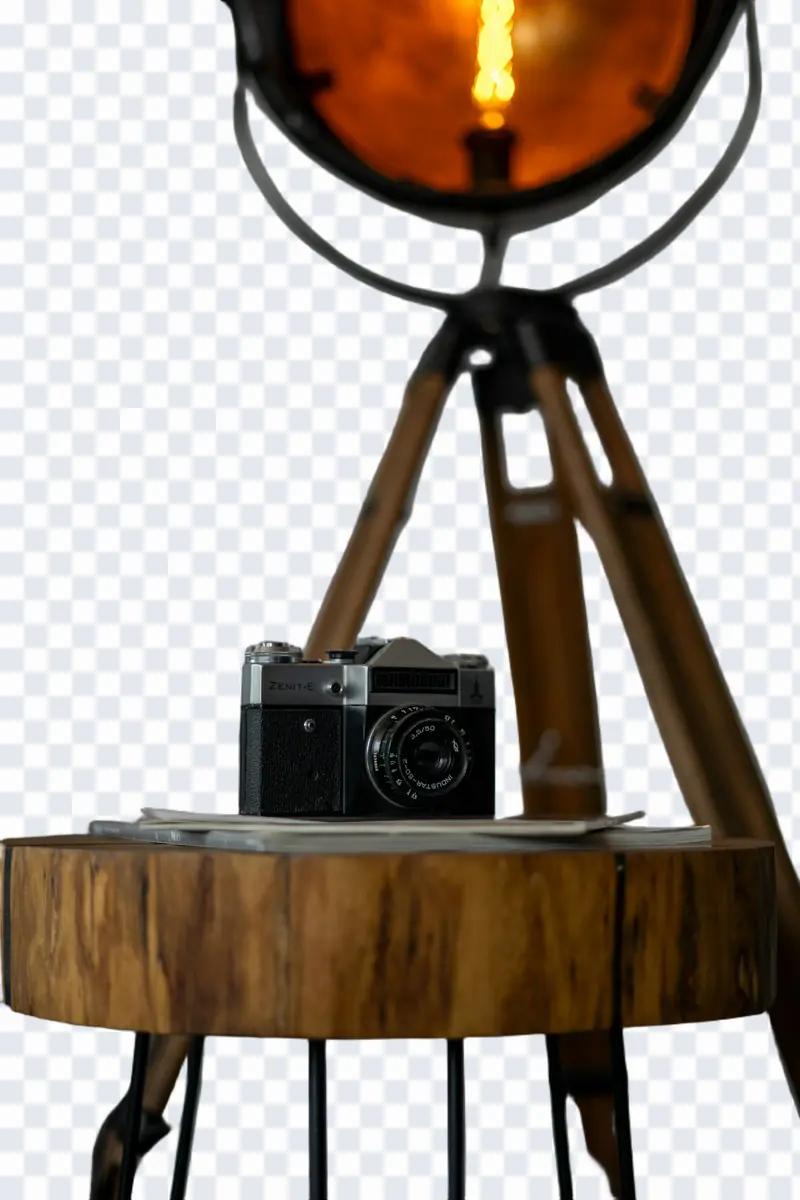
Erase backgrounds to transparent PNG in 1 click with sub-pixel edge detail.
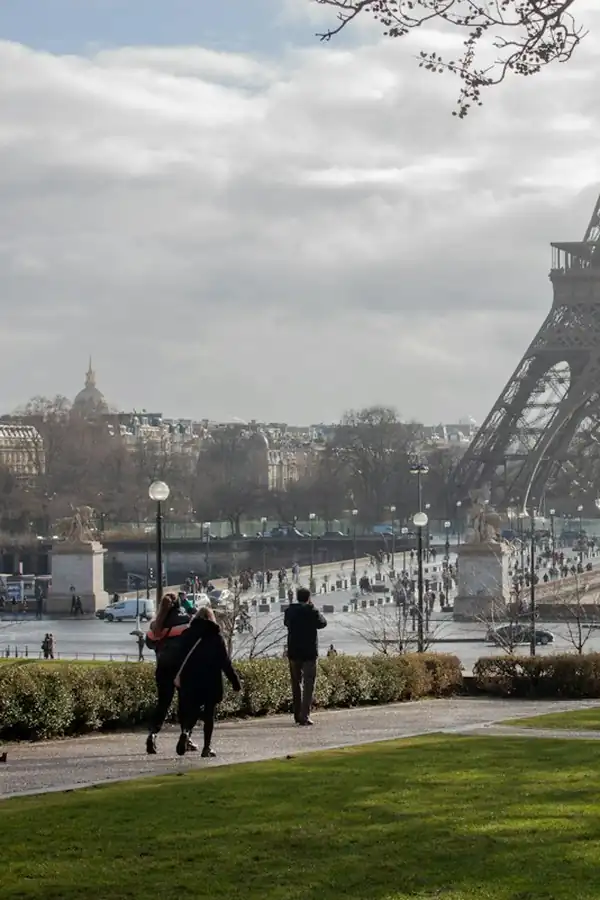
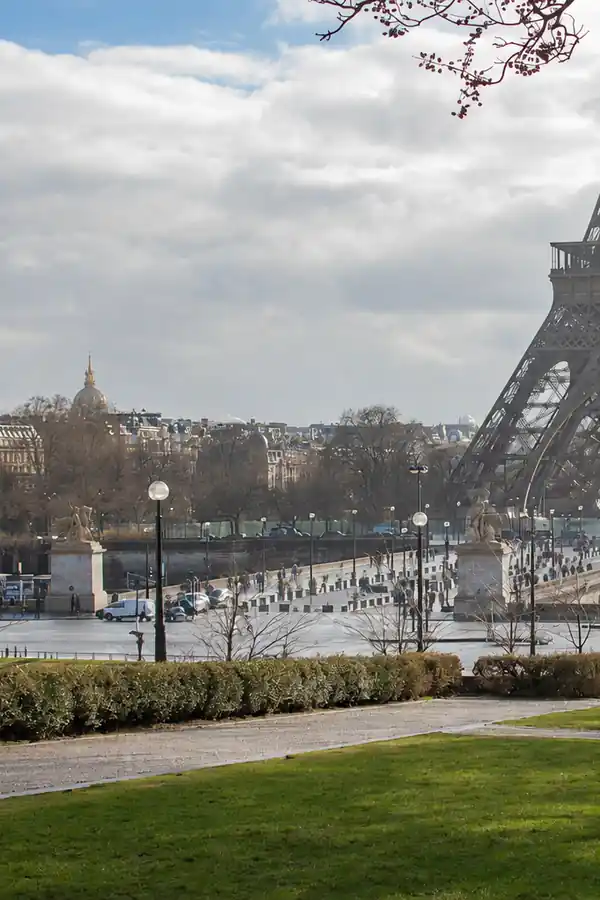
Delete people, clutter, and text; the background behind is rebuilt naturally.
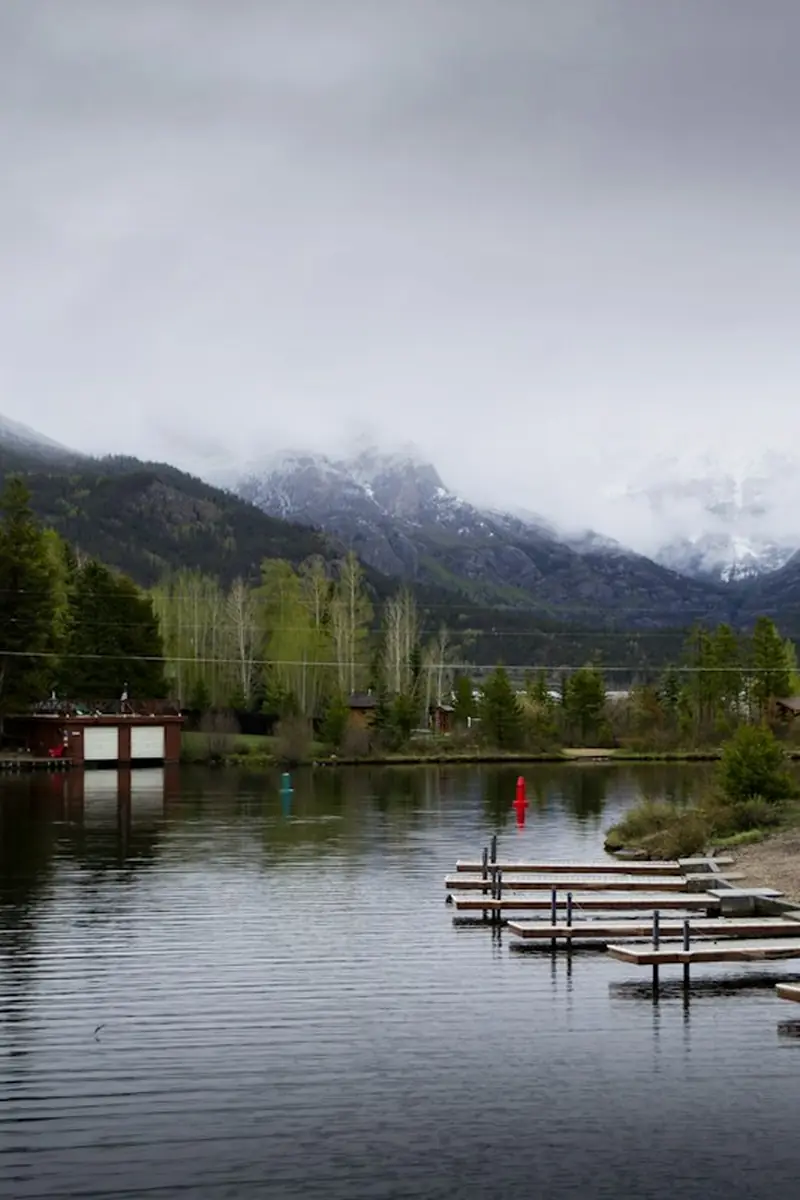
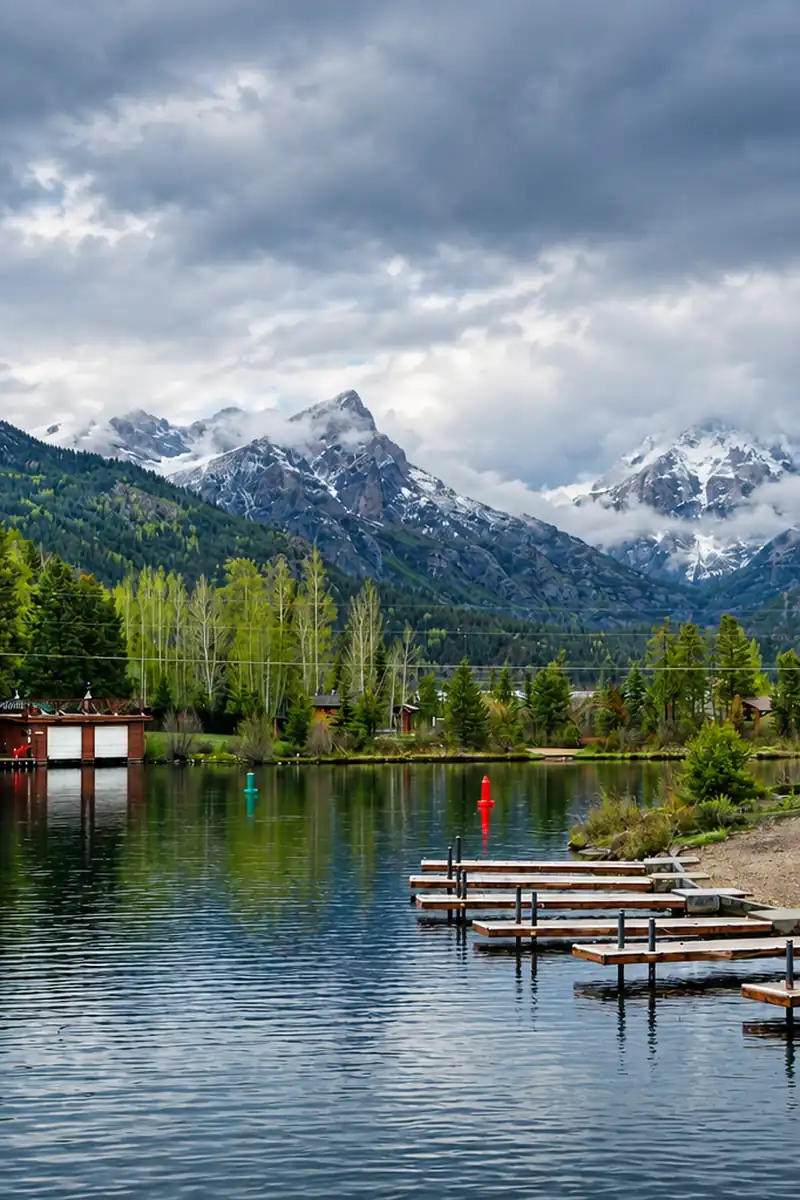
Fix blur, dim light, and faded color from a prompt; faces and composition stay.
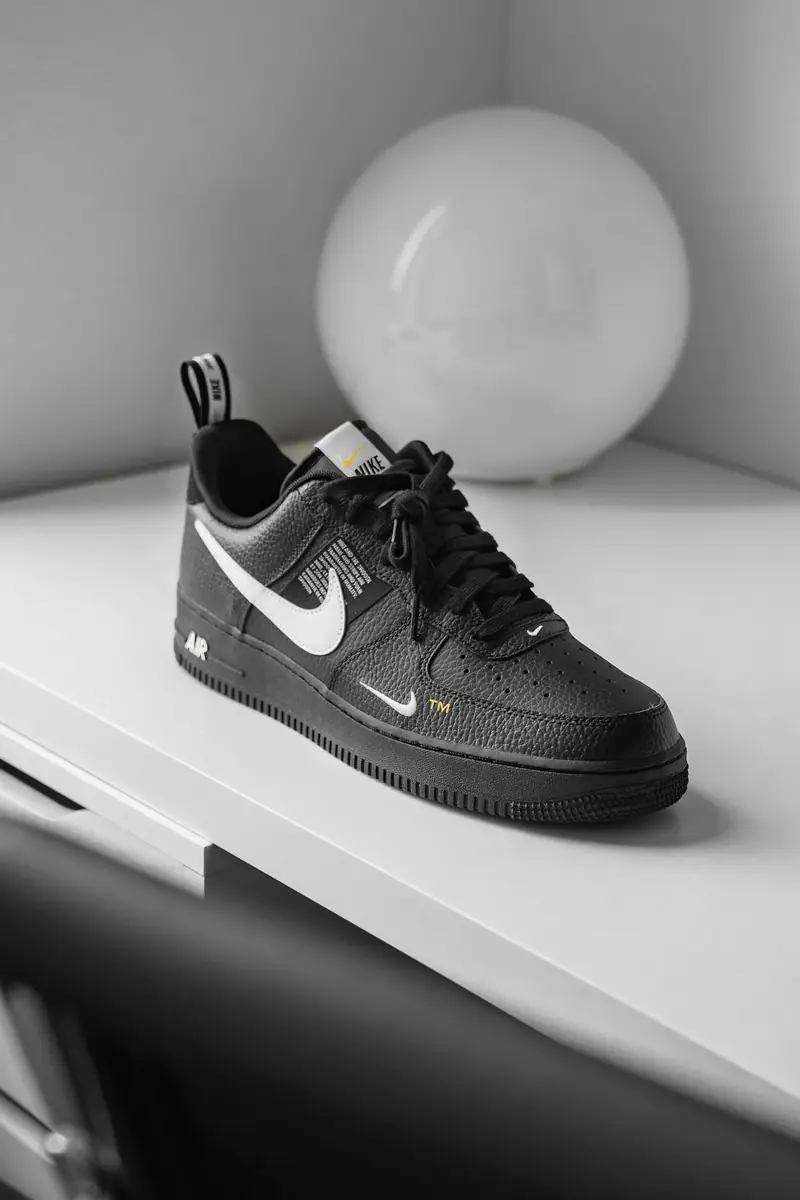
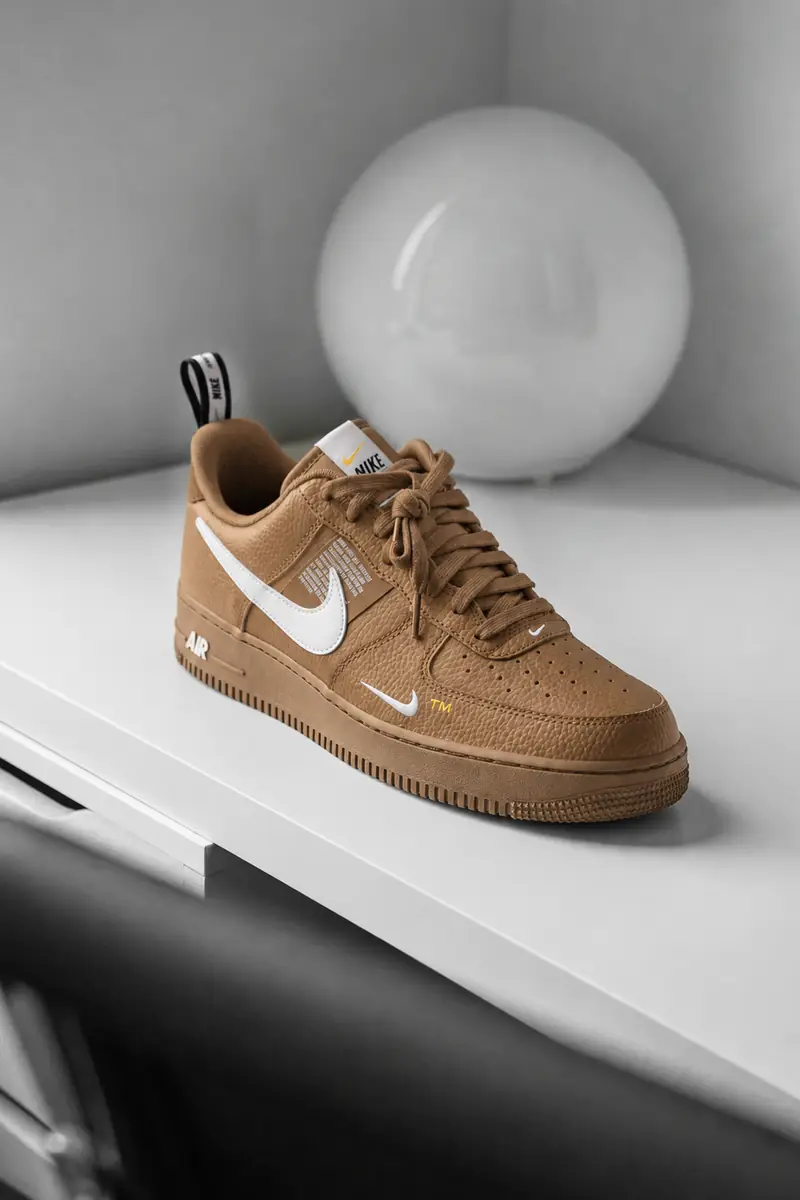
Recolor an object or outfit from a prompt; the shape, texture, and labels stay.
Practical guides and product updates from the team.
Describe the image you want and generate it — then keep editing it in the same workspace.