Name the fix instead of taking the bundle
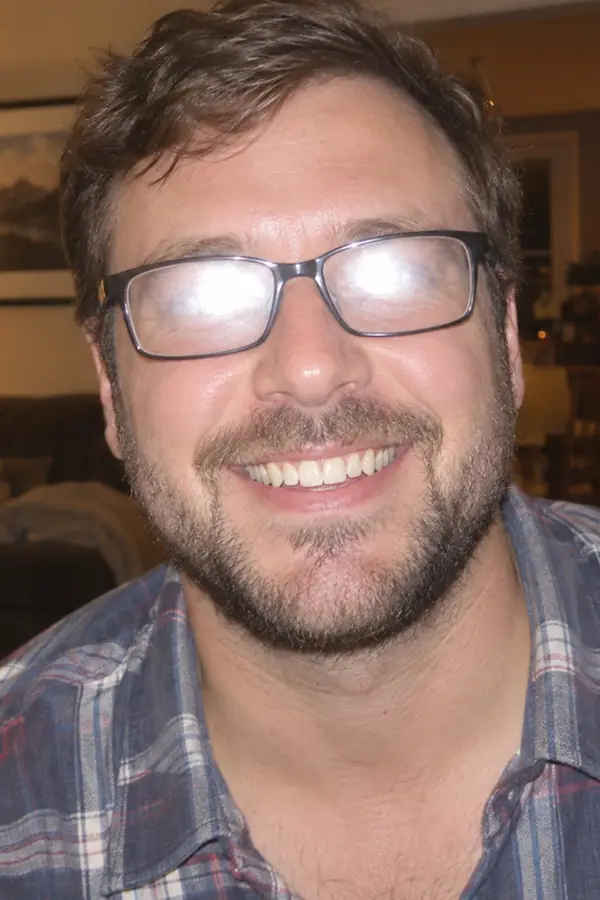
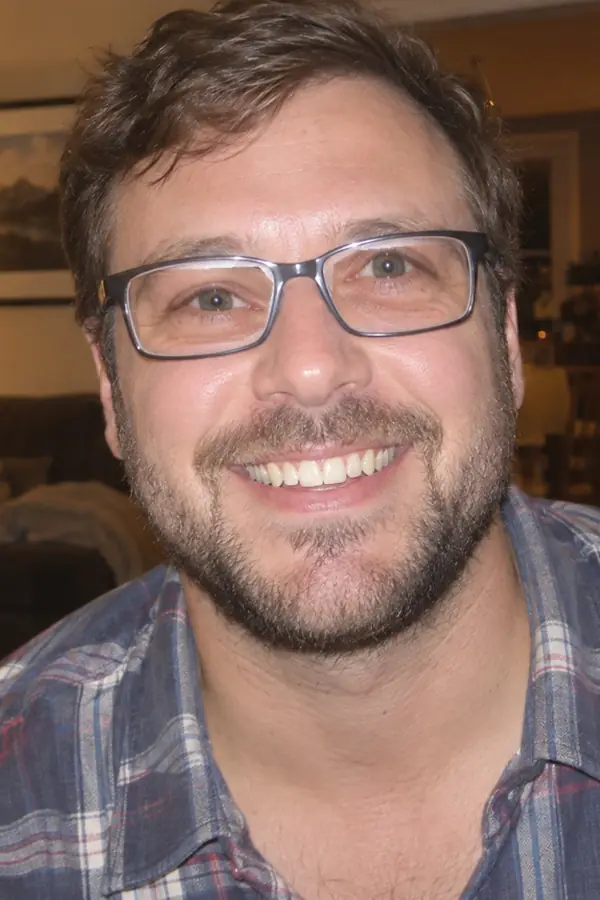
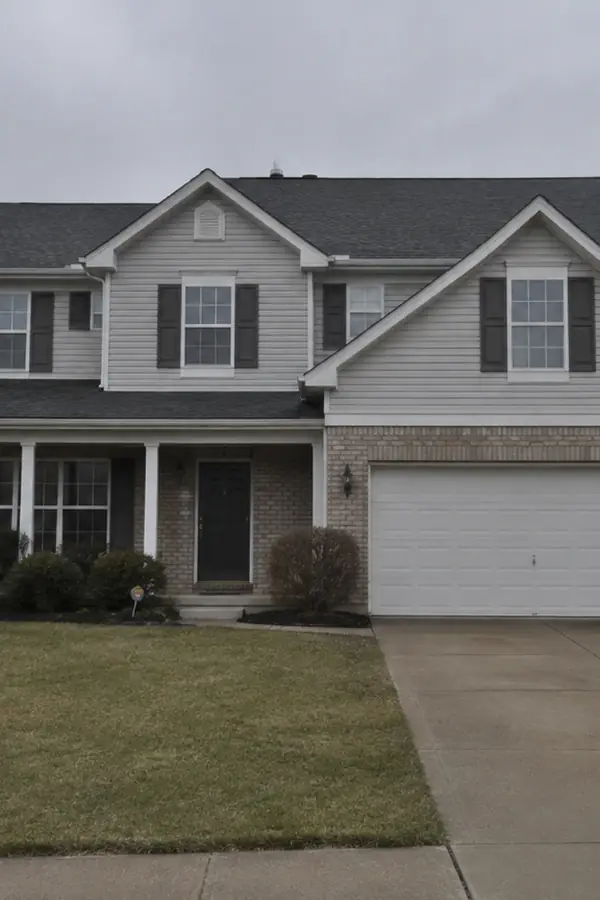
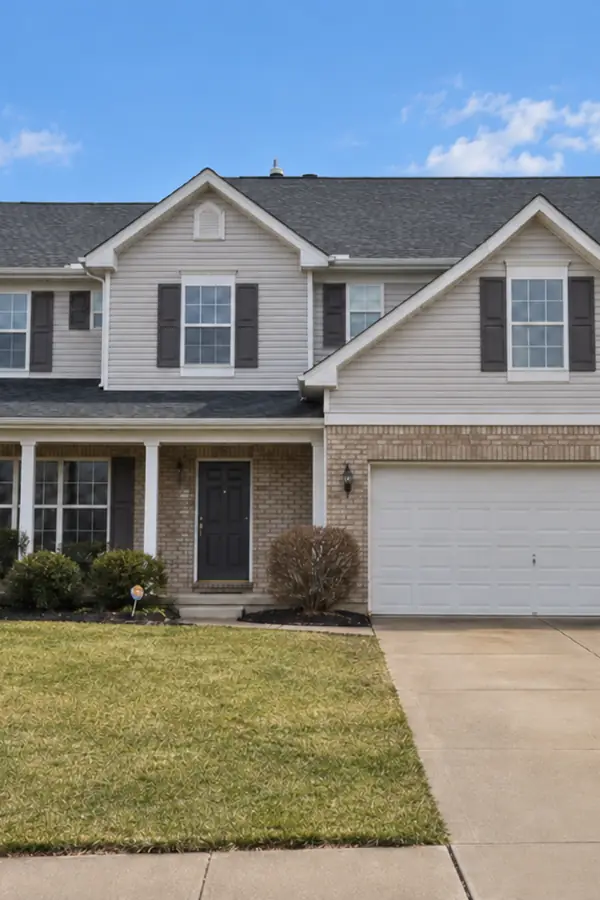
One-click enhancers apply a fixed preset to the whole frame. Here you point at the actual problem: the missed focus, the yellow indoor light, the washed-out midtones. The prompt becomes the edit.

Upload a photo and name what is wrong: the blur, the dim light, the faded color, the scratches. This AI photo enhancer rebuilds the weak areas while your subject and composition stay, and the daily free credits cover the standard size.
Example 1 of 3
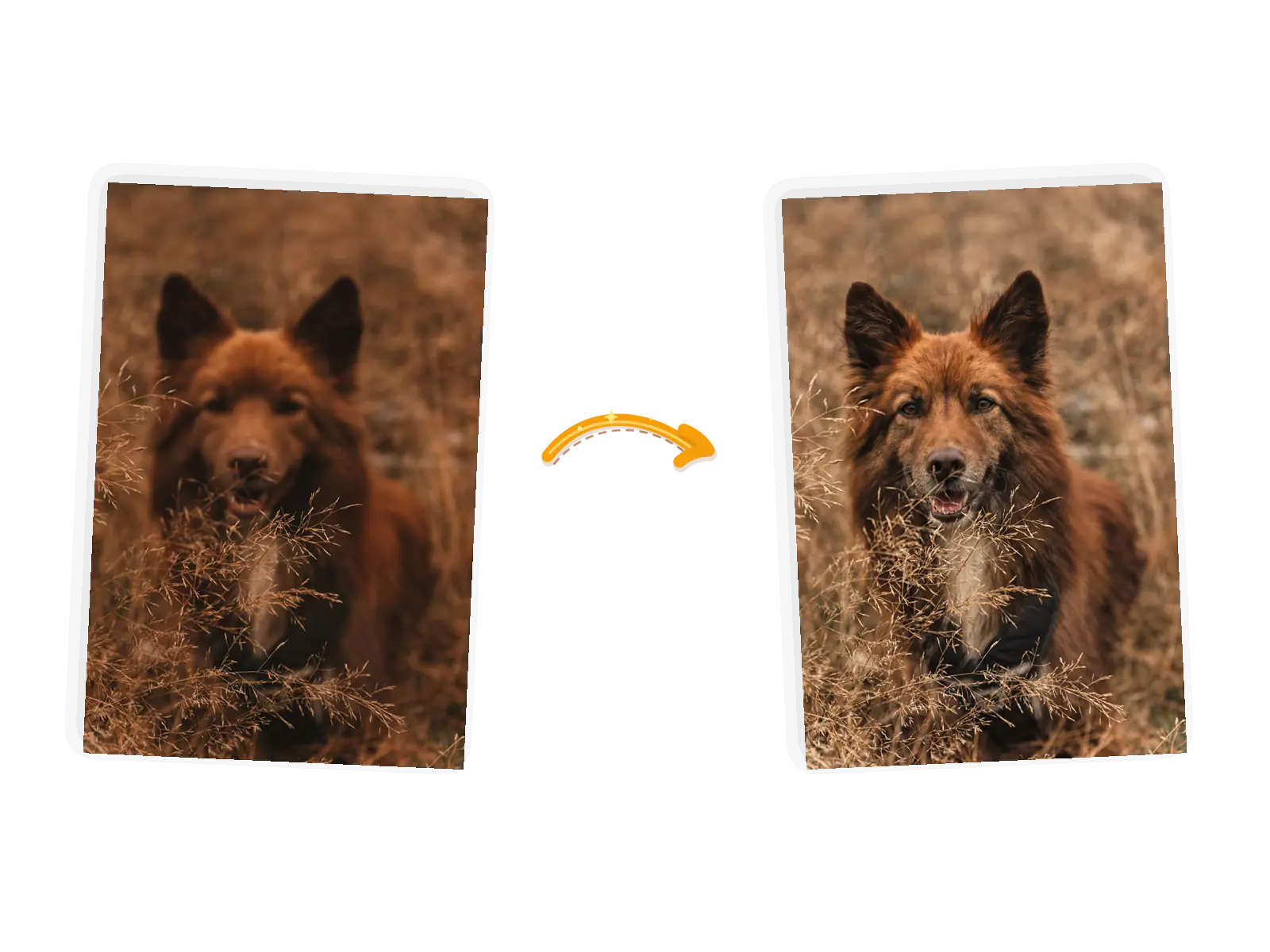
Sharpen the soft focus in this photo and bring out the fur texture and facial detail. Keep the pose, the dry grass, the warm colors, and the framing exactly unchanged
One-click enhancers apply a fixed preset to the whole frame. Here you point at the actual problem: the missed focus, the yellow indoor light, the washed-out midtones. The prompt becomes the edit.
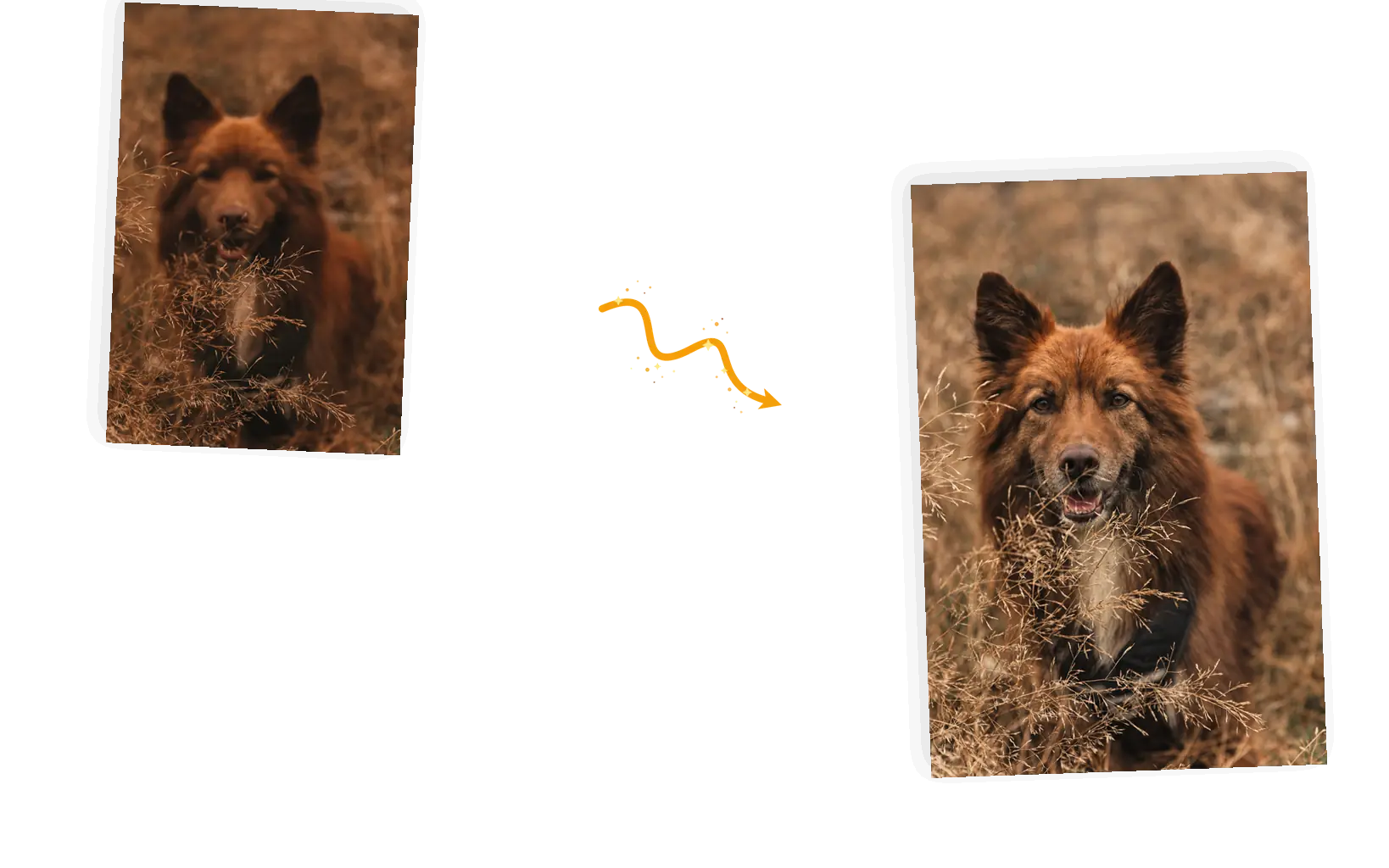
The keep-list is what holds the edit in place: the faces, the text, the pose, the colors you name stay as they are. The subject, framing, and moment survive the edit because the prompt says they must.
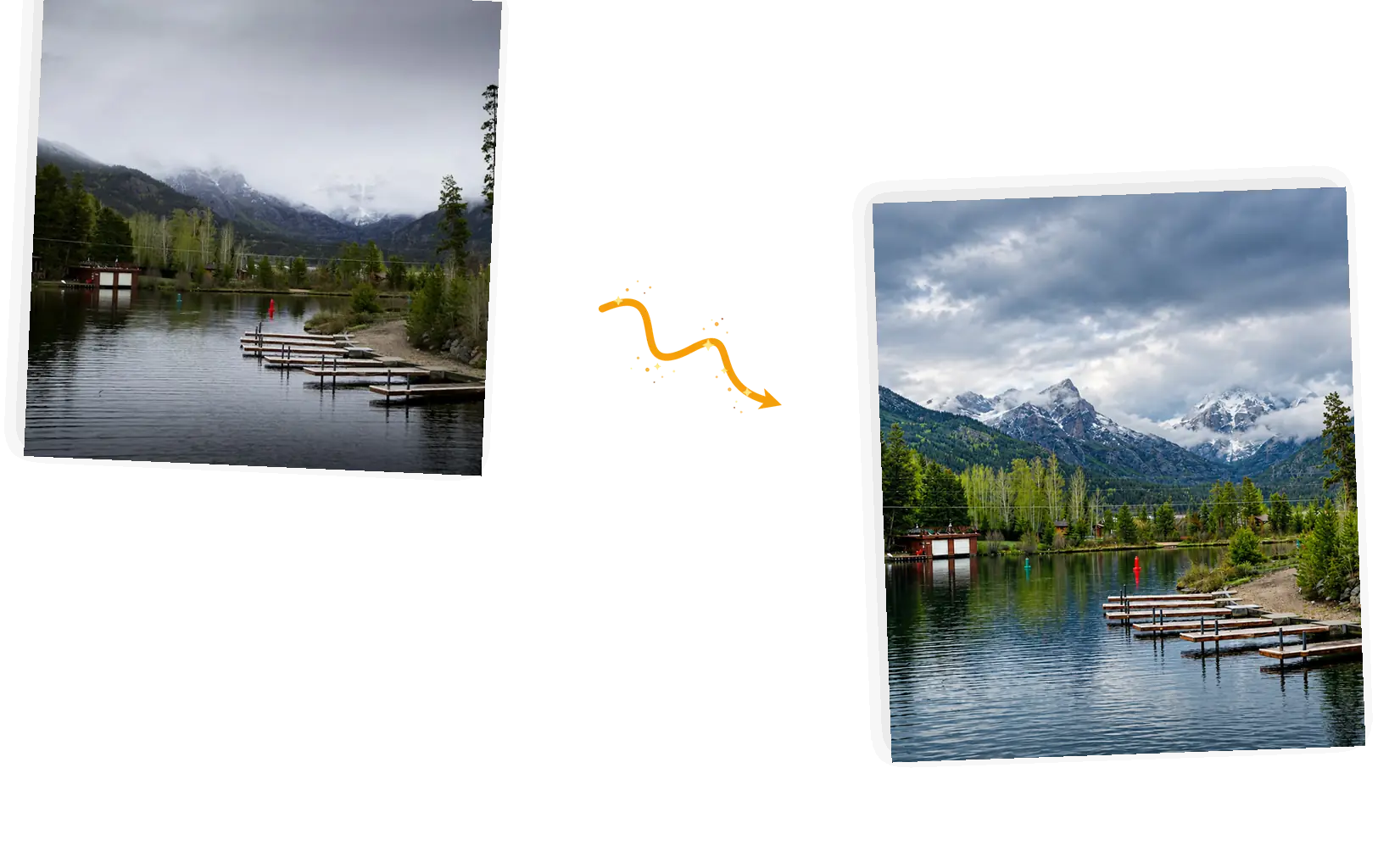
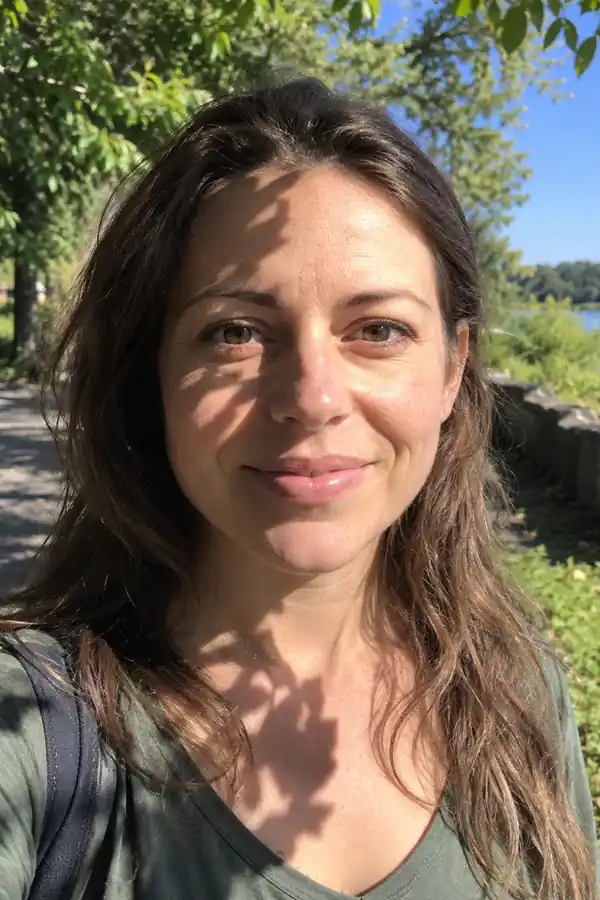
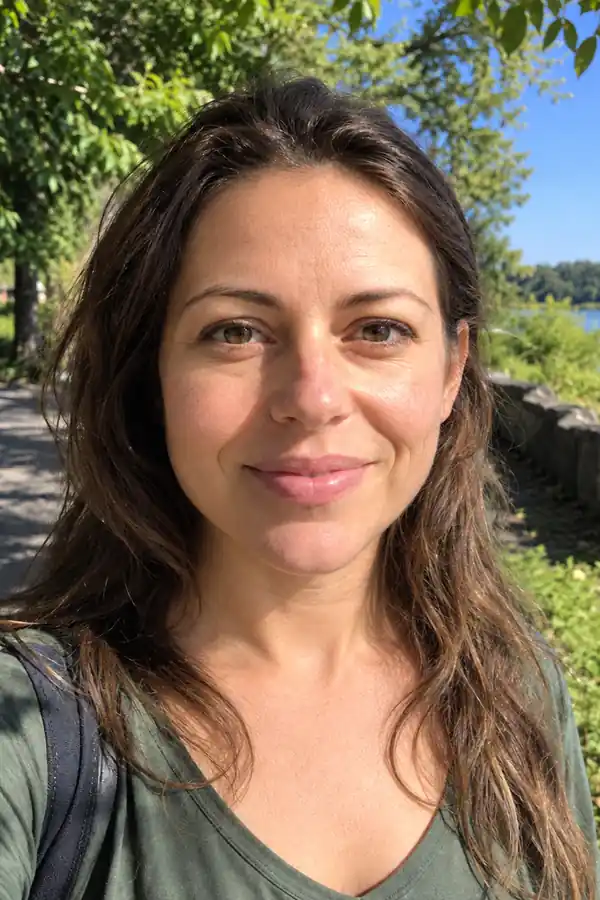
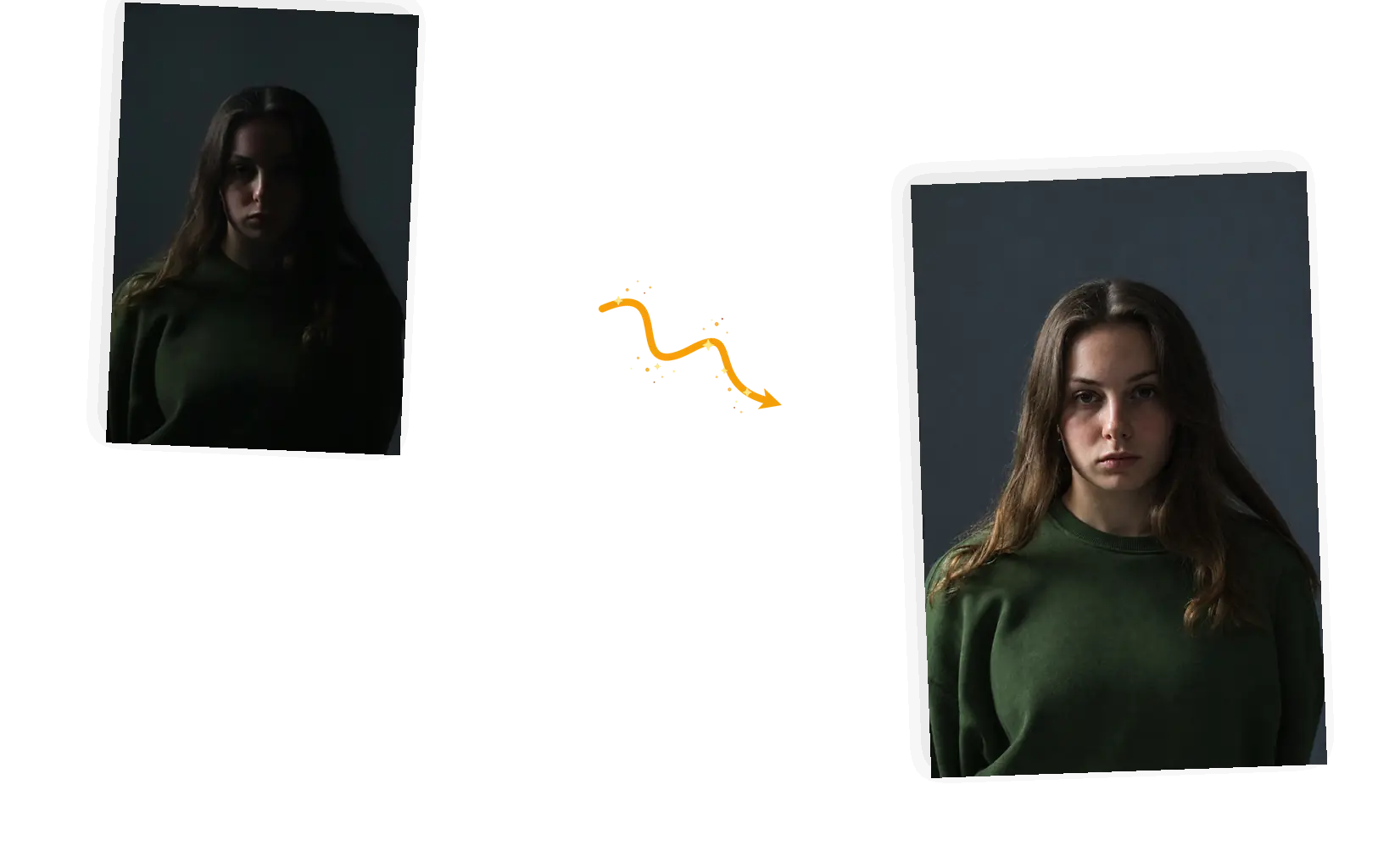
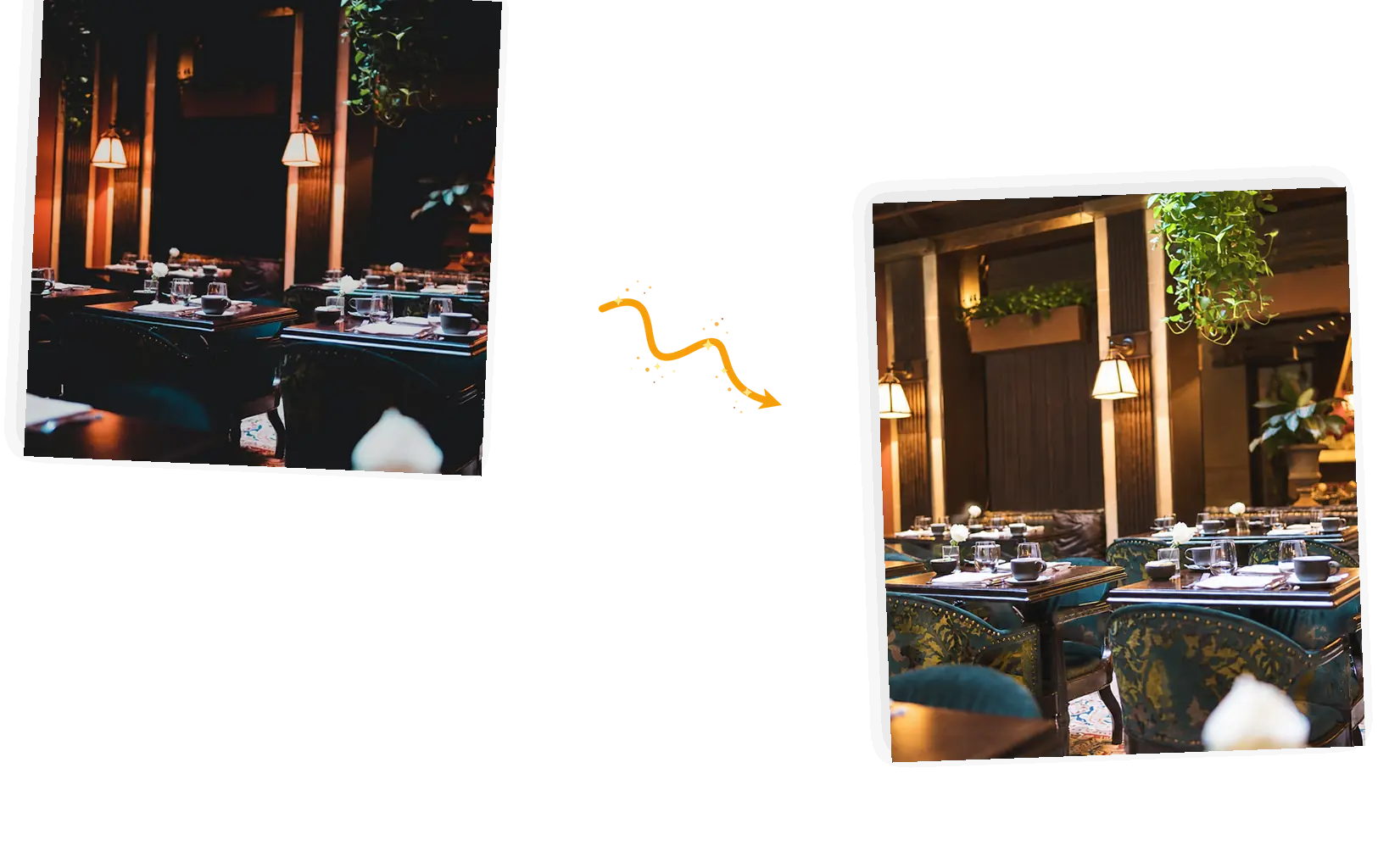
Dim rooms, backlit faces, and gray afternoons flatten a photo. Name the light problem and the model re-renders the frame with exposure and color that agree, without turning a moody shot into a bright one.
Generative results can vary: a rerun with a sharper description often beats the first attempt. Zoom in, compare against the original, keep the winner at full resolution, and failed tasks refund their credits.
An AI photo enhancer is a repair tool for photos that came out wrong: the focus missed, the room was too dark, the print faded in a drawer. You upload one photo, describe the problem and what must stay, and the model re-renders the frame toward the fix. That makes it a generative edit rather than a filter stack: pixels are re-drawn, so fine texture, small text, and faces can change slightly, and zooming in against the original is part of the job. It works on one photo at a time, in JPEG, PNG, or WebP, and it is a repair for still images, not a video tool. People use an AI photo enhancer to rescue phone shots, clean up scans of family prints, and make listings look deliberate before they upload them.
Five steps from a flawed photo to a fixed one you would share.
Bring the JPEG, PNG, or WebP file up to 20MB. One photo per edit. Very dark or very soft files still work, but extreme damage leaves the model more to guess.
Point at the problem: sharpen the face, brighten the room, remove the scratches. List what stays: the faces, the text, the pose. Keep it to one main problem per run.
Keep the original aspect ratio so the composition stays put. The editor shows the credit cost before you generate; the standard 1K size costs 3 credits, and larger output sizes follow the model and your plan.
Set the result beside the original and zoom in: faces first, then small text and texture. If something drifted, rerun with a sharper description; credits come back on failures.
Download at full resolution with no watermark, or stay in the workspace and run a different fix on the same photo.
A preset brightens everything and sharpens everything, whether or not that was the problem. Describing the actual flaw spends the edit where the photo needs it, and the keep-list holds the rest of the frame still.
No sliders, layers, or masks to learn. You write the problem in a sentence, the ready-made suggestions show the pattern, and the editor shows the credit cost before each run.
Download the fixed photo at full resolution with no watermark, or stay in the workspace and run the next fix, a background removal, or a recolor on the same photo.
Three ways to fix a flawed photo, compared on what each one asks of you and where the prompt-driven tool fits.
| Dimension | Manual editing | One-click enhancers | AI Photo Enhancer |
|---|---|---|---|
| What drives the fix | Your adjustments, made by hand | A fixed enhancement preset | A prompt that names the problem |
| Fixes per run | Each adjustment set separately | One bundle for the whole frame | Sharpening, light, color, and cleanup combined in one prompt |
| Keeping the subject | You mask and protect it yourself | Applies everywhere, with no per-area say | The keep-list names what must stay |
| Output size | Exports at your working size | Often capped by the app or plan | 1K standard; 2K and 4K by model and plan, re-generated rather than lossless |
| Learning curve | Real editing skill takes time | None; one button | One sentence; suggestions show the pattern |
| Trying again | Undo and redo by hand | A rerun applies the same preset again | Rerun with a sharper description; failed tasks refund credits |
The prompt is the diagnosis: name the flaw and guard the rest of the frame.
Fix [problem] in this photo; keep the [faces, text, composition] exactly unchanged.
Too vague
“make my dark photo look better”
More useful prompt
“Brighten the tables and faces, balance the warm lamplight, and keep every face and the layout of the room exactly unchanged”
Too vague
“fix blurry photo”
More useful prompt
“Sharpen the fur and eyes and keep the pose, the field, and the warm tones exactly unchanged”
Too vague
“restore this old photo”
More useful prompt
“Remove the scratches and stains, rebuild the contrast, and keep the faces, clothing, and composition exactly unchanged”
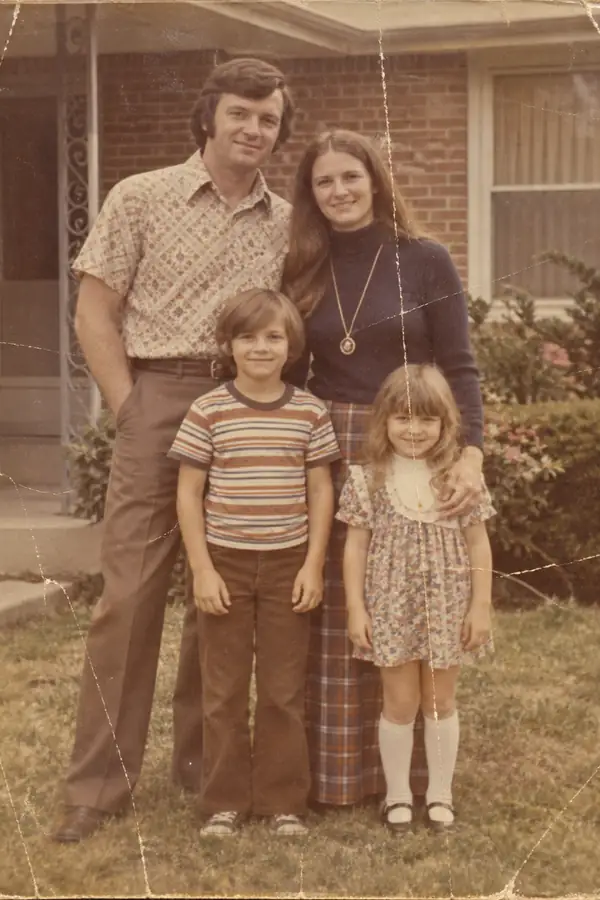
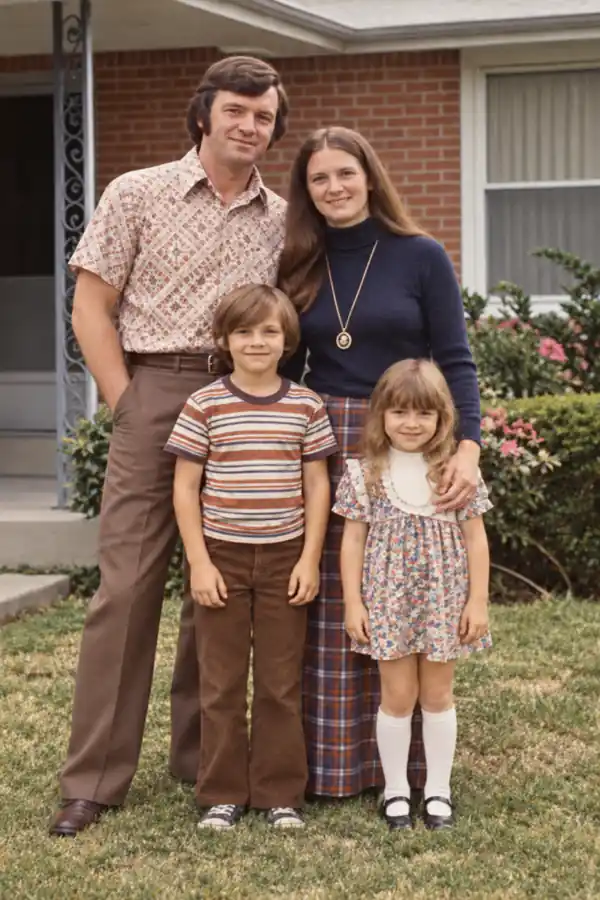
The shoebox of prints holds one photo of your grandmother and it is scratched, faded, and the only copy. An AI photo enhancer cleans the surface damage and rebuilds the contrast so the scan can be printed and shared again.
The shot happened once and cannot be retaken: the candle blew out, the dog moved, the room stayed dim. Creators run the frame through an AI photo enhancer, name what went wrong, and post the version that looks intentional.
A listing photo competes with hundreds of others, and a dark or soft one reads as neglect. Sellers use an AI photo enhancer to sharpen the product and steady the light without restaging the shot.
How the AI photo enhancer works, what stays fixed, and what it costs.
Bring the photo that went wrong, name the fix, and keep everything that matters. The repaired version is one prompt away.