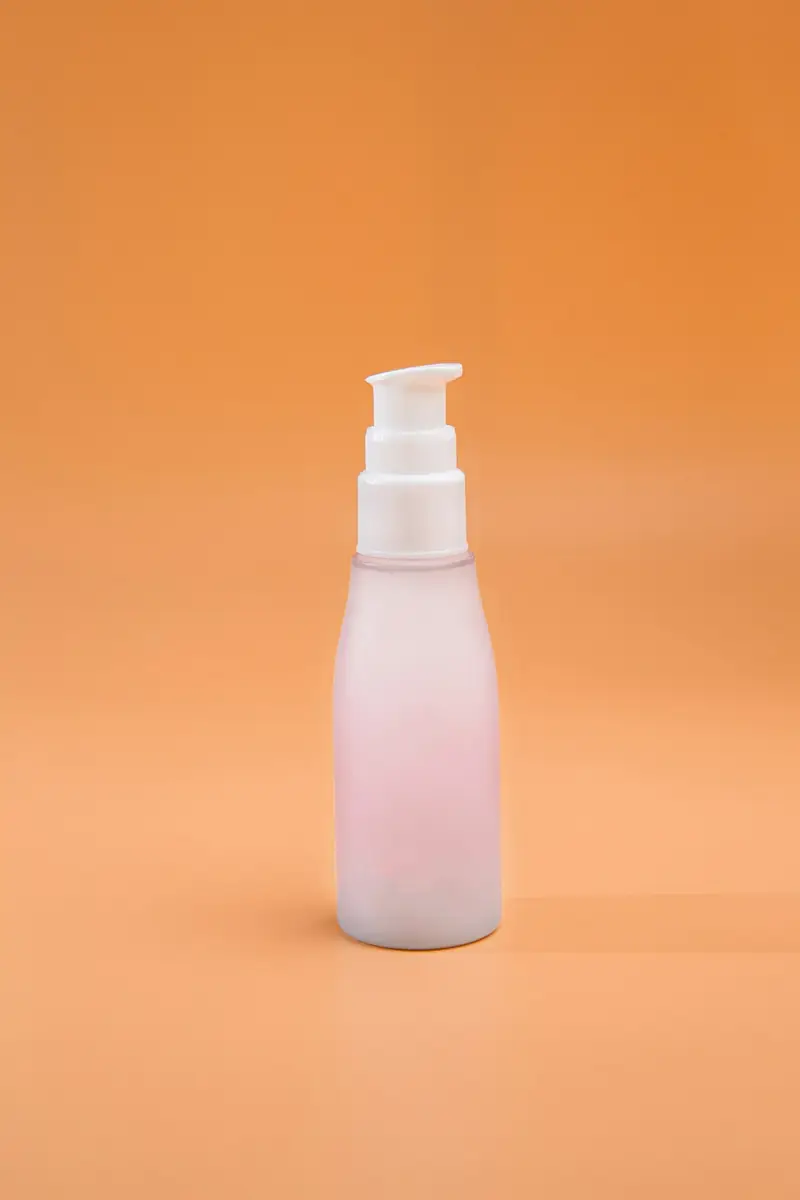
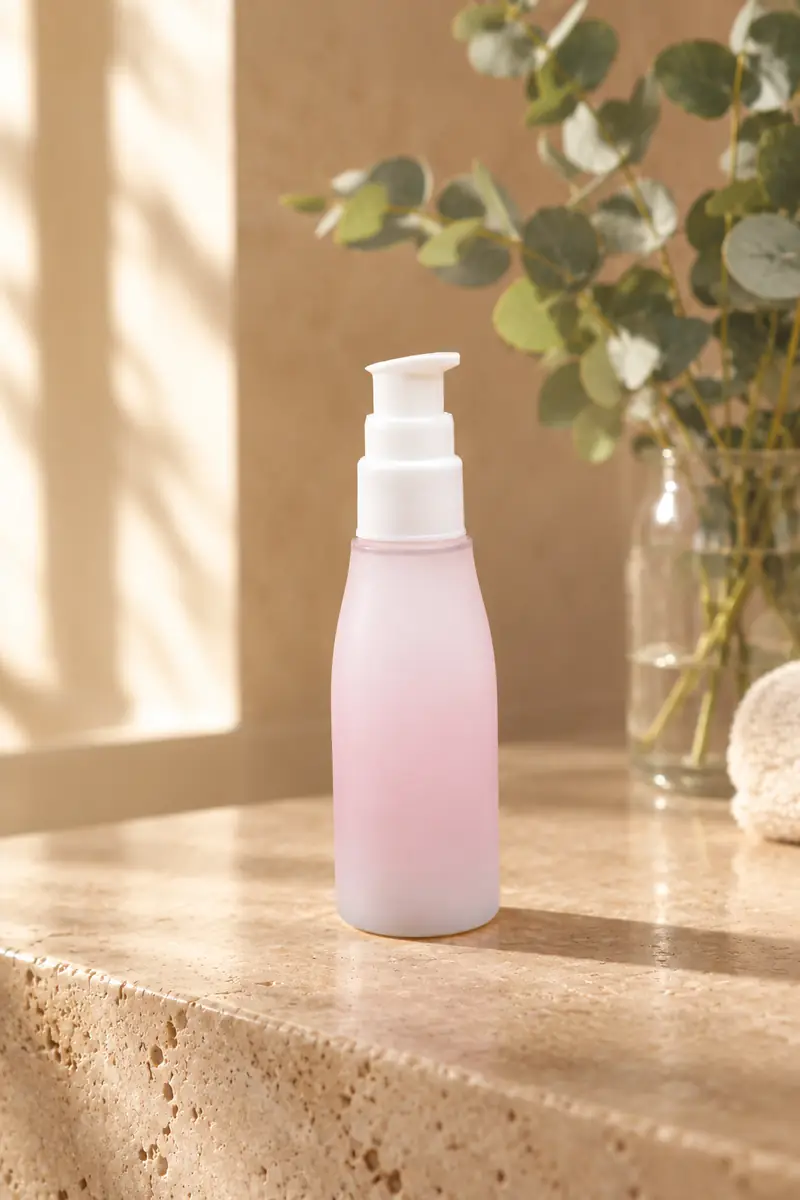
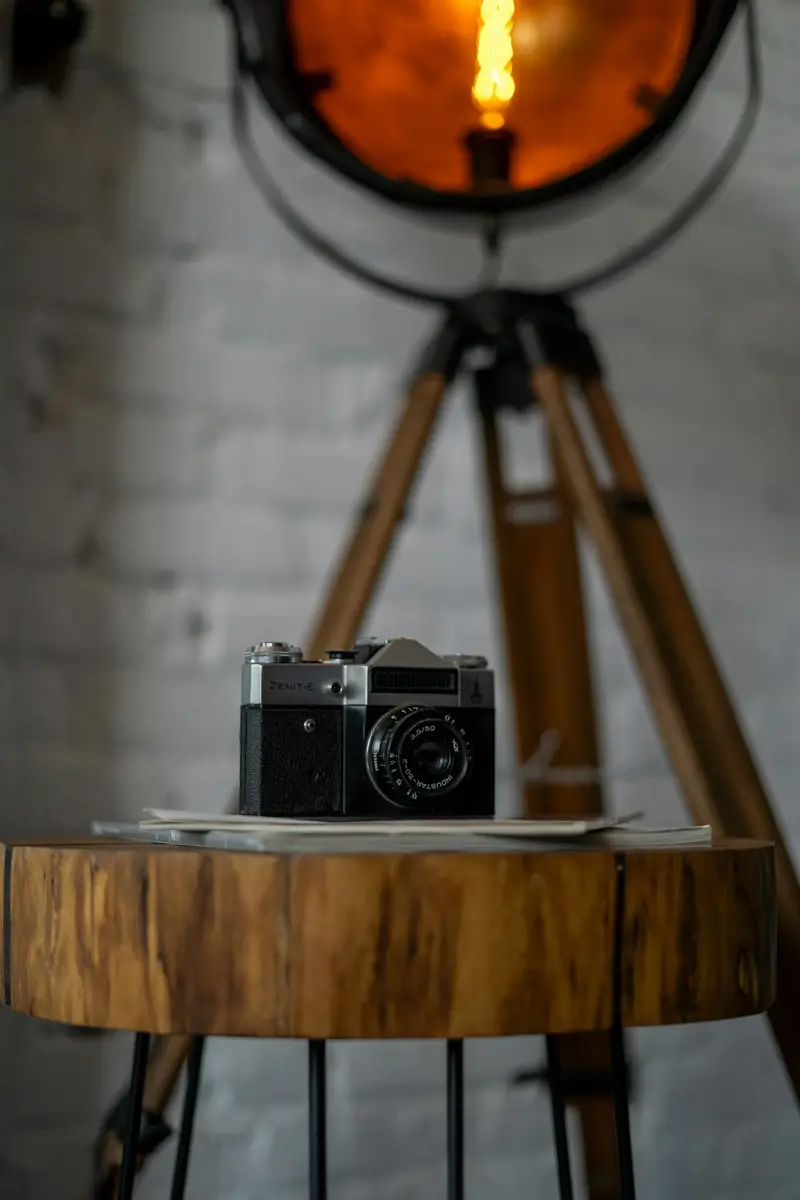
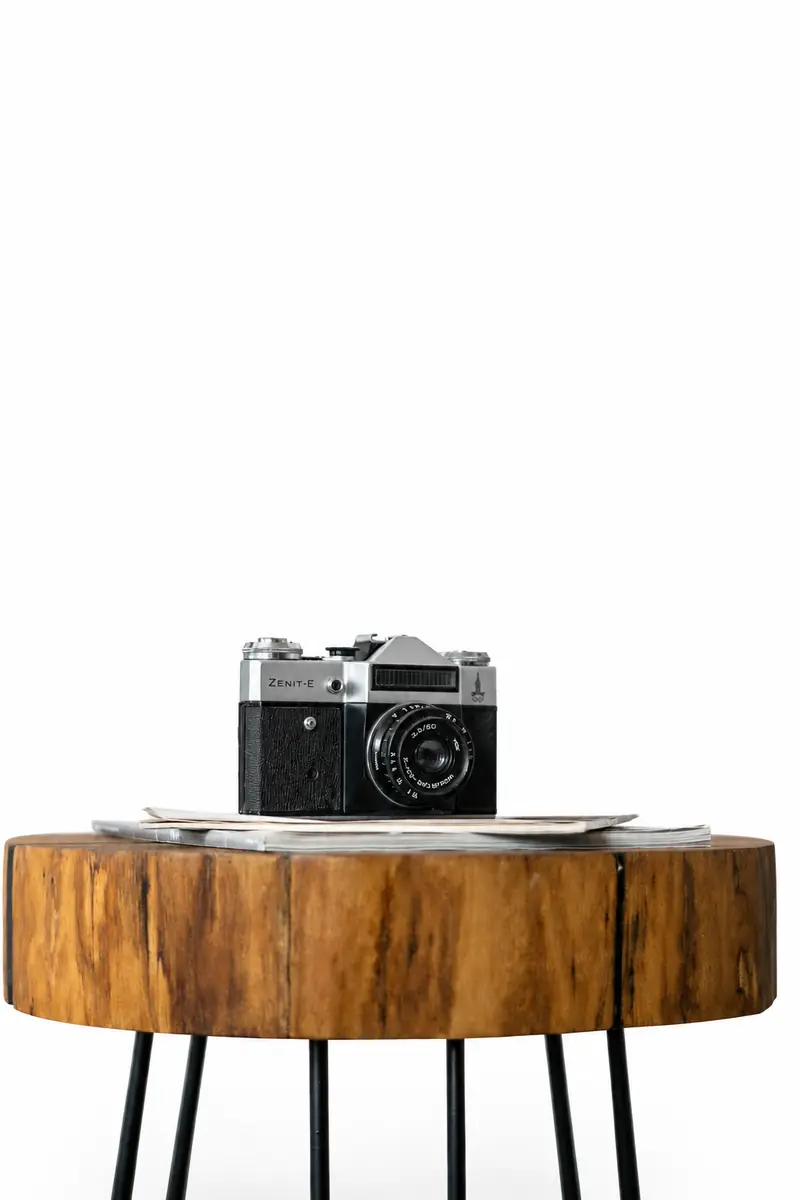
One image is all it takes
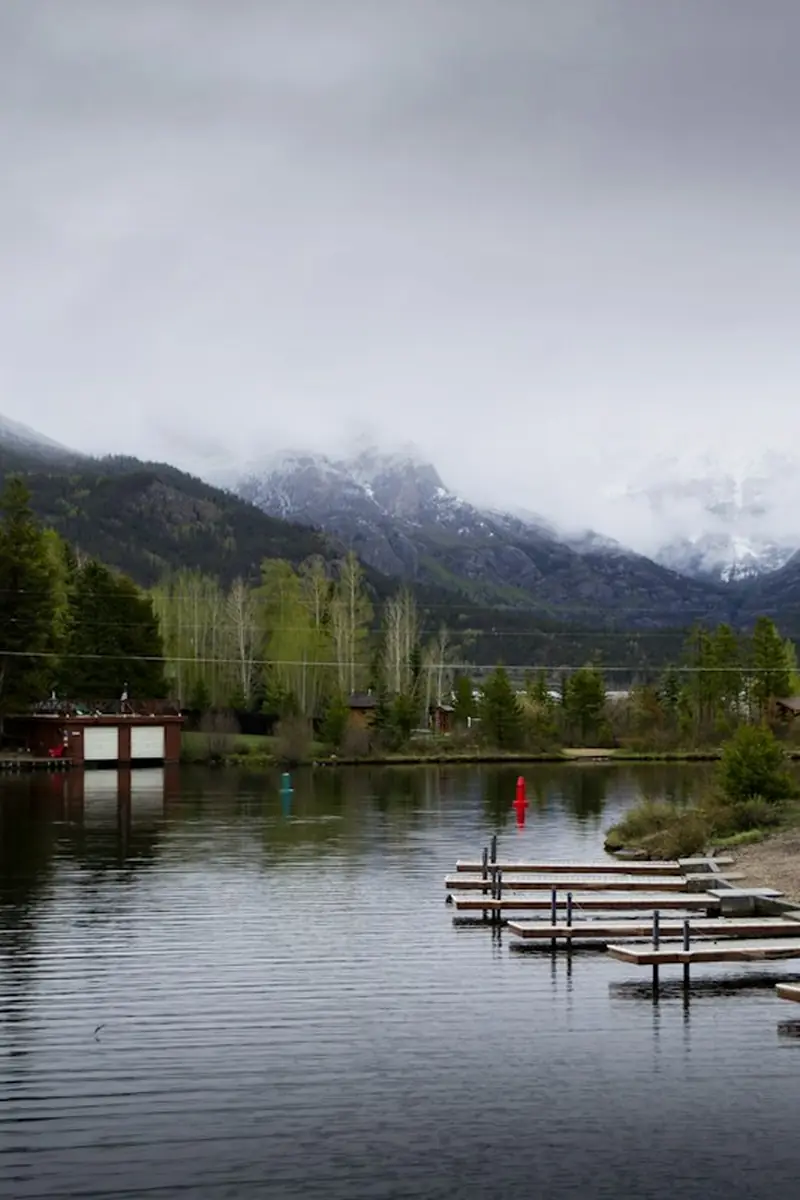
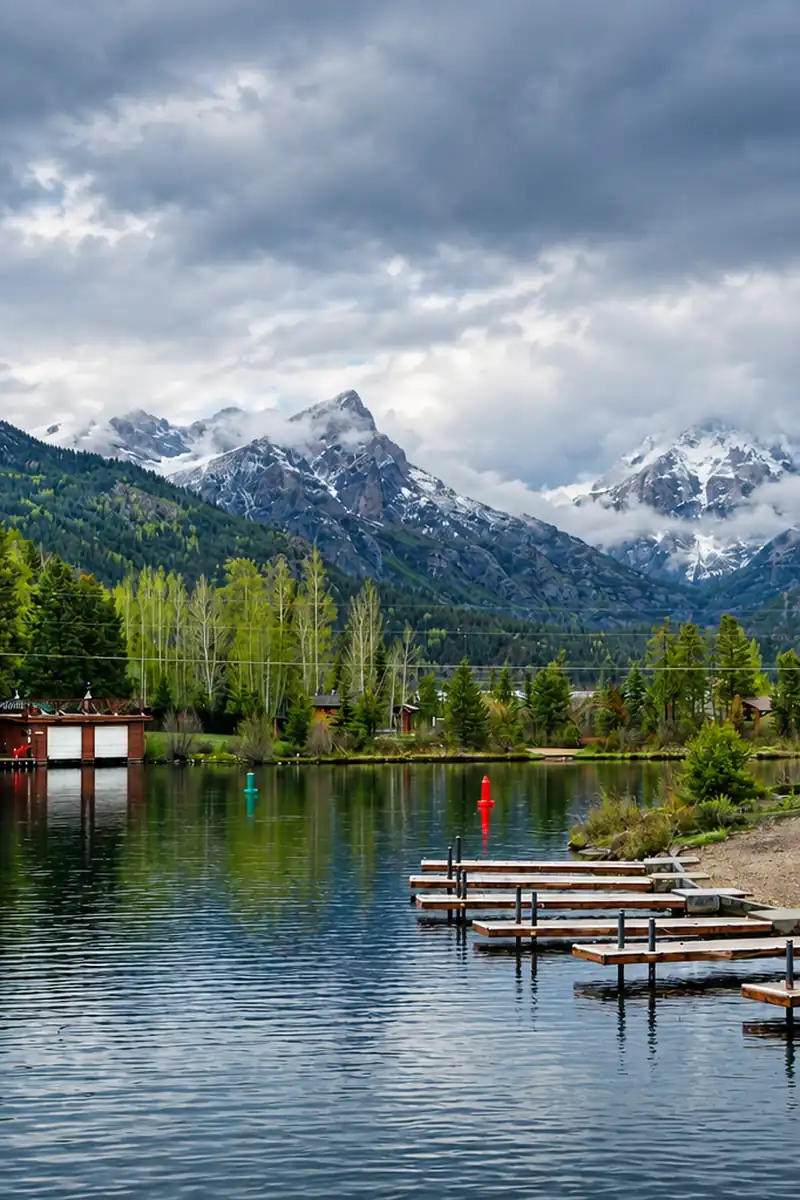
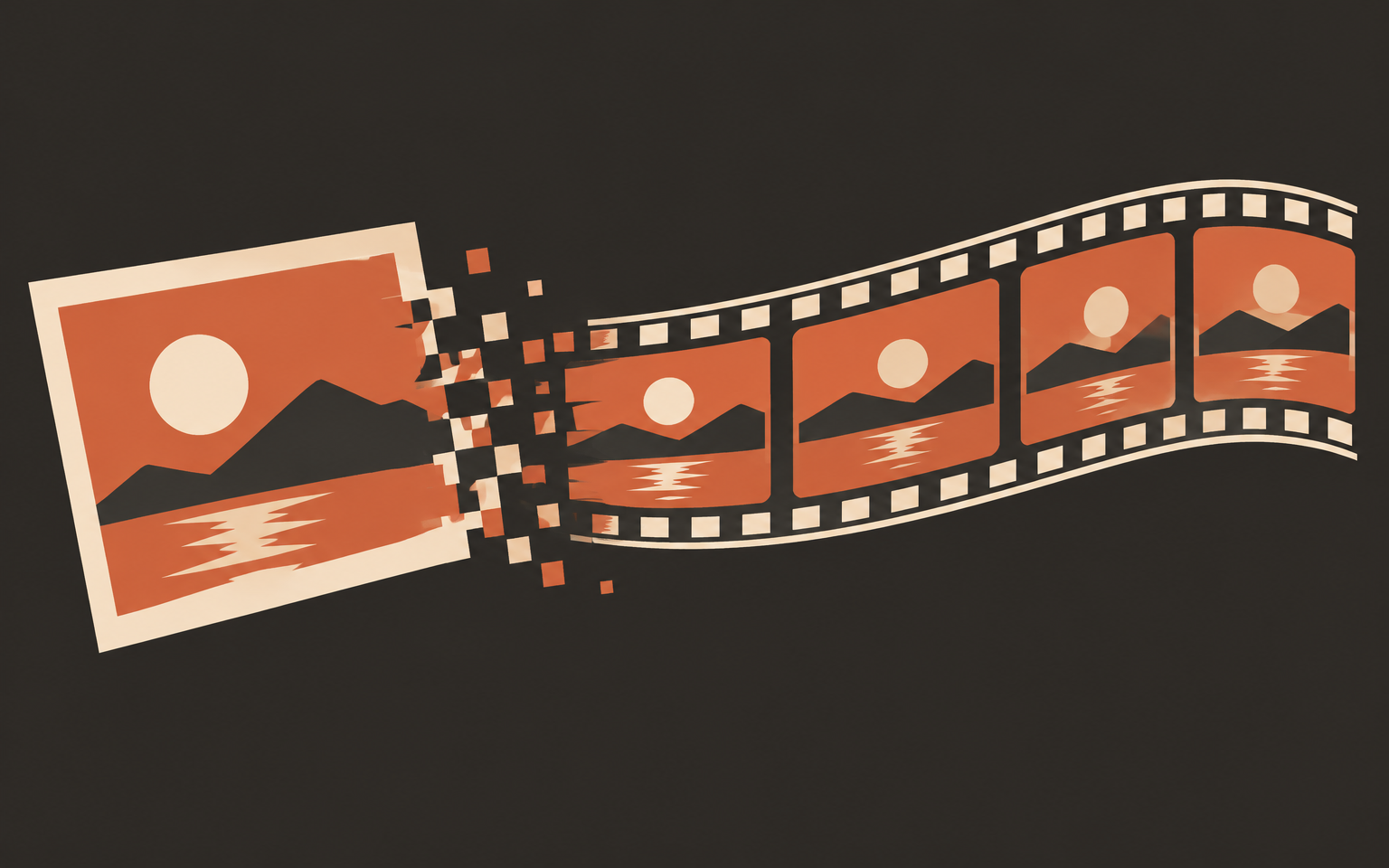
The image to GIF flow starts from a single still - no frames, no layers, no video file. The model reads the scene and invents the motion in between.

Upload one still image and let GPT Image 2.6 animate it into a smooth, seamless looping GIF. No timeline, no keyframes - just a photo, a quality tier, and a frame-rate slider.
0 / 5 reference images
Example 1 of 7
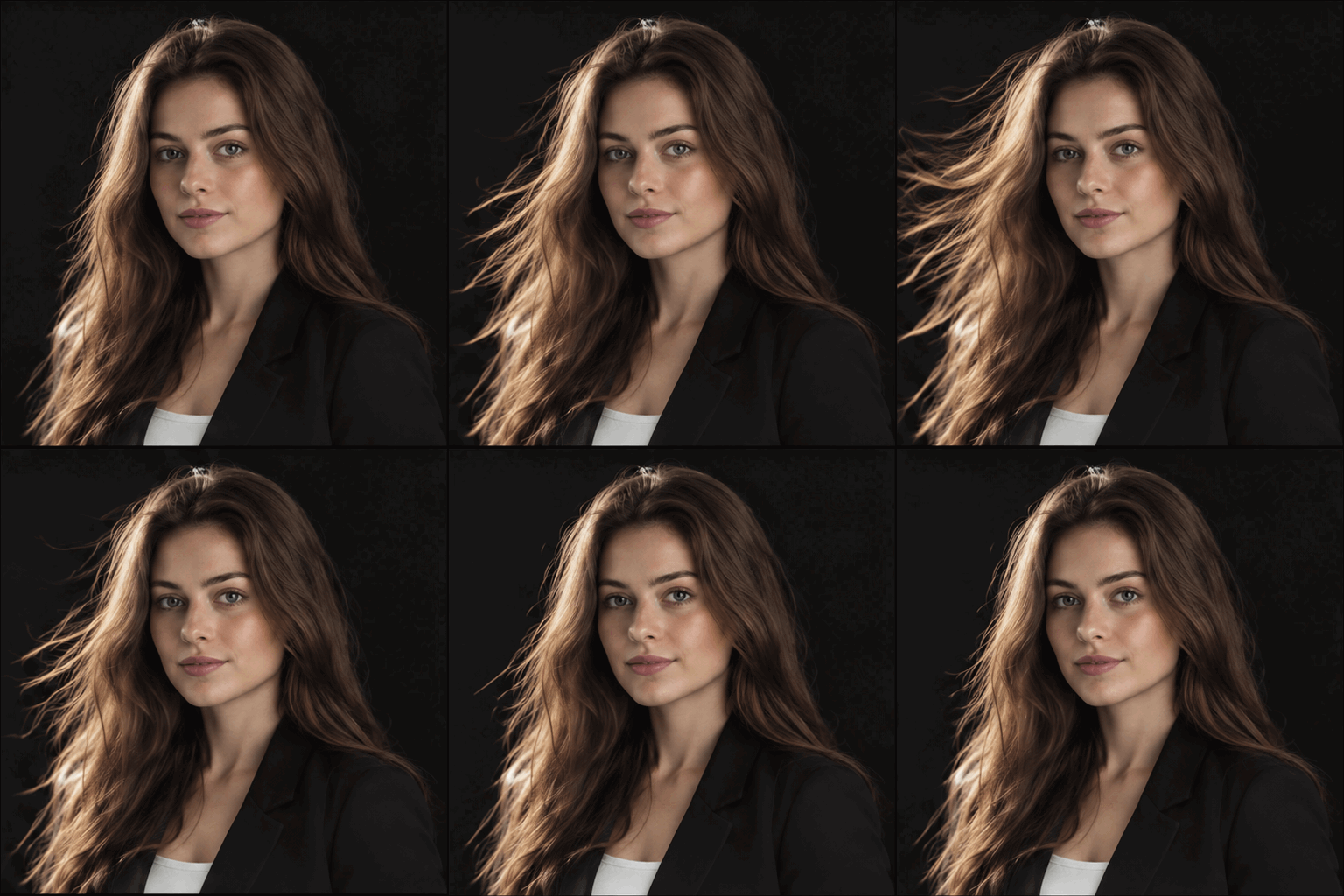
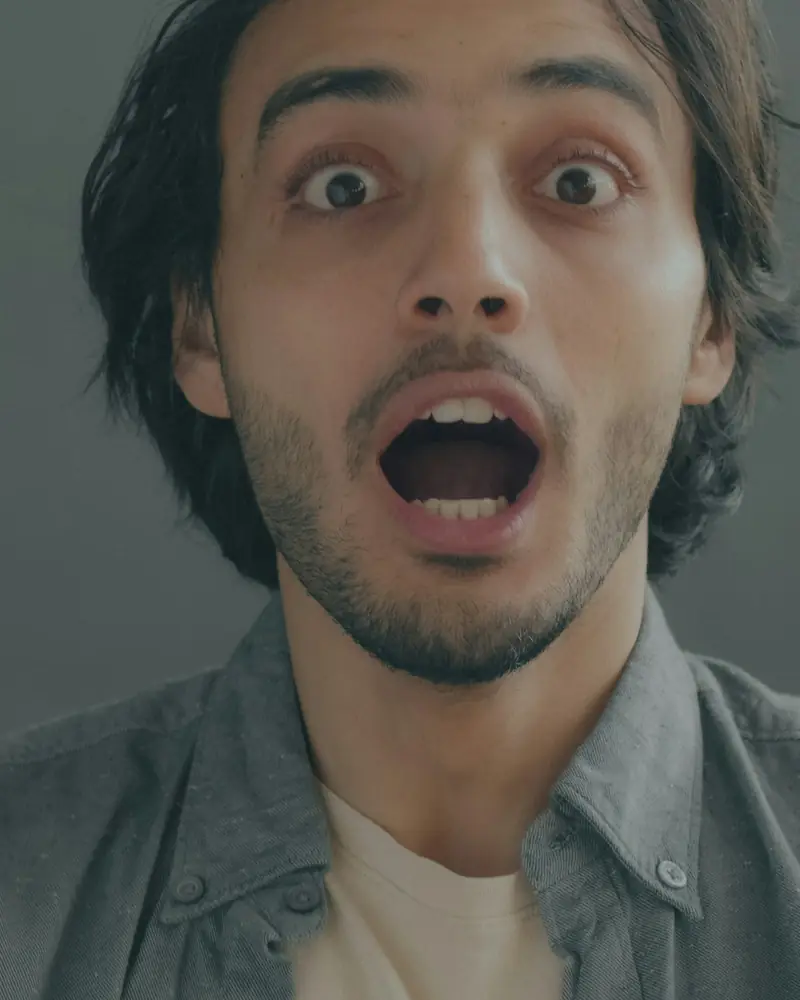
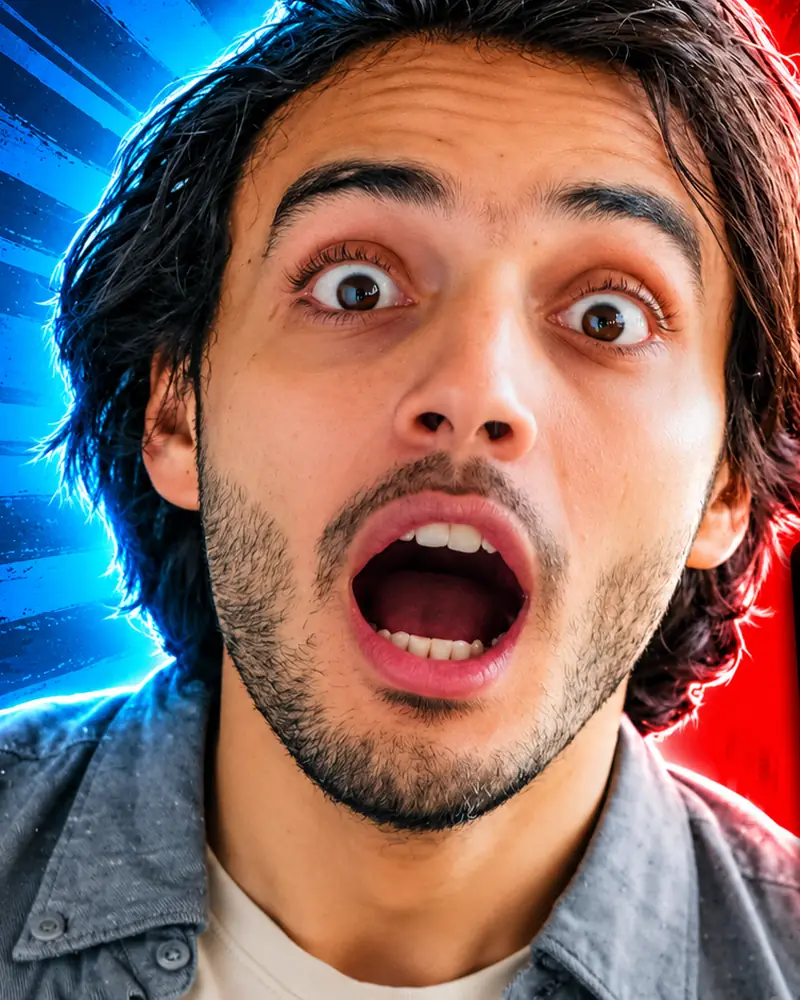
Animate this portrait with subtle professional motion: faint hair movement and soft light shift, keeping the face steady and natural.
The image to GIF flow starts from a single still - no frames, no layers, no video file. The model reads the scene and invents the motion in between.
Fast drafts the motion in seconds for quick iteration; Fine-Tuned spends more time on detail for the loop you publish. Same price, same controls.
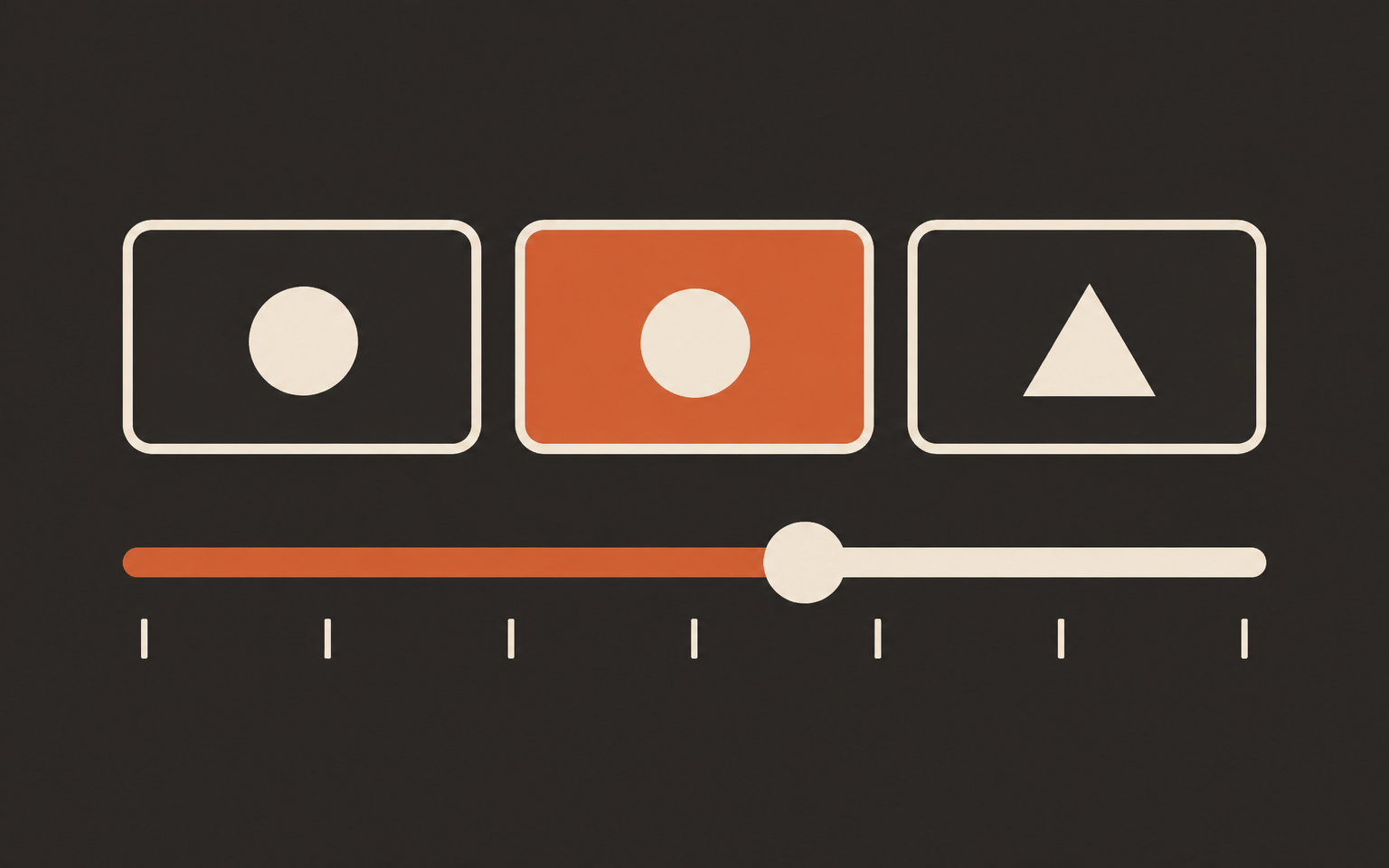
Pick a quality tier for the render budget, then slide the frame rate from 5 to 20 fps to choose between calm drift and snappy motion.
Every image to GIF result is built to loop: the last frame flows back into the first, so the animation plays cleanly anywhere GIFs are supported.
An animated image to GIF used to mean shooting video or fighting a timeline. GPT Image 2.6 changes the input: one photograph, and a model that understands what should move - fur, steam, reflections, a mascot's arm. You guide it with a quality tier and a frame-rate slider, it returns a seamless loop you can drop into a product listing, a README, a forum reply, or a social post. The result lands in your browser as a standard GIF file with no watermark, ready for anywhere that accepts GIFs.
Three decisions between your photo and a finished loop.
Drop in one PNG, JPEG, or WebP photo. Portraits, product shots, illustrations, and scenes all work; the GIF keeps the original shape.
Choose Fast or Fine-Tuned, slide quality between Low, Medium, and High, and pick a frame rate from 5 to 20 fps.
Press Generate GIF. The model animates the still into a seamless loop - typically under a minute for Fast.
Preview the loop, download the GIF file, and post it to listings, docs, or social channels. Re-run with different settings anytime.
The model animates what is already in the photo - drifting steam, swaying fur, soft light - instead of replacing your scene with stock motion.
In a feed of still thumbnails, a looping product or mascot draws the eye first - and a GIF needs no tap-to-play like video does.
READMEs, forums, email, marketplaces, and comment sections accept GIFs directly - no embeds, no players, no muted-autoplay fights.
What changes when a model animates the still for you.
| Approach | Video + editor | Chat app | Image to GIF |
|---|---|---|---|
| Starting point | A recorded video clip | A text chat window | One still photo |
| Controls | Timeline, keyframes, easing | Prompt wording only | Edition, quality, frame rate |
| Motion source | Whatever you filmed | Model's guess, often a re-render | Model animates your actual photo |
| Output | Video file to convert | Video, usually with watermark | Standard GIF file, no watermark |
| Effort | Minutes to hours of editing | Trial and error with prompts | Upload, slide two controls, generate |
| Re-running | Redo the edit | Re-roll and pray | Adjust quality or fps and regenerate |
Give product listings motion: a slow float or turning highlight that makes a static catalog shot feel alive - without a studio reshoot.
Answer with a GIF instead of a screenshot, spice up a README, or turn a thumbnail into a looping channel banner.
Bring a mascot to life with a wave or a bounce for Discord emojis, community posts, and campaign teasers.
How the animation, quality tiers, and frame rate work.
One still, two sliders, and a seamless loop - the fastest image to GIF workflow you will run today.