
Image Converter
Convert JPG, PNG, and WebP in your browser; transparency is kept or flattened onto a color you pick.
The utilities every workflow needs: enhance, cut out, upscale, resize — upload and go, no prompt writing.
Each basic tool does one job with one click. Subscribers run all of them free and unlimited; free accounts use their daily credits. Need a creative edit instead — outfits, backgrounds, holiday looks — pick a tool from the other collections.
Newest launches first. Open a card to run the tool on your own photo — the before/after previews show its published preset.
Convert JPG, PNG, and WebP in your browser; transparency is kept or flattened onto a color you pick.


Set exact dimensions or platform presets and download every size in one pass, right in your browser.
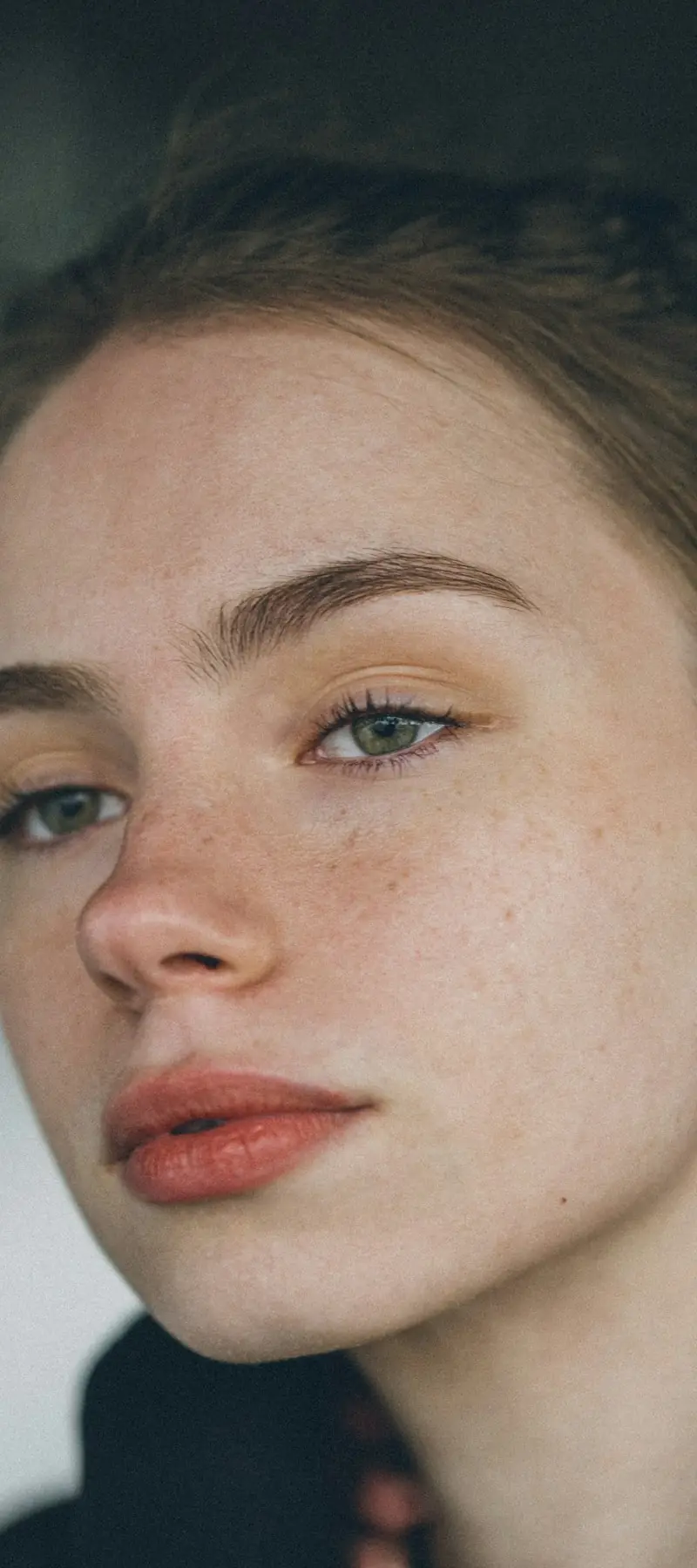
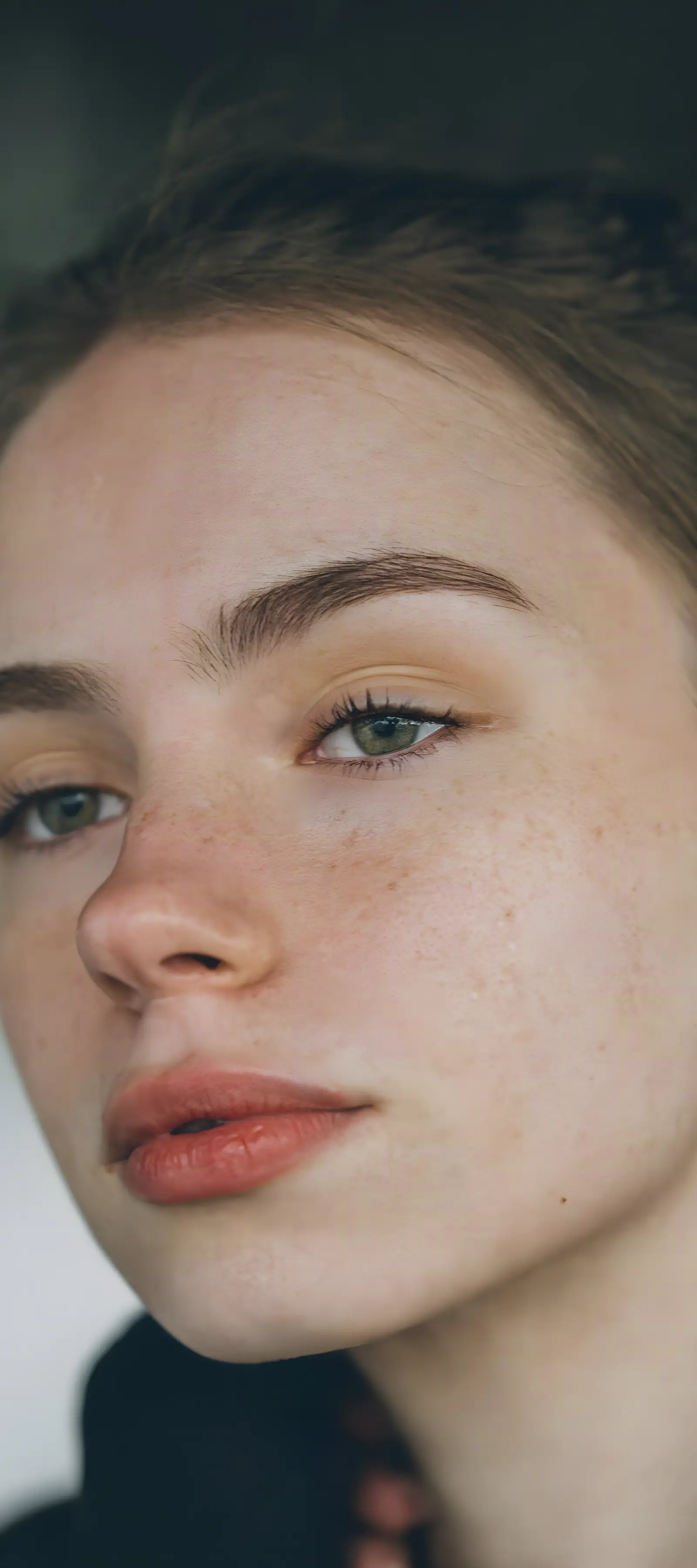
Upscale photos 2x or 4x in your browser. Detail is rebuilt, not stretched. Free daily credits, no watermark.


Fix blur, dim light, and faded color from a prompt; faces and composition stay.
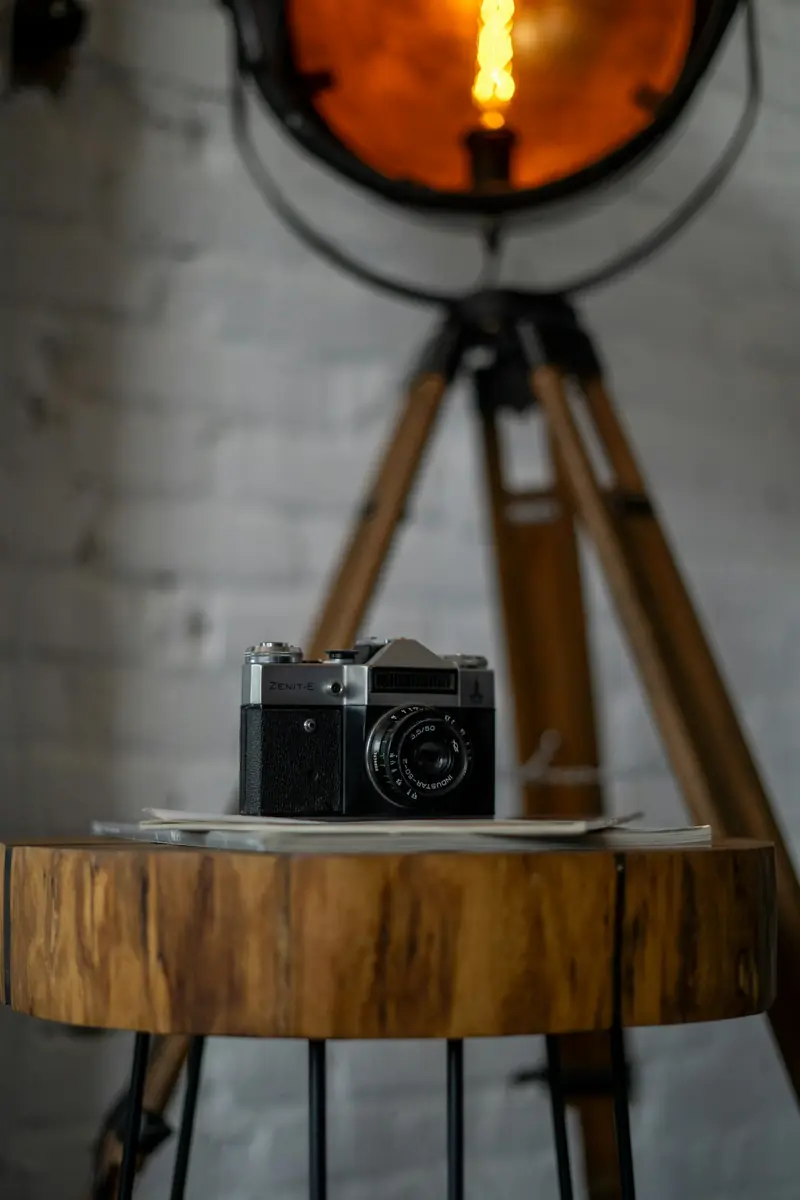
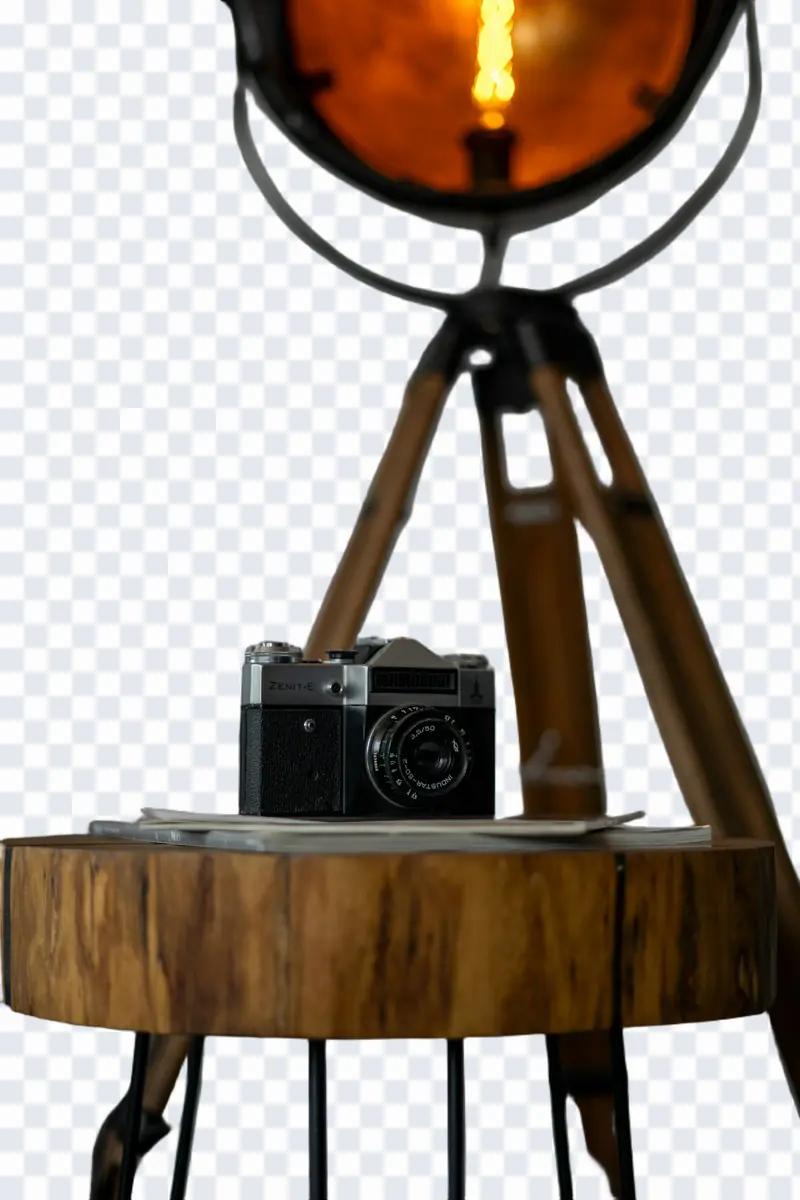
Erase backgrounds to transparent PNG in 1 click with sub-pixel edge detail.
Every tool on this site runs on the same editor. Pick the one that matches the job — the workflow never changes.
Start from the sharpest original you have — a phone photo is enough. One image per pass keeps the edit predictable.
Name what should change in plain words: the outfit, the backdrop, the object to erase. No masks, layers, or sliders.
Compare the result with the original at full size, rerun with sharper wording if a pass misses, and download the keeper. Downloads carry no watermark.
Common questions about the basic tools and the subscription perk.
The same editor, preconfigured for other jobs. Switch category or browse the full catalog.
Each tool is the same ImagEditorAI editor preconfigured for one job, so you can move between them without relearning anything.
Everyday photo edits — change outfits, try hairstyles, lift filters, restore old prints, and add text.
Studio-grade portraits and cleanup — AI headshots, background, object, and shadow removal.
E-commerce imaging — product shots, ghost mannequin, white backgrounds, colorways, and fashion models.
Upload a photo and let the tool do the rest — no sign-up needed to try.