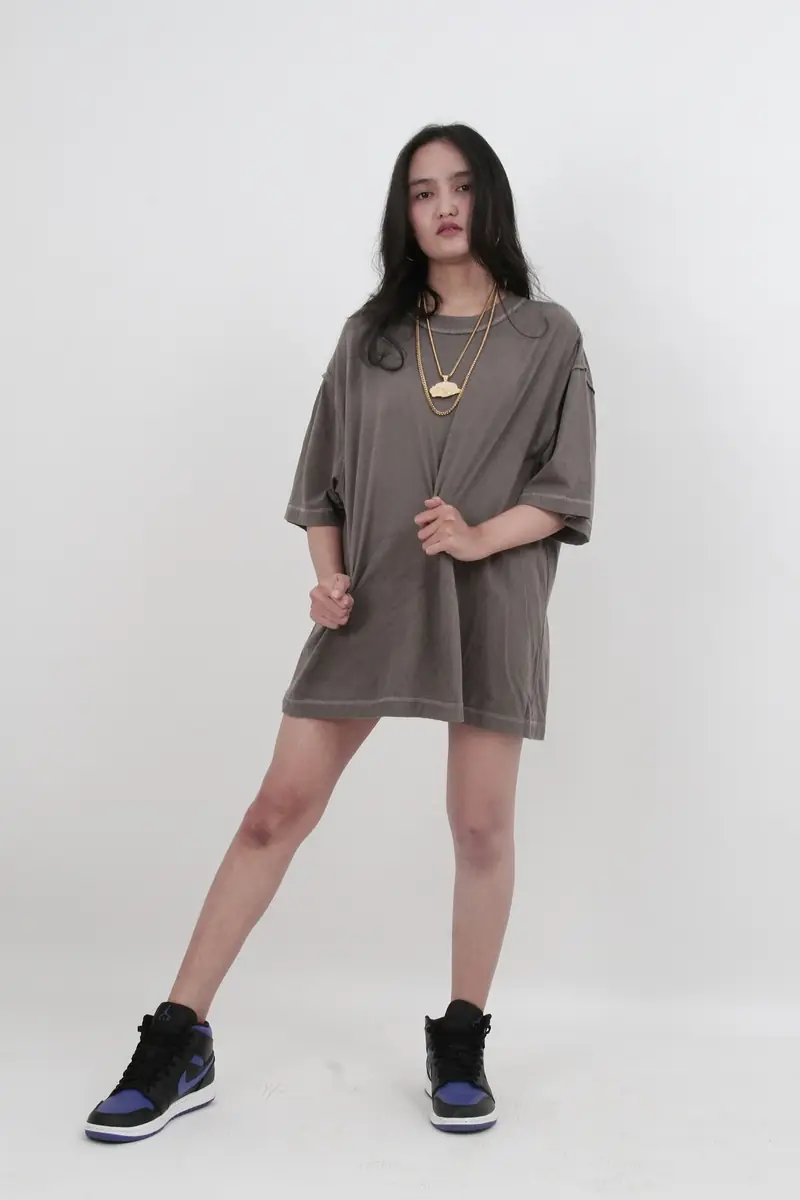
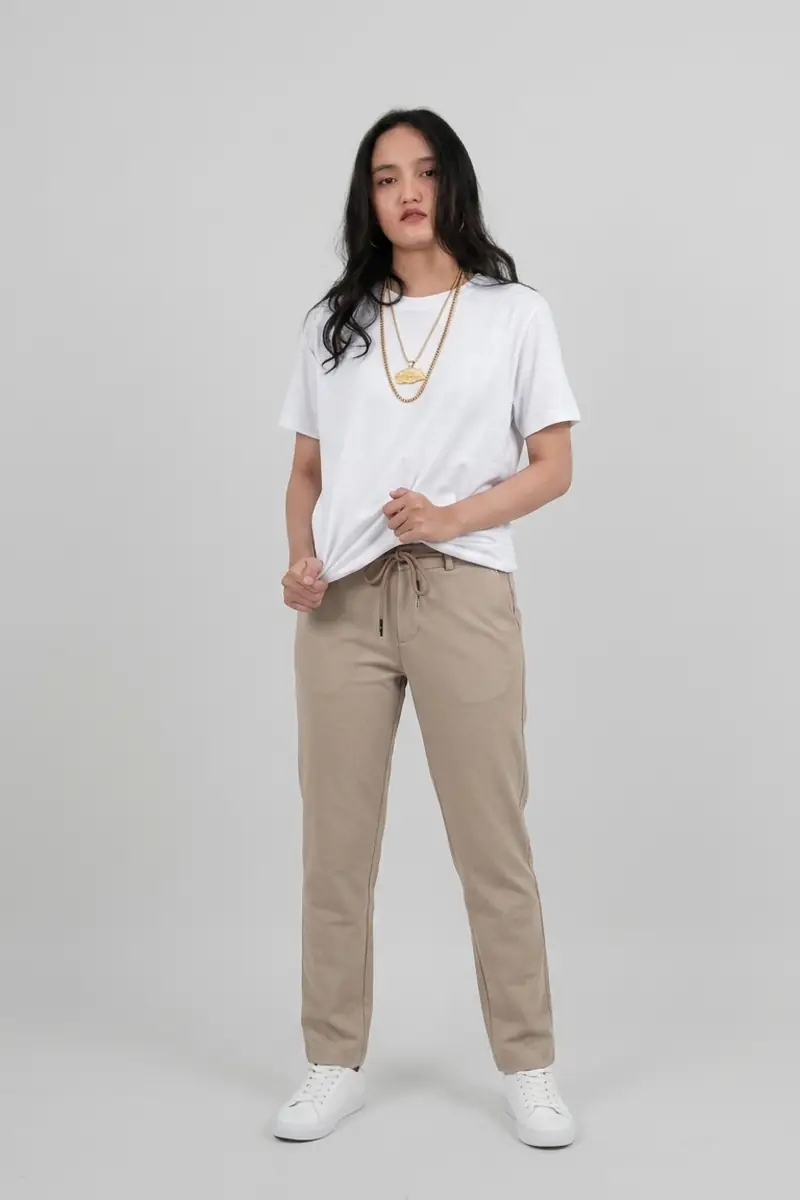
AI Outfit Generator
Describe an outfit and see it on your photo; face, pose and background stay.

The everyday-photo side of the editor: quick, personal edits that used to need a retoucher.
Swap what you're wearing before you post, preview a haircut before the appointment, rescue a faded family print, or strip a heavy filter an original app baked in. Every tool here is the same editor underneath, preconfigured for one job.
Newest launches first. Open a card to run the tool on your own photo — the before/after previews show its published preset.
Describe an outfit and see it on your photo; face, pose and background stay.
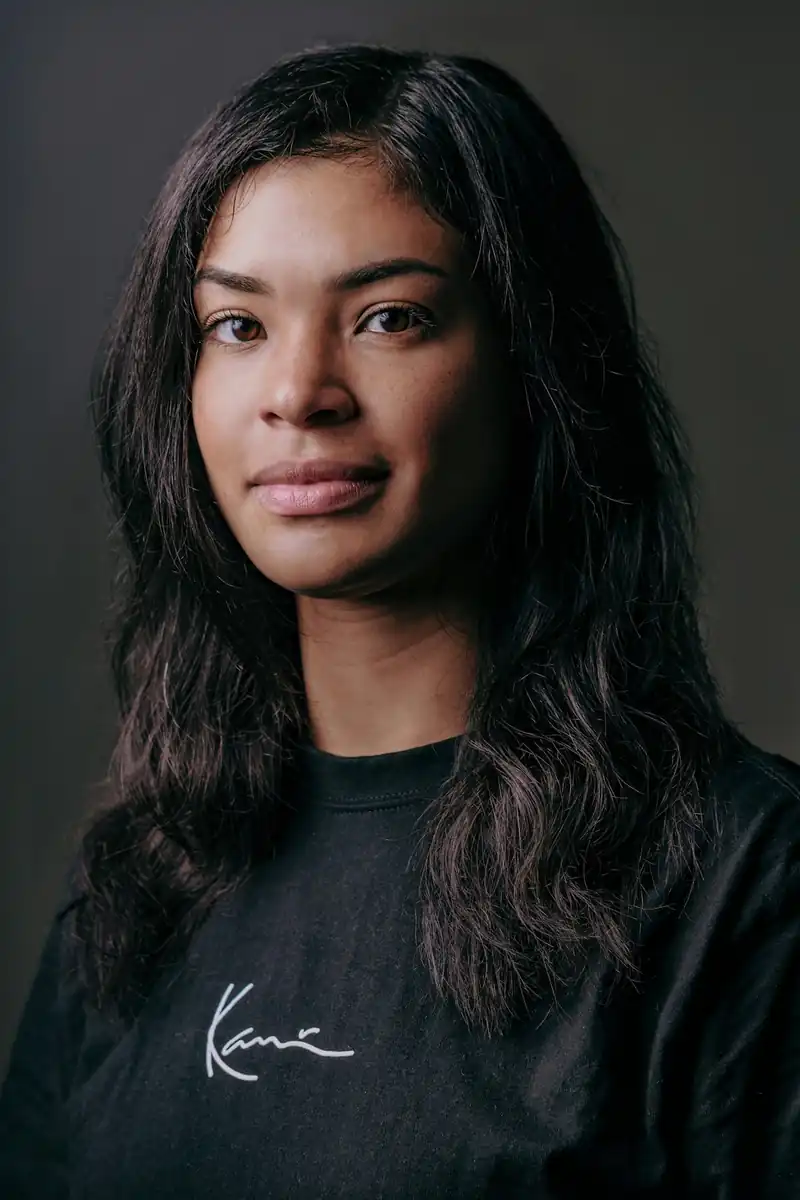
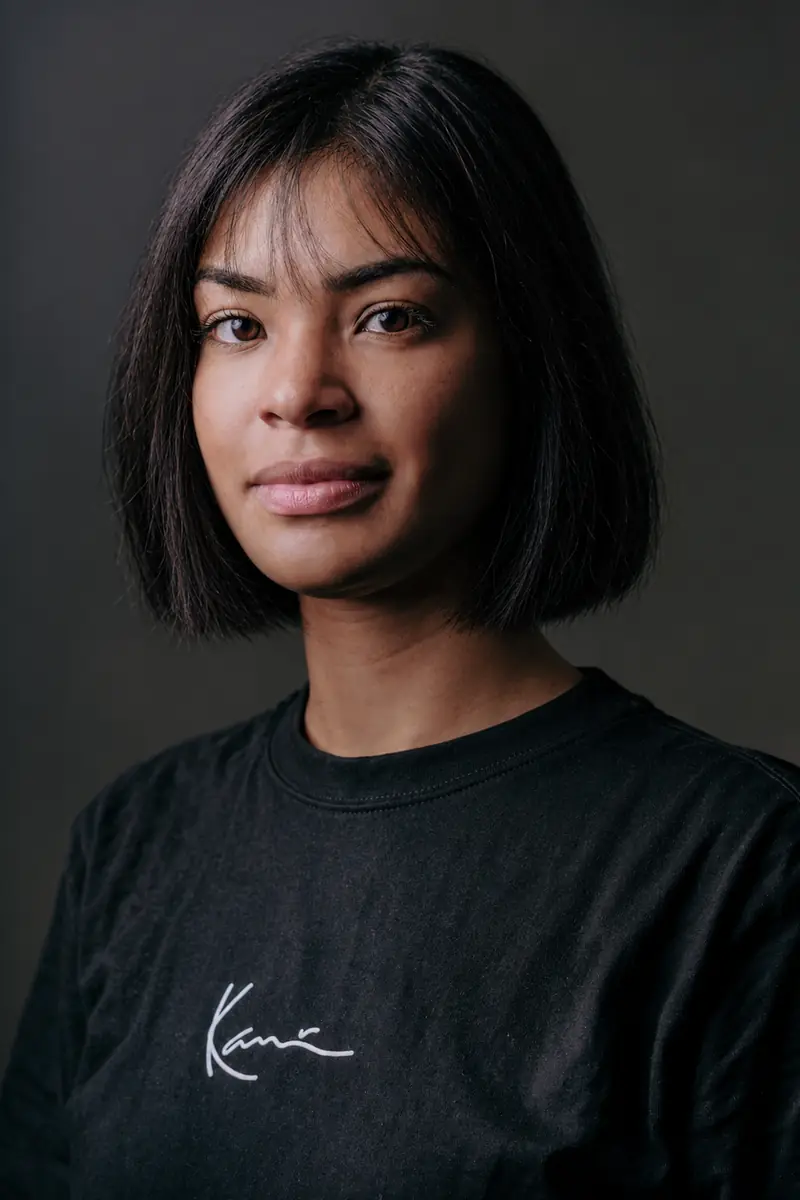
Try cuts, lengths, and hair colors on your photo before the salon; your face stays.
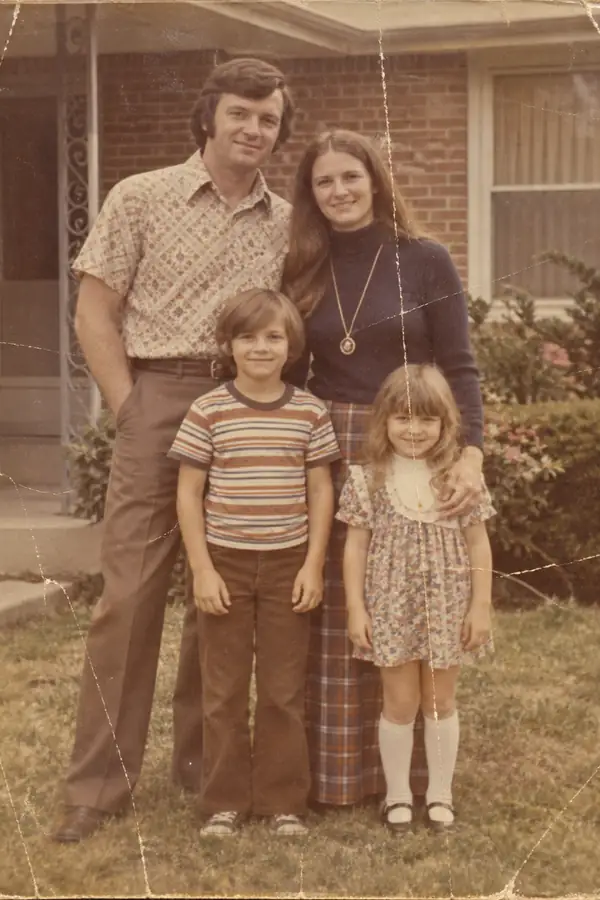
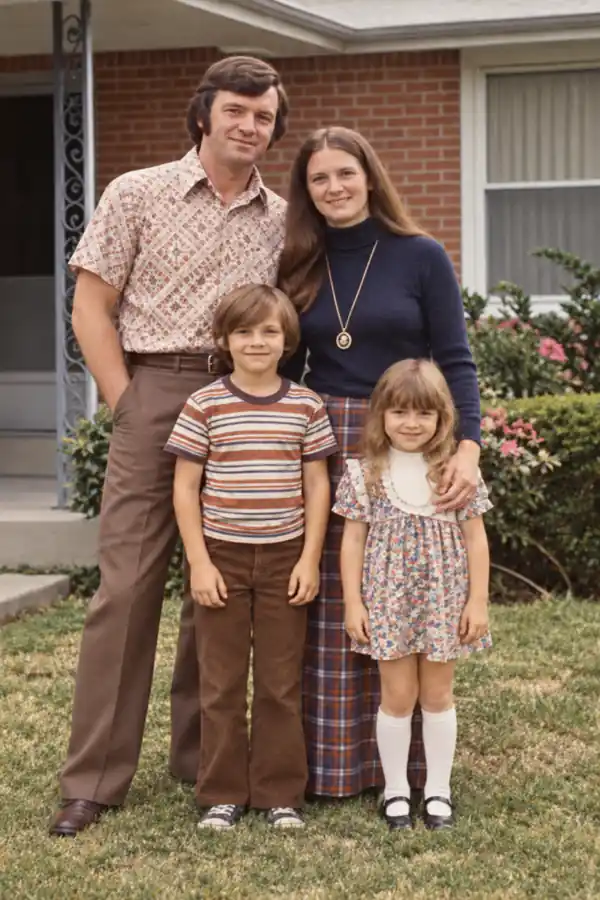
Repair scratches, tears, and fading in old prints while the faces stay unchanged.


Clear the green tint and painted-on look from filtered photos; faces stay natural.
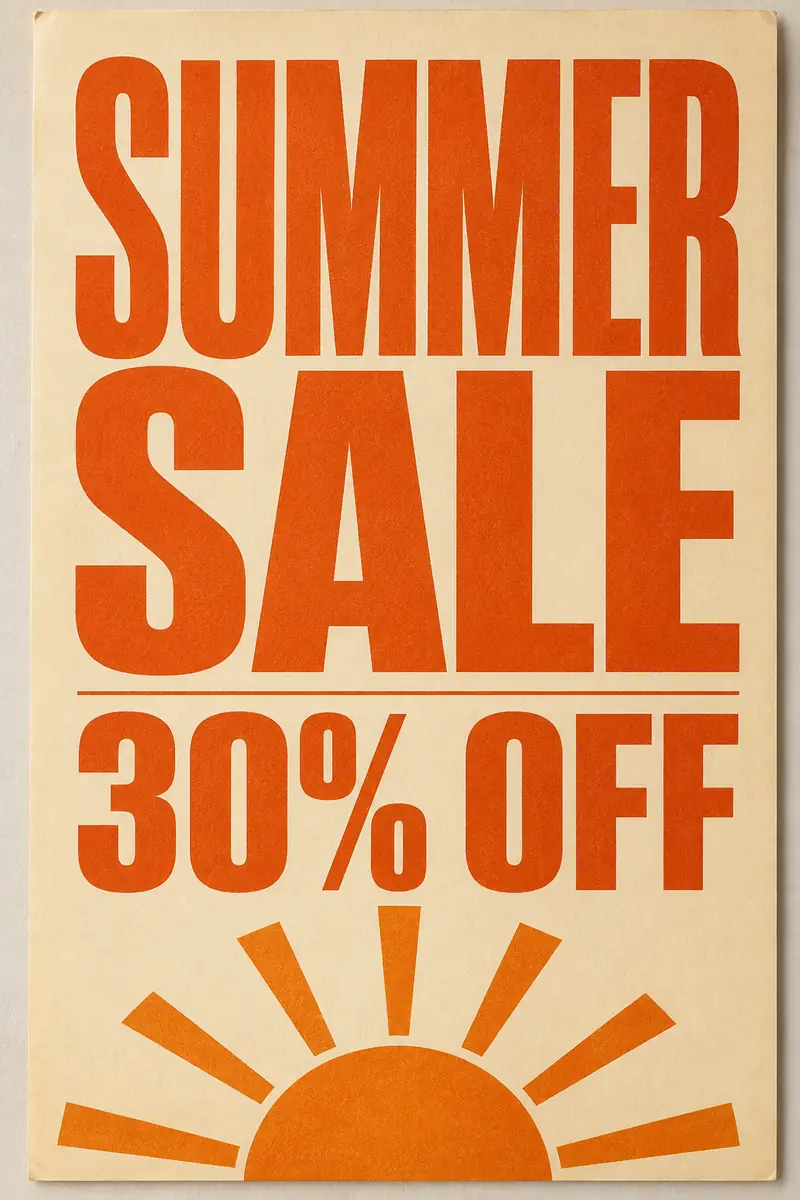
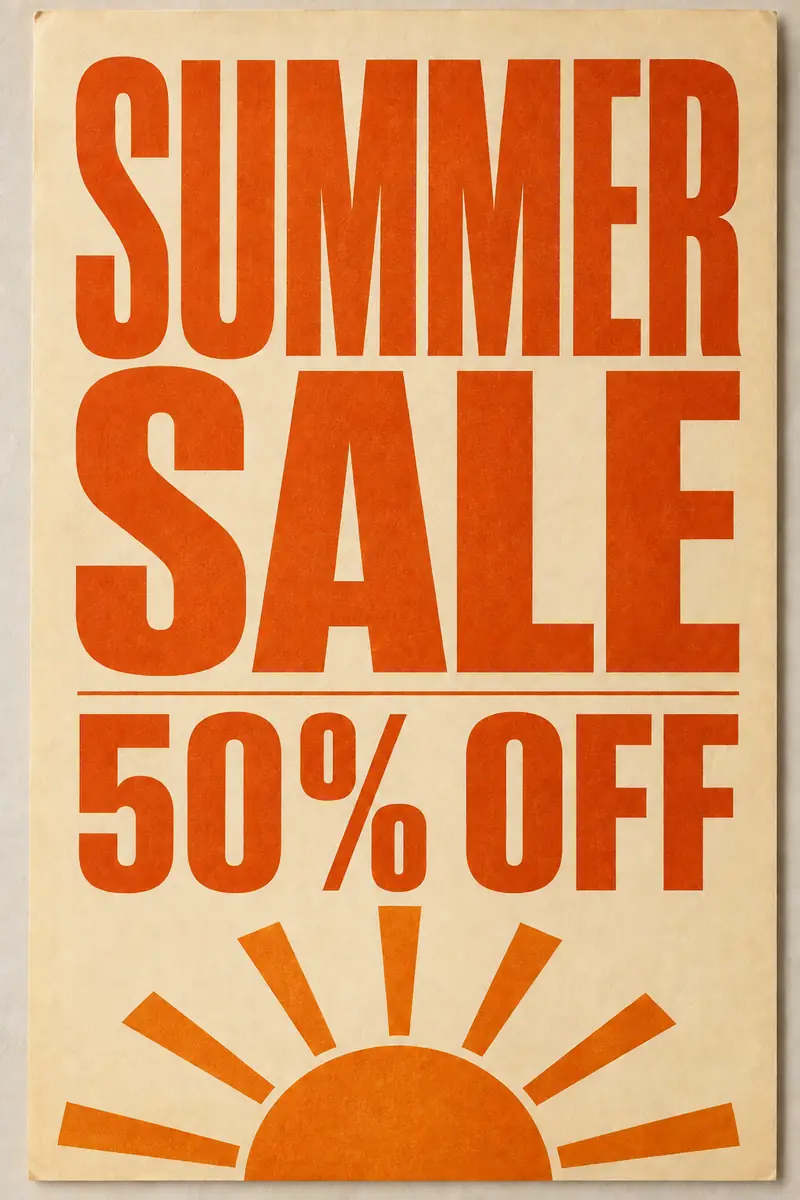
Change prices, dates, and headlines in an image while the layout and style stay.
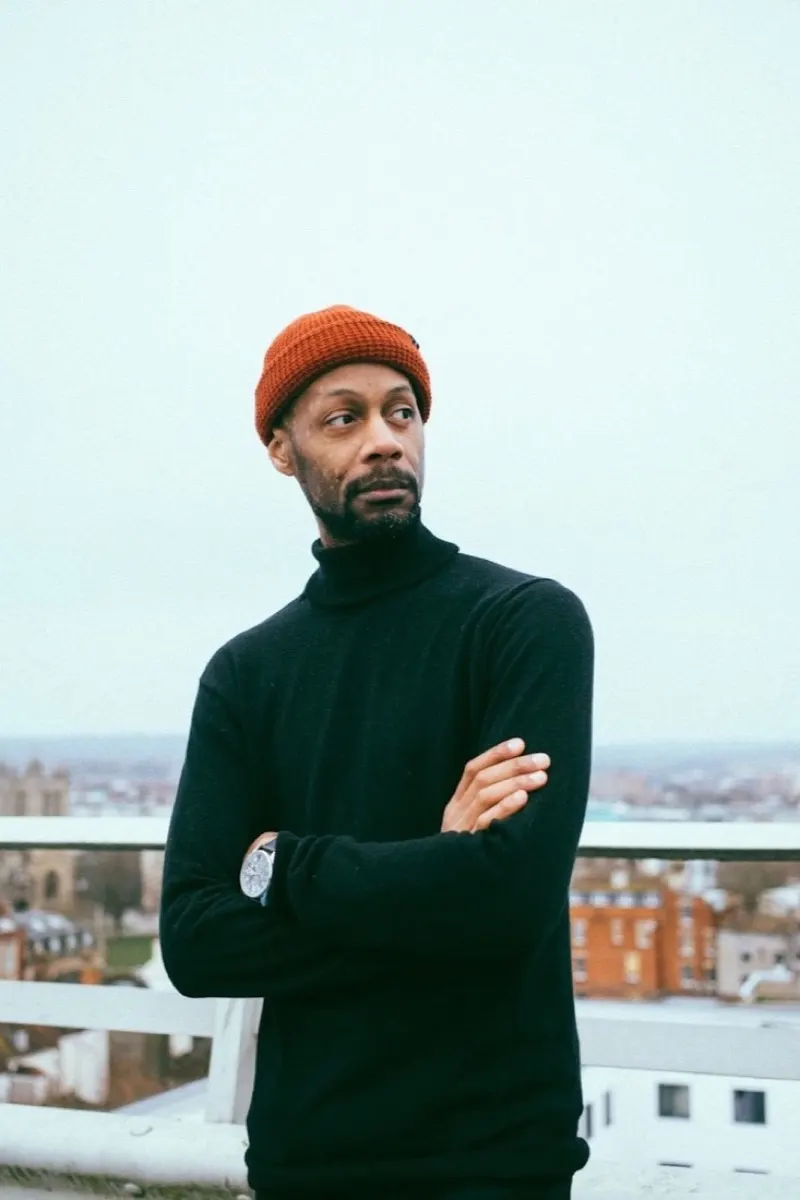

Swap outfits from a garment photo or a prompt; identity, pose, and lighting stay.
Every tool on this site runs on the same editor. Pick the one that matches the job — the workflow never changes.
Start from the sharpest original you have — a phone photo is enough. One image per pass keeps the edit predictable.
Name what should change in plain words: the outfit, the backdrop, the object to erase. No masks, layers, or sliders.
Compare the result with the original at full size, rerun with sharper wording if a pass misses, and download the keeper. Downloads carry no watermark.
Common questions about the everyday-photo tools.
The same editor, preconfigured for other jobs. Switch category or browse the full catalog.
Each tool is the same ImagEditorAI editor preconfigured for one job, so you can move between them without relearning anything.
Studio-grade portraits and cleanup — AI headshots, background, object, and shadow removal.
E-commerce imaging — product shots, ghost mannequin, white backgrounds, colorways, and fashion models.
Upload one photo, describe the change, and check the result up close before you download.