

Name the Costume, Get the Look
Witch, vampire, doll, pirate, skeleton prom date: type the pieces in one prompt and the editor builds the outfit onto your photo. Naming fabrics and colors narrows the result faster than a vague prompt.

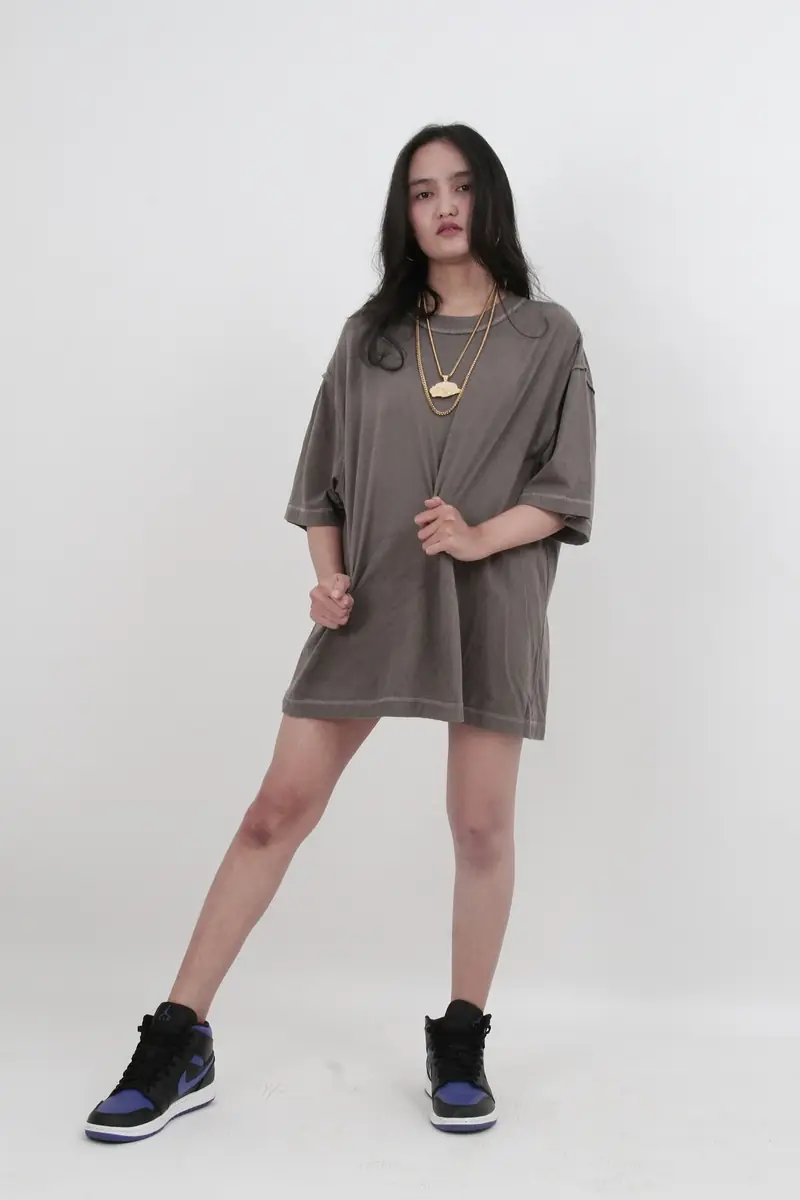
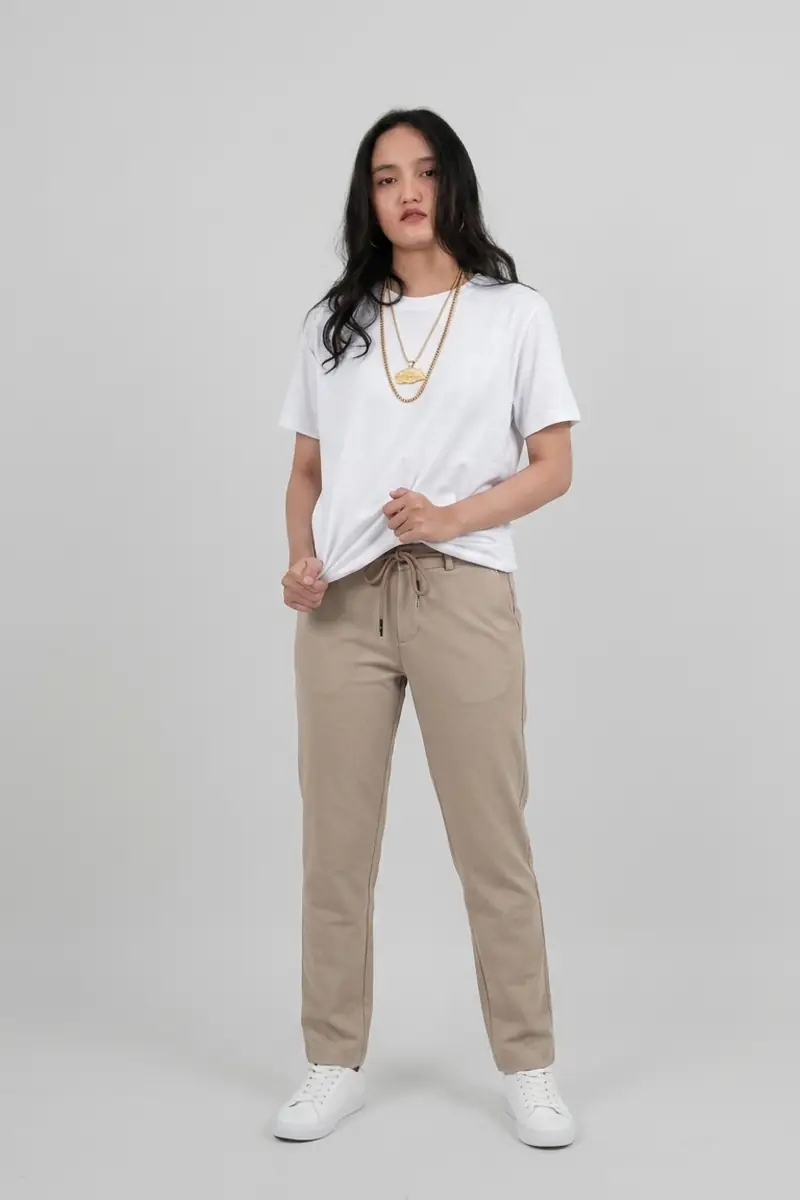
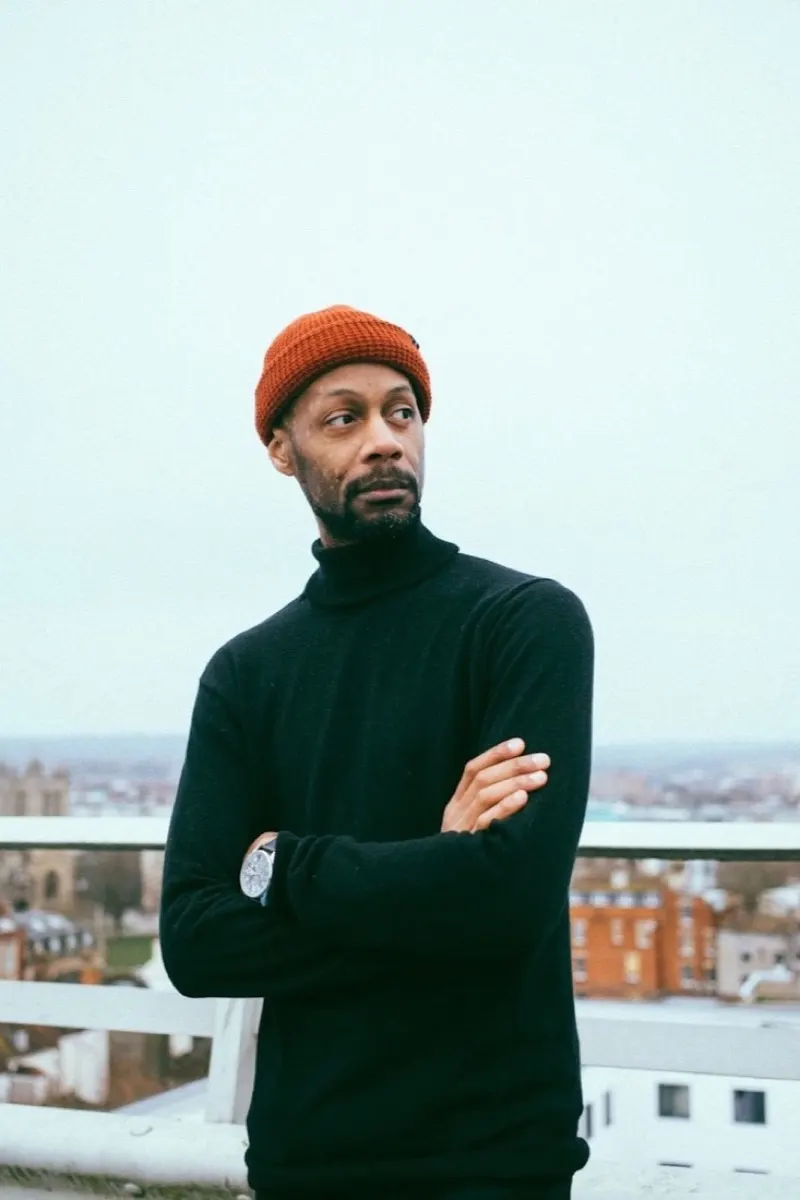
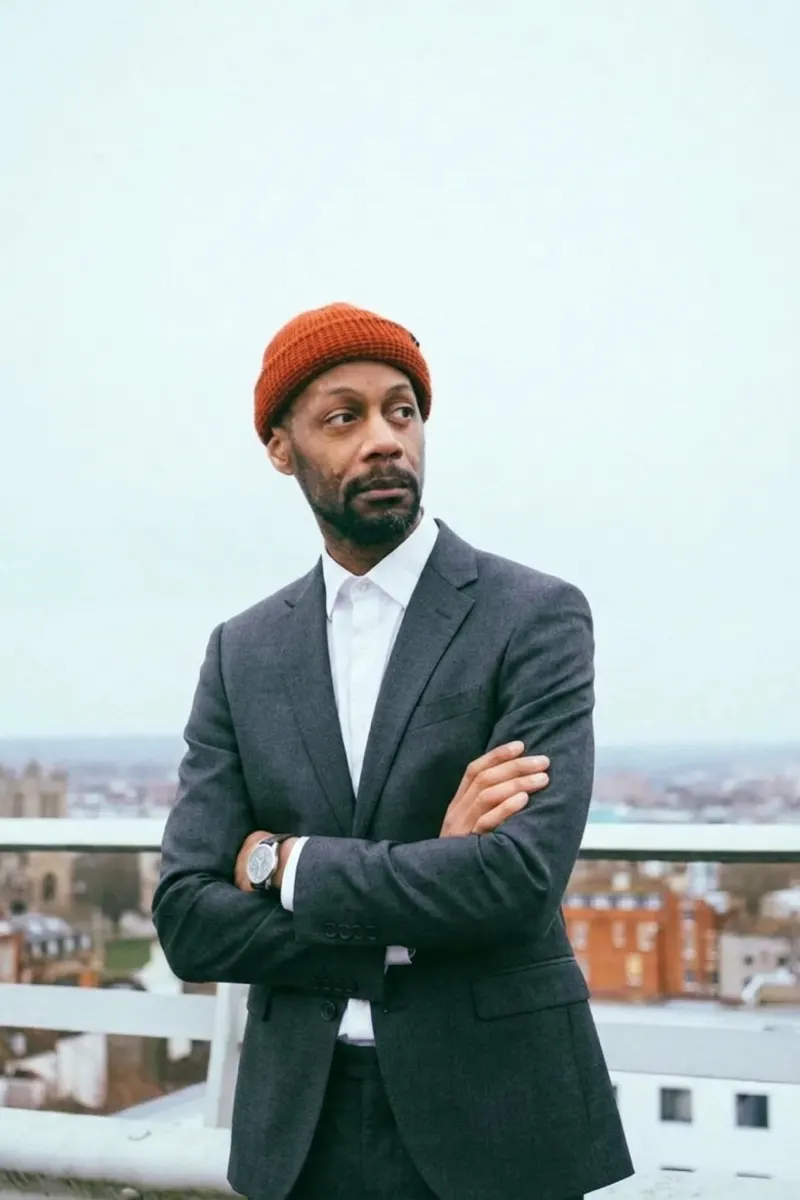
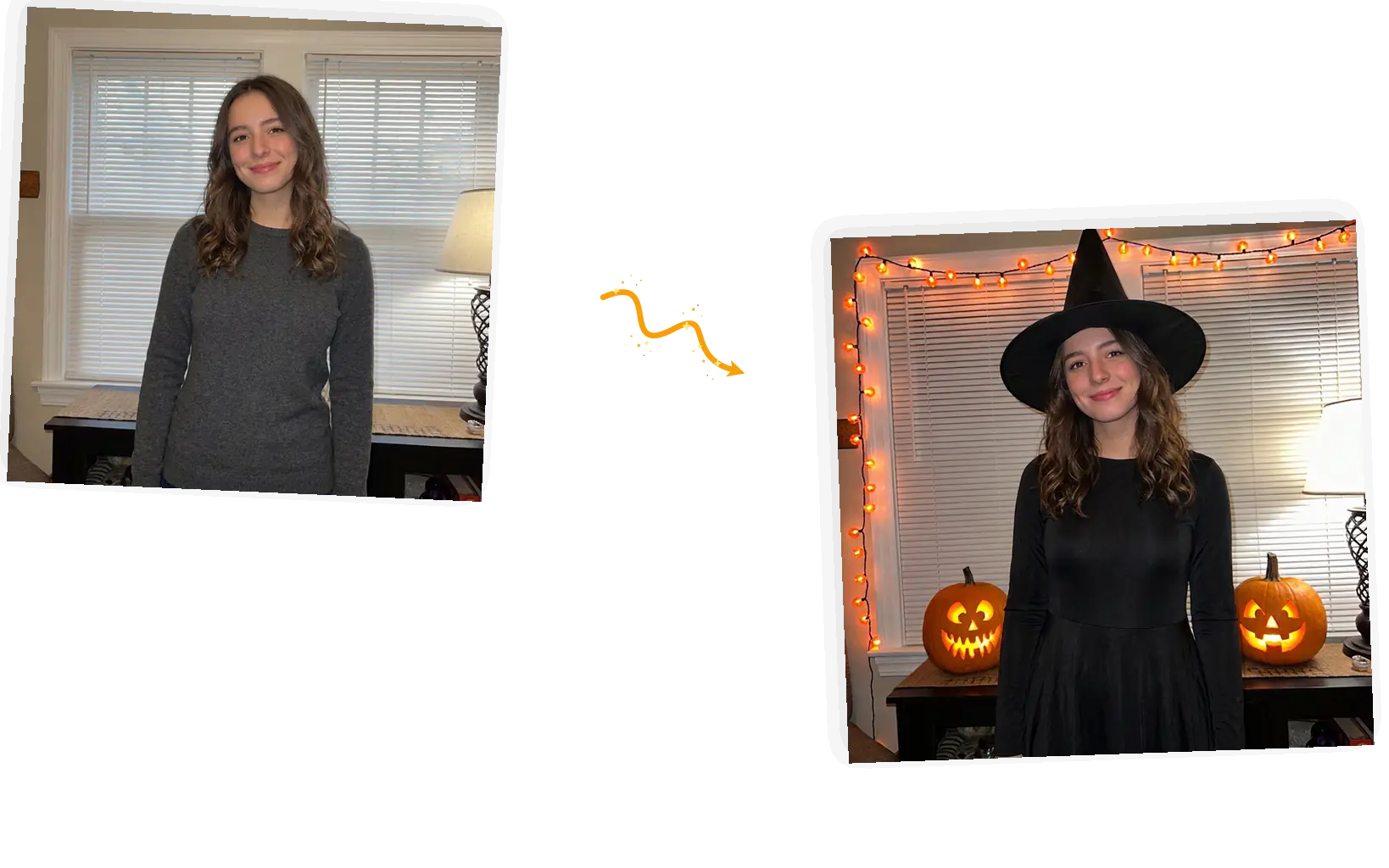
Upload one normal photo, name a costume, and the editor can bring the whole Halloween mood with it: pumpkins, candlelight, a darker night. Your face and pose stay yours; how much of the scene changes follows your prompt.
Example 1 of 4
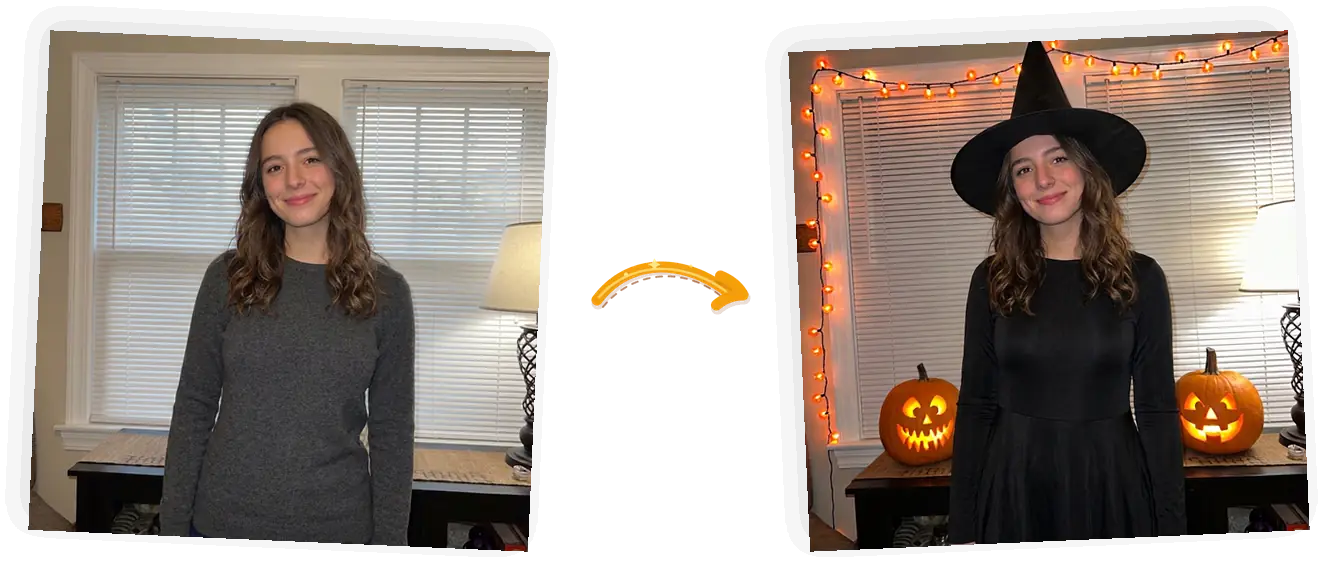
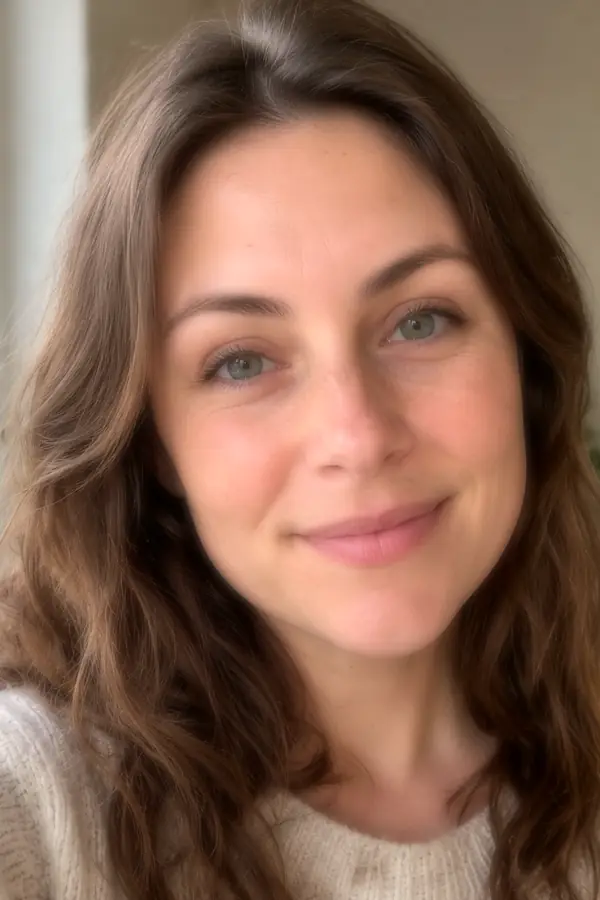
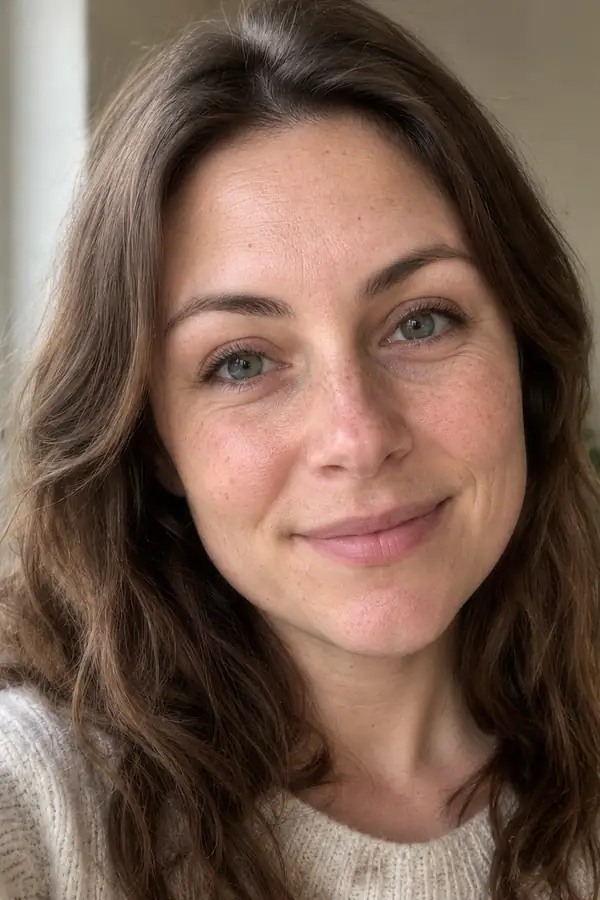
Dress this person in a classic black witch costume: a long-sleeved black witch dress with a flowing hem and a tall pointed witch hat with a wide brim, and give the room a Halloween feel with carved jack-o-lanterns and warm string lights. Keep the face, hairstyle, and pose exactly unchanged.
Witch, vampire, doll, pirate, skeleton prom date: type the pieces in one prompt and the editor builds the outfit onto your photo. Naming fabrics and colors narrows the result faster than a vague prompt.
A keep-list pins what must survive the edit: face, hairstyle, pose, hands. The costume changes; the person in the photo does not.
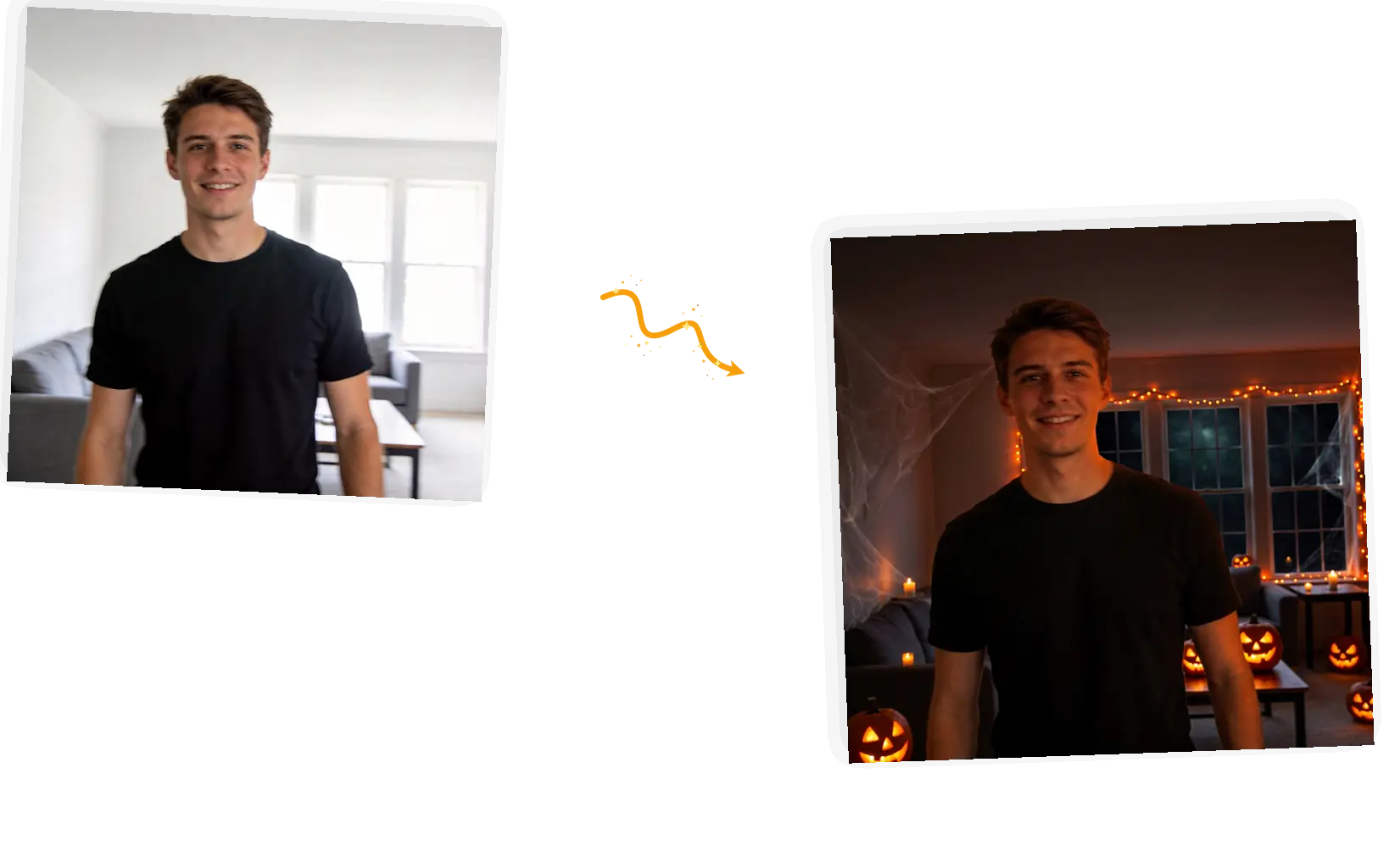
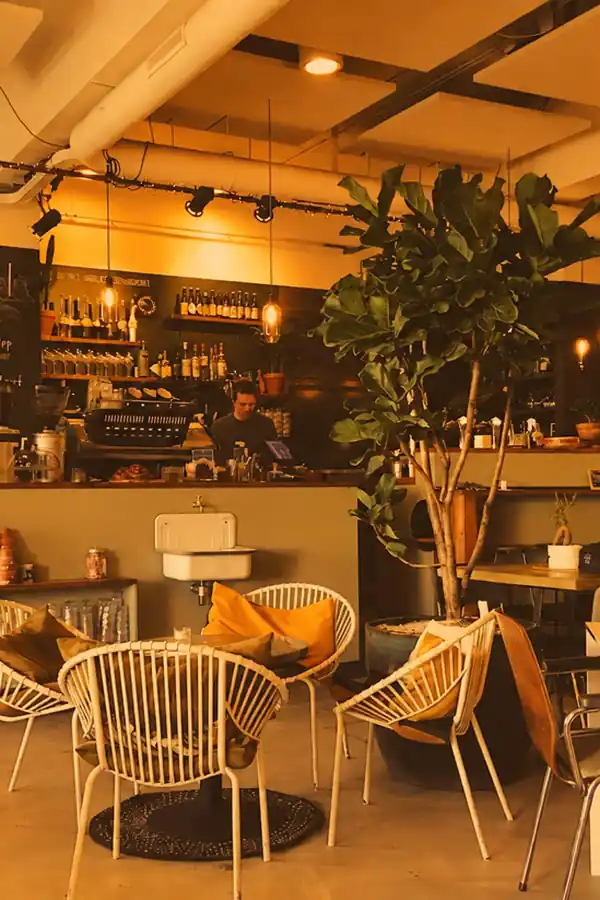
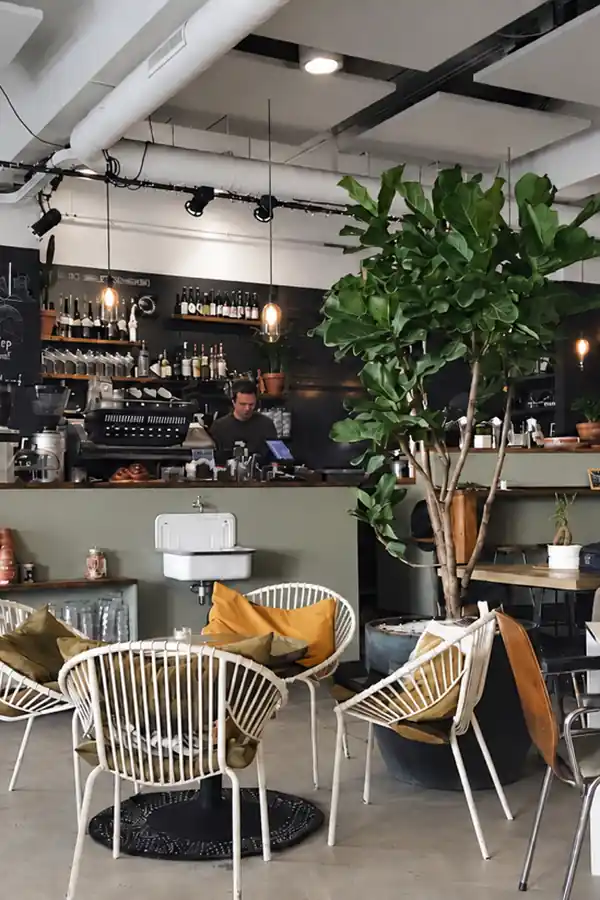
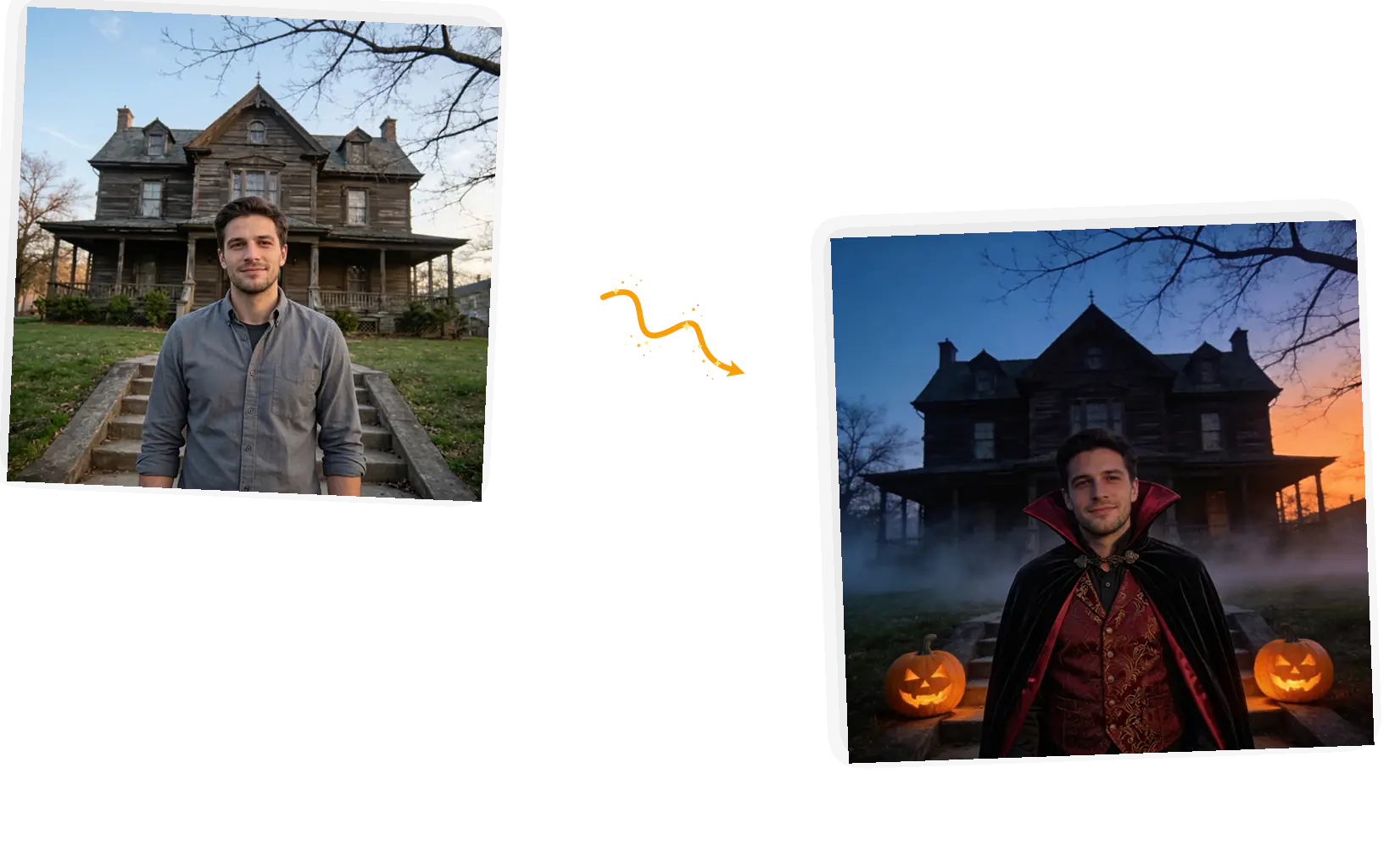
The prompt decides how much Halloween enters the frame. Ask for the costume alone and a keep-list keeps your room as it is; add the atmosphere and the same edit brings carved pumpkins, fog, and candlelight in with it.
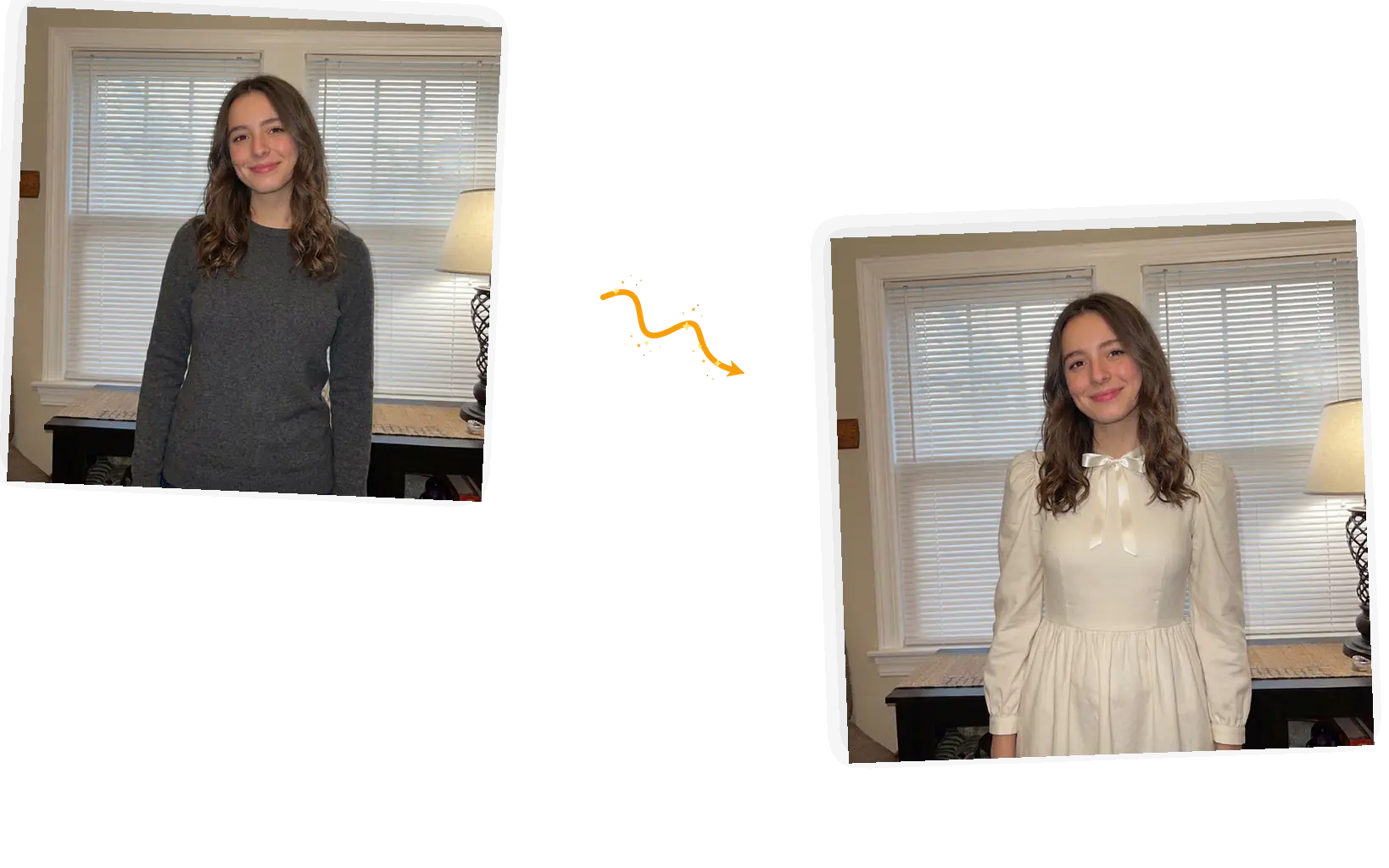
Try the witch, then the vampire, then whatever the party theme turns out to be. Each rerun starts from your same upload, and a standard 1K run costs 3 credits with automatic refunds on failed tasks.
An AI Halloween costume generator works on the photo, not the wardrobe: no shipping, no fitting room. You type a look, upload a picture of yourself, and the editor redraws the clothing while your face and pose hold. It is a digital try-on for photos you plan to share, not a store suggestion, and results can vary, so rerunning with a sharper prompt is part of the flow. People use it for one-off AI Halloween costumes and for the annual trend of posting themselves as a witch or a vampire. For regular outfits rather than costumes, the AI outfit generator on this site covers that job, and single garment swaps live on the clothes changer. It also runs bigger jobs: one prompt can bring the costume, the carved pumpkins, and the night in together, turning a plain photo into a full Halloween set.
Try a Halloween costume on your photoThe whole flow runs in the editor on this page, and a first result takes about a minute.
JPEG, PNG, or WebP up to 20MB. A waist-up shot with your face clear works best; the model keeps what it can see.
Say the pieces: a long black witch dress, a pointed hat, a velvet cape. The more concrete the pieces, the closer the first result lands.
Face, hairstyle, pose, background: name what must stay exactly as it is. That list is what keeps the photo recognizably you.
A standard 1K run costs 3 credits. Guests get 3 free credits a day, signed-in accounts get 9, and failed tasks refund automatically.
Results download with no watermark from us. Not feeling the cape? Change one line of the prompt and generate again.
A store costume costs money for one night and locks you into one look. Here a wrong pick costs a prompt edit, not a return label.
No app download and no signup before the first try. Upload, prompt, generate, download, done.
The point of the trend is that people can tell it is you in the costume. A keep-list pins your face and pose; only the outfit follows the prompt.
The same Halloween job three ways: buy and build the costume, ask a chatbot for ideas, or try the look on your photo here.
| Dimension | Buy and DIY | General chatbot | This costume tool |
|---|---|---|---|
| Starting point | A costume you already own or bought | Text ideas, no picture of you | Your own photo, redressed |
| Look control | Whatever the store stocked | Ideas you still have to build from | Named pieces: dress, hat, cape, colors |
| Subject keep | It is literally you | No image to keep | Keep-list pins face, pose, and framing |
| Result | A real costume for one night | A list of suggestions | A shareable photo, stated as generative |
| Effort | Shopping, fitting, glue, needles | Prompting a brainstorm | One prompt, about a minute |
| Reruns | Another costume, another checkout | Ask again, start over | Swap one line, same upload |
The model needs the pieces, the fabrics, and the keep-list.
Dress this person in [costume pieces]. Keep the face, hairstyle, pose, and background exactly unchanged.
Too vague
“Make me a witch”
More useful prompt
“Dress this person in a long-sleeved black witch dress with a flowing hem and a tall pointed hat with a wide brim. Keep the face, hairstyle, pose, and background exactly unchanged.”
Too vague
“Something spooky and elegant”
More useful prompt
“Dress this person in a black velvet cape with a tall collar over a dark red brocade vest. Keep the face, hairstyle, pose, and background exactly unchanged.”
Too vague
“Creepy doll vibes”
More useful prompt
“Dress this person in an ivory doll-style dress with puffed sleeves and a satin ribbon at the collar. Keep the face, hairstyle, pose, and background exactly unchanged.”
The party is Saturday, the stores are picked over, and shipping takes a week. A costume on a photo answers the group chat tonight.
The AI Halloween costume trend runs on people posting themselves as witches, vampires, and dolls. Test the look on your own photo before you commit to anything.
Match one theme across the group chat, test women’s costume ideas without a fitting room, and send the winning look to whoever is sewing or shopping.
Short answers on how the try-on works, what it costs, and where the honesty line sits.
Upload a photo, name the look, and keep your face in the frame.