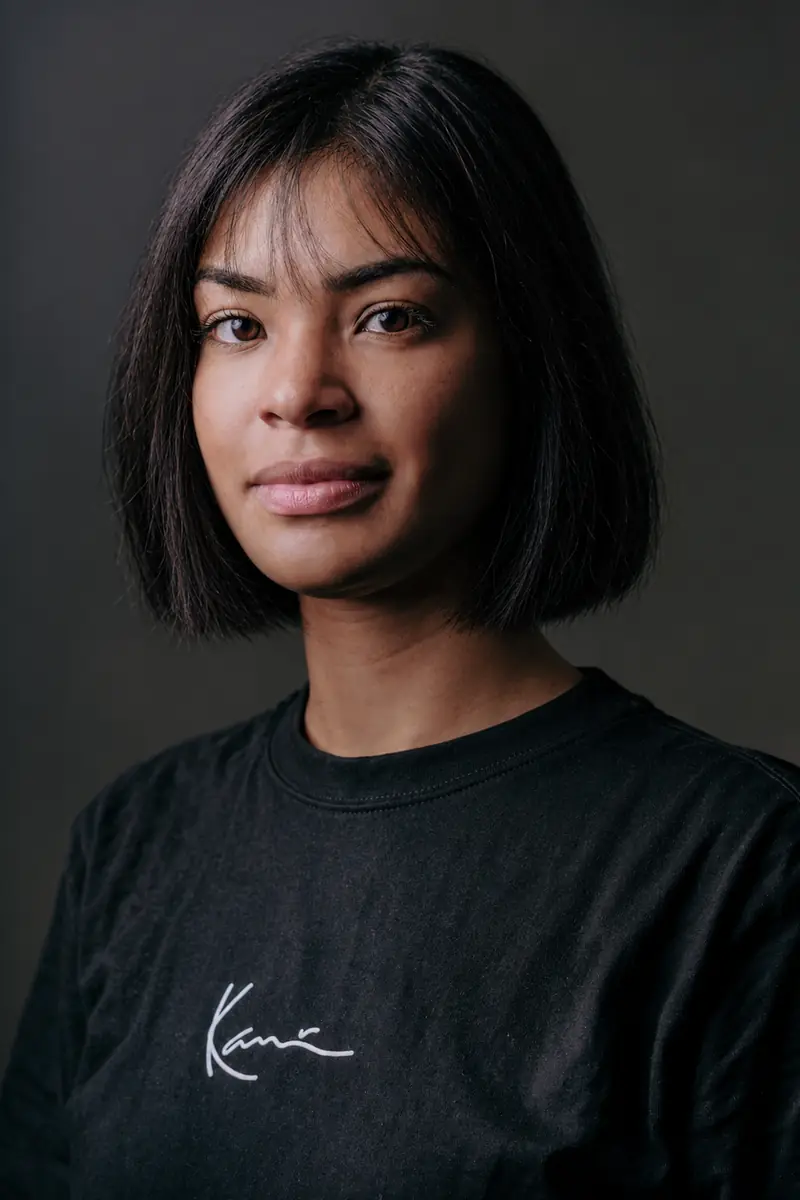
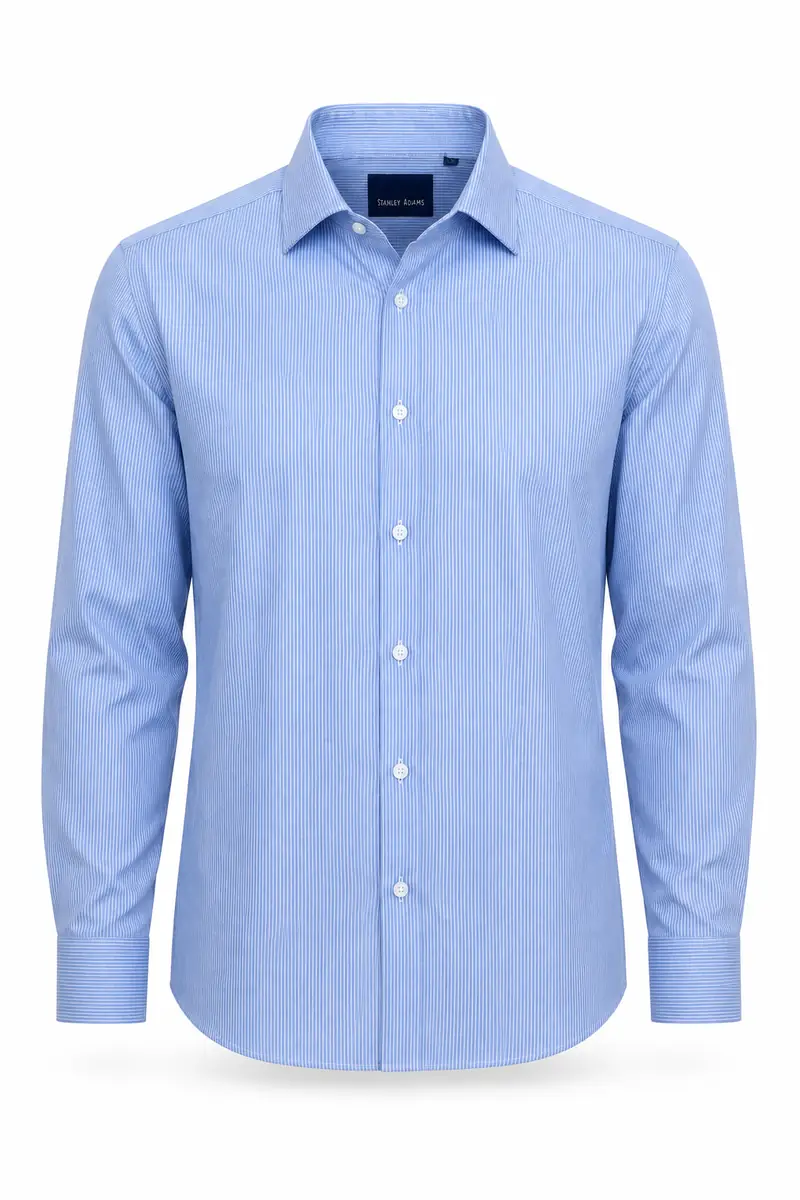
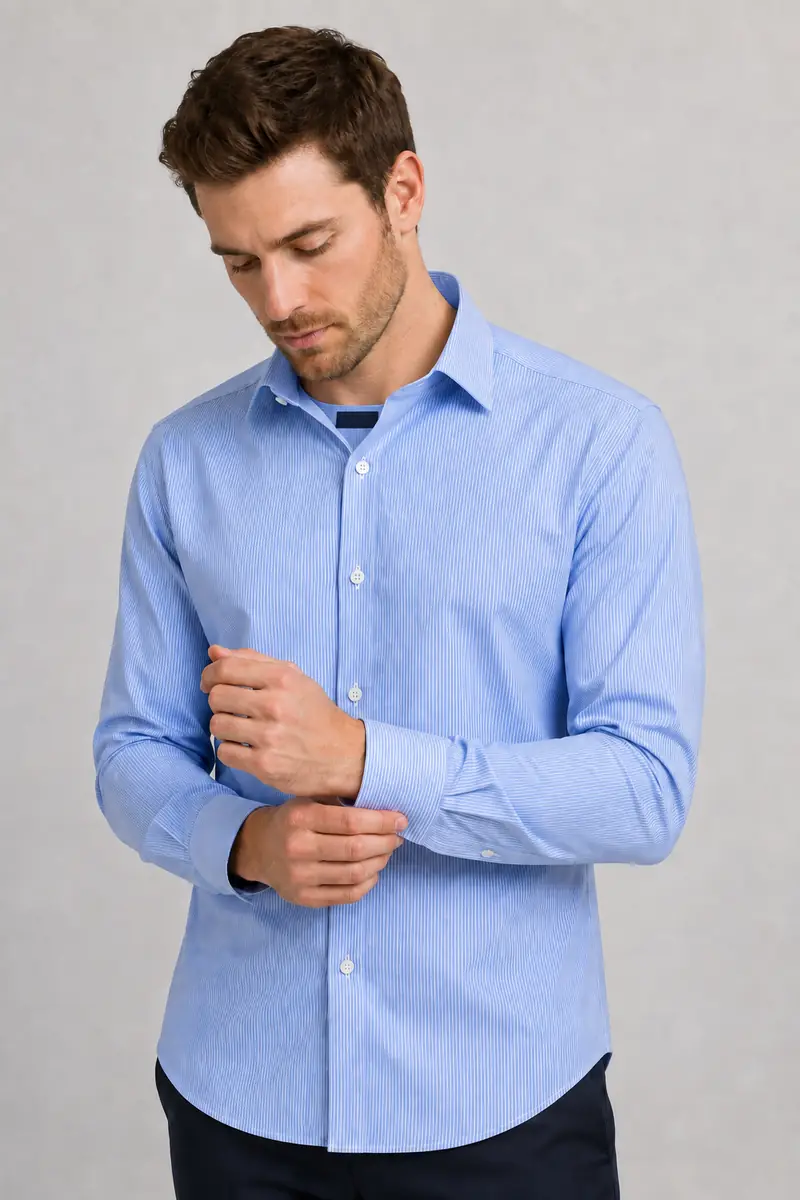




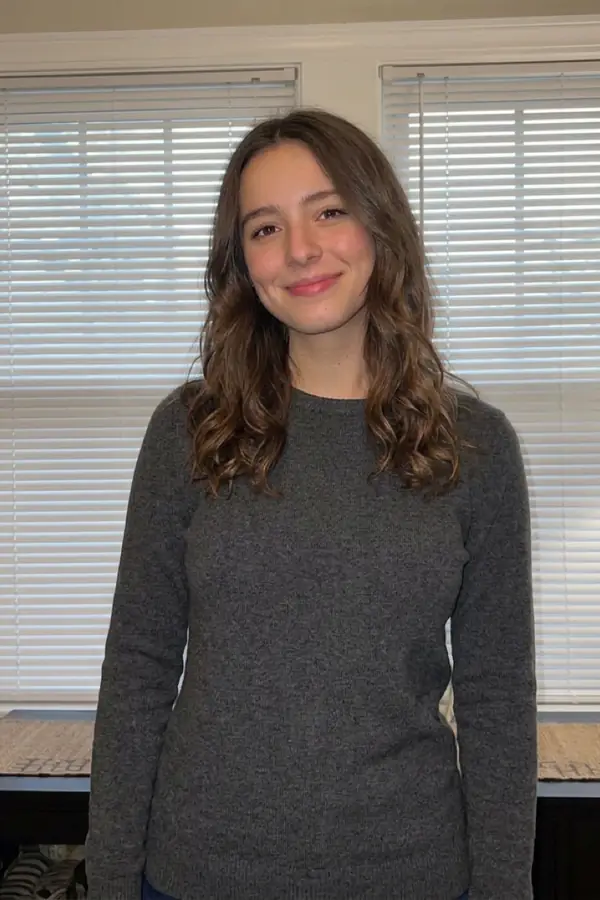
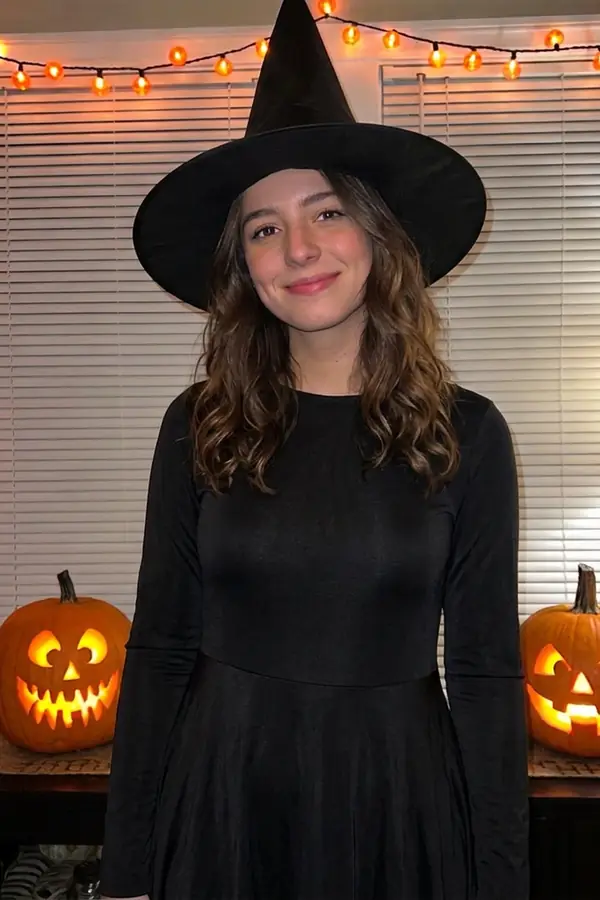
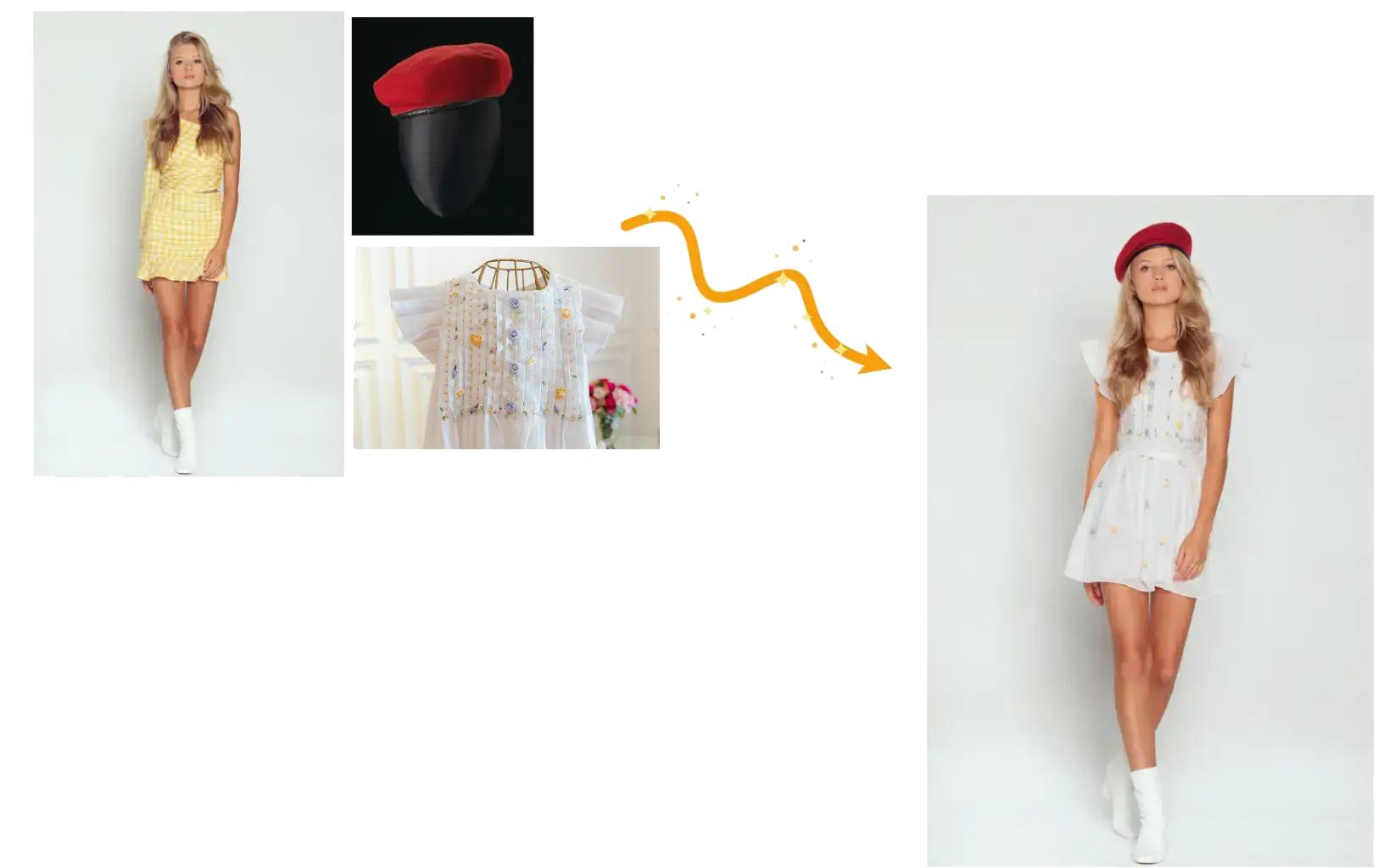
Keep the person and scene consistent
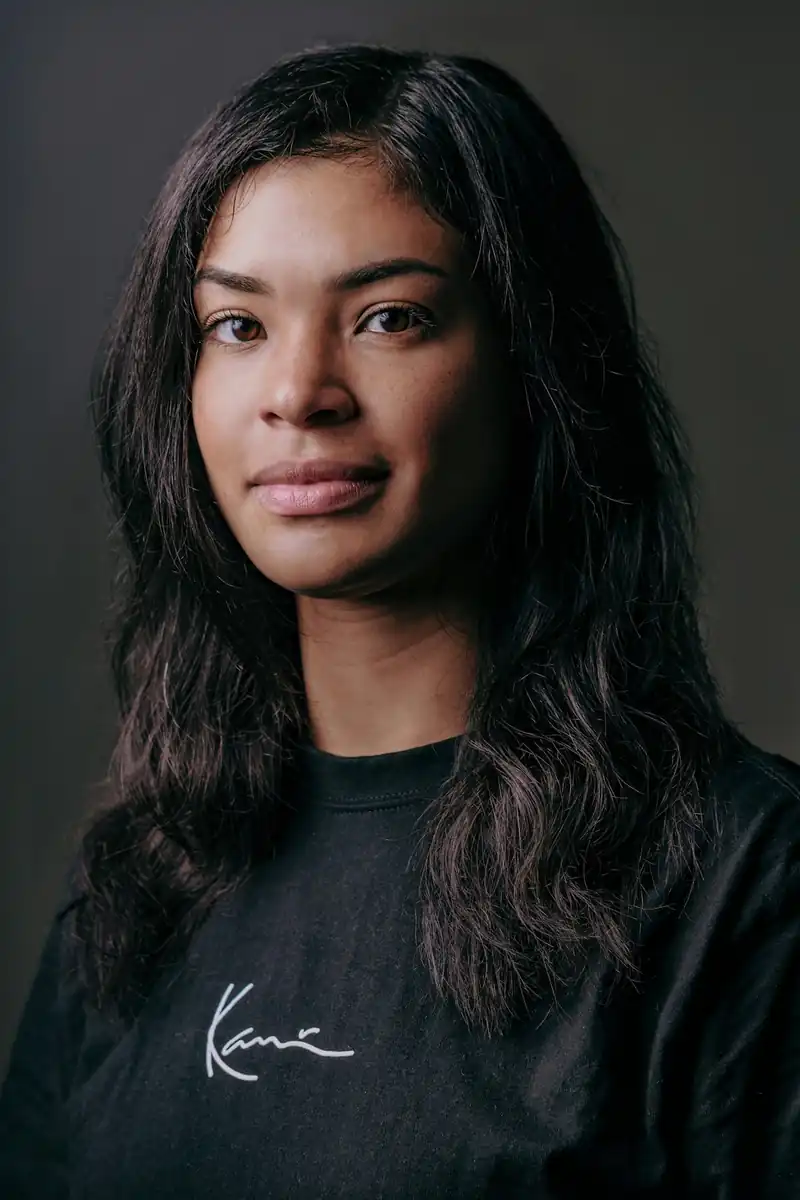
The edit targets the clothing region. Add the face, hairstyle, pose and background to your keep-list to guide the result toward the same person in the same place.

Use the AI clothes changer to swap outfits in a photo. Upload garment references or describe the new look, then name the face, pose and background details you want to preserve.
Example 1 of 3
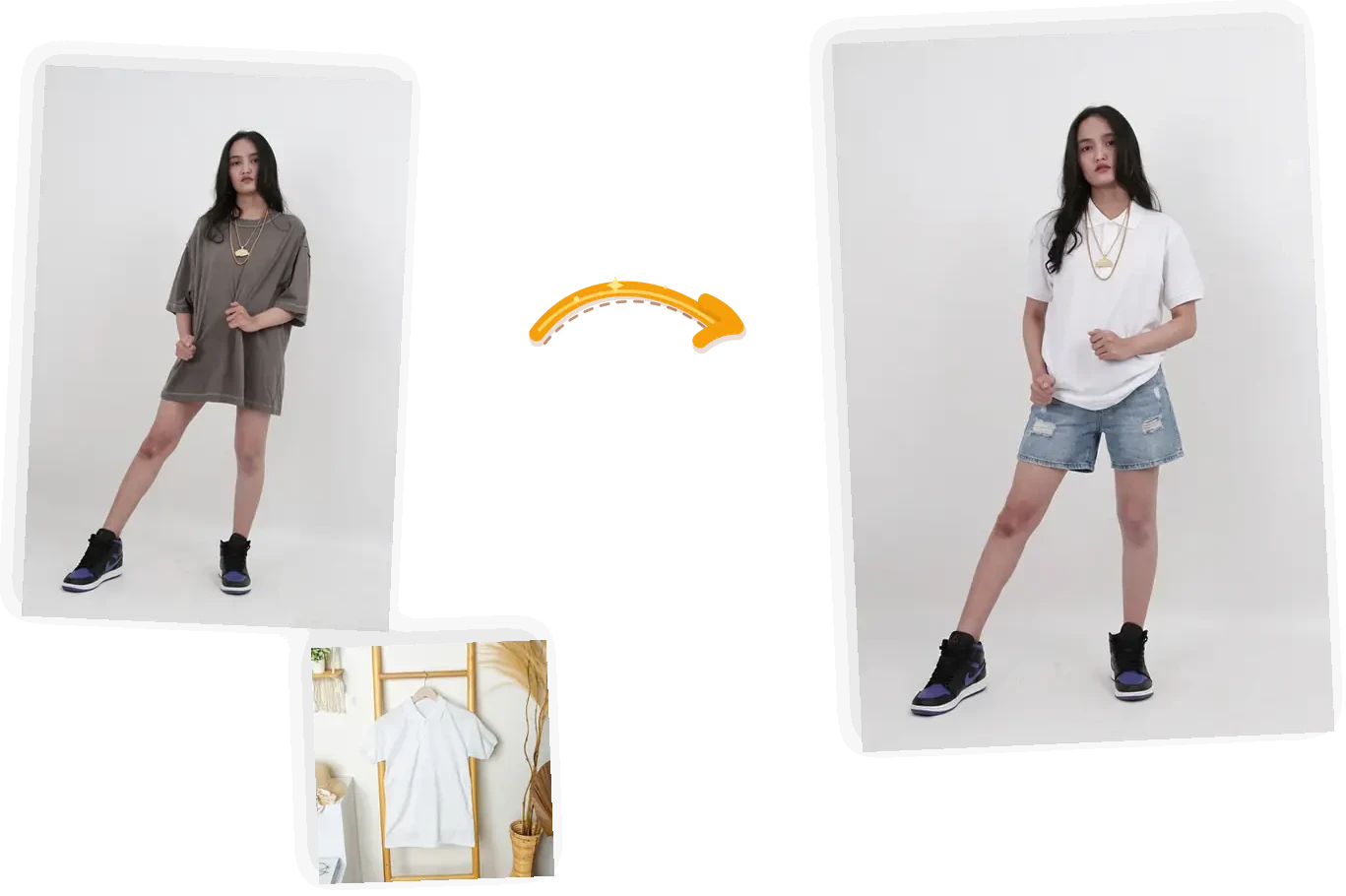
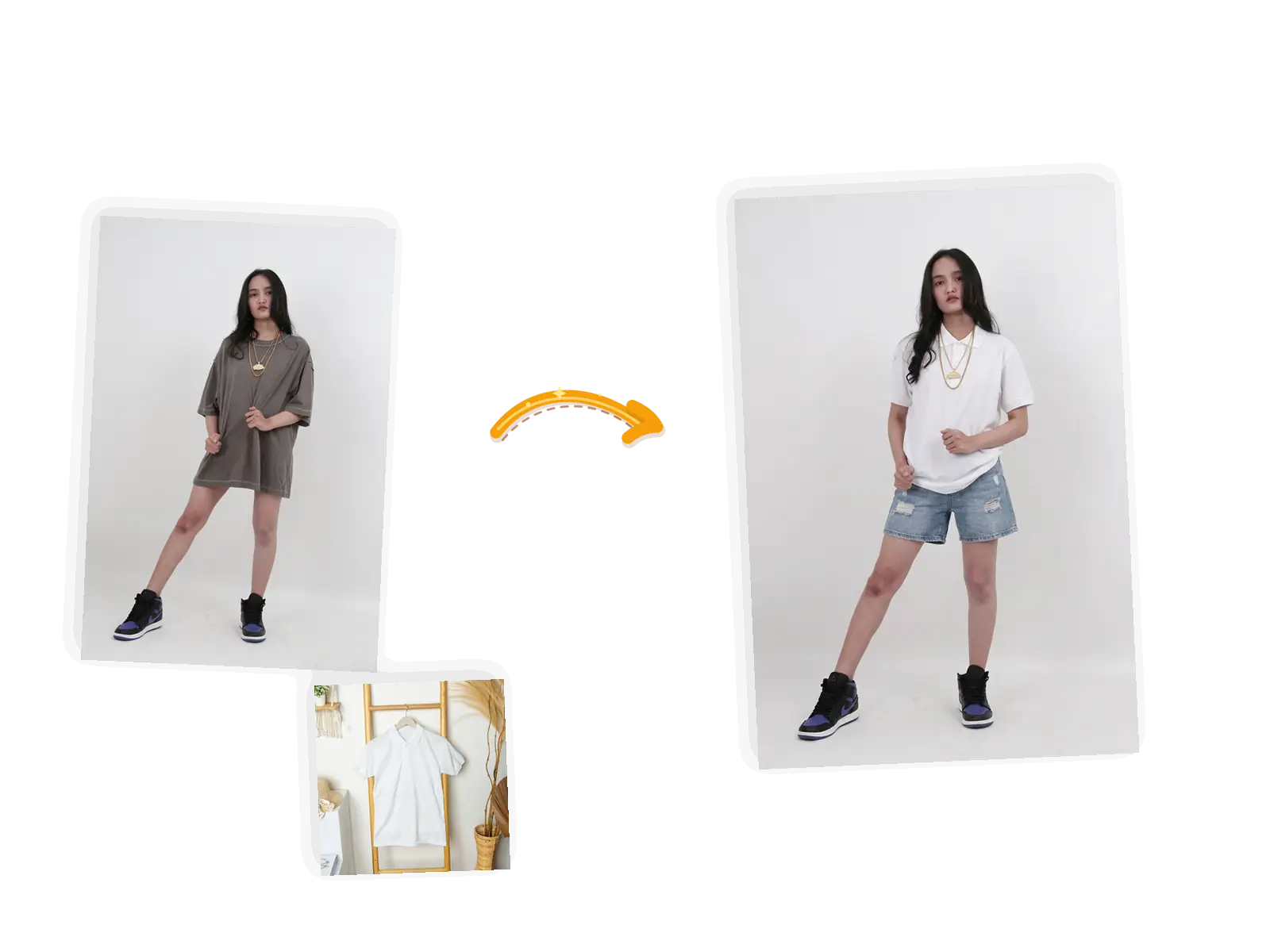
Put the shirt from image 2 on the person
The edit targets the clothing region. Add the face, hairstyle, pose and background to your keep-list to guide the result toward the same person in the same place.
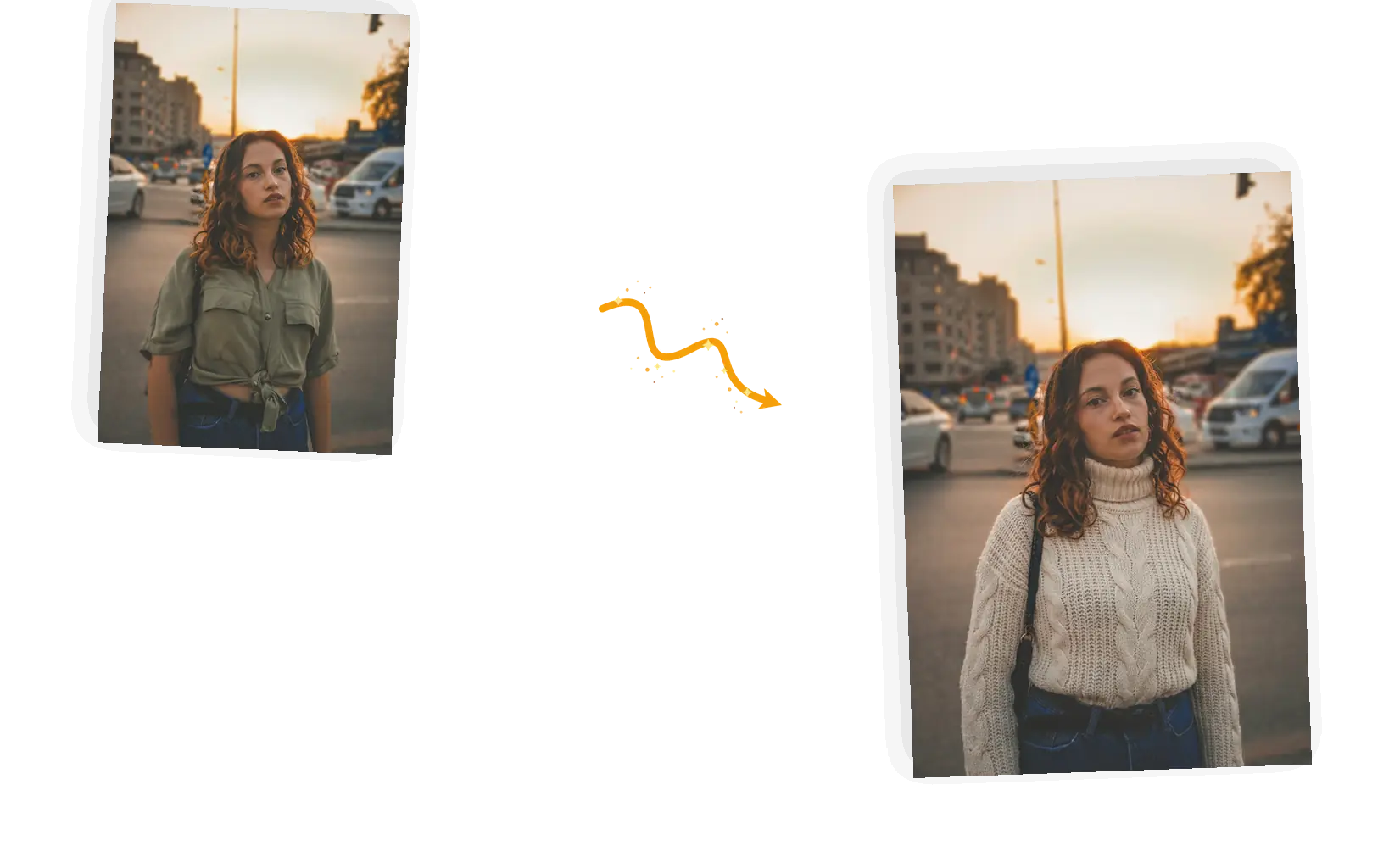
Name the material, color, length and fit, and the result carries them in. The more specific the description, the closer the outfit lands to what you pictured.
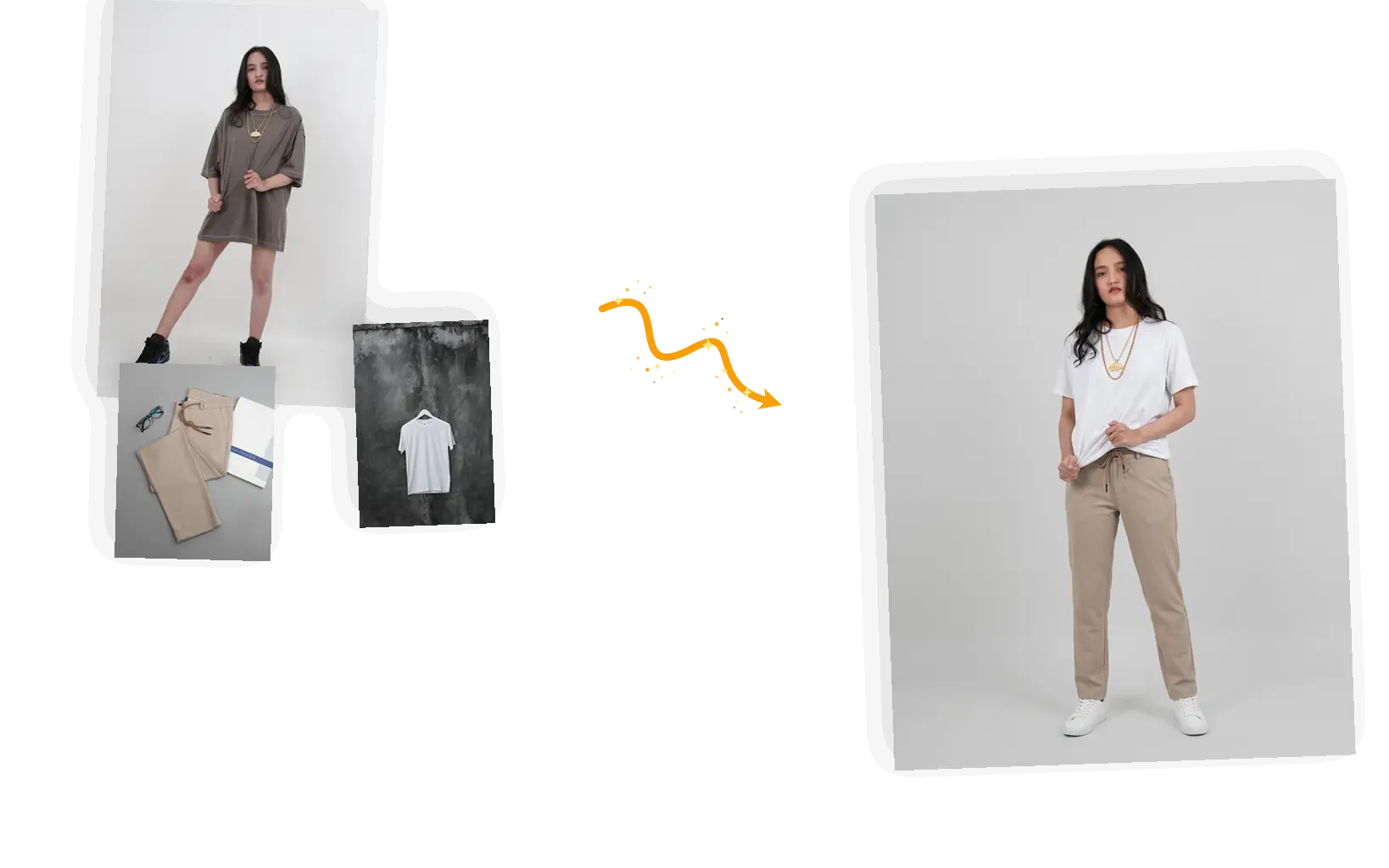
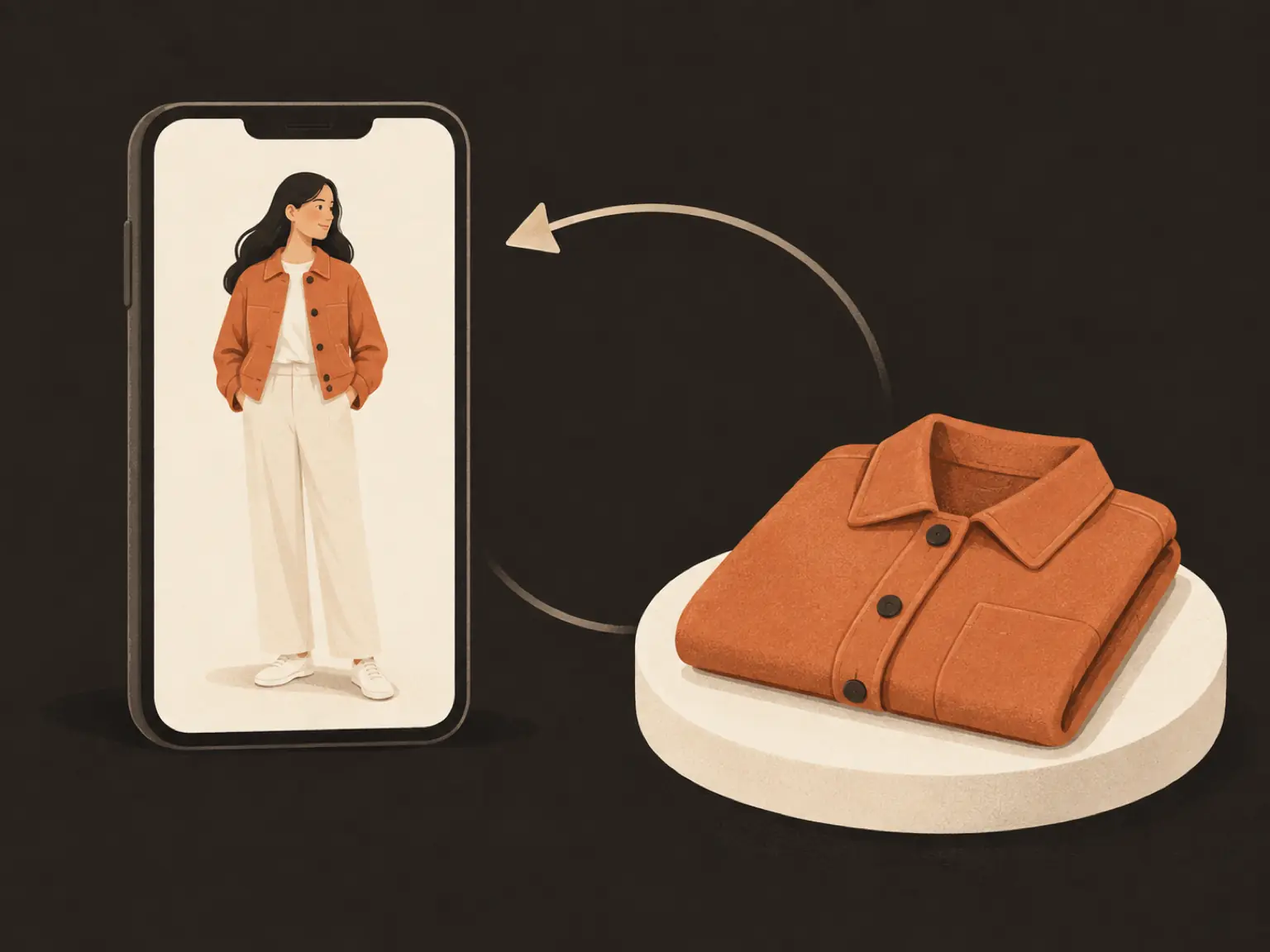
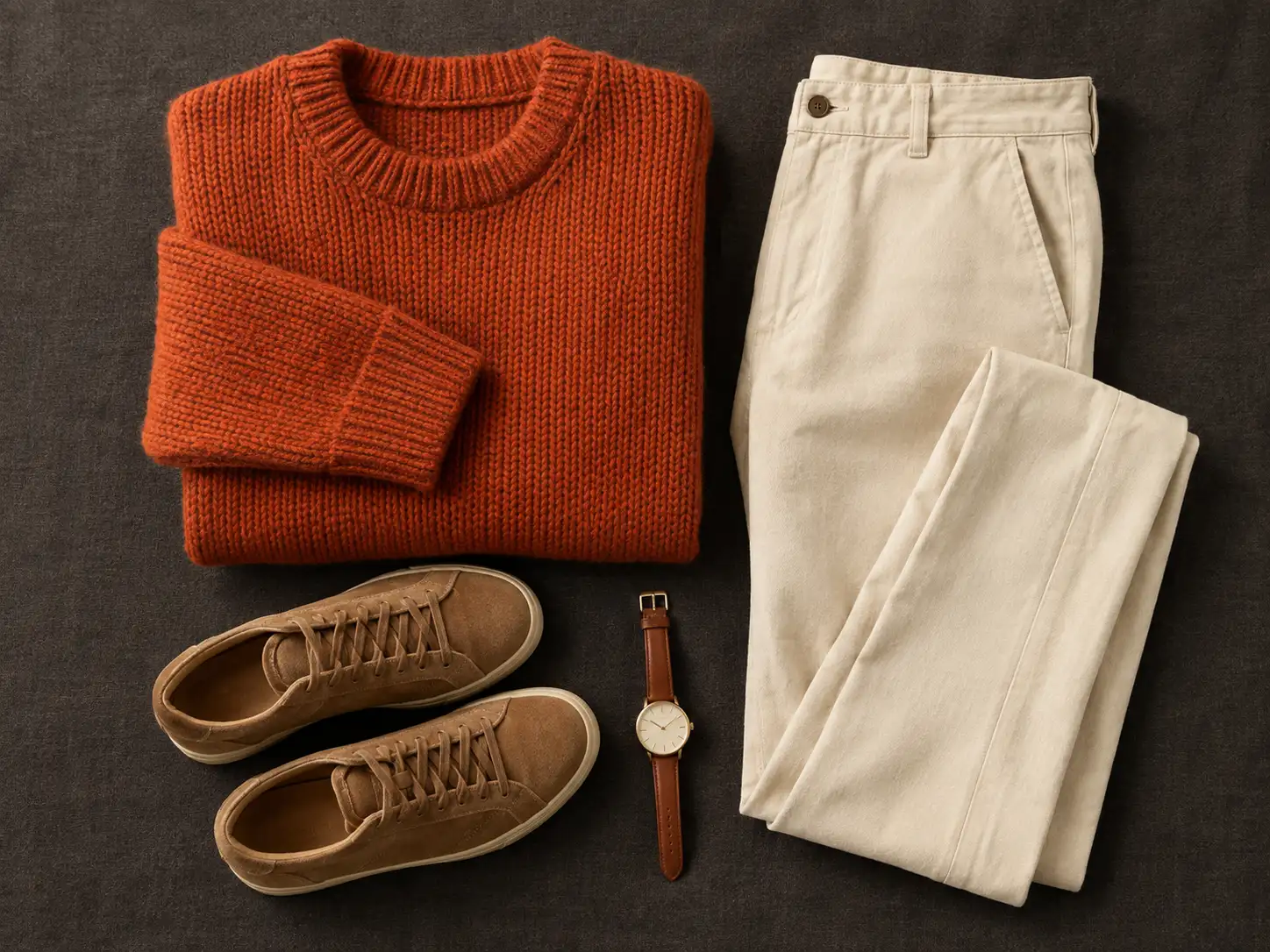
Attach photos of real clothing items and put them on your subject; multiple reference images can map to multiple garments in one edit. Say which item goes where when you attach more than one.
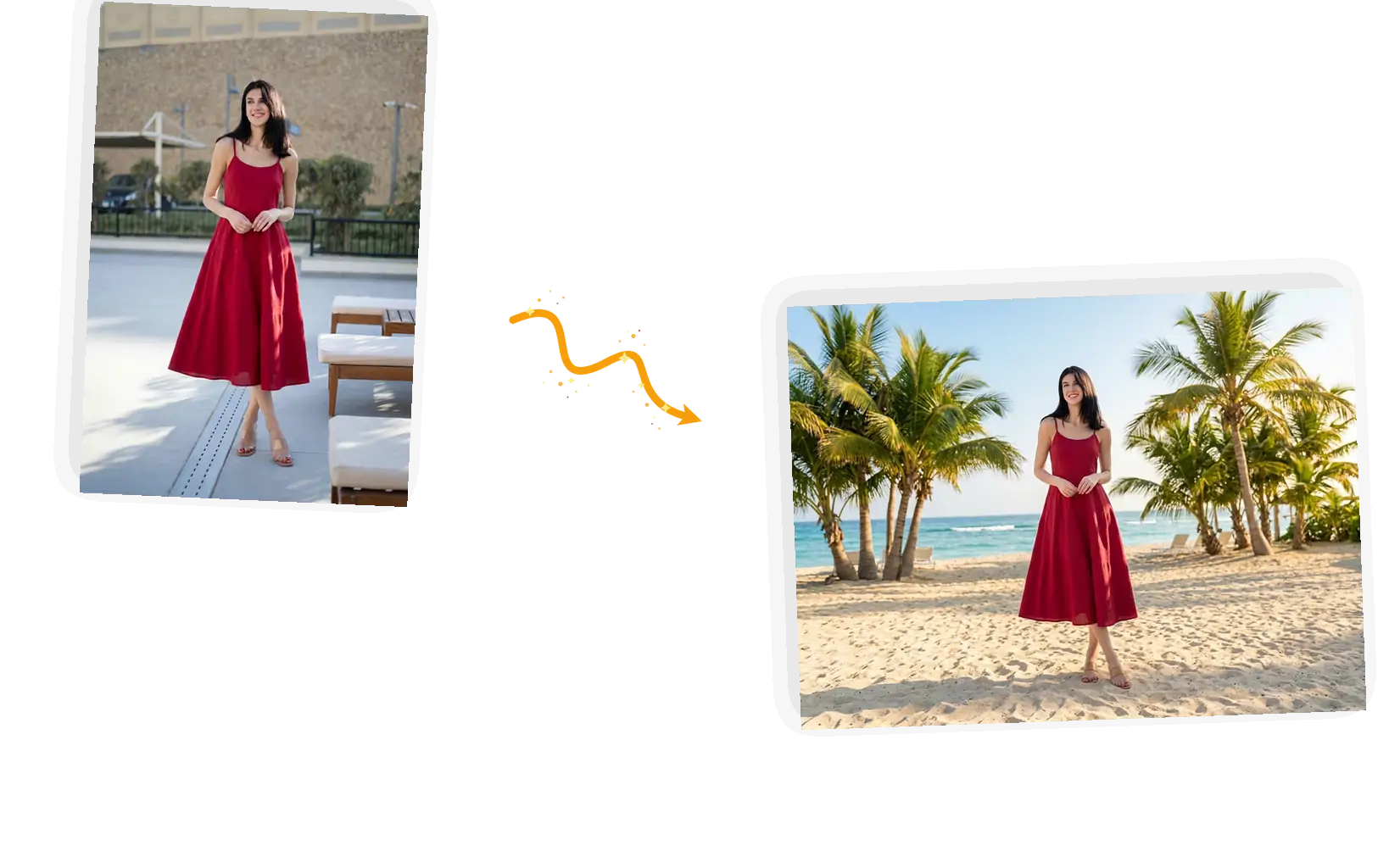
The swapped result stays in the editor, so you can remove or replace the background, restore details, or upscale right after changing clothes — no export-import loop.
The AI clothes changer is a photo editing tool that replaces the clothing in an existing picture. You upload a photo of a person, then either attach photos of real garments or describe the outfit you want. The editor redraws the clothing region while your keep-list identifies the face, pose and background details to preserve. It belongs to the same family of prompt-driven edits as background replacement and object removal, focused on one job: changing clothes without a reshoot. E-commerce teams use it to turn garment photos into on-model shots, creators test looks on their own pictures, and shoppers preview outfits before buying. Results vary with the input; clear, well-lit photos with the subject fully visible work best.
Compare virtual try-on and AI clothes changersFive steps from an ordinary photo to a downloadable outfit swap.
Start with a clear photo where the person is fully visible and evenly lit; full-body shots change clothes most convincingly.
Attach photos of real clothing items — several at once — or describe the outfit in words, naming material, color and length.
Keep the original aspect ratio so the framing of your photo does not change, and pick a resolution that fits where the result will be used.
Run the swap and review the result; if the outfit drifts from the description, add detail and generate again.
Download the image or keep editing it in the same workspace — swap the background, restore details, or prepare it for your store.
A clothing change in post replaces what used to mean new samples, a model and a studio day. The original picture stays intact; only the clothing region is redrawn.
Manual swaps mean selecting fabric pixel by pixel. Here you write one sentence — or attach the garment — and the editor handles the selection, blending and lighting match.
Every result downloads at full resolution and can keep being edited in the same workspace, so a try-on preview can become a product shot without starting over.
A look at the common ways to change clothes in a photo — the trade-offs are about input and control, not brand.
| Dimension | Manual editing | General AI chat | AI Clothes Changer |
|---|---|---|---|
| Input | Person photo plus hand-drawn or pasted garment art | Person photo plus chat instructions | Person photo plus garment reference photos or a written description |
| Control over the change | Manual selection and masking, layer by layer | Regenerates the image; limited local control over an existing photo | Prompt-level swap; you list what must stay (face, pose, background) |
| Output specs | Anything you configure | Fixed-size generations that often need re-cropping | Keeps the original aspect ratio; high-resolution download |
| Consistency across edits | Stable once built, costly per variant | Face and identity can drift between attempts | Edits the same photo with a keep-list for face and pose consistency |
| Learning cost | Hours of retouching skill | Trial-and-error prompting to reach one usable outfit | One prompt with a keep-list; ready-made suggestions provided |
| Result management | Project files and exports | Copy the image out of a chat thread | Download it, and keep editing in the same workspace |
One sentence of setup decides most of the result.
Where each garment goes + what must stay + material, color, length.
Too vague
“change my clothes”
More useful prompt
“Replace the T-shirt with a white linen shirt; keep the face, hairstyle, pose and background unchanged”
Too vague
“use image 2”
More useful prompt
“Dress the person in the outfit from image 2; keep the face and pose unchanged”
Too vague
“change to a red dress”
More useful prompt
“Change the dress to a mid-length red summer dress with thin straps; keep the face, hairstyle, pose and background unchanged”
The AI clothes changer puts photos of your own garments onto a model shot without another studio booking, turning one shoot into multiple catalog outfits.
Creators use the AI clothes changer to give one photo several looks for social posts while guiding the setting, identity and outfit toward a consistent theme.
Preview a described outfit or real garment on your own photo before buying; the AI clothes changer makes each option easier to compare from the same starting image.
Practical guides and product updates from the team.
Short answers on how the clothes changer works, what to upload, and what it costs.
Upload a photo, attach your garments or describe the outfit, and download the swap from the same workspace.