

AI Christmas Photo: One Upload, One Prompt, Fully Festive

Upload a portrait, a family shot, or a pet photo and turn it into an AI Christmas photo with one prompt you can edit: the candy-cane look from the trend, a fireside portrait with fairy lights, a decorated family scene, a card-ready composition. You start from your own picture, so the faces and the room stay the ones you know. Results can vary, and the prompt stays open to edit.

  • No sign-up
  • Free daily credits
  • No watermark
0 / 1000

Example 1 of 4

Candy-cane trend look

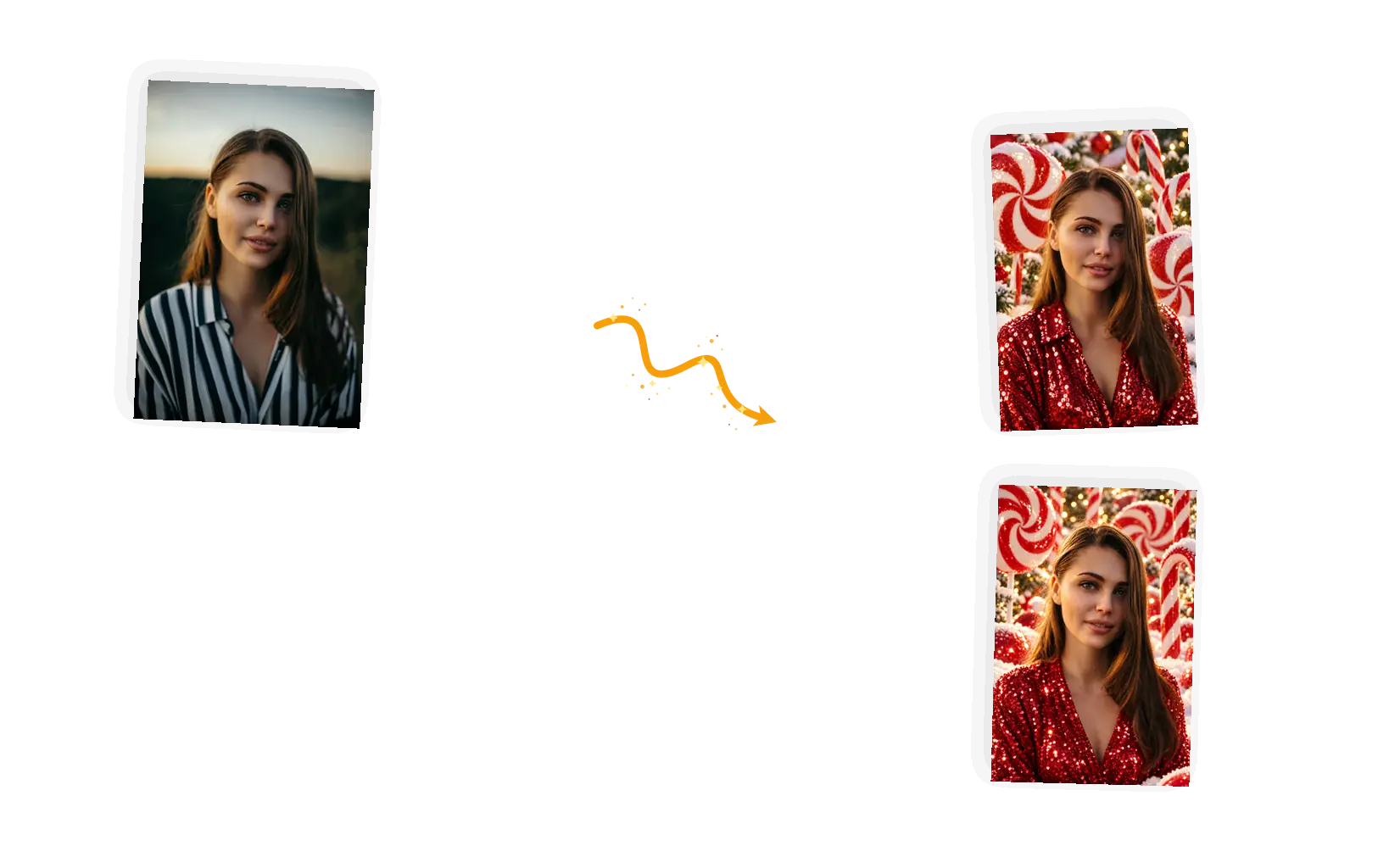
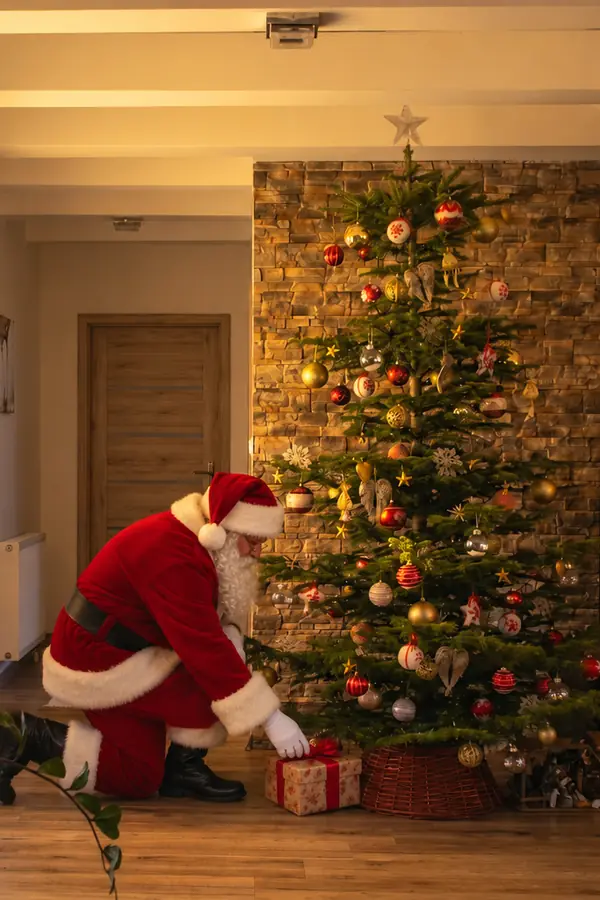
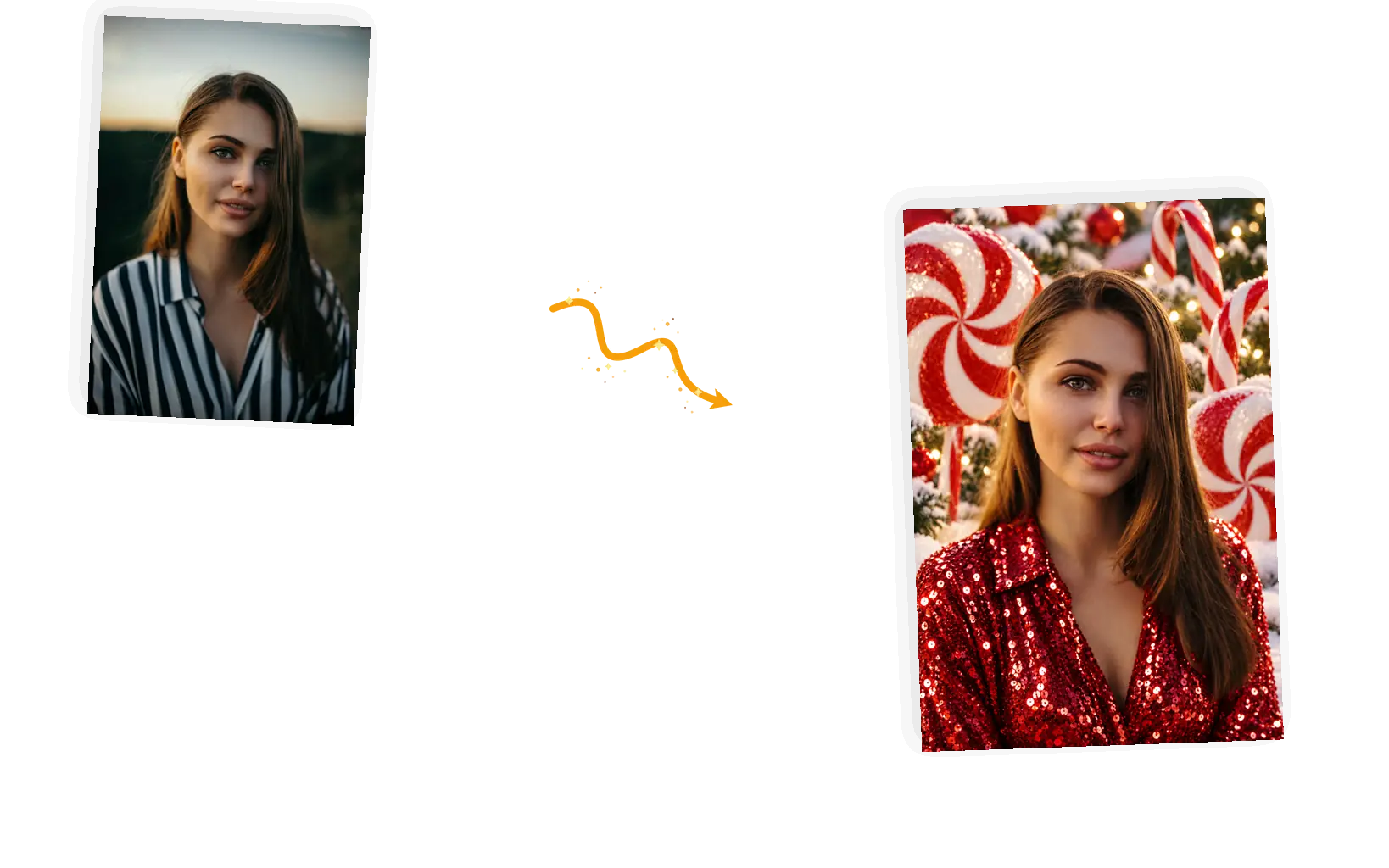
The trend: a portrait becomes the candy-cane look, sequin outfit and peppermint decor around the same face.
Prompt

Turn this photo into the candy-cane Christmas trend look: the subject wearing a red sequin holiday outfit, surrounded by oversized peppermint lollipops and candy canes, standing on softly snow-dusted ground. Keep the face, hairstyle, and pose exactly as in the original photo. Bright, glossy, festive lighting. Photorealistic.

What Makes This Christmas Photo Editor Different

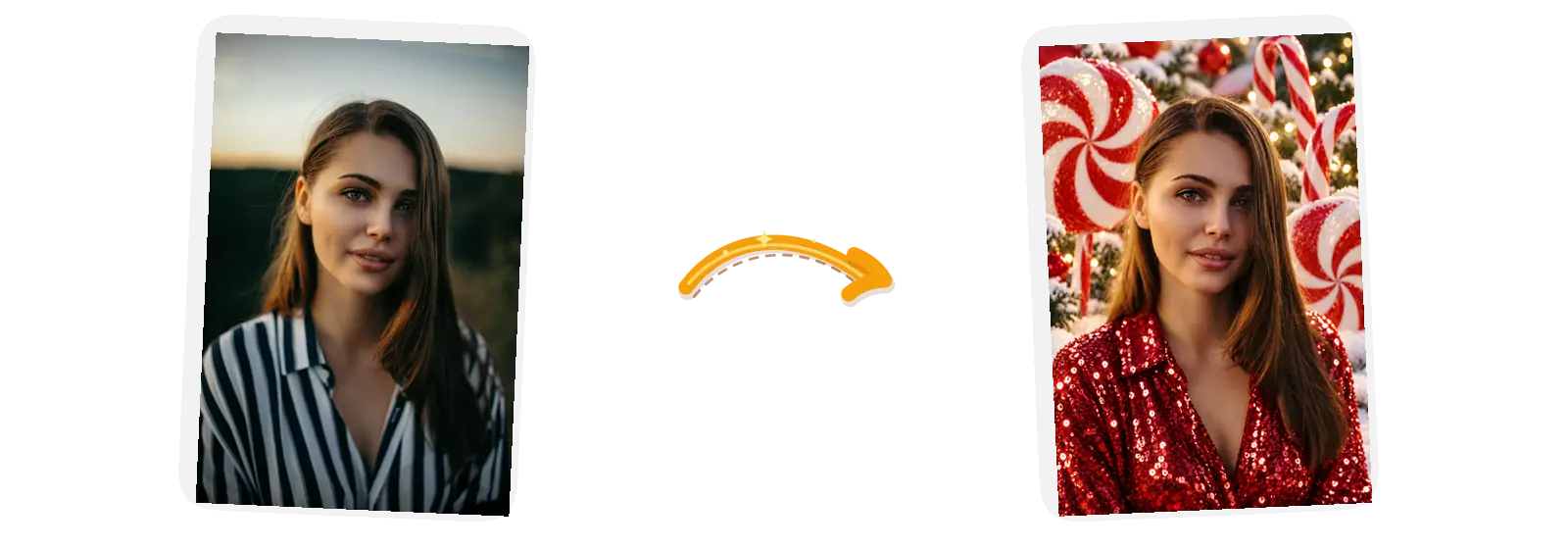
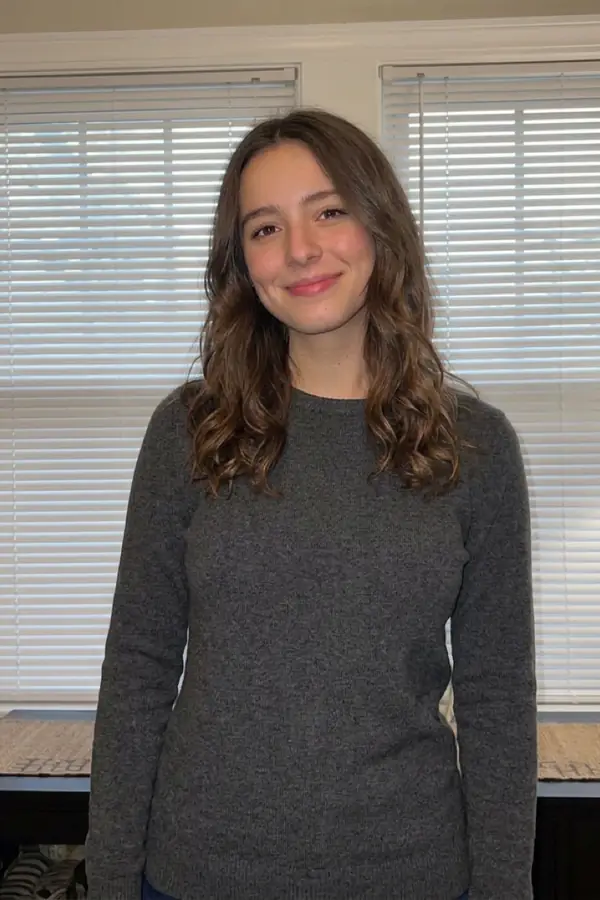
A single uploaded portrait on the left and its festive result on the right, no setup steps between them.

One photo, no character training

Portrait services ask for a batch of selfies and time to build a character before the first result. This editor starts from the one photo you upload and returns one still image about a minute later, with the prompt in plain sight the whole time.
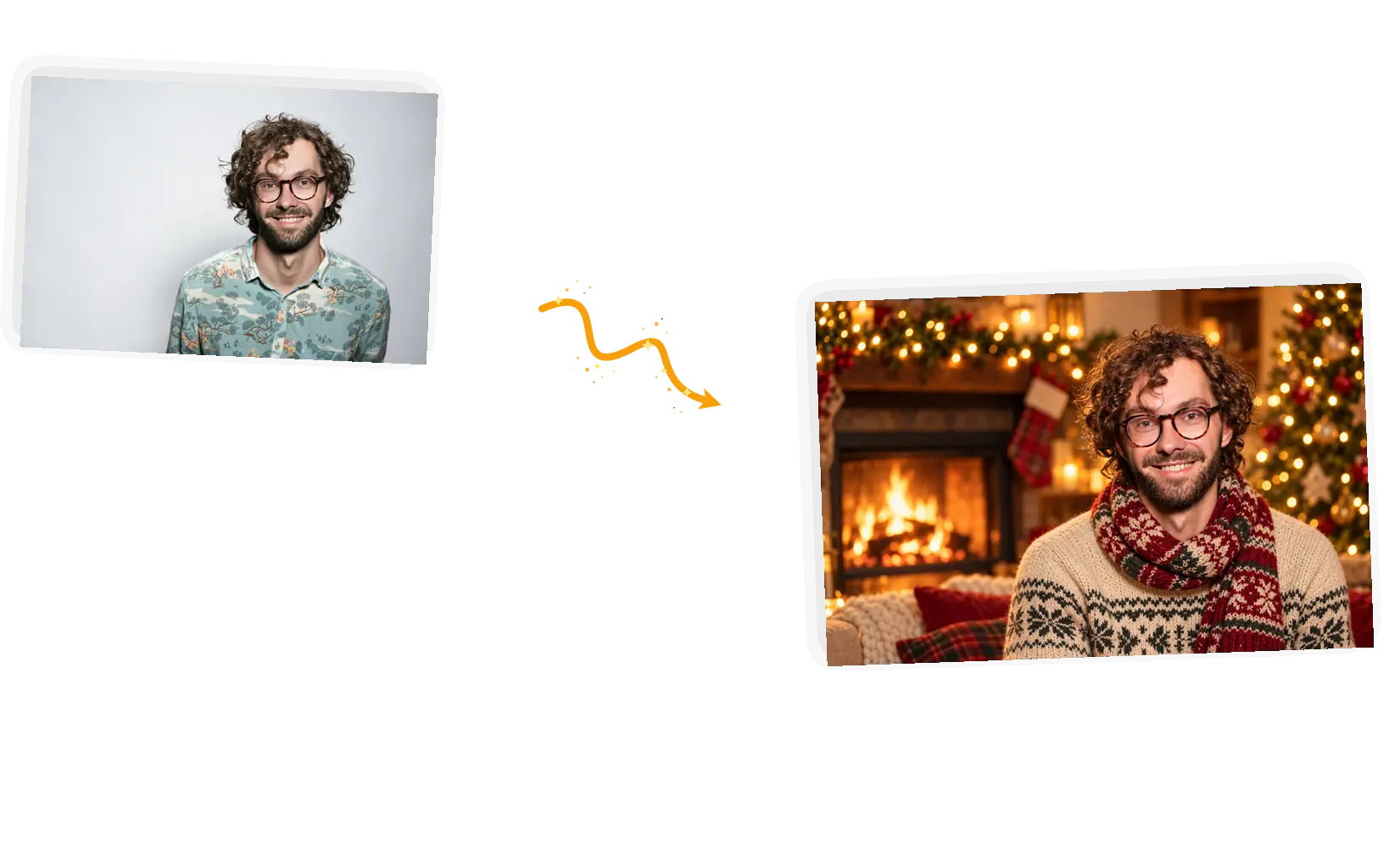
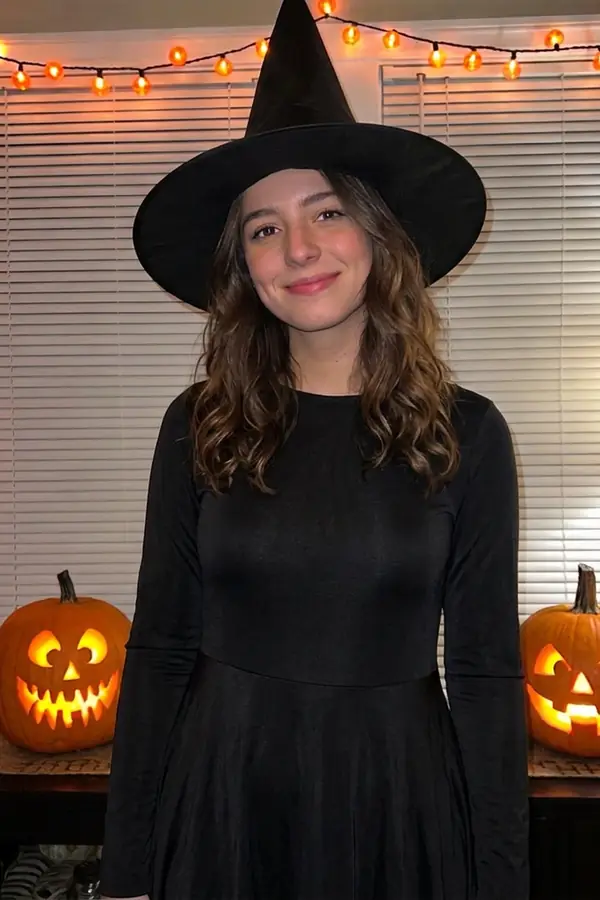
The same portrait before and after the festive edit, the face unchanged in both.

The faces come from your photo

Every preset carries a keep-list that names what stays: the face, the hairstyle, the pose, the pet's ears. The editor redraws the scene around them instead of casting a stranger. If a run changes more than you asked, put the missing items into the keep-list and generate again.

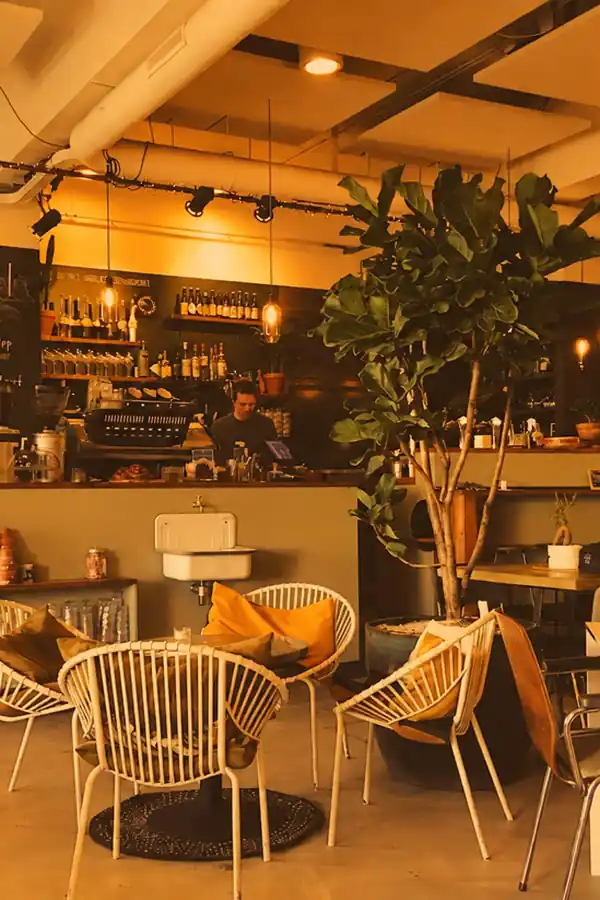
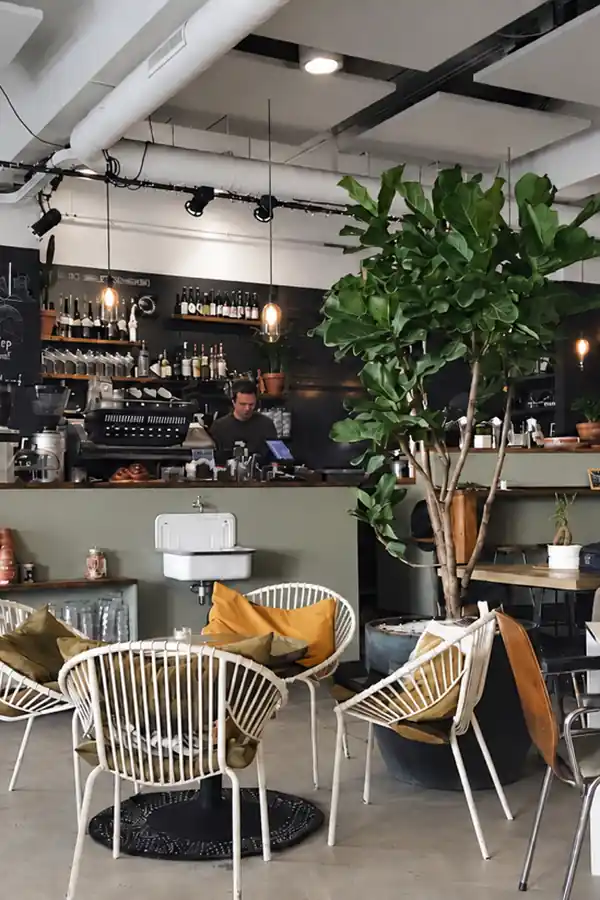
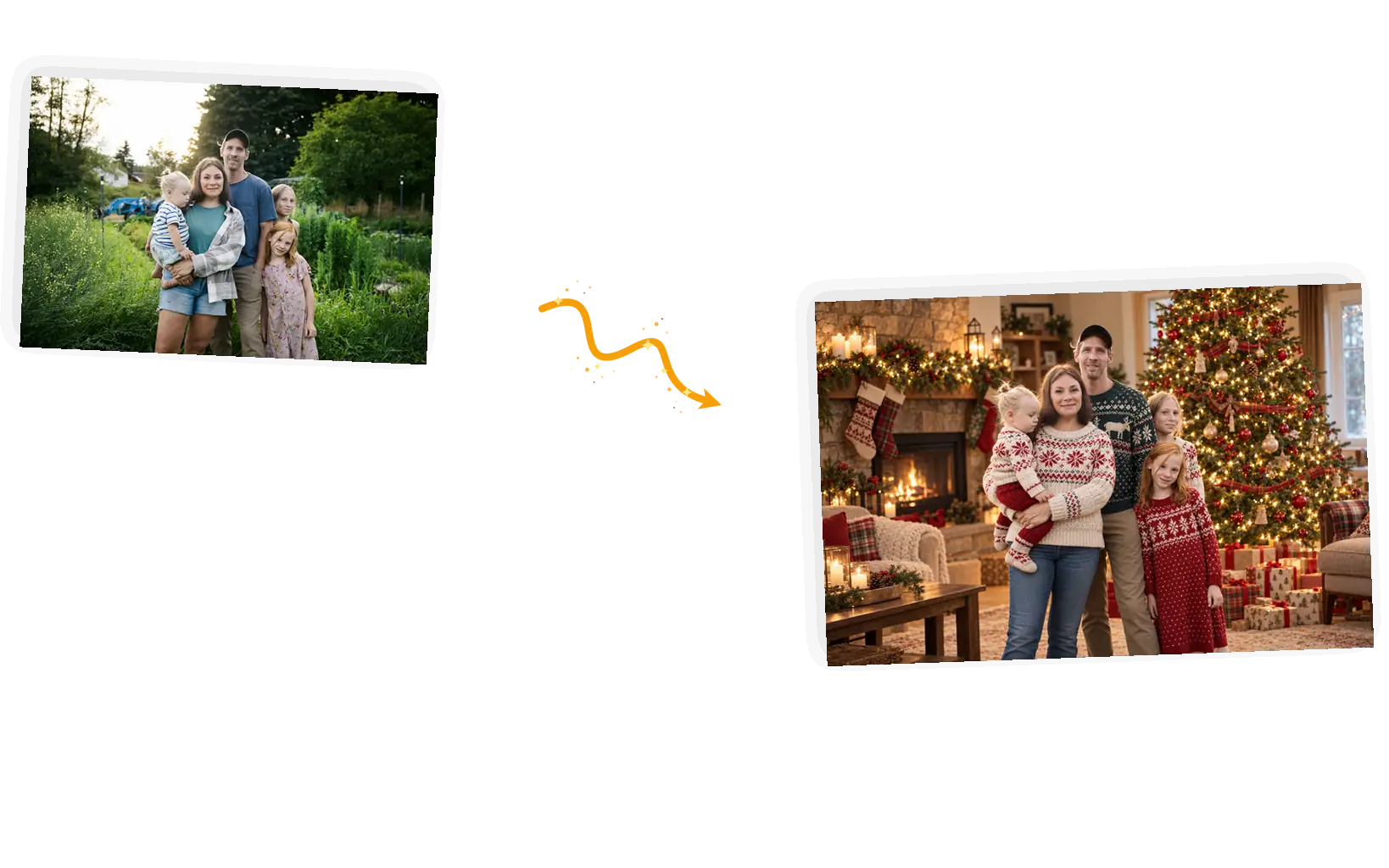
Two festive results generated from one uploaded photo with two different prompts.

Presets you can rewrite

Filter apps hand you a fixed look and a slider. Here every preset loads as an editable prompt: swap the outfit, the scene, or the light, and the same upload becomes a different picture. The four presets cover the trend look, the fireside portrait, the family scene, and the card style.

The editor prompt field with one line edited between two runs of the same photo.

A wrong look costs one retry

A standard 1K run costs 3 credits, guests get 3 free credits each UTC day and signed-in accounts get 9, and failed tasks refund automatically. Not the look you pictured? Change one line of the prompt and run the same photo again.

What Is an AI Christmas Photo?

An AI Christmas photo starts from a picture you already have. The editor redraws the scene around your subject: the outfit, the background, the light. It is not an image generated from nothing, and not a character trained on a folder of selfies; the face in the finished picture is the one your upload brought with it. Each run returns one still image, results can vary between runs, and a clearer prompt lands closer to what you pictured.

Turn your photo into a Christmas photo

What Is the AI Christmas Photo Trend?

Each season a photo look takes over the feeds, and the current one is the candy-cane portrait: people feed a headshot to a chatbot or an editor and ask for a red sequin outfit, giant peppermint decorations, and snow underfoot, keeping their exact facial features. A calmer cousin, the fireside portrait, asks for an 85mm-lens framing, warm fairy lights, and a knitted scarf. Both are one photo plus one well-written prompt, which is all this editor asks for. To do the trend on your own picture: upload a clear, front-facing photo, pick the candy-cane preset above, check the keep-list, and generate. Results can vary, so a second run with a sharper prompt is normal practice.

Try the trend on your photo

Christmas Photo Prompt Recipes

The same recipe shape sits inside every preset above: scene and outfit first, then the keep-list, then the light.

  • Name the scene and the outfit: candy-cane wonderland with a sequin outfit, fireside with a knitted scarf, tree with winter knits.
  • Keep-list the person: face, hairstyle, pose, and anything else that must survive the edit, named in the prompt.
  • Say the light you want: glossy and festive, warm and golden, even and print-friendly. The render follows the light words.

Turn this photo into [scene and outfit]. Keep [face, hairstyle, pose] exactly as in the original. [Light]. Photorealistic.

The candy-cane look

Too vague

“Make me festive”

More useful prompt

“Turn this photo into the candy-cane Christmas look: red sequin outfit, oversized peppermint lollipops, snow-dusted ground. Keep the face, hairstyle, and pose exactly as in the original. Bright, glossy, festive lighting. Photorealistic.”

The fireside portrait

Too vague

“Christmas portrait of me”

More useful prompt

“Turn this photo into a cozy Christmas portrait beside a crackling fireplace with warm fairy lights and soft bokeh, framed like an 85mm lens shot. Keep the face and expression exactly as in the original. Warm, soft, golden light. Photorealistic.”

The family scene

Too vague

“Family Christmas photo”

More useful prompt

“Place this family in a decorated living room with a lit tree, garlands, and wrapped presents, everyone in festive winter knits. Keep every face, pose, and position exactly as in the original. Warm living-room light. Photorealistic.”

How to Make a Christmas Photo in Five Steps

The flow runs in the editor at the top of this page: upload, pick a preset, check the keep-list, generate, download.

1

Upload the photo

JPEG, PNG, or WebP up to 20MB. A clear, front-facing shot of the person, family, or pet gives the keep-list its best chance.

2

Pick the preset

Candy-cane trend look, fireside portrait, family scene, or card style. Each one loads a prompt you can edit before generating.

3

Check the keep-list

The prompt names what stays: the face, the hairstyle, the pose. If something matters that it missed, add it before you generate.

4

Generate

A standard 1K run costs 3 credits. Guests get 3 free credits each UTC day, signed-in accounts get 9, and failed tasks refund automatically.

5

Download or restyle

Results download with no watermark from us. Want the other look? The same photo takes the next preset with one click.

Who This Page Is For

Riders of the trend

The feed is full of candy-cane portraits and you want yours without a chat subscription or a folder of selfies. One clear headshot and the preset prompt above close the job.

Families doing the cards

The yearly photo exists but the setting is a parking lot. Move the same people in front of a lit tree with everyone in winter knits, faces and poses kept, and the card line writes itself.

Couples and pets in scarves

Matching knitted scarves by a fireplace: the classic couple or pet portrait is one preset away, and the face your phone captured stays the face in the picture.

AI Christmas Photo: Questions and Answers

Short answers on how the edit works, the trend, chatbot prompts, cost, and cards.

Upload the photo in the editor above, pick the preset closest to the look you want, and edit the prompt if needed: it names the scene, the outfit, and the keep-list of what stays. A standard 1K run costs 3 credits and returns one still image in about a minute.

The candy-cane portrait: a headshot redrawn with a red sequin outfit, oversized peppermint decorations, and snow underfoot, keeping the person's exact facial features. It started in chat apps, and the same prompt runs here on your photo in the browser, no subscription and no character setup.

The prompt shape travels: scene and outfit, keep-list, light. Paste it into a chat app and it works there too, with results that differ from model to model. Running it here saves the copy-paste, keeps the work on your photo in one place, and lets you follow up with another edit on the result.

A standard 1K generation costs 3 credits. Guests get 3 free credits each UTC day and signed-in accounts get 9; the daily refresh does not stack. Failed tasks refund automatically, and results download with no watermark.

Yes. The card preset leaves calm space at the top for your greeting and asks for even, print-friendly light. Check the result at print size before sending it to the printer; generated images can show artifacts up close and results can vary between runs.

That is the keep-list's job: the prompt names the face, hairstyle, and pose as things that stay. The edit redraws the scene around them, so results can vary between runs and fine details drift. If the likeness slips, tighten the keep-list and generate again rather than settling.

Make Your AI Christmas Photo

Upload a portrait, a family shot, or a pet photo, pick the look, and keep the faces.

Start editing