AI Outfit Generator
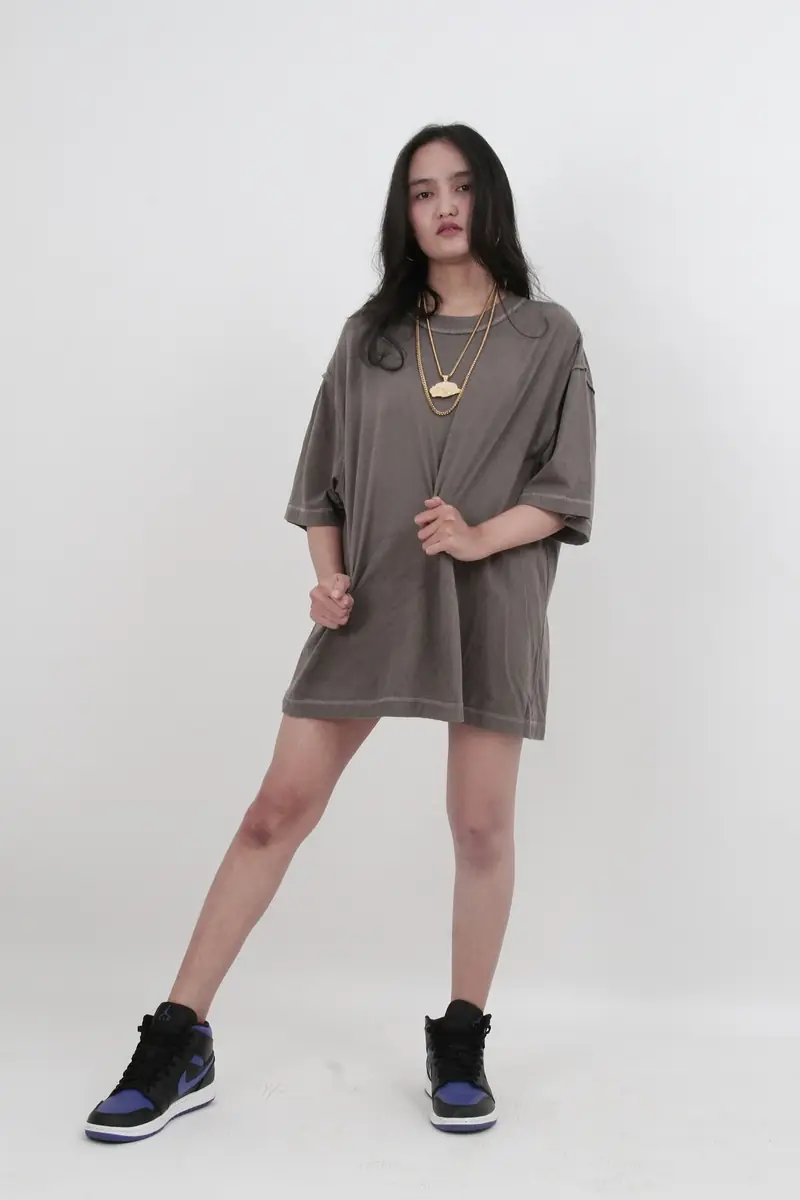
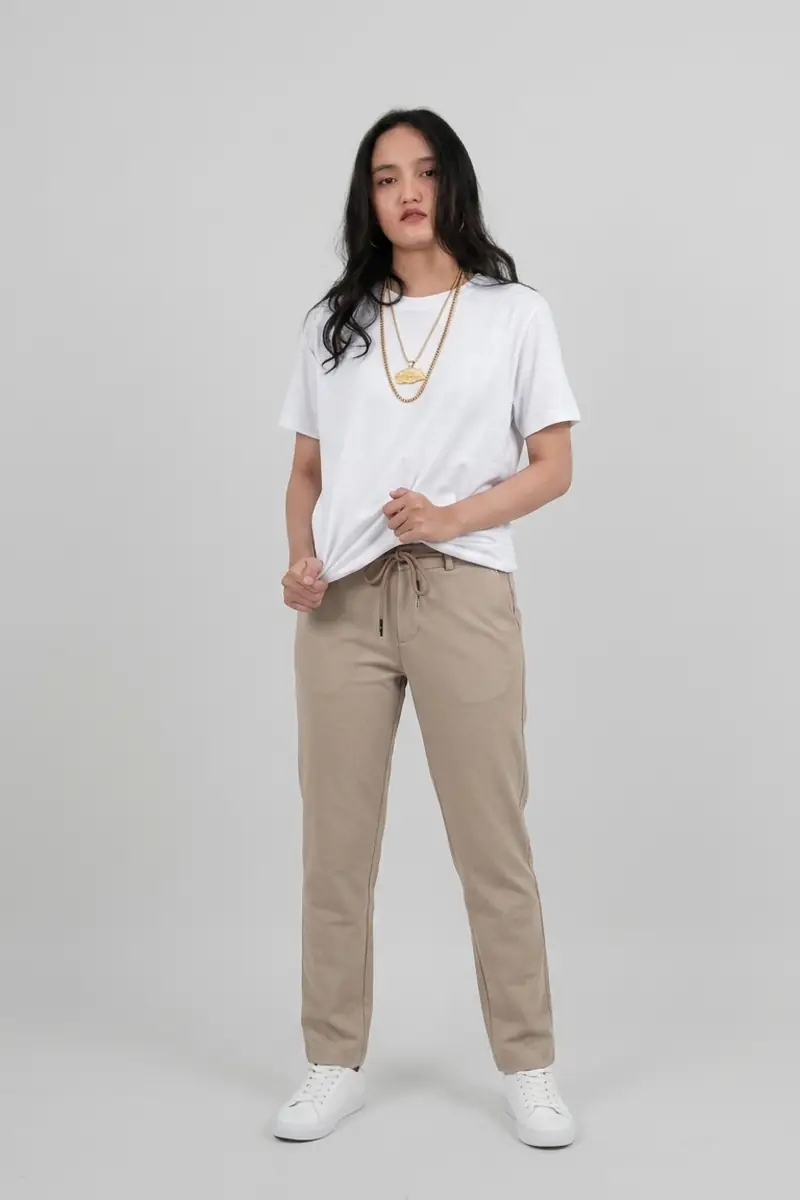
Describe an outfit and see it on your photo; face, pose and background stay.

All 18 tools across three categories, newest launches first.
Each tool is the same ImagEditorAI editor preconfigured for one job, so you can move between them without relearning anything.
Everyday photo edits — change outfits, try hairstyles, lift filters, restore old prints, and add text.
Describe an outfit and see it on your photo; face, pose and background stay.
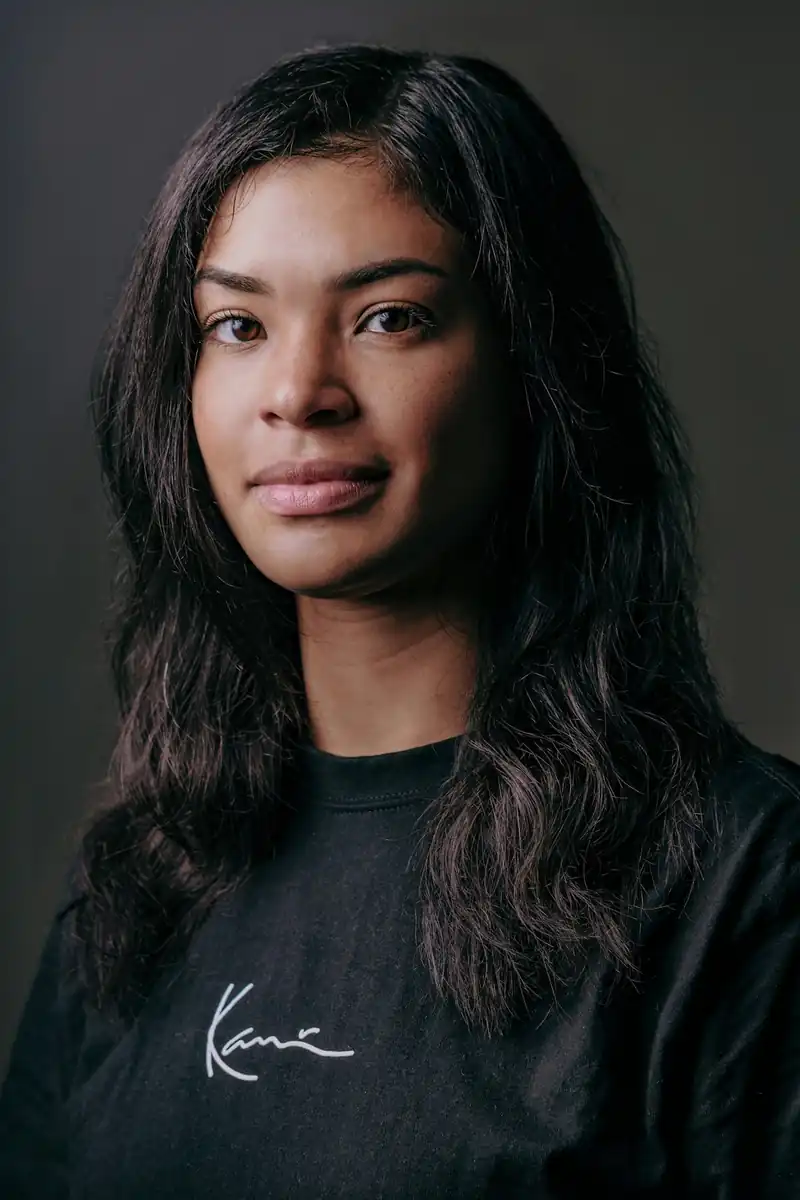
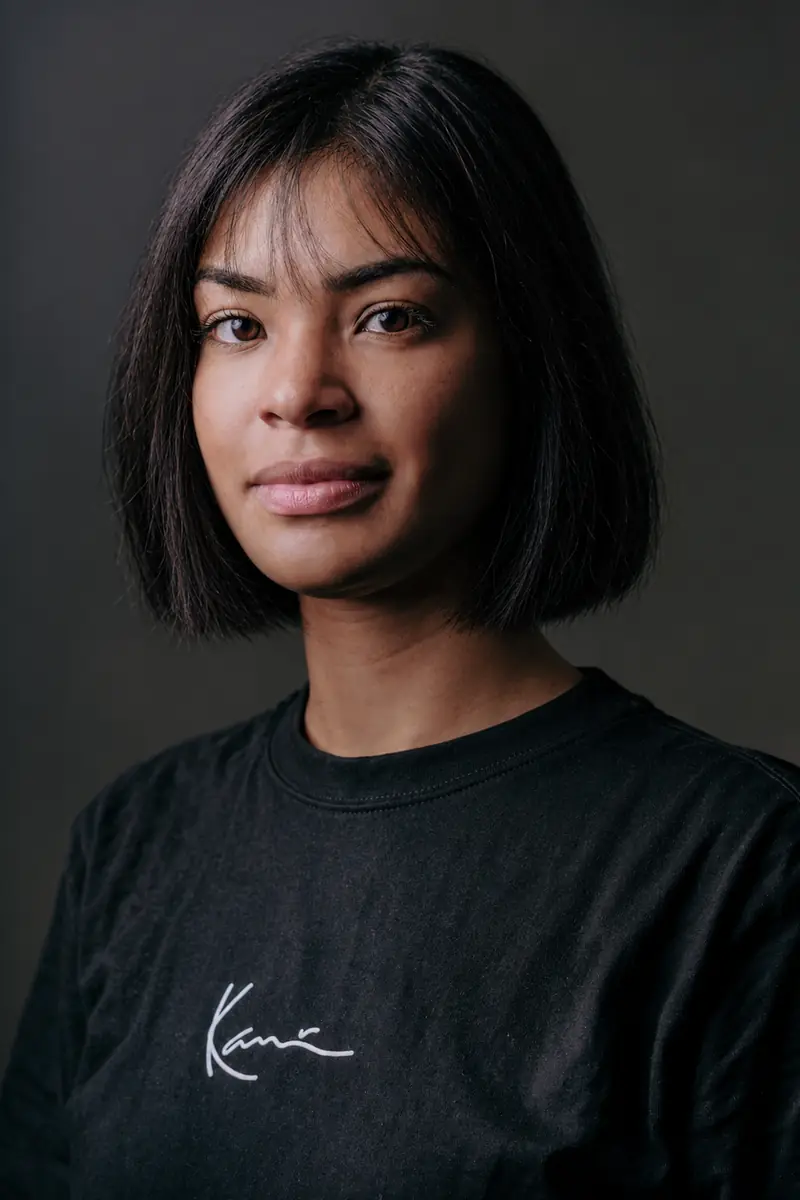
Try cuts, lengths, and hair colors on your photo before the salon; your face stays.
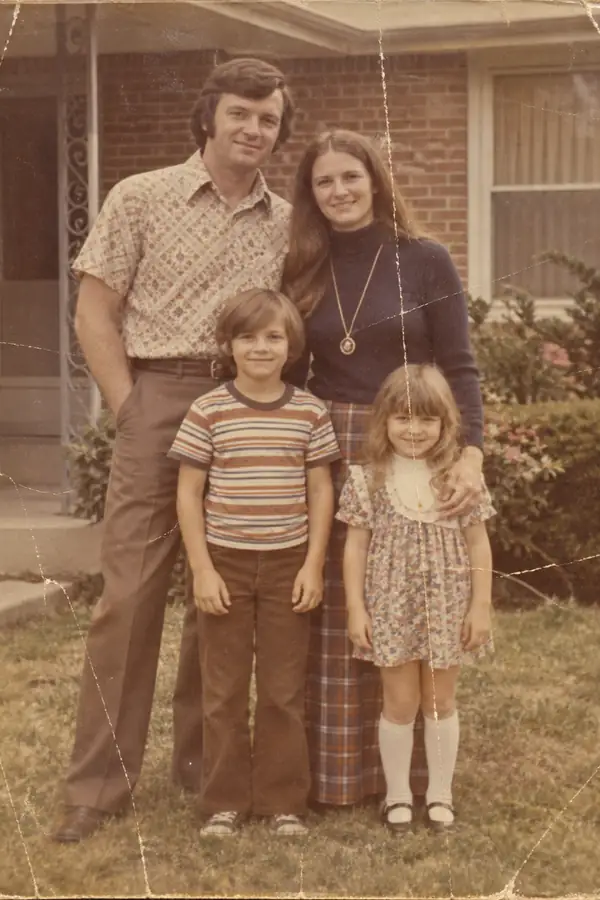
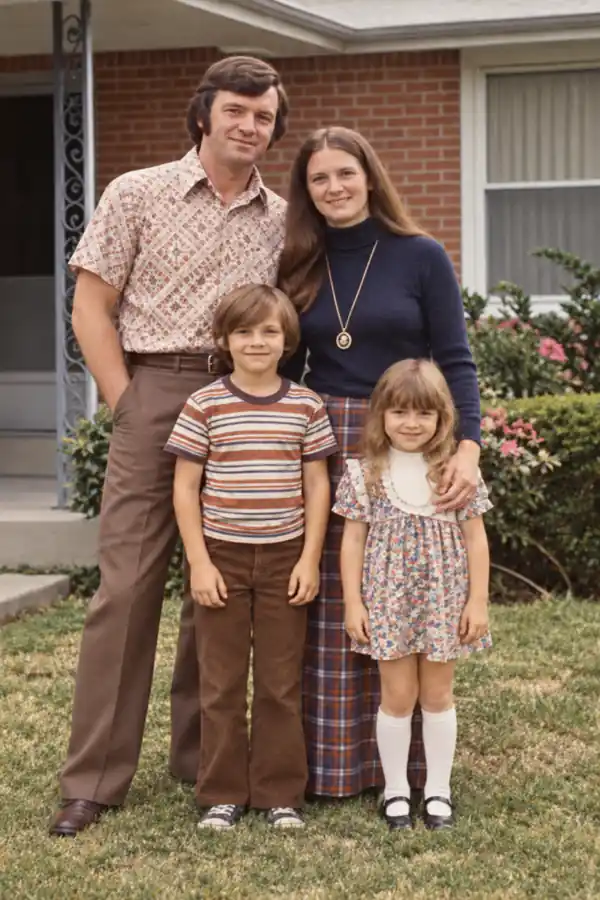
Repair scratches, tears, and fading in old prints while the faces stay unchanged.
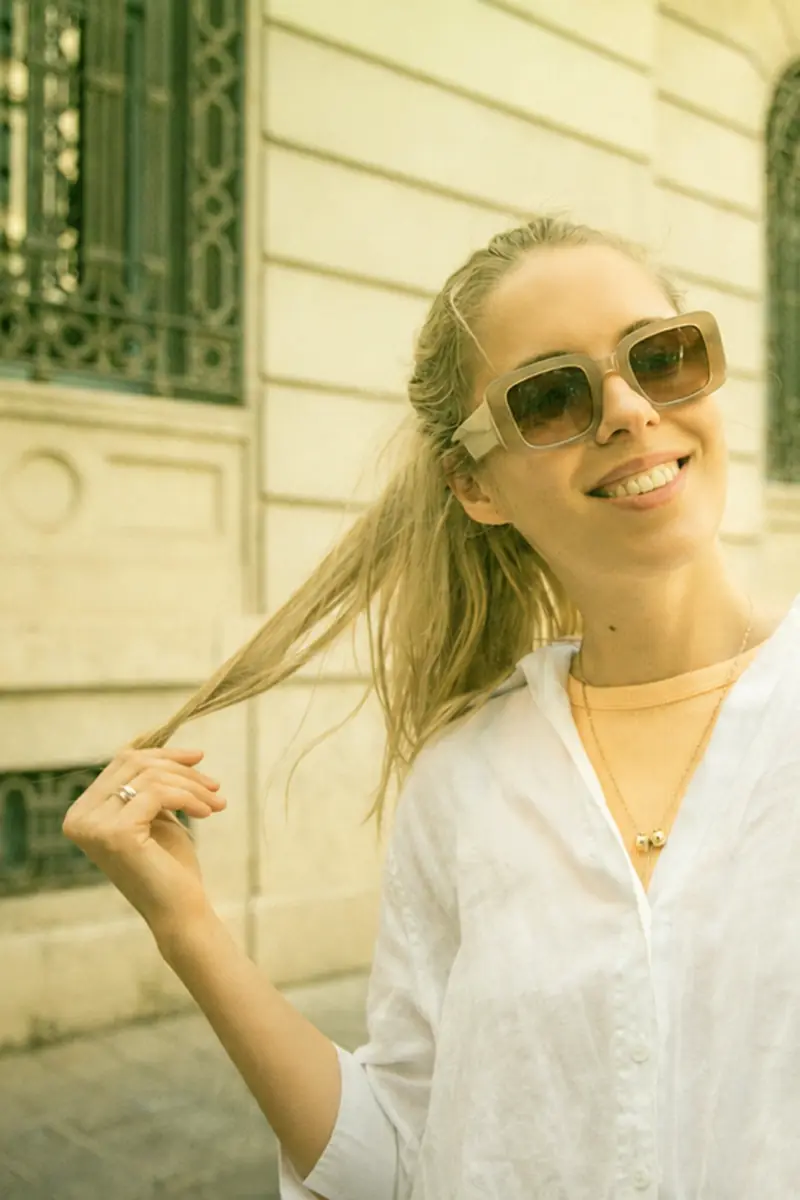
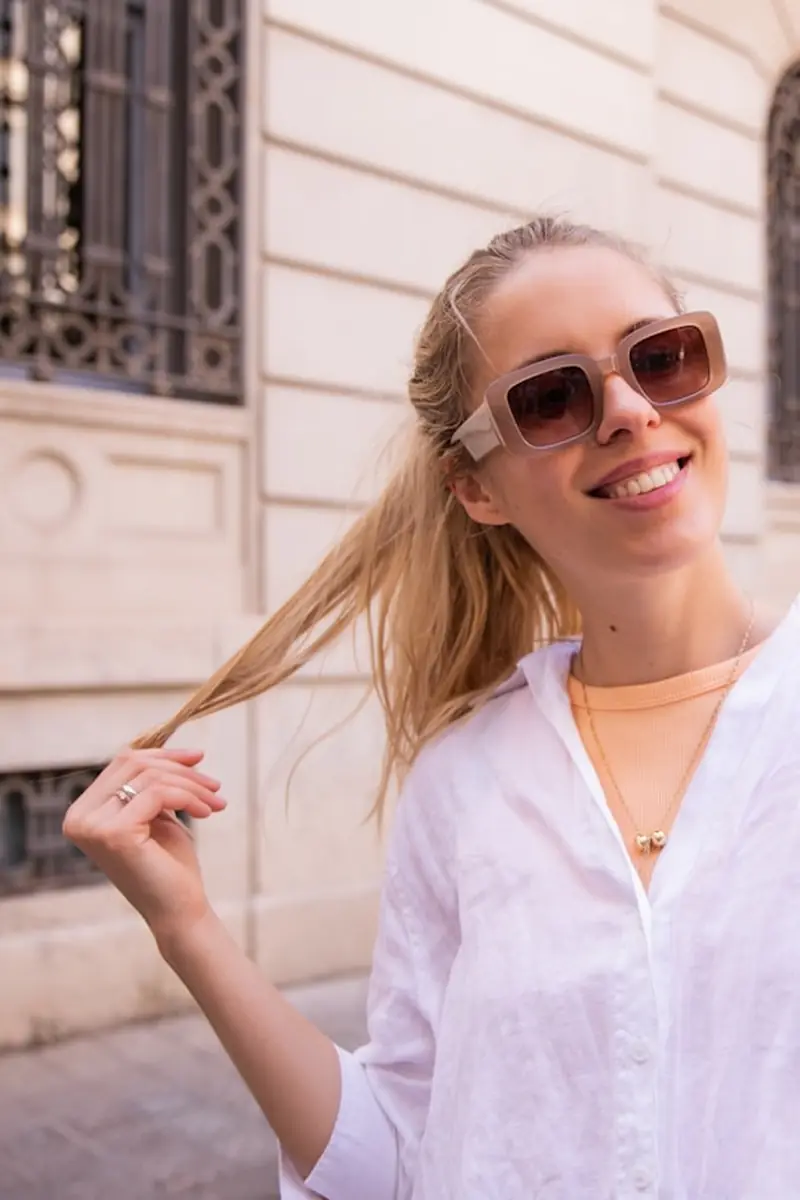
Clear the green tint and painted-on look from filtered photos; faces stay natural.
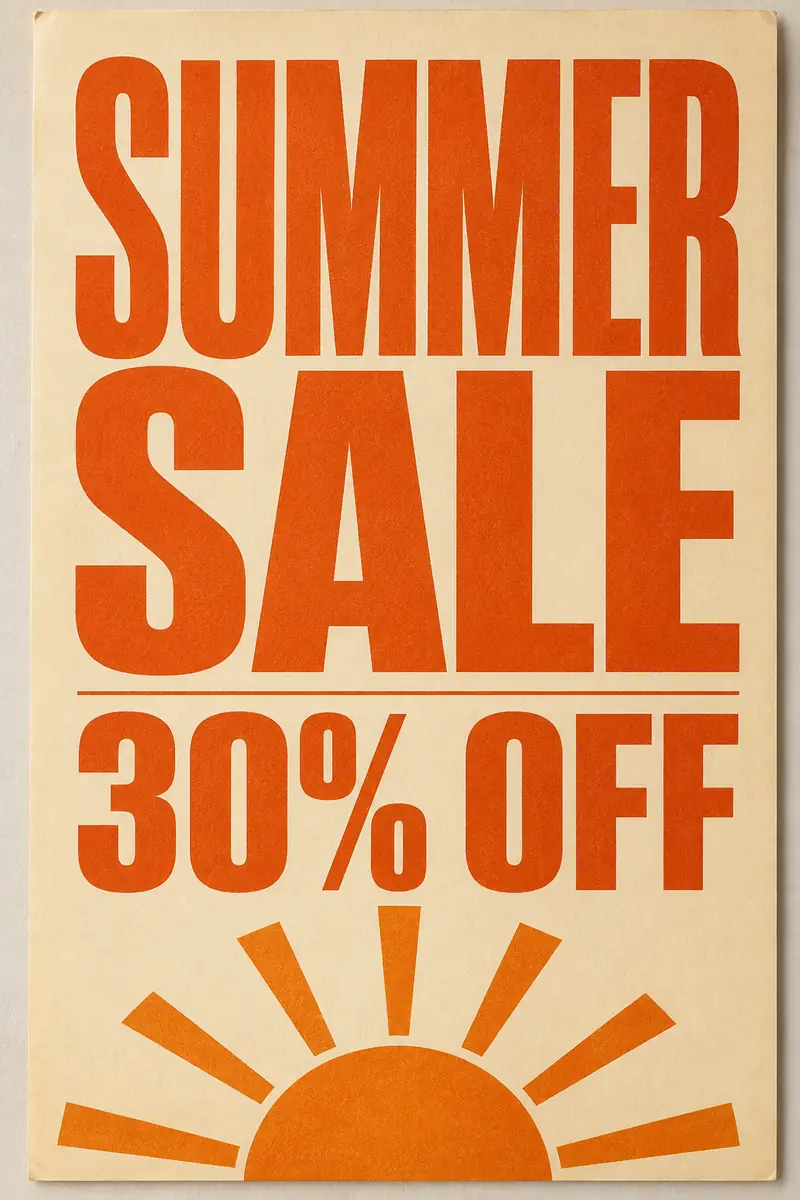

Change prices, dates, and headlines in an image while the layout and style stay.
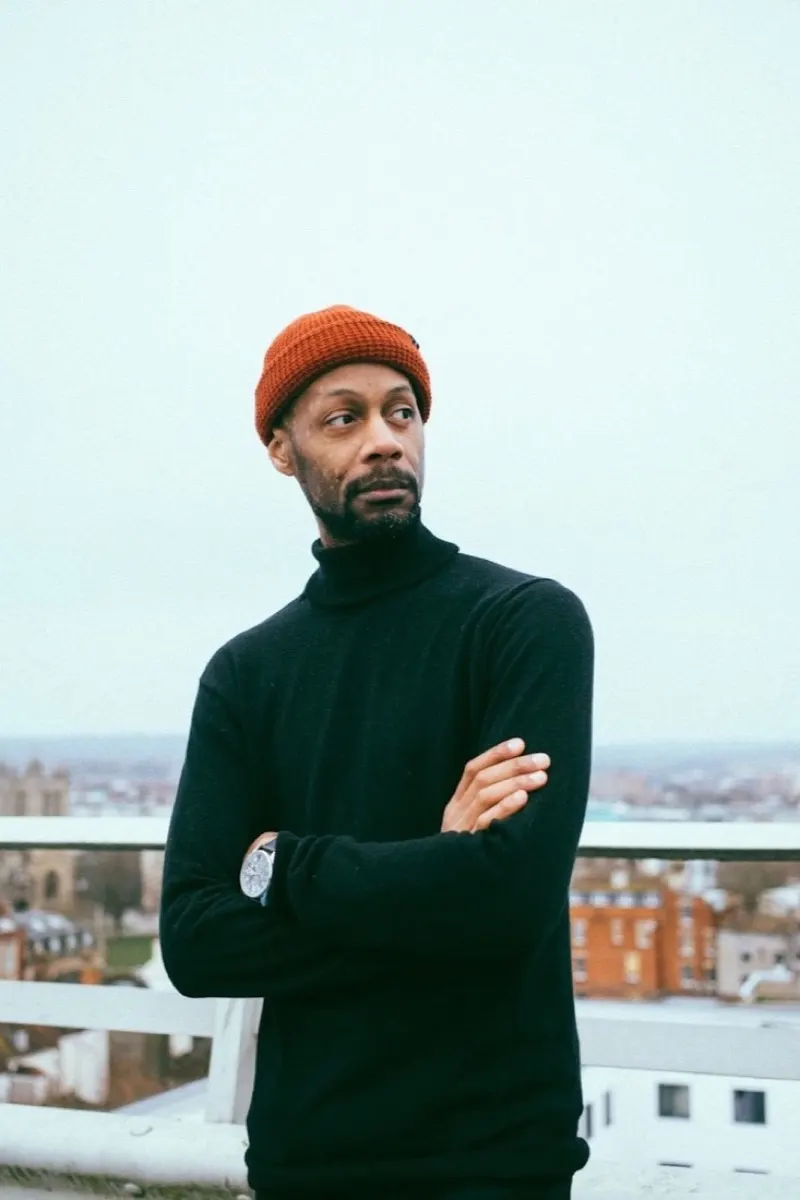
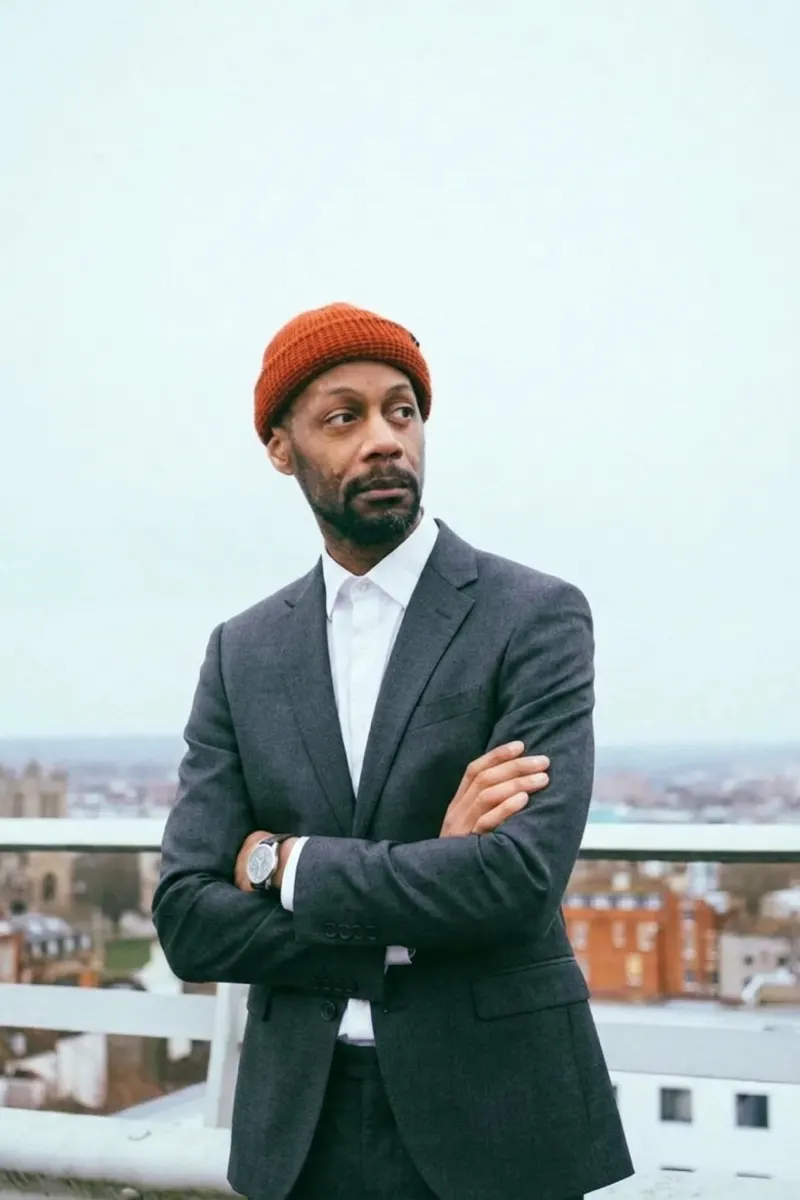
Swap outfits from a garment photo or a prompt; identity, pose, and lighting stay.
Studio-grade portraits and cleanup — AI headshots, background, object, and shadow removal.
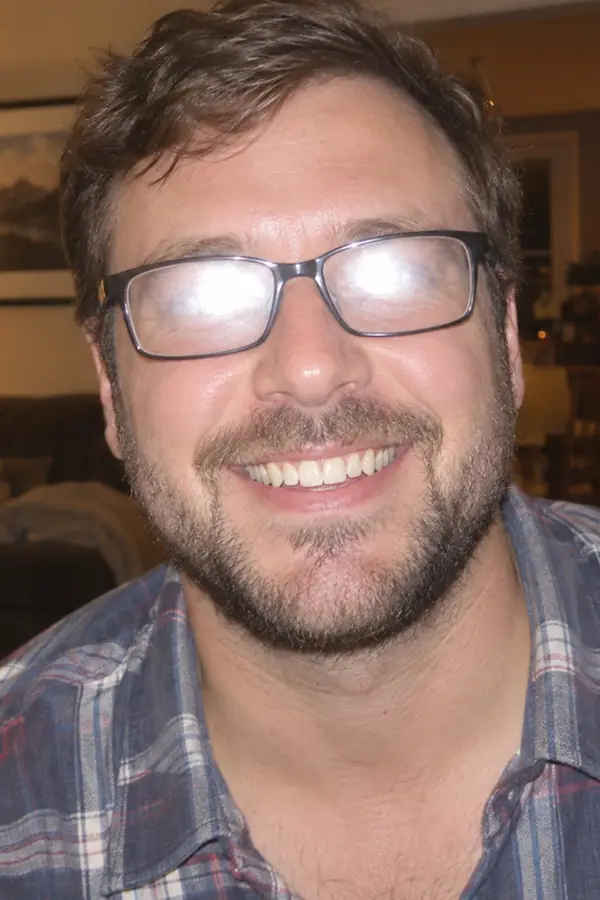
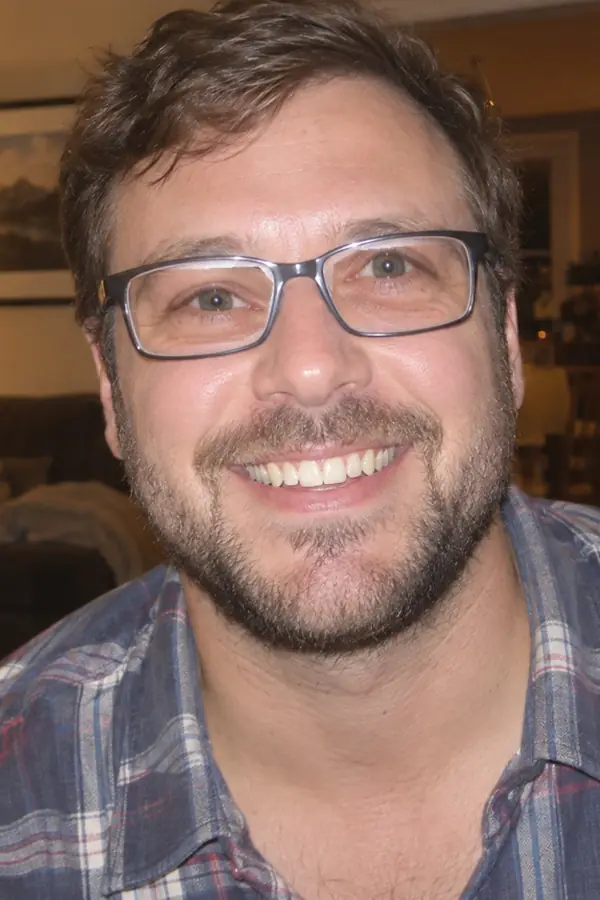
Clear flash glare and lens reflections in one prompt; the eyes behind get rebuilt.
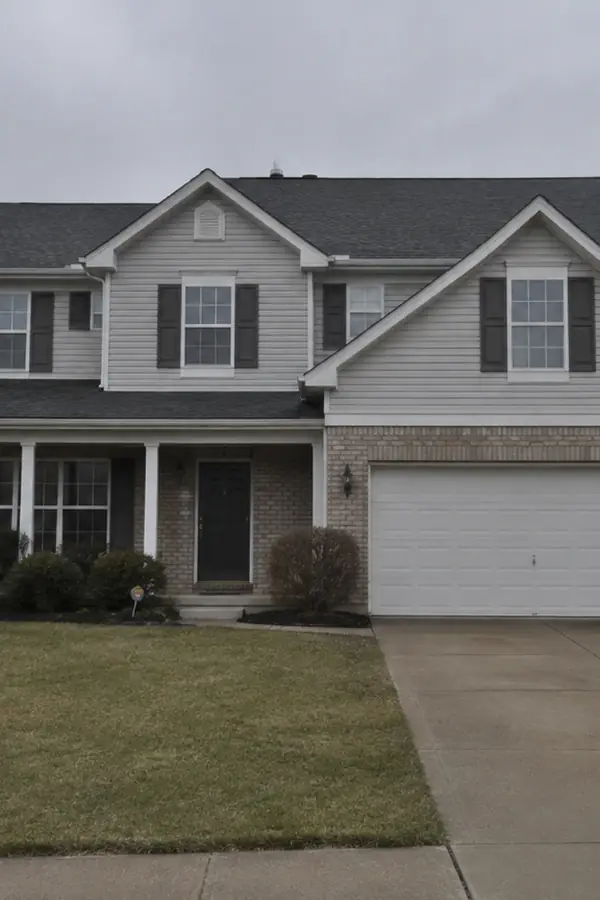
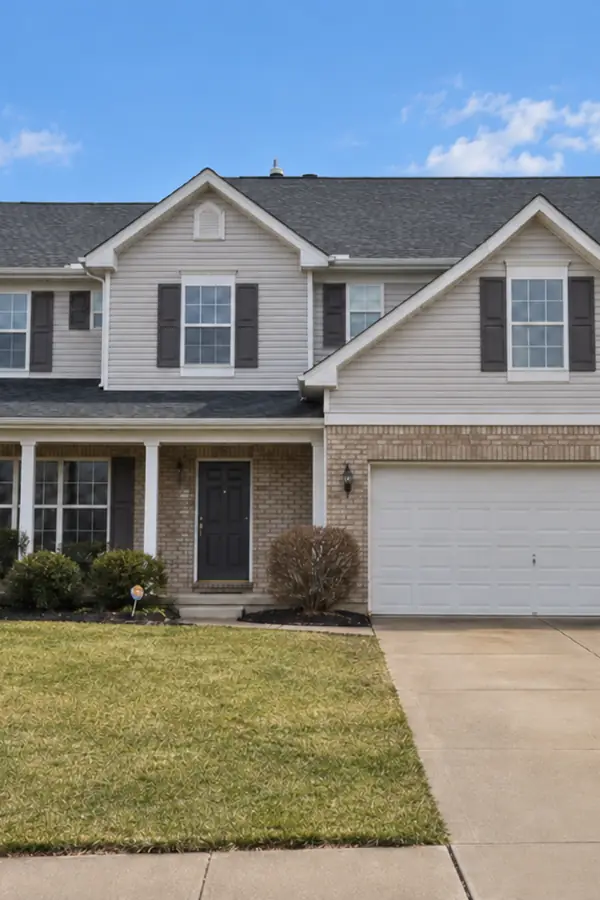
Edit listing photos by prompt: fix skies, light, or stage empty rooms; the house stays.
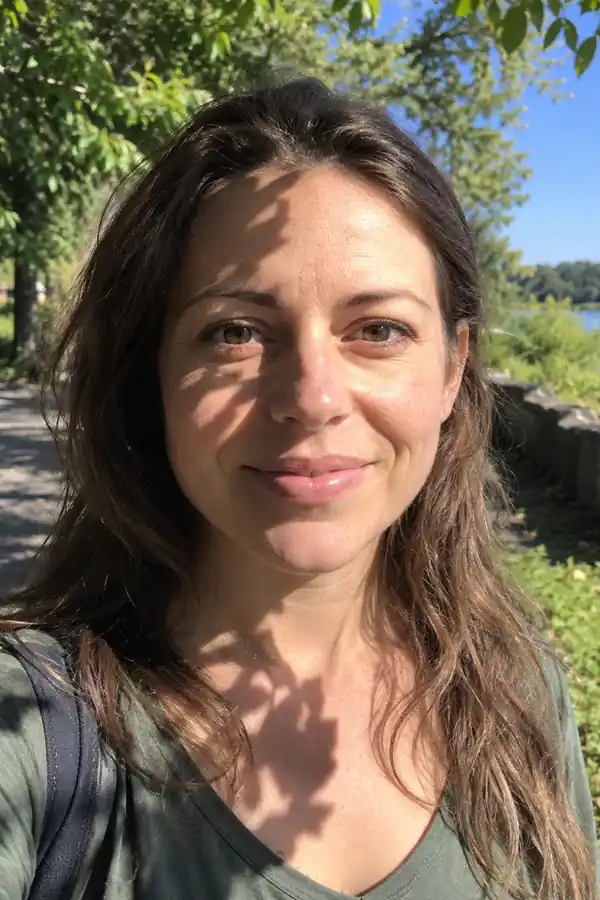
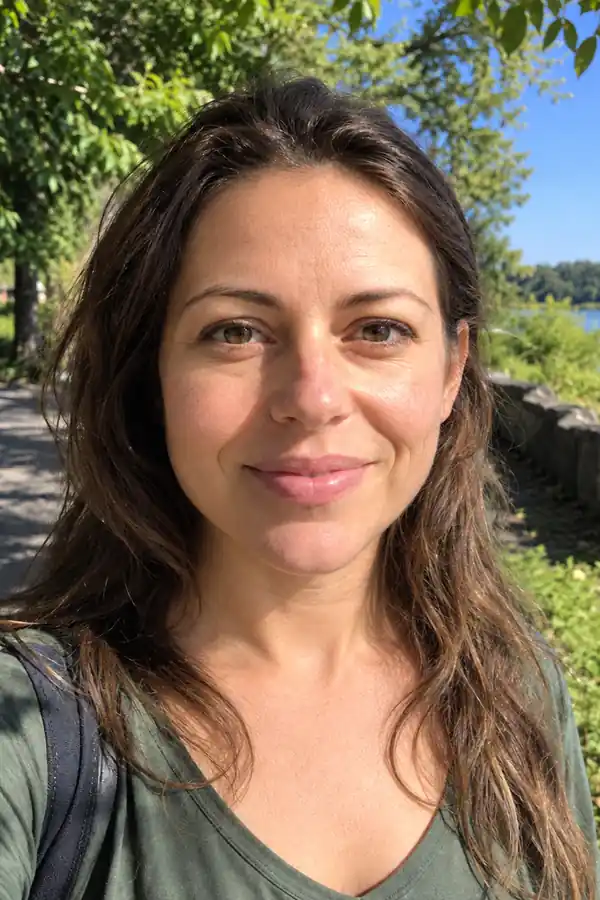
Clear face, object, and window shadows in one prompt; the lit areas stay original.
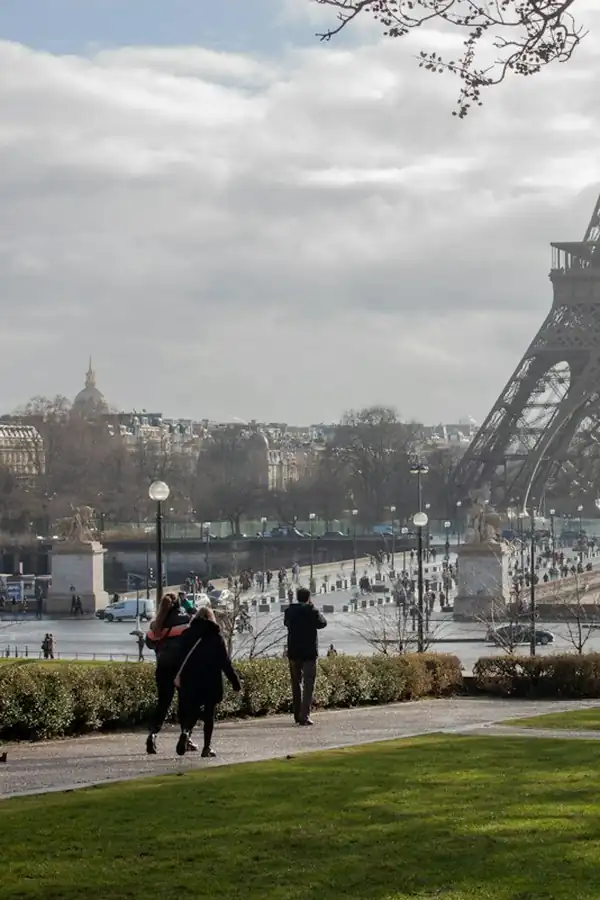
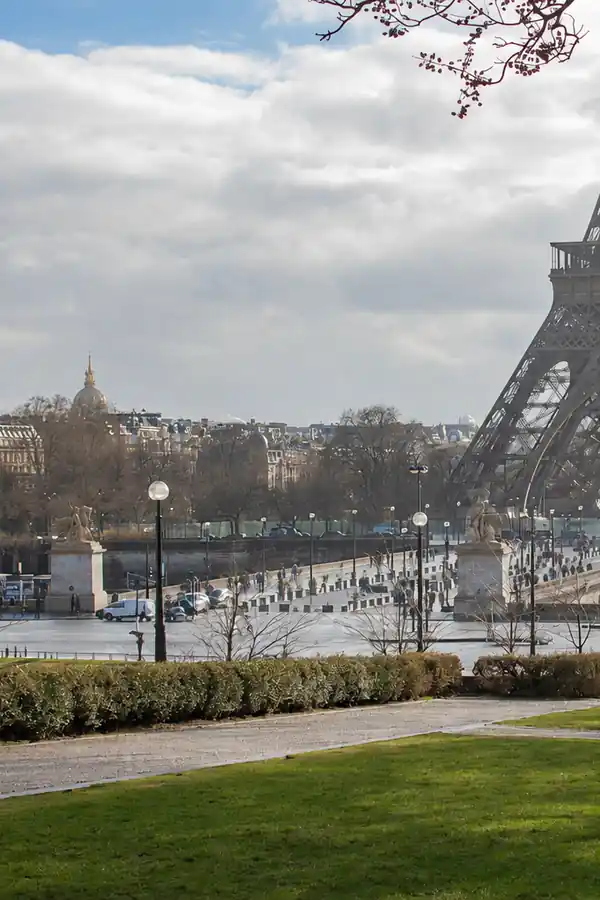
Delete people, clutter, and text; the background behind is rebuilt naturally.
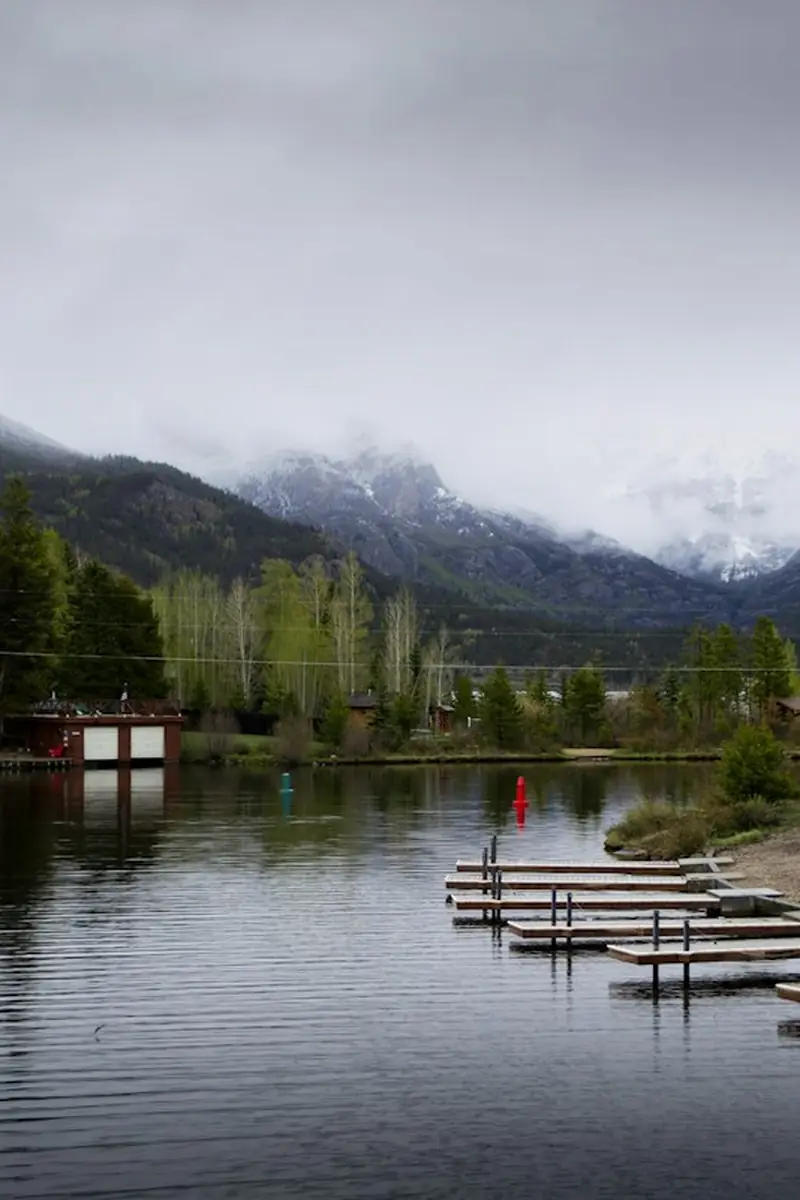

Fix blur, dim light, and faded color from a prompt; faces and composition stay.
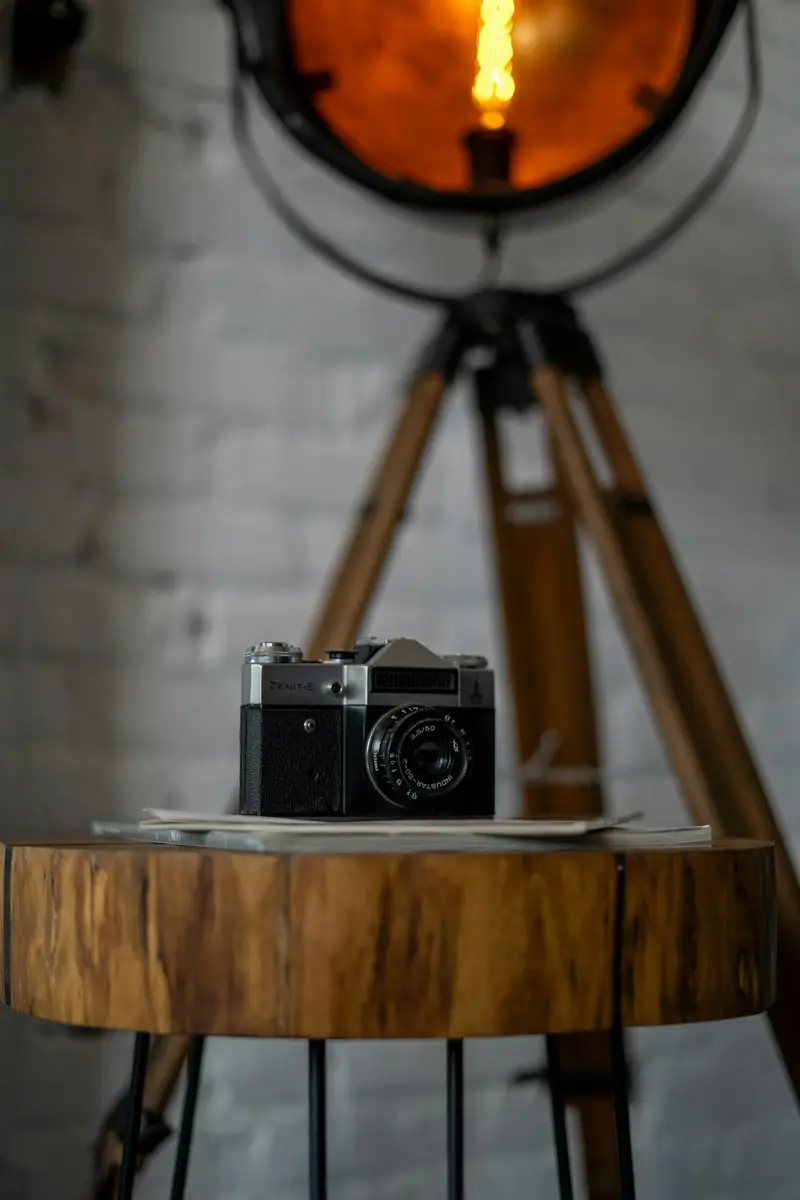
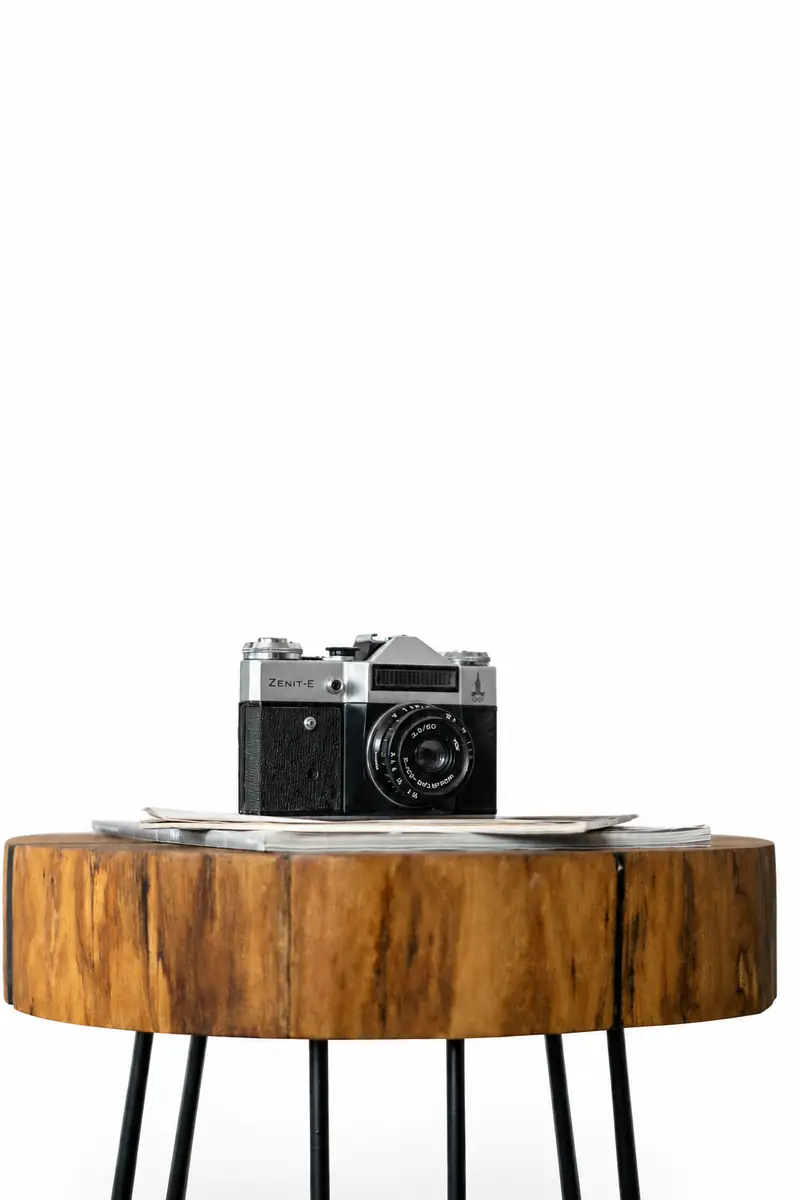
Put your subject on white, a color, or a new scene; hair and fine edges stay.
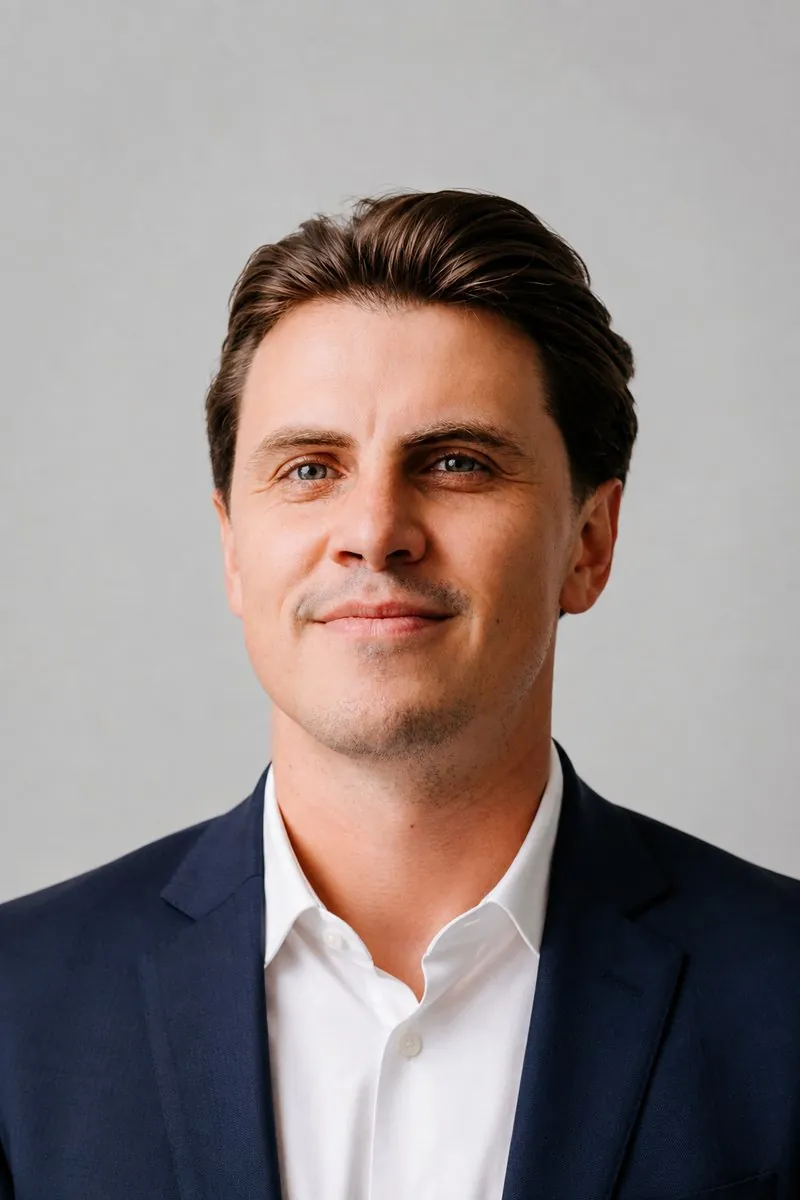
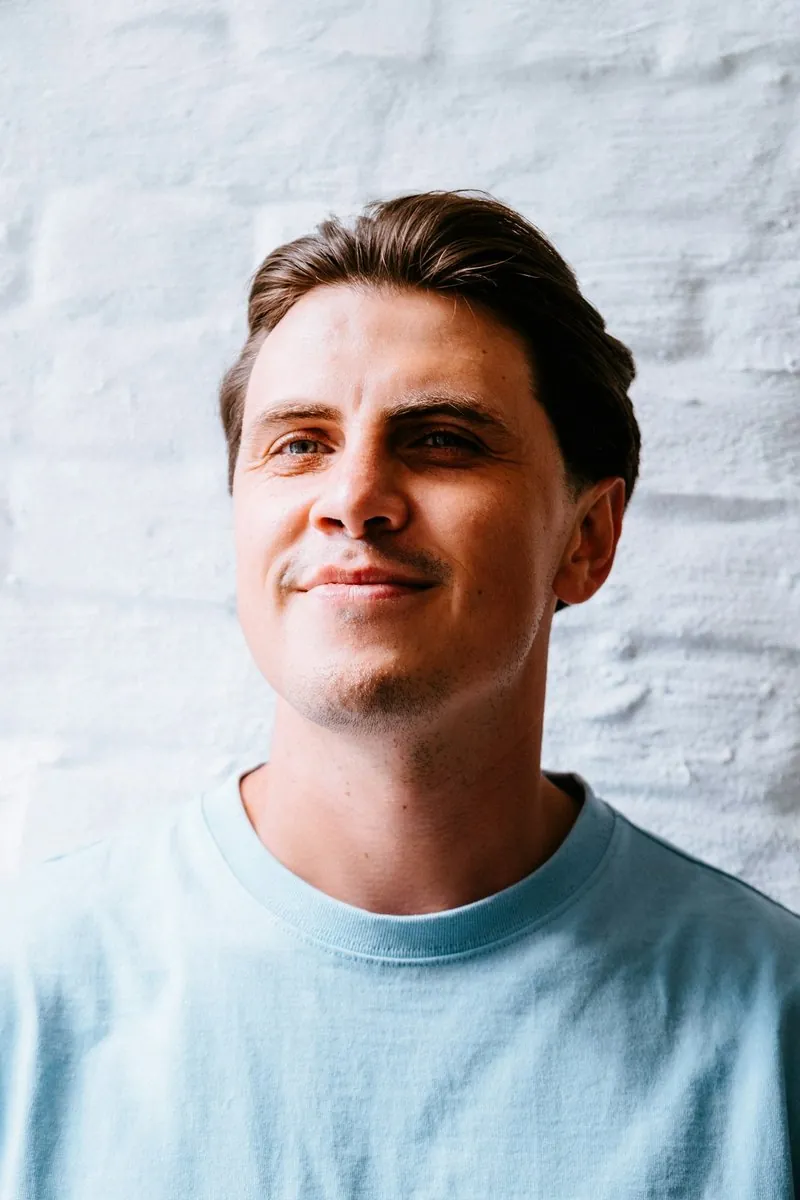
Turn a selfie into a studio headshot; outfit and backdrop change, your face stays.
E-commerce imaging — product shots, ghost mannequin, white backgrounds, colorways, and fashion models.
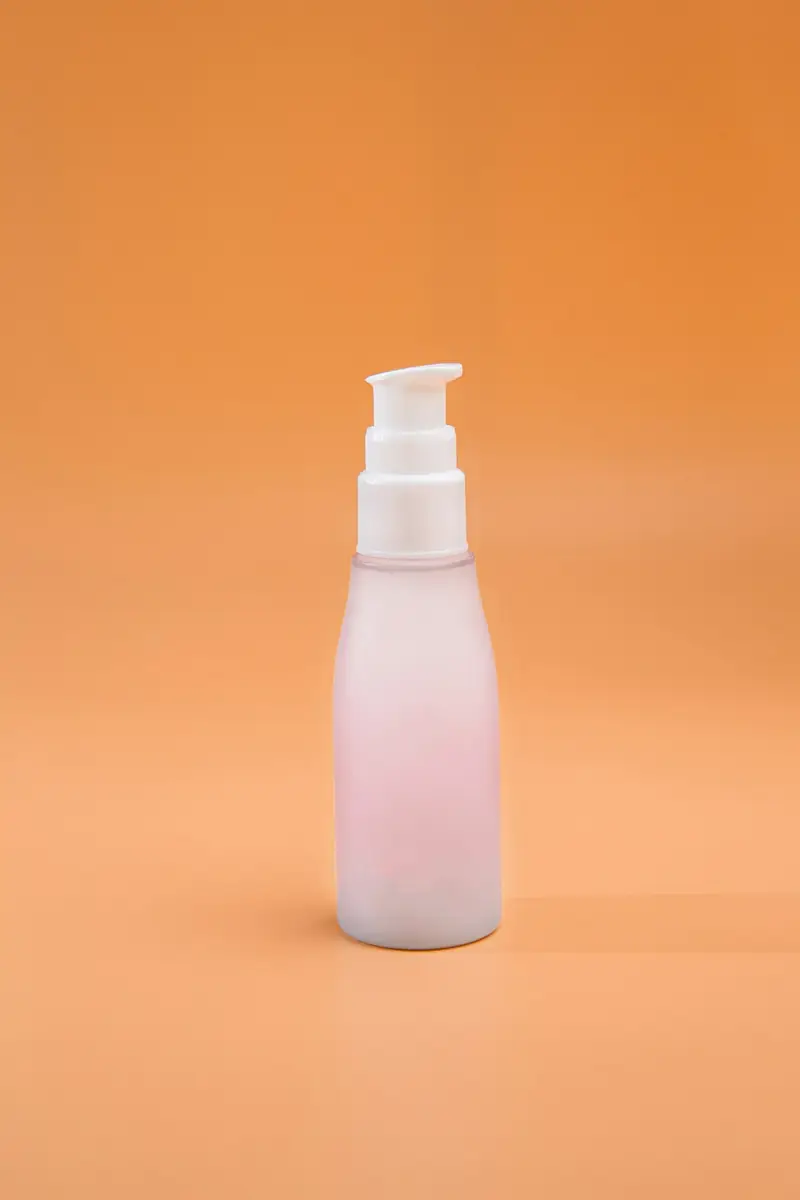
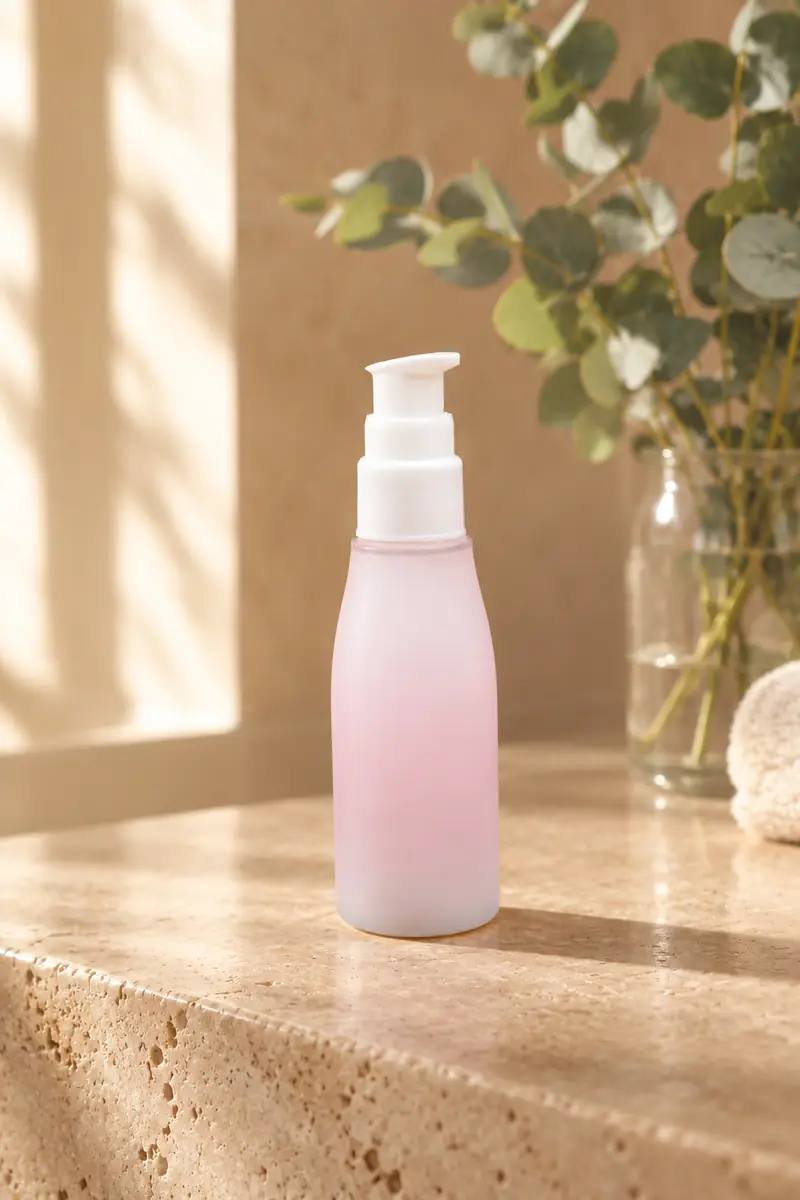
Turn one packshot into a studio or lifestyle scene; label, shape, and colors stay.
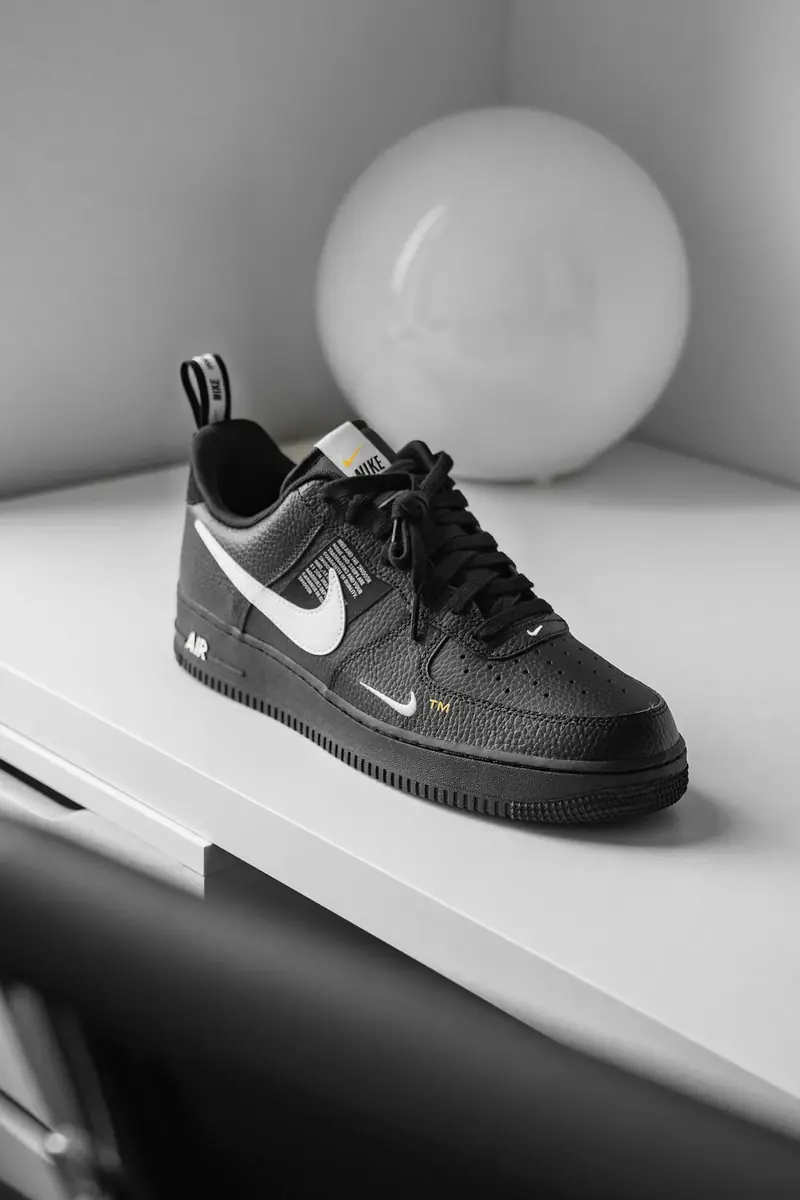
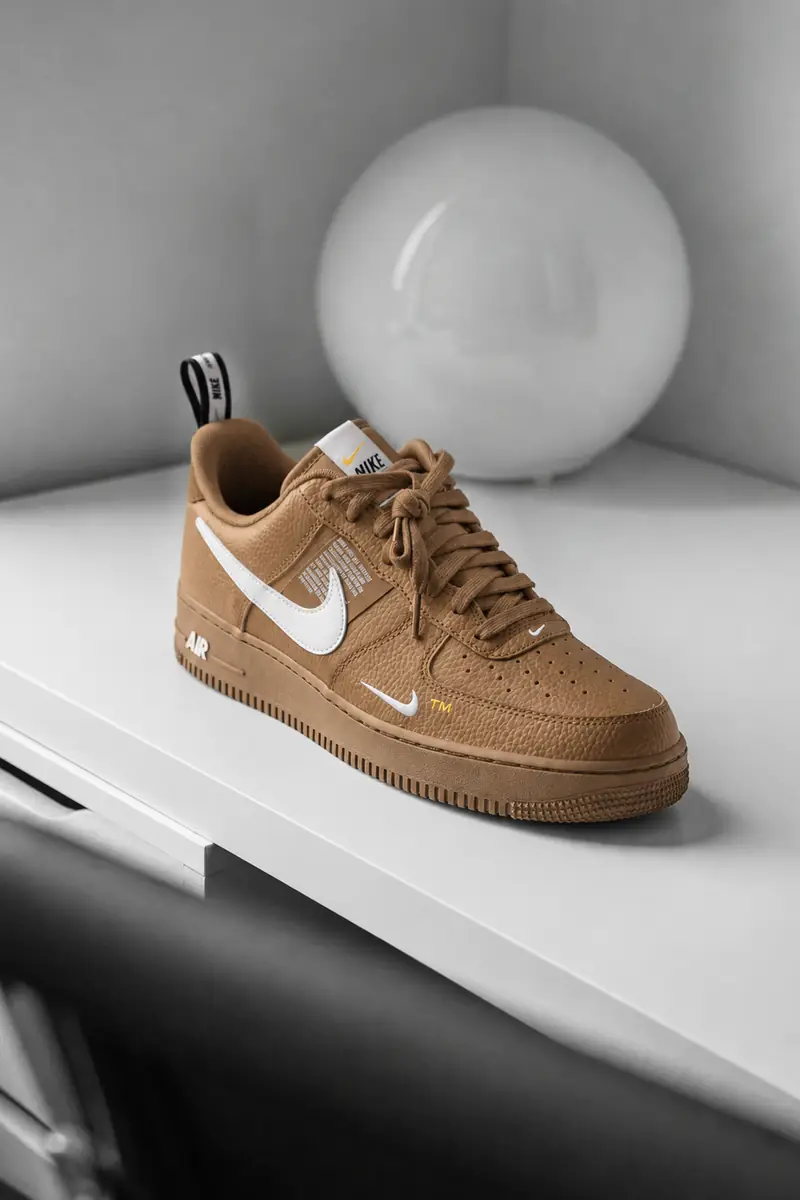
Recolor an object or outfit from a prompt; the shape, texture, and labels stay.
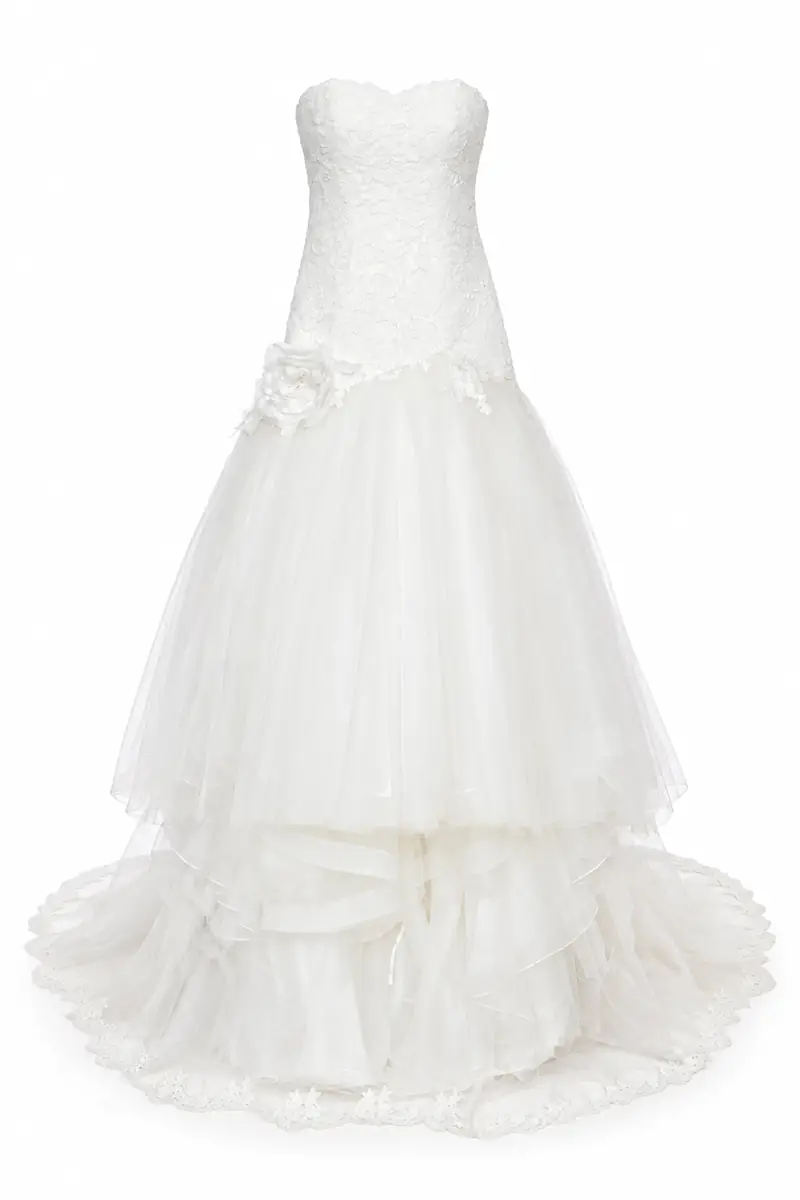
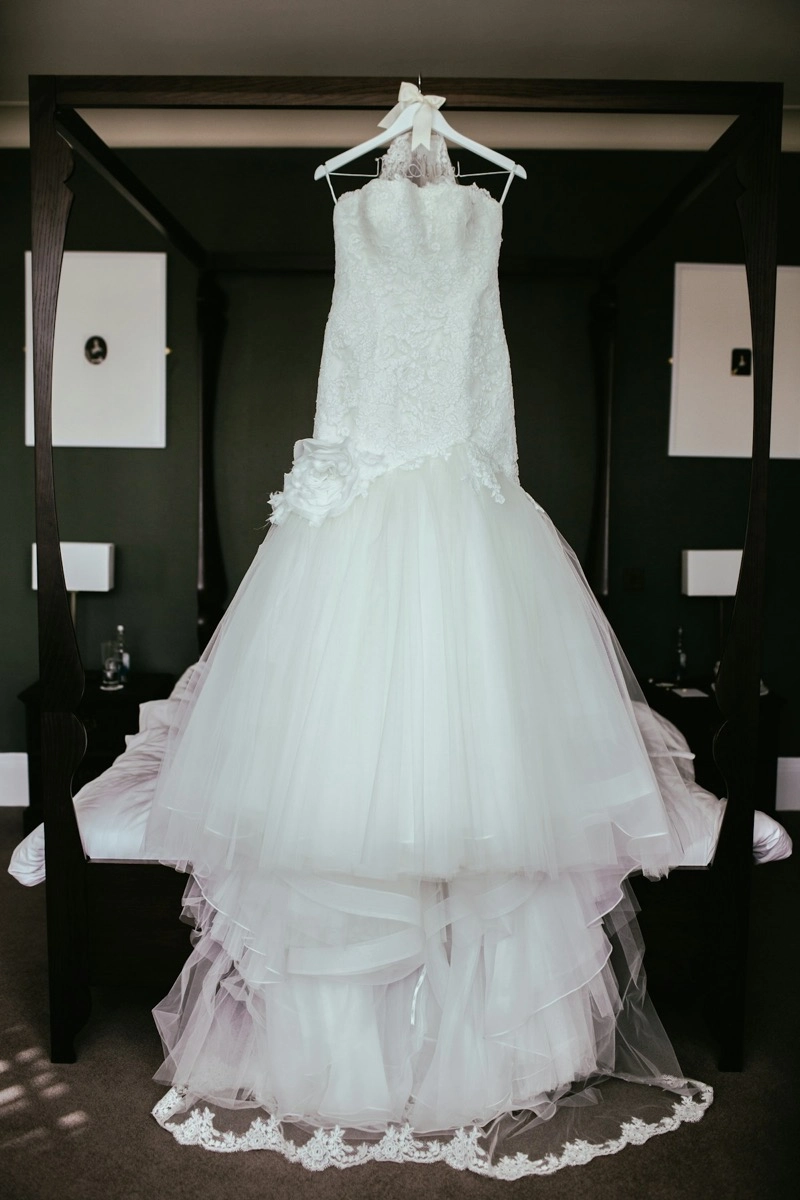
Turn garment photos into ghost mannequin shots; shape, stitching, and volume stay.
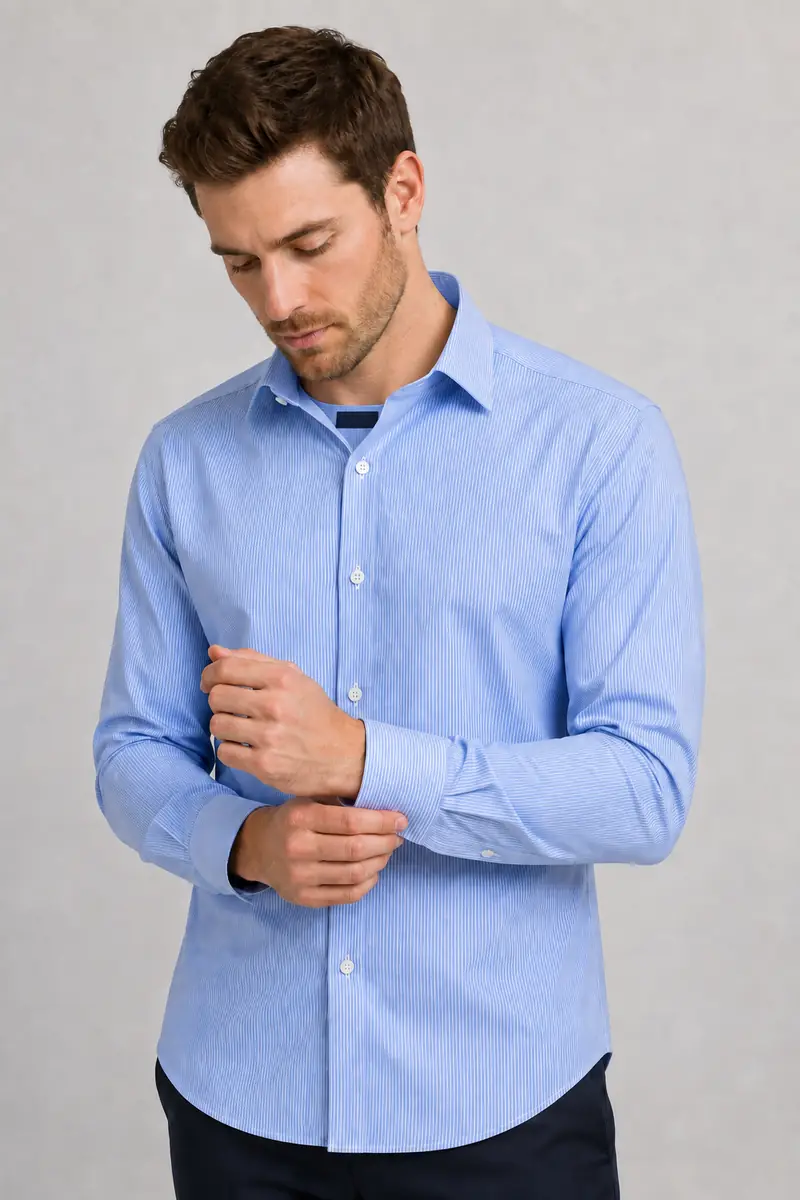
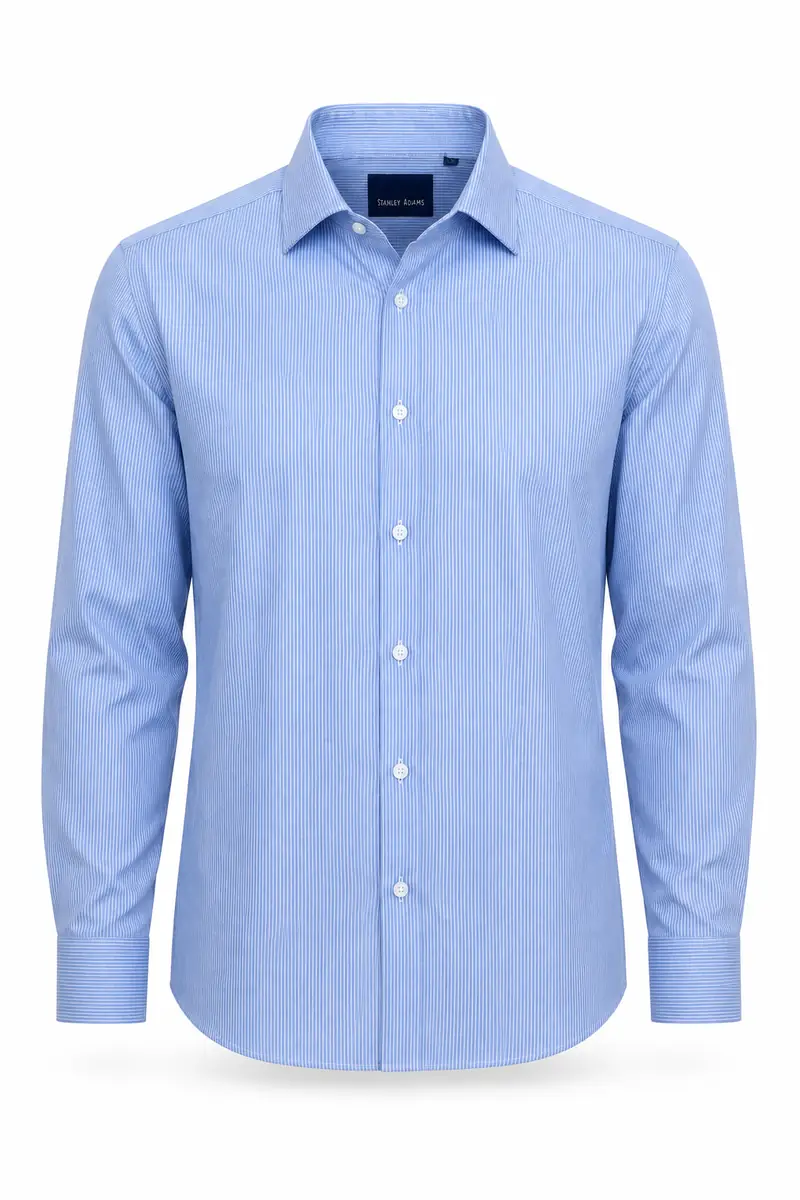
Turn a garment photo into on-model shots; describe the model while labels stay.
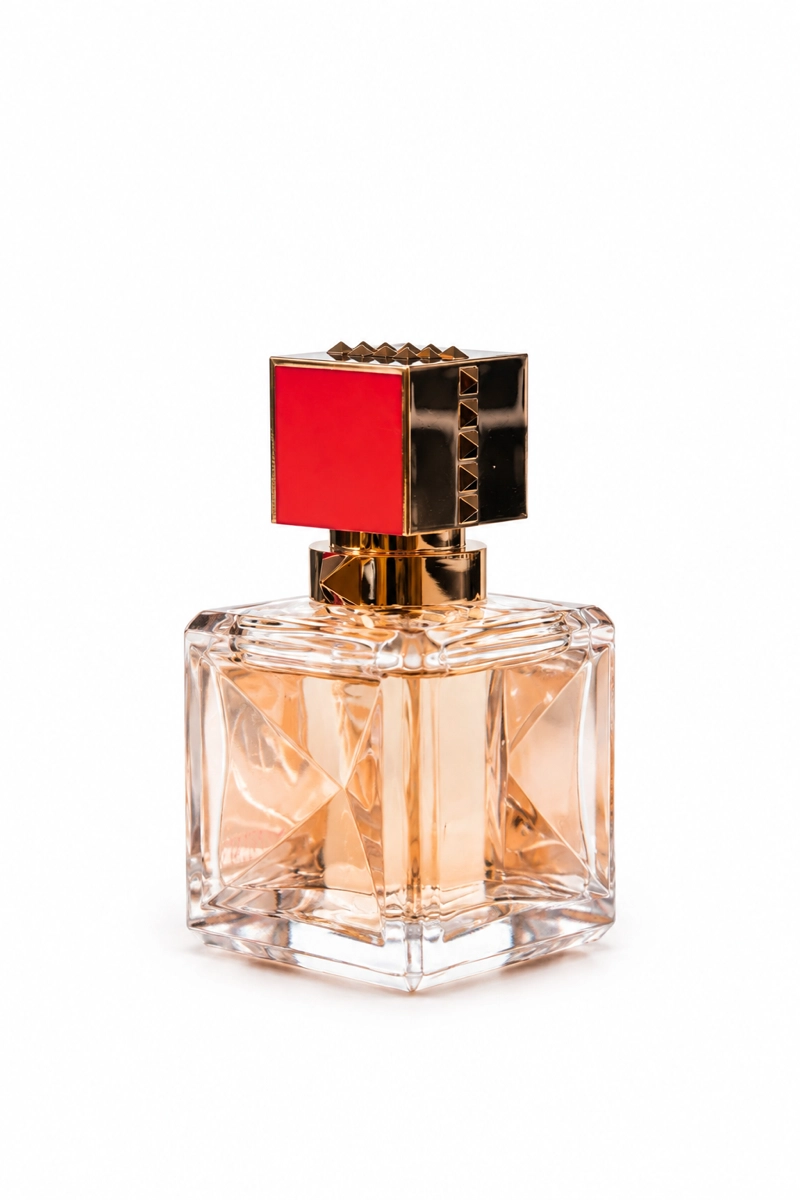
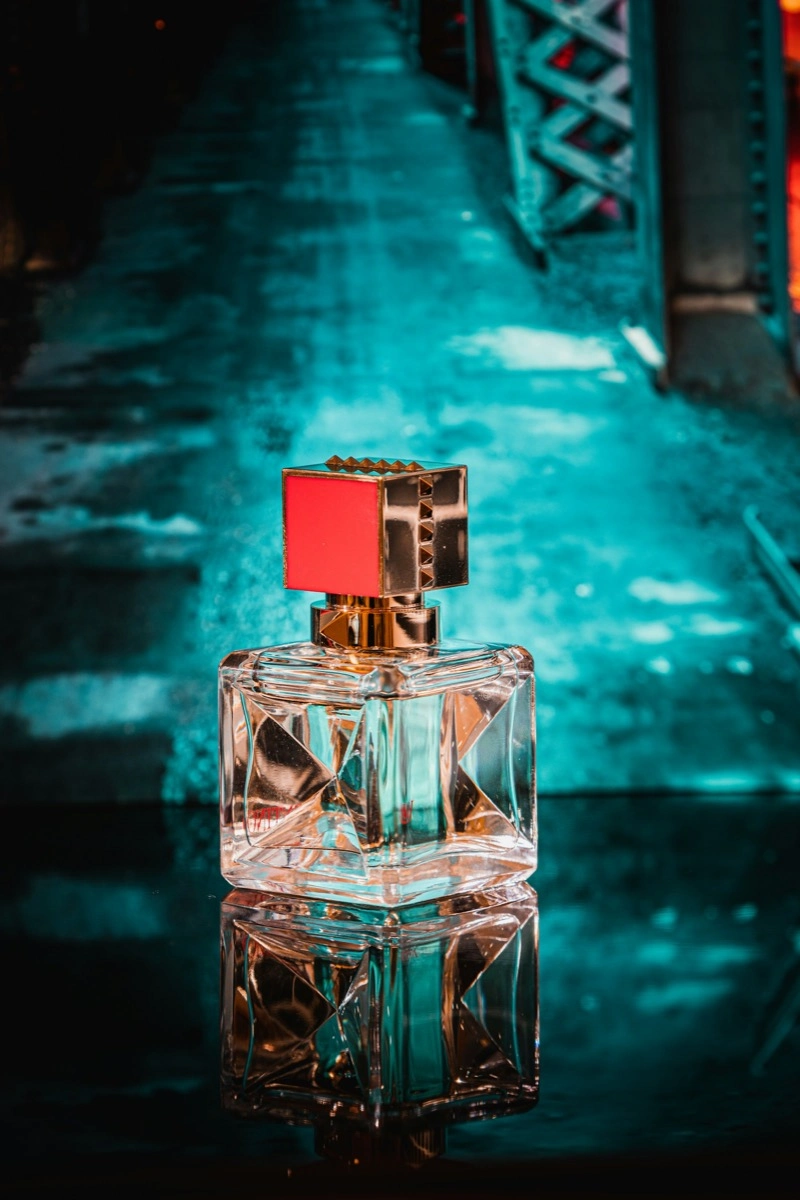
Add a clean white background in one prompt; edges and the natural shadow stay.
Every tool on this site runs on the same editor. Pick the one that matches the job — the workflow never changes.
Start from the sharpest original you have — a phone photo is enough. One image per pass keeps the edit predictable.
Name what should change in plain words: the outfit, the backdrop, the object to erase. No masks, layers, or sliders.
Compare the result with the original at full size, rerun with sharper wording if a pass misses, and download the keeper. Downloads carry no watermark.
Quick answers about the ImagEditorAI toolbox — what is included, what it costs, and how to pick a tool.