

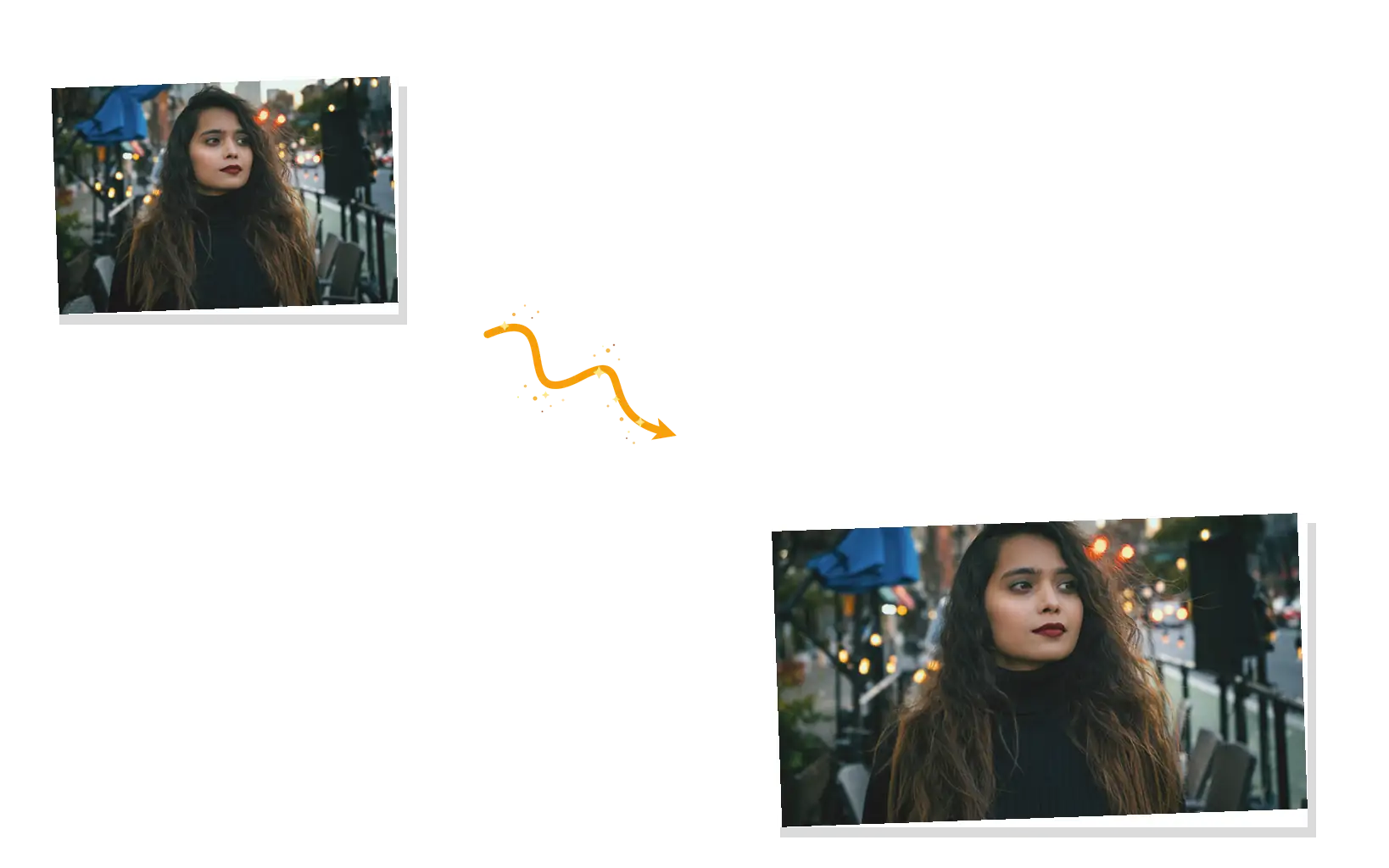
Exact width and height
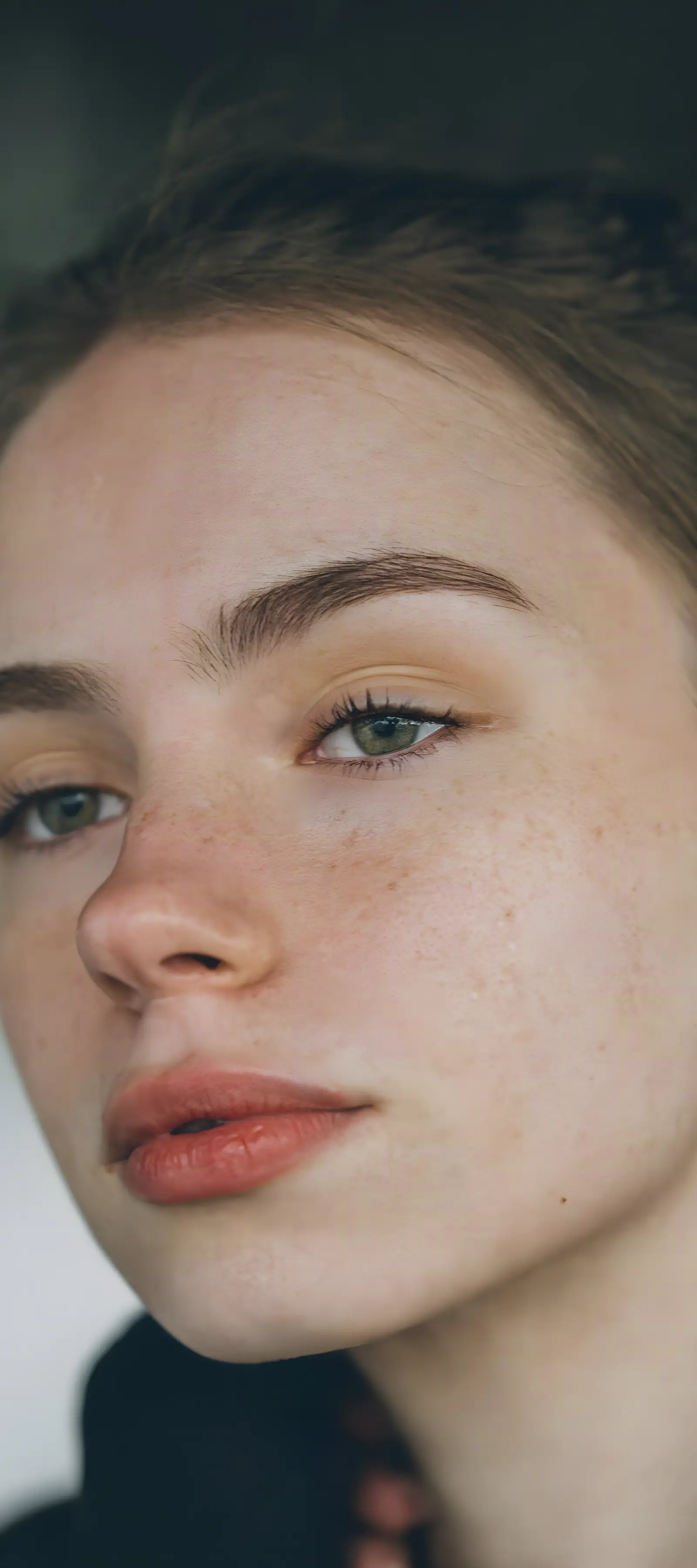
Type the pixels you need. The aspect ratio lock keeps width and height in step, so people and products keep their proportions. Switch it off when you want a different shape.

Resize any photo to an exact width and height, keep the aspect ratio, or jump straight to platform sizes like Instagram 1080 x 1350. The image is resized in your browser and never uploaded, and one export downloads every size you picked.
Platform presets
YouTube
X (Twitter)
TikTok
Free and unlimited on paid plans; otherwise 1 credit per export. No watermark.
The sizes behind the presets: Instagram post size options, the standard YouTube thumbnail size, the LinkedIn banner size, the X/Twitter header size, and more. Pick a row, then export it from the resizer above.
| Platform | Placement | Recommended size |
|---|---|---|
| Square post | 1080 × 1080 px | |
| Portrait post | 1080 × 1350 px | |
| Story / Reel | 1080 × 1920 px | |
| Landscape post | 1080 × 566 px | |
| Profile picture | 320 × 320 px | |
| YouTube | Video thumbnail | 1280 × 720 px |
| YouTube | Channel art | 2560 × 1440 px |
| Cover photo | 820 × 312 px | |
| Post / link image | 1200 × 630 px | |
| Profile picture | 320 × 320 px | |
| X (Twitter) | Header | 1500 × 500 px |
| X (Twitter) | Post image | 1600 × 900 px |
| X (Twitter) | Profile picture | 400 × 400 px |
| Profile banner | 1584 × 396 px | |
| Post image | 1200 × 627 px | |
| Profile photo | 800 × 800 px | |
| TikTok | Photo / video | 1080 × 1920 px |
| Standard pin | 1000 × 1500 px |
These are the dimensions platforms and design guides recommend as of November 2026. Layouts change from time to time, so treat them as recommended sizes, not fixed rules.
An image resizer changes the pixel dimensions of a picture: you give it a width and a height, and it redraws the image at that size. This page is an image size converter and resizer in one. Type exact pixels, keep the ratio lock on so faces keep their proportions, or choose a platform preset and export several sizes at once. Everything runs on your device, so the file never leaves your browser. Two honest limits: enlarging past the original size adds no detail (the AI upscaler handles that), and this tool resizes pixels, not file size in kilobytes.
Resize an image onlineType the pixels you need. The aspect ratio lock keeps width and height in step, so people and products keep their proportions. Switch it off when you want a different shape.
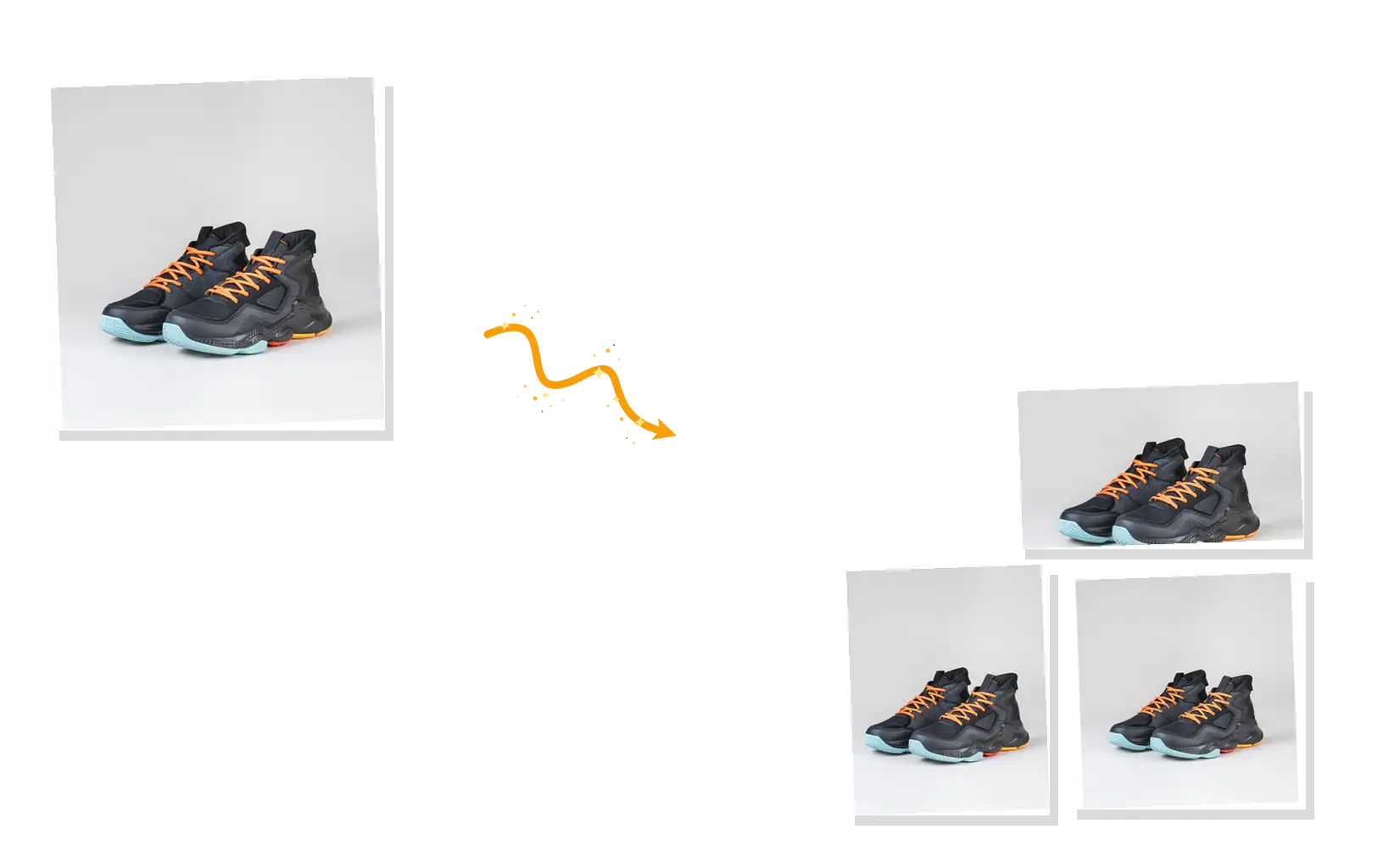
Select Instagram, YouTube, LinkedIn, X, and more, then download every size in a single export. One photo in, a full set of channel-ready sizes out.
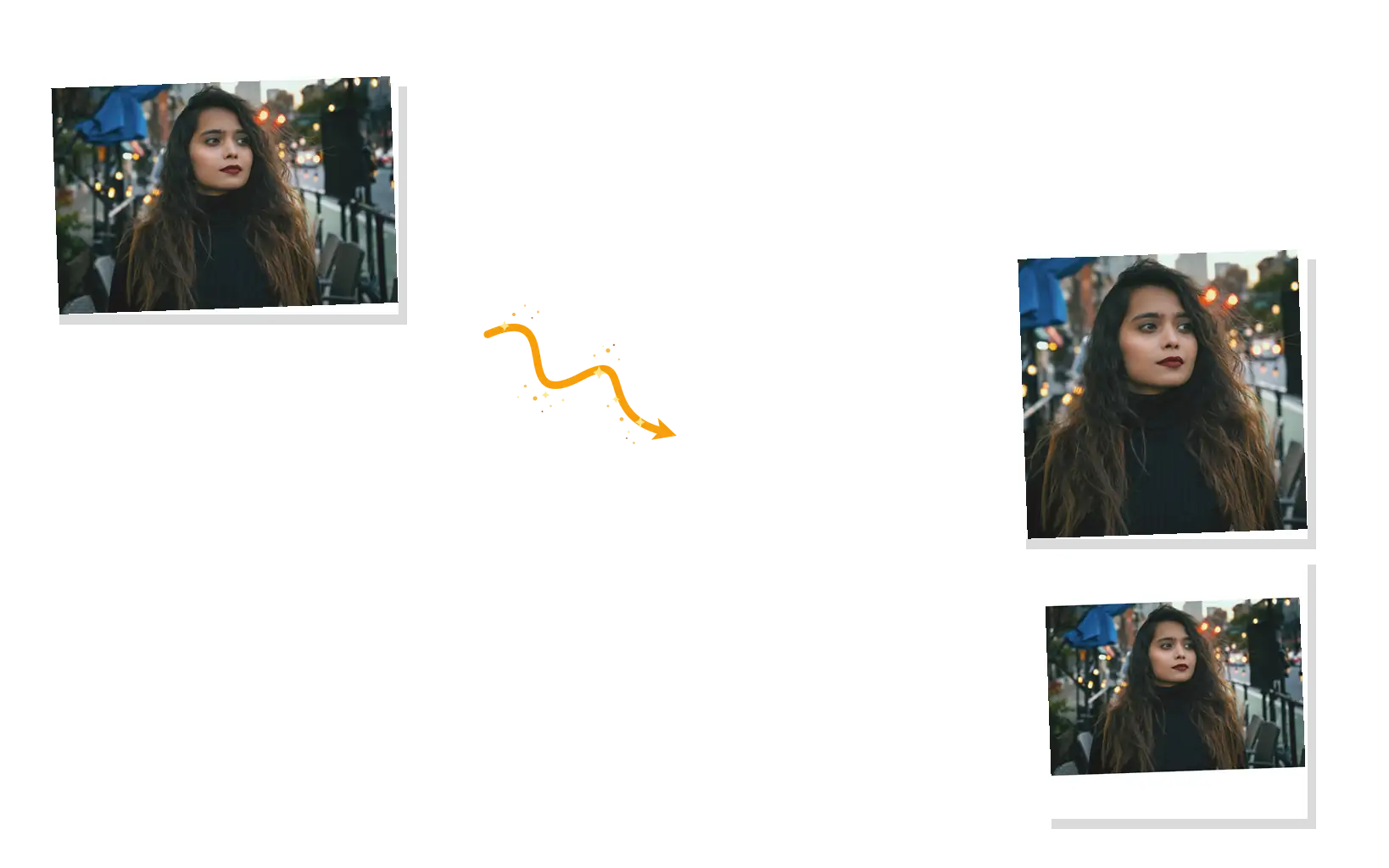
Fit pads the empty space and keeps the whole photo. Fill crops the edges to hit the exact frame. Big reductions step down in halves, which keeps small text and fine lines crisp.
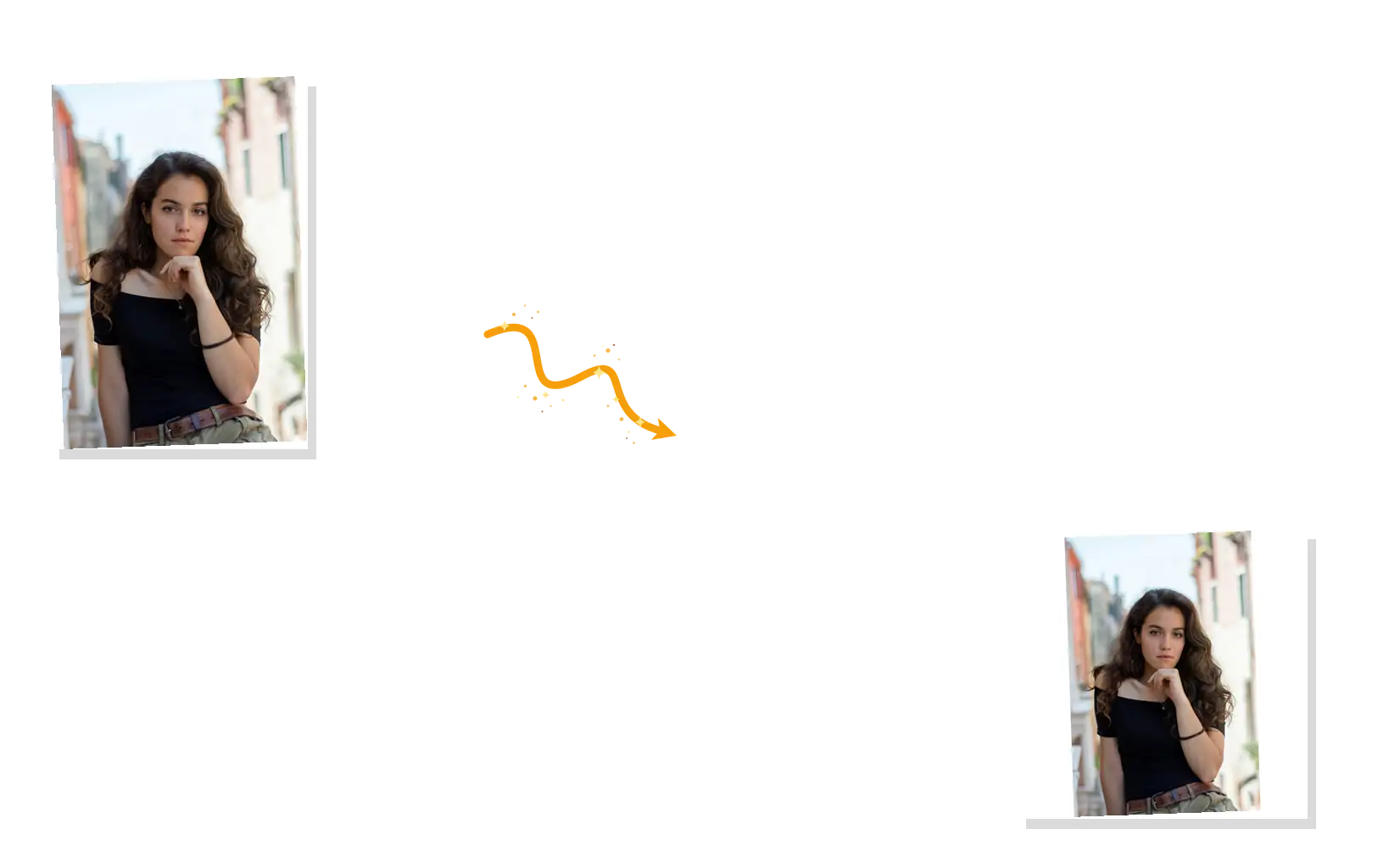
Resizing runs on your device, and the image is never uploaded. Keep working in one place: enlarge results with the upscaler, clean them up with the photo enhancer, or swap backgrounds on the same site.
Four steps in your browser, no sign-up to start.
Drop in a PNG, JPEG, or WebP up to 20MB. It opens locally.
Type a width and height with the ratio lock on, or tap a platform preset.
Fit pads the frame, fill crops it. Pick PNG, JPEG, or WebP and a quality level.
Free on paid plans; otherwise one credit per export, no matter how many sizes. Each file downloads with its dimensions in the name.
One product photo becomes a square for Instagram, a 1200 x 627 post image for LinkedIn, and a 16:9 shot for the site, all exported together.
Same asset, every channel: stories, covers, and post images sized in one pass instead of one rerender per platform.
Thumbnails at 1280 x 720, or the TikTok video size of 1080 x 1920 for vertical clips. Need a brand-new cover design instead of a resize? The YouTube thumbnail maker builds one with AI.
How this page compares with a desktop editor and bulk resize software.
| Dimension | Manual (Photoshop) | Bulk desktop tools | Image Resizer |
|---|---|---|---|
| Getting started | Install and open a desktop editor | Install batch software | Opens in your browser |
| Aspect ratio | You do the math per image | Fixed preset lists | Lock or unlock per size |
| Multi-size export | One export at a time | One folder, one size per run | Pick presets, export once |
| Learning curve | Dialogs and settings to memorize | Menus and export queues | One panel, nothing to learn |
| Cost | Subscription | One-time license | Free on paid plans; otherwise 1 credit per export |
Credits, formats, and what resizing can and cannot do.
Set your size, pick your platforms, export everything at once, all in the browser.