
Your face in the frame
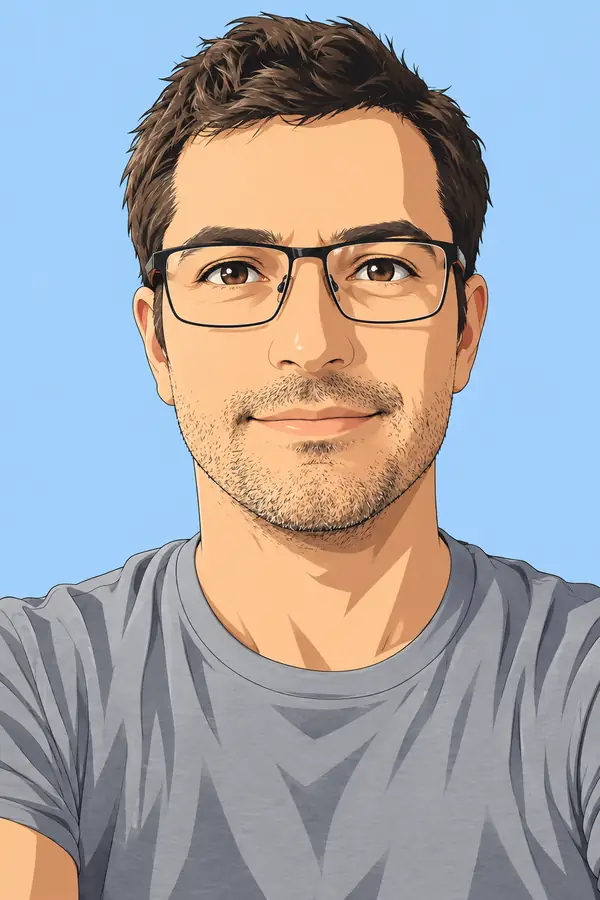
Template galleries hand you a stock figure and someone else's face. This editor redraws your own photo into the layout, so the person viewers recognize is you.

Upload a photo, pick one of four thumbnail layouts, type a two to four word headline, and generate a 1280x720 image for your next video.
0 / 5 reference images
16:9 - 1280x720
Example 1 of 4
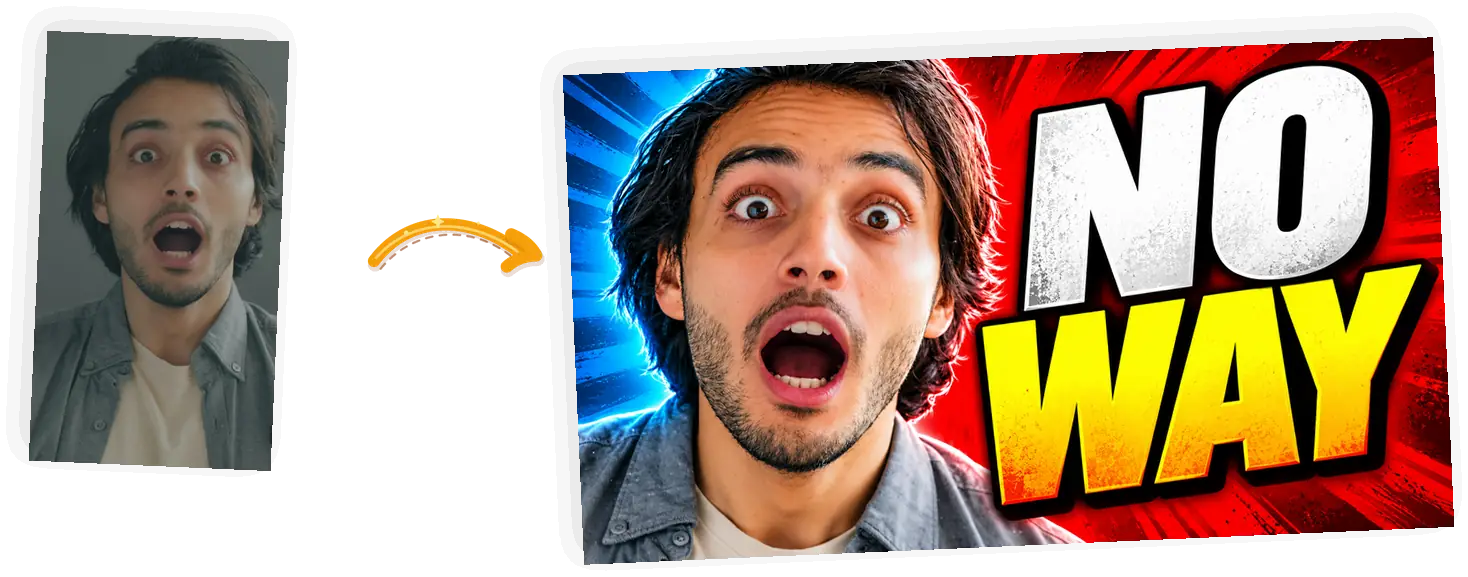
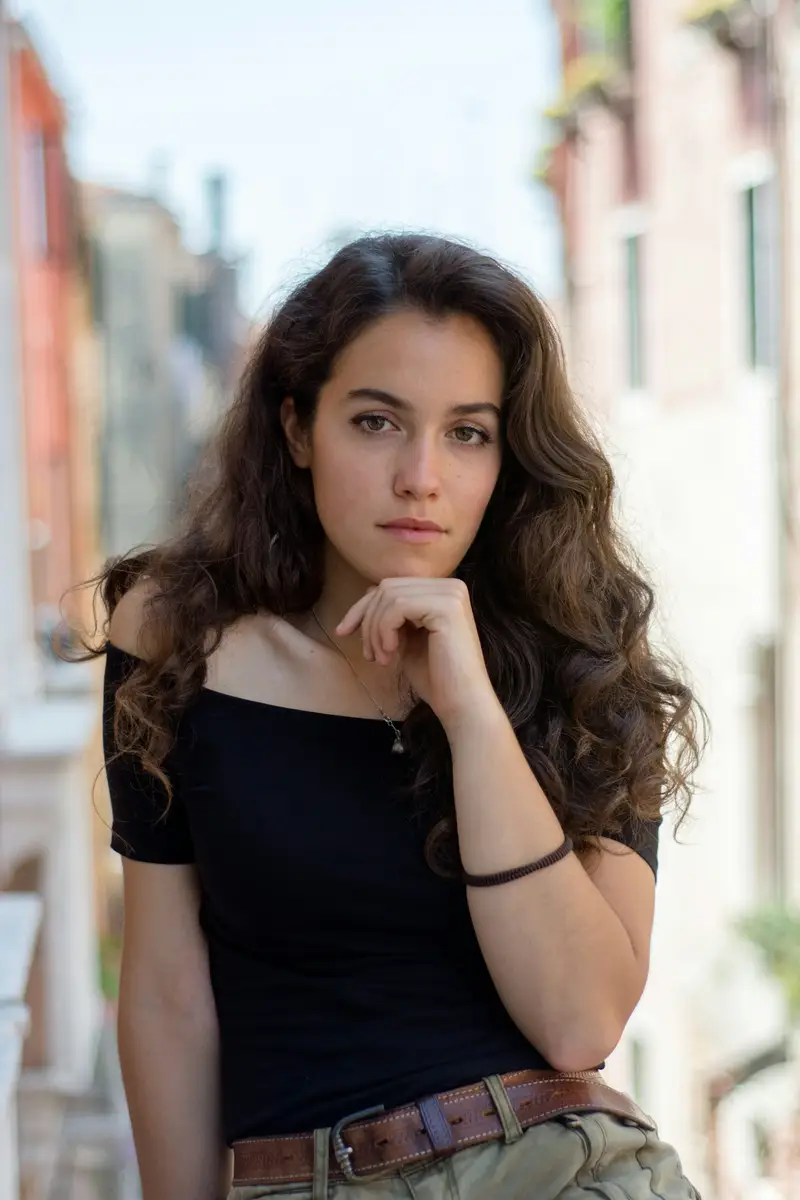
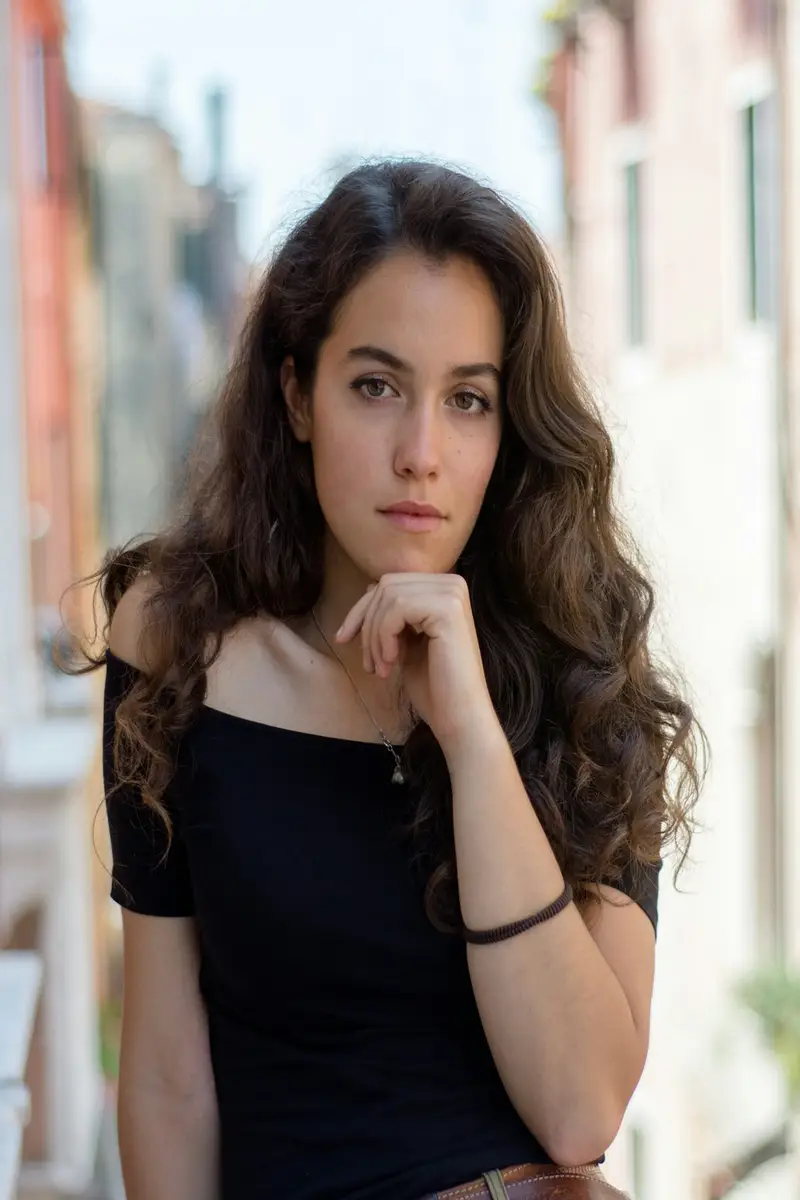
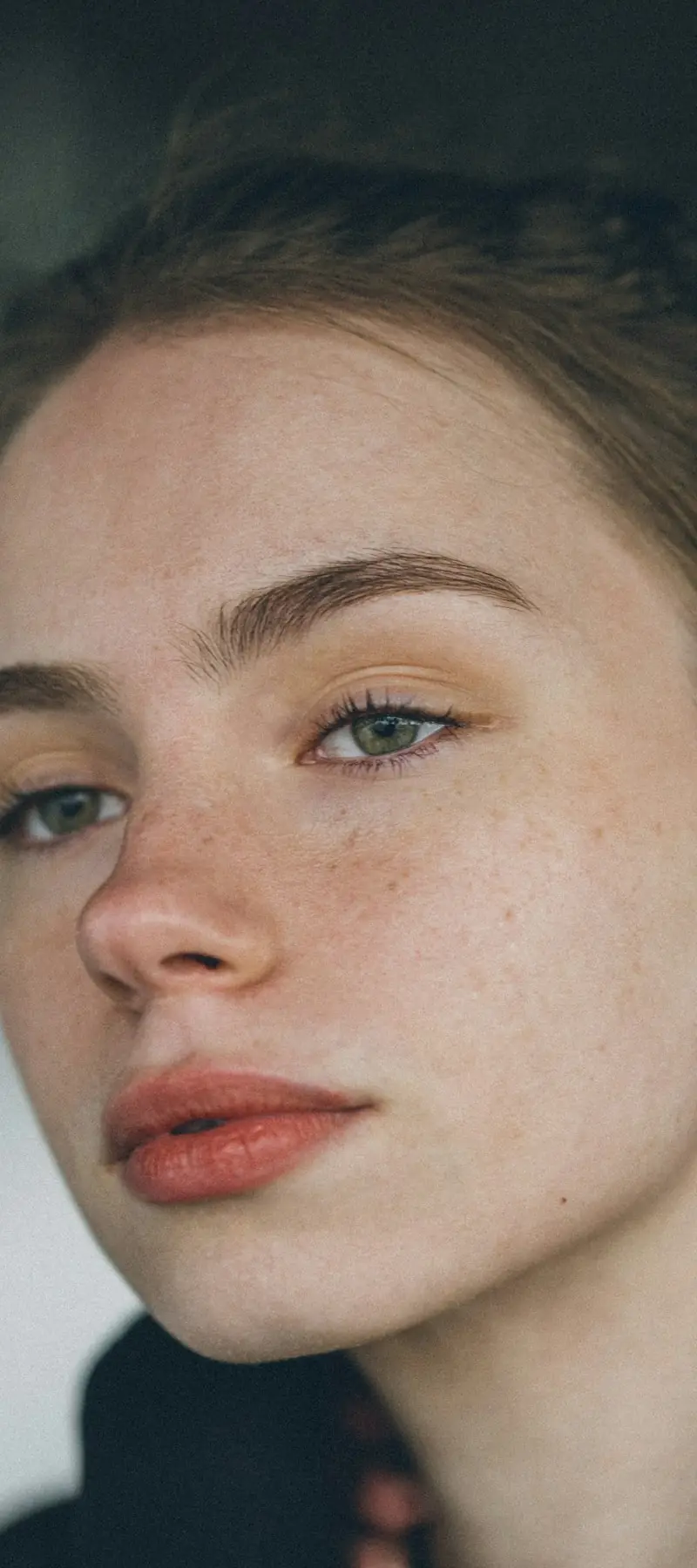
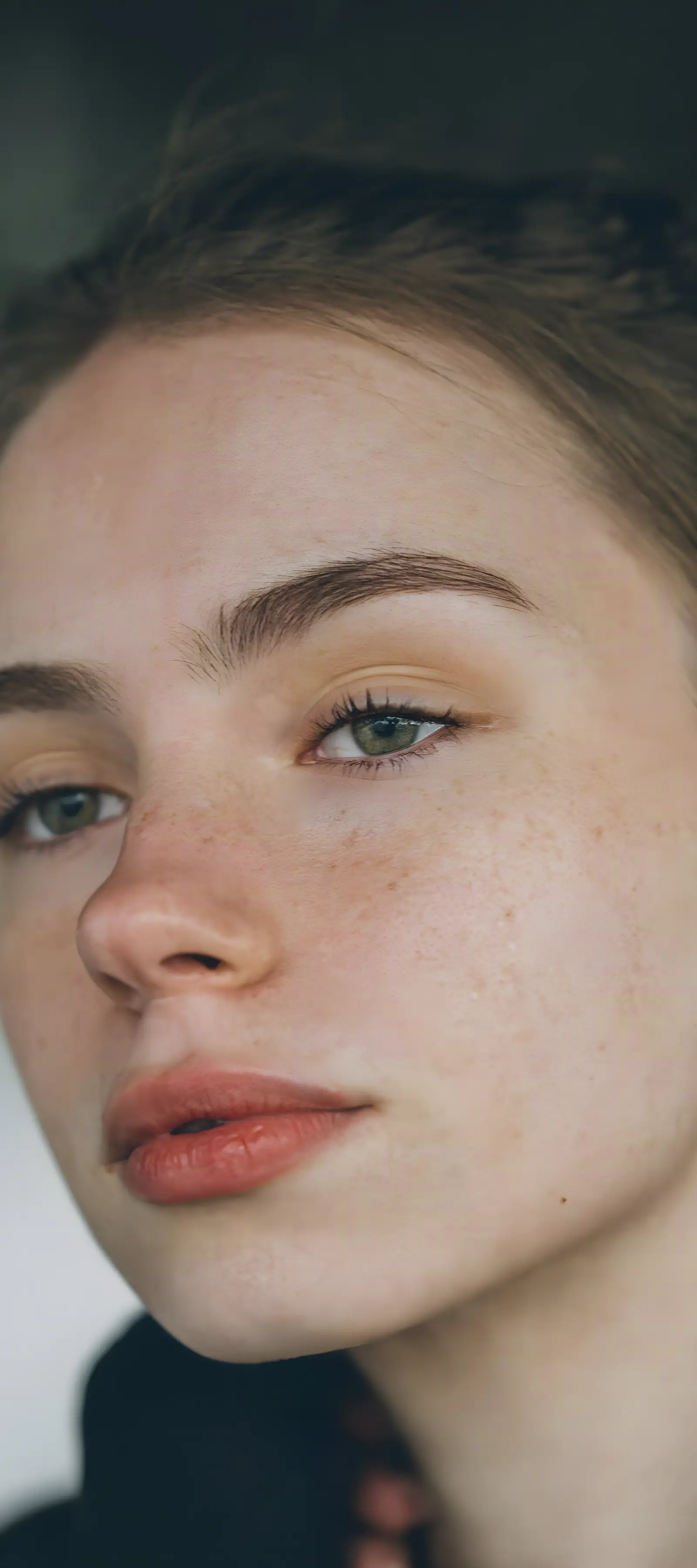
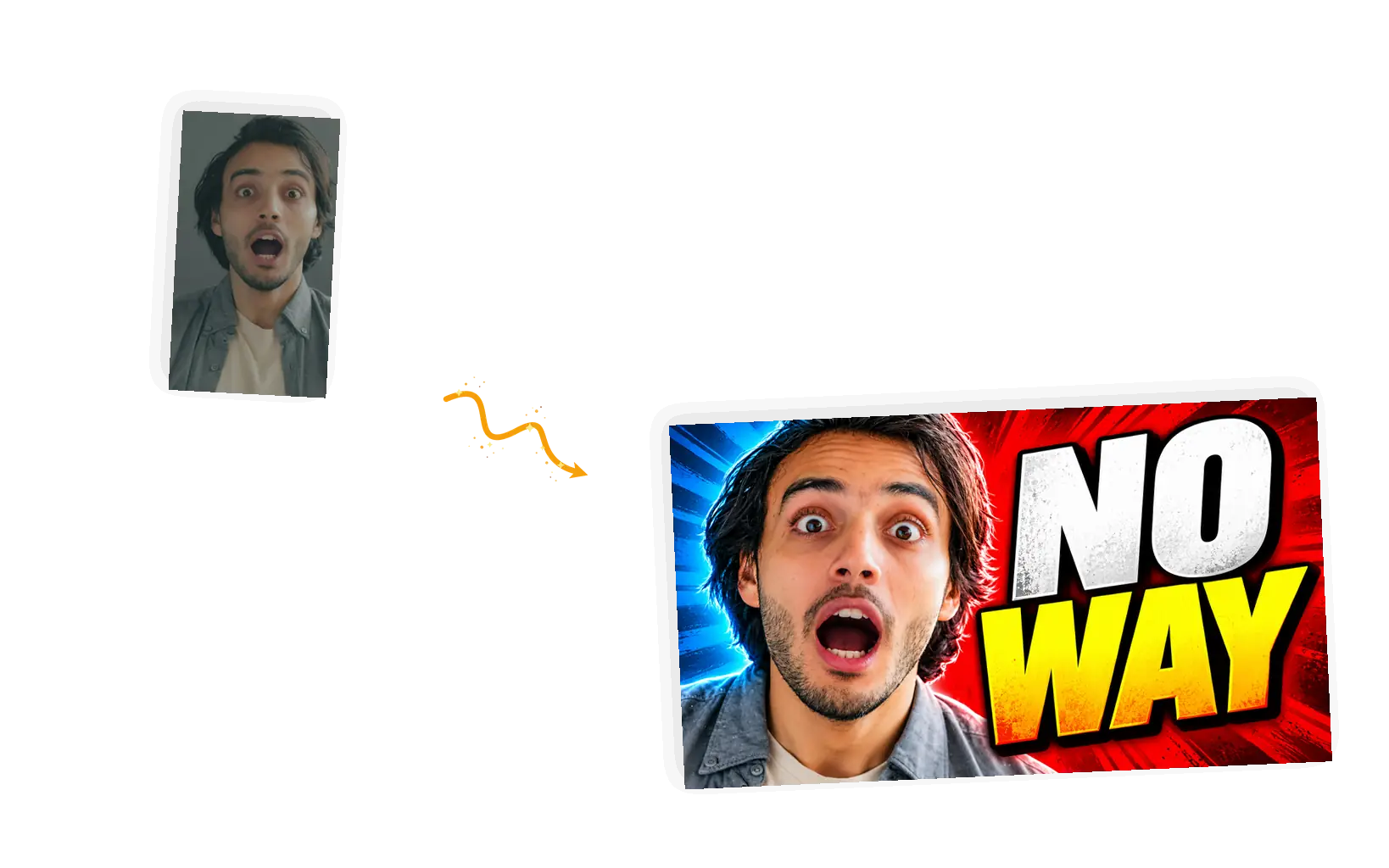
Turn this photo into a YouTube thumbnail: a dramatic close-up of the face with a wide-eyed shocked expression, a bold two-tone background, and the huge headline "NO WAY" in heavy impact letters beside the face. Keep the person recognizable. Wide 16:9 landscape composition.
Template galleries hand you a stock figure and someone else's face. This editor redraws your own photo into the layout, so the person viewers recognize is you.
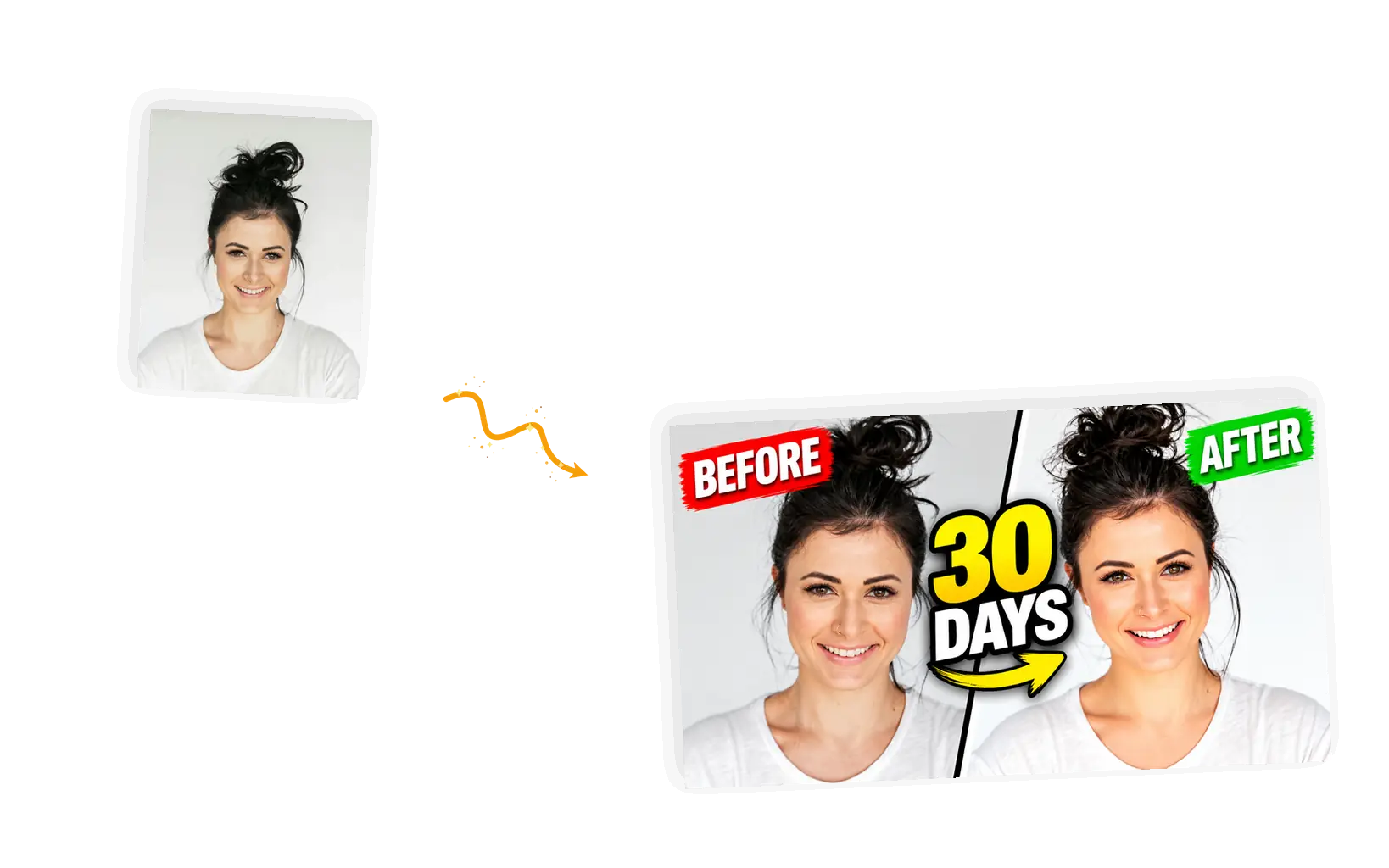
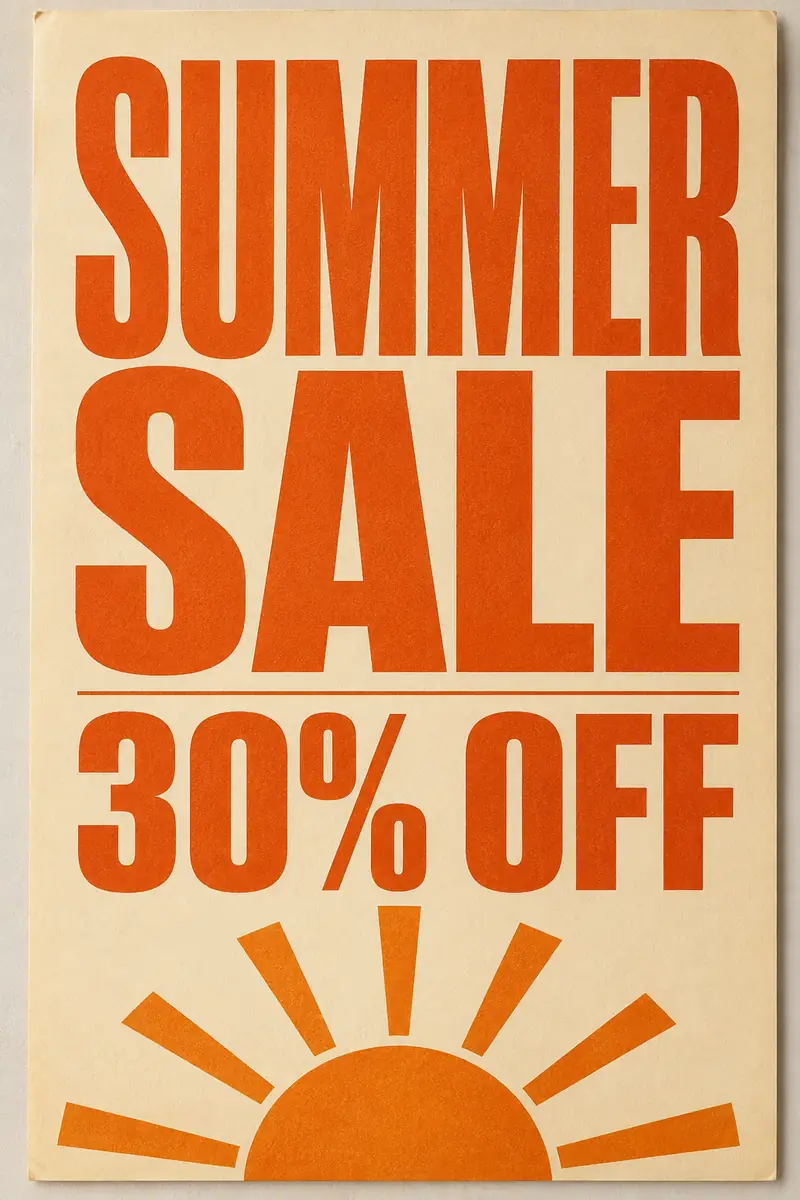
The four template cards are layouts that already work on YouTube: the shocked close-up, the before-after split, the arrow spotlight, and big text beside a face. Pick one instead of starting from a blank canvas.
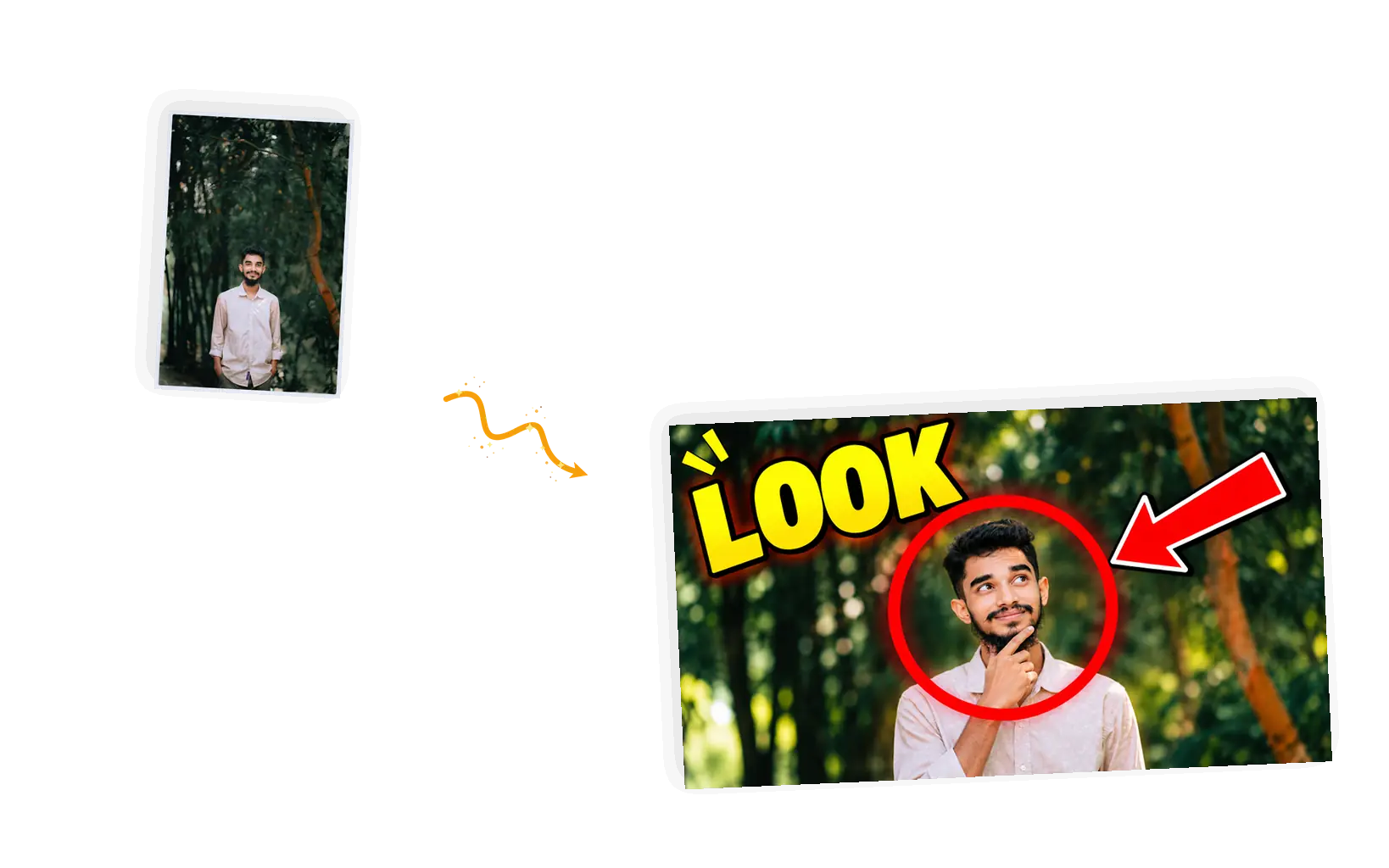
The headline field nudges you toward two to four words because that is what AI rendering spells reliably. Fewer words, fewer retries, a thumbnail that reads on a phone.
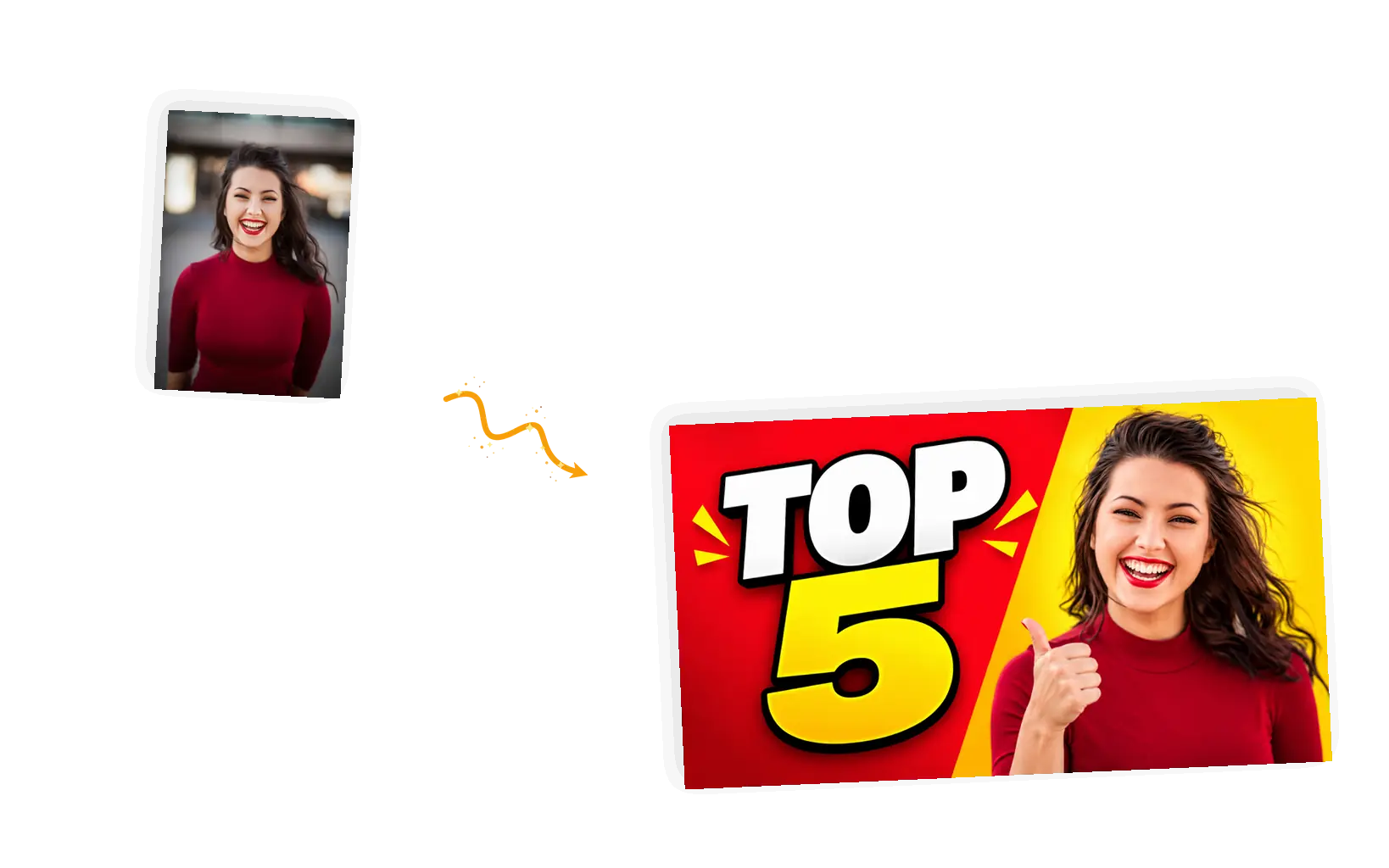
The result lands in the same editor as every other tool. Add exact wording with the image text editor, remove a distraction from the background, or upscale before you publish.
It is an AI thumbnail maker that turns one photo into a finished YouTube cover image. You upload a face photo, choose a layout built from compositions that already earn clicks, type a short headline, and the editor redraws your photo into a 1280x720 frame with the text baked in. The output is a still image, and generated results vary between runs, so you check the face and the spelling before publishing. For longer or pixel-exact wording, the same editor adds text you type yourself.
Make a YouTube thumbnail from your photoFaces carry thumbnails, and bigger faces read faster. A wide-eyed close-up on a two-tone background survives the shrink to a phone screen, and one loud word next to it gives the emotion a name.
A split promises a transformation and shows you half of it. The viewer has to close the gap, which is the click. Keep the two halves of the same subject so the promise stays honest.
One circle and one arrow tell the eye where to go in under a second. Use it when the interesting part is a detail rather than a reaction, and resist stacking three arrows on one image.
Two to four heavy words opposite a face is the safest layout there is. The words carry the topic, the face carries the emotion, and neither has to fight the other for space.
A hand reaching in from the corner to point at the subject pulls the viewer into the scene. There is no card for it yet: describe it in the prompt, for example "a hand entering from the bottom right, pointing at the subject", and keep the rest of your layout choice.
From one photo to a publishable 16:9 cover image in five steps.
A sharp, front-facing photo with real detail. The editor redraws pixels, so a compressed screenshot or a social copy gives the face less to work with.
Four template cards sit above the headline field. The first is selected to start; clicking another swaps the composition, the default headline, and the example beside the editor.
Type two to four words, or take one of the chips. The words go into the prompt in quotes, so the model copies your exact spelling.
The result arrives as a 16:9 image. Zoom in and read every letter of the headline and check the face before spending anything else.
The image downloads watermark-free at 1280x720, which fits the size YouTube asks for. You can also keep editing in the same session.
The template does the layout work; your prompt controls the details. Three habits that keep results usable.
Layout + quoted headline + keep-list + 16:9
Too vague
“Make a cool thumbnail for my video”
More useful prompt
“Shock close-up layout, the headline "NO WAY" in quotes beside the face, keep the person recognizable”
Too vague
“Thumbnail with the words How I Edited My First Video in Premiere Pro”
More useful prompt
“Big text layout with the headline "FIRST EDIT" in quotes, face on the right third, keep the person recognizable”
Too vague
“Thumbnail with big text about my top five picks”
More useful prompt
“Big text layout with the headline "TOP 5" in quotes, two-tone background, keep the person recognizable”
Short phrases, most of the time. Two to four words render reliably, which is exactly why the headline field holds you to them. Long sentences are where letters start to drift. After every generation, read the headline at full size letter by letter. If a word comes out wrong, rerun with the wording in quotes, or swap it for a shorter word. When you need exact wording, a long slogan, or a specific font, generate the artwork here and add the text yourself in our image text editor.
Set your headlineThe before-after split was built for how-to content: the plain state on the left, the finished state on the right, and the viewer curious about the middle.
Opinion videos live on the big text layout. Two or three heavy words carry the claim, and the face carries the conviction behind it.
No design backlog, no template subscription. An AI thumbnail creator that starts from a proven layout instead of a blank canvas is the shortest path to covers that do not look homemade.
Three common ways to end up with a YouTube cover image, compared on what actually changes the result.
| Dimension | Manual design in Canva or Photoshop | General AI chat | This AI YouTube thumbnail maker |
|---|---|---|---|
| Starting point | A blank canvas and a template library to browse | A text box and your own description skills | Your photo plus four layout cards |
| Your face in frame | Cut out and placed by hand, photo by photo | Sometimes, with likeness that drifts between tries | Redrawn from your photo with a keep-list clause |
| Headline text | Full control, typed in the editor by you | Long text often garbles letters | Two to four quoted words, spelled by the model |
| Layout | Whatever you can build from elements | Hit or miss from the description alone | Four compositions with a track record on YouTube |
| Output size | Whatever you set up and export yourself | Whatever the model feels like that day | 16:9 at 1280x720, ready to upload |
| What it costs to start | A subscription and an evening of dragging elements | Prompt credits with no layout guarantee | 3 free credits a day as a guest, 9 signed in |
Credits, sizes, text rendering, likeness, and what you can publish.
One photo, one layout, a few words, and a 16:9 cover image ready for your next upload.