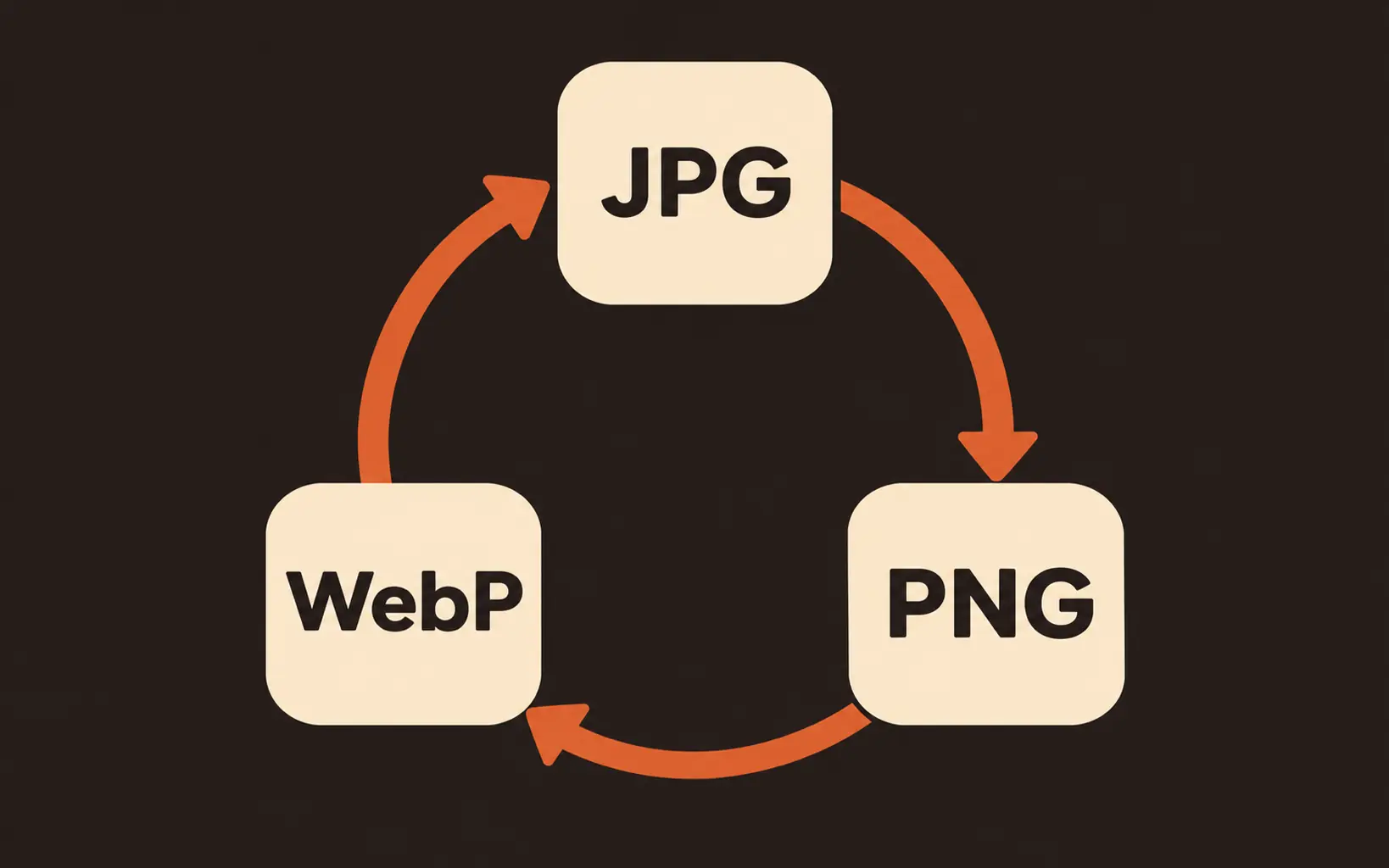
Six directions, three formats
Convert any way you need: JPG to PNG, PNG to WebP, WebP to JPG, and back again. The format table above explains which direction fits which job before you commit.

Convert images between JPG, PNG, and WebP without leaving your browser. Transparent files keep their alpha channel when the target format supports it, and JPG exports fill transparent areas with a background color you pick. Files you add on this page never leave your browser, and one export converts the whole batch.
Free and unlimited on paid plans; otherwise 1 credit per export. No watermark.
Most images saved from the web arrive as WebP, and plenty of apps still refuse to open them. The table below covers every direction this image converter supports, so a quick convert WebP to PNG run or a JPG export for a listing lands in the right format.
| Conversion | Transparency | Best for |
|---|---|---|
| WebP to PNG | Kept in the output | Web saves that must open in older apps |
| WebP to JPG | Filled with your background color | Photos headed anywhere that rejects WebP |
| PNG to JPG | Filled with your background color | Smaller photo files for uploads and email |
| JPG to PNG | Nothing to carry; pixels stay as decoded | Graphics and screenshots that need sharp edges |
| PNG to WebP | Kept in the output | Web pages that want lighter files |
| JPG to WebP | Opaque, same as the source | Modern browsers where smaller files matter |
Every conversion runs in your browser, and one export handles the whole queue: 1 credit on free plans, nothing on paid plans. Animated WebP files export their first frame.
An image converter changes the container a picture is stored in: same drawing, different file type. Looking for an image converter to JPG, PNG, or WebP files? Upload them here, pick the output format, and download the results. Nothing is sent to a server, so the files never leave your browser. This image file converter also handles the part most tools skip: transparency. A transparent logo saved as PNG keeps its alpha channel when you convert to WebP, and when you convert to JPG, which has no alpha channel, the empty areas fill with white or any color you choose instead of turning black. Use it to change image format for a platform that rejects one type, or to fix a web download that will not open. Two limits: this page converts still images only, and it does not target a file size in kilobytes.
Convert your image nowConvert any way you need: JPG to PNG, PNG to WebP, WebP to JPG, and back again. The format table above explains which direction fits which job before you commit.
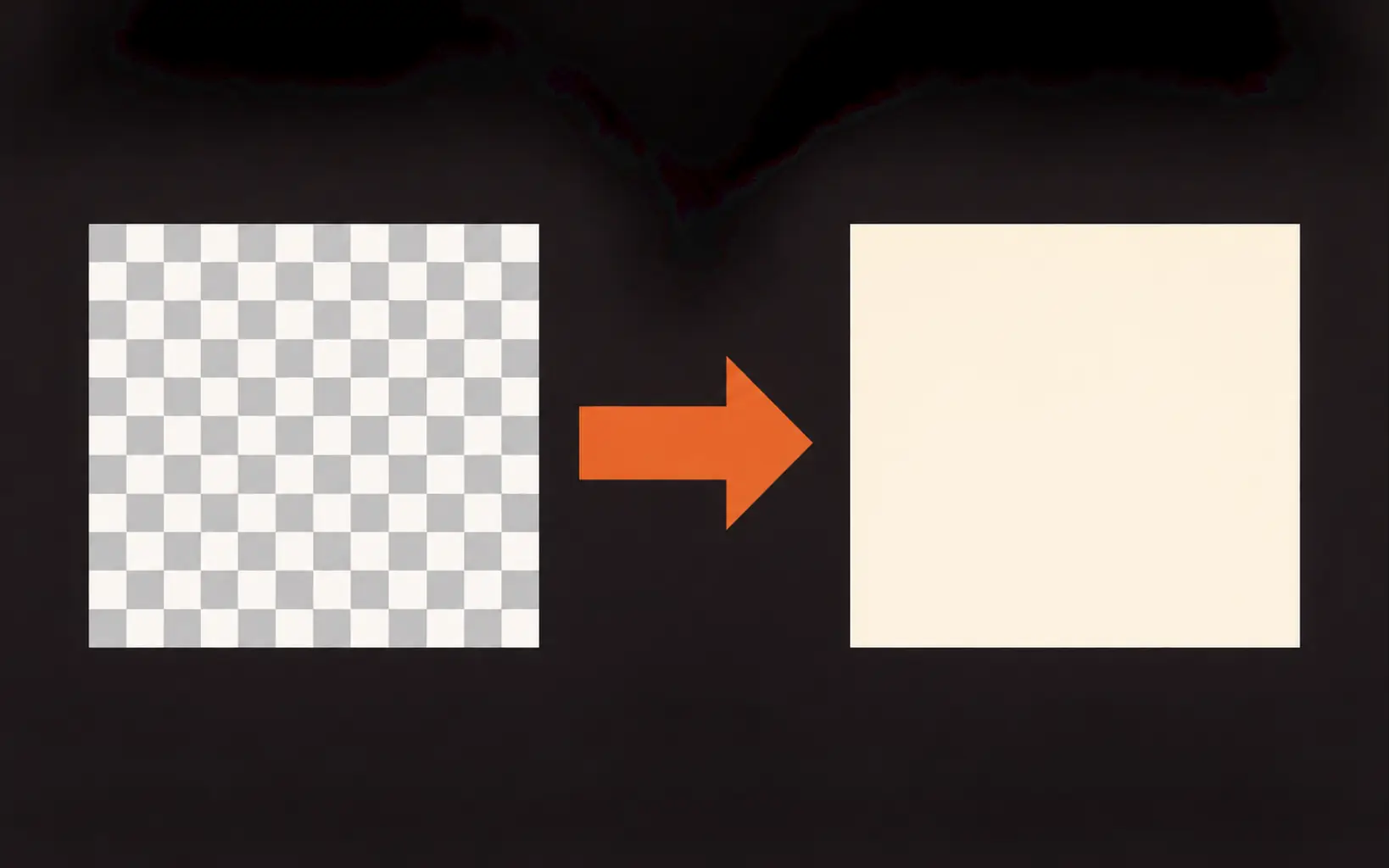
Transparent PNG and WebP files keep their alpha channel when the target format supports it. Convert to JPG and the empty areas fill with a background color you pick, so logos land on clean white instead of turning black.
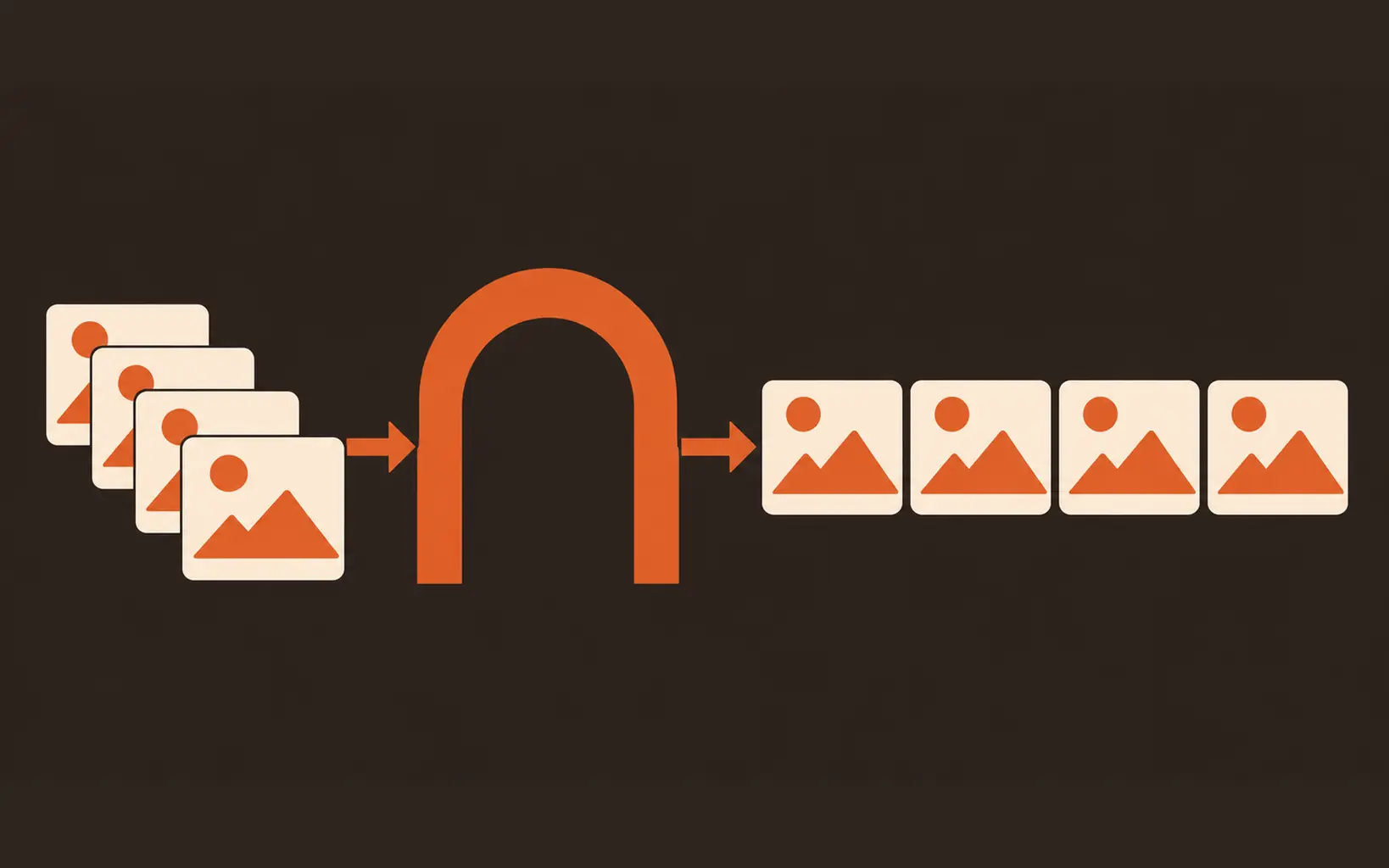
Queue up to 20 files, mixed formats allowed, and download every conversion from a single export. It is a batch image converter without the upload wait.
Conversion runs on your device and the files are never uploaded. When the format is fixed, keep going on the same site: resize to exact dimensions, upscale for print, or remove a background next.
Four steps in your browser, no sign-up to start.
Drop in up to 20 still images, up to 20MB each. They open locally.
Choose JPG, PNG, or WebP, and set the quality slider for JPG and WebP.
Files with transparent pixels show a background color picker when the target is JPG. The color you choose fills every flattened area when you export.
Free on paid plans; otherwise one credit converts the whole batch. Each file downloads with its new extension.
Marketplace listings often require JPG or PNG. Convert product shots in bulk, and give transparent packaging shots a clean white background for listing pages.
Deliver WebP where sites want smaller files and PNG where tools insist on it. Transparent logos keep their alpha channel in both directions.
Saved an image from the web that will not open? It is probably WebP. Convert WebP to PNG or JPG and it opens like any other photo.
How this page compares with desktop apps and upload-based converters.
| Dimension | Desktop apps | Upload converters | Image Converter |
|---|---|---|---|
| Privacy | Files stay on your machine | Files upload to a server | Files stay in your browser |
| Transparency | Manual background layers | Flattens to black or white with no warning | Background color you pick before export |
| Batch | One file at a time or scripted | Usually limited or paid | Up to 20 files per export |
| Cost | License or subscription | Free tiers with upload limits | Free on paid plans; otherwise 1 credit per export |
| Getting started | Install and learn the app | Upload, wait, download | Opens in your browser |
Credits, transparency, and what converting can and cannot do.
Upload, pick a format, keep transparency under control, and download the whole batch in your browser.