



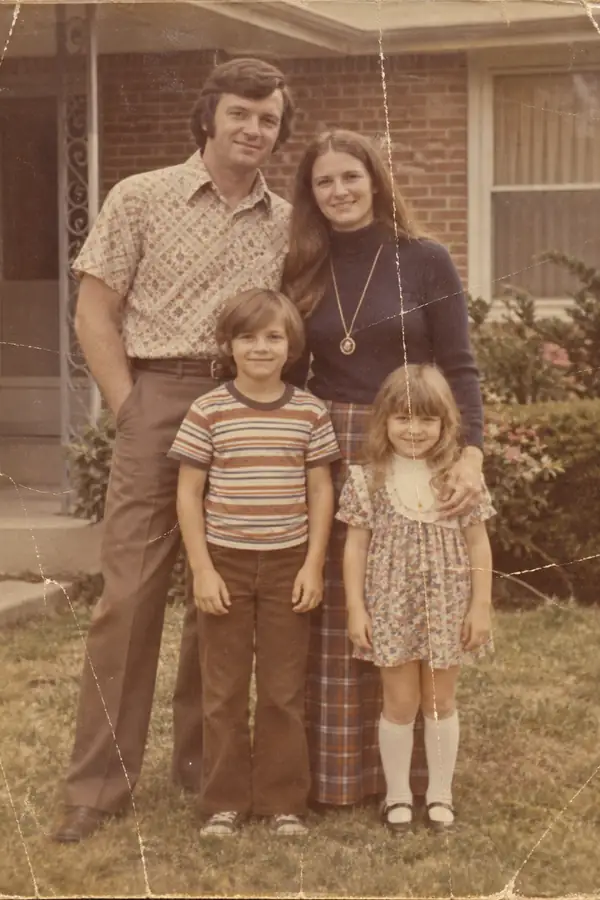
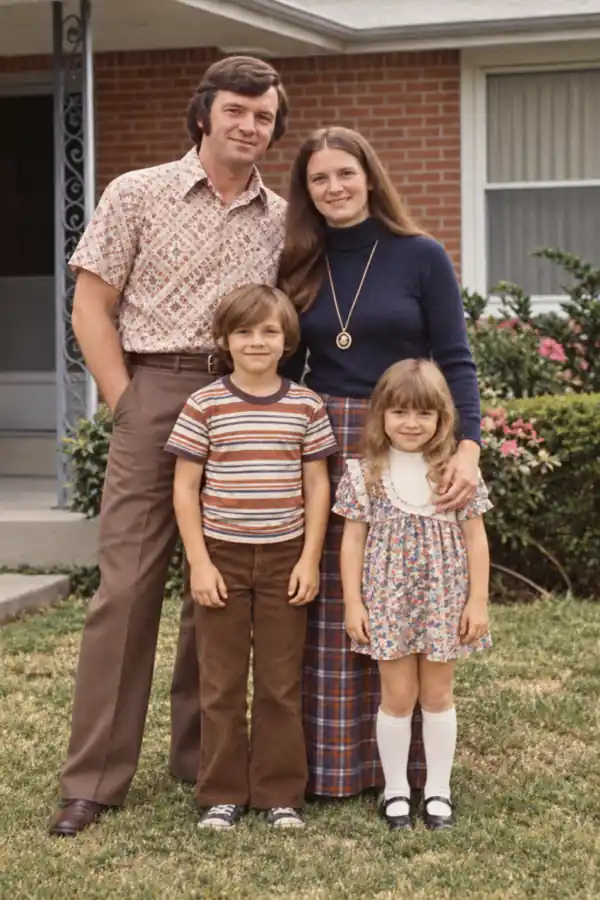




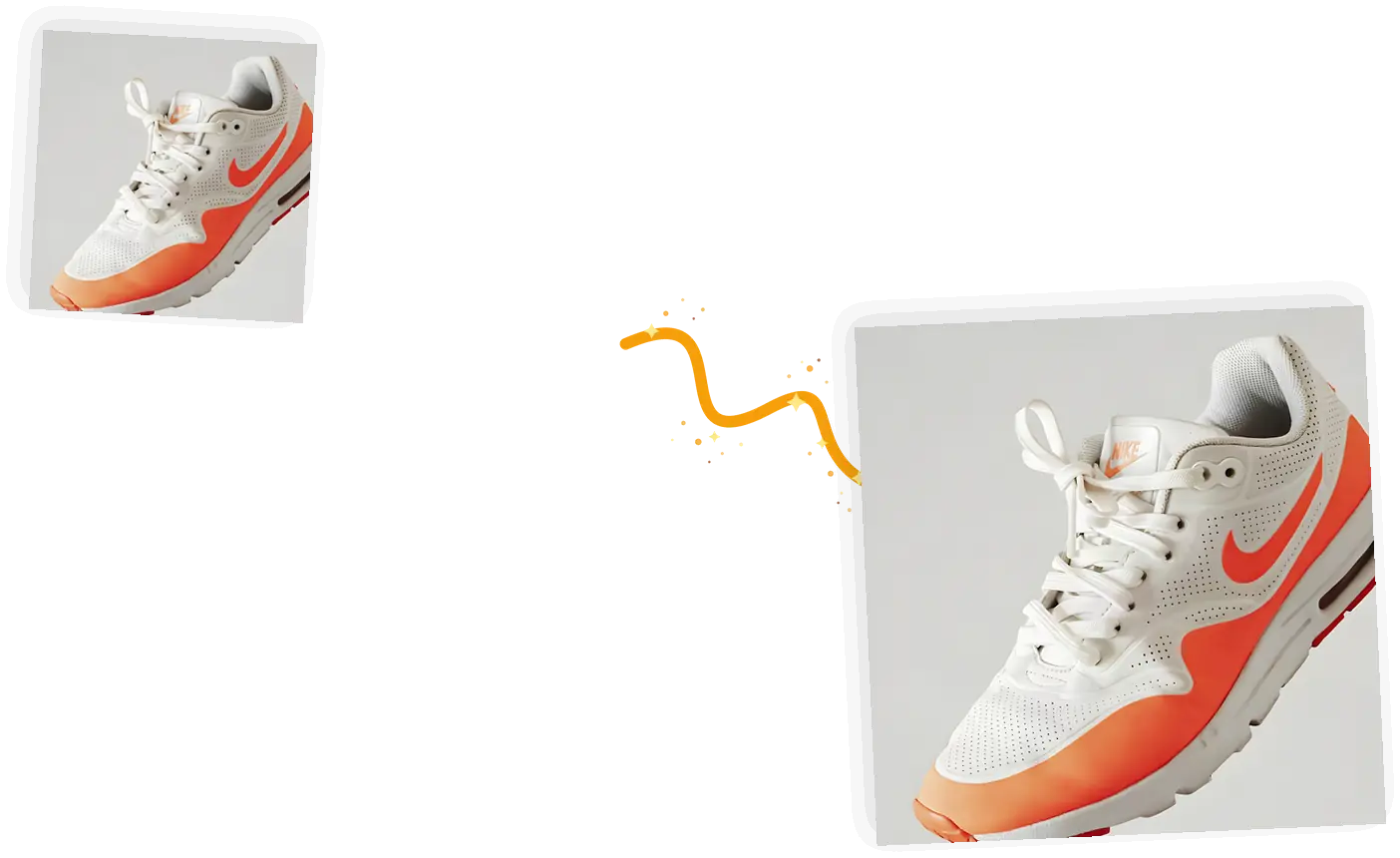
2x or 4x, your call
The scale picker sets the exact factor. 2x doubles both dimensions; 4x quadruples them for print and marketplace sizes.

Upload a photo, pick 2x or 4x, and get a bigger image whose detail is rebuilt rather than stretched. The AI upscaler needs no prompt and nothing to install.
0 / 5 reference images
Example 1 of 3
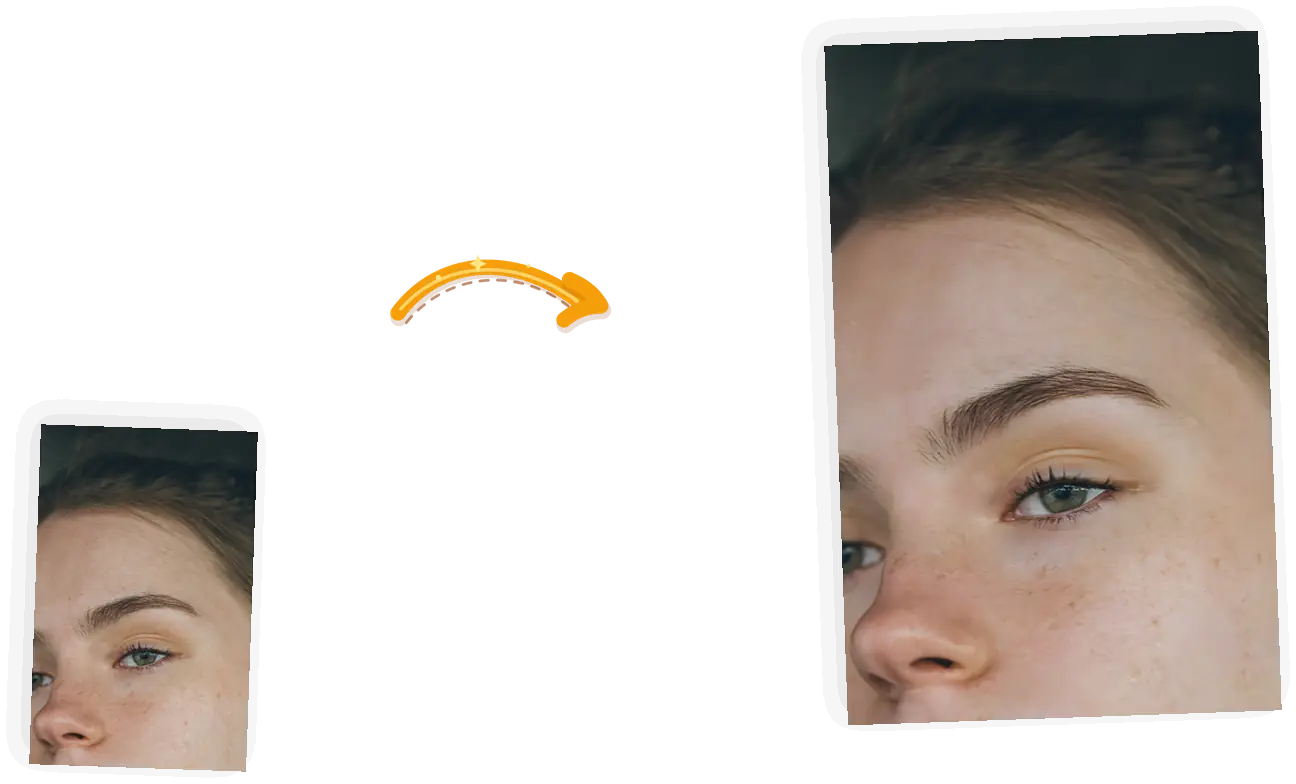
Enlarge this photo while rebuilding clean, natural detail: keep the composition, colors, and every subject exactly as they are.
The scale picker sets the exact factor. 2x doubles both dimensions; 4x quadruples them for print and marketplace sizes.
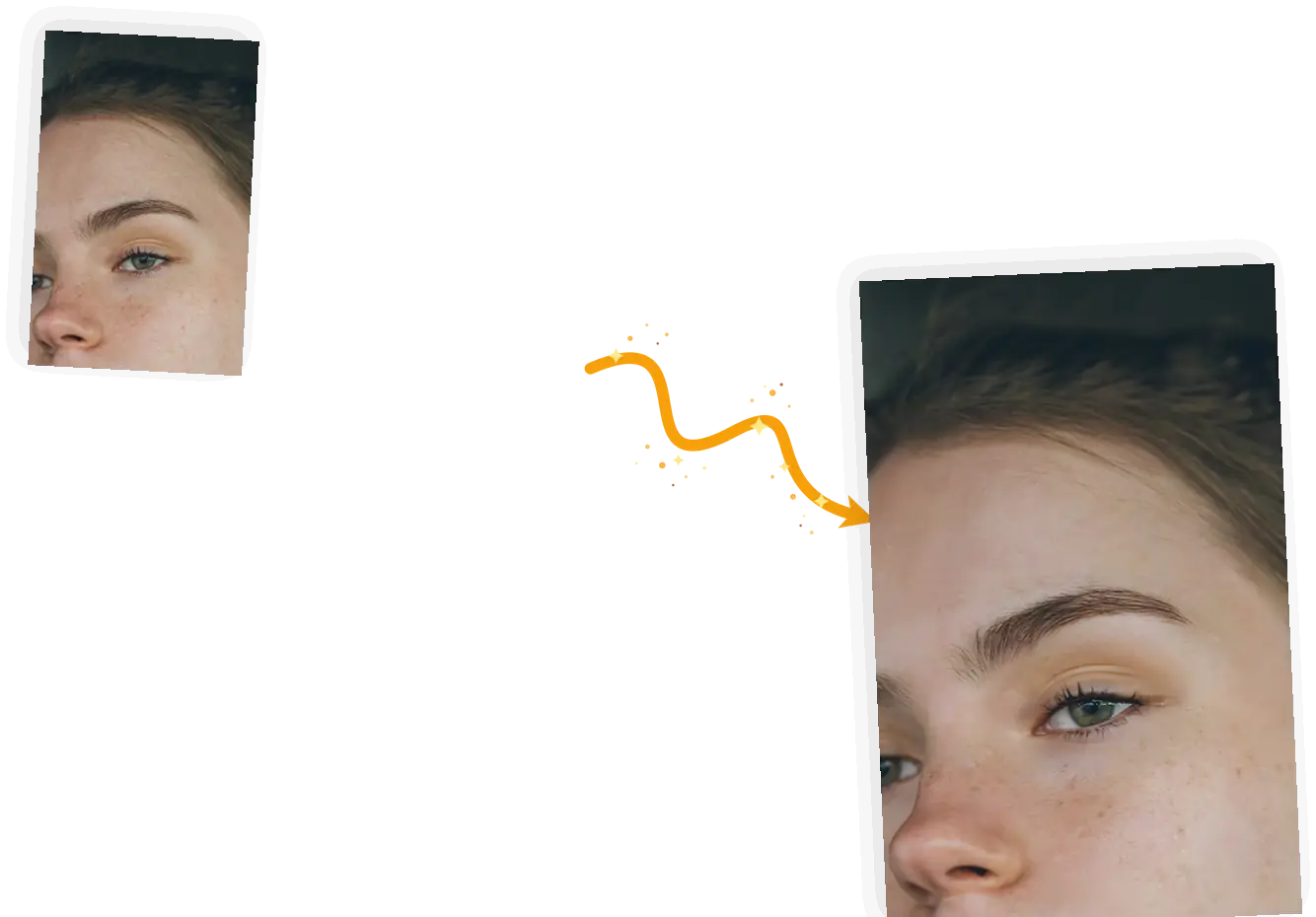
A Real-ESRGAN model rebuilds fine texture as the image grows, so edges and fabric weave stay readable instead of going soft.
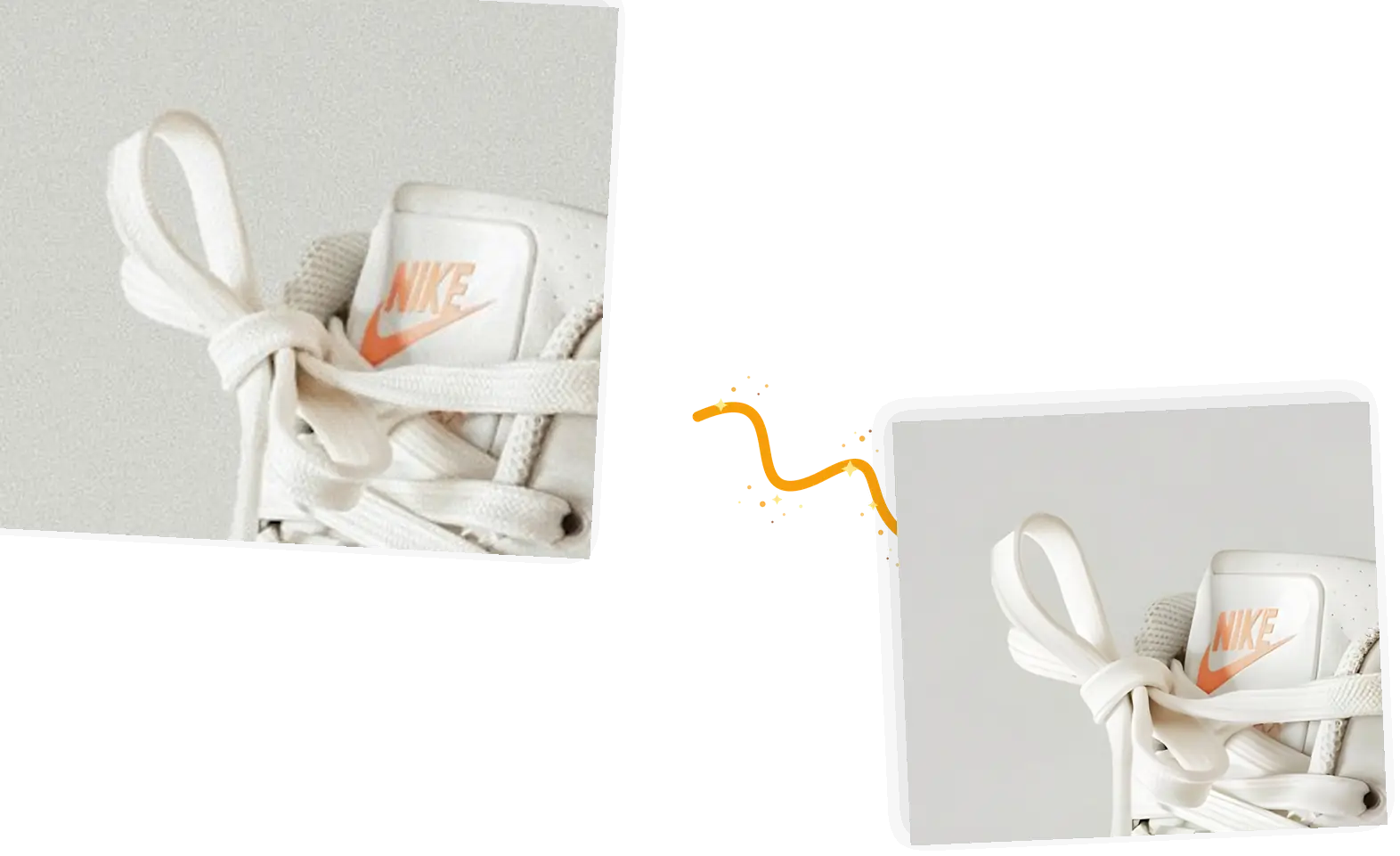
Plain resizing interpolates between existing pixels and blurs. Upscaling reconstructs them, so the larger image stays sharp at the same viewing size.
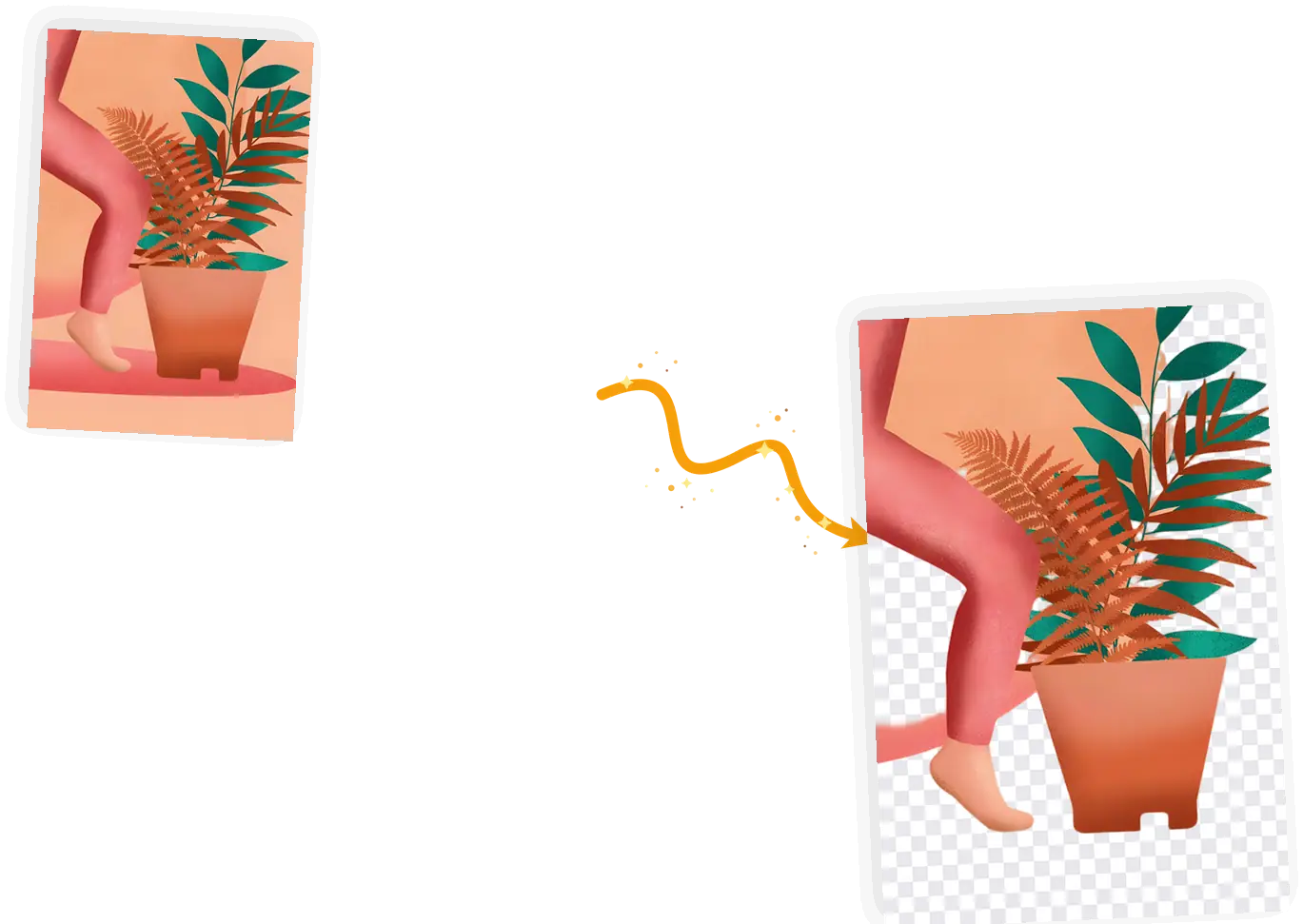
The result lands in the same editor. Remove the background for a listing, fix the lighting with the photo enhancer, then download once.
This AI image upscaler increases image resolution by 2x or 4x and returns the same picture. You upload the file, choose the factor, and download the result; there is no prompt to write and nothing to install. It works on JPEG, PNG, and WebP up to 20MB, and the output keeps your original composition, because the factor changes resolution, never framing.
Upscale an image onlineSmall images gain the most from either factor. If your original is already 1024px on its long edge or larger, a 4x pass takes it past 4K, which is what print and marketplace placements ask for.
Web and social use rarely need more than 2x. Selling platforms, print layouts, and crops you plan to cut from the image justify 4x.
The long edge of the result stays at or below 8192px. If your original is large, the 4x option tells you before you spend anything, and 2x is always available.
Three decisions and a download.
Any JPEG, PNG, or WebP up to 20MB. Use the largest original you have; upscaling cannot recover detail that was never captured.
2x for everyday use, 4x when the image is headed to print or a marketplace listing. The picker shows the credit cost of each factor.
The model rebuilds the image at the new size. Most jobs finish in well under a minute.
Zoom to 100% and look at the areas that matter to you: small text, fabric, faces. If something looks off, run the pass again or try the other factor.
Every AI image upscale rebuilds detail rather than adding real information. The model infers plausible texture as it enlarges, so the result looks sharp, but the fine detail is an educated reconstruction, not recovered truth. That is why the how-to above asks you to check small text and faces at full size before you use the result. If your photo is dark, soft, or badly color-shifted, fix that first with the photo enhancer and upscale after; if resolution is the only problem, you are in the right place. Very small originals have little for the model to work from, and extreme crops of the result will always look softer than the whole.
Try a 2x upscaleTurn a phone product shot into a 4x listing image that survives zoom on marketplaces that inspect photo quality.
Enlarge a scanned or restored old photo far enough to print. Restore it first, then upscale the result for the frame.
Push an AI render, avatar, or channel art past its native size without the mush that plain stretching leaves behind.
What actually differs between the three ways people enlarge images.
| Aspect | Photoshop or desktop tools | AI chat apps | This AI image upscaler |
|---|---|---|---|
| Setup | Install and learn a desktop editor | Account plus per-message limits | Opens in the browser, no install |
| Workflow | Resize dialog with several settings to tune | Describe what you want and hope the model obeys | Upload, pick 2x or 4x, download |
| Output control | Full control, plus export settings to learn | The chat decides the size and may redraw the picture | Exact 2x or 4x, composition untouched |
| Image fidelity | Good with the right settings | Whole-image re-render, details drift | Deterministic model, same input gives same output |
| Cost | Subscription or license | Bundled credits, quickly spent | 1 credit at 2x, 2 at 4x, free credits daily |
Credits, formats, limits, and how the enlargement behaves.
Pick the file, pick the factor, check the result at full size, download.