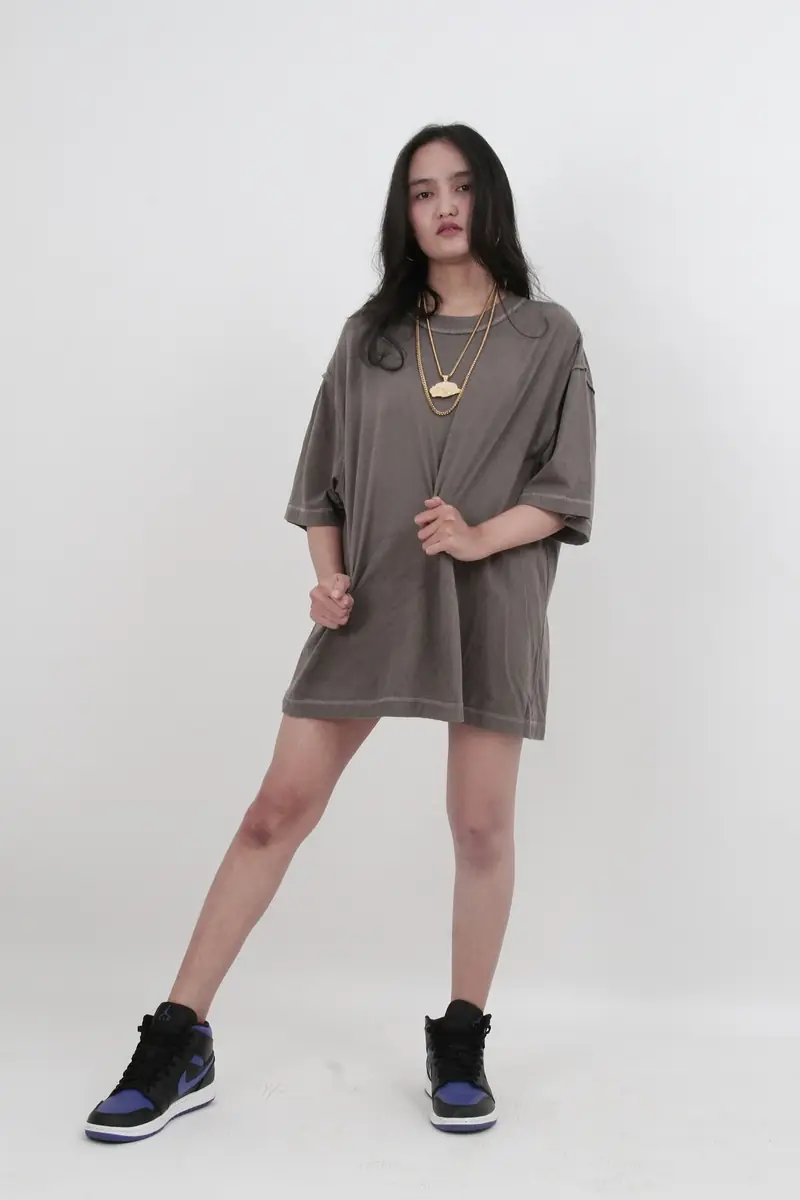
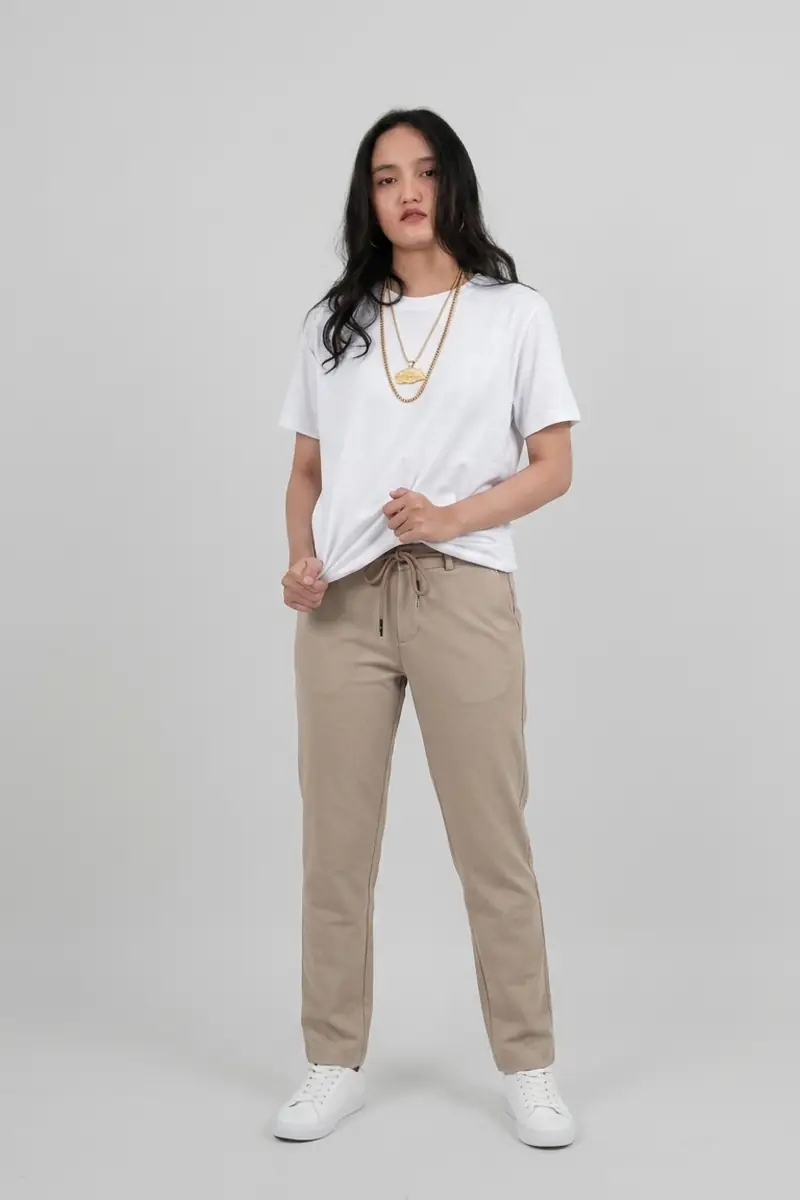
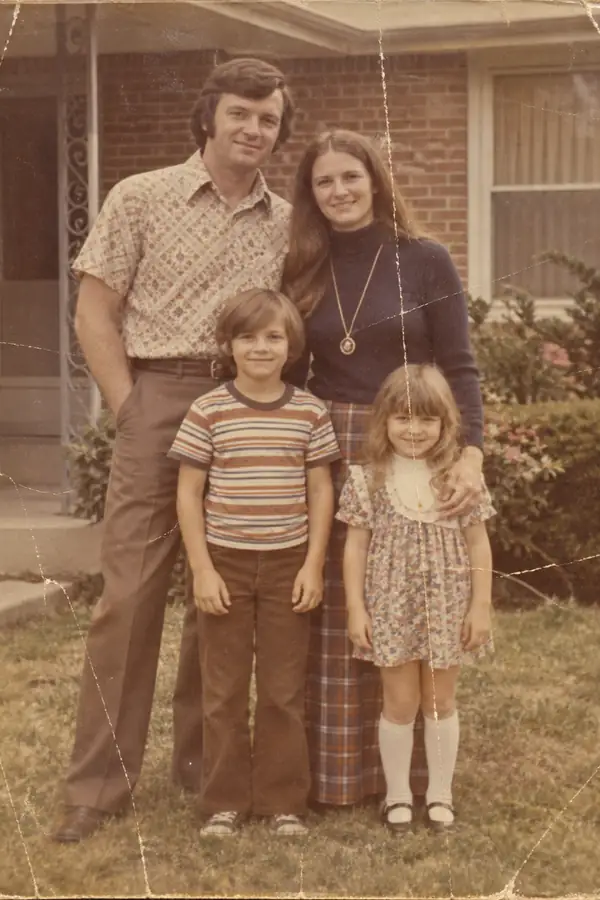
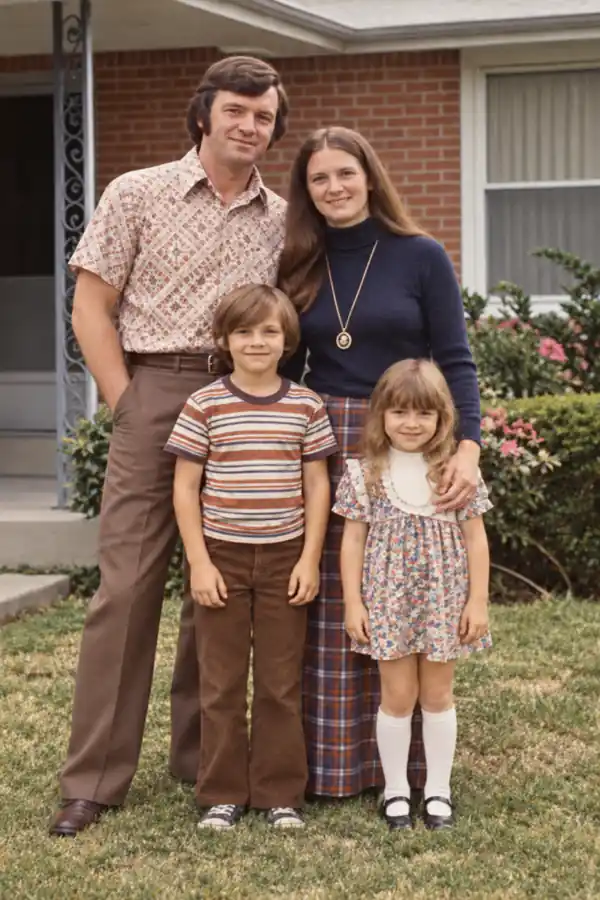
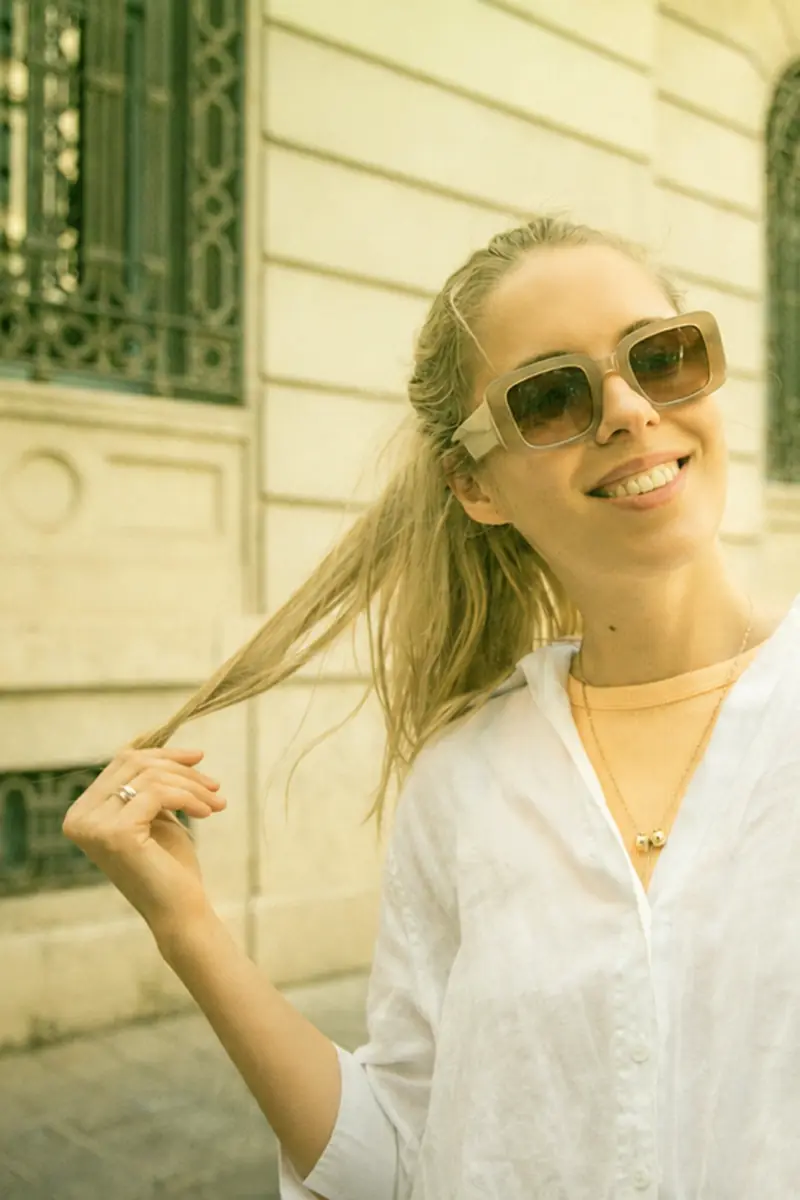
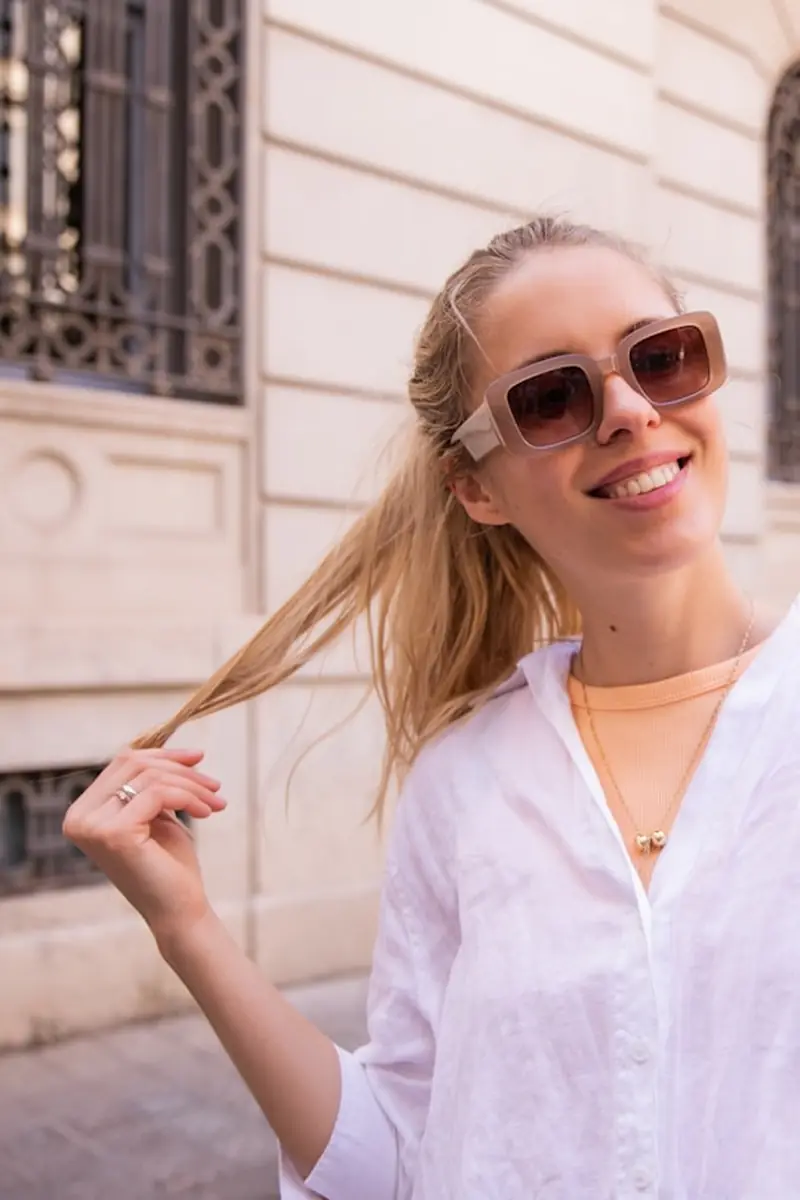
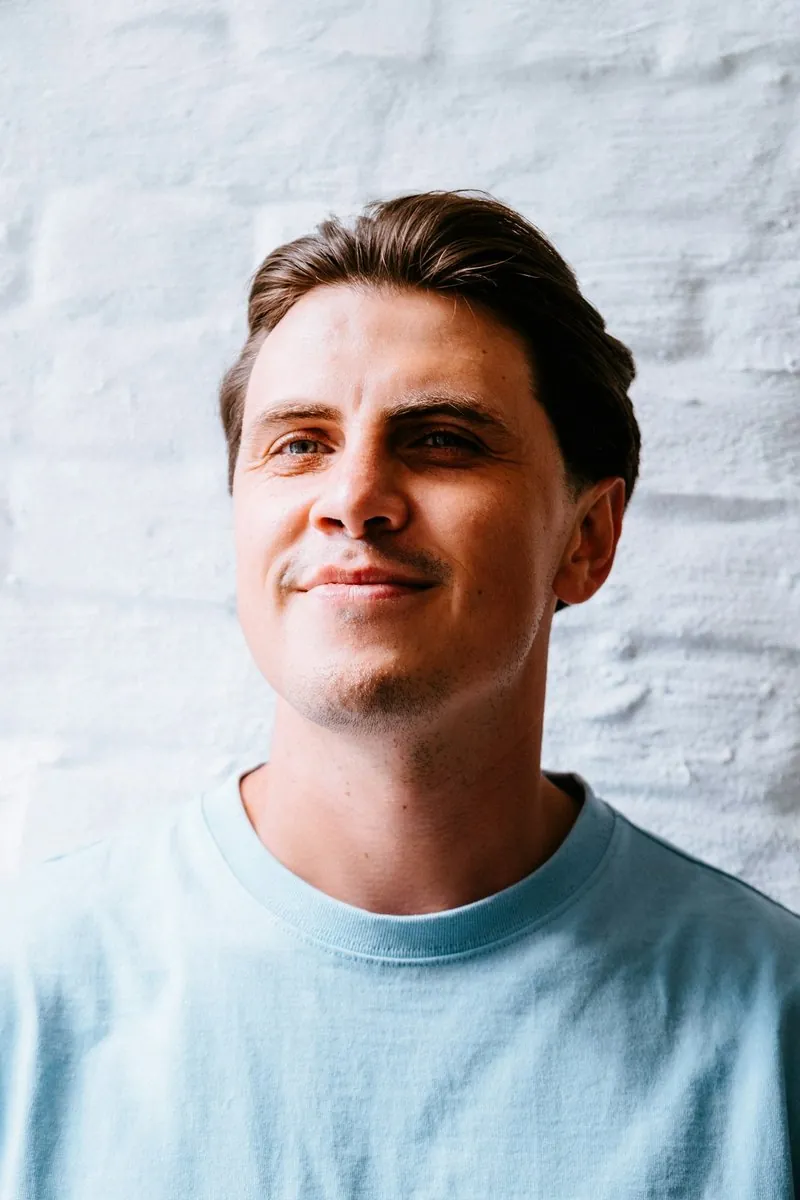
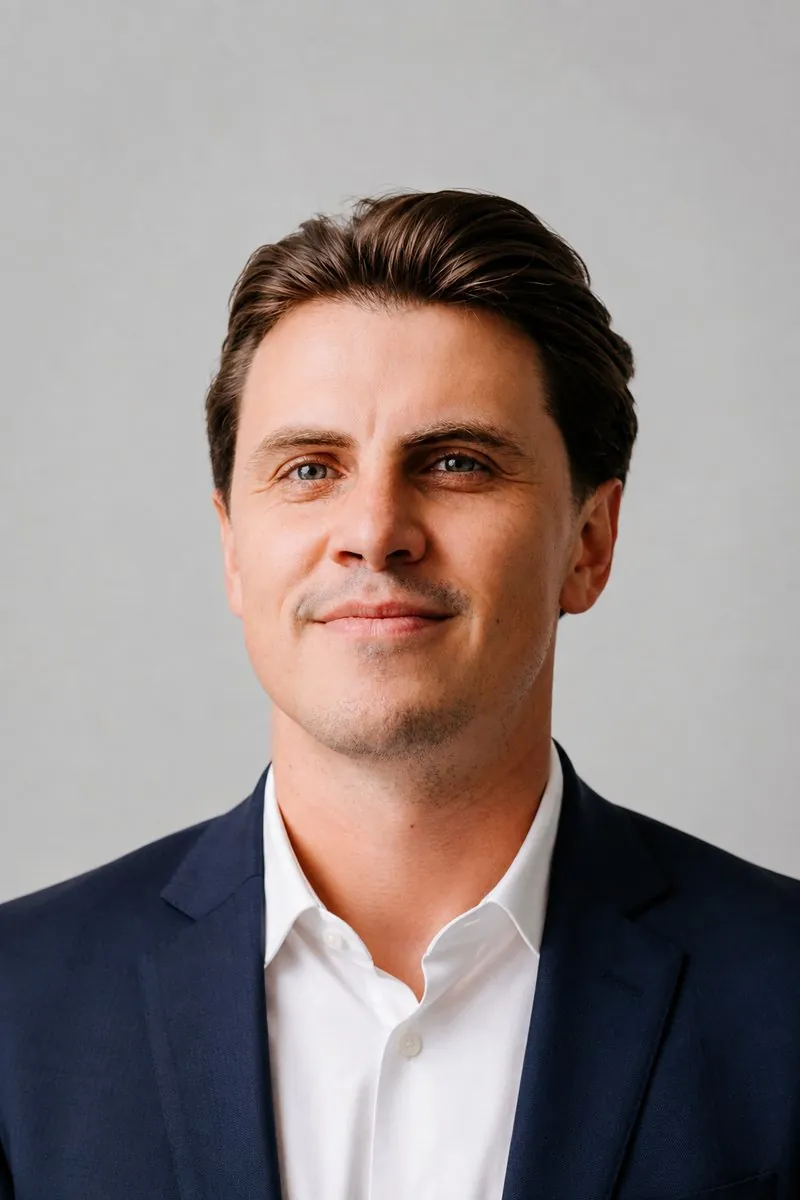
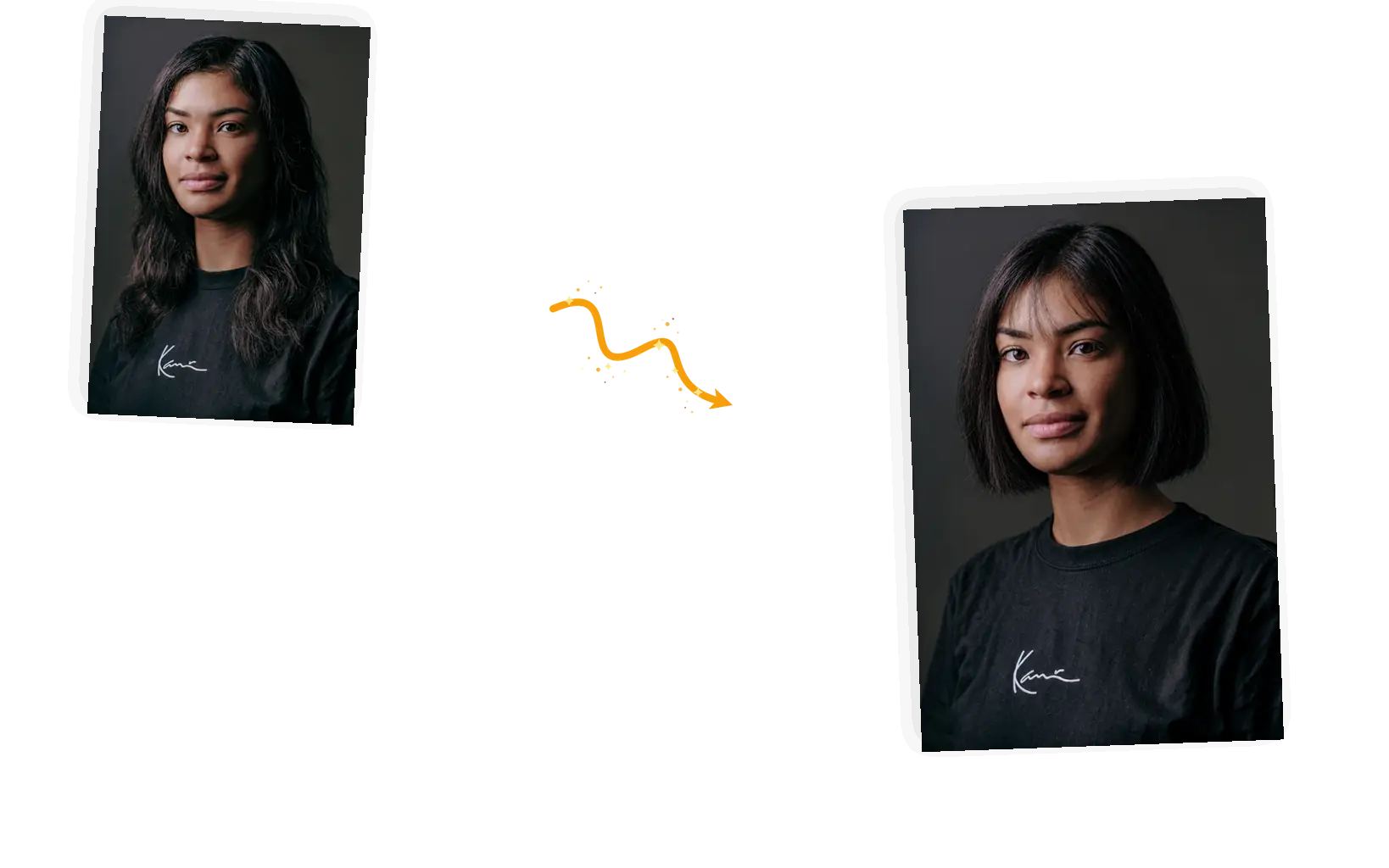
Describe the cut, not pick from a list
Preset galleries hand you twenty haircuts to scroll. A prompt takes the exact combination in your head: collarbone length, loose waves, no bangs, a shade darker. Length, texture, and color in one sentence.

Upload a portrait, describe the cut you are considering, and see it on your own head: the length, the texture, the color. Your face, clothing, and the background stay as they are.
Example 1 of 3
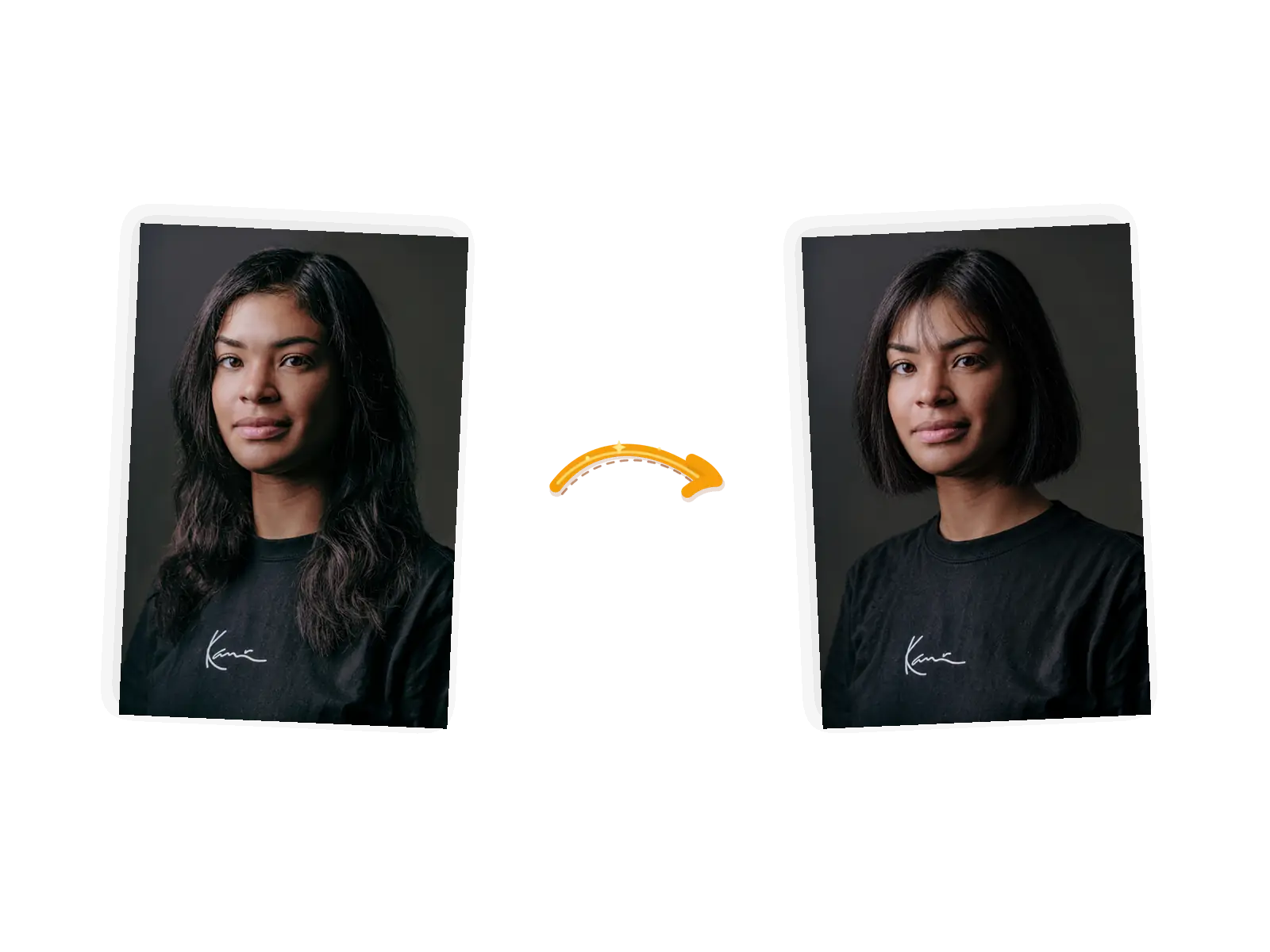
Change only the hairstyle to a chin-length blunt bob with soft wispy bangs, keeping the hair black. Keep the face, facial features, expression, skin tone, pose, clothing, and background exactly unchanged.
Preset galleries hand you twenty haircuts to scroll. A prompt takes the exact combination in your head: collarbone length, loose waves, no bangs, a shade darker. Length, texture, and color in one sentence.
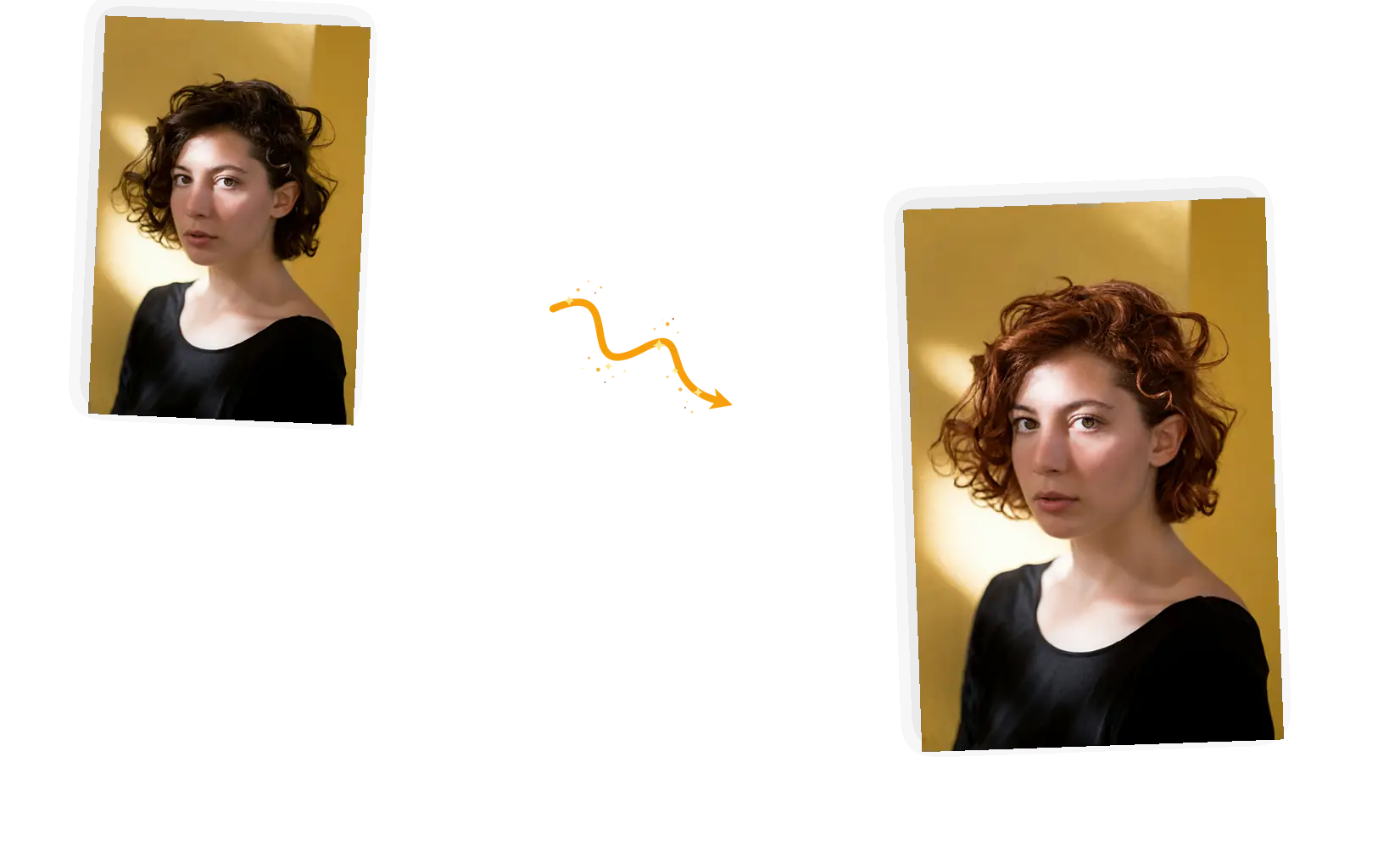
Name what must not move: your facial features, expression, skin tone, pose, clothing, background. The prompt carries those constraints into the edit. Even so, generative results can vary, so compare the face against the original before you keep one.
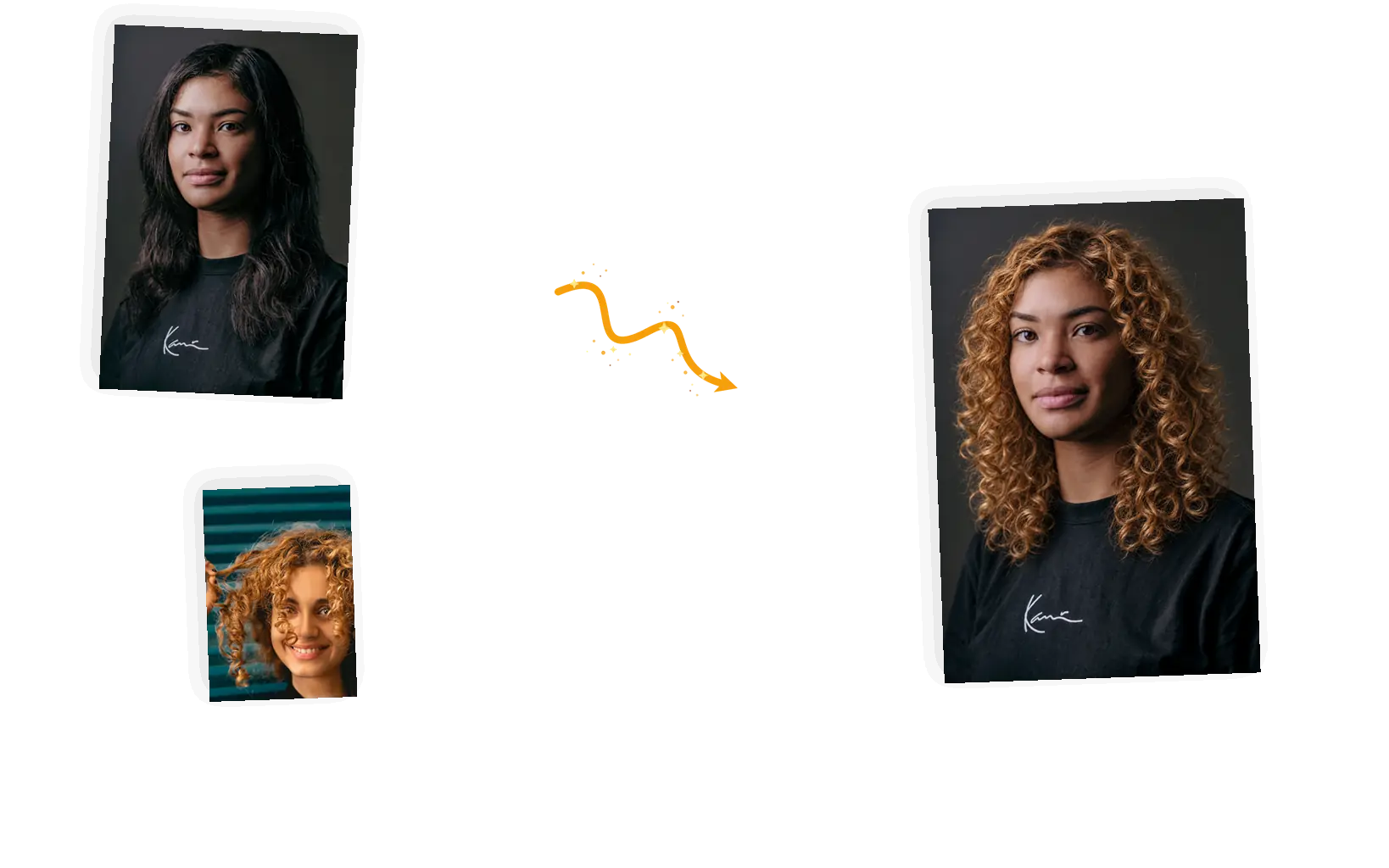
Saw a cut on someone else? Add that photo as a reference, up to five of them, and tell the editor to apply that hairstyle to your portrait. No waiting for an app to add it to the library.
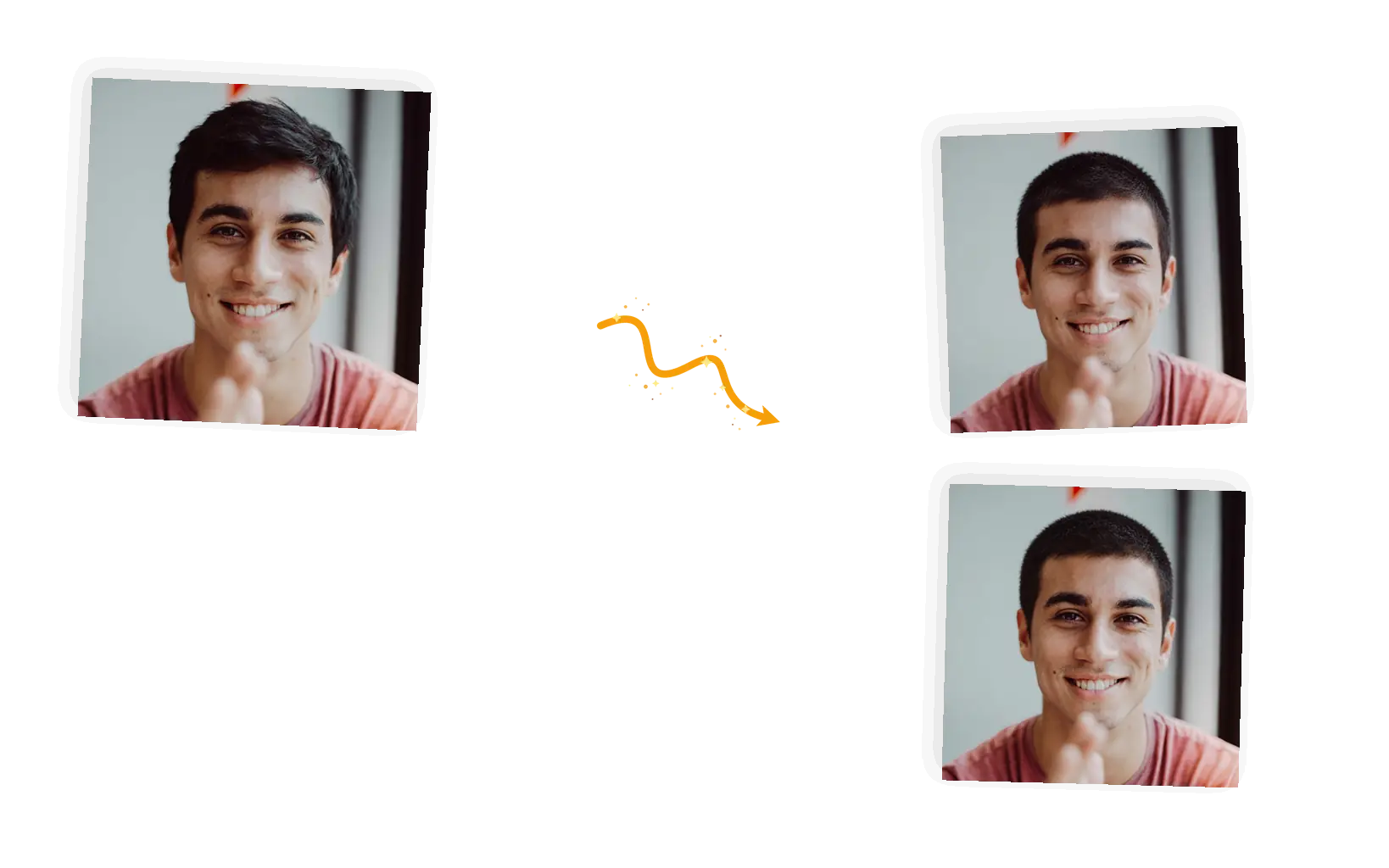
Each generation is a fresh take. If the bangs sit wrong or the color reads flat, rerun the same prompt and compare, or tighten the description. Failed tasks return their credits automatically.
An AI hairstyle changer is a preview tool: it puts a haircut, a length, or a hair color you are considering onto a photo of you, so the decision happens in front of a mirror that already knows your face. People also call this a virtual hairstyle try-on or an AI hairstyle generator; the job is the same either way. You upload one portrait, describe the target hairstyle, list what must stay, and the editor redraws the hair while the rest of the photo holds. It works one photo at a time, and up to five reference photos can come along when the cut you want lives in someone else's picture. Because the hair is re-drawn rather than pasted on, the hairline and facial features can drift a little between runs; zooming in on the face and comparing against the original is part of the workflow, and so is a rerun.
Try on hairstyles with your photoFive steps from the photo you have to the preview you want, all inside the editor on this page.
JPEG, PNG, or WebP up to 20MB. A front-facing photo with the hairline visible gives the editor the most to work with; even light helps.
Length, texture, color: 'a chin-length blunt bob with soft bangs'. Then the keep-list: face, expression, pose, clothing, background. One hairstyle per prompt keeps the edit readable.
Keep the original ratio for a like-for-like preview. 1K at 3 credits fits inside the daily free allowance on most portraits; go higher only for a print-size result.
Check the hairline, the eyes, the mouth against the original. Generative results vary between runs, so judge up close before deciding this is the one.
Download full resolution with no watermark, or stay in the workspace: rerun the same prompt for another take, or try a different cut on the same photo.
Magazine pages and salon lookbooks show a haircut on someone else's bone structure. A preview on your own photo answers the actual question: does this shape work with this face.
Describe the hairstyle in one sentence, the way you would tell a stylist. Nothing to download, no account needed to start, and the daily credits refresh on their own.
Every result stays in the workspace at full resolution, watermark-free. Line up the bob against the buzz cut against the copper, then keep the one that survives the comparison.
Three ways to preview a haircut. The honest differences between them, not a product takedown.
| Dimension | Salon and magazine photos | AR try-on apps | This hairstyle editor |
|---|---|---|---|
| Choosing the hairstyle | Whatever the stylist's book happens to contain | A preset library; the available haircuts, no more | Any length, texture, and color you can describe in a prompt |
| Your face in the preview | Your face is not in the preview at all | Your camera image with a filter laid over it | Your photo, redrawn around a keep-list you write |
| Trying a cut from a photo | Bring the picture and ask the stylist to imagine it | Only if the app already ships that preset | Attach up to five reference photos to the edit |
| Photos per session | A visit per decision | Live camera only; no saved photo workflow | One photo per edit, reruns and variants included |
| Cost and effort | The price of a cut you might not want | Free tiers carry ads and watermarks | Daily free credits, no watermark on downloads |
| Getting a second take | A new appointment | Refit the filter, same preset | Rerun the prompt, compare takes; failed tasks refund credits |
The prompt is the whole control surface. Three rules cover most of what goes wrong.
Change only the hairstyle to [length + texture + color]; keep [the face, the pose, the clothing, the background] exactly unchanged.
Too vague
“Make my hair short and nice.”
More useful prompt
“Change only the hairstyle to a chin-length blunt bob with soft bangs, keeping the hair black; keep my facial features, expression, clothing, and background exactly unchanged.”
Too vague
“Show me with red hair.”
More useful prompt
“Change only the hair color to a warm copper auburn, keeping this cut and length; keep my face, skin tone, and the background exactly unchanged.”
Too vague
“Make my hair like the second picture.”
More useful prompt
“Apply the golden shoulder-length curls from the second reference photo to my portrait; keep my facial features, expression, and the background exactly unchanged.”
The appointment is booked and the doubt has set in. Salon visitors try on hairstyles from their own photo, compare the bob against the long layers, and walk in with a picture instead of a guess.
Copper, ash brown, platinum: color is the hardest call to un-make. Testing a hair color on your own portrait costs a prompt, not a six-week grow-out.
Dating and LinkedIn photos age faster than hairstyles do. People who want to change their hairstyle with AI preview the new look first, then keep the old photo as a fallback.
How the AI hairstyle changer works, what happens to your face, and how many tries you get.
Upload one portrait, describe the cut, and compare the preview against your original before you decide.