





Names the Filter Family
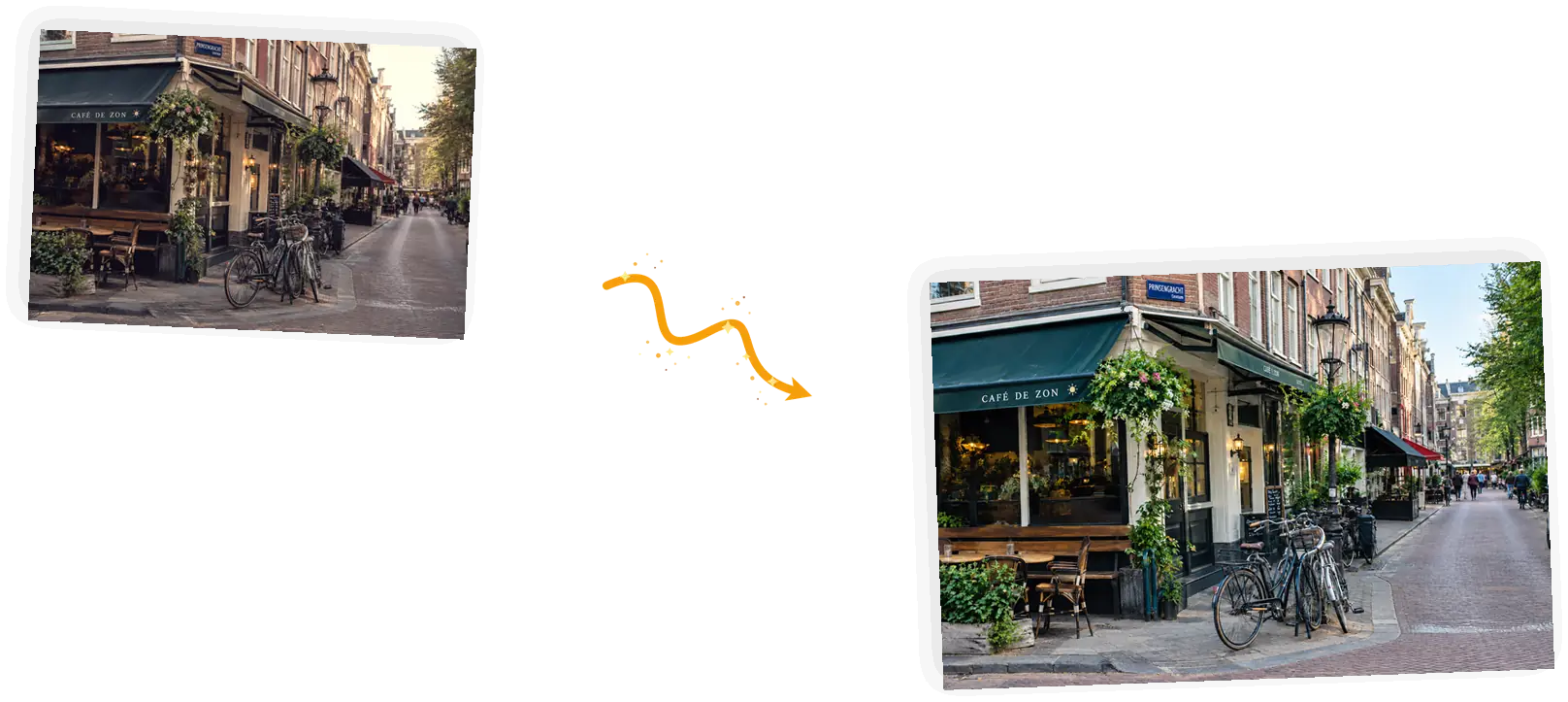
Beauty smoothing, vintage film washes, oversaturated social looks: name the family in the prompt and the editor knows which direction to pull the colors.

Upload the photo, describe the filter that is stuck on it, and get a natural-looking version back. A saved filter cannot be truly undone, so the result is a careful reconstruction, not the lost original.
Example 1 of 3
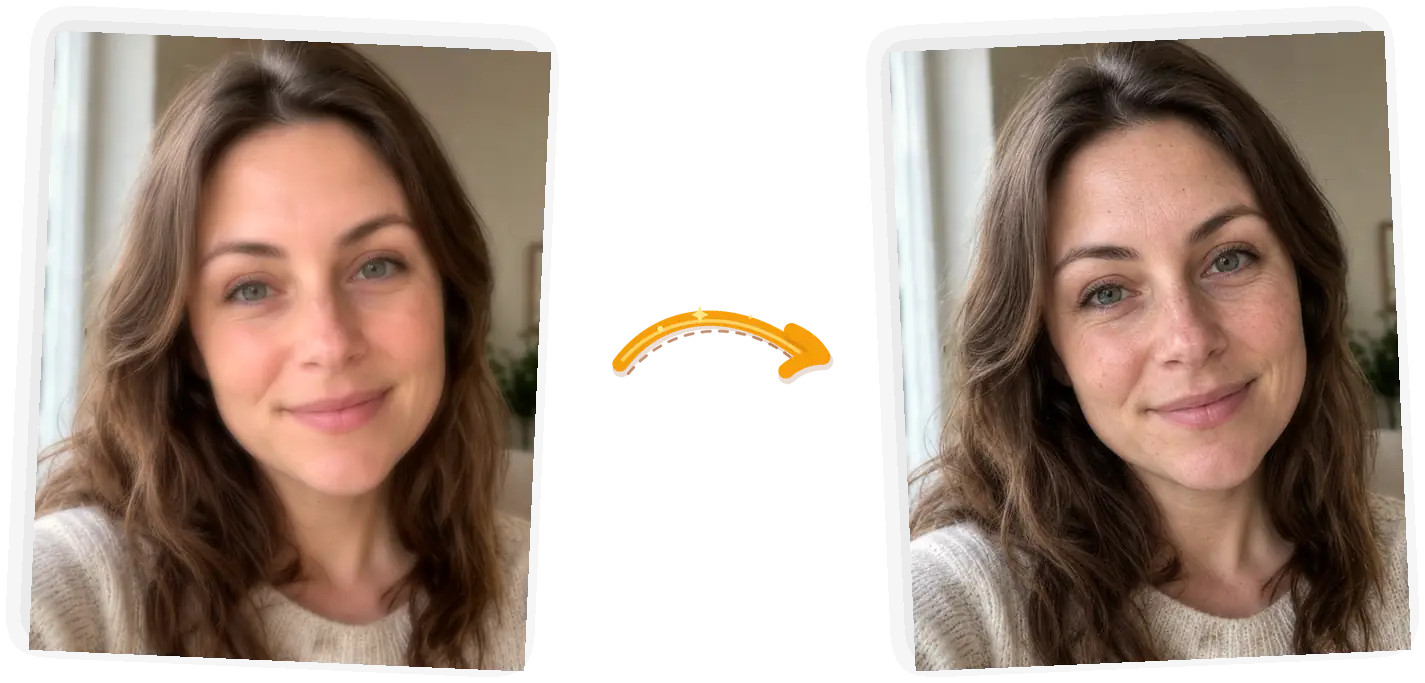
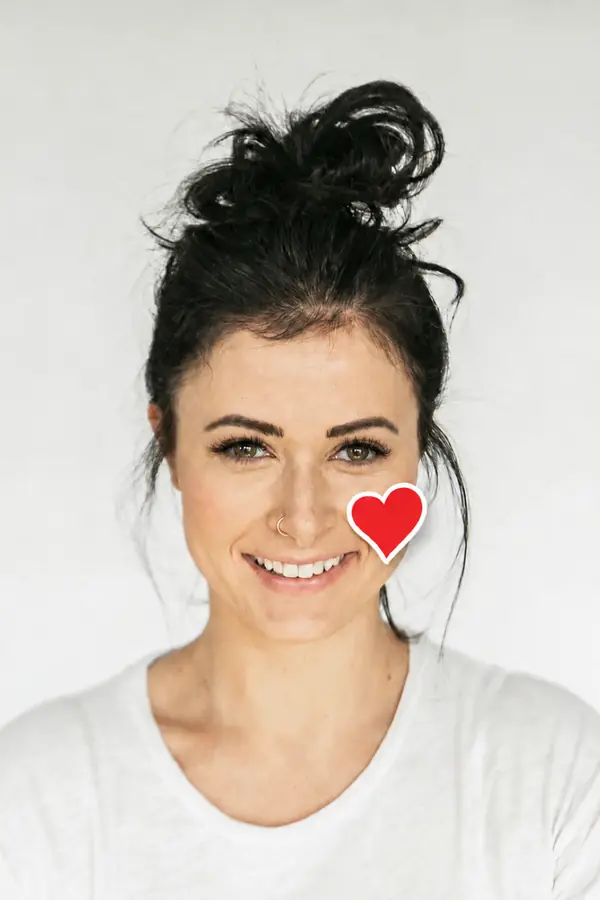
Remove the beauty filter from this photo. Restore natural skin texture with pores and fine lines. Keep the face, pose, hair, clothing, and background exactly unchanged.
Beauty smoothing, vintage film washes, oversaturated social looks: name the family in the prompt and the editor knows which direction to pull the colors.
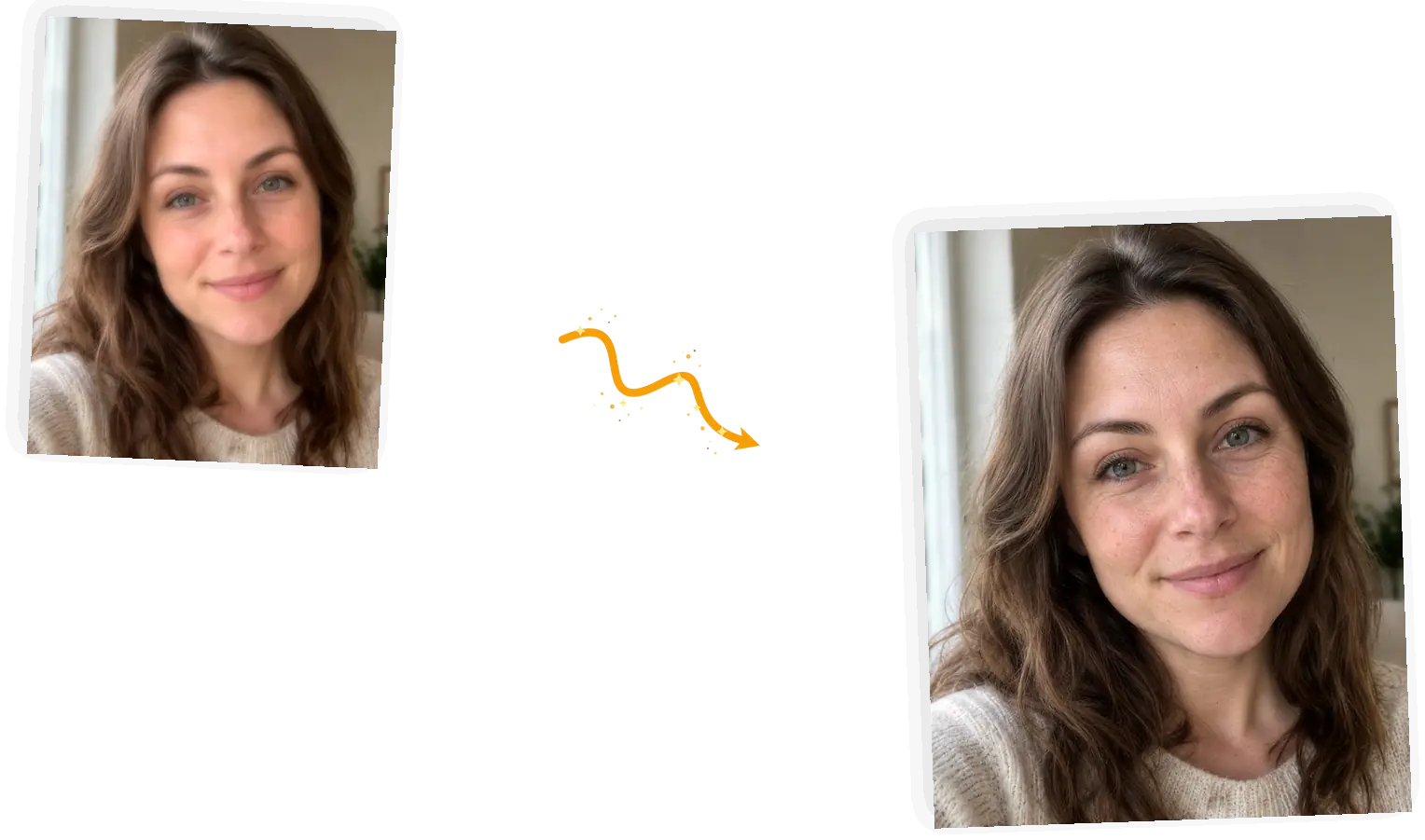
A keep-list pins what must stay: faces, poses, clothing, composition. The edit works on color and texture, so the person in the photo is still the person.
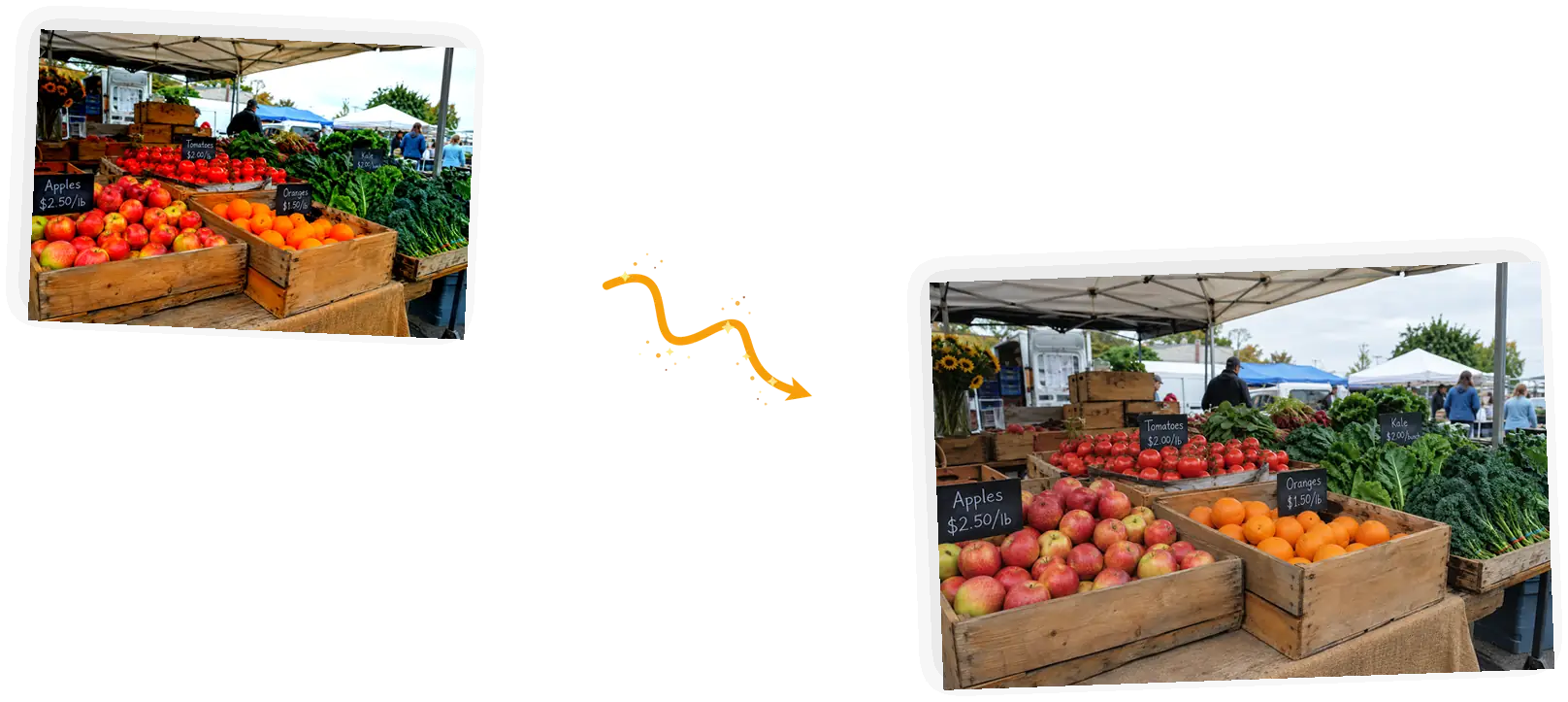
A filter saved into the file throws away the original data. This tool rebuilds a natural version from what remains, and the page says so instead of promising the impossible.
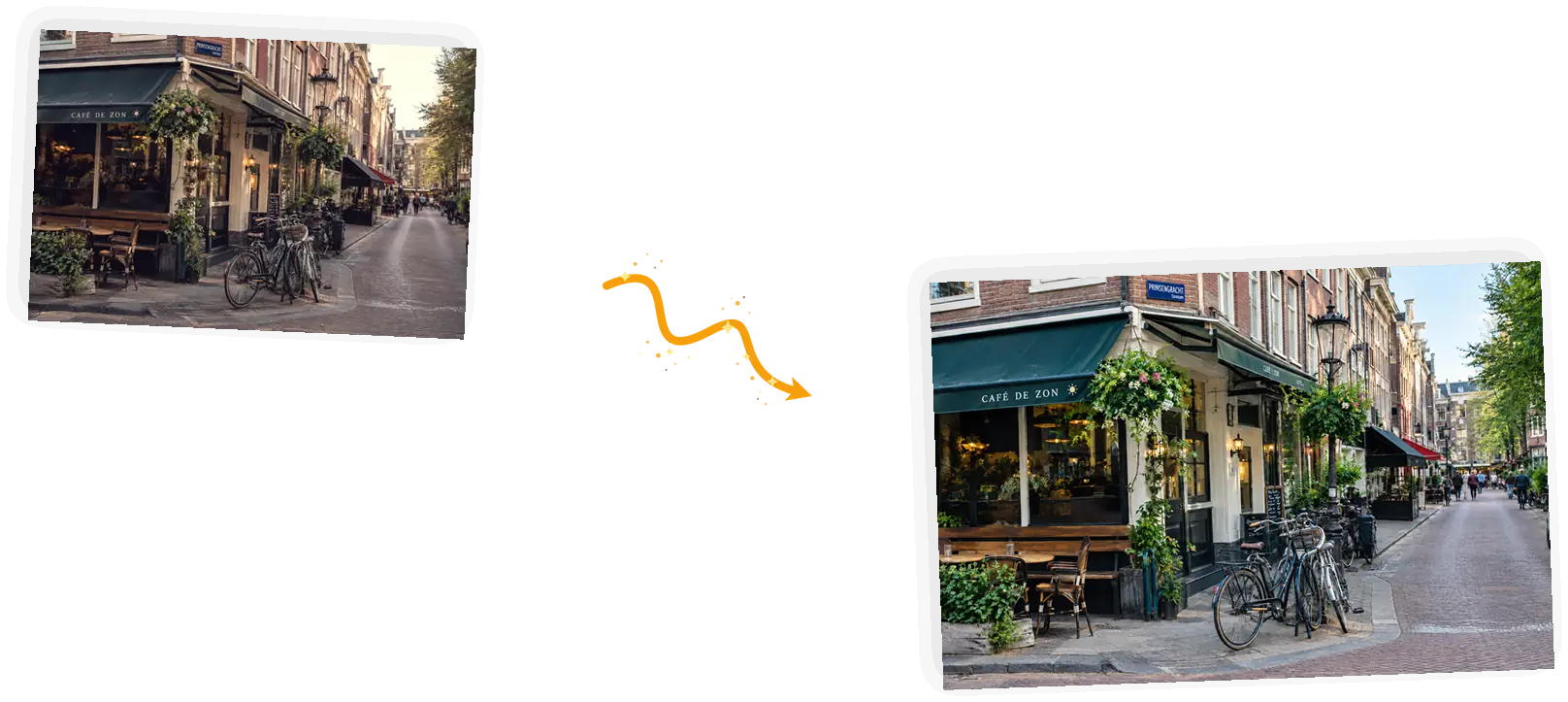
Too much smoothing left, colors still warm: adjust the prompt and generate again. A standard run costs 3 credits and failed tasks refund automatically.
Once a filter is saved, the file no longer holds the original pixels, and no slider can switch it back off. What a remove filter from photo edit can do is rebuild a natural-looking version: skin that keeps its texture, colors that stop shouting, shadows that behave again. People land here to remove beauty filter from photo saves, as an instagram filter remover, or to calm down an over-processed shot. The closer a filter is to a pure color shift, the closer the result lands to the real thing. For one specific trend look, the matcha filter remover page handles that single case in depth.
Take the filter off your photoThe whole flow runs in the editor on this page, and a first result takes about a minute.
JPEG, PNG, or WebP up to 20MB. The sharper the file you have, the more the model has to work with.
Say what is on it: a beauty filter, a warm vintage wash, heavy saturation. Naming the look gives the edit a direction that a vague make it natural never has.
Tell the editor what must stay: the face, the pose, the composition. Everything else is fair game for tone correction.
A standard 1K run costs 3 credits. Guests get 3 free credits a day, signed-in accounts get 9, and failed tasks refund automatically.
Results download with no watermark from us. If smoothing or color still reads wrong, adjust the prompt and run it again.
Apps that promise one-tap recovery skip the part where the original data is gone. Rebuilding a natural version is what actually works, and it is what this editor is built for.
A prompt with a named filter family and a keep-list gives the edit constraints instead of guesses, so results converge faster than slider trial and error.
No install and no export round-trip to a desktop app. Upload, describe, generate, download, move on.
The same job three ways: filter sliders, a general chatbot, and this editor.
| Dimension | Filter sliders | General chatbot | This filter remover |
|---|---|---|---|
| Starting point | Whatever the filter left behind | A re-described image that often drifts | Your upload, rebuilt toward natural |
| Color control | Total, if you know the sliders | Coarse at best | Named filter family plus keep-list |
| Subject keep | Manual masking, slow and fiddly | Loose, faces wander | Keep-list pins face, pose, and framing |
| Result honesty | Depends on your patience | Sounds confident, varies in fact | A natural reconstruction, stated as one |
| Effort | Hours of slider work | Prompt roulette | One prompt, about a minute |
| Reruns | Start over each time | Retype everything | Adjust one line and generate again |
The model needs to know what the filter did and what must survive it.
Remove the [filter] from this photo. Restore [natural target]. Keep [subject and composition] exactly unchanged.
Too vague
“Make my skin look real”
More useful prompt
“Remove the beauty filter from this selfie. Restore natural skin texture with pores and fine lines. Keep the face, pose, hair, and background exactly unchanged.”
Too vague
“Fix the colors”
More useful prompt
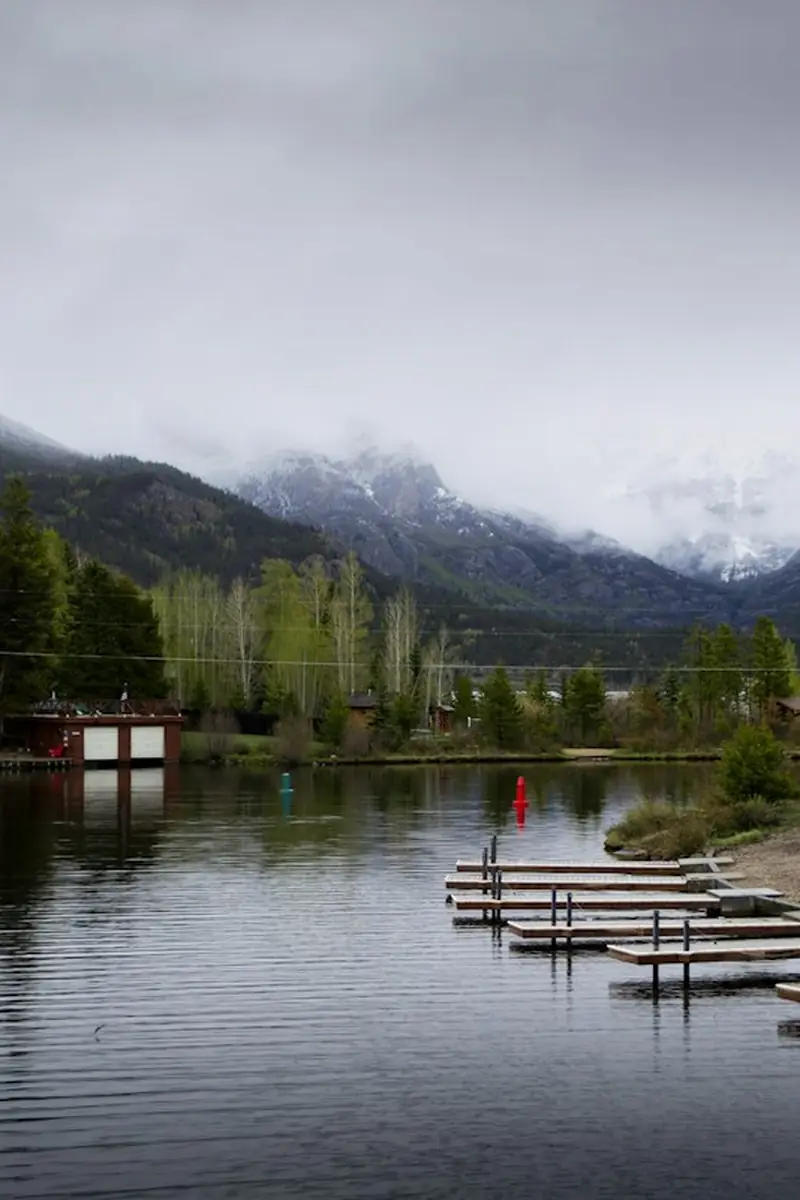
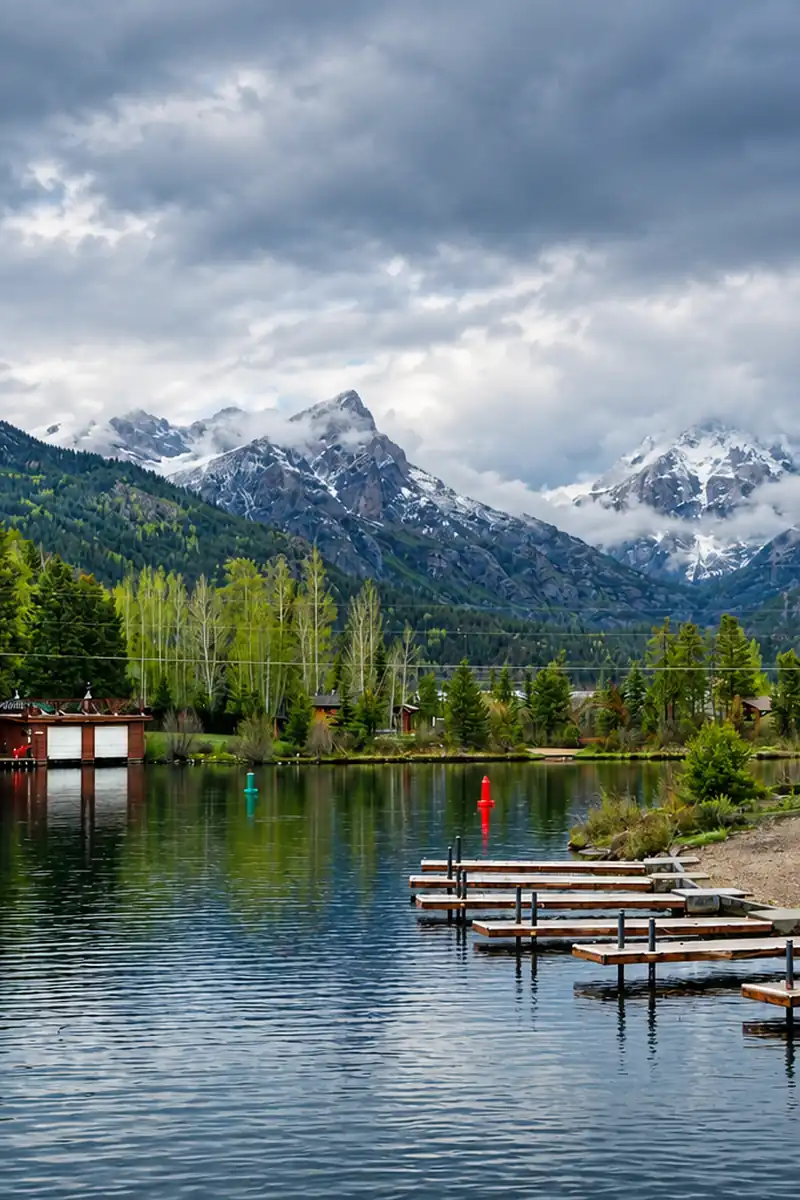
“Remove the warm vintage filter. Bring back neutral white balance and real shadow detail, and remove the vignette. Keep the whole scene exactly unchanged.”
Too vague
“Make it less edited”
More useful prompt
“Remove the oversaturated look. Calm the reds and oranges to natural levels and soften the contrast. Keep the crates, produce, and composition exactly unchanged.”
Instagram and Snapchat saves, story exports, camera-app shots. The look worked that day; the colors have not aged well since.
Group shots and event pictures that came back over-smoothed or tinted. A re-shoot is off the table, so rebuild a natural version from the file you have.
Product photos and headshots that were edited too hard before they reached you. Pull the processing back so the item and the person read true.
Practical guides and product updates from the team.
Short answers on what filter removal can recover and what it cannot.
Upload the filtered shot, keep what matters, and get a natural version back.