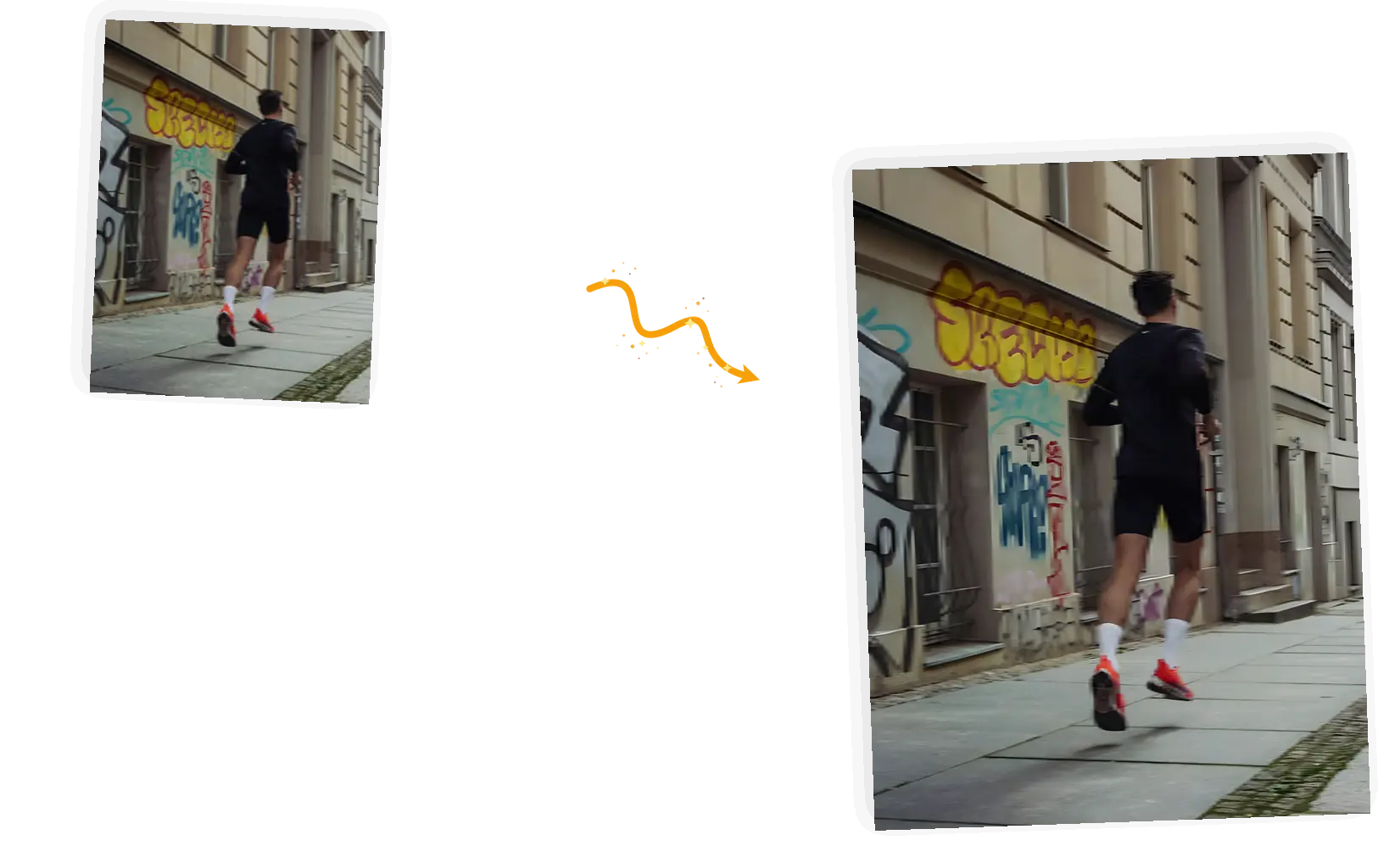
Motion blur
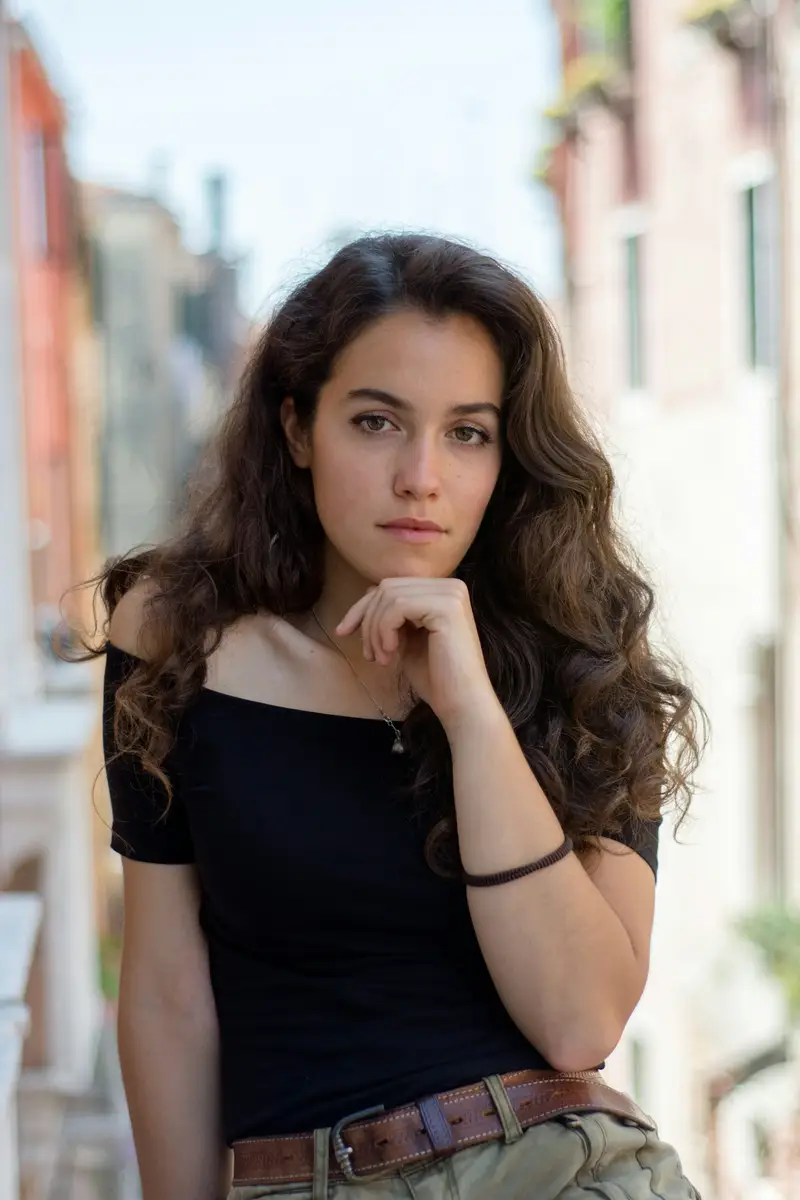
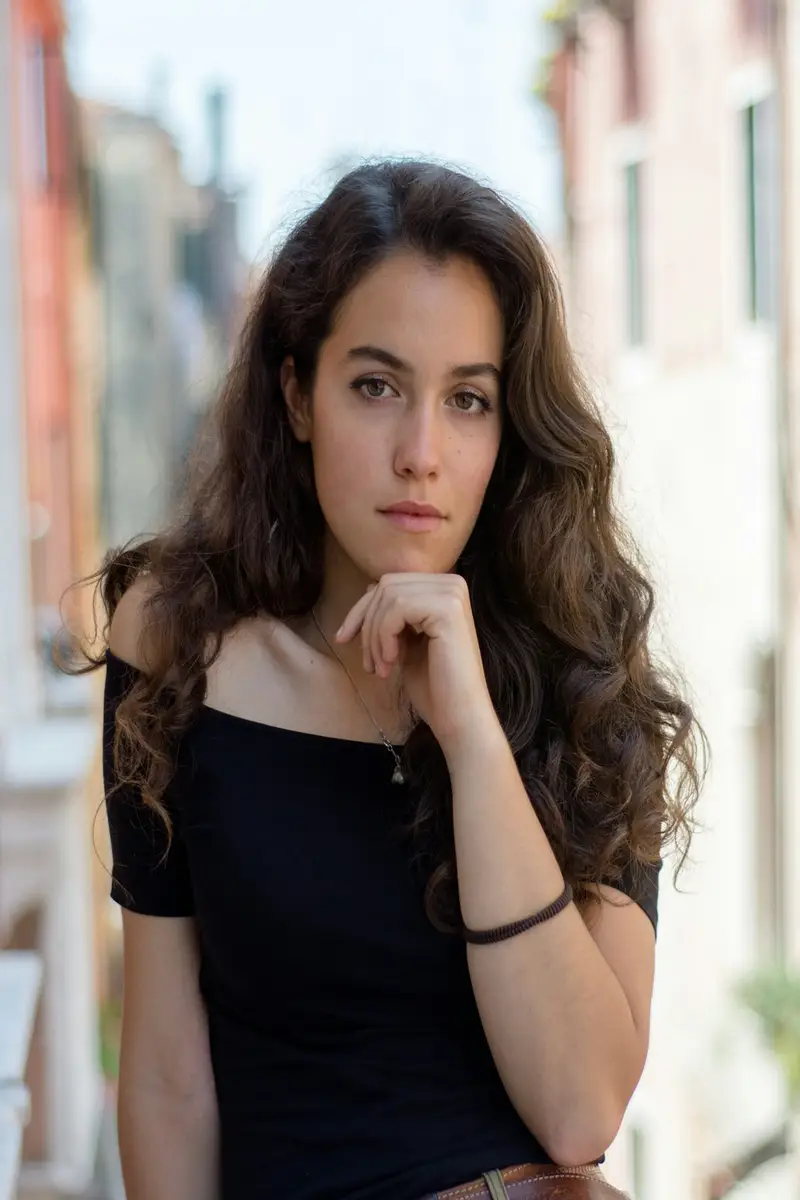
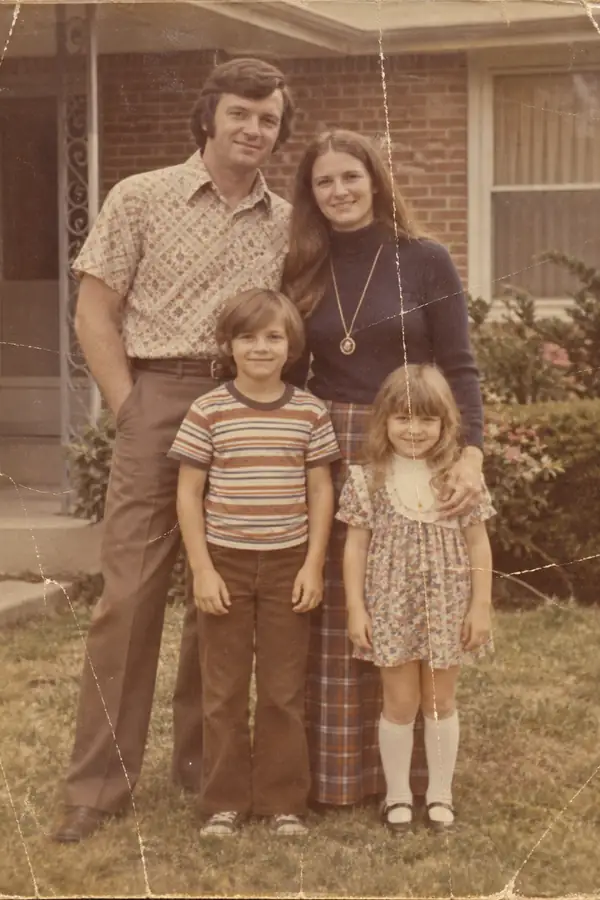
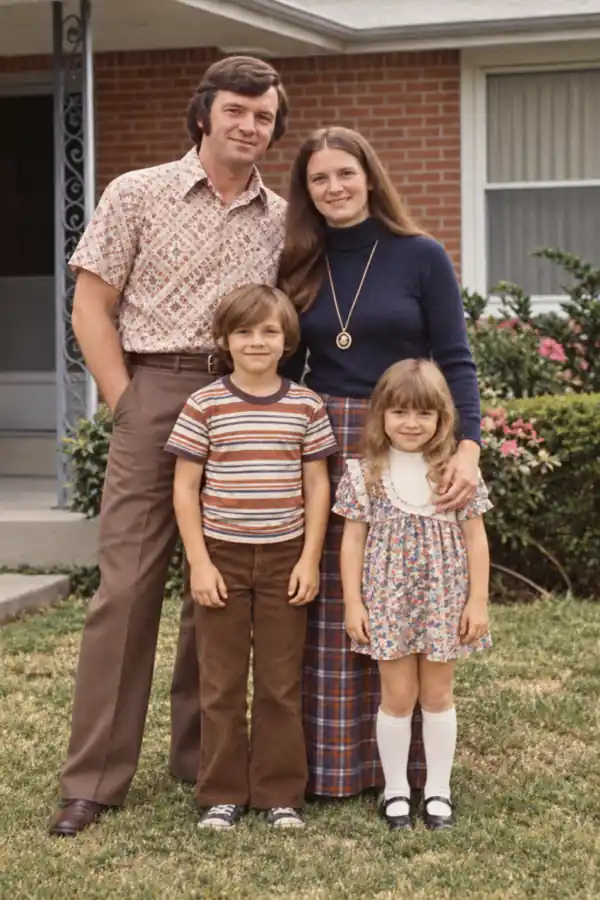
Camera shake streaks a moving subject across the frame. The deblur pass rebuilds edges along the streak, so the subject reads as sharp again. Long exposures with heavy smear have real limits, and the FAQ covers them.

Upload a blurry photo and press one button. The deblur pass rebuilds sharp edges and fine detail, and you check the result against the original before downloading.
0 / 5 reference images
Example 1 of 3
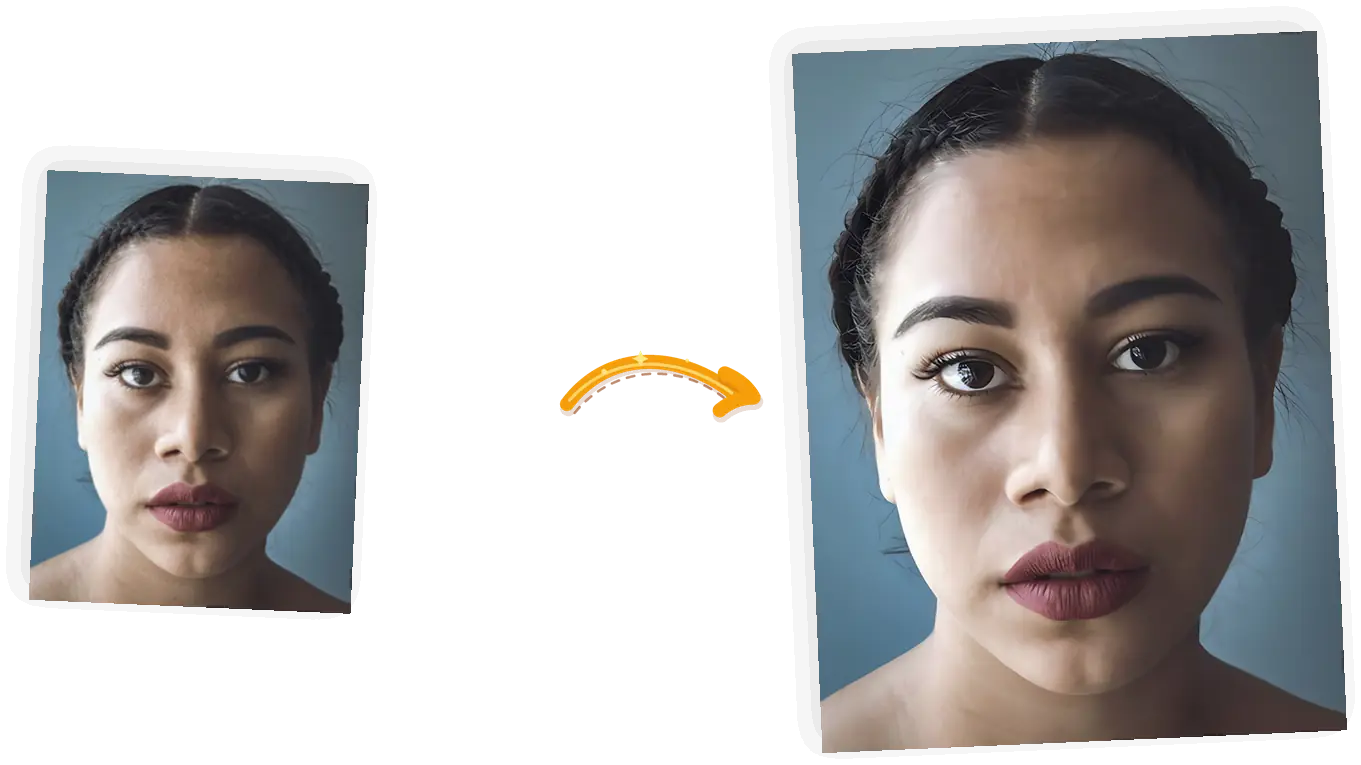
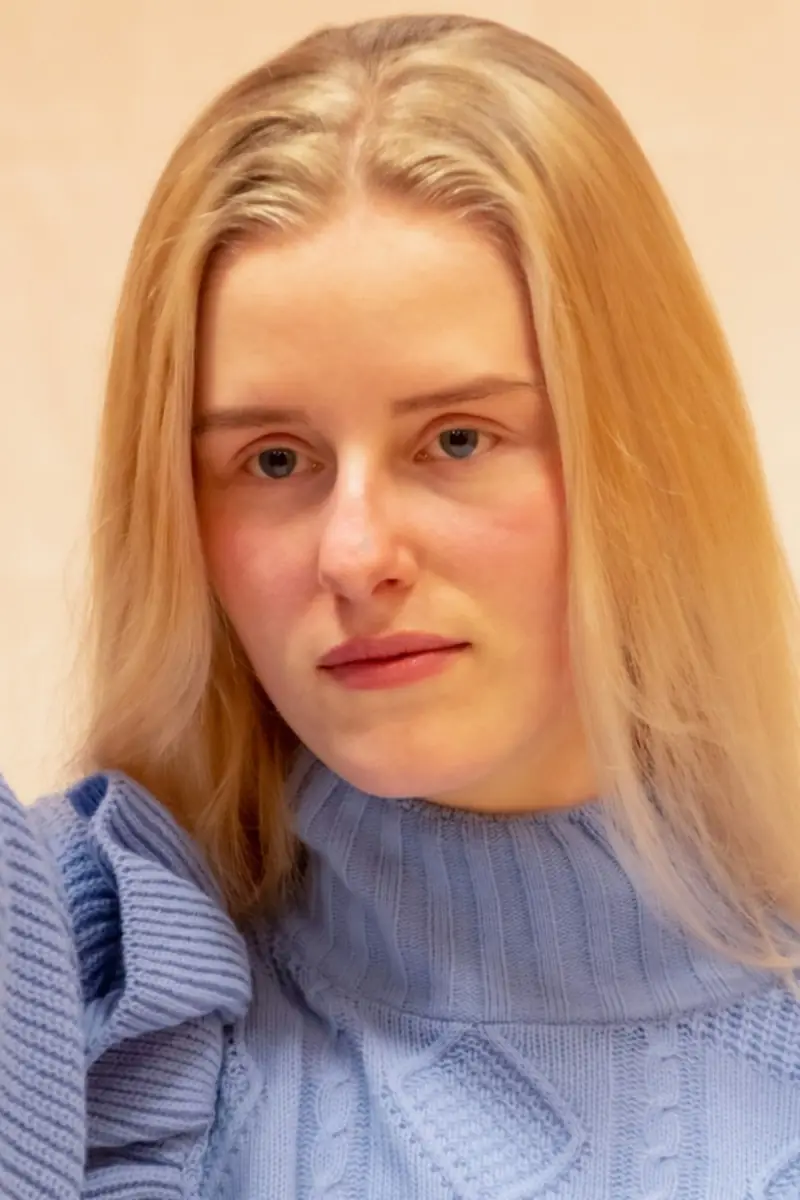
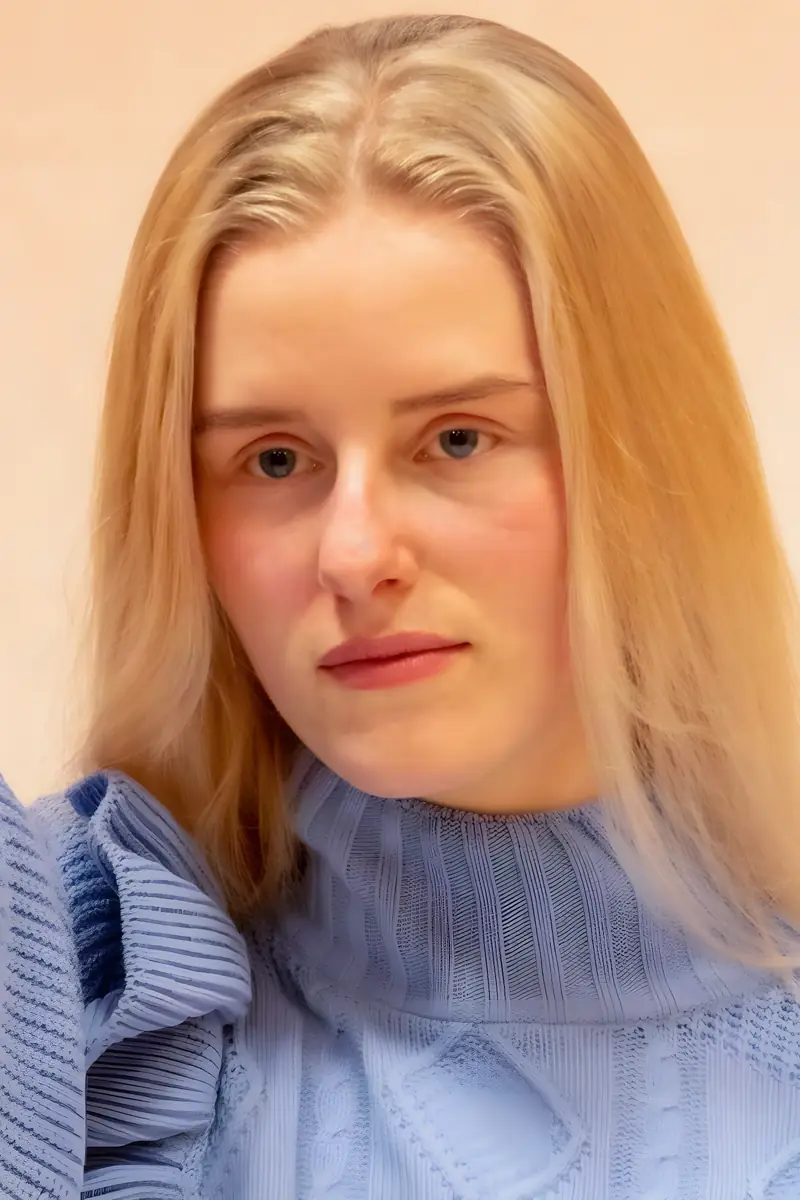
Sharpen this soft-focus portrait and rebuild facial detail. Keep the pose, the framing, and the colors exactly as they are.
Camera shake streaks a moving subject across the frame. The deblur pass rebuilds edges along the streak, so the subject reads as sharp again. Long exposures with heavy smear have real limits, and the FAQ covers them.
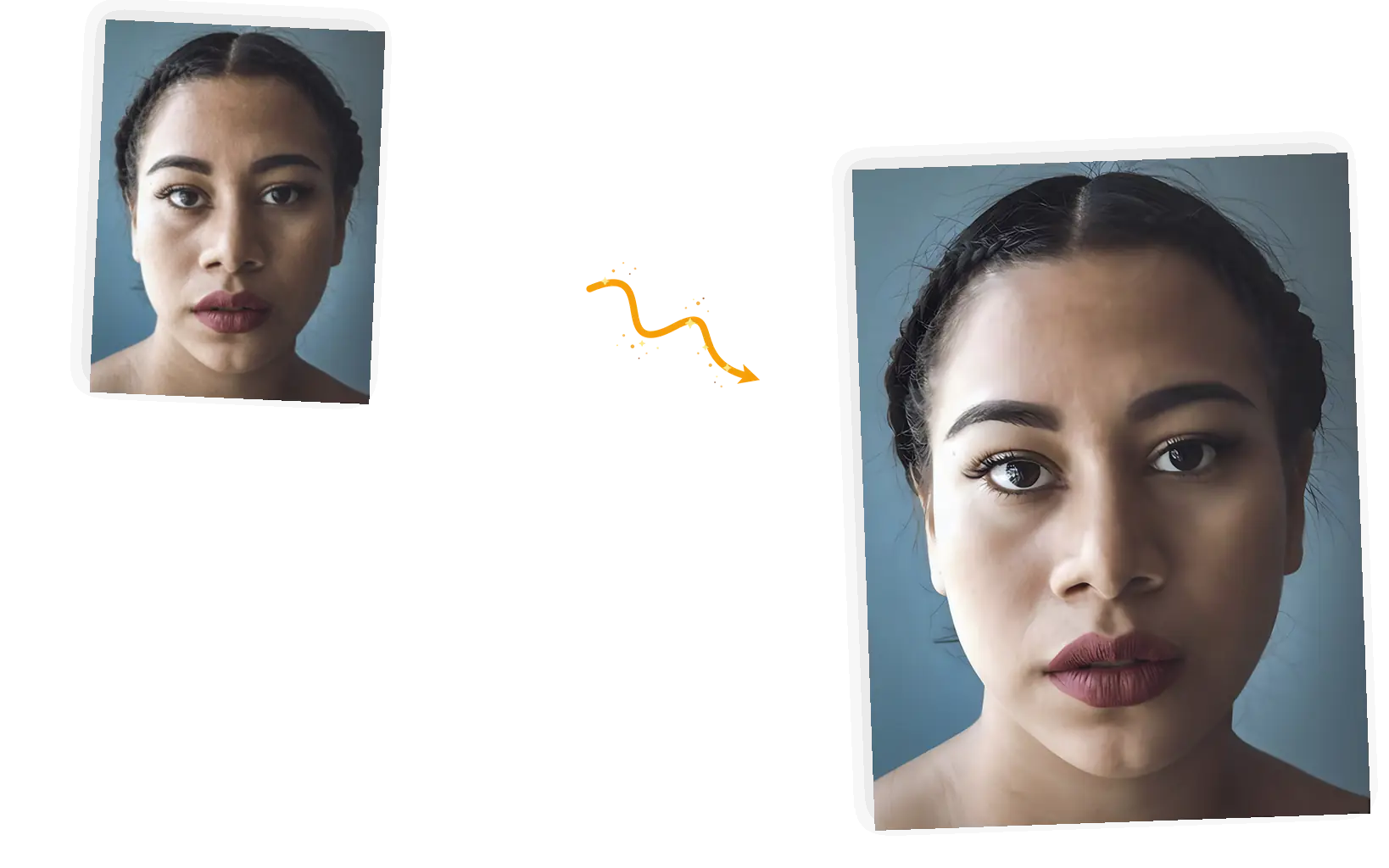
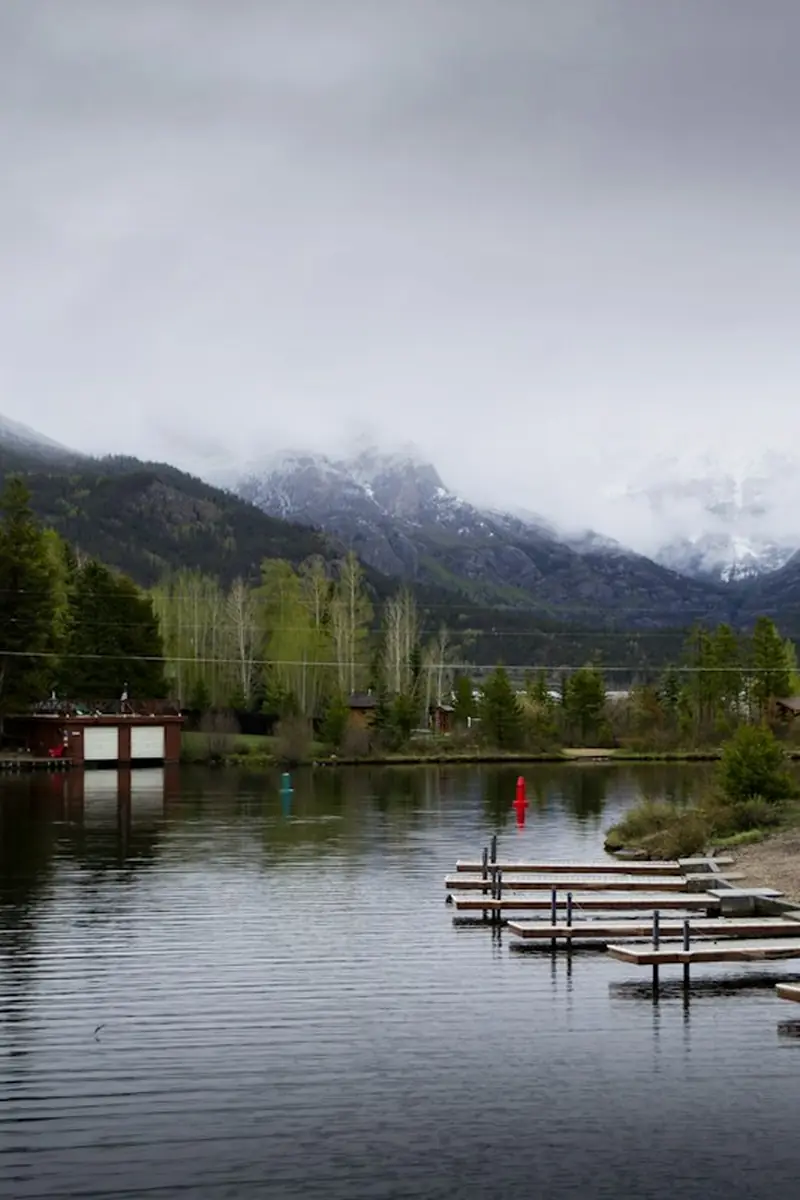
Missed focus leaves a soft haze over a face or a product. Detail is rebuilt from what the lens did capture, so eyes, edges, and labels get their contours back. Focus missed by a wide margin on a small subject recovers less.
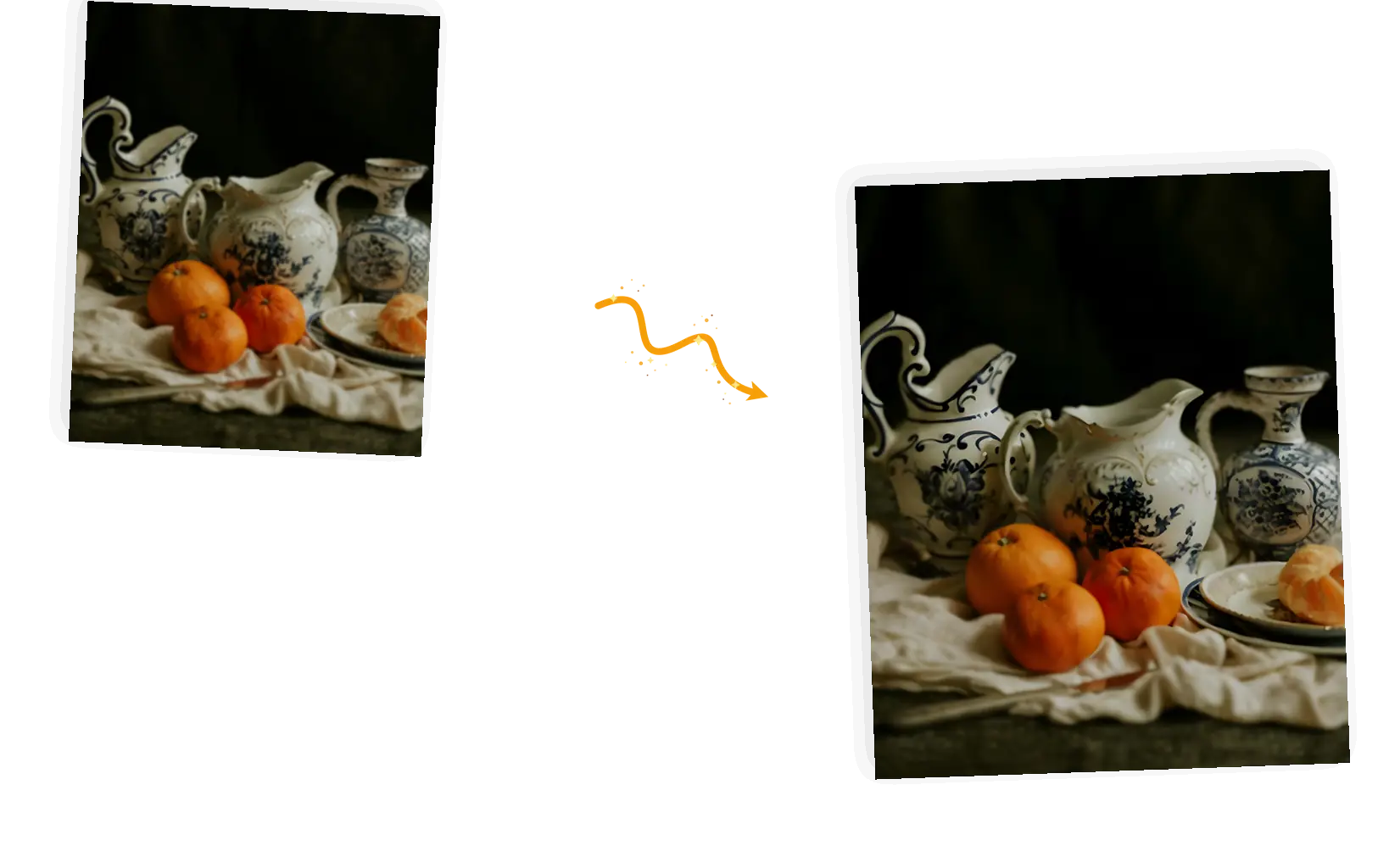
Old scans, early phone cameras, and heavy compression leave photos looking glassy. The pass restores the micro contrast between surfaces, which is what makes a photo read as sharp instead of smooth.
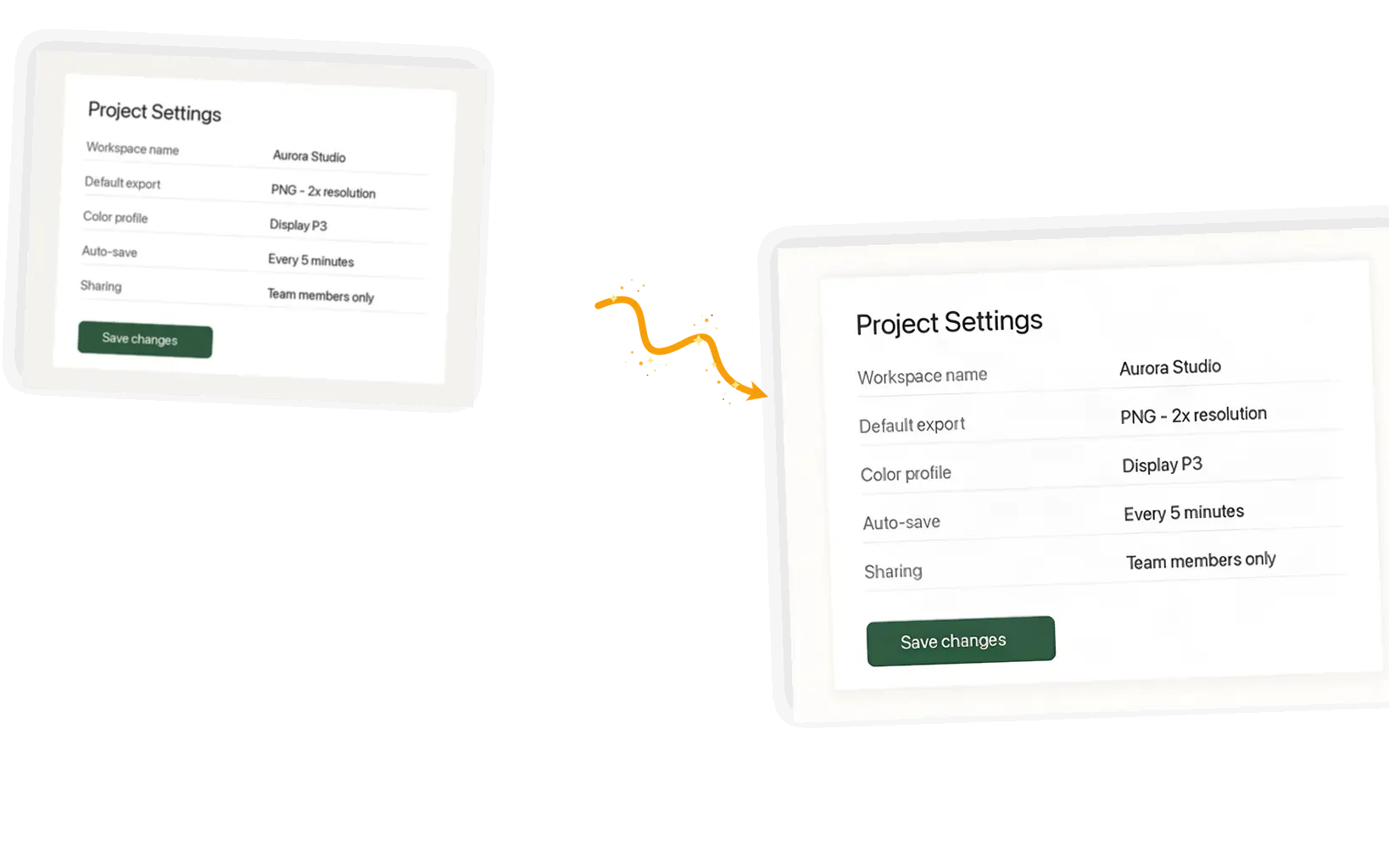
Screenshots that were resized or compressed until the words smear. The edges between letters and background are rebuilt, so headlines and labels become readable again. Very small body text has a lower ceiling.
The unblur image tool is a one-click deblurring pass for photos that came out blurry. It runs Real-ESRGAN, a restoration network trained to rebuild the edges and fine detail that blur smoothed away, so motion blur, soft focus, and pixelated screenshots come back looking sharper. Upload a JPG, PNG, or WebP up to 20 MB, press the button, and compare the result against your original in a slider before downloading. The output is twice the size of the input, because the network rebuilds detail as it enlarges. The same limits apply everywhere: detail the camera never recorded cannot be invented, and badly smeared shots recover less than mildly soft ones. For bigger enlargements with a scale picker, use the AI image upscaler instead.
Unblur an image freeFive steps from a blurry file to a sharper copy you have checked yourself.
Drag in a JPG, PNG, or WebP up to 20 MB, or pick one from My Creations. Portraits, products, scans, and screenshots all work.
Motion streaks, an all-over haze, and pixelated text each respond differently. Mild blur recovers the most, and you can revisit the original at any time.
One button, no prompt to write. The restoration pass rebuilds sharp edges and fine detail while it doubles the resolution.
Drag the before and after slider across faces, text, and edges before committing. A result that looks wrong can be rerun in one click.
Save the 2x result with no watermark, or send it through the image resizer when you need the original pixel dimensions.
A product shot taken in low light comes out soft, and soft photos read badly in a listing. One pass brings edges and texture back, and a quick resize fits the marketplace image limits.
The one photo where everyone is looking at the camera is the one with camera shake. The deblur pass keeps the memory and drops the smear.
Scanned records and old family photos arrive soft and gray. Sharper edges make faces, handwriting, and printed dates easier to read on screen.
A screenshot from a video call or an old slide deck can smear its text until labels are unreadable. Rebuilt letter edges make the reference usable again.
The usual ways to fix a blurry photo, compared by how they behave rather than by brand.
| What matters | Phone tools and Photoshop | General AI chat apps | This page |
|---|---|---|---|
| Getting started | Free on some phone models; Photoshop is a paid install and a learned skill | An account, plus trial and error with prompts | Open the page and upload, no sign-up needed to start |
| Workflow | Find the sharpen slider and tune it by eye | Describe the fix and hope the redraw keeps the subject | One button applies the deblur pass to the whole photo |
| Faithfulness | Hand tuning stays close but can add halos around edges | Generative redraws can change faces and text | The restoration network rebuilds detail without redrawing the scene |
| Output | Same size as the input | Re-rendered at whatever size the model returns | Same framing at 2x resolution, no watermark |
| Known limits | Sharpening cannot recover what the sensor missed | Prompts give little control over what changes | Heavy smear recovers less; missing detail is not invented |
| Cost | Free on some phones; subscription for Photoshop | Subscription or per-image credits | Free daily credits; subscribers run it free |
How the unblur image pass works, what it costs, and where its limits are.
Upload a blurry photo, press one button, and compare the sharper result against the original before you save it.