







Twenty files, one export
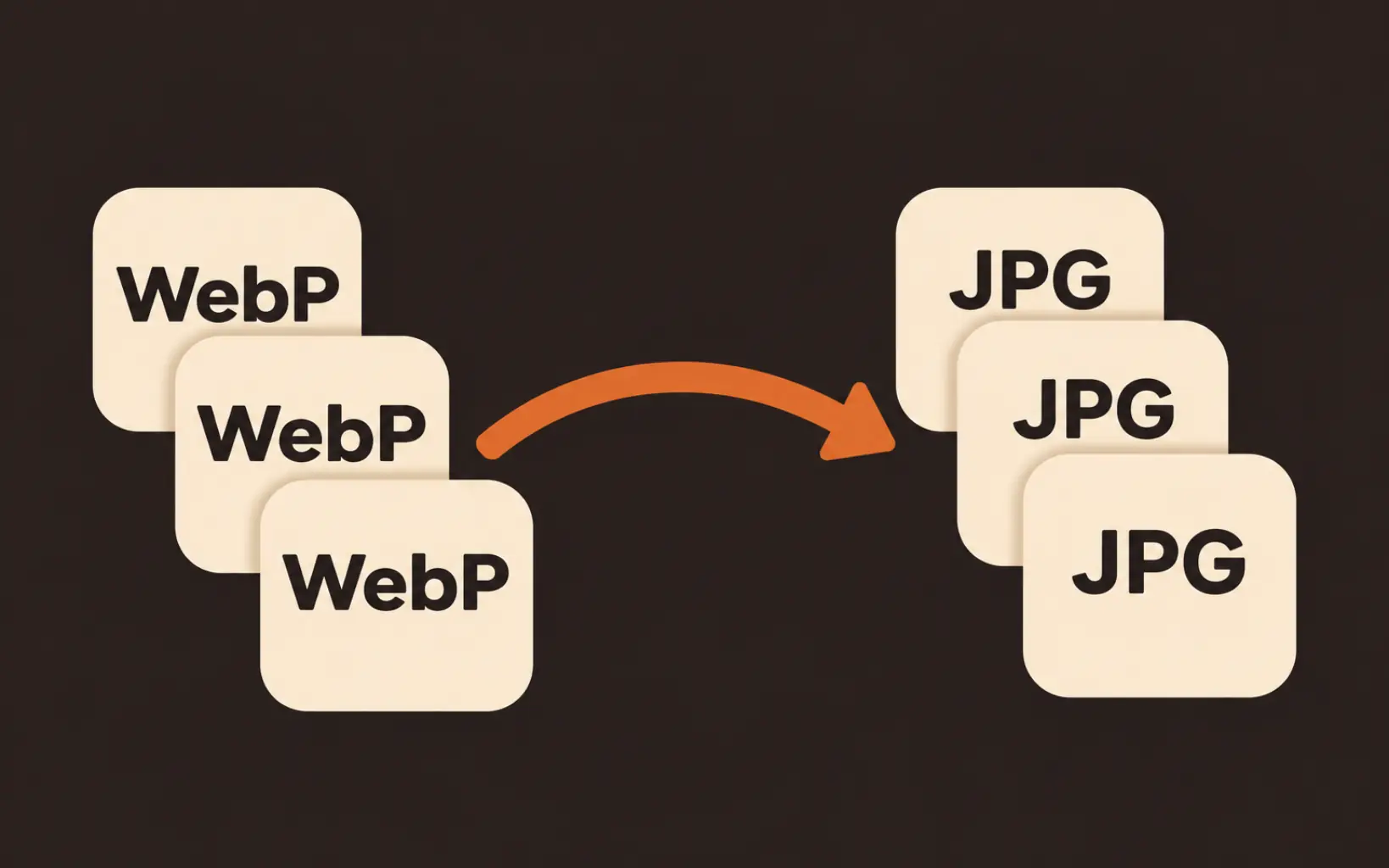
Queue up to 20 WebP files, press export once, and every one downloads as a JPG. The whole batch counts as a single export, so a folder of saved images costs the same as one file.

Convert WebP to JPG without leaving your browser. Queue up to 20 files, set the quality where you want it, and if a file carries transparency it flattens onto white or any color you choose. Nothing you add here gets uploaded, and one export handles the whole batch.
Free and unlimited on paid plans; otherwise 1 credit per export. No watermark.
This page does one job: it turns WebP files into JPGs, right in your browser. Sites serve WebP because it loads fast, but plenty of desktop apps, office workflows, and upload forms still refuse it, so a picture that looks fine in Chrome can be useless everywhere else. To convert WebP to JPG, drop your files below, adjust the quality if you want, and download the results; a batch of up to 20 files counts as a single export. Two boundaries: an animated WebP converts its first frame only, and this page accepts WebP inputs only. For PNG or any other direction, the full Image Converter covers every pair.
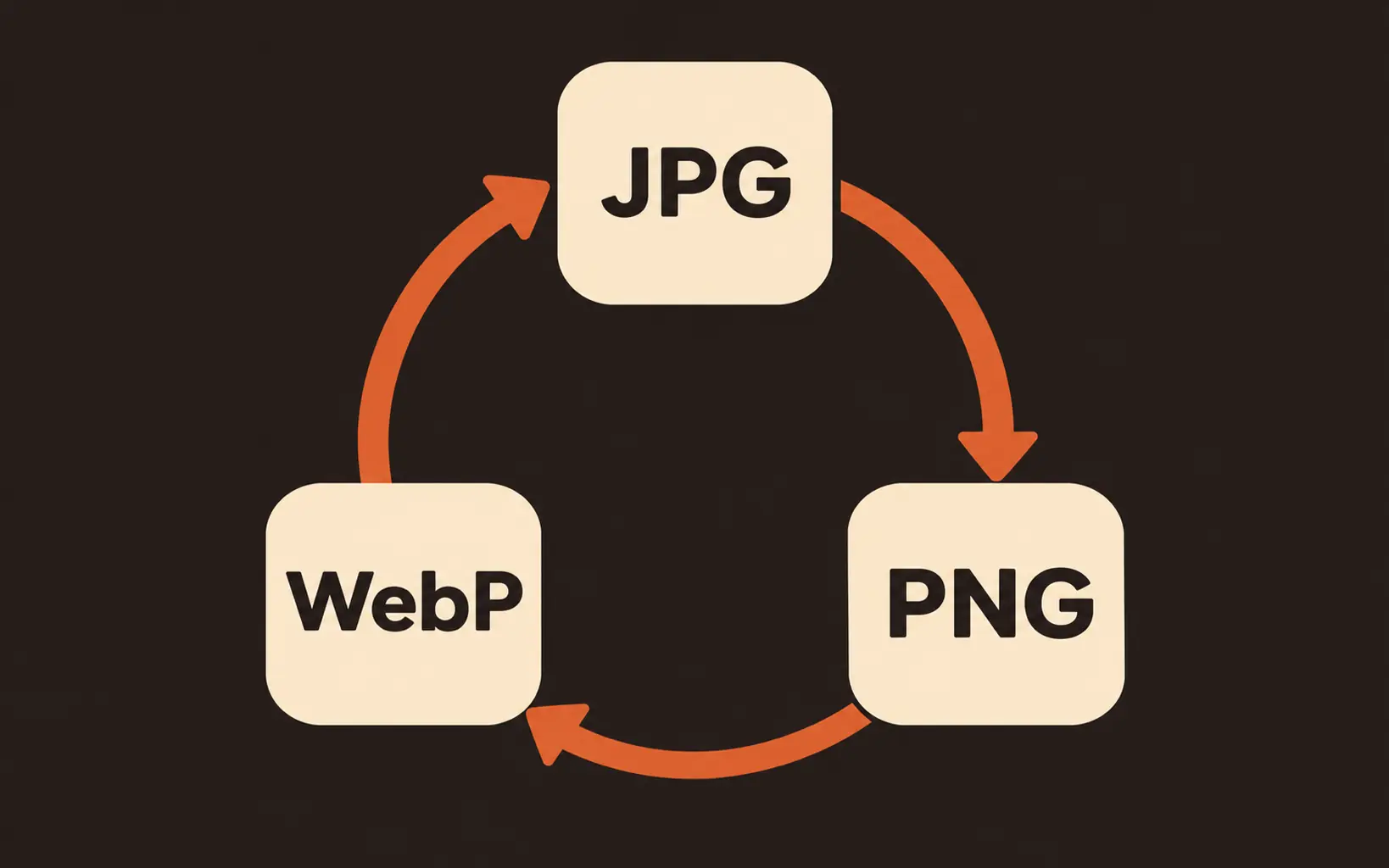
Convert your WebP files nowNeed PNG or another direction? The full Image Converter handles every pairPick JPG when the file has to open somewhere other than a browser tab; keep WebP when the file lives on a fast website. That is the whole decision, and it is why a picture saved from the web usually wants to become a JPG.
| What differs | WebP | JPG |
|---|---|---|
| Transparency | Kept, pixel by pixel | None. Transparent areas fill with a background color you pick |
| File size | Smaller at the same look, which is why sites serve it | Larger, and every app accepts the trade |
| Compatibility | Modern browsers only; many desktop apps and upload forms reject it | Opens almost anywhere, from old office software to print shops |
| Animation | Can hold animation | Still images only |
| Best for | Images that live on a website | Files that have to travel: uploads, email, listings, print |
A naming note: JPG and JPEG are one format with two spellings, so a webp to jpeg conversion and a webp to jpg conversion produce identical files. And when you need the transparency kept instead, a WebP to PNG run on the full converter is the better move.
Queue up to 20 WebP files, press export once, and every one downloads as a JPG. The whole batch counts as a single export, so a folder of saved images costs the same as one file.
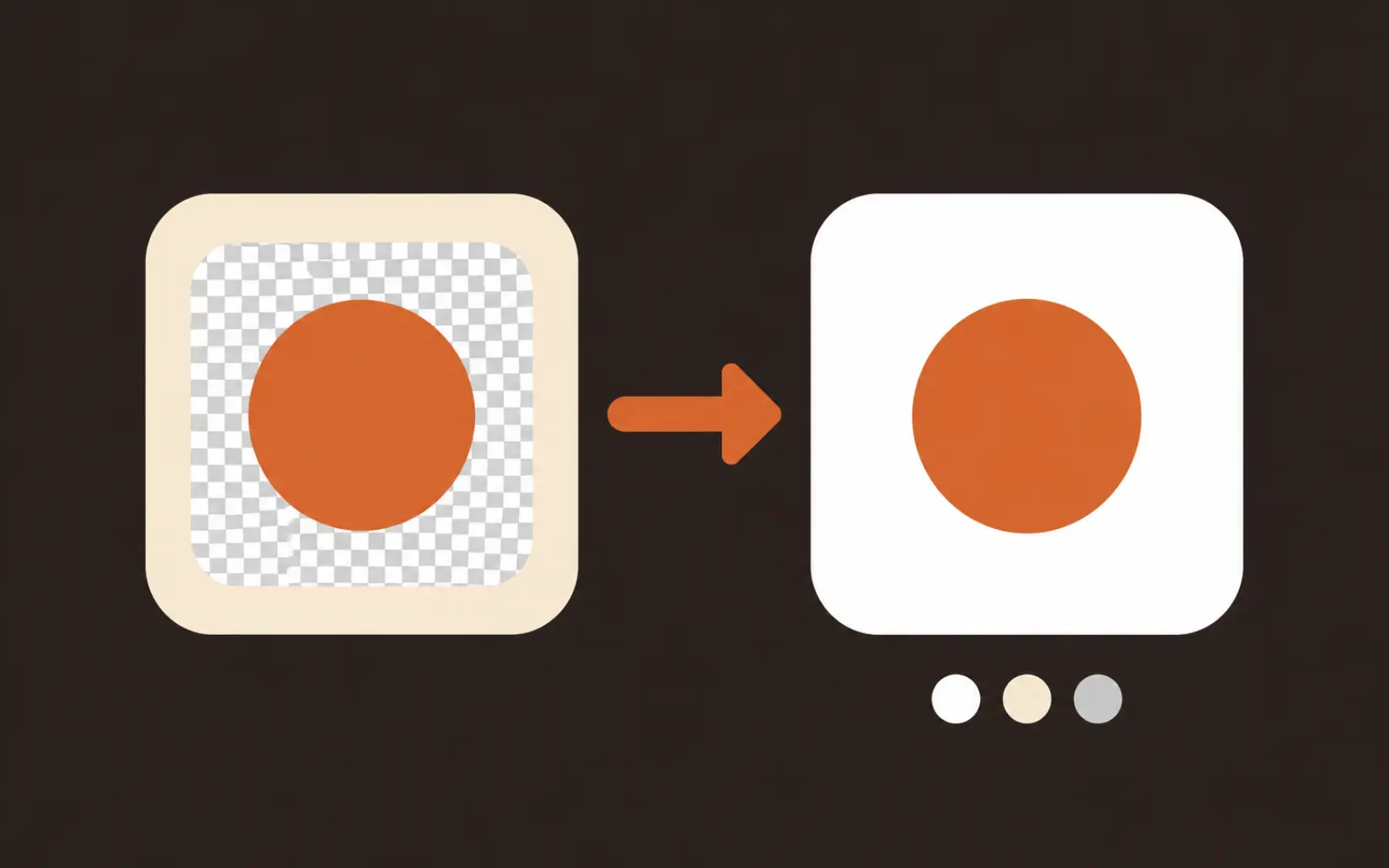
A transparent WebP logo does not become a black-box JPG here. Each file is scanned for real alpha, and anything transparent flattens onto white by default, or any color you pick, with the preview showing the exact result before export.
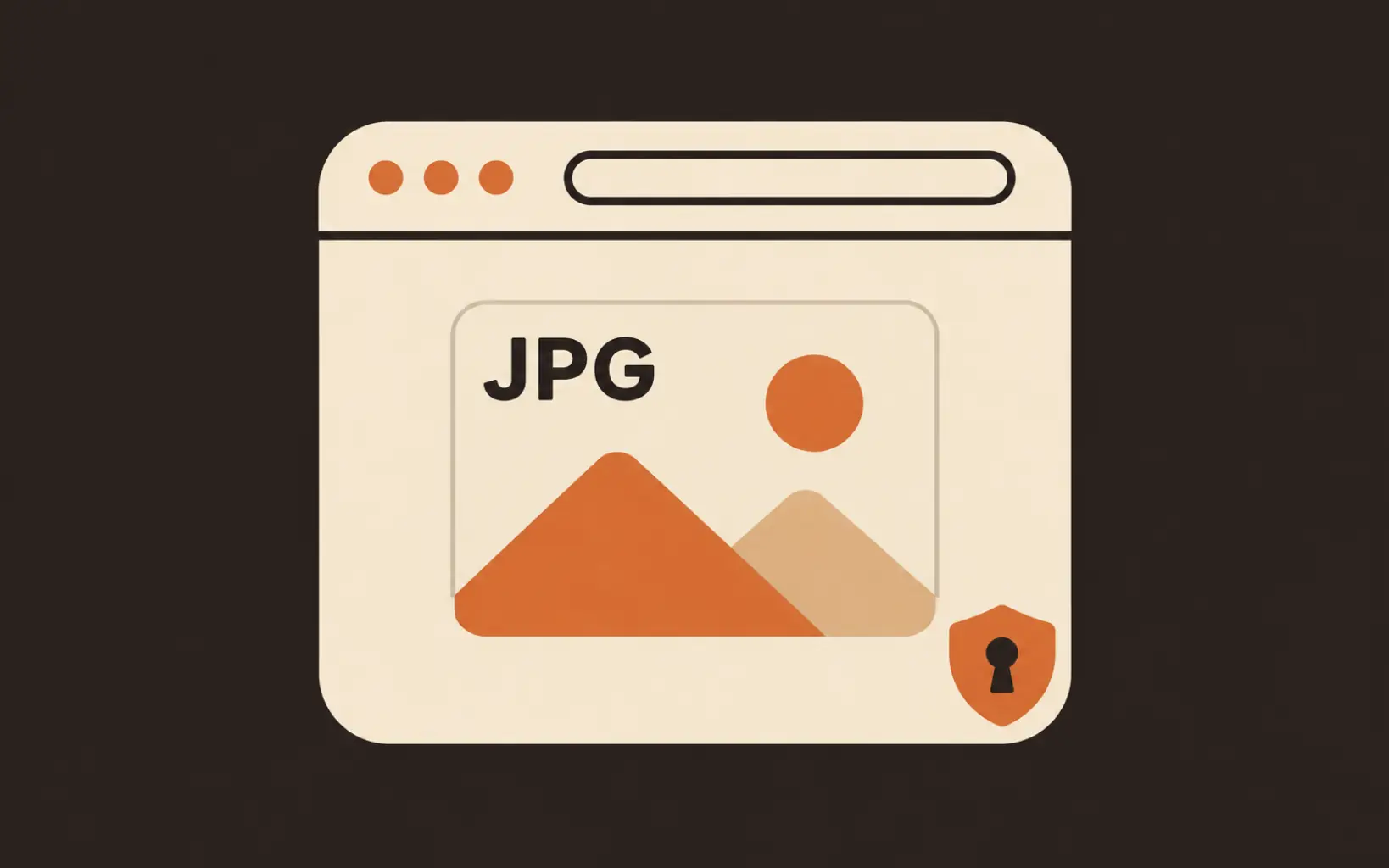
Every conversion runs on your device with the browser canvas. Nothing uploads to a server, which is why the page works offline and why sensitive screenshots stay on your machine. The only server call is the one-credit export tally.
The quality slider defaults to 90, which is hard to tell apart from the original on photos and screenshots. Slide toward 50 when file size matters more than fine detail. Dimensions never change either way.
Four steps, no account, nothing to install.
Drag them onto the panel, browse, or pull images from My Creations or your phone. Up to 20 files, 20MB each.
The picker only appears when a file really carries transparency. White is the default; click the swatch to match the surface the JPG will sit on.
90 suits most photos. Leave it, or slide between 50 and 100 for the size-versus-detail trade you want.
One click converts the whole queue and downloads each JPG. Free on paid plans; otherwise one credit covers the batch, however many files it holds.
Listing forms on marketplaces often reject WebP uploads outright. Convert the supplier's WebP photos to JPG, then hand the form a file it actually accepts.
Older Office builds, print shops, and internal tools predate WebP entirely. A ten-second conversion turns an unopenable file into a normal JPG that opens anywhere.
Right-click a picture on a fast site and you get .webp, not the .jpg you expected. Convert the download and it behaves like any photo in your gallery, messages, and albums.
Limits, transparency, quality, and what converting costs.
Drop up to 20 WebP files, flatten transparency onto your color, and download watermark-free JPGs in the browser.