
Product Photography Ideas: 12 Shots That Sell
Twelve product photography ideas ranked by effort: the setup, the phone version, and the edit pass that turns each shot into a finished listing image.
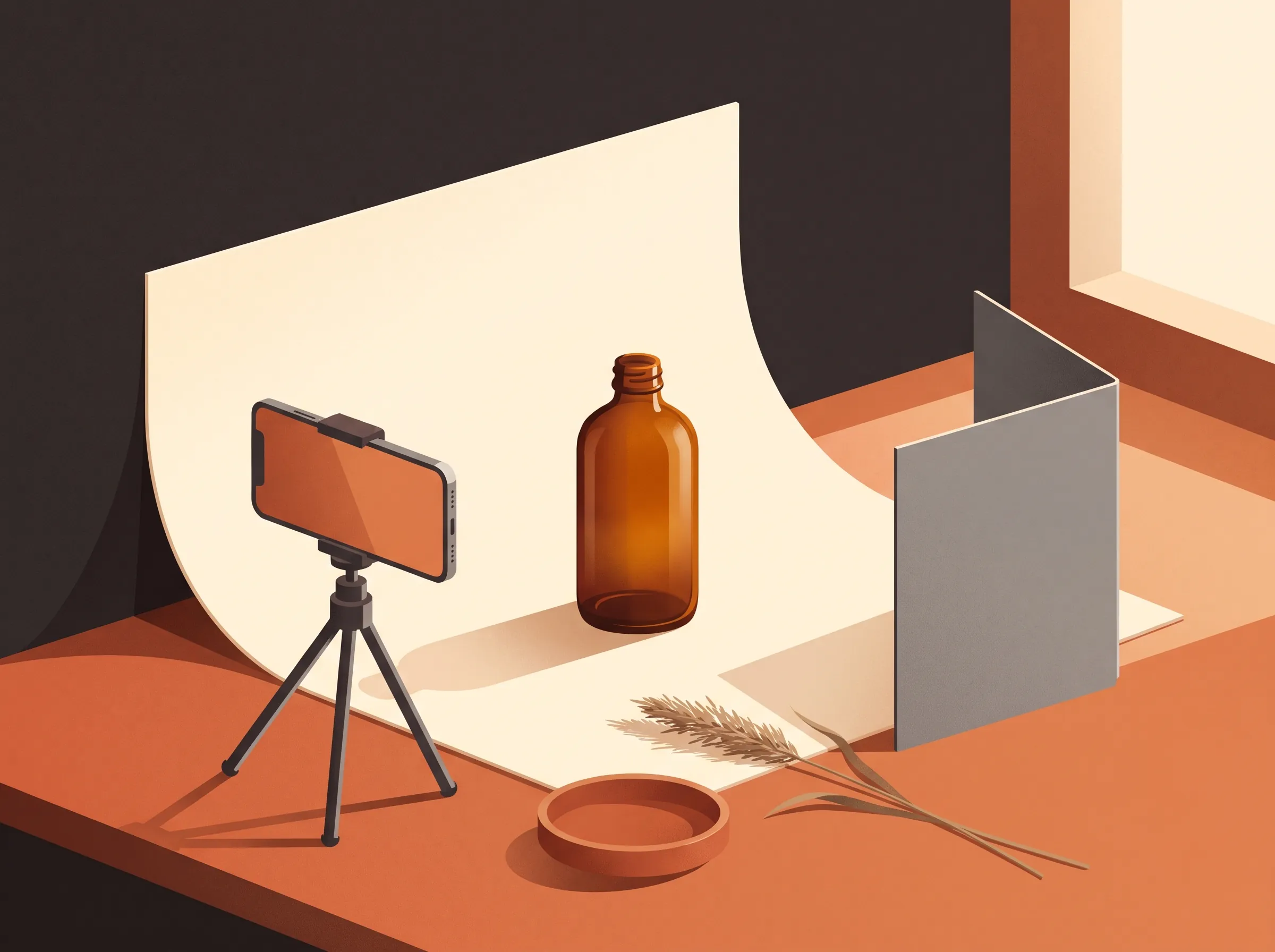
Scroll any marketplace or storefront and the pattern is obvious: the products that sell are not the ones shot with the most expensive gear, they are the ones shot on purpose. Every image has a job, whether that job is showing the exact color, the real size, or the product sitting in a life someone wants. The twelve product photography ideas below are ordered by effort, starting with the four shots every store needs before it earns anything fancy. Each one comes with a working setup and the edit pass that finishes the shot, because the photo you download is almost never the photo you took.
The foundation shots every store needs
Skip these and the creative work has nothing to stand on. They are not glamorous, and they are the reason a catalog looks trustworthy.
1. The clean background shot. One product, one plain field behind it, shot from the front at eye level with the product. Marketplaces use this frame for search results and comparison, so consistency across your whole line matters more than beauty here: same distance, same height, same background every time. A roll of backdrop paper, a painted board, or a plain wall all work. If the surface came out slightly gray or the wall has texture you did not choose, a white background edit lifts the product onto a clean field in one pass, and your catalog lines up.
2. The in-context shot. Show the product where it lives: the mug on a kitchen counter with morning light, the candle on a stack of books, the spanner on a workbench. Context answers the question a spec sheet cannot, which is what owning this thing would feel like. You do not need to find the perfect room. Shoot the product against anything neutral you control, then swap the surroundings in editing: our AI product photography tool rebuilds the scene around your product from a description, and it holds up to five reference images if you want a specific mood in the frame.
3. The scale shot. Size is one of the top reasons products get returned, and no hero angle fixes it. Put the product next to something the viewer can measure by instinct: a hand, a key, a standard coffee cup. Shoot it straight on so nothing exaggerates the size, and let the caption do the rest. This is also the one shot where props earn their place in every catalog.
4. The detail shot. Move close and photograph the thing that proves quality: the stitching, the grain, the glaze line, the machined edge. Phone cameras focus closer than most people expect; tap to lock focus, step back slightly, and crop rather than distort. A catalog with one honest close-up per product reads as a catalog with nothing to hide.
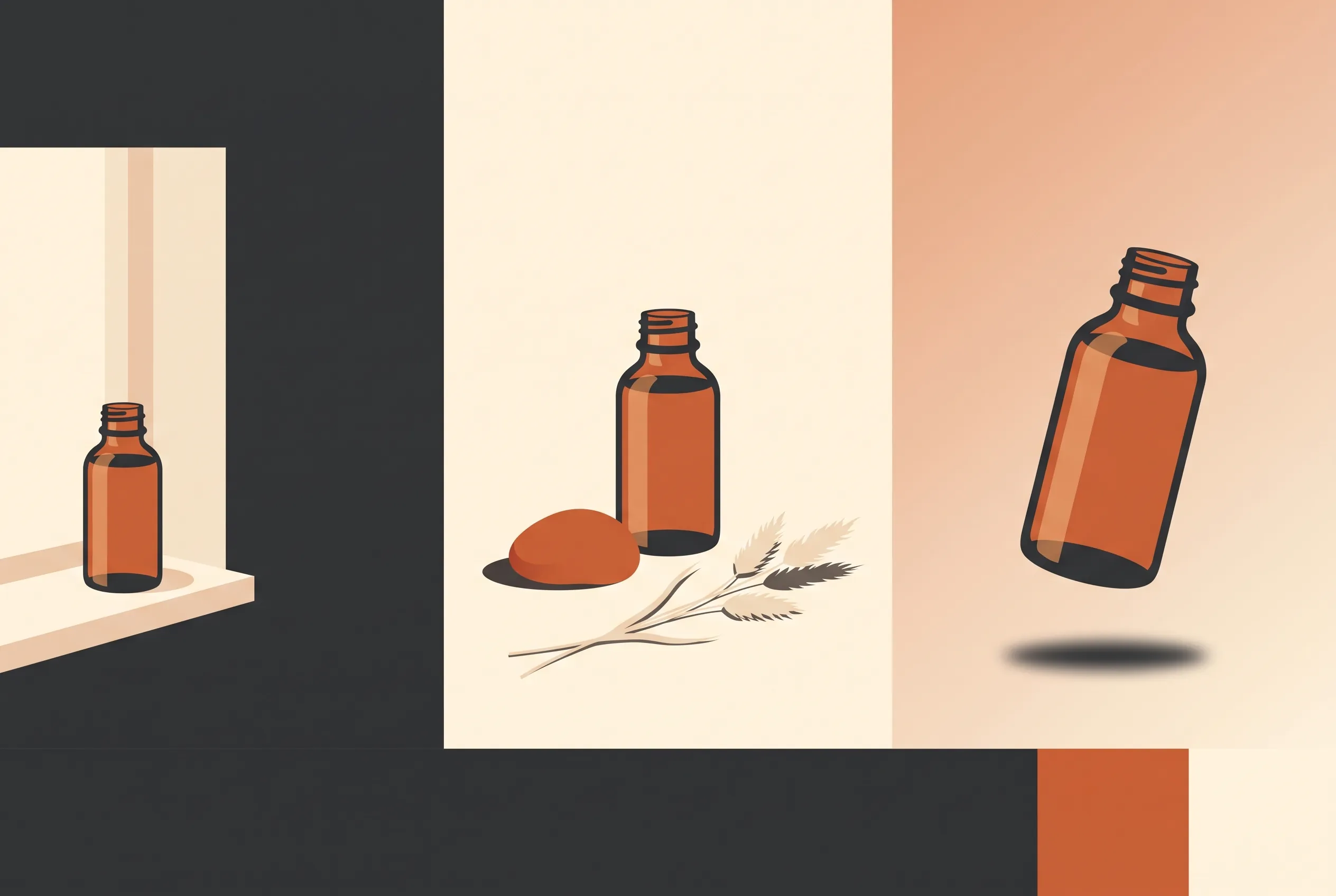
The jump from the first panel to the last is not gear. It is surface, light, and one deliberate prop, which is the difference the next sections break down.
Creative product photography ideas that earn a second look
Once the foundation exists, these five ideas are what make a thumbnail worth clicking. They cost props and patience more than money.
5. The floating product. Suspend the product on thin thread or fishing line, shoot it against a plain backdrop, and let it hang mid-air. The line almost always survives the shot, and that is fine: an object cleanup pass takes a hairline thread out of a plain backdrop in seconds. A product hanging in mid-air gets clicks because it becomes the only subject in the frame.
6. The reflective surface. Lay the product on a tile, a mirror, or a sheet of dark acrylic and you get a second product for free, upside down. Keep the surface clean past the edges of the frame, because reflections repeat every crumb. One trick from studio work: shoot, flip the frame vertically in editing, and fade the flipped copy under the product if the real reflection is too dim.
7. Shadow play. Hard light through a window or a cutout card throws graphic shadows that turn a plain bottle into a composition. The same hard sun ruins other shots, so treat shadow as a decision: keep it when it draws the eye across the frame, and remove it when it just makes noise. When a shadow is a mistake rather than a design, our shadow removal tool takes it off the backdrop without touching the product.
8. The flat lay. Shoot straight down at a styled arrangement: the product with two or three props that belong to its ritual, arranged with odd numbers and open space. Consistency is the whole game here. Pick one surface and one prop family per product line, and the grid on your category page starts looking like a magazine spread instead of a rummage table.
9. Hands in frame. A hand gripping, pouring, or wearing the product does three jobs at once: scale, use, and a human presence that converts. Keep nails clean and watches off, shoot from slightly above, and let the product keep the sharpest focus. If the skin tones come out odd under mixed light, fix that in the edit pass rather than accepting it; color casts read as unprofessional faster than any other flaw.
Product photography ideas at home
None of the ideas above need a studio. These three are the home versions, ranked by how little they ask for: daylight, paper, and whatever is already in the house.
10. The window sweep. Tape a large sheet of white paper or thin poster board to the wall above a table so it curves onto the surface, and you have the classic sweep that hides the horizon line behind the product. Put the setup within arm's reach of the window but out of direct sun, and lean a piece of white foam board or a bright baking sheet on the shadow side to bounce light back. This one rig produces the clean background shot, the detail shot, and most creative angles in this article.
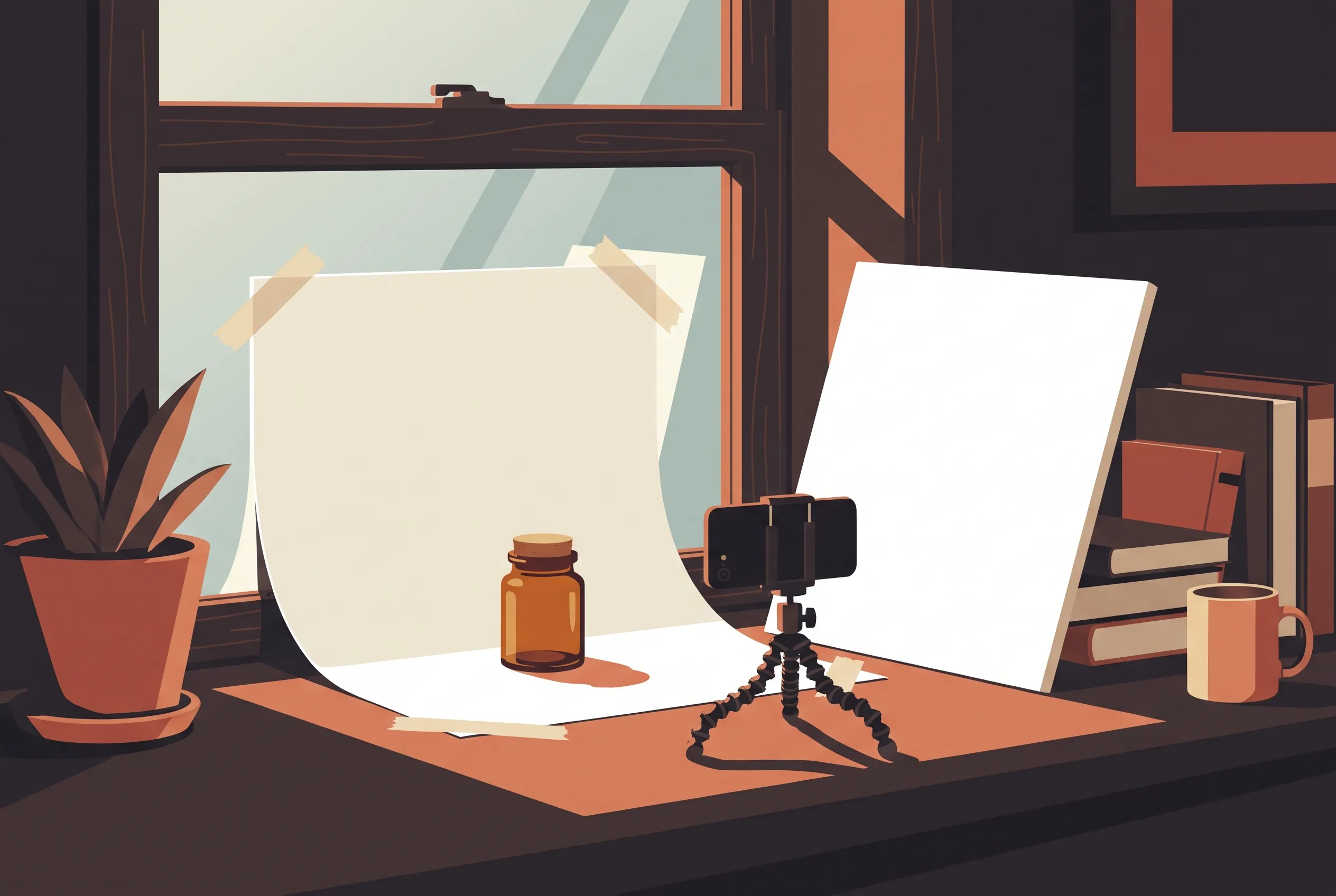
11. The phone setup. Rest the phone on a mini tripod or a stack of books, wipe the lens, and tap to lock focus and exposure on the product before you frame the shot. The tripod matters more than it sounds: at close distances a handheld phone drifts between frames, and a catalog needs every shot from the same height. Turn on the timer so your finger leaves the frame, and take the same shot two or three times, because the keeper rate is what editing cannot rescue.
12. The texture hunt. Walk your house with the product in hand and try it on surfaces: raw wood, linen, slate tile, kraft paper, a cutting board. Every surface changes the story the same product tells, and one of them will become your line's signature. Photograph two or three candidates, compare them side by side at full size, and then stay loyal to the winner across the whole catalog, because a consistent surface is a brand decision disguised as a background. Garments add shape decisions of their own; the clothing product photography guide covers the garment-specific versions of these setups.
Product photography ideas for Instagram
Feed formats reshape these same ideas rather than replacing them. Instagram rewards 4:5 portraits at 1080 x 1350, so compose the original shot with room to crop tall, and keep the product out of the extreme edges where the crop bites. The in-context and hands-in-frame ideas carry the feed; the clean background shot carries the grid, where nine thumbs-sized frames read as one image. Carousels want the scale story told in sequence: hero shot first, context second, detail third. Whatever mix you choose, run every frame through the same edit pass so the feed looks like one photographer worked it.
The edit pass that finishes every idea
Every idea above ends the same way: the raw shot gets one deliberate pass before it meets a customer. The usual fixes are the four our editor is built around. Backgrounds get swapped or cleaned, which is most of what separates an amateur frame from a listing photo. Shadows get kept when they compose and removed when they distract. Color variants come from one master shot, so a line with six colors does not need six photoshoots, and our recolor tool handles the swatches. Clutter, crumbs, threads, and cables get erased with an object remover pass.
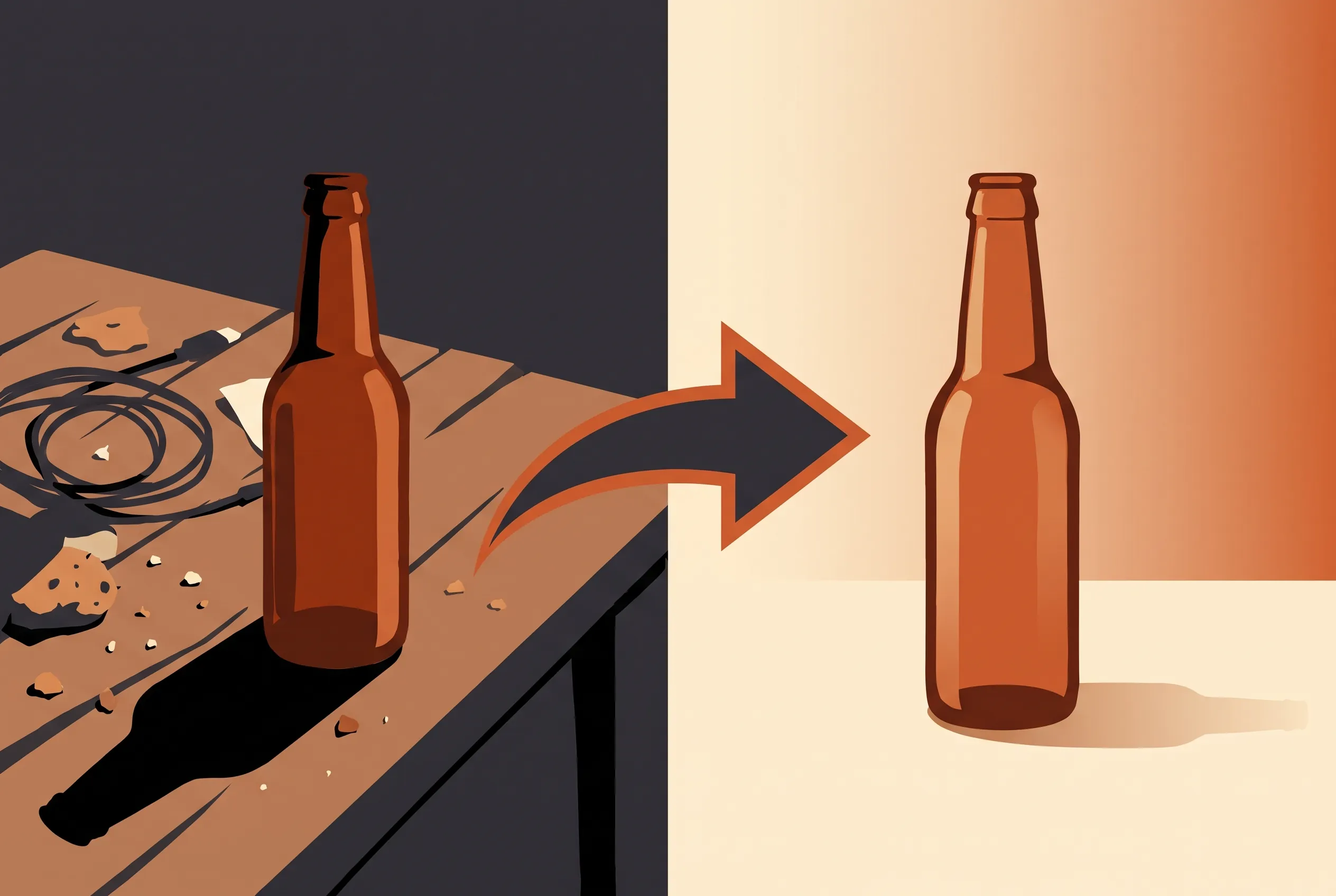
One honesty note that runs through all of this: editing rescues and extends real photos, it does not replace them. The product itself has to come from your camera, because customers can tell a generated substitute from the thing they will receive, and returns cost more than photoshoots. What editing can take over is everything around the product: the room, the background, the shadow, the dust, the other four colorways.
You can run that pass right here in the browser editor without an account or a card. Uploads take JPEG, PNG, and WebP files up to 20MB. Guests get 3 free credits a day and signed-in accounts get 9, a standard edit costs 3 credits, and failed runs are refunded automatically. Downloads come without a watermark, so the frame you approve is the frame you list.
FAQ
How can I do product photography at home without a studio?
Build the window sweep from idea 10: paper curved against a wall, indirect daylight, foam board reflector on the shadow side. That one rig covers the clean background shot, details, and flat lays. Finish every frame with the same edit pass and a home catalog becomes hard to tell from a rented-studio one.
Can I take decent product photos with just a phone?
Yes. Product photography ideas with phone cameras live or die on the boring parts: a wiped lens, locked focus and exposure, a steady rest for the phone, and indirect window light. Take every frame of a product from the same height, then let the edit pass handle the background and shadow. Modern phones resolve more detail than most listing platforms ever display.
How many shots does one product need?
Five to seven covers a listing: the clean background shot for search, one in-context frame, one scale shot, one or two details, and a texture or flat-lay frame for brand feel. Anything past seven is there for the brand story, not for conversion, and anything under four leaves questions open that returns will answer the expensive way.
How do I make my product shots stand out in a crowded niche?
Stop competing on the product angle and compete on the frame's signature: one consistent hard-light shadow style, one unusual surface nobody in the niche uses, a recurring human element, or a strict two-color world every product is photographed in. Those unique product photography ideas work because they are decisions repeated across a catalog, not one clever photo.
Can AI editing replace an actual photoshoot?
No, and a tool that claims otherwise is describing a different product than yours. The photograph of the product itself must be real, because that is the thing the customer will hold. AI editing earns its keep on everything around the product: swapping the room it sits in, cleaning the surface it stands on, removing the shadow that missed, and generating the color variants. Write your edit as one sentence with a keep-list of what must not change, and judge the result at full zoom before you list it.
What size should product images be?
Aim for a square master at least 2000 x 2000 pixels so marketplaces can zoom, and export 1:1 for store grids and 4:5 at 1080 x 1350 for Instagram feed posts. Keep the product proportioned the same in every frame of a listing so the gallery does not jump as buyers swipe. Upload limits here accept files up to 20MB, which a 2000-pixel master fits with room to spare.
ImagEditorAI Team
Written by the ImagEditorAI Editorial Team. We research and test image editing workflows, outfit coordination, and generative AI models.
Test your outfit combination on yourself
Generate coordinated outfits or swap clothing pieces on your own photo with AI before wearing or buying.
Related Guides & Articles

Nano Banana 2.1 vs Nano Banana Pro: Which for Photo Edits?
Nano Banana 2.1 vs Nano Banana Pro: official specs, real per-image prices, and three photo-edit tests we ran side by side, with the results pictured.

Nano Banana Pro: What It Is and How to Edit with It
Nano Banana Pro is the Gemini 3 Pro Image model from Google: what it does well, how to prompt photo edits it obeys, SynthID, and a no-setup path.
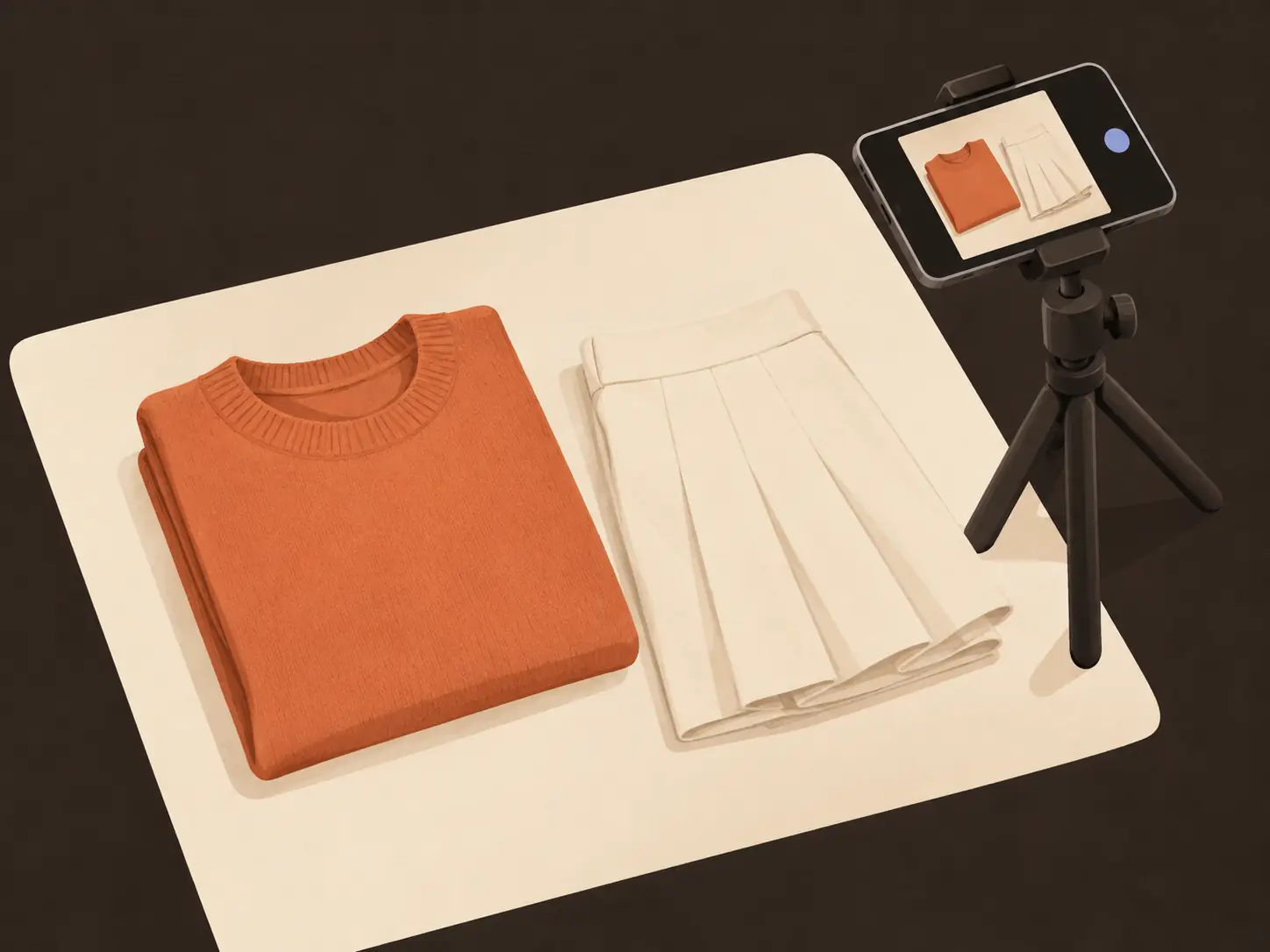
Clothing Product Photography: A No-Studio Guide
Clothing product photography without a studio: the four shots every garment needs, a window-light phone setup, background calls, and fixes instead of reshoots.